Pinterest affiliate marketing involves curating and sharing pins that include affiliate links. When users click on these links and make a purchase, you earn a commission. The process is straightforward, but success requires a strategic approach to account setup, content creation, and promotion.
This guide is designed to walk you through the key steps to get you started with Pinterest affiliate marketing.
Pinterest: Overview, features, and history
What is Pinterest?
Pinterest is a visual discovery and bookmarking platform where users can find, save, and share ideas through images and videos known as “pins.” These pins are organized into thematic “boards” and often link to external websites, making Pinterest a powerful tool for driving online traffic.
Key features:
Pins: Images or videos linked to external content.
Boards: Thematic collections of pins.
Search and discovery: Advanced search and personalized recommendations.
Rich pins: Enhanced pins with additional information.
Analytics: Tools for tracking performance of pins and boards.
History of Pinterest
Founded in December 2009 by Ben Silbermann, Paul Sciarra, and Evan Sharp, Pinterest started as a closed beta and officially launched in March 2010, quickly gaining popularity. Pinterest went public in April 2019, solidifying its market presence. Today, with over 518 million monthly active users, Pinterest remains a key platform for visual discovery and is ideal for affiliate marketing.
Most beginners want to get into Pinterest affiliate marketing, some users want to grow Pinterest followers, while the majority of the users want to drive website traffic from Pinterest.
To manage and track all those affiliate links easily, especially when you’re pushing many pins, you might want to rely on a dedicated link management platform that keeps your URLs clean, branded, and analytics-ready.
This piece is intended toward beginners who want to get into Pinterest affiliate marketing. So, if it sounds interesting to you, then feel free to stick around.
You might learn a new way to make money online or find an additional channel to put out your affiliate links tools list.
While all major social media platforms are fighting for more users, retention, and activities, it becomes overwhelming for beginners to start social media on the right foot.
Without any further ado, let’s get right into it.
What is Pinterest affiliate marketing?
Affiliate marketing is a monetization strategy that allows marketers, bloggers, and social media experts to promote products and earn commissions on the sales.
Affiliate marketing on Pinterest means using the Pinterest platform to promote affiliate products that are in line with the content and make money off of affiliate sales.
A lot of beginners are skeptical about promoting affiliate links on social media platforms, and rightly so. There are several affiliate programs and social media platforms that prohibit users from sharing affiliate links on social media platforms.
The good news is that Pinterest doesn’t stop users from promoting affiliate products on the platform. However, users shouldn’t go overboard with an affiliate promotion. There is a fine line between affiliate marketing on Pinterest and bombarding Pinterest’s audience with affiliate links.
Social media platforms (including Pinterest) terminate accounts that violate the community guidelines all the time. So, be vigilant and aware when trying to make money from affiliate marketing using Pinterest.
Note: To make those affiliate destinations neat and trustworthy, and to avoid long, messy URLs, you can use a reliable URL shortener to cloak and brand your links before adding them to your pins.
Why use Pinterest to promote your affiliate links?
Here are the 6 reasons why you should promote your affiliate links on Pinterest:
1. The platform has a large user base:
Pinterest is no ordinary social media platform. It competes with all major social media platforms, like Facebook, YouTube, TikTok, and Instagram.
2. Pinterest has a huge user base outside the US:
80% of Pinterest users live outside of the United States of America. It shows the popularity of this platform across the globe.
3. Popular among female audience:
Pinterest is a predominantly female platform as the data shows that over 76% of the Pinterest users are females. No wonder a lot of fashion, beauty, DIY, and lifestyle female bloggers use Pinterest.
4. Affiliate links are allowed:
Pinterest doesn’t restrict users from sharing affiliate links. It’s one of the main reasons why bloggers and affiliate marketers should be using Pinterest.
According to Authority Hackers, 42.2% of affiliate marketers use Pinterest to promote products.
5. Pinterest makes it easier to make money:
Pinterest has recently introduced product pins that make it convenient for users to monetize their Pinterest pins.
According to a study, 82% of Pinterest users said they had bought something after discovering content on Pinterest.
6. Users can drive traffic to the blogs:
One of the reasons why Pinterest is a useful platform for bloggers, YouTubers, and social media marketers is that it can drive a ton of traffic to the blogs.
How to get started with Pinterest affiliate marketing?
Are you looking to start Pinterest affiliate marketing and need an affiliate marketing guideline?
Well, go through the step-by-step guide on how to make money with Pinterest affiliate marketing:
Step 1. Identify your niche
Choose a niche that you are passionate about and that has a strong following on Pinterest. Popular niches include fashion, home decor, fitness, and travel. However, there are other Pinterest niches that work too. Ensuring your niche aligns with Pinterest trends will help attract your target audience.
Step 2. Determine your goals
Set clear, measurable goals for your Pinterest affiliate marketing efforts. Goals could include generating a certain amount of traffic, earning a specific income, or building a follower base. Clear goals will guide your strategy and measure success.
Step 3. Join an affiliate program or network
Sign up for reputable affiliate programs or networks that offer products or services related to your niche. Popular options include Amazon Associates, ShareASale, CJ, and ClickBank. Try to opt for the products that resonate with your audience.
Step 4. Do your topic research
Research popular topics and trends within your niche on Pinterest. Use Pinterest’s search bar and tools like Pinterest Trends to discover what content users are searching for and checking out. This will help you create engaging and relevant pins.
Step 5. Create your Pinterest account
Join the Pinterest platform. Remember to set up a Pinterest business account to access analytics and advertising features. Add your profile with a professional photo, a keyword-rich bio, and a link to your website or blog.
Step 6: Make boards and pins
Create boards organized by themes relevant to your niche. Design high-quality, eye-catching pins using tools like Canva. Make sure your pins have clear descriptions, keywords, and attractive visuals to increase visibility and engagement.
Step 7: Apply best practices to grow your followers
Engage with other users by following, commenting, and sharing their content. Use relevant keywords and hashtags to increase the discoverability of your pins. Regularly post fresh content and join group boards to reach a wider audience.
Step 8: Add affiliate links
Incorporate affiliate links into your pins’ description or destination URL section. Comply with Pinterest’s policies and include disclosures that inform users about affiliate links. Balance promotional content with valuable, non-promotional pins.
Step 9: Track performance
Monitor the performance of your pins using Pinterest analytics and affiliate dashboards. Track metrics such as impressions, clicks, saves, and conversions. Use this data to optimize your strategy, focusing on what works best to maximize your earnings.
Best practices for affiliate marketing on Pinterest
It goes without saying that every online marketing strategy needs a bunch of best practices for affiliate marketers to follow.
Go through the following tips and ensure that you’re all set to crush it with Pinterest affiliate marketing:
1. Design beautiful, engaging pins:
Pin designs matter a lot. Use an online image designing tool like Canva to come up with fantastic Pinterest pins. Customize Pinterest pin templates and create unique designs that stand out.
2. Create Pinterest pins in bulk:
Consistent publishing on any social media platform makes all the difference. Try creating Pinterest pins in bulk, so that you don’t have to go through the pain of designing individual pins and publishing – it will slow the whole process. Check out 400+ ready-made social media posts to create Pinterest pins in bulk.
3. Use keywords in boards and pins:
It’s imperative to insert relevant, niche-related keywords in your boards and pins. Otherwise, you won’t break into the Pinterest search and might not be able to compete with the other Pinterest accounts in the niche.
4. Try video pins once in a while:
Video is all over social media. Don’t shy away from trying out Pinterest video pins. Statistics reveal that videos are a must-try tool on every social media platform – Pinterest is no different.
5. Schedule Pinterest pins for consistency:
Scheduling does help in publishing Pinterest pins without a gap. You could use the Pinterest native pin scheduling feature or try out ContentStudio for scheduling your Pinterest pins.
6. Optimize Pinterest account for more reach:
Pinterest account optimization includes adding relevant keywords in your username, account name, boards, and pins. It does make a difference in your Pinterest SEO.
7. Use affiliate links on Pinterest wisely:
Affiliate links can be posted on Pinterest, but they shouldn’t be exploited. Social media platforms tend to ban users or terminate accounts if they find spammy posts or accounts that solely publishing for affiliate link promotion. It’s better to direct some traffic to your blog posts or others’ content to balance it out.
FAQs about Pinterest affiliate marketing
Let’s answer some of the burning questions about Pinterest affiliate marketing:
Can I do affiliate marketing on Pinterest?
Yes, you can do affiliate marketing on Pinterest. The platform doesn’t restrict users from promoting affiliate products. Understand how it works and find out the best practices of Pinterest affiliate marketing. Then, give it a try.
How do beginners start affiliates?
Affiliate marketing is all about picking the right products that suit your content and are helpful for your audience and promoting them without being salesly. When readers buy from your affiliate links, you earn commissions. That’s how it gets started.
Can I sell directly from Pinterest?
You can place your product links in the destination URL section and start selling directly from Pinterest. However, make sure you have read the community guidelines before hopping on the platform for selling.
Can I earn money from Pinterest?
Pinterest users usually promote affiliate products on Pinterest or drive website traffic to their websites to make money. So, the answer is yes, you can make money from Pinterest as long as you know how to use the platform effectively.
How to increase Pinterest followers?
Optimize your Pinterest account, put out a ton of content, engage with the audience, and keep an eye on the competitor accounts. Once you continue these activities, things will start to happen for you on Pinterest. You’ll surely see a spike in impressions, clicks, and followers eventually.
What are the 4 steps to start affiliate marketing?
First of all, pick a niche that you want to work in. Secondly, create helpful content that helps the audience. Thirdly, choose a product that goes with your content. Lastly, promote your affiliate products via blog, social media, and email newsletter.
Is selling on Pinterest free?
Selling on Pinterest is free unless you want to run Pinterest ads. The ads would cost you money. However, a lot of Pinterest users directly sell or promote affiliate products on Pinterest to make money.
How to use Amazon affiliates on Pinterest?
A lot of pinners tag Amazon affiliate products when mentioning the products in their pins. However, Amazon Associates has strict terms of use. Make sure you’re adding a tag, such as “affiliate link,” “paid link,” or “sponsored” in your description. Therefore, most Pinterest users try to avoid adding direct Amazon Associates links to their pins. Instead, they put the links in their blog posts and promote the blog URL in their pins.
Retargeting is one of the marketing strategies that the majority of brands don’t know about unless they hire a professional or an ad agency to run their campaigns.
Every online business wants to convert more visitors into paying customers. There are e-commerce stores, SAAS tools, online retailers, and software companies that are competing to get ahead of their competition.
Most online businesses try every tactic in the book to get more sales; they offer discounts, run paid ads, use content marketing, and utilize social media to engage, attract, and convert prospects into customers.
Let’s crack this open and learn what retargeting is and why it’s so important for an online business.
What is retargeting?
Retargeting is an advertising strategy that allows advertisers to specifically target the audience that has previously shown some interest in the product or service but hasn’t converted yet.
Usually, brands retarget prospects that visited their websites, but the interaction didn’t end with a purchase. So, retargeting is used to show ads to the same audience that has interacted with the website or landing page but hasn’t purchased anything.
E-commerce stores, online retailers, and SAAS companies use retargeting ads across all major social media platforms, such as Facebook, Instagram, YouTube, etc.
Note: If you use a link management platform, you can turn every shared link into a trackable, retargetable asset, which simplifies managing all your traffic sources and retargeting efforts.
How does retargeting work?
Retargeting (also known as remarketing) is an advertising strategy where advertisers run ads targeting visitors who have visited their website before.
Brands use social media platforms like Facebook, Instagram, or YouTube to reconnect with potential clients who have shown some interest in their products in the recent past.
The way retargeting works is that it requires a piece of code called “pixel” that needs to be inserted into the website or landing page’s code. Its entire job is to collect data about the website visitors’ behaviors, actions, and preferences.
The brand/advertising uses the crucial information that pixel collects to reach out to the same audience through a retargeting ad campaign. Most social media platforms guide users on how to find and place the “pixel” code. Since it’s essential to the retargeting process, it must go through smoothly.
Once the pixel is perfectly added to the website code, it starts to track user actions on the website and helps advertisers retarget those same users on the social media network.
Keep in mind that the pixel code doesn’t collect any sensitive user data or information. Instead, the sole purpose of the pixel code is to assist social media networks to identify and retarget the user when needed.
Why is retargeting a must?
Advertising is a form of paid marketing where brands spend money to put their offer in front of the prospective customer. Now, it’s up to the customer to take action on the offer.
A lot of variables come into play, such as product quality, pricing, and customer purchasing power – all these factors determine whether or not the customer is willing to buy the product right away.
On the other hand, retargeting allows you to connect with potential customers even when they don’t make the purchase decision while visiting your site for the first time. Instead, if you have launched a retargeting campaign, then these customers will be reminded to complete their purchase journey later on with retargeting ads without any additional ad costs.
Retargeting has been a phenomenal sales and marketing tactic for many businesses on the market. One of the reasons why retargeting is so crucial is that it targets customers who have previously shown some interest in the product.
Therefore, the brands only reach out to the customers who showed interest in the first place.
This is why retargeting is an essential marketing strategy for online and e-commerce businesses to implement.
Retargeting also refers to remarketing in the digital marketing world. It’s been the go-to marketing strategy for hundreds of thousands of businesses around the globe.
Undoubtedly, retargeting is a quite successful marketing strategy across many industries. The only caveat is that retargeting works well when there is a conversion tracking system is in place. Otherwise, it will be difficult to report the conversion that happened as a result of the campaign.
Moreover, sharing a short URL can help. It looks cleaner, is easier to manage, and ensures your tracking remains consistent across channels.
Retargeting works quite well for different types of conversion campaigns, such as PDF downloads, softwares/tools, SAAS sign-up, etc. Success rates increase significantly when marketers utilize a specialized tool for ads designers to create professional and conversion-optimized campaign materials.
The success of a retargeting campaign relies on the quality of conversion tracking, funnel creation, and performance reporting.
Key retargeting statistics
Here are some of the noteworthy retargeting statistics that everyone should know:
Around 97% of the website visitors never return to the website once they leave. This is why retargeting immediately became a popular choice for advertisers. This retargeting statistic was revealed by Mailchimp.
Retargeting campaigns perform 10x better than regular display ad campaigns. The fundamental reason behind the success of retargeting ad campaigns is that they usually target visitors who have already visited the advertiser’s website and showed some interest in the products.
Mobile apps that run retargeting ads noticed 20% more revenue than mobile apps that didn’t run retargeting ad campaigns. Mobile apps are a great marketing channel for both advertisers and developers. However, when retargeting campaigns are integrated with mobile app advertising, it works as icing on the cake.
Facebook advertising has turned out to be a comprehensive social media ads platform. According to WordStream, Facebook remarketing ad campaigns get 3x more engagement than regular Facebook ad campaigns.
Retargeting ads get a 400% increase in engagement rates. It’s no surprise that retargeting ads enjoy more engagement from the audience. The core reason behind the comparatively higher engagement rate is the nature of targeting. Retargeting ad campaigns are specifically tailored toward the audience that has previously shown interest in the product or service.
Every 3 out of 4 digital marketers use Facebook and Instagram retargeting ads. No wonder retargeting has become the go-to marketing strategy for advertisers around the globe.
First-time website visitors convert only 4% of the time. Almost 48% of the e-commerce transactions come from returning visitors. Retargeting turns out to be the most convenient strategy to bring visitors back to the website.
Retargeting website visitors is 8x cheaper to reach per click. A digital marketing agency found that running retargeting display ads brought them 180% CTR and a 292% conversion rate.
Retargeting is crucial to app development companies. According to Upland, every year, between 20-25% of users abandon apps after a single use. Retaining app users seems like an uphill battle for app developers.
Types of retargeting
There are two types of retargeting ad campaigns used by advertisers/brands:
1. Pixel-based retargeting
Pixel-based retargeting is the common type of retargeting that involves adding a code snippet called pixel to the website code. The pixel is responsible for tracking website visitors’ information and facilitating advertisers when running targeted ad campaigns.
All major social media platforms like Facebook, Instagram, YouTube, and TikTok allow remarketing of the audience using pixel-based retargeting.
2. List-based retargeting
List-based retargeting is a retargeting method that ensures the advertiser provides a list of the prospective audience to reach out to through an ad. The list could be the list of website visitors, email subscribers, LinkedIn contacts, or existing customers.
The list makes it easier to target the list of prospects that might be interested in the offer and helps assist the advertiser to get one step closer to the prospective audience.
Both these retargeting ad campaign types are crucial to setting up a successful retargeting ad campaign. However, the advertiser needs to choose the most suitable retargeting ad type to get the best results.
6 methods of retargeting
Let’s take a look at some of the popular retargeting campaigns:
1. Search retargeting
Search retargeting is a type of retargeting ad campaign that focuses on search. Usually, advertisers use Google ads (Adwords) for running search retargeting campaigns.
The way it works is that the advertisers can run search retargeting campaigns in a couple of ways: they can target by bidding on the new keywords and display ads to the users on their remarketing list.
On the other hand, the advertisers can increase their CPC budget to display ads just to the remarketing list. It makes their search retargeting campaign laser-focused on on the select number of website visitors that have shown interest in the past.
Email retargeting is a method of retargeting customers who have visited your website and checked out your products or services but haven’t taken any further action.
It involves creating personalized email marketing campaigns targeting prospects or subscribers who have shown some interest in your products but didn’t go through the purchase process.
Most e-commerce stores use email retargeting to re-engage their customers or prospects. They send out emails about abandoned carts or products added to the wishlist, offering discounts or simply reminding the customers to complete the purchase.
3. Social media retargeting
Social media retargeting allows advertisers to reach out to the audience that has shown signs of interest in the products or services but hasn’t taken any action.
However, this method of retargeting involves targeting the audience through social media ads. Usually, social media retargeting requires the “pixel” code provided by the social media platform, and it goes into the website or landing page code.
Once enough data is collected, the users can start retargeting the audience on social media platforms.
Social media retargeting is one of the most common methods to run remarketing campaigns. All major social media platforms, such as Facebook, LinkedIn, YouTube, Instagram, and TikTok allow advertisers to run retargeting campaigns.
4. Display retargeting
Display retargeting is a follow-up display ad campaign that is intended to remarket the audience that has already seen the previous ad or campaign.
The purpose of display retargeting is to strengthen the prospect and brand relationship and reemphasize the brand values to improve brand loyalty.
It’s also known as display remarketing. One of the major aspects of display remarketing is to rejuvenate the connection with the prospects and push them down the funnel.
5. Dynamic retargeting
Dynamic retargeting is a type of retargeting that allows advertisers to create ads based on the products or services the visitors have shown interest in or interacted with during their previous visits to their websites.
Make sure that your Google Tag is properly set up for running a dynamic remarketing campaign. Moreover, the Google Merchant Center’s product ID format and the Google Tag settings should be compatible for seamless integration.
6. Ad click retargeting
Ad click retargeting is a remarketing ad campaign that targets the audience that has previously clicked on the advertiser’s ads.
The goal of an ad click retargeting campaign is to reinforce the message to the audience that has shown interest in the ad and to bring them back into the loop.
These are some of the methods of retargeting used by advertisers or brands across the globe.
When to run retargeting campaigns?
Retargeting is an essential marketing strategy that every online business must try at some point. However, a lot of business owners aren’t sure when to implement a remarketing tactic in their digital marketing campaigns. Here are the scenarios when you should go for retargeting campaigns:
Website getting some traction:
Advertisers can start retargeting once their website attracts a steady flow of visitors. There is no minimum visitor requirement, but the site should be getting between 100 to 200 visitors across different traffic sources. It’s a sign that the site is engaging enough to bring in traffic, providing a sufficient audience for retargeting efforts.
Introducing new collection:
Brands or business owners can use retargeting to re-engage past visitors with ads showcasing their new product collection. By targeting users who have previously shown interest in their brand, they can pique their curiosity and encourage them to explore new products.
Promoting best-sellers:
Reaching out to existing customers and offering the best-selling items with retargeting ads is a fantastic move. Highlighting popular products can drive repeat purchases and leverage items with proven demand.
Clearing inventory:
Retarget visitors who showed interest in products you’re looking to clear. Retargeting ads are an excellent way to move inventory and create space for new arrivals. Ads offering special discounts or limited-time offers can incentivize visitors to take action.
Building brand awareness:
Advertisements aren’t always about selling products immediately. Employ retargeting ads to keep the brand top-of-mind for visitors who didn’t convert initially. Consistent exposure through well-crafted ads helps build familiarity and trust with your audience. It will lead to higher conversion when the potential customers already know the brand.
6 major benefits of retargeting ads
Take a look at some of the benefits of retargeting ads:
1. Enhanced brand awareness
Retargeting ads keep your brand in front of potential customers, reinforcing brand awareness and increasing the chances they will remember your brand when ready to make a purchase.
2. Improved conversion rates
By targeting users who have already shown interest in your products, retargeting ads have a higher likelihood of converting these warm leads into customers compared to standard ads.
3.Cost-effective advertising
Retargeting ads often yield a better return on investment because they focus on an audience that has already interacted with your brand, reducing the cost per acquisition.
4.Personalized marketing
Retargeting allows for customized ad content based on user’s previous interactions with your site, enhancing relevance and engagement by catering to their specific interests.
5. Increased customer retention
Engaging past customers with retargeting ads encourages repeat purchases, fostering customer loyalty and boosting lifetime value.
6. Better ad relevance
Since retargeting ads are shown to users who have already expressed interest in your products, these ads are inherently more relevant, leading to better user experience and higher click-through rates.
3 best retargeting ad examples
Let’s take a look at some of the best retargeting ad examples:
1. Fanatics
Fanatics is a licensed sportswear manufacturer for several American sports leagues. They use multiple digital marketing channels and advertising platforms. Take a look at one of their retargeting ads:
One of the things that stand out in their ad is that they’re trying to focus on the audience that might be interested in the sportswear or have some interest in that area. Adding a flavor of personalization takes the whole recipe to the next level. It’s one of the best retargeting ad examples.
2. Spotify
Spotify is a popular music streaming service that has been on the roll when it comes to running social media ads across different platforms. Check out this ad:
The above-mentioned Spotify ad showcases how important it is to run a retargeting ad to push the audience to level up and upgrade their plan. However, it’s worth noticing that Spotify offers a discount on the upgrade, which turns out to be the selling point of the campaign.
3. Apple
Apple is the most popular tech company worth more than $2 trillion. The tech giant has already taken the world by storm. Take a look at one of their social media ads:
Apple understands how crucial seasonal offers can be for sales and marketing. They try to capitalize on Mother’s day by offering a special delivery offer on the Apple Watch. The point here is that they’re trying to reach out to the existing customers who have trust and loyalty and that’s what makes this retargeting ad special.
Related:
Retargeting use cases
Retargeting ads have been around for years, and more and more brands are taking advantage of such ad campaigns. Our selected use cases show why it’s important to pay close attention to remarketing to the audience that has shown some interest in the seller’s products.
Let’s dive into different retargeting use cases that further glorify the impact and effectiveness of a retargeting campaign.
Social media marketing & retargeting pixels
It helps in establishing and implementing the laser-focused goal of the advertiser. The brand or advertiser starts a retargeting campaign with clarity in mind.
It makes targeting a specific audience easier than ever. The audience that has previously shown interest in your products can be reached with the power of a link retargeting tool.
Retargeting pixels are available across all social media platforms, such as Facebook, Quora, Instagram, TikTok, Twitter, and YouTube.
Email marketing & retargeting pixels
Retargeting newsletter audience allows brands, individuals, and agencies to target the subscribers who have opened the email and clicked the CTA. Sometimes, it’s useful to analyze the conversion rate after sending out the email. It’s also important to know that everyone who clicks the CTA won’t be buying the product.
The email marketing experts use advanced features available in many email marketing softwares that create segments of the audience. It gets easier to target the specific group of subscribers who haven’t taken a specific action, for instance, not opened the last five emails, etc.
E-commerce marketing & retargeting pixels
E-commerce businesses want to improve their conversion rate so using retargeting pixels helps them target the audience that checked out the product on the website but didn’t end up buying it. So, brands easily target them via retargeting ads.
Retargeting helps e-commerce businesses identify the customers who have added the products to the wishlist or added to the cart but didn’t go through the transaction. So, one of the benefits of retargeting is to identify and reach out to those customers through retargeting ads.
Targeting prospective audiences across multiple social and search platforms is yet another benefit of retargeting. The e-commerce store can retarget the audience on Facebook, Instagram, Quora, etc.
Blogging & retargeting pixels
Bloggers can use retargeting in different ways. However, the purpose of retargeting remains the same. Bloggers often promote offers and run social media ads. They can retarget the readers who have visited their blog through social media retargeting ads and see how it works out.
Bloggers have sales pages for their own products or affiliate products, so they can specifically retarget the audience who have visited those sales pages, making it easier to manage the campaign.
Retargeting pixels can come in handy when bloggers are running lead-generation campaigns. They can retarget the audience that visited their blogs but never converted. Therefore, they can use Google ads or social media ads to bring those visitors back for push them down the funnel.
How to make retargeting effective
An effective retargeting campaign requires the following credentials:
1. Deep understanding of the audience
Start with figuring out your marketing goals, ambitions, and targets. It will help you understand the right target audience you want to reach out to. It’s necessary to have a crystal clear picture of the target audience before you start setting out a marketing and engagement journey.
2. Precise targeting when remarketing
Precise targeting means hitting the bullseye when trying to connect with the audience through ads. Remarketing is all about re-engaging the audience that has interacted with your website or content before. Therefore, the targeting needs to be accurate to reach out to the audience that has the potential to convert into paying customers.
3. Ensure efficient conversion tracking
Conversion tracking is crucial to any marketing campaign. Marketers should ensure that they have an efficient conversion tracking and reporting system in place to record the outcome of the remarketing campaign.
4. Analyze campaign performance
Every marketing campaign is analyzed at some point to see the ROI of the campaign. One of the aspects of an effective retargeting campaign is to make sure that the advertiser knows how to analyze the campaign performance and should be able to present the campaign performance report.
5 do’s & don’ts of retargeting
Let’s take a look:
DO’s of Retargeting
DON’Ts of Retargeting
Segment your audience: Use data to segment your audience based on behavior, such as page visits, time spent on site, or items added to the cart. This allows for more personalized and effective retargeting campaigns.
Overwhelm users with ads: Avoid bombarding your audience with too many ads, as this can lead to ad fatigue and negative brand perception. Overexposure can drive potential customers away instead of attracting them.
Set frequency caps: Limit the number of times your retargeting ads are shown to each user to avoid ad fatigue and annoyance. Optimal frequency ensures your brand stays top-of-mind without becoming intrusive.
Ignore user privacy: Don’t disregard privacy regulations such as GDPR or CCPA. Ensure compliance by obtaining proper user consent for tracking and communicating how their data will be used.
Create compelling ad copy: Design ads with clear, compelling messages and strong calls to action. Use eye-catching visuals and offers that resonate with the interests and behaviors of your segmented audiences.
Use the same ad for everyone: Don’t create a one-size-fits-all ad campaign. Personalization is key; different users have different needs and interests, and your ads should reflect those differences.
Utilize dynamic retargeting: Implement dynamic retargeting to show personalized ads that display products or services users have previously viewed, increasing the likelihood of conversion by showcasing relevant items.
Forget to exclude converted users: Always make sure that users who have already converted (e.g., made a purchase) are excluded from your retargeting campaigns. Continuously targeting these users is a waste of resources and can be annoying to them.
Monitor and optimize campaigns: Continuously track the performance of your retargeting campaigns. Use analytics to understand what works and make necessary adjustments to improve ROI, such as changing ad creatives or adjusting bid strategies.
Rely solely on retargeting: Don’t rely exclusively on retargeting for your marketing strategy. It should complement broader marketing efforts, including brand awareness and lead generation campaigns, to drive overall growth and success.
How to fit retargeting into your marketing strategy?
Retargeting plays a vital role in modern-day marketing strategies for brands, agencies, and online retailers. Retargeting is an advertising campaign, but it’s tailored toward the audience that has visited the website or interacted with the brand before.
Running regular social media or search ad campaigns is half the equation – the rest is done by retargeting. The reason behind this claim is that it’s difficult for prospects to trust a brand or product they see for the first time through an ad.
By the time they come across a retargeting ad, they have already heard or seen the brand. So, there is a little bit of brand awareness has already been established, which helps businesses convert the prospect into paying customers.
Therefore, retargeting is crucial to running a successful marketing campaign for any online retailer, e-commerce store, SAAS company, indie app, and web-based tool.
FAQs about retargeting
Here are the commonly asked questions about retargeting:
What is a retargeting strategy?
A retargeting strategy is a plan of action that involves a marketing strategy of re-engaging the audience that has shown some interest in your product or service but hasn’t taken any further action.
What is the difference between remarketing and retargeting?
Both are used interchangeably, but some experts believe that there is a minor difference. Retargeting is a process of targeting the audience that hasn’t purchased yet, but whose activities on your site showed interest. However, remarketing is considered re-engaging the existing fans or customers who have purchased before.
Does retargeting use cookies?
Retargeting does use cookies. The way retargeting works is that it uses a retargeting pixel that goes into the website code and that allows advertisers to retarget the audience on the respective social media platform.
Is retargeting an SEO?
SEO isn’t necessarily a retargeting strategy. SEO is more of an organic traffic strategy, whereas retargeting is purely an advertising tactic.
What is the difference between targeting and retargeting?
The difference between targeting and retargeting is that targeting could be eyeing any specific audience or its segment and making a strategic game plan to reach out to that audience. On the other hand, retargeting is particularly a tactic of targeting the audience that has shown some interest in your product or service in the recent past.
What is cookie-less retargeting?
Retargeting without cookies is called cookie-less retargeting. It’s data collection of your website visitors without using any third-party tracking pixel and then syncing the collected data directly with an ad platform bypassing the pixel is considered a cookie-less retargeting.
What is the average CTR for retargeting?
The CTR of retargeting may vary from brand to brand or campaign to campaign. It’s impossible to quote a click-through rate for retargeting randomly.
What is the difference between look-a-like and retargeting?
The difference between a look-a-like and retargeting is that a look-a-like campaign allows the ad platform to find an audience with similar interests to the target audience, whereas in retargeting, the advertiser specifically targets the audience that has visited its website or landing page.
White-label marketing tools cover a wide range of needs, each with its own specialty—whether it’s custom branding, social media management, SEO, or CMS services.
That’s why we’ve put together this guide to simplify your selection process.
Stick with us as we break down the options and help you find the perfect fit for your needs.
What is a white-label tool?
A white-label tool is a pre-built software application or service that can be customized with your own branding elements.
Here’s a breakdown of the concept:
The core product: A developer creates a software tool with all the essential features but without any specific branding.
Customization: You, the business owner, purchase this tool and personalize it with your brand identity. This could include:
Adding your logo and color scheme.
Modifying the user interface (UI) elements to match your brand style.
Customizing the content and messaging within the tool.
And much more…
The final product: You then offer the white-labeled tool to your customers or clients under your own brand name. This way they got a branded experience as if the tool was built specifically by your company.
White labeling can be applied to various aspects of a business. Some of the common include the following:
Category
Description
Software
Software companies can white-label software applications and resell them as their own. This allows them to offer branded solutions without the cost and time investment of developing software from scratch.
Marketing tools
Marketing and other types of agencies can white-label email marketing platforms, link management tools, or social media management tools to offer these services to their clients under their own brand.
Websites
Website builders can provide white-label solutions, allowing clients to create custom websites without any branding from the builder.
15 best SAAS white-label tools for agencies
1. Replug – White-label link management tool
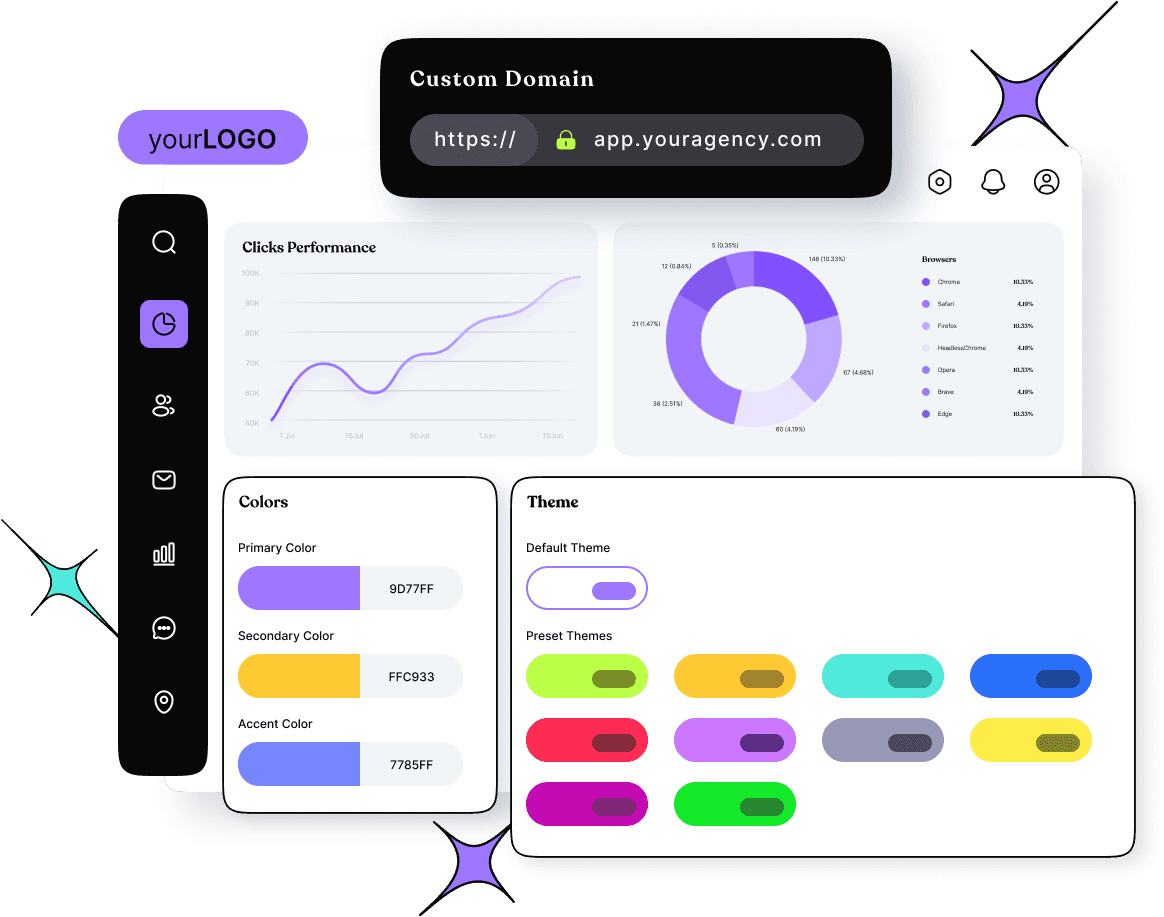
At the top of our list is Replug, an all-in-one link management tool packed with advanced branding features. With Replug’s white-labeling, you can customize everything to match your brand—from logos and favicons to titles, meta images, descriptions, agency names, domains, branded reports, and emails.
Replug makes it easy to generate optimized short URLs and unique slugs that represent your brand perfectly. You can also track click-through and conversion rates to see how well your links are performing.
Need to shorten a lot of links at once? No problem—Replug lets you import files for bulk link shortening. Plus, you can turn visitors into customers by adding retargeting pixels to your links or creating branded microsites for your clients using the bio link feature.
Safety is a top priority for Replug. The platform scans and checks links in real time, blocks malicious URLs and uses phishing detection algorithms to keep everything secure. The best part? Replug offers affordable and scalable pricing, so it can grow with your brand or agency’s needs.
Here’s what you get with the Replug white-label solution:
Replug’s pricing is both affordable and flexible, allowing you to scale your plan as your brand or agency grows. The white-label pricing plans start at $79 per month (with a free trial) and include a host of advanced features.
Maximize marketing ROI
by transforming ordinary URLs into branded short links that convert.
Try Replug for free
2. Short.io – White-label domain
Short.io is a user-friendly tool that helps you create branded short links, making long URLs shorter and easier to share. It’s perfect for social media, emails, and text messages.
While it doesn’t offer a white-label dashboard like Replug, you can still white-label your links with your custom domain. Additionally, you can track clicks and user behavior on your links, providing valuable insights for your marketing campaigns and website optimization efforts.
Regarding its pricing, there’s no specific mention of white-label links, although the platform does reference this on the homepage. Most of the tool’s advanced features are included in the enterprise plan, which costs $148 per month.
3. ContentStudio – White-label social media software
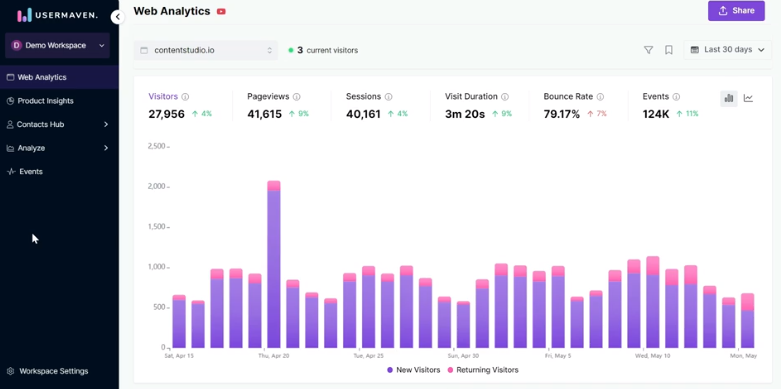
ContentStudio is your go-to solution for managing social media effectively. It helps you discover trending topics and curate engaging content to keep your audience glued.
Besides that measure metrics such as total engagement, audience growth, top-performing posts, and many more.
One of its standout features is the ability to white-label files or reports. This white-labeling feature is beneficial because it allows you to present your content as if it were created entirely by your own team, strengthening brand recognition and creating a smooth user experience.
These white-label reports are like tailor-made suits, perfectly fitting the needs and preferences of every client.
The tool offers three different pricing plans. The mid-tier plan starts at $49 per month and includes white-label reports along with many other advanced features.
SE Ranking offers a self-hosted, white-label, cloud-based tool, along with a customized, performance-based invoicing platform that easily integrates into your service offerings.
With SE Ranking, you can automate reporting, create comprehensive marketing plans, check keyword rankings, monitor backlinks, and much more. The platform is user-friendly and serves as your ultimate support for excelling in search engine results pages (SERPs).
The white-label services allow you to make the platform uniquely yours by configuring your personalized domain name and removing any references to SE Ranking. Impress your clients with professional, branded SEO reports that can be automatically sent from your corporate email or manually dispatched as needed.
Say goodbye to generic email marketing campaigns and hello to personalized, engaging content that drives results. HubSpot marketing automation platform puts the power of automation and analytics at your fingertips, allowing you to deliver the right message to the right person at the right time.
The platform allows you to fully white-label their product, replacing their branding with your own or your client’s logo across the platform, including the interface, email campaigns, notifications, and reports.
With automated white-label email campaigns featuring personalized messaging, you can guide prospects toward conversion, nurturing them through the purchasing process until they’re ready to buy. This is particularly advantageous for B2B businesses with extended sales cycles.
DashThis is a marketing reporting tool designed to simplify creating data visualizations and reports. It excels at combining data from various sources like SEO, social media, and analytics platforms into a single, informative dashboard.
The white-label feature allows you to remove all references to DashThis and customize your analytics dashboards to reflect your own branding effortlessly. Additionally, you can start with preset report templates that include all the essential KPIs.
Domo’s advanced analytics and visualization capabilities give you the tools you need to uncover insights, spot trends, and make smarter decisions.
Besides that domo ensures your client’s data remains secure within their environment while still allowing for comprehensive analysis. With its white label, you can completely customize the look and feel of the analytics reports platform to match your brand.
To obtain pricing information, please contact the platform’s sales team.
8. WordPress – White-label CMS Tool
WordPress offers a white-label option ideal for agencies and web developers who build websites for clients. Building a professional website doesn’t have to be complicated. With WordPress, you can create a stunning online presence that reflects your brand identity and engages your audience.
Remove all WordPress branding from the admin panel and public-facing website. This make sure your client’s brand takes center stage, fostering a professional image.
Need a CMS service that can handle complex websites and digital experiences? Look no further than Drupal. Drupal is a free and open-source content management system (CMS) used by millions to build and manage websites.
It allows users to personalize their profiles with their logo and preferred color scheme. It then automatically adds a white-label token to all outgoing URLs, ensuring email links and other links direct recipients to the user’s custom-branded website.
The basic Drupal modules are free, but there are no pricing details on the Drupal website. We recommend contacting the customer support team for specific information about your needs.
Create dedicated workspaces for each client, allowing you to organize projects, tasks, and communication under a specific client brand. While full white labeling isn’t available, you can utilize custom fields and integrations to incorporate your agency’s branding within the Asana interface. Or provide clients with a streamlined view of their projects without exposing them to the full Asana platform. This can be achieved through custom integrations or dedicated dashboards.
The platform offers pricing plans for individuals, small teams, and large teams. Custom branding features are available starting from the advanced pricing plan at $24.99.
Invoice Ninja is a free invoicing and expense management software ideal for freelancers and small businesses. It simplifies sending professional invoices, tracking time and projects, and managing client communication. With its user-friendly interface, you can create branded invoices, accept online payments, and automate recurring bills.
Plus, for a professional touch, Invoice Ninja offers a white-label option that removes their branding, allowing you to completely customize the software with your own logo and colors.
Invoice Ninja doesn’t list the white-label pricing on their main pricing page, but the enterprise plan allows you to remove platform branding for $16 per month.
12. DashClicks – CRM
Scale your business and automate your marketing efforts with DashClicks. Its white-label CRM and marketing automation solutions help you to manage leads, strengthen relationships, and track ROI – all from one intuitive platform.
Create stunning websites and online stores without writing a single line of code with Simvoly. Its drag-and-drop builder and white-label options make it easy to bring your vision to life and showcase your brand to the world.
Whether you’re a freelancer, agency, or entrepreneur, Simvoly gives you the tools you need to succeed online.
BlockSurvey is a privacy-focused survey tool that offers full white-label capabilities, making it ideal for businesses and agencies that prioritize data security. BlockSurvey ensures that your surveys are completely anonymous and encrypted, providing an additional layer of trust for your clients.
BlockSurvey’s pricing is flexible, with a white-label option available with a team plan starting at $55 per month. It’s an affordable solution for agencies looking to provide branded, secure surveys to their clients without sacrificing data privacy.
15. BotPenguin – White-label AI Automation Platform
BotPenguin provides agencies with a white-label platform to sell AI automation services without having to develop the technology themselves. You can offer AI chatbots, AI agents, and voice agents under your own brand.
Its tools help agencies cover common client needs, including lead generation, appointment booking, customer support, and marketing automation. There are also AI voice agents that manage automated calls, reminders, bookings, and lead qualification across different service packages.
You can customize logos, domains, dashboards, pricing, onboarding, and other customer-facing touchpoints. More than 80 integrations help connect client workflows with existing sales, marketing, support, and business systems.
The platform also lets you manage clients centrally, create subscription plans, and retain 100% of all client subscription revenue.
Pricing of BotPenguin
White-label plans start at $1,500 annually, while AI voice agents and AI agents become available from the higher King plan onward.
10 Things to look for in your white label tool
A complete link management solution
for marketing professionals & agencies.
Try Replug for free
When choosing a SaaS white-label tool, it’s important to consider some of the following factors:
1. Branding
Can you easily add your logo, color scheme, and fonts throughout the tool? Does it allow customization of login screens, email templates, and other branding elements?
2. Custom functionalities
Does the tool offer the level of control you need to tailor features and functionalities specific to your client’s needs? Can you disable unused features or create custom user roles?
3. Existing systems
Does the white-label tool integrate with your existing CRM, marketing automation platform, or other software you use?
4. Data security
How does the white-label provider ensure the security of your client data? Look for features like data encryption, access controls, and compliance with relevant security standards.
5. Uptime and reliability
Is the white-label tool hosted on a reliable platform with a high uptime guarantee? Ensure minimal downtime to avoid disruptions for your clients.
6. Scalability
Can the tool handle your growing client base and data volume? Choose a solution that scales with your business needs.
7. Support
Does the white-label provider offer adequate technical support to address any issues you or your clients encounter? Consider the availability and response times of their support team.
8. Pricing
Review the pricing structure of the white-label tool. Does it offer a model that aligns with your budget and client pricing strategies (e.g., per-user, tiered pricing)?
9. Ease of use
Is the white-labeled tool user-friendly for both you and your clients? Look for intuitive interfaces and available training resources.
10. Free trial or demo
Many white-label tool providers offer free trials or demos. Take advantage of these to assess the tool’s functionality and user experience before committing.
By carefully considering these factors, you can select a white-label SaaS tool that empowers your business to offer exceptional branded solutions to your clients while streamlining your operations and ensuring a positive user experience.
Remember, the ideal white-label tool allows you to deliver exceptional branded solutions to clients, streamline operations, and ensure a positive user experience. By carefully considering the factors outlined in this guide, you can make an informed decision that propels your agency’s success.
FAQs on White-label tools
I’m concerned about data security with white-label tools. What should I look for?
Data security is crucial. When choosing a white-label tool, ensure they offer features like data encryption, access controls, and compliance with relevant security standards. Don’t hesitate to inquire about their data security protocols to ensure your clients’ information remains protected.
What are some popular white-label marketing tools for social media management?
The guide highlights two excellent options: PromoRepublic and ContentStudio. Both offer advanced collaboration features and customizable white-labeling, allowing you to seamlessly manage social media for your clients under your own brand.
Can I use white-label tools for email marketing as well?
Absolutely! The guide explores two popular choices – HubSpot and Brevo. While HubSpot offers full white-labeling, Brevo focuses on user-friendly campaign creation and tracking with white-labeling capabilities. Consider your specific needs and budget when choosing an email marketing tool.
A URL looks simple on the surface, but it does a lot of tedious work behind every click. If someone asks what is a URL, most people just point to the address bar and move on. Yet that line of text determines where traffic goes, how campaigns are tracked, and even whether a visitor trusts a page.
Recent estimates say more than five billion people go online each day, and every visit starts with a link. For marketers, social media managers, and creators, URLs are tiny but powerful building blocks for reach and revenue.
This guide breaks down web addresses in plain language: definition, format, types, examples, modern techniques, and much more. Let’s start with the URL meaning and a quick look at how these web addresses came to be!
What is a URL: A brief overview & history
A URL (Uniform Resource Locator) is the full web address a browser uses to find something on the internet. When anybody asks about a URL, the simplest answer is that it is the entity that tells the browser both where a resource lives and how to request it. That resource might be a web page, image, video, file, API endpoint, or app deep link.
The idea was formalized in 1994 by Tim Berners‑Lee and the Internet Engineering Task Force. URLs combined domain names with file-style paths so people could reach content without memorizing IP addresses. Over time, the format remained stable while the surrounding web grew from static pages to dynamic apps, social platforms, and streaming services.
URLs matter because they quietly run almost everything online:
Addressing: URLs act as the “address system” of the web. Without them, browsers, apps, and search engines would have no simple way to reach the right server and file, and ordinary users would be stuck with raw IP numbers instead of readable addresses.
Search: URLs drive how search engines crawl and index content. Their structure influences how pages are grouped, how easy it is to discover new content, and how well pages can rank for key topics or search terms.
Tracking: URLs carry tracking and targeting data. Marketers use URL parameters to attribute traffic, measure campaign performance, run retargeting, and understand which channels drive clicks, signups, and sales.
Trust: URLs shape trust and click behavior. Clear, branded links look safe and professional, while random strings full of numbers or tracking URL codes often lower click-through rates and can scare people away.
Integration: URLs connect tools and services behind the scenes. From web hosting dashboards to webhooks and APIs, these web addresses enable different platforms to communicate and transfer data reliably.
Structure of a URL: Core URL components defined!
To work confidently with URLs, it helps to understand the basic anatomy of a URL in the first place. Each part has a unique job, and once you can read these pieces, diagnosing link issues or planning a clean URL structure becomes far easier.
A full URL looks something like this: https://blog.example.com/seo/url-structure?utm_source=twitter#basics.
Below, each component is broken down in simple terms.
Scheme/Protocol
The scheme tells the browser which protocol to use when talking to the server. In most cases, this will be http or https, where the “s” adds encryption and security.
When a browser sees https://, it sets up a secure, encrypted connection using SSL or TLS. That keeps logins, payments, and other private data from being read by others on the network.
Professionals should always prefer https because it protects users, builds trust, and is a positive factor for search visibility.
Other schemes exist, such as mailto for email links or ftp for file transfer. Still, for normal websites, https is the standard and should be non‑negotiable.
Subdomain
A subdomain is the part that comes before the main domain, such as blog in blog.example.com. It helps split one brand into clear sections without buying a new domain for each area. Teams often use subdomains for blogs, support centers, apps, or country-specific areas.
For example:
app.example.com can hold a web application
support.example.com can host documentation
Search engines may treat subdomains somewhat separately from the main site, so one should plan how content is distributed across them.
From a user’s point of view, subdomains hint at what to expect, which makes URL links easier to understand at a glance.
Root domain
The root domain is the core of the address, like example.com. It includes the main name plus the top-level domain, such as .com, .org, or newer options like .io.
This is what most people think of as a website name. It is what gets registered with a domain registrar and pointed to web hosting or scalable hosting infrastructure through DNS records.
Brand strength often lives here, so using a clear, short domain that matches the brand name is a big win for recognition.
Path
The path is everything after the domain and the first slash, for instance /blog/url-basics. It tells the server which resource under that domain the browser wants.
Originally, paths pointed straight to folders and files on a server. Today, many sites use routing rules so the path becomes more about structure than actual folders. That freedom lets teams design clean paths that mirror their content strategy, such as /blog/, /products/, or /pricing/.
Well-planned paths help both search engines and humans understand how content is grouped and how deep a page sits inside the site.
Subdirectory
A subdirectory is a folder inside the path, such as /blog/ or /products/seo/. Multiple subdirectories stack together to show hierarchy, like /resources/guides/url-basics.
For SEO and content management, subdirectories are handy because they organize content under one domain in a way that is easy to crawl and report on. For example, a marketer might pull analytics just for /blog/ to see how content marketing performs versus /product/.
Too many subdirectory levels can make URLs long and hard to scan, so it’s better to stick to a simple depth of one or two levels at max.
Slug
The URL slug is the final readable part of a path, like url-structure in /blog/url-structure. This short phrase usually describes the specific page.
A good slug is:
Short
Descriptive
Focused on the main keyword
For example, /what-is-a-url says far more than /page-123. When someone asks, “What is a URL?” and lands on a page with that slug, they instantly know they are in the right place.
Slugs play a strong role in click behavior. People are more likely to click links that look clear, and search engines also use slugs as another hint about page content.
Port
The port is an optional URL number after the domain, such as :8080 in https://example.com:8080/test. It tells the browser which “door” on the server to connect to.
Standard web traffic uses:
Port 80 for HTTP
Port 443 for HTTPS
Because those are default settings, browsers assume them, so you do not see them in normal URLs. Custom ports appear more often in testing, internal tools, or apps running on specialized services rather than on public marketing pages.
Note: If a link includes an odd port number, it usually indicates that the page is part of internal infrastructure or a specialized web hosting setup rather than a public-facing site.
Query
The query is the part that starts with a question mark, such as ?utm_source=twitter&utm_medium=social. It comes after the path and before any fragment.
Queries pass extra data to the server or client. For marketers, this is where campaign tracking tags live, often in the form of UTM parameters. A single path can then serve many campaigns, with the URL query telling analytics tools how a visitor arrived.
Queries are powerful for testing and personalization, but long strings full of random characters can look messy. Many teams use URL shorteners to hide these and keep links clean on social platforms.
Parameters
Parameters are the key-value pairs inside the query, such as utm_source=twitter or page=2. Each pair passes a specific piece of information.
Sites use parameters for search results, filters, pagination, and tracking. For instance, an ecommerce site might use ?category=shoes&sort=price_desc to show the particular product list. Analytics tools then read UTM parameters on top of that to track campaigns.
One must manage parameters wisely. Some parameters should be tracked in analytics but not indexed in search to avoid duplicate content issues and cluttered reports.
Fragment
The fragment is the part after a hash symbol, such as #pricing at the end of a URL. It does not go to the server; it is handled only in the browser.
On a normal page, the fragment helps the browser jump to a specific section with a matching ID. That is handy for long guides, FAQ sections, or tables of contents. In media like videos, fragments or similar patterns can point to a timestamp.
Fragments are great for user experience because they let you send people to the exact part of a page that matters, without needing a new page.
Tip for content teams: Use fragments on long pages and link directly to the most relevant section. This reduces friction and gets visitors to answers faster.
Different types of URLs
Not all URLs are the same. Once you understand the basic structure, different URL types make more sense and become practical tools for SEO, analytics, and app integrations.
Here is a quick overview table, followed by short explanations of each type.
URL type
What it is
Simple example
When marketers use it
Absolute URLs
Full URLs with scheme, domain, and complete path
https://example.com/blog/url-basics
Linking across domains, email campaigns, ads, or any context without page context
Relative URLs
Shorter URLs that rely on the current page for missing parts
/blog/url-basics
Internal links within the same site, templates, and CMS-generated links
Semantic URLs
Clean, readable URLs that describe content
https://example.com/what-is-a-url
SEO content, blogs, product pages, and any public page meant to rank or be shared
Data URLs
URLs that store small files as text inside the URL
data:image/png;base64,...
Special cases like embedding small icons or inline assets in code
Canonical URLs
Preferred versions of pages for search engines
Link tag pointing to https://example.com/post
Handling duplicates, like tracking variants, parameters, or print-friendly versions
Callback URLs
URLs that an external service calls after an action
https://example.com/oauth/callback
OAuth, payment gateways, and app integrations
Vanity URLs
Short, memorable URLs that redirect to longer links
https://brand.link/blackfriday
Ads, print media, podcasts, and social bios where short, branded links matter
Persistent URLs
URLs designed not to change even if the content moves
Stable library or archive links
Academic content, documentation, and long-lived resources
Protocol-relative URLs
URLs that skip the scheme and use the current page scheme
//example.com/style.css
Older setups for CDN or resource loading on both HTTP and HTTPS
Internationalized URLs
URLs that include non-ASCII characters from local languages
https://es.ejemplo.com/página
Serving audiences in other languages and character sets
FTP URLs
URLs used with the File Transfer Protocol
ftp://user@server.example.com/file.zip
Legacy file transfer or server management workflows
Mailto URLs
URLs that open an email client to send a message
mailto:hello@example.com
Contact links on sites, email signature buttons, support calls to action
RSS feed URLs
URLs that serve XML feeds of updates
https://feeds.bbci.co.uk/news/rss.xml
For subscribers, syndication, and feed readers
Webhook URLs
URLs that receive push notifications from other services
https://webhook.site/abc-123
Automations, CRM updates, and cross-platform event handling
SEO-friendly URLs
URLs designed for search performance and readability
https://example.com/url-structure-guide
Blog posts, landing pages, and any page aimed at organic traffic
Absolute URLs
Absolute URLs include the full address, starting with the scheme and ending with the path and any query or fragment. For example, https://example.com/blog/url-basics is absolute because it works anywhere, even outside the site.
When you paste a link into an email, ad platform, or PDF, it must be an absolute URL so the reader’s browser knows exactly where to go. Use absolute URLs whenever you point traffic to your site from external channels.
Relative URLs
Relative URLs skip certain parts, usually the scheme and domain, and rely on the current page as context. A link like /blog/url-basics only makes sense when the browser already knows it is on https://example.com.
Relative URLs keep internal links shorter and easier to manage inside templates, CMSs, or single-page apps. They also help when moving a site between staging and production environments without rewriting every internal link.
Semantic URLs
Semantic URLs are clean and meaningful, such as /what-is-a-url instead of /post?id=123. They use real words, often including the main keyword, to describe the primary page content.
Readers can infer what they will see from the link alone, which improves trust and click-through rates. Search engines also read semantic URLs as a strong hint about page topics, which is important for SEO-focused content.
Data URLs
Data URLs store the file data directly in the URL using base64 text. For example, a tiny image can be embedded inside CSS or HTML using a data URL. This avoids extra HTTP requests for very small assets.
Data URLs do not show up in public marketing links, but front-end developers sometimes use them for icons, inline styles, or experimental work where performance tuning is important.
Canonical URLs
A canonical URL is the version of a page you want search engines to treat as the main one. It is usually set with a <link rel="canonical" href="..."> tag in the page HTML.
This matters when several URLs show the same or very similar content, such as filtered pages, print views, or links with tracking parameters. By pointing all variants to a single canonical URL, you protect your search performance and avoid splitting authority between duplicates.
Callback URLs
Callback URLs are destinations that external services call after a task is completed. For example, when a user signs in with Google, the service redirects back to a pre-registered callback URL on your site.
Payment gateways, social logins, and many APIs rely on such URLs to hand results back to your app. Marketers often encounter this concept when connecting tools such as CRMs, ad platforms, or automation platforms.
Vanity URLs
Vanity URLs are short, branded, and easy to say out loud, like https://brand.link/spring-sale. They usually redirect to a longer, tracking-heavy destination.
These links shine in social bios, podcasts, print ads, and any channel where you want people to remember or type the link later. With a tool like Replug, you can turn long campaign URLs into neat vanity links that still keep full tracking in the background.
Persistent URLs
Persistent URLs are designed to stay the same for a very long time, regardless of changes in hosting or internal structure. Academic papers, standards documents, and libraries often need this stability.
If a page moves, the old URL should be permanently redirected to the new one so that past citations continue to work. For brands, setting up good redirect rules and avoiding random URL changes helps keep links “persistent” for users and search engines.
Protocol-relative URLs
Protocol-relative URLs look like //example.com/script.js, without http or https written out. They tell the browser to match the current page’s scheme.
This pattern once helped ensure resources were served on both secure and non-secure pages without mixed-content errors. Today, almost everything runs on HTTPS, so protocol-relative URLs are less common, and plain https links are safer and clearer.
Internationalized URLs
Internationalized URLs use characters from local languages, such as accents or non-Latin scripts. Modern browsers support these by converting them behind the scenes into ASCII-safe forms for DNS and routing.
For global brands, internationalized URLs can make sites feel natural to local audiences, since product and category names can appear in the native language directly in the address bar. Just make sure analytics and SEO tools handle encoding and reporting correctly.
FTP URLs
FTP URLs, such as ftp://server.example.com/file.zip, work with the File Transfer Protocol. They let users upload and download files to and from servers, often used by developers or admins.
While many hosts now prefer more secure alternatives like SFTP, you may still run into FTP URLs in legacy systems or old documentation. These links are not meant for marketing campaigns, but understanding them can help when talking with technical teams.
Mailto URLs
Mailto URLs start with mailto and open the default email client to send a new message. A simple link like mailto:hi@example.com can be expanded with subject and body text.
From a user’s point of view, this is a fast way to start an email without copying and pasting addresses. For marketing pros, mailto links are a lightweight way to encourage contact or support requests without building a full contact form.
RSS feed URLs
RSS feed URLs return XML that lists recent posts or updates from a site. A blog might expose https://example.com/blog/feed.xml so feed readers, and other apps can pull new articles.
Although RSS is quieter than it once was, it still powers many syndication workflows, podcast delivery, and content aggregators. If content publishing is a key part of your work, knowing your RSS feed URLs is handy.
Webhook URLs
Webhook URLs accept data pushed from other services when certain events occur. For example, a payment platform might call your webhook URL whenever a subscription renews.
Webhooks keep systems in sync and can trigger automations across tools. Many marketing stacks use these URLs to move leads into CRMs, update scores, or trigger retargeting workflows in near-real-time.
SEO-friendly URLs
SEO-friendly URLs are a mix of semantic, stable, and well-structured URLs with a very thoughtful use of keywords. They tend to be short, descriptive, and free from random characters.
A good SEO-friendly URL helps search engines and humans understand the topic in seconds. When someone searches for “what is SEO” and sees a clear URL containing that phrase, they are more likely to trust and click it.
How do URLs work
Behind the scenes, a lot happens between typing a URL and seeing a webpage. Understanding this flow helps with debugging issues, planning scalable hosting, and explaining why some errors appear. Here is what happens in simple steps.
Step #01: Input
Everything starts when a user types a URL into the address bar, taps a bookmark, or clicks a link. The browser reads the scheme, domain, path, and other components to plan what to do next.
If the URL is missing a scheme, the browser usually assumes https and fills it in. Clean, well-structured URLs are easier to recognize and less likely to confuse at this very first step.
Step #02: DNS lookup
The browser needs to turn the domain name into an IP address, which is the server’s numeric location on the network. To do this, it asks a DNS resolver, which checks cached records and, if needed, queries upstream servers until it finds the correct address.
This DNS step is a bit like looking up a contact in a phone directory before making a call. Fast DNS and solid web hosting or scalable hosting setups keep this step quick, so pages start loading without delay.
Step #03: Request
With the IP address in hand, the browser opens a network connection to the server. It sends an HTTP or HTTPS request that includes the method (usually GET for normal page views), the path from the URL, and various headers.
For secure sites, the browser and server also agree on encryption settings so data stays private. Any tracking parameters in the URL get passed along and become available to the application or analytics scripts.
Step #04: Server response
The server receives the request and decides how to handle it. That might mean fetching a static file, rendering content through a CMS, or calling database queries to build a dynamic page.
If everything goes well, the server returns a 200 OK status with HTML, CSS, JavaScript, and other assets. If the URL no longer matches any resource, the server might send a 404 Not Found or a redirect to a new URL.
Good web hosting and scalable hosting infrastructure help the server respond quickly, even under heavy traffic from campaigns.
Step #05: Rendering
The browser parses the HTML and starts building the page. As it reads, it finds more URLs pointing to images, scripts, styles, fonts, and other resources and requests those too. JavaScript might then make additional requests to APIs using URL endpoints.
Once enough assets arrive, the page appears, and the user sees the content that the original URL pointed to. From the user’s point of view, this whole process feels instant, even though many small steps just happened in sequence.
Top 10 examples of URL
Real examples make theory easier to apply. Below are simple, concrete URL examples that match everyday tools and platforms you use for marketing and content.
1. URL for a website
A basic website URL might look like https://www.example.com/. This points to the homepage and often serves as the default landing page for new visitors.
For campaigns, you might use a more specific URL like https://www.example.com/pricing to direct people deeper into the site. Always double-check that the scheme/protocol is https so visitors see a secure padlock icon in the browser, and feel safe on your page.
2. URL for YouTube
A typical YouTube video URL looks like https://www.youtube.com/watch?v=VIDEOID. The v parameter identifies the exact video.
When you run video campaigns, you might add UTM parameters, turning it into something like:
A URL shortener such as Replug can hide this long string behind a neat branded link for social posts.
3. URL for Facebook
A Facebook page URL usually looks like https://www.facebook.com/YourBrandName. For posts, the URL is longer and includes IDs that identify the exact content.
When sharing a Facebook page on other channels, using the clean page URL without extra tracking is often enough. For heavy analytics, you can add campaign parameters when linking back to your own site from Facebook.
4. URL for Instagram
An Instagram profile URL follows the pattern https://www.instagram.com/username/. Individual posts add more detail, such as https://www.instagram.com/p/SHORTCODE/.
Because Instagram shortens and wraps many links in bios and stories, marketers often rely on effective tools to create a single central bio link that routes to multiple destinations, hassle-free.
5. LinkedIn URL example
A LinkedIn company page URL might use a format like https://www.linkedin.com/company/yourbrand/. Personal profiles use a similar format, with /in/ instead of /company/.
These URLs are handy for email signatures, outreach, and about pages. Keeping profile URLs consistent and recognizable across platforms helps people confirm they are following the right brand.
6. Discord URL example
A Discord invite URL looks something like https://discord.gg/shortcode. This invite link can point to a server or a specific channel, depending on the settings.
For communities, sharing this URL across social platforms brings people to your server. You can run simple tests by using different short links that all redirect to the same Discord invite and then compare performance in your link management tool.
7. Inbox URL example
Web-based inboxes, such as email or helpdesk tools, often use URLs like https://mail.example.com/ or https://support.example.com/inbox. Inside, individual messages may get their own URLs with IDs or parameters.
For security reasons, many inbox URLs require login before content loads. When linking to an inbox in documentation or training, use generic URLs and remind users to sign in.
8. Profile URL example
Across many platforms, profile URLs follow a simple platform.com/username pattern. For example:
https://x.com/username
https://tiktok.com/@username
Using the same handle across multiple networks helps people quickly find the right profile. Marketers often pull these profile URLs into a single “link in bio” page, then share that one URL using a branded short link.
9. Vanity URL example
A vanity URL could be https://go.yourbrand.com/summer. To the user, it is short, branded, and easy to remember.
Behind the scenes, it might redirect to a longer destination, such as:
With Replug, you get analytics on the short link itself while keeping the simple vanity URL in all your on-air mentions.
10. SEO-friendly URL example
An SEO-friendly URL might look like https://www.example.com/blog/what-is-a-url-guide. It is descriptive, includes the key phrase someone might search, and sits under a logical /blog/ folder.
Compare that with https://www.example.com/post?id=987, which is hard to read and offers no clue about the topic. Both might technically work, but the first is much better for users and search engines.
Best practices for creating user-friendly URLs
Strong content deserves strong URLs. A few simple habits will make your links easier to read, share, track, and rank.
Keep it short & descriptive
Shorter URLs are easier to scan, remember, and share, especially on social platforms and in chat. You do not need to strip every word, but avoid stuffing entire headlines into the slug.
Focus on the main idea, such as /url-structure instead of /everything-you-need-to-know-about-url-structure-in-2026. If someone reads just the URL, they should have a good sense of what they will see on the page.
Use hyphens, not underscores
Search engines and users both prefer hyphens to separate words in a slug. A URL like /what-is-a-url is easier to read than /what_is_a_url, which can blur together.
Many analytics and sharing tools also display hyphenated URLs more cleanly. When setting up rules in your CMS, choose hyphens as the default separator so writers do not have to think about it.
Use lowercase letters
Sticking to lowercase letters in URLs avoids confusion and technical issues. Some servers treat /Blog and /blog as different paths, which can create unexpected duplicates.
Lowercase URLs also look cleaner in social posts and email campaigns. Make it a standard on your team to use lowercase for folder and slug names.
Include keywords
Including the primary keyword in the URL slug helps both search engines and humans like us. For a page answering “what is a URL,” a slug like /what-is-a-url is a natural fit.
Do not stuff multiple variations in; one clear phrase is enough. When planning content, write the title and slug together so the keyword appears in both in a natural way.
Maintain logical structure
Think of your URLs as a map of your site. Group related content under clear parent folders, such as:
/blog/ for articles
/resources/ for guides and tools
/features/ for product information
This makes it easier to apply filters in analytics, manage redirects, and give users a sense of where they are. Avoid jumping between different folder patterns for similar content unless there is a strong reason.
Avoid special characters & dynamic parameters
Characters like spaces, ampersands, and many symbols must be encoded in URLs, which can make these links look messy and break some systems. Heavy use of dynamic parameters for things like filters or sessions can also create confusing URLs.
When possible, use clean slugs and keep parameters short and meaningful. For complex tracking or personalization, consider using a link shortener like Replug to hide the clutter.
Use static URLs
Static URLs are paths that stay the same and do not show random IDs or timestamps. They are easier to share, bookmark, and index.
Even if your site is powered by a dynamic CMS, configure it to output static-looking URLs. If you need to change a URL later, set up a permanent redirect so that old links still point to the correct page.
Use HTTPS
Always serve site content over HTTPS rather than HTTP. Modern browsers warn users when a page is not secure, which can hurt trust and conversions.
HTTPS protects login details, payment data, and other user information from snooping. It is also a positive signal for search engines. When you switch to HTTPS, make sure all old HTTP URLs redirect cleanly to their secure versions.
Remove stop words
Stop words are tiny words like “and,” “of,” “the,” and “to.” While fine in titles, they often bloat slugs without adding much meaning.
For example, /guide-to-urls can be shortened to /url-guide or /url-basics with no loss in clarity. Removing extra words keeps URLs shorter and cleaner while still reflecting the main topic.
Implement URL redirects (if applicable)
Whenever you change a URL or remove a page, plan how visitors from old links will be handled. A 301 (permanent) redirect is ideal for moving traffic and search value from an old URL to a new one.
Use redirects for site restructures, rebrands, and content pruning. Well-managed redirects keep users from hitting 404 pages and help preserve the value of past marketing efforts.
How to use URLs: Multiple ways mentioned!
URLs show up in more places than just the browser’s address bar. Knowing the main ways people use them helps you design better campaigns and content flows.
Way #01: Navigate to a website
The most direct way to use a URL is to type it into the browser’s address bar and press Enter. People use this for homepages, known resources, and simple vanity URLs heard on podcasts or seen in print.
Short, branded URLs are much easier to type than long, complex ones. That is why marketing professionals often create simple redirects like brand.link/freeguide for spoken or printed mentions.
Way #02: Click links
Most visits start with a click on a hyperlink in an email, social post, ad, or search result. The clickable text, known as anchor text, points to a URL behind the scenes.
Good anchor text describes what the user will get, while the URL controls where they land. When planning campaigns, consider both the visible text and the target URL to keep expectations and destinations aligned.
Way #03: Share or copy
People copy and paste URLs into chats, DMs, and documents all the time. Messy, long URLs can break across lines or hide important details when shared this way.
A short branded link looks neat and is less likely to cause issues in messaging apps. This matters a lot to social media managers and content creators who rely on shares to build reach.
Way #04: Bookmark
Browsers let users save URLs as bookmarks so they can quickly return to pages later. However, if your URLs change often, bookmarks can break and send people to 404 pages.
Stable, predictable URLs make bookmarks reliable and keep return visitors happy. Encouraging users to bookmark important pages, like dashboards or documentation, can reduce friction in ongoing engagement.
Various URL techniques you must know in 2026
As the web grows more connected, certain URL-related techniques recur across marketing, security, and development. Here is a quick comparison before we look at each in more detail.
Technique
What it means
Why it matters for marketers
Risk or note
URL shortening
Turning long URLs into short ones that redirect
Cleaner links, better clicks, and detailed tracking
Must use a reliable, trusted service
URL encoding
Converting special characters into safe formats
Keeps parameters and non-English text working correctly
Incorrect encoding can break links
URL filtering
Blocking or allowing URLs based on rules
Protects users and networks from harmful or off-policy content
Overly strict rules can block real content
URL hijacking (typosquatting)
Registering similar domains to catch misspellings
Often used by attackers to trick users or steal traffic
Brands should monitor and defend against lookalike domains
URL masking
Showing one URL while loading content from another
Used for clean affiliate links or hiding long destination URLs
Can be abused for phishing if used in a deceptive way
URL phishing
Crafting fake URLs that look real to trick users
A common attack that targets login pages, banks, and popular services
User education and good filtering are key defenses
URL shortening
URL shortening is the process of taking a long URL, often full of UTM parameters, and creating a short redirecting link. For example, a lengthy product link can become https://go.brand.com/offer. This is perfect for social media posts, SMS messages, and print materials where space and readability matter.
With Replug as your link shortener, you also get detailed click analytics and link management features, along with a compact URL.
URL encoding
URL encoding replaces unsafe characters with percent-encoded versions so they can be transmitted safely across the web. For instance, spaces become %20, and Non-ASCII characters in international URLs become encoded sequences.
This process prevents queries, parameters, and paths from breaking when they contain special characters or non-English text. Developers and marketers both rely on encoding when building tracking links, search URLs, or localized pages.
URL filtering
URL filtering uses rules to decide which URLs are allowed or blocked on a network or device. Companies use this technique to block access to known malicious sites or categories that do not comply with company policy. Email security tools also scan links and block ones that look suspicious.
For marketers, this means badly structured or shady-looking URLs are more likely to be filtered, so clean, trustworthy links are allowed.
URL hijacking
URL hijacking, often called typosquatting, occurs when someone registers domains that look almost identical to a known brand, such as by swapping letters or using nearby keys on a keyboard. Attackers then use these fake domains to catch users who mistype the real URL address and may present phishing pages or ads.
Brands should monitor these lookalike domains, especially if they notice unusual traffic patterns or reports of fake sites.
URL masking
URL masking shows one URL in the browser bar or in a link while loading content from another destination. Some affiliate marketers use masking to turn long referral URLs into neat branded ones.
When used transparently and with fair disclosure, this can improve the appearance of links and build trust. However, the same technique can hide malicious destinations, so many innovative security tools keep an eye on it.
URL phishing
URL phishing is any attempt to trick users into clicking a fake link that looks almost real. Attackers might change just one letter in a URL domain name, swap similar-looking characters, or hide the real destination behind untrusted link shorteners.
Once a victim lands on the fake page, the site may ask for logins, card details, or other sensitive data. Training teams to inspect URLs and using safe, consistent, branded links are among the best defenses.
Get branded, short URLs with Replug today!
Clean, trackable URLs are now a basic part of marketing, not a nice extra. Long, messy links waste space, hurt clicks, and make campaigns harder to measure. That is where Replug.io steps in as an all-in-one link management platform built for marketing pros, content creators, and agencies.
Replug acts as your brand’s link shortener, turning long URLs into short, branded links on a custom domain. Instead of sharing something like https://www.example.com/store/collection?id=123&utm_source=facebook&utm_medium=social, you can share https://go.example.com/sale. Under the hood, Replug tracks every click, including location, device, referrer, and campaign data, so reports stay accurate and easy to read.
Maximize marketing ROI
by transforming ordinary URLs into branded short links that convert.
Try Replug for free
For social media managers, affiliate marketers, and other digital marketers, this means sharing a single clean link while still retaining the data and control needed to improve performance.
Wrapping up
URLs might look simple, but they power almost everything that happens on the web. From learning what a URL is to understanding its structure, types, and behavior, you now have a clear picture of how web addresses guide traffic, shape SEO, and carry tracking data.
Remember, clean, semantic URLs help search engines and users, and smart use of parameters and redirects supports accurate measurement and smooth site changes. As campaigns grow across email, social, paid ads, and apps, link management becomes more important.
Replug gives you short, branded, and trackable URLs that keep your work organized and your reporting solid. With the basics and best practices in hand, every link you share can work harder for your brand.
Frequently asked questions
What is my URL?
“Your URL” usually means the web address of the page you are on. To find it on a computer, look at the address bar at the top of the browser window and read the full line starting with http or https.
If someone wants the URL of your website, they are often asking for your homepage address, such as https://www.yourbrand.com/.
What is a URL, and where is it located?
A URL is the full web address that points to a page, file, or resource on the internet. It includes the scheme, domain, path, and sometimes additional parts such as parameters or a fragment.
In every browser, the URL appears in the address bar at the top of the window or tab.
How do I find out my URL on my iPhone?
On an iPhone, open Safari or another browser and go to the page you like. Tap the address bar at the bottom or top of the screen, and the full URL will appear highlighted.
You can then copy it by pressing and holding until a copy option shows, and paste it wherever needed.
What does it mean when someone asks for a URL?
When someone asks for a URL, they are asking for the exact web address of a page, file, or profile. This lets them or their system go straight to that resource without searching for it.
For example, a designer might ask for a landing page URL to check the layout, or a colleague might ask for a shared document URL.
Are there any length limitations for URLs?
There is no strict universal limit in the web standards, but practical limits exist. Many browsers and servers work best with URLs shorter than about 2,000 characters.
Very long URLs can cause errors in older systems or when pasted into some tools. Keeping URLs short and tidy is safer and easier to manage.
How to create, open, or block a URL?
– To create a URL, publish a page or file on a server or platform, and that system gives you a unique address.
– To open a URL, type or paste it into the browser’s address bar and press Enter, or click a link that points to it.
– To block a URL, use browser extensions, parental controls, security software, or network filters that let you add that address to a block list.
Can URLs be case-sensitive?
The domain part of a URL, such as example.com, is not case-sensitive, so Example.com and example.com are treated the same.
However, the path and everything after it can be case-sensitive on some servers. That means /About and /about might be different pages, which is why best practice is to stick to lowercase for paths and slugs.
What is a URL used for?
A URL is used to locate and request resources on the Internet. Browsers, apps, and tools rely on URLs to fetch pages, images, videos, APIs, and more.
For marketers, URLs also carry tracking data, help shape SEO, and connect different systems through webhooks and callbacks.
What is URL defense?
URL defense usually refers to systems that scan and rewrite links in email or messages to protect users from harmful sites. These tools check URLs for known threats and may route clicks through a secure scanning service first.
If a link is later found to be risky, the system can block access even if the email has already been delivered.
What is the difference between a URL and a hyperlink?
A URL is the actual web address, such as https://example.com/page. A hyperlink is the clickable element in a document or web page that takes you to the URL.
The hyperlink can display any text, such as “Read more,” while the URL remains hidden and points to the destination.
What is the difference between an absolute URL and a relative URL?
An absolute URL includes the scheme, domain, and full path, so it works anywhere on its own. A relative URL, on the other hand, skips some parts and relies on the current page for context, such as just /contact.
Absolute URLs are used in emails, ads, and any cross-site links, while relative URLs are common inside a site for internal navigation.
Can a URL point to a specific section within a webpage?
Yes, a URL can point to a specific section of a page using a fragment. This is the part after the hash symbol, such as https://example.com/guide#faq.
When the page loads, the browser scrolls directly to the element with the matching ID, giving users a faster path to the content they care about.
Can a URL be changed over time?
A URL can be changed, but doing so without considering important factors can break links and harm SEO. If you must change a URL, set up a 301 redirect from the old address to the new one, so visitors and search engines are guided correctly.
Planning a structure well from the start reduces how often you need to rename URLs later.
What is a URL example? Give a good and a bad one?
– An example of a URL (good one) is https://www.example.com/blog/what-is-a-url, which is clear, short, and descriptive.
– A weaker example is https://www.example.com/index.php?id=987&ref=home, one that looks confusing and gives no clue about the topic.
Both might technically work, but the first is far better for users and search engines.
What is a URL blacklist?
A URL blacklist is a list of web addresses known or suspected to be harmful, such as phishing pages or hosts of malware. Security tools, browsers, and email providers use these lists to block or warn users before they visit those sites.
For brands, staying off such lists means keeping sites secure, avoiding spammy practices, and monitoring for hacks or injected content.
Deep linking on Facebook allows users to be directed straight to specific content within your app or website from a Facebook ad, post, or message. This can significantly improve user engagement and conversion rates by providing a seamless and targeted user experience.
Here’s a comprehensive guide to creating Facebook deep links.
Understand Facebook deep linking
Facebook deep linking involves creating URLs that link directly to specific pages or content within your mobile app. There are two main types of deep links:
Deferred deep links: These links work even if the app is not installed at the time the link is clicked. The user is directed to the app store to download the app, and once installed, they are taken to the intended content.
Regular deep links: These links only work if the app is already installed on the user’s device. If the app is not installed, the link usually fails.
Drive more clicks, conversions, and app installations by deep linking
to your favorite platforms.
Try deep links for free
Why are Facebook deep links important?
Enhanced user experience
Facebook deep links streamline the user journey by taking users directly to specific content within an app or website, reducing steps and creating a smoother, more efficient experience.
Improved engagement
By guiding users straight to relevant content from Facebook ads, posts, or messages, deep links can significantly boost engagement rates. Users are more likely to interact with content that is immediately accessible and relevant to their interests.
Higher conversion rates
Deep links in Facebook marketing campaigns can drive conversions by directing users to specific product pages or offers, increasing the likelihood of a purchase.
Personalized user journeys
Deep links enable personalized marketing on Facebook by directing users to content tailored to their preferences and past behavior, enhancing satisfaction and loyalty.
Efficient onboarding
For new users, Facebook deep links can simplify the onboarding process by taking them directly to the relevant section of an app after installation. This is particularly effective with deferred deep links, which function even if the app isn’t installed at the time the link is clicked.
Cross-platform consistency
Facebook deep links ensure a consistent user experience across different platforms and devices, directing users to the same specific content within an app or website whether they are on desktop or mobile.
Data and analytics
Facebook deep links provide valuable data and insights into user behavior and preferences. Tracking how users interact with deep links helps businesses optimize their content and marketing strategies.
Applications of Facebook deep links
Marketing campaigns: Enhance the effectiveness of Facebook ads, posts, and messages by directing users to targeted content.
User retargeting: Use deep links in Facebook retargeting ads to bring users back to specific content they previously interacted with.
Content sharing: Allow users to share specific app content through Facebook, improving content discoverability and virality.
Customer support: Direct users from Facebook to specific support articles or app sections to quickly resolve issues.
Drive more clicks, conversions, and app installations by deep linking
to your favorite platforms.
Try deep links for free
How to create a Facebook deep link using Replug?
Replug.io is a powerful tool for creating deep links that enhance user engagement by directing them to specific pages, sections, or content within a website or mobile application.
Follow the step-by-step process below using Replug’s #1 deep link generator:
Once logged in, go to your Replug dashboard. Locate the “drop-down icon” in the top right corner and select “Deep Links”.
Step 3: Select the social media category
Select “Facebook” as the platform for your deep link.
Step 4: Generate the deep link
Choose the type of Facebook link you want to create. Options include:
Event
Company event
Group
Company page photos
Company page
Newswire
Page profile
Profile
Click “Create Deep Link” to generate your link.
Step 5: Customize the deep link URL
Select the campaign you want to associate with this deep link and customize the deep link URL to make it more user-friendly or branded.
Step 6: Enable deep links
Toggle the switch to enable Deep Links. An indicator will confirm if the destination URL can be used as a deep link.
Step 7: Save the deep link
Click the “Save Link” button to save your deep link with the deep linking feature enabled.
Step 8: Implement in Facebook ads or posts
When setting up your ad or post on Facebook, use the Replug-generated deep link URL in the destination URL field.
Step 9: Track performance
Use Replug’s analytics dashboard to monitor the performance of your deep links. Analyze click-through rates, user engagement, and conversion metrics to optimize your campaigns.
Replug is a versatile deep link generator tool that allows you to create branded short links, add retargeting pixels, and track link performance. Using Replug for your Facebook deep links provides several advantages:
Ease of use: Replug’s intuitive interface makes it easy to create and manage deep links without needing advanced technical skills.
Custom branding: Create branded short links with Replug’s top-notch Facebook link shortener to improve click-through rates and build trust with your audience.
Comprehensive analytics: Track the performance of your links with detailed analytics, helping you to optimize your marketing strategies.
Retargeting capabilities: Add retargeting pixels to your links to capture and retarget users across different platforms.
Drive more clicks, conversions, and app installations by deep linking
to your favorite platforms.
Try deep links for free
Conclusion
Using Replug for creating Facebook deep links simplifies the process and enhances your marketing efforts. Following the steps outlined in this guide, you can efficiently create and manage deep links that direct users to specific content within your app or website.
Replug’s features, such as branded short links, comprehensive analytics, and retargeting capabilities, provide you with the tools needed to maximize the effectiveness of your Facebook marketing campaigns. Ensure thorough testing and continuous optimization to achieve the best results.
FAQs
What are Facebook deep links?
Facebook deep links are URLs that direct users to specific content within a mobile app or website from Facebook ads, posts, or messages, enhancing the user experience by minimizing the steps needed to reach the desired content.
Are Facebook deep links compatible with both iOS and Android?
Yes, Facebook deep links are compatible with both iOS and Android. Ensure you configure URL schemes for iOS and intent filters for Android, and include the necessary App Links metadata.
What data can I track with Facebook deep links?
If you create Facebook deep links through Replug, you will be able to track click-through rates, user engagement, conversion rates, and other valuable marketing metrics.
Ever wondered why everybody wants to increase online sales fast?
Obviously, more sales means more revenue, and more revenue means you become richer.
Platforms like Meta, Amazon, Google Ads and Shopify, to name a few, provide a variety of tools and features designed to increase online sales. These platforms have massively contributed to the growth and success of businesses by enhancing customer engagement, streamlining operations, and optimizing marketing strategies.
This not only shows how boosting online sales have gradually, but surely, become the backbone of almost all businesses. This surge in online sales has a huge impact on global online sales as well. Statista reports thatglobal eCommerce sales revenueis expected to grow at a CAGR rate of 9.47% (2024-2029).
If you are struggling to turn those website visits into actual sales?
Fear not, fellow marketers! This guide is your cheat sheet to increase your online sales game. Let’s keep going.
17 amazing tips to increase online sales
We have compiled 17 tips with pro hacks that can help multiply your sales and some can even save the costs for your business as well.
1. Target the right audience
The first and most important tip is to target the right audience. You can conduct thorough market research to identify your ideal customer’s demographics, preferences, and pain points. Tailor your marketing efforts to resonate with their needs and interests, increasing the likelihood of conversion.
When selling B2B, comparing outbound sales software across data coverage, sequencing, CRM sync, and intent signals helps choose top platforms for 2026 and drives more precise prospecting and conversions.
2. Stay ahead with advanced SEO strategies
Organic traffic is gold. Stay ahead of the curve with advanced SEO strategies to ensure your website ranks high in search engine results pages (SERPs). Focus on keyword research, on-page optimization, and high-quality content creation to improve your website’s visibility.
With the majority of online traffic coming from mobile devices, optimizing your website or app for mobile responsiveness is non-negotiable. Make sure your website has fast loading times and intuitive user interfaces across all devices. A mobile-friendly experience enhances user satisfaction and encourages mobile shoppers to complete their purchases.
Pro hack: Optimize website navigation for easy access to products and information, allowing a smooth and intuitive browsing experience that keeps customers engaged.
3. Utilize user-generated content more often
Encourage satisfied customers to share their experiences through reviews, testimonials, and social media posts. UGC serves as authentic endorsements of your products or services, influencing potential buyers’ purchasing decisions to increase online sales.
4. Use high-quality visuals and themes
Invest in high-quality imagery, videos, and graphics that showcase your products or services in the best light. Make the best of tools for seamless AI video generation to create engaging, professional-quality videos quickly and efficiently. Ensure your website design and branding elements align with your target audience’s preferences, creating a visually appealing and cohesive online presence.
5. Run online ads
If you are not running ads in this digital era, then don’t expect to increase online sales.
Online ads are like direct bridges to reach potential customers, instantly enhancing brand visibility. Compared to many other marketing methods, running online ads is remarkably faster. Through precise targeting based on demographics and online behavior, ads ensure reaching the most relevant audience.
Moreover, you can simply use these statistics to tailor your next campaign to target them. Since the data you receive is in real-time, there’s a higher probability of achieving high social media engagement.
6. Set up killer social media campaigns
Map out, design, and set up visually appealing posts tailored for specific platforms and suggested posting times. To simplify this process, use automation tools to schedule posts, monitor their effectiveness, and optimize your social media workflow for greater efficiency.
We would suggest you consider ContentStudio, a comprehensive social media tool designed for agencies, brands, and marketers. With its user-friendly interface and powerful features agencies, brands, and marketers can stay organized and accomplish more in less time, streamlining social media management tasks.
7. Deliver exceptional customer support every time
Providing exceptional customer support is essential for long-term relationships and driving repeat business. Positive experiences lead to satisfied customers who are more likely to become loyal advocates for your brand.
Using an AI virtual assistant helps you deliver that consistency at scale, answering common questions instantly, handling routine requests around the clock, and freeing your team to focus on the conversations that need a human touch.
Tip: Implement live chat and consider investing in the best business phone systems or an AI chatbot like Crisp (a leading Freshdesk alternative) to provide immediate assistance and support, address concerns, and facilitate the buying process in real time.
A complete link management solution
for marketing professionals & agencies.
Try Replug for free
8. Giveaways or discounts
Everyone loves a good deal, so consider running giveaways or offering discounts to incentivize purchases and attract new customers. Promote exclusive offers through email marketing, social media, and website banners to create excitement and urgency. More importantly, it helps to increase online sales.
Pro hack: Offer complimentary items or samples with purchases to catch customers’ attention and boost sales.
9. Team up for a win-win
Collaboration is key! Partner with complementary brands or influencers to reach new audiences, leverage each other’s networks, and boost your online sales.
Explore opportunities for cross-promotion through co-branded campaigns, guest blogging, or social media takeovers.
10. Make your checkout process smooth
Don’t let a clunky checkout process affect your sales. Simplify the steps to purchase, minimize form fields, and offer multiple secure payment options to cater to diverse customer preferences.
Running everything through Commerce helps unify payments and order data so the experience stays smooth from cart to confirmation.
Guest checkout and clear shipping/return policies further enhance the user experience and build trust.
Lower the risk of purchasing with money-back guarantees or hassle-free returns to alleviate customer concerns and boost confidence in making a purchase.
Disable account registration requirements at checkout and simplify the checkout process. Reduce friction and abandonment rates, while still offering the option for customers to create an account for future purchases.
Businesses comparing clickfunnels alternatives can also benefit from optimizing their checkout flow to improve conversions and customer experience.
Pro hack: Recommend complementary or upgraded products during the checkout process, maximizing the value of each transaction and increasing overall revenue.
11. Retarget your visitors
Not everyone buys right away. Retargeting pixels allow you to re-engage visitors who have previously interacted with your website or products. Install retargeting pixels on your links to track user behavior and serve targeted ads to visitors across various online platforms.
By staying top-of-mind with potential customers, you can encourage them to revisit your site and complete their purchase. Thus, retargeting your visitors with more personalized ad experiences can increase online sales for you.
The best way is to use a link retargeting tool like Replug. It is an all-in-one link management platform that allows you to create and manage retargeting campaigns across various platforms and channels, helping you reach potential customers who have previously interacted with your brand.
Moreover, with this top-notch URL shortener you can add CTAs, track audience, route traffic, A/B test your campaigns and much more.
12. Put what’s popular in the spotlight
Boost your conversion rates with irresistable CTAs with
The next tip in our list for increasing online sales is to capture visitor attention.
Let me explain..
A compelling offer presented with a call to action pop-up, encourages visitors to subscribe or make a purchase.
Use your CTAs to display customer reviews and testimonials to build credibility and reassure hesitant buyers of the value and quality of your products. Furthermore, showcasing best-selling products prominently to leverage social proof and inspire trust in potential buyers.
All of the above can potentially help you to increase online sales.
13. Craft personalized email campaigns for impact
Email remarketing remains one of the most effective tools for nurturing leads and driving conversions. Segment your email list based on user preferences, behavior, and purchase history to deliver personalized content and offers. Tailor your email campaigns to address specific customer needs and pain points, increasing engagement and driving online sales.
Pro hack: Run abandoned cart email campaigns to remind customers of items left in their cart, prompting them to complete their purchase.
14. Map your customer’s journey
Understanding the customer journey is essential for providing seamless online experiences and guiding users towards conversion. Map out the various touchpoints and interactions users have with your brand, from initial discovery to post-purchase support.
At many of these touchpoints, an AI voicebot can handle real-time conversations, answering questions and guiding users forward instantly, so the experience stays smooth even at the moments when a human agent isn’t available.
Identify potential pain points or friction areas and optimize each stage of the user journey to enhance satisfaction and drive online sales.
15. Refine strategies through A/B testing
Don’t just guess what works – test and refine your approach to find what converts best. A/B testing lets you compare different versions of your website, emails, and product offerings to see what clicks with your audience. By constantly iterating based on data, you’ll ensure your sales strategy is firing on all cylinders.
16. Data is your friend
Numbers don’t lie! Learn how to use analytics tools to track website traffic, user engagement, and sales. Analyze these key metrics to identify trends, find areas for improvement, and make data-driven decisions that fuel growth and profitability.
For this, you can any advanced yet affordable analytics tool such as Usermaven. By tracking metrics such as page views, time spent on the site, and click-through rates, you can gain valuable insights into what resonates with your audience and what doesn’t.
Besides that, automating data collection and analysis processes help you streamline your operations and free up valuable time and resources.
17. Limiting choices
Carefully curate a selected range of products, reducing decision fatigue, and guiding customers towards quicker purchasing decisions.
Mistakes to avoid when trying to increase online sales:
Here’s a table outlining common mistakes to avoid when trying to increase online sales:
#
Mistake
Description
Solution
1
Poor Website Navigation
Complicated navigation can frustrate customers.
Simplify site structure and ensure intuitive, user-friendly navigation.
2
Lack of Mobile Optimization
A website not optimized for mobile can lead to lost sales.
Ensure your site is fully responsive and functions well on all mobile devices.
3
Ignoring SEO
Low search engine visibility can decrease traffic.
Invest in SEO strategies to improve your site’s ranking on search engines.
4
Unclear Value Proposition
Customers may not understand why they should buy from you.
Clearly communicate the unique benefits and value of your products or services.
5
Complicated Checkout Process
A lengthy or complex checkout can cause cart abandonment.
Streamline the checkout process with fewer steps and multiple payment options.
6
Lack of Trust Signals
Customers may hesitate to buy without trust indicators.
Include customer reviews, security badges, and clear return policies to build trust.
7
Inadequate Customer Service
Poor customer support can lead to negative reviews and lost sales.
Provide excellent customer service through various channels like chat, email, and phone.
8
Ignoring Customer Feedback
Not addressing customer complaints can harm your reputation.
Actively seek and respond to customer feedback to improve your offerings and service.
9
Poor Product Descriptions
Vague or generic descriptions can fail to engage customers.
Write detailed, compelling product descriptions highlighting key features and benefits.
10
Neglecting Email Marketing
Missing out on this channel can reduce repeat business.
Implement targeted email marketing campaigns to engage customers and drive repeat purchases.
11
Slow Website Load Times
Slow pages can lead to high bounce rates.
Optimize website speed by compressing images, using a CDN, and minimizing code.
12
Ineffective Social Media Use
Not leveraging social media can limit your reach.
Use social media strategically to engage with your audience and promote your products.
13
Lack of Personalization
Generic experiences can reduce customer engagement.
Use data and analytics to personalize the shopping experience for each customer.
14
Ignoring Market Trends
Failing to adapt to new trends can make your offerings outdated.
Stay informed about industry trends and adapt your products and marketing strategies accordingly.
15
Overcomplicating Product Pages
Too much information or clutter can overwhelm customers.
Keep product pages clean and focus on key information with clear, high-quality images.
16
Ignoring Cart Abandonment
Not addressing cart abandonment can lead to lost sales.
Implement abandoned cart recovery strategies like email reminders and exit-intent pop-ups.
17
Neglecting Local SEO
Failing to optimize for local search can miss out on nearby customers.
Use local SEO tactics such as Google My Business and localized keywords.
18
Underutilizing Video Content
Not using videos can miss an opportunity to engage customers.
Create product videos, tutorials, and customer testimonials to increase engagement.
19
Inconsistent Branding
Inconsistent branding can confuse customers and dilute your message.
Maintain a consistent brand voice, design, and messaging across all platforms.
20
Poor Quality Images
Low-quality images can deter customers from making a purchase.
Use high-resolution images that accurately represent your products from multiple angles.
21
Ignoring Seasonal Trends
Not capitalizing on seasonal trends can result in missed sales opportunities.
Plan promotions and stock inventory based on seasonal trends and holidays.
22
Lack of Social Proof
Not showcasing social proof can reduce trust and credibility.
Display customer reviews, ratings, and user-generated content prominently on your site.
23
Complex Return Policies
Complicated return policies can deter potential buyers.
Offer clear, simple, and fair return policies to increase customer confidence.
24
Insufficient Payment Options
Limited payment options can lead to cart abandonment.
Provide multiple payment methods, including credit cards, PayPal, and digital wallets.
25
Overlooking Site Security
Inadequate security measures can compromise customer trust and data.
Implement strong security protocols, including SSL certificates and secure payment gateways.
26
Lack of A/B Testing
Not testing different strategies can lead to missed optimization opportunities.
Regularly conduct A/B tests on various site elements to find what works best for your audience.
27
Ignoring Customer Journey
Not understanding the customer journey can lead to missed engagement points.
Map out the customer journey and tailor your marketing efforts to each stage of the buying process.
28
Underestimating Shipping Costs
Unexpected high shipping costs can lead to cart abandonment.
Offer clear shipping options and consider free or discounted shipping to reduce cart abandonment.
Conclusion
Social media has upgraded e-commerce many a fold over the past few decades. In order to survive in the competitive market, you need to come up with cautious strategies.
For your business to soar, you need customers to invest in you. I have discussed a few practices for you to elevate your sales game.
The first and the foremost step is to gain your clients’ trust. Deal with your clients honestly and do not wreck your credibility by making the promises you can’t keep.
Devotedly serve your targeted audience and make the best of your time and resources.
Reciprocate with your customers and incline them towards loyalty.
Work with the latest technologies and make them believe that they’re in best hands.
Use scroll maps and heat maps to improve your awebsite thereby improving the quality of business with your customers.
Engage with your customers via Live Chats, Emails and other social platforms.
The most crucial thing to worry about is consistency. Consistently working towards betterment will improve you in every field of life.
FAQs on how to increase online sales
What are the benefits of selling online?
Selling online brands can boost conversions, lower overheads, 24/7 store availability, convenience for customers, and much more…
How do i write effective product descriptions?
You can write effective product descriptions by highlighting the features & benefits of your brand or product etc. Try using related keywords based on search queries.
What payment methods should i offer?
You should offer credit cards or other secure payment gateways.
What are the challenges of selling online?
One has to face market competition, challenges in online marketing, managing inventory, etc.
How do i run effective online sales campaigns?
You can offer discounts, and promotions, or run customized email marketing campaigns for this.
TikTok’s skyrocketing popularity has opened up exciting new opportunities for businesses to reach fresh audiences and measure the success of their campaigns. One of the best ways to track your marketing efforts on TikTok is by using UTM tags.
But let’s be honest—creating UTMs isn’t always straightforward. Many people end up using clunky methods like Google Sheets to manage their UTMs. That’s where we come in. At Replug, we designed a free UTM builder to simplify the process and help you get the most out of your TikTok ads.
In this guide, we’ll show you how to create UTMs for TikTok ads effortlessly. By the end, you’ll be able to track your campaigns with precision and make data-driven decisions to boost your marketing success.
What are UTM parameters?
UTM parameters, also known as UTM tags or UTM codes, are snippets of text appended to a URL to track the source, medium, campaign, term, and content of a marketing link. These parameters help marketers understand where their website traffic is coming from and how users interact with their marketing campaigns.
Here’s a breakdown of the five UTM parameters:
Source (utm_source): This parameter identifies the specific source of the traffic, such as the platform or website where the link was clicked. For example, if you’re running ads on TikTok, the source would be “tiktok”.
Medium (utm_medium): The medium parameter describes the marketing medium or type of traffic, such as email, social, or CPC (cost-per-click) advertising. For TikTok ads, the medium could be “cpc” (cost-per-click).
Campaign (utm_campaign): This parameter specifies the name of the marketing campaign associated with the link. It helps differentiate between different campaigns running simultaneously. For example, if you’re running a summer sale campaign on TikTok, the campaign name could be “summer_sale”.
Term (utm_term): This parameter is typically used for paid search campaigns to identify the keywords associated with the ad. However, for TikTok ads, it may not be as relevant unless you’re running keyword-targeted campaigns.
Content (utm_content): The content parameter allows you to differentiate between different elements within the same campaign. For example, if you’re testing two different ad creatives for your TikTok summer sale campaign, you could use “video_ad1” and “video_ad2” as content identifiers.
Why should you use UTM tags on TikTok?
Using UTM tags on TikTok offers several important benefits for marketers:
Track campaign performance:
UTM tags enable you to track the effectiveness of your TikTok campaigns accurately. By appending UTMs to your ad URLs, you can monitor metrics such as clicks, conversions, and engagement specific to each campaign, source, and medium.
Identify traffic sources:
With UTM tags, you can pinpoint the exact sources driving traffic to your website from TikTok. Whether it’s from organic posts, paid ads, or influencer collaborations, UTMs help you understand which channels are delivering the most value.
Measure ROI:
By tracking the performance of your TikTok campaigns using UTMs, you can calculate the return on investment (ROI) more precisely. This data allows you to assess the cost-effectiveness of your marketing efforts and allocate your budget more effectively in the future.
Optimize campaigns:
UTM-tagged URLs provide valuable insights into user behavior and preferences. By analyzing UTM data, you can identify trends, determine which content resonates best with your audience, and optimize your TikTok campaigns for better results.
Enhance reporting:
UTM parameters make it easier to generate detailed reports on your TikTok marketing activities. Whether you’re reporting to clients, stakeholders, or your team, UTMs provide clear and granular data that can support your analysis and decision-making.
Facilitate A/B testing:
UTMs allow you to conduct A/B tests effectively by tracking different variations of your TikTok ads or content. By comparing the performance of URLs with different UTM parameters, you can identify which strategies yield the highest conversion rates and refine your approach accordingly.
How to create UTMs for TikTok ads using Replug?
Replug is a top-notch link management platform that allows you to create and manage custom short links with UTM parameters for tracking purposes. Here’s a step-by-step guide to creating UTMs for TikTok ads using this one of a kind short URL generator free.
Step 1: Sign in to Replug
Visit the Replug app and sign in to your account. If you don’t have an account, you can sign up for free.
Step 2: Enter campaign and URL details
Once logged in, simply choose a campaign on your dashboard (create a new campaign if you’re a new user) and enter the TikTok campaign URL in the “URL to shorten” field.
Step 3: Configure UTM parameters
In the campaign creation process, you’ll have the option to add UTM parameters to your links. Specify the UTM parameters according to your campaign requirements. This typically includes parameters like source, medium, campaign, term, and content.
Note: For TikTok ads, ensure that you set the source as “tiktok” and the medium as “cpc” (cost-per-click), or any other relevant medium depending on your campaign goals.
Step 4: Generate short link
After configuring the UTM parameters, click the “Create” button and proceed to generate a short link for your TikTok ad. Replug will automatically create a shortened URL with the specified UTM parameters appended to it.
Step 5: Customize the URL slug
Replug allows you to customize the shortened URL. You can choose a unique identifier or keyword to make the link more memorable or reflect your content.
Step 6: Use shortened URL in the TikTok ad
Copy the shortened URL generated by Replug. Paste this URL as the destination URL in your TikTok ad setup when creating or editing your ad campaign.
Step 7: Track performance
Once your TikTok ad campaign is live, Replug will track the performance of the shortened URL with UTMs. You view analytics and track metrics such as clicks, conversions, and engagement for your TikTok ad campaign.
Note: Remember to analyze the data provided by Replug to optimize your TikTok ad strategy and maximize your marketing efforts. Happy tracking!
Final Note
UTM tags are invaluable tools for marketers looking to optimize their TikTok ad campaigns and maximize their ROI. By leveraging Replug’s UTM builder, you can easily create custom short links with UTMs, track the performance of your campaigns, and make data-driven decisions to achieve your marketing objectives.
FAQs
Is the TikTok UTM Builder compatible with all types of TikTok ad campaigns?
Yes, the TikTok UTM Builder is compatible with all TikTok ad campaigns, including video ads, sponsored hashtag challenges, branded effects, and influencer partnerships.
How do I track the performance of my TikTok ad campaigns with UTMs?
Replug automatically tracks the performance of the shortened URLs with UTMs. You can log in to your Replug account to access analytics and track metrics like clicks, conversions, and engagement for your TikTok ad campaigns.
Does Replug provide real-time analytics for TikTok ad campaigns?
Yes, Replug offers real-time analytics, allowing you to monitor the performance of your TikTok ad campaigns as they unfold. You can track clicks, conversions, and other engagement metrics in real-time to make timely adjustments and optimizations.
Building software from scratch is expensive, time-consuming, and, honestly, unnecessary for most businesses at present. That’s why so many companies are skipping the long development cycles and going straight to white label software instead.
And the numbers back this up!
73% of businesses now incorporate white label solutions into their workflow, and it’s easy to see why. The global software market is projected to hit $1,789.67 billion by 2034, growing at a CAGR of 11.8%, and white labeling is a huge part of that story.
Whether you’re a startup trying to launch fast or an agency looking to expand your service offerings, white label software might just be your smartest shortcut.
But wait, what exactly does white label software mean? Let’s break it down.
What is white label software?
White label software is a ready-made product built by one company that other businesses can purchase, rebrand, and resell as their own.
Think of it like buying a plain t-shirt from a manufacturer and sewing your own label on it. The product is the same, but it carries your brand’s identity.
The primary objective is simple: Let businesses skip the costly, time-heavy process of building software from the ground up, and instead focus on what they do best, i.e., selling, growing, and serving their customers.
Key aspects of a white label software
Mentioned are the core elements of a white label software:
Custom branding & rebranding
One of the biggest draws of white label software is that you can make it look and feel completely like your own product.
You can apply your logo on it, match it to your brand colors, and even give it a custom domain name. Your customers won’t have any idea someone else built it, and that’s exactly the point.
No-code/fast deployment
You don’t need a dedicated team of developers to get white label software up and running. Most solutions are built for quick setup, meaning you can go from purchase to launch in days rather than months.
This is a massive win for businesses that need to move fast and can’t afford to wait on lengthy development cycles.
Reliable maintenance & support
When something breaks or needs an update, that’s the original vendor’s job (not yours). The software provider handles all the technical maintenance, bug fixes, and platform updates in the background. You get a smooth-running product without having to manage the messy technical side of things.
Scalability & performance
As your business grows, your software should keep up optimally. Good white label solutions are built to scale, meaning they can handle more users, more data, and more demand without falling apart. You won’t need to rebuild or switch platforms every time your customer base doubles.
Cost-effectiveness
Building software from scratch can cost anywhere from tens of thousands to millions of dollars. White label software cuts that down drastically.
You’re essentially splitting the development cost with every other business using the same platform, which means you get a polished, fully functional product at a fraction of the price.
Built-in security & compliance
Reputable white label providers invest heavily in keeping their platforms secure and compliant with industry standards like GDPR, SOC 2, or HIPAA (depending on the industry).
This means you’re not starting from zero on security. You’re actually inheriting a system that’s already been tested and solidified.
Integration capabilities
White label software doesn’t have to live in a silo. Most modern solutions are built to connect with the tools you’re already using, no matter if that’s a CRM, payment gateway, analytics platform, or anything else.Good integration support means your tech stack stays connected and your workflows stay smooth.
How does a white label software work?
White label software follows a pretty straightforward process. One company builds it, another company brands it, and the end customer uses it without ever knowing who originally developed it. It’s a three-way relationship that benefits everyone involved.
Here’s how the whole thing plays out, step by step!
Step #01: Development & licensing
It all starts with a software development company that builds a fully functional product, whether that’s a project management tool, a marketing platform, a chatbot, or anything else. Instead of selling it directly to end users under their own brand, they license it out to other businesses.
This licensing model is what makes the whole thing tick.
The original developer gets a steady stream of revenue without having to do any marketing or sales themselves. And the businesses buying the license get a ready-to-go product without spending a single dollar on development. It’s a win-win right from the start.
Step #02: Rebranding & personalization
Once a business licenses the software, the next step is making it their own. This is where the actual “white label” magic happens.
The purchasing company can add its unique logo, apply its brand colors, set up a custom domain, and sometimes even customize certain features to better fit their specific audience.
The goal here is to make the software feel like something the business built in-house. By the time it reaches the end customer, there’s no trace of the original developer; just a clean, branded product that looks like it belongs to the company selling it.
Step #03: Reselling & support
With the software rebranded and ready to go, the business can now sell it to its own customers, either as a standalone product or bundled into a larger service offering. This is where the real money-making potential kicks in.
As for support, responsibilities are typically split.
The original vendor handles the backend stuff, like server maintenance, security updates, bug fixes, and platform upgrades. Whereas the reselling business, on the other hand, takes care of customer-facing support, ie.e, answering questions, onboarding new users, and managing relationships. It’s a clean division that keeps things running smoothly on both ends.
Different types of white label software
White label software isn’t a one-size-fits-all kind of thing; it spans almost every industry you can think of.
No matter if you’re running a marketing agency, a startup, or an e-commerce store, there’s likely a white label solution built for exactly what you need.
Here’s a breakdown of the most common types!
SaaS platforms
White label SaaS platforms are cloud-based tools that businesses can rebrand and resell under their own name. These are incredibly popular because they require zero infrastructure setup. You simply license the platform, brand it, and start offering it to your customers right away.
Marketing & SEO tools
From social media schedulers to SEO audit tools and email marketing platforms, white label marketing software lets agencies offer powerful tools to their clients on the go. It’s a great way for agencies to expand their service offerings and create an additional revenue stream.
Customer relationship management (CRM)
White label CRM software lets businesses manage leads, track customer interactions, and handle sales pipelines, all under their own personalized brand. Instead of pointing clients toward a third-party tool, companies can offer a fully branded CRM experience that feels native to their ecosystem.
AI chatbots & automation
This is one of the fastest-growing categories right now. Before committing to a platform, running an AI readiness assessment integration across your data, infrastructure, and team skills saves you from paying for capabilities your organization cannot yet use.
White label AI chatbot platforms allow businesses to deploy smart, conversational bots on their websites or apps without any AI development expertise. You get all the functionality of a powerful automation tool, branded entirely as your own, without any hassle.
E-learning & community platforms
Businesses in the education, coaching, or community space can use white label e-learning platforms to host courses, manage memberships, and build engaged communities. It saves months of development time and lets creators focus on content rather than tech.
HR & workforce management
White label HR tools cover everything from employee onboarding and payroll management to performance tracking and leave management. HR consultancies and staffing agencies especially love these because they can offer clients a complete branded HR solution without the overhead of building one.
E-commerce & booking platforms
Whether it’s an online store or an appointment booking system, white label e-commerce and booking platforms are a go-to for businesses that want to get up and running fast. Agencies building solutions for retail or service-based clients can deliver polished, fully functional platforms in a fraction of the usual time.
Financial & payment services
White label fintech solutions include payment gateways, digital wallets, invoicing tools, and even banking platforms. These are particularly popular among startups and businesses in the financial space that want to offer seamless payment experiences without dealing with the complexities of building financial infrastructure from scratch.
Major benefits of white label software
White label software isn’t just a shortcut; it’s a genuinely smart business move. It opens up opportunities that would otherwise take years and significant investment to build.
Here are the biggest advantages that make it such an attractive option for businesses of all sizes.
Rapid time-to-market
With white label software, you’re not starting from zero. The product is already built, tested, and ready to go. This means you can launch in days or weeks instead of months or years. In competitive markets, that kind of speed can make all the difference.
Significant cost savings & reduced risk
Building software in-house comes with a heavy price tag. Developer salaries, infrastructure costs, testing, maintenance, and the very real risk that the product might not work out. White label software eliminates most of that financial risk upfront, letting you invest your budget where it actually matters.
Instant brand expansion
White label software lets you add new products and services to your portfolio almost overnight. Instead of spending years developing a new offering, you can license a ready-made solution, put your brand on it, and start selling right away. This lets you expand what your business offers without the usual growing pains.
Focus on core competencies
Your team’s time and energy are best spent on what your business does best. White label software takes the technical heavy lifting off your plate. This allows you to stay focused on sales, customer relationships, strategy, and growth, rather than getting buried in development and maintenance tasks.
Scalability & recurring revenue
Most white label software operates on a subscription model, which means predictable, recurring revenue as your customer base grows. And because the underlying infrastructure is already built to scale, you don’t have to worry about the platform struggling to keep up as your business expands.
Leverage existing expertise
The vendor who built the software has already spent years refining it, fixing bugs, and improving performance based on real user feedback. When you white label their product, you’re essentially inheriting all of that expertise and experience, without having to go through the same trial and error yourself. Seriously, a huge relief!
No need for in-house technical teams
Hiring and managing a full technical team is pretty expensive and time-consuming. With white label software, the vendor handles all the backend technical work (updates, security patches, server management, and more). You get a fully functioning product without needing a single developer on your payroll.
Top 10 white label software for sales agencies & resellers in 2026
If you’re a sales agency or reseller looking for the best white label software examples & solutions on the market, you’re in the right place.
No matter if you need help with outreach, reporting, social media, or CRM, there’s a white label marketing tool out there built exactly for your use case.
Here are 10 of the best ones worth your attention in 2026!
1. Replug (Link management platform)
Replugis essentially a complete link optimization and tracking platform that you can present to clients as entirely your own. Marketers rate Replug ⭐⭐⭐⭐⭐ for its simplicity, reliability, and powerful link management features.
This makes it a solid pick for agencies that want to offer branded short links, retargeting pixels, bio links, and deep analytics without building anything from scratch.
Replug’s “Agency” plan offers agencies full white label access to custom domains, logos, dashboards, reports, and emails, all under their own identity.
2. GoHighLevel (CRM & funnels)
GoHighLevel is one of the most popular all-in-one platforms for marketing agencies, and its white label capabilities are a big reason why.
Agencies can fully rebrand the platform with their own custom logos, domains, and dashboards, then resell it as their own funnel software. This helps create recurring revenue without building from scratch.
It includes CRM, sales funnels, marketing automation, booking, a drag-and-drop website builder, AI appointment bots, lead nurturing, and analytics, all in one platform, ready for your agency’s branding.
3. Vendasta (Marketing suite)
Vendasta is a powerhouse for agencies looking to expand their digital service offerings fast. It gives you access to a massive marketplace of 250+ rebrandable SaaS products and services.
From email marketing to PPC management, along with a white label CRM and client portal where customers can manage their marketing, view reports, and request services, hassle-free.
If you want to become a one-stop shop for your clients without hiring a huge team, Vendasta makes it surprisingly straightforward.
4. DashClicks (Fulfillment platform)
DashClicks is built with agencies in mind, combining a slick client-facing dashboard with a suite of white label fulfillment services.
It includes built-in marketing tools for SEO audits, Facebook ad reporting, lead management, and reputation tracking. In addition, you can add your personalized logo, your domain, and your unique colors so it looks like you built the entire platform from scratch.
It’s especially popular among newer agencies that want a polished, all-in-one client experience without the operational overhead.
5. AgencyAnalytics (Reporting)
If client reporting is a pain point for your agency, AgencyAnalytics is the ultimate fix. It pulls data from Meta Ads, Google Ads, Google Analytics, SEO tools, and 80+ other platforms into one fully white-labeled dashboard.
This data is complete with your custom domain, branding, and client portals under your agency name. You can even set up automated reports on a schedule, so your clients always feel informed and your team spends less time building decks manually.
6. Infraforge (Cold email)
Infraforge/Salesforge are two complementary tools from the same ecosystem, and together they make a formidable white label cold email stack.
Salesforge Whitelabel lets agencies rebrand the full outreach platform, including email automation, AI personalization, and client workspace management.
On the other hand, Infraforge lets you resell the actual email infrastructure, including dedicated IPs, domain setup, and automated DNS configuration.
It’s a great option for agencies that want to own the entire cold outreach experience under their own brand.
7. ContentStudio (Social media)
ContentStudio is a go-to choice for agencies managing social media across multiple clients. It includes a white label dashboard and branded reports, letting you replace the provider’s branding with your own.
It offers key features like bulk scheduling, multi-account management, a unified social inbox, and analytics designed for agency workflows.
What’s the best part?
It’s budget-friendly, easy to use, and built with the kind of multi-client setup that agencies actually need day-to-day.
8. BotPenguin (AI automation)
BotPenguin is a strong pick for agencies looking to ride the AI wave and offer chatbot automation under their own brand.
The platform lets you deploy intelligent AI agents on WhatsApp, Instagram, Facebook, and websites. Plus, it provides the ability to set up custom pricing plans, manage client subscriptions, and track agent usage, all from one branded dashboard.
You can power your agents using leading AI models and train them on client-specific data for smarter, more contextual conversations.
9. Duda (Web design)
Duda is a website builder purpose-built for agencies and SaaS providers, and its white label offering is genuinely impressive.
It includes branded editors, custom domains for client logins, white-labeled notifications, and branded support portals. This is so that agencies can present Duda as their own website platform rather than a third-party builder.
It’s particularly well-suited for web design agencies that want to launch multiple client websites quickly while keeping everything under their own brand.
10. ConnectPOS (POS system)
ConnectPOS is the go-to option for agencies and resellers targeting the retail space. It integrates online and offline transactions seamlessly.
This amazing platform ensures businesses can provide a unified shopping experience with real-time synchronization between online and offline stores.
Moreover, integrations with major e-commerce platforms like Shopify, WooCommerce, Magento, etc. are even more effortless.
Resellers can fully rebrand the platform and offer it to retail clients as their own POS solution, all while ConnectPOS handles the backend maintenance and updates.
Selling white label software isn’t just about placing your logo on a product and hoping for the best. There’s a proper process behind it, and when done right, it can become a seriously profitable revenue stream for your business.
Here are the steps to successfully sell white label software:
Step#01: Choose the right product & niche
Before anything else, you need to figure out what you’re selling and who you’re selling it to. The biggest mistake most resellers make is picking a product that’s too broad or doesn’t solve a clear, specific problem.
Take your time and think about your target audience. Are they marketing agencies, small retailers, HR teams, or e-commerce businesses?
Once you know your niche, find a white label product that directly addresses their biggest pain points. Always remember, a focused niche always outperforms a generic one!
Step#02: Rebrand & package
Once you’ve picked your product, it’s time to make it yours. Add your logo, set up a custom domain, align the color scheme with your brand identity, and craft messaging that speaks directly to your audience.
But don’t stop at just visuals; packaging matters too. Think about how you want to bundle the product. Will you offer different tiers? Include onboarding support? Pair it with additional services?
Note: The way you present and package the software can be just as important as the product itself.
Step#03: Set competitive pricing & subscriptions
This is the most important step, as pricing can make or break your sales. You want to charge enough to make a healthy margin, but not so much that potential customers bounce straight to a competitor.
Research what similar tools in your niche are charging and position yourself accordingly. Subscription-based pricing tends to work best for software because it creates predictable, recurring revenue and lowers the barrier to entry for new customers.
Helpful tip: Offering a free trial or a starter plan can also help get people through the door faster.
Step#04: Build a strong marketing strategy
A great product with no visibility won’t sell itself. You need a clear plan to get in front of the right people.
This could include content marketing, SEO, paid ads, LinkedIn outreach, email campaigns, or even partnerships with complementary service providers.
Focus on communicating the value your software delivers (not just its features). Case studies, testimonials, and demo videos are especially effective for software sales because they show real outcomes rather than just making promises.
Step#05: Offer support & close sales
Here’s where a lot of resellers make a mistake. They invest all their energy in getting leads but forget about the experience after the sale.
Offering solid onboarding, responsive customer support, and regular check-ins builds trust and dramatically improves retention.
On the sales side, don’t be afraid to take on calls, offer live demos, and address objections head-on. People buy software from businesses they trust, so the more confidence and support you project, the easier the close becomes.
How to choose the right white label software (selection criteria)
Not all white label softwares are created equal, and picking the wrong one can cost you clients, reputation, and money in the long run. Before you commit to any platform, here are the key factors you should be evaluating:
Deep customization capabilities
The whole point of white label software is to make it look and feel like your own personal product. So if a platform only lets you swap out a logo, that’s a red flag.
Look for solutions that offer custom domains, branded dashboards, personalized client portals, and flexible UI adjustments. The offerings must be at least enough to make it genuinely unrecognizable from the original vendor’s product.
High scalability & performance
Your software needs to grow with you, not against you. Make sure the platform can comfortably handle an increasing number of users, higher data loads, and growing client demand without slowing down or crashing.
Ask vendors directly about their uptime guarantees and how the platform performs under heavy usage. These are questions worth asking before you sign anything.
Robust support & maintenance
When something goes wrong (and at some point, it will), you need a vendor who actually shows up. Look for platforms that offer 24/7 reliable, responsive support through multiple channels like live chat, email, or a dedicated account manager.
Regular product updates and a clear maintenance schedule are also good signs that the vendor is actively invested in keeping the platform running smoothly.
Security & compliance
If your clients are trusting you with their data, you need to trust your vendor with it too. Make sure the platform meets the relevant security and compliance standards for your industry, whether that’s GDPR, SOC 2, HIPAA, or something else.
Don’t just take their word for it; ask for documentation and certifications to back it up.
Integration flexibility
The software you pick shouldn’t exist in isolation. It needs to play nicely with the other tools your clients are already using (CRMs, payment gateways, analytics platforms, email tools, and so on).
Prioritize platforms that offer strong API access and pre-built integrations, because the more connected your stack is, the smoother everything runs.
Pricing structure
Make sure the pricing actually makes sense for your business model before committing. Some vendors charge a flat monthly fee, others take a revenue share, and some charge per user or per client.
Critically evaluate the numbers and make sure there’s enough margin left for you to price competitively and still turn a healthy profit.
Also, watch out for hidden fees around onboarding, extra features, or scaling. Those can quietly eat into your margins fast.
Mistakes to avoid when white-labelling software
White labelling software can be incredibly rewarding, but only if you go in with your eyes open. There are some pretty common pitfalls that trip up even experienced resellers, and knowing them upfront can save you a lot of headaches down the road.
Neglecting scalability
A platform that works fine with 10 clients can completely fall apart at 100. Always think ahead and make sure the software you choose is built to handle growth before you actually need it to.
Failing to vet the partner
Your vendor’s reliability directly reflects on your brand. Before signing anything, step into their track record, read reviews, check their uptime history, and make sure they’re a company you can actually trust for the long haul.
Poor niche selection
Trying to sell to everyone usually means selling to no one. Picking a niche that’s too broad, too saturated, or simply not the right fit for the product you’re reselling is one of the fastest ways to struggle with sales from day one.
Overlooking hidden costs/fees
The base license price is rarely the full picture. Watch out for extra charges tied to additional users, premium features, onboarding, API access, or scaling. These can quietly stack up and seriously squeeze your profit margins.
Lack of clear agreements
Handshake deals aren’t the ideal choice in white labelling. Make sure your contract with the vendor clearly outlines ownership rights, data handling, SLAs, termination clauses, and what happens if they decide to discontinue the product.
Poor/incomplete branding integration
Half-baked branding kills credibility fast. If your logo sits next to the original vendor’s name somewhere in the UI, or the color scheme doesn’t quite match, clients will notice. This will instantly undermine the trust you’re trying to build.
Focusing on product, not customer
Getting too caught up in the software’s features and forgetting about the actual problems your customers need solved is a common trap. At the end of the day, people don’t buy software; they buy outcomes, so always lead with value, not specs.
Ignoring user experience (UX)
A messy, confusing interface will frustrate your clients and drive them straight to a competitor. Before committing to any platform, test the UX thoroughly. If it’s not intuitive and smooth for you, it won’t be for your customers either.
Underestimating customer support
Even the best software comes with questions, issues, and annoyed users. If you haven’t planned for how you’ll handle response times, knowledge bases, and escalation paths, you’ll quickly find yourself overburdened. You’ll end up losing clients over problems that could have been easily managed.
White label vs private label: Key differences explained!
People often use these two terms interchangeably, but they’re actually quite different, and picking the wrong model for your business can cost you.
Here’s a clear breakdown of how they stack up against each other.
Comparison point
White label
Private label
Exclusivity
Non-exclusive — the same product is sold to multiple businesses
Exclusive — the product is made solely for one brand
Customization
Limited to branding (logo, colors, domain)
Deep customization — product specs, features, and design can all be tailored
Startup cost
Low — you’re sharing development costs with other resellers
Higher — you’re funding a more custom, dedicated build
Time to market
Very fast — product is already built and ready to deploy
Slower — requires more development and setup time
Control
Limited — vendor controls the core product and updates
High — you have significantly more say over the product roadmap
Example
A marketing agency reselling a branded version of a social media scheduling tool
A retailer commissioning a manufacturer to build a product sold exclusively under their brand
Best for
Agencies, resellers, and startups looking to launch fast with minimal investment
Established businesses that want a unique, exclusive product under full brand ownership
When to use
When speed, cost-efficiency, and quick revenue matter most
When differentiation, exclusivity, and long-term brand ownership are the priority
The bottom line: If you need to move fast and keep costs low, white label is your friend. But, if you’re after something truly unique that no competitor can replicate, private label is worth the extra investment.
Get a top-notch white label solution that looks and feels like your own with Replug!
If you’re serious about brand marketing and want a white label solution that actually delivers, Replug is worth a close look.
It’s a reliable URL shortener and an all-in-one link management platform packed with features like branded short links, bio links, retargeting pixels, and deep analytics, etc.
But what really sets it apart for agencies and resellers is its white label offering. Custom domains, branded dashboards, personalized reports, and client-facing portals that carry your identity from top to bottom.
Add your custom domain, logo, & interface branding, getting a white label solution
that looks and feels like your own. Try Replug for free
Your clients will never know Replug exists. They’ll just know your brand. Clean, professional, and completely yours!
Wrapping up
White label software is one of the smartest ways to grow your business without burning through your budget or your team’s bandwidth.
Whether you’re an agency looking to expand your service offerings, a startup trying to launch fast, or a reseller building a recurring revenue stream, there’s a white label solution out there that fits your needs perfectly.
The key is choosing the right product, partnering with a reliable vendor, and presenting it in a way that genuinely reflects your brand.
Do that well, and white label software stops being just a shortcut. It becomes a real, scalable business advantage that keeps paying off long after launch.
Frequently asked questions
Is white label software legal?
Yes, absolutely! White label software is a completely legitimate and widely accepted business model.
The original developer licenses their product to resellers through a formal agreement, giving them the legal right to rebrand and resell it. As long as there’s a proper licensing contract in place between both parties, everything is above board. Thousands of businesses worldwide operate this way every single day.
Are white label products and white label software the same?
Not exactly! The concept is the same, i.e., buying something pre-made and selling it under your own brand, but the nature of the product differs.
White label products are typically physical goods, like cosmetics or packaged food. White label software, on the other hand, is digital. Think SaaS tools, apps, and platforms. Same business model, very different execution.
What advantages do white label software offer compared to traditional software solutions?
The biggest advantages come down to speed, cost, and simplicity. With white label software, you skip the lengthy development process entirely and get a market-ready product almost immediately.
You also avoid the massive upfront investment that building traditional software requires. On top of that, maintenance, updates, and security are handled by the vendor. This way, you get all the benefits of owning a software product without most of the operational headaches.
What are the common use cases for white label software?
Here are the common use cases for white label software:
– Marketing agency tools: Agencies use white label platforms for SEO, social media management, andemail marketing so they can offer branded services without building tools themselves. – Lead generation & CRM: Businesses rebrand CRM systems and lead capture tools to manage customer data, automate sales pipelines, and offer client-facing solutions under their own name. – Client portals & reporting: White label dashboards and portals allow companies to share analytics, reports, and project updates with clients while maintaining their own personalized branding. – E-commerce & web solutions: Companies use ready-made website builders and e-commerce platforms to launch online stores or services quickly without custom development. – HR & payroll services: Businesses adopt white label HR tools for employee management, payroll processing, and compliance, offering these services as part of their own solutions. – AI chatbots & analytics: Many firms use white label AI tools like chatbots, customer support systems, and analytics dashboards to enhance customer experience and insights. – Mobile applications: Pre-built mobile apps (e.g., fitness, delivery, or service apps) are rebranded and launched quickly, saving time and development costs. – Financial technology (FinTech): Startups and businesses use white label payment gateways, banking apps, and financial tools to offer branded financial services without building infrastructure from scratch.
These use cases show how white label software helps businesses expand services, reduce costs, and launch faster without heavy technical investment.
What are the technical requirements for white labeling software?
The technical requirements are generally pretty minimal on the reseller’s end. You’ll typically need a custom domain, basic DNS configuration to point the domain to the platform, and access to a branding dashboard to upload your logo and adjust the UI.
Some platforms may also require API integration if you’re connecting the software to other tools. The vendor handles all the heavy backend infrastructure, so you don’t need a technical team to get started.
How to efficiently market your white labeled software to attract clients?
Start by getting crystal clear on who your ideal client is and what problem your software solves for them.
From there, build your marketing around that specific pain point, not the product’s feature list. Content marketing, SEO, LinkedIn outreach, and targeted paid ads all work well for software.
Case studies and live demos are especially powerful because they show real results. Offering a free trial or a low-barrier starter plan also helps reduce the hesitation that often comes with software purchases.
What are the most common challenges in white labeling software?
The most common ones include:
– getting stuck with a vendor that has poor support or unreliable uptime, – underestimating hidden costs that eat into your margins, and – struggling to differentiate your offering in a crowded market.
Branding inconsistencies, limited customization options, and customer churn due to poor UX are also frequent pain points.
Most of these challenges can be avoided up front by thoroughly vetting your vendor and setting clear expectations before signing any agreement.
Which one is the best white label software to resell in 2026?
It really depends on your niche and target audience. That said:
– GoHighLevel remains one of the top picks for marketing agencies. Thanks to its all-in-one CRM and funnel capabilities. – Replug is a standout for link management and branded short links. – Vendasta is excellent if you want a full marketplace of resellable services.
The “best” option is the one that fits your specific audience, offers strong white label customization, and has a pricing structure that leaves you a healthy margin.
Which one is the best AI white label software?
– BotPenguin is one of the strongest options in the AI white label space right now, offering fully branded AI chatbots deployable across WhatsApp, Instagram, websites, and more. – GoHighLevel also has solid AI features built in, including AI appointment bots and automation. – If your focus is on AI-powered cold outreach, Salesforge is worth a serious look.
The best choice depends on whether you need conversational AI, sales automation, or something else entirely.
What’s the difference between OEM and white label?
OEM (Original Equipment Manufacturer) and white label are similar but not identical.
– With white label,a reseller buys a finished product, rebrands it, and sells it as their own, with little to no modification to the core product. – OEM arrangements typically involve more customization and integration, where the buyer incorporates the original manufacturer’s component or technology into their own product.
In short, white label is more plug-and-play, while OEM usually involves a deeper, more technical partnership between the two parties.
What good is all the effort you put into creating engaging content and driving traffic to your website if it doesn’t result in meaningful actions?
Therefore, having a powerful tool at your disposal can help you not only boost your conversion rates but also understand exactly how and why your audience is taking action.
And if you’re not using those advanced conversion tracking tools or not following the smart tips you’re probably missing out on a lot of revenue.
That’s why we are here with a quick guide just for you guys. So you can get your hands on some of the top-notch conversion tracking tools, tips, and much more…
Linkly simplifies link tracking, allowing users to monitor click activity on specific links. Utilize your own domain to generate custom branded short-links and promote your business with every click, making it an ideal tool for conversion tracking and marketing.
Sniply is a powerful marketing tool that allows users to add custom CTAs to any link they share. With Sniply, you can drive traffic back to your own website or landing pages.
Best for detailed link analytics and capture UTM parameters, setting up conversion goals, analyzing user journeys, UTM attributions etc. It gives you 100% data ownership, ensuring full control over your analytics data.
Mixpanel provides powerful conversion tracking tools for businesses, enabling better decision-making and growth monitoring. With Mixpanel, you can track user engagement and compare current trends to past performance, helping you optimize conversions and drive business success.
Kissmetrics provides powerful conversion tracking tools for businesses. With its advanced analytics platform, businesses can track customer behavior across their websites and campaigns, allowing for targeted optimization and increased conversions.
Sprinklr offers advanced conversion tracking featuires to optimize your social media presence. Monitor and enhance performance across platforms for improved engagement and increased conversions.
Conversion tracking is the process of monitoring specific actions users take on your website, app, or elsewhere, signifying that they’ve interacted with your brand in a way that’s valuable to your business.
But conversions go beyond just sales. They bring in a variety of valuable actions, such as:
Purchases (of course!)
Email signups
Phone call initiates
Live chat engagements
Social media engagements
Form submissions (e.g., contact forms, download requests)
App downloads (if you have an app)
And much more…
Importance of conversion tracking
By tracking conversions, you gain valuable insights into how well your marketing campaigns are performing and where you can optimize for better results.
Today, conversion tracking is not just a luxury but a necessity for any business looking to thrive in the competitive online landscape.
According to a study, conversion rate is the 4th most important metric for marketers. These numbers highlight the pivotal role that conversion tracking plays in modern marketing strategies. It’s not just about tracking sales; it’s about understanding customer behavior, optimizing campaigns, and maximizing ROI.
What are the benefits of conversion tracking?
When you start keeping track of your conversions, you open up a world of benefits. Here are some of the best ones:
Improved return on investment (ROI) – By understanding what’s working and what’s not, you can allocate your resources more effectively and maximize your return on investment (ROI).
Making smarter choices with data – Conversion tracking provides you with valuable data that you can use to make data-driven decisions about your marketing strategy. This data can help you identify trends, understand your target audience better, and create more effective marketing campaigns.
Fine-tuning your website and landing pages – Identify areas on your website or landing pages that are hindering conversions.
List out top content – You can use conversion tracking data to see which pieces of content are most effective at driving conversions. This information can be used to create more content that is likely to convert visitors into leads or customers.
Seeing which campaigns do the most – See which campaigns (paid ads, social media posts, email marketing) are driving the most conversions, allowing you to focus your budget and efforts on the most successful ones.
Gain customer insights – Conversion tracking data can reveal valuable insights into your customer behavior, helping you tailor your marketing messages and offerings to better meet their needs.
Smarter budget allocation – With conversion data in hand, you can allocate your marketing budget more effectively. You can invest more in the channels that are driving the most conversions and less in the channels that are not performing well.
Best conversion tracking tools
1. Replug
A complete link management solution
for marketing professionals & agencies.
Try Replug for free
Replug is a complete link management platform that allows brands to track a multitude of URL parameters such as clicks, conversions, and unique visitors to make informed decisions on doubling down on profitable streams.
With this conversion rate optimization tool, you can set goals for your campaigns to track and analyze how many conversions you have achieved for certain campaigns. Examine traffic parameters such as device type, browser, country, and IP to create targeted campaigns.
In easier words, Replug’s click analytics help you track where users click on your website or within links you’ve shortened. This provides insights into user behavior, such as which buttons or CTAs (calls to action) are most effective and where users navigate after clicking a link.
Linkly is another link management tool for marketers, as the platform provides shortened and branded links. With features like A/B testing and retargeting, it also helps one to optimize link performance. Besides that Linkly does help in conversion tracking. It provides insights into how many clicks on your links lead to desired actions, such as purchases or sign-ups. Depending on your needs, Linkly’s pricing might not be the most competitive. It’s always best to compare pricing plans of different tools before making a decision.
Pricing starts from $29 / month
3. Sniply
Sniply stands out for its unparalleled ability to track and analyze user behavior, empowering marketers to refine their content curation strategies based on genuine audience engagement.
While monitoring click-through rates on your call-to-action (CTA) provides valuable insights into the effectiveness of your content curation efforts, Sniply goes further.
It’s essential to recognize that while Sniply offers robust analytics features, its primary function remains centered around content marketing and enhancing engagement through strategically placed CTAs.
Pricing plan of Sniply starts from $9 / month
4. Usermaven
An affordable yet advanced alternative to Google Analytics. It automatically captures most user actions on your website or app without any developer dependency.
Some of the key metrics you will see on the web analytics dashboard include total visitors, page views, covered events, bounce rate, scroll depth, time spent on the page, top traffic channels/sources, devices, locations, and top-performing keywords, etc.
Besides that with the multi-touch attribution feature, one can even capture UTM parameters (tags used to track campaign performance) and backfill data even if a user signs up later.
Or segment users based on various criteria like demographics or behavior. This lets you analyze conversion rates for specific user groups. You can also visualize conversion funnels to pinpoint drop-off points where users abandon the conversion process.
Pricing plan starts from $14 / month
5. Mixpanel
Now let’s get back to our traditional analytics tools. Just like Usermaven, this powerful analytics platform allows you to track user behavior across platforms and devices.
Mixpanel excels at creating custom funnels and reports, enabling you to analyze the entire conversion journey and identify bottlenecks. By understanding user behavior, you can identify areas for improvement and optimize your product or website to drive engagement and conversions. Other than that the platform offers clear visualizations and insightful reports, which allows you to make data-driven decisions to achieve your marketing goals.
However, keep in mind that setting up and configuring Mixpanel can require some technical knowledge, especially for complex tracking needs.
Pricing starts from $20 / month
6. Kissmetrics
Another user behavior analytics platform with a focus on customer journey analysis, Kissmetrics helps you understand the “why” behind user actions. By analyzing user behavior patterns, you can identify drop-off points to personalize the experience and improve conversion rates.
However, there are some drawbacks to using kissmetrics as well. Take for example the platform lacks a free tier and has a starting price point that might be steep for small businesses or startups.
Besides that when compared to some competitors, the conversion tracking platform platform might have fewer out-of-the-box integrations with other platforms. This might require additional development work for certain setups.
Pricing starts from $25.99 / month
7. Matomo
Matomo prioritizes privacy and data ownership. Unlike some analytics tools, it keeps your website visitor data on your own server, giving you complete control. You can customize what data is collected and avoid relying on third-party servers.
However, this self-hosted approach requires some technical setup compared to hosted solutions. Additionally, the user interface might feel less intuitive for beginners, and some advanced features require paid plans. Despite these drawbacks, Matomo’s focus on privacy and data security makes it a strong choice for businesses prioritizing user data control.
Pricing starts from 22EUR / month
8. ContentStudio
ContentStudio helps you manage your social media campaigns all in one place. This lets you see how different pieces of content are performing within a campaign, which can help you identify what types of content are most effective at bringing in conversions.
Overall, this all-in-one content marketing platform offers built-in conversion tracking functionalities. For example, you might create a campaign to promote a new product launch. By tracking the performance of different social media posts within that campaign in CS you can see which posts are generating the most interest and conversions.
Pricing starts at $25 /month
9. Sprinklr
Sprinklr is a comprehensive social media management platform used by businesses worldwide. It offers tools for scheduling posts, engaging with audiences, and analyzing performance across various social media channels. Its advanced analytics provide valuable insights into audience behavior and campaign effectiveness, conversion tracking helping brands make data-driven decisions.
Pricing starts at $249 per seat / month
Best conversion tracking tool
Our top pick as the best conversion tracking tool is a high-end analytics tool known as Usermaven.
Brands can gain a deeper understanding of user behavior throughout the conversion funnel by utilizing Usermaven.
Key features of Usermaven
UTM campaign and event tracking
User journey insights
Advanced segmentation
AI assistant
Pixel white-label
Session recording
Actionable insights
Activity heatmaps
Data retention
Funnel analysis
While if you require a tool that can do more than analytics then Replug should be your first choice.
A complete link management solution
for marketing professionals & agencies.
Try Replug for free
Define clear conversion goals: What actions do you want users to take on your website or app? Be specific and measurable.
Set up conversion tracking correctly: Ensure your tracking code is implemented accurately to capture all conversion data.
Track multiple conversion points: Don’t just focus on sales; track other valuable actions like sign-ups, downloads, or video views.
Segment your data: Analyze your conversion data by different segments (e.g., traffic source, device type) to gain deeper insights.
Regularly review and optimize: Monitor your conversion data and make adjustments to your marketing campaigns and website based on your findings.
As we wrap up, it’s clear that conversion tracking isn’t just a trend—it’s a necessity for businesses aiming to thrive in the digital age. By utilizing the right tools and following smart tips, businesses can gain valuable insights, optimize their marketing efforts, and ultimately drive more revenue.
FAQs about conversion tracking
Why do I need conversion tracking?
Conversion tracking shows how well your marketing efforts drive sales or desired actions (sign-ups, downloads). Optimize campaigns to get more results for your investment.
How do you track customer conversion?
Use website tags, and UTM codes, or track specific actions like purchases or form submissions to see how customers convert.
What is the goal of conversion tracking?
To understand which channels (social media, email) bring in the most valuable customers by tracking conversions.
What is conversion rate tracking?
Conversion rate tracking calculates the percentage of visitors who take a desired action (e.g., buy something).
What is conversion tracking protocol?
Conversion tracking protocols ensure consistent and accurate data collection across different platforms.
How do you keep track of the conversion rate?
Divide the number of conversions by total visitors and multiply by 100% to find your conversion rate.
What is the recommended way to track conversions?
Use conversion tracking tools like Replug for simplified setup, tracking, and analysis of your conversion data.
What is the difference between a micro conversion and a macro conversion?
Micro: Smaller actions like adding items to a cart.
Macro: Bigger goals like completing a purchase or signing up for a service.
Are tracking pixels illegal?
Tracking pixels is not illegal, but respecting user privacy and getting consent for data collection is crucial.
Who uses pixel tracking?
Marketers or product owners use pixel tracking to understand ad performance and website visitor behavior.
What is the difference between tracking pixels and cookies?
Pixel: Tiny image that sends data when loaded, works even with cookie blocking.
Cookie: Small data file stored on the user’s device, privacy concerns exist.
When it comes to high-converting landing pages, attaining a 10% conversion rate is widely regarded as a pivotal metric for success.
To meet this standard, it is imperative to focus on crafting high-converting landing pages that offer mutual value propositions tailored to the needs of both your organization and your target audience.
But, it’s not as simple as just putting something out there. Marketers and brands always need to offer something irresistible. And to make that offer work, they need a landing page that really sells it. We’ll explain what a high-converting landing page is and how you can make one.
What are high-converting landing pages?
Landing pages are designed with a specific goal in mind: to make the maximum number of website visitors take the action you want them to take.
Any landing page that has a higher percentage of converting visitors into paying customers or leads as compared to other landing pages is called a high-converting landing page.
The most common type of landing page is the sign-up landing page. It has one specific conversion goal: to encourage visitors to sign up for a service. The main aim of this page is to minimize the friction involved in the conversion.
So, the high-converting landing page can be in any niche or industry. However, it must fulfill the basic criteria of conversion rate which has to be crazy high.
How can you create a high-converting landing page?
1. Identify your landing page purpose
The first and foremost step is to have a clear vision of what you want to achieve and why you want to take a certain action. In this case, one must make a clear statement about the purpose of creating a landing page.
Is it about getting email newsletter subscribers generating leads for a SAAS tool or selling your ebook? Whatever the goal you have in mind, just be clear on that because it’s going to impact the way you go about creating a high-creating landing page.
Pro tip: Always align your landing page objective with your broader marketing goals and ensure that every element on the page serves that objective directly.
2. Understand your audience:
Know who your target audience is, what they need, what problems they face, and how your product or service can solve those problems.
Understand their demographics, preferences, the problems they encounter, and how your product or service solves these problems.
This knowledge allows you to connect more effectively and personalize your messaging to resonate deeply with your visitors
Pro tip: Create buyer personas to visualize and understand your audience better. Regularly update these personas based on feedback and analytics to keep your understanding fresh and relevant.
3. Craft a compelling headline:
The headline is often the first thing visitors see. Make sure it’s compelling and clearly communicates the benefit of your offer. It should grab attention and encourage visitors to stay on the page.
A great headline sets the stage for the entire user experience on the page and primes them for the message and value proposition that follows.
Pro tip: Use A/B testing for your headlines to see which one performs better in capturing attention and driving engagement, thus optimizing your conversion rates.
4. Provide a clear value proposition:
Explain why your offer is valuable in a concise and convincing manner.
Highlight the benefits, not just the features, of your product or service. Why should the visitor care? What makes your offering better than competitors?
Be explicit about the advantages and ensure they are relevant to your audience’s needs and expectations.
Pro tip: Use bullet points to break down complex information into easy-to-digest pieces that quickly communicate the core benefits of your offering.
5. Optimize design & user experience:
According to Klienboost, landing pages featuring tailor-made graphics increase conversions by 13%.
Therefore, design a clean, attractive layout that guides users towards the conversion action, using strategic color schemes and readable fonts.
Understanding the psychology of web design can further help in choosing colors, visuals, and layouts that influence user emotions and decision-making.
Incorporate relevant, high-quality images or videos to support your message and engage users. Ensure the page looks great and functions well on all devices, especially mobiles.
Pro tip: Keep accessibility in mind by designing for various users, including those with disabilities. This inclusivity can significantly widen your potential audience.
6. Write a compelling copy
Copywriting is an integral part of any type of website, landing page, or sales page. Without a compelling copy, it’s pretty much impossible to grasp the visitors’ attention.
To write a compelling landing page copy, one must use a confident voice, showcase authority, and keep the message crystal clear.
Here are some of the best tips on writing a powerful landing page copy:
The content on your landing page should be engaging and lead the visitor towards a clear action.
Use persuasive writing that speaks directly to the visitor’s needs and desires, emphasizing how your offer provides the solution.
Keep paragraphs short, use powerful calls to action, and highlight key points with bullet lists or bold text.
Adding necessary information about the offer is always good, but don’t go overboard with it. Too much information or in-depth detail often leads to page abandonment. So, watch out for that.
Pro tip: Employ psychological triggers such as urgency (limited time offer), scarcity (limited availability), and reciprocity (providing something of value before asking for something in return) to enhance persuasion.
Call-to-action buttons are like road signs that direct your traffic to the right funnels. Without adding clear, prominent, and well-designed call-to-action buttons, it’s not possible to convert visitors into paying customers or leads.
According to HubSpot, customized calls-to-action outperform standard CTAs by a staggering 202%.
The CTAs must be coherent with the color scheme and layout theme so that they go perfectly with the landing page design. However, make sure that they clearly stand out on the landing page. Using similar colors for CTAs as the website design doesn’t work out. So, take care of that.
8. Build credibility with social proof
Leverage testimonials, case studies, or endorsements to build trust and credibility. Showing that others have benefited from your product or service can significantly increase conversion rates.
Did you know testimonials increased conversions by 34% for Wikijob.
Pro tip: Display badges of trust like security seals, awards, or media mentions near key conversion points to reinforce credibility.
9. Create and test different versions
Once you have created the landing page, don’t just get settled with the single design. Instead, A/B tests multiple landing page designs to see which one works best for you.
You can test out different color schemes, layout designs, fonts, and much more. It’ll give you a clear indication of which landing page design outperforms the rest.
Pro tip: When conducting A/B tests for your landing page designs, focus on testing one element at a time to accurately determine its impact on conversions. This approach allows you to isolate variables and make data-driven decisions, leading to more effective optimizations.
10. Track performance & adjust:
Use analytics to monitor how your landing page performs. Look at metrics such as traffic, bounce rate, conversion rate, and user behavior on the page. These insights can help you make informed decisions about what’s working and what’s not.
Pro tip: Set up conversion tracking in your analytics tool to better understand how visitors interact with your page and where they drop off, allowing for more targeted optimizations.
11. Infuse the branding elements
A landing page is usually an extension of your website, and sometimes, hosted entirely under a different domain name. However, in some cases, marketers host the landing page on the same domain. Just make sure that the landing page must have proper branding regardless of the type of landing page.
Here are some of the branding elements to include:
Decent brand logo
Attractive landing page design
Layout color scheme (in line with the brand)
Suitable font combination
Beautiful icons
Unique images
Pro tip: Consistency is key when it comes to branding on your landing page. Ensure all branding elements are aligned with your overall brand identity. This cohesion enhances brand recognition and builds trust with your audience, increasing the likelihood of conversions.
Pick a suitable toolkit to create high-converting landing pages
One of the essential steps of creating high-converting landing pages is to pick a powerful tool or a combination of powerful tools. So, we have compiled a list of tools that will make your job easy in creating high-converting landing pages.
1. Replug for creating landing pages and more
A complete link management solution
for marketing professionals & agencies.
Try Replug for free
Replug is all in one branded link management solution that allows you to create branded short links, personalized webpages in the form of bio links with your own custom domain, call to actions, deep links, SMS links. Other key features of this top-notch URL shortener include:
A/B test performance of multiple URLs.
Route traffic with preset conditions and filters, such as time, day, country, etc., using link rotation.
Retarget audiences using short links.
Option to add UTM parameters to each link for tracking performance of your marketing campaigns.
Get click and conversion data tracking with the help of powerful link analytics.
and more.
2. Usermaven for detailed analytics
Usermaven is a privacy friendly analytics tool. It’s useful for understanding demographic and behavior data about your audience.
The advanced Google Analytics alternative helps track user interactions and conversions.It also helps monitor detailed metrics about your landing page’s performance.
Get advanced segmentation and funnel analysis features that can help you further understand specific behaviors and tailor your strategies.
3. Adobe Creative Cloud for visuals and designs
When it comes to designing, Adobe is a powerful tool for creating high-fidelity designs and prototypes. Create or edit images and videos for your landing page.
4. TrustPulse for social proof
Integrate social proof with customer testimonials and reviews directly on your landing pages.
TrustPulse will directly boost the credibility of your landing pages. Place them strategically near conversion points, using a mix of quotes, case studies, and video testimonials.
Ensure testimonials are verifiable and represent genuine experiences to humanize your brand and encourage conversions.
5. SurveyMonkey for user feedback:
SurveyMonkey is a powerful tool for collecting user feedback, essential for refining landing pages. They offer customizable surveys and forms that can match your brand, making it easier to gather detailed insights from users. With a variety of question types available, you can extract nuanced feedback to guide targeted updates.
Additionally, both platforms support integrations with CRM systems, email marketing services, and analytics tools, enabling automated workflows and enhanced data utilization for continuous landing page optimization.
Other notable tools
Google PageSpeed Insights: Use it to get specific recommendations for each identified issue to speed up your site.
Testsigma: Brings automated testing to your entire workflow, helping teams easily test web, mobile, and APIs at scale with a cloud-based, AI-powered platform.
Grammarly: Additionally, Grammarly offers tone detection to ensure your copy aligns with the emotional appeal of your brand.
Hemingway Editor: This tool’s readability score can help simplify complex information, making it more accessible.
Value Proposition Canvas: This tool can also help to directly align your product features with customer profiles and pain points, ensuring a highly targeted approach.
BrowserStack: This tool also allows for automated testing across various devices, helping streamline the QA process.
High-converting landing page examples
Let’s take a look at some of the fascinating high-converting landing pages that we came across lately:
1. Growth Sprints
On the Growth Sprints landing page, simplicity remains key, and it’s a key strength. The design is sleek and uncluttered, capturing attention without overwhelming visitors.
The headline cuts to the chase, clearly stating Growth Sprints’ mission: “We Help Take SaaS Companies From $10M to $100M ARR.” It’s direct and concise, devoid of unnecessary embellishments.
Following suit, the subheading hones in on the product, offering just enough information to spark curiosity and prompt further exploration.
What truly sets this page apart?
Rather than inundating users with text, they leverage visuals to illustrate customer progress, making the content more accessible and compelling.
By clicking the “learn more” button, visitors are swiftly directed to the founder’s calendar, streamlining the process and enhancing the user experience for all parties involved.
2. Serpple
Landing page success doesn’t always demand elaborate designs. Sometimes, a clean layout with clear messaging and a restrained color scheme can deliver exceptional results.
Providing glimpses of their product’s features and functionality helped them enhance transparency, fostering trust with potential customers.
They considered integrating a few key questions towards the end of the landing page. This proactive approach helps address potential queries and concerns, reducing the need for direct support team involvement.
3. Apple
Apple’s landing pages are renowned for their high-quality design, intelligent utilization of visual components, and effortless user navigation.
The landing page for the iPhone 15 Pro launch effectively captivates the audience with its strategic use of various elements.
Through the incorporation of captivating animations, the standalone page engages users as they scroll, providing a seamless experience.
These animations facilitate smooth transitions, allowing Apple to present comprehensive details about the product in a manner that informs without overwhelming prospective customers.
4. SnapSubscribe
SnapSubscribe is a no-code solution for creating pricing tables for the Lemon Squeezy platform. It lets Lemon Squeezy users create attractive and easy-to-make product pricing tables for customer engagement and conversion.
SnapSubscribe’s landing page seems simple, brief, and to the point, and it appears that it’s working for them quite well.
5. Netflix
Netflix stands out as a prime example of a minimalist landing page, opting for simplicity to showcase its extensive array of TV shows
This straightforward landing page example emphasizes the key benefits without overwhelming potential sign-ups with complexity.
Here’s what you can learn from their landing page strategy.
Netflix keeps things simple with its sign-up form, making it accessible to users of all levels of tech proficiency. By requesting only an email address, they ensure that anyone can take the first step effortlessly, regardless of age or technical know-how.
They address pricing changes in a dropdown FAQ at the page’s bottom, keeping users informed without overwhelming them upfront.
Unlike the lengthy binge-worthy shows on Netflix, Netflix has short form content on their landing pages so that visitors can quickly digest this landing page in just a few seconds.
Go beyond generic link pages!
Create custom bio links that truly fit your brand
With Replug, you can create bio links that are unique, engaging, and built to convert.
10 Key Performance Indicators (KPIs) for landing pages
Key Performance Indicators (KPIs) for high-converting landing pages are essential metrics used to measure the effectiveness and success of your landing page in achieving its objectives. Here are some common KPIs to consider:
1. Conversion rate:
The percentage of visitors who take the desired action on your landing page, such as filling out a form, making a purchase, or signing up for a newsletter.
The percentage of visitors who navigate away from your landing page without taking any action. A high bounce rate may indicate that your landing page is not engaging or relevant to visitors.
3. Average session duration:
The average amount of time visitors spend on your landing page. A longer session duration typically indicates that visitors are engaging with your content.
4. Click-through rate (CTR):
The percentage of visitors who click on a specific element on your landing page, such as a call-to-action button or a link. A higher CTR indicates that your landing page is effectively driving engagement.
5. Cost per conversion (CPC):
The average cost incurred for each conversion on your landing page, particularly relevant for paid advertising campaigns where you want to optimize your cost-effectiveness.
6. Return on investment (ROI):
The overall return generated from your landing page compared to the investment made in creating and promoting it. This metric helps assess the profitability of your landing page efforts.
7. Lead quality:
The quality of leads generated from your landing page, measured by factors such as lead-to-customer conversion rate, lead engagement, and lead demographics.
8. Exit rate:
The percentage of visitors who leave your website after viewing your landing page. Analyzing exit rates can help identify potential friction points or areas for improvement on your landing page.
9. Scroll depth:
The percentage of visitors who scroll down the page to various depths. Understanding how far visitors scroll can provide insights into the effectiveness of your content hierarchy and layout.
10. Form abandonment rate:
The percentage of visitors who start filling out a form on your landing page but abandon it before completion. High form abandonment rates may indicate issues with form length, complexity, or usability.
Make an irresistible offer and create an appealing landing page. A/B tests the design, copy, and CTAs from time to time to see what works best for you. Also, follow the best practices mentioned above for more details.
What are high-converting websites?
High-converting websites are web properties that successfully convert a sizeable number of visitors into subscribers, leads, or paying customers. Every niche or industry has different standards of good and bad conversion rates, but a 3% to 15% conversion is usually considered very good across the board.
What are the key elements of high-converting landing pages?
The landing page key elements include headlines, sub-headings, copy, media content, color scheme, layout and design, offer, opt-in forms, and call-to-actions.
Why do landing pages convert better?
The most common reason why landing pages convert better is that they’re specifically designed to attract, engage, and convert the target audience with a laser-focused content strategy around a single offer. You won’t find multiple offers on the same landing page. This is why landing pages are better than regular website pages or blog posts when it comes to conversion rate.
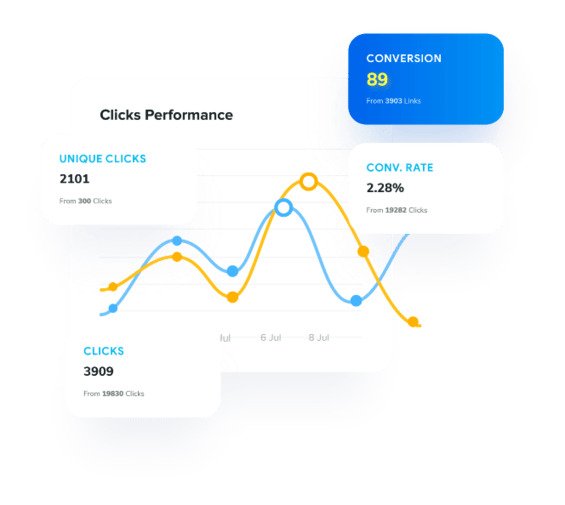
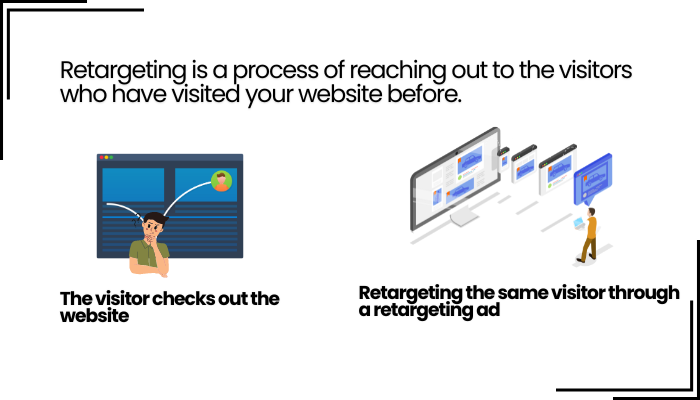
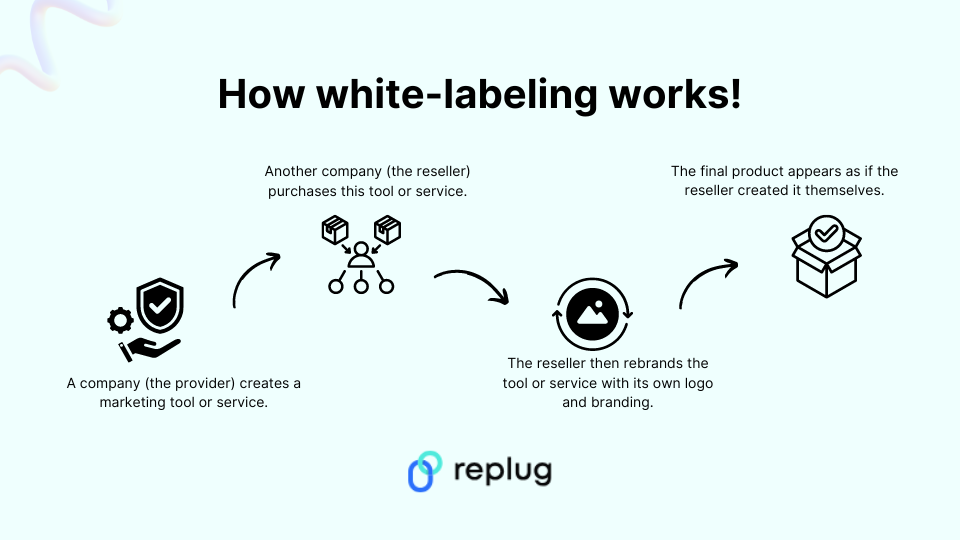
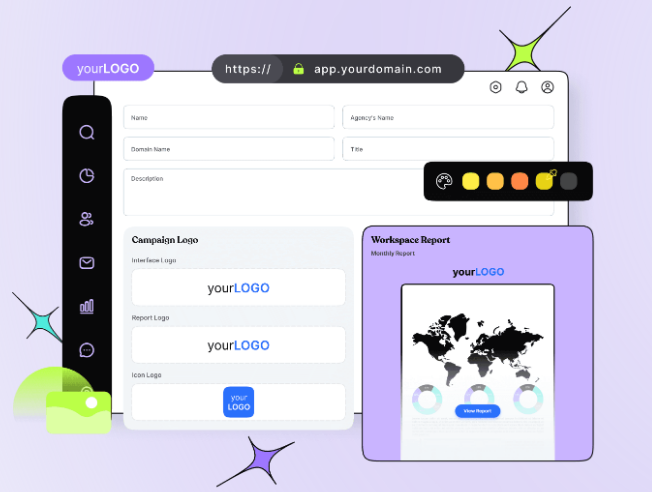





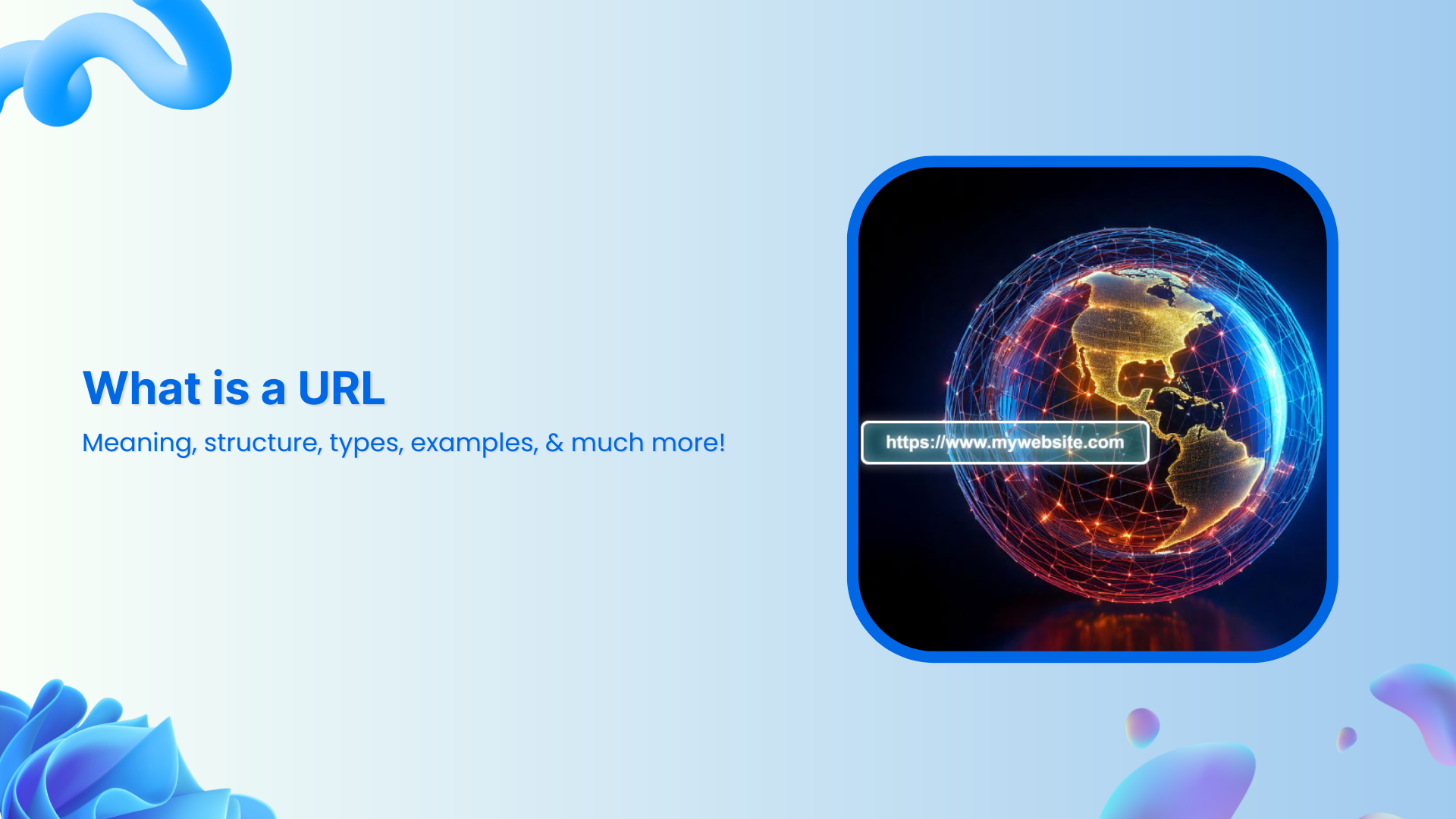
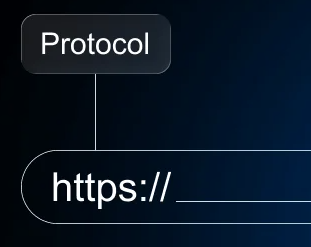
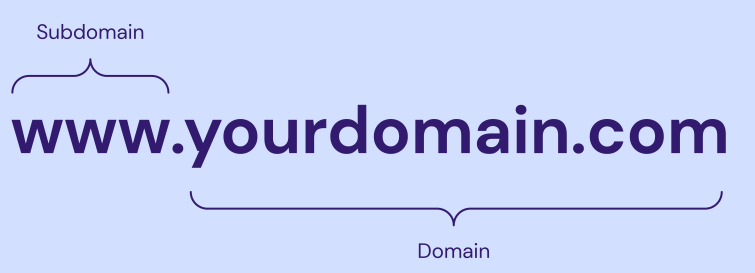
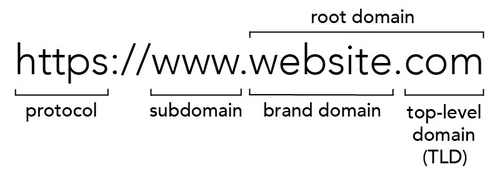
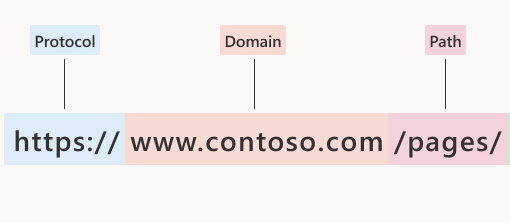


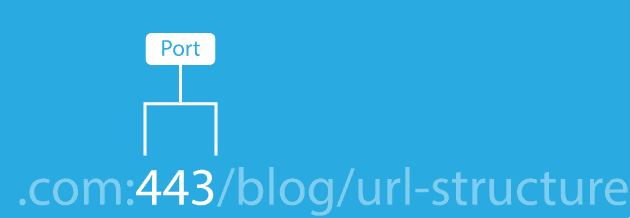
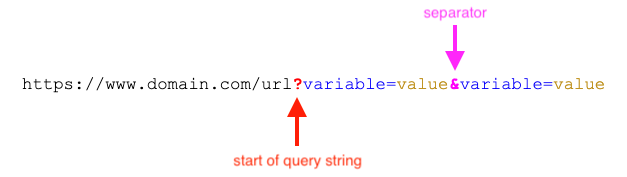
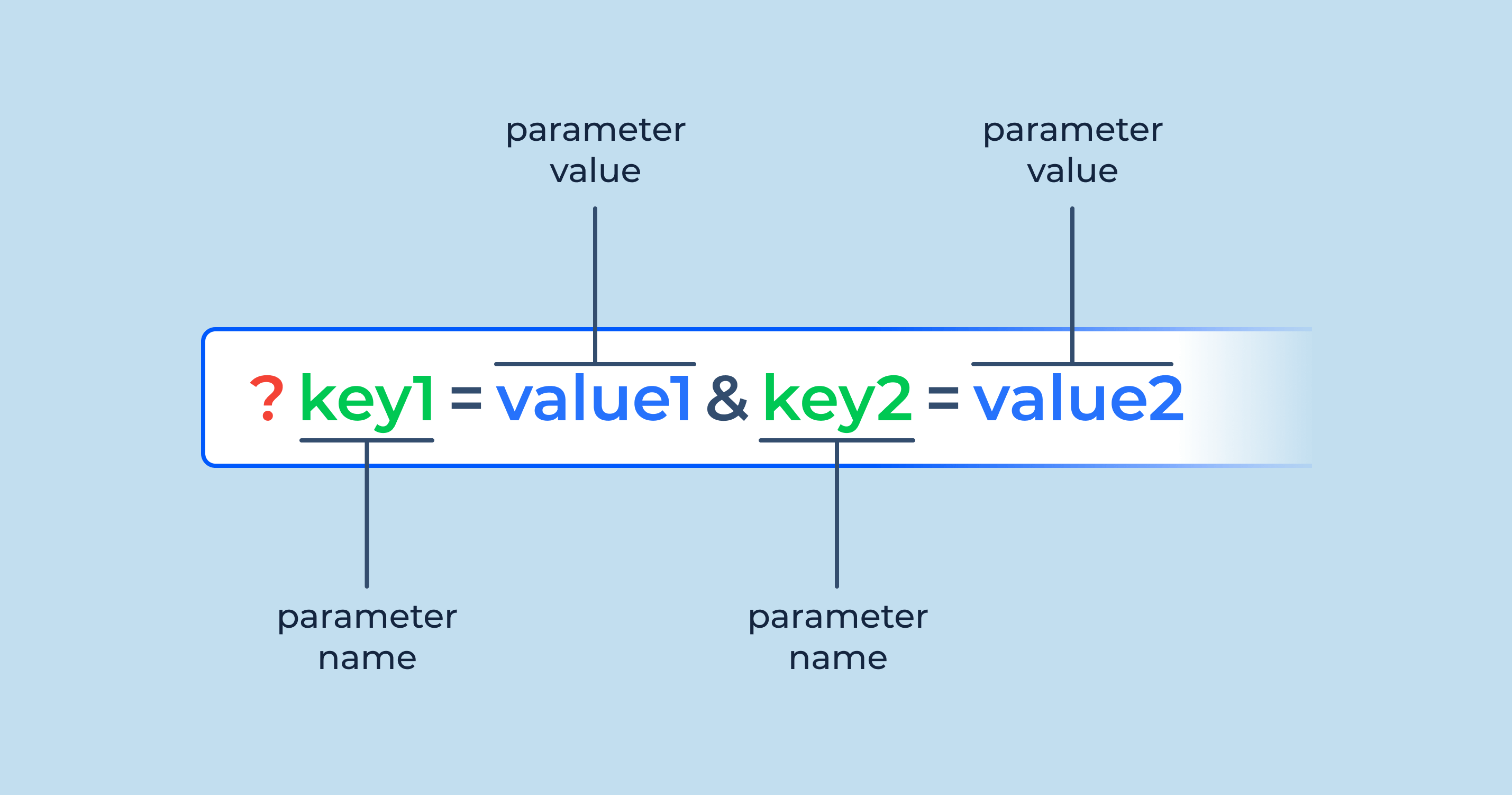

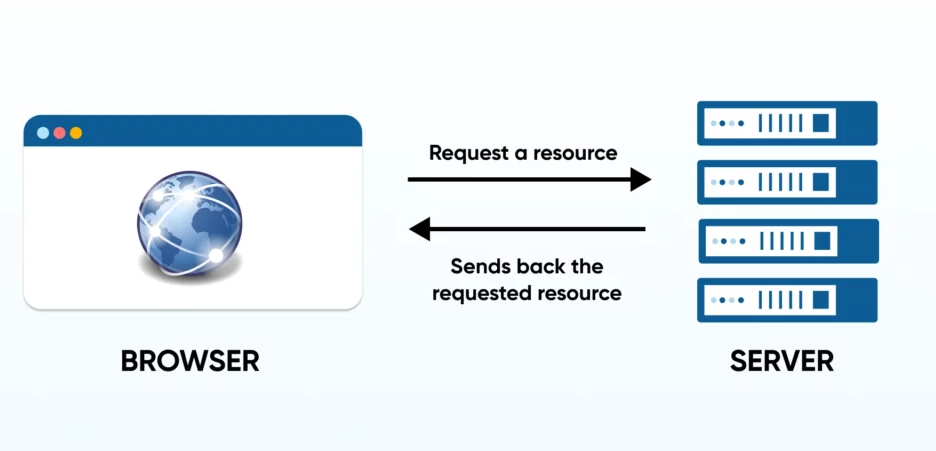
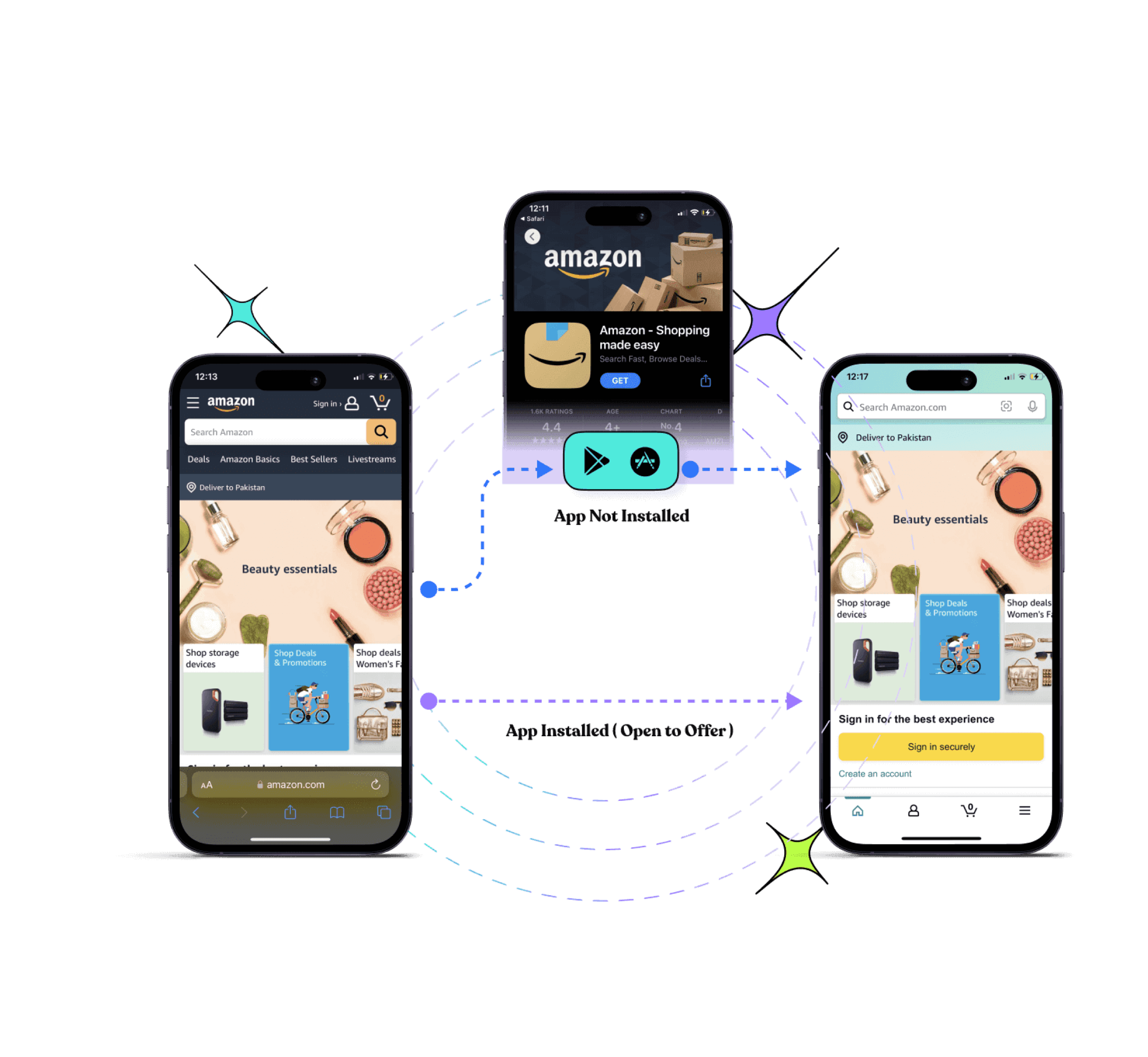
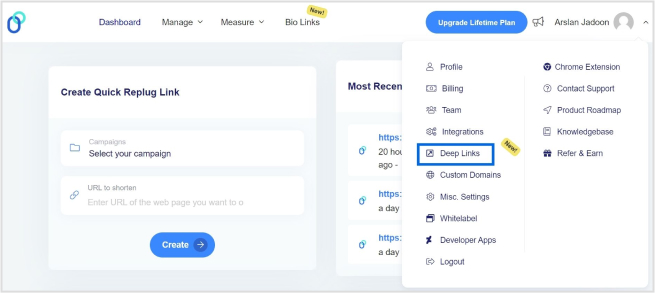
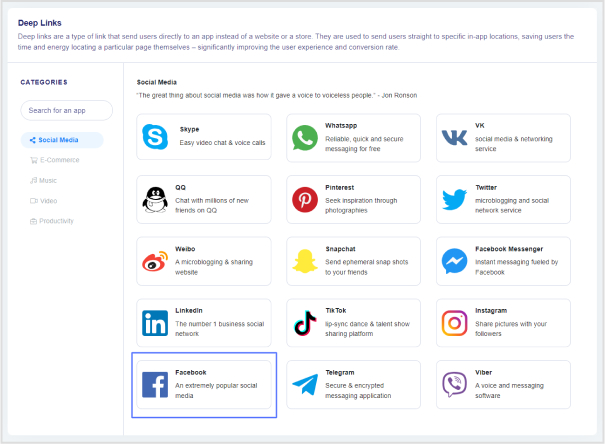
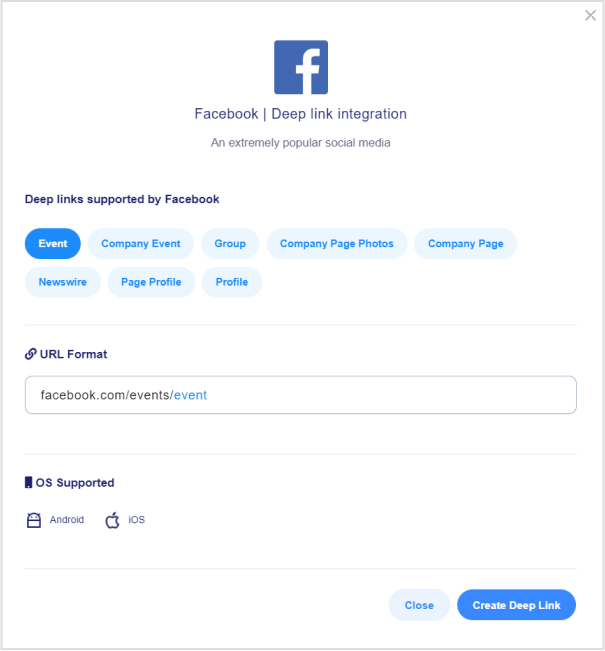
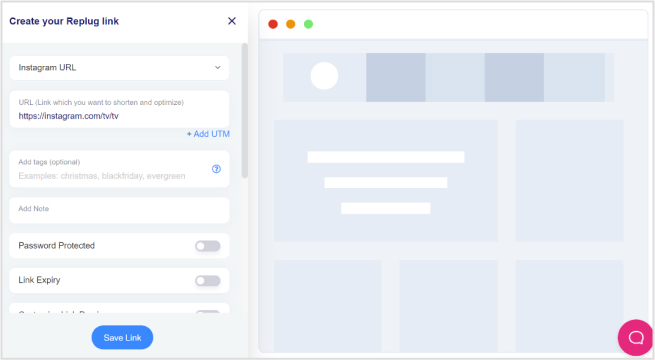
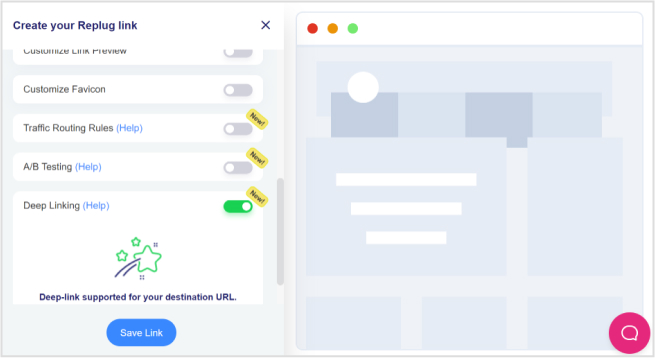
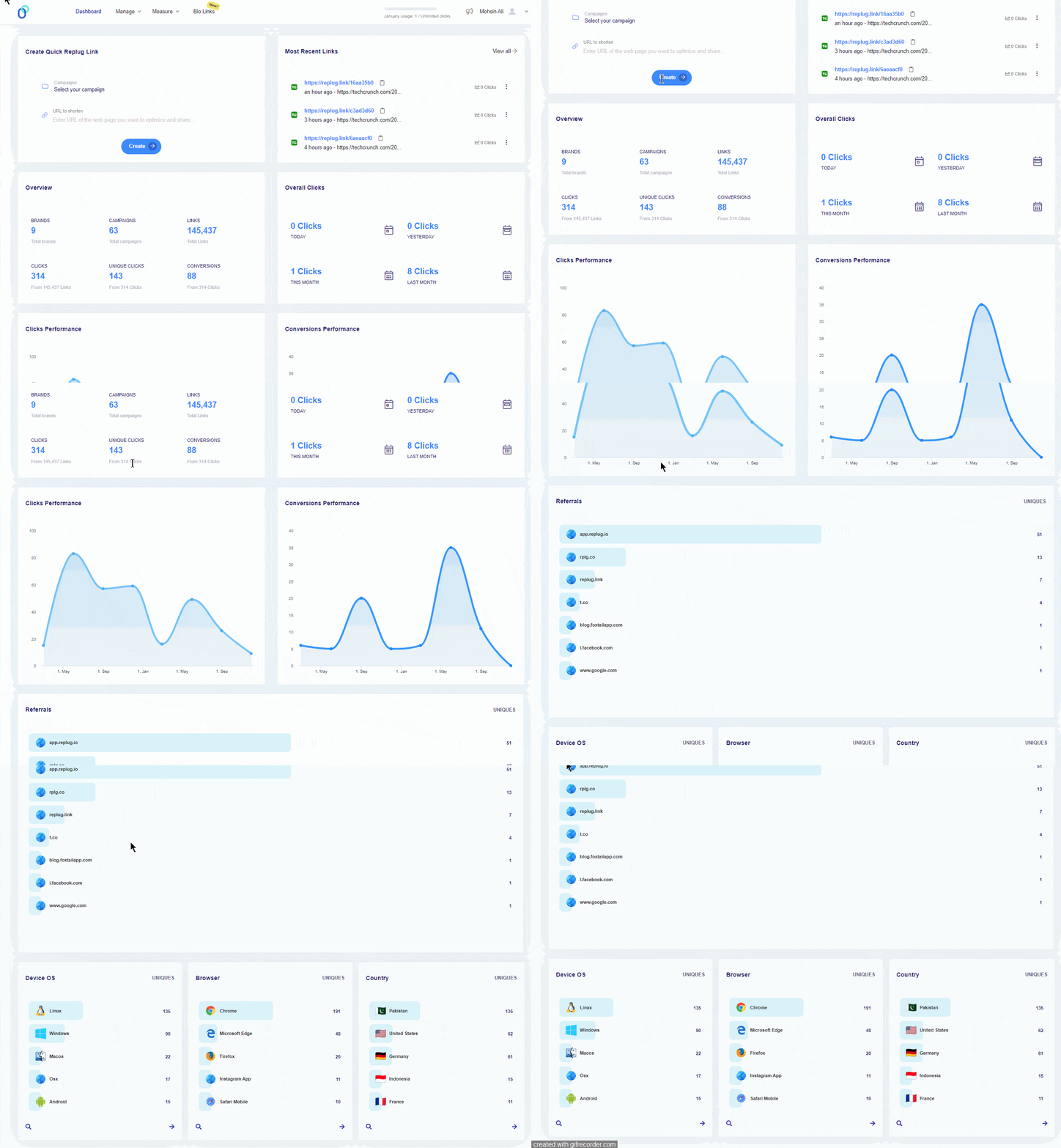



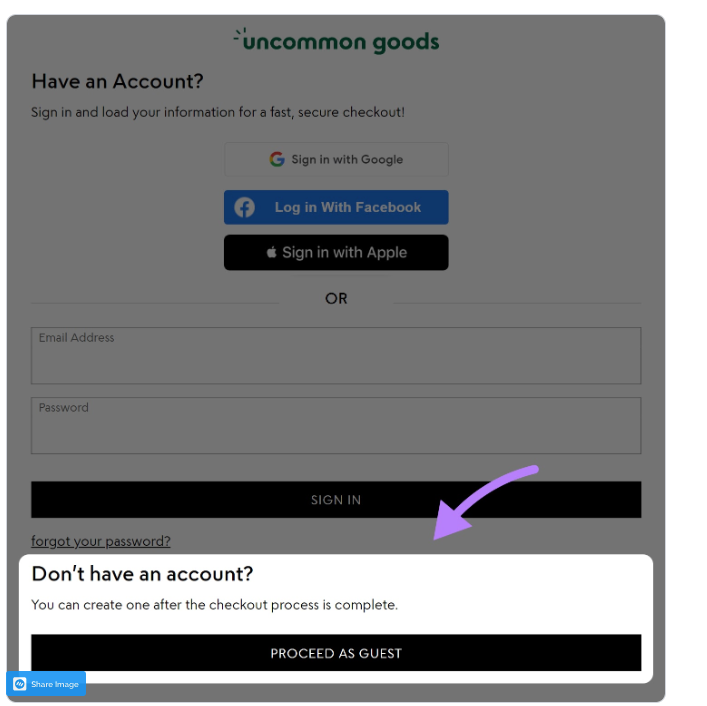


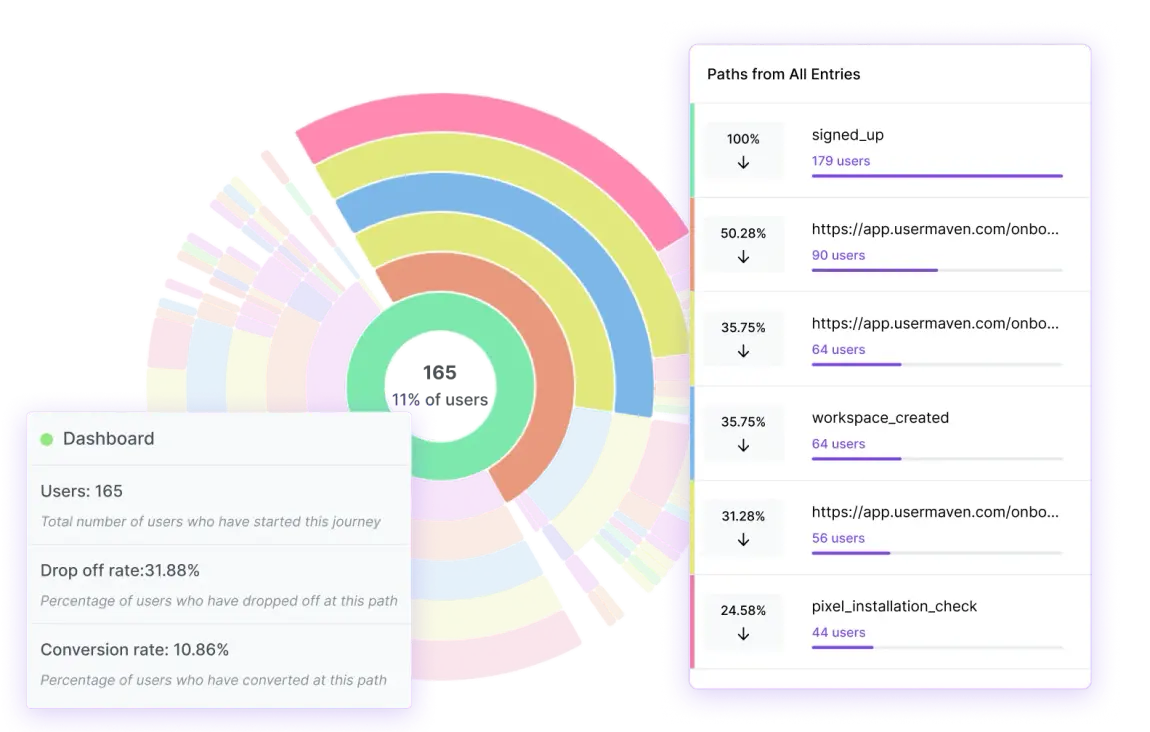
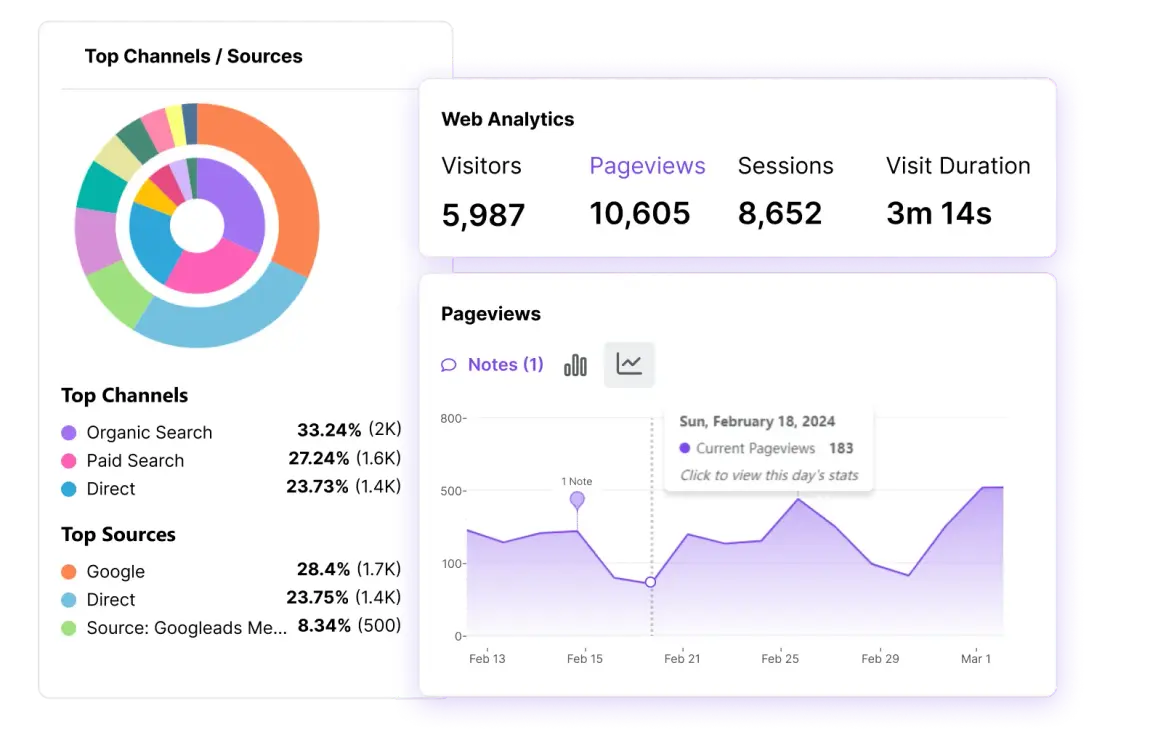
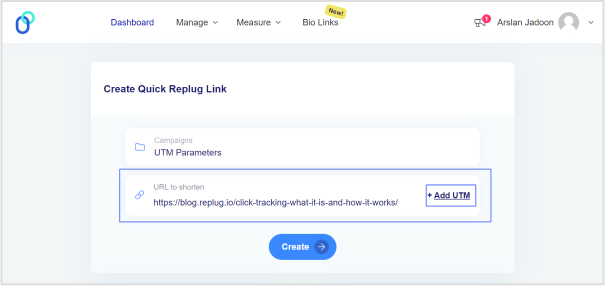
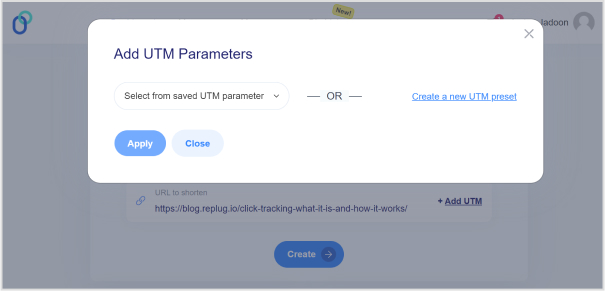
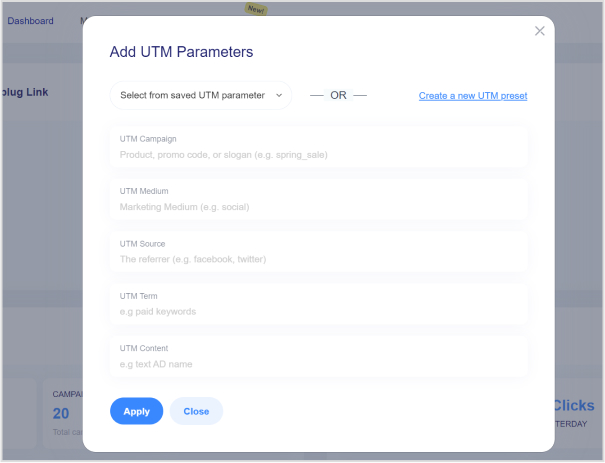
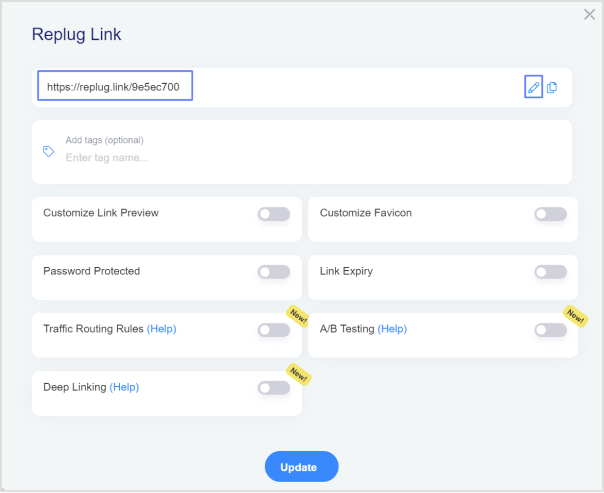
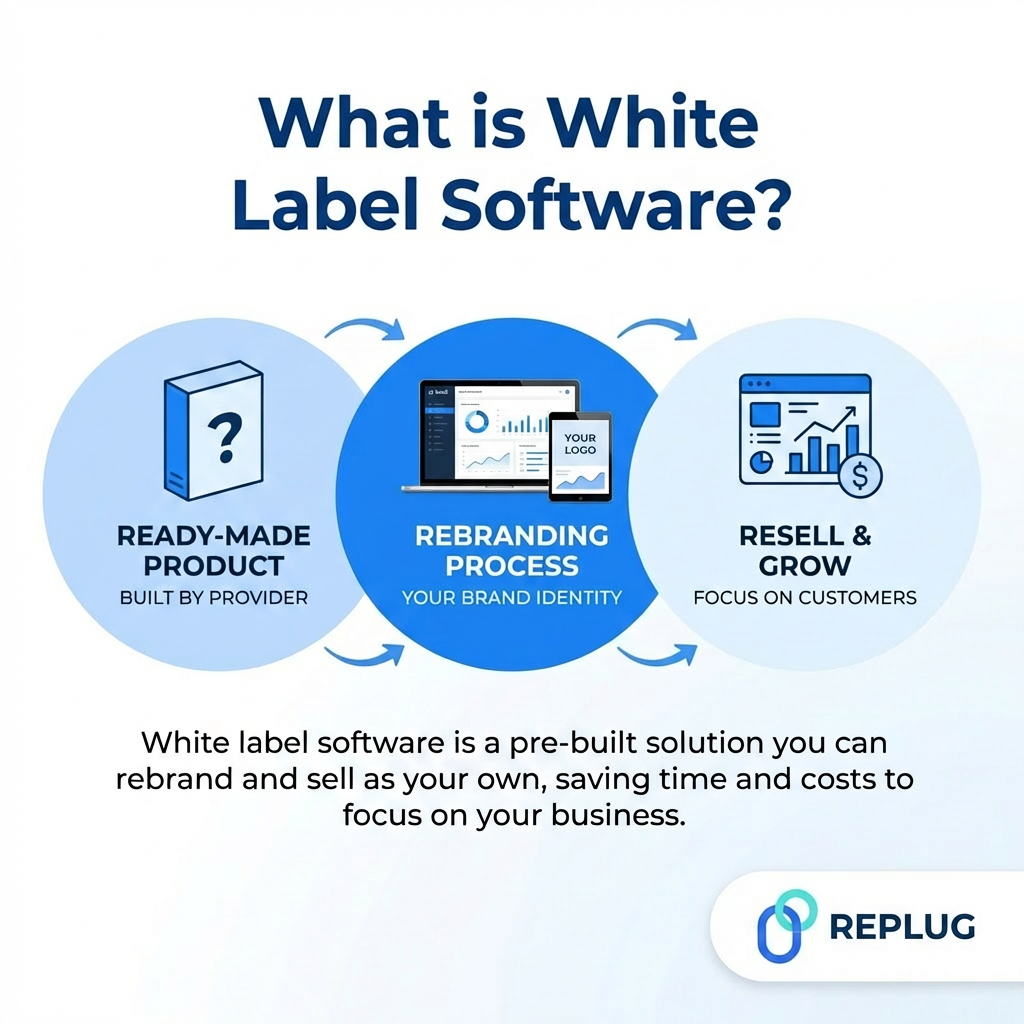
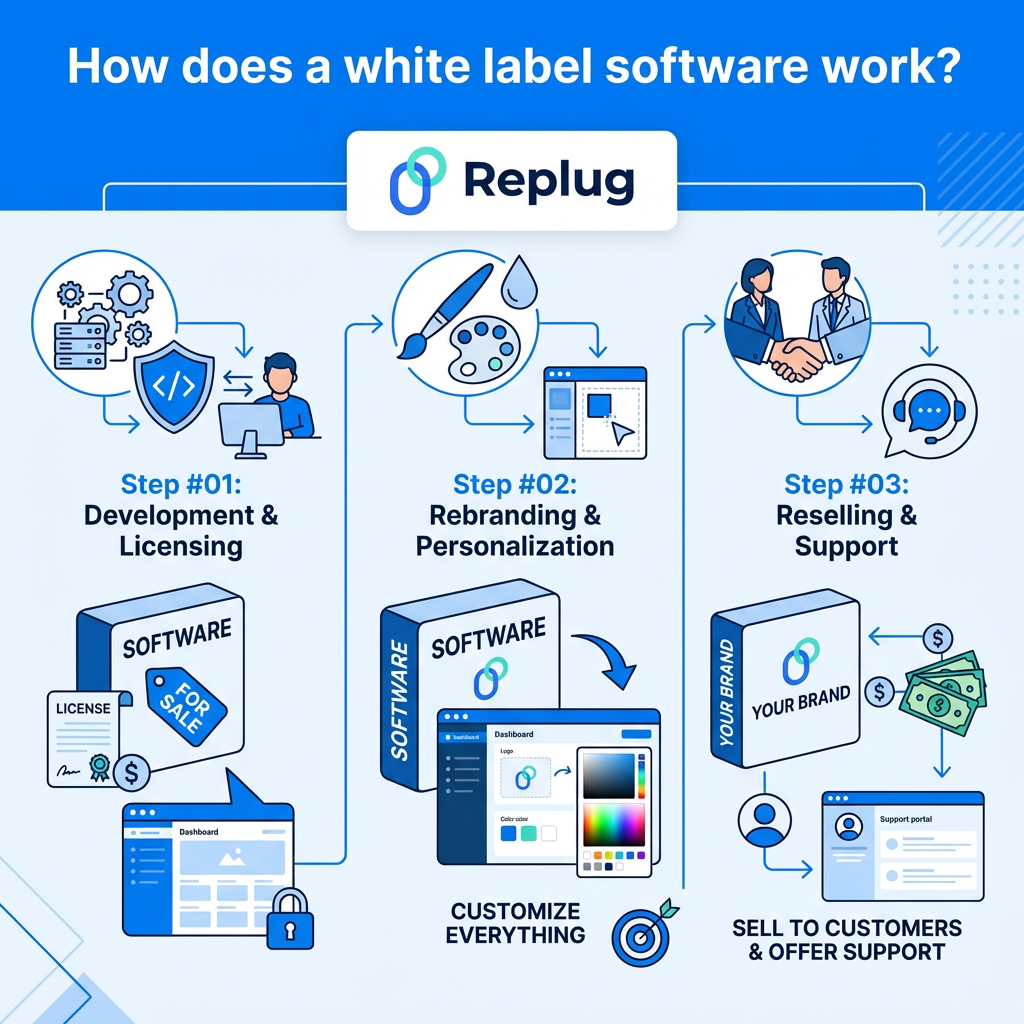
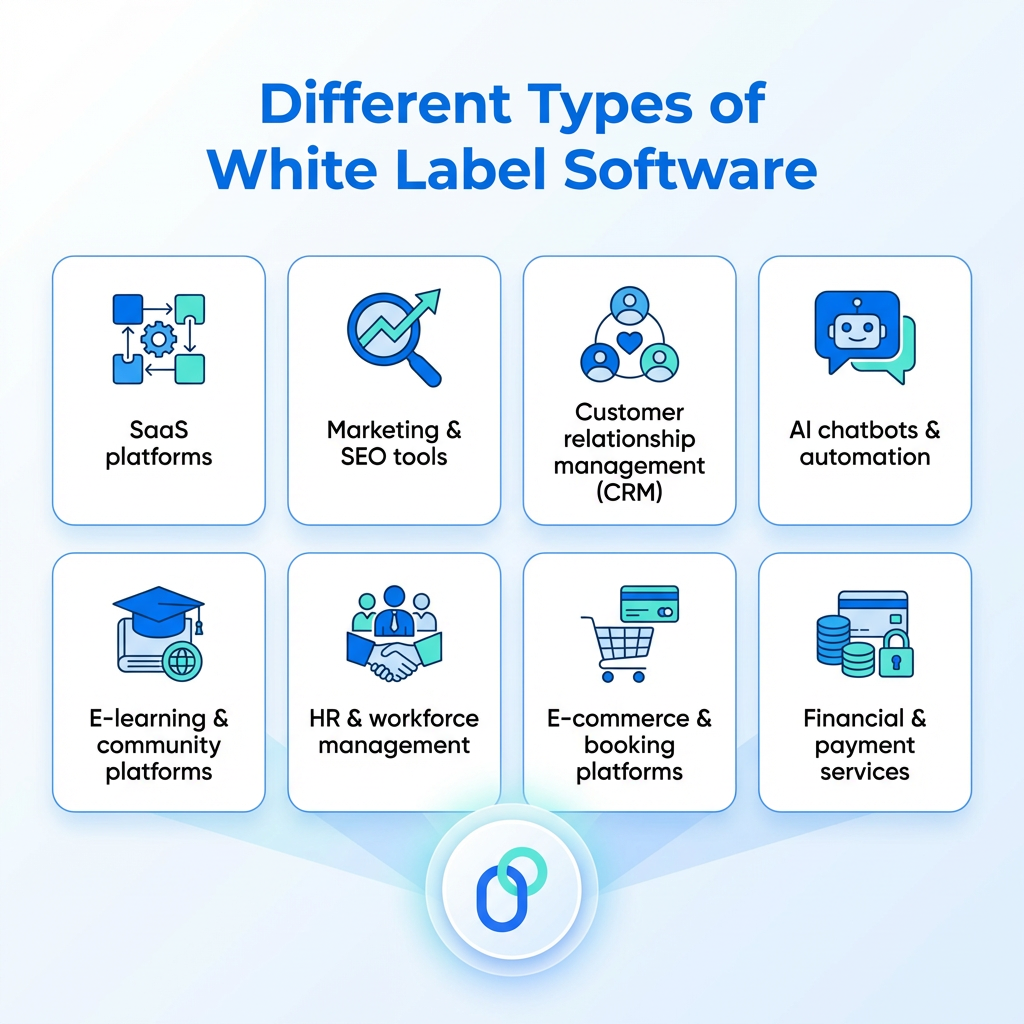
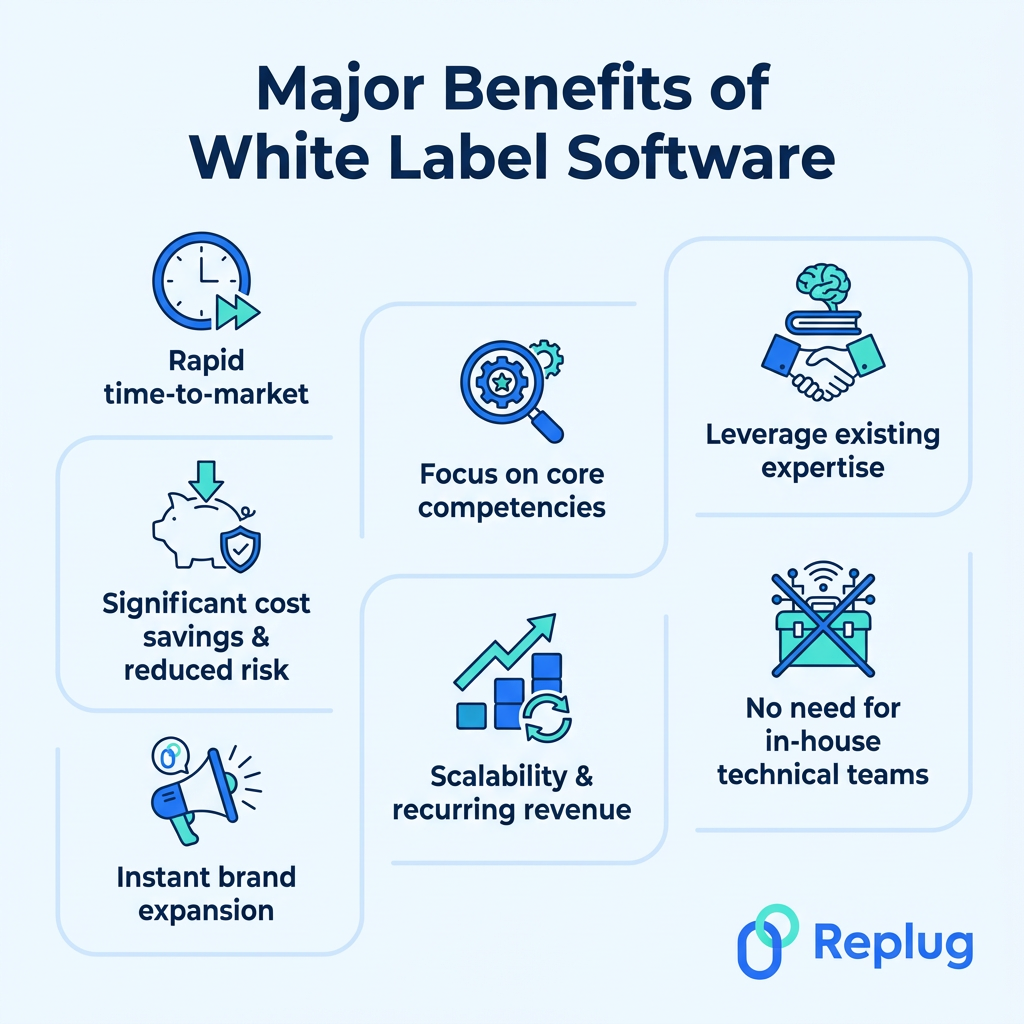
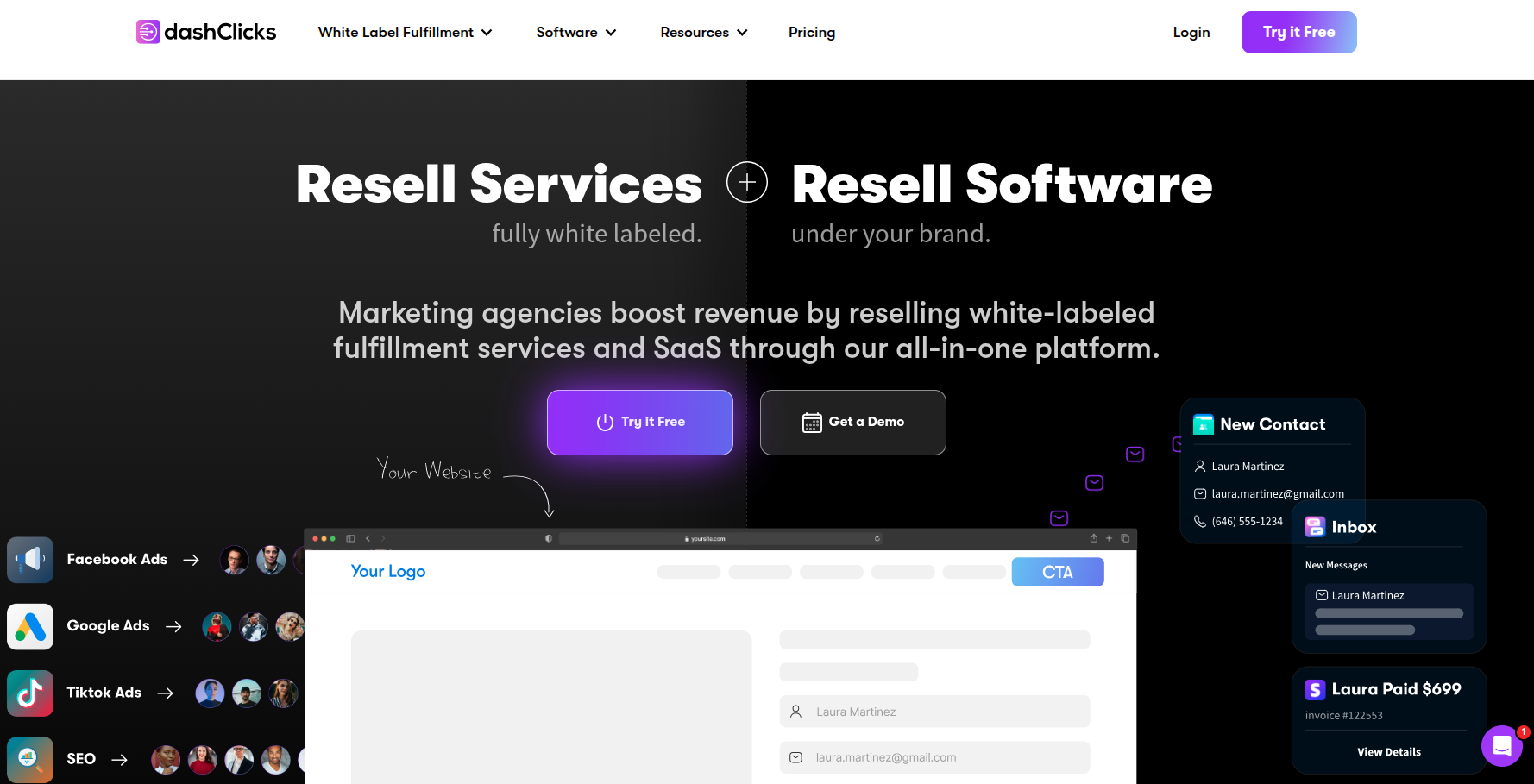
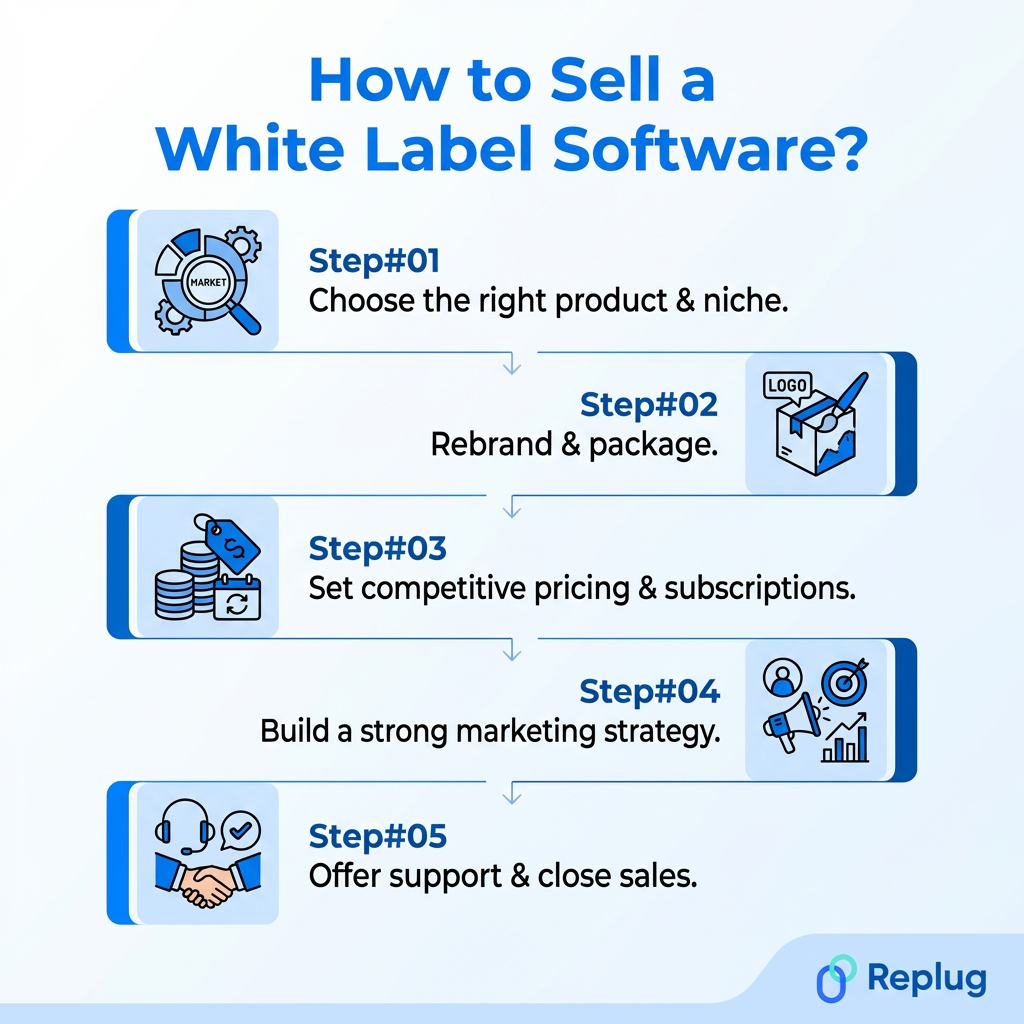
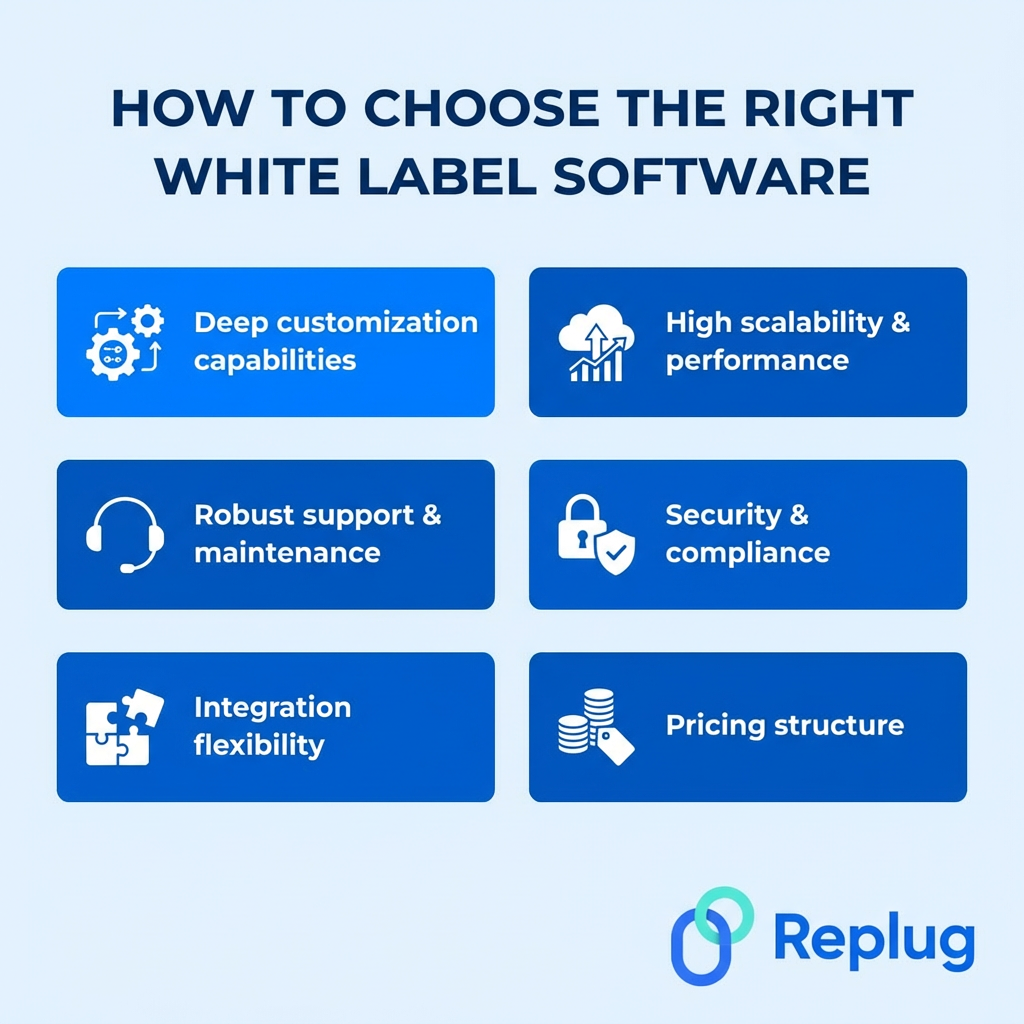
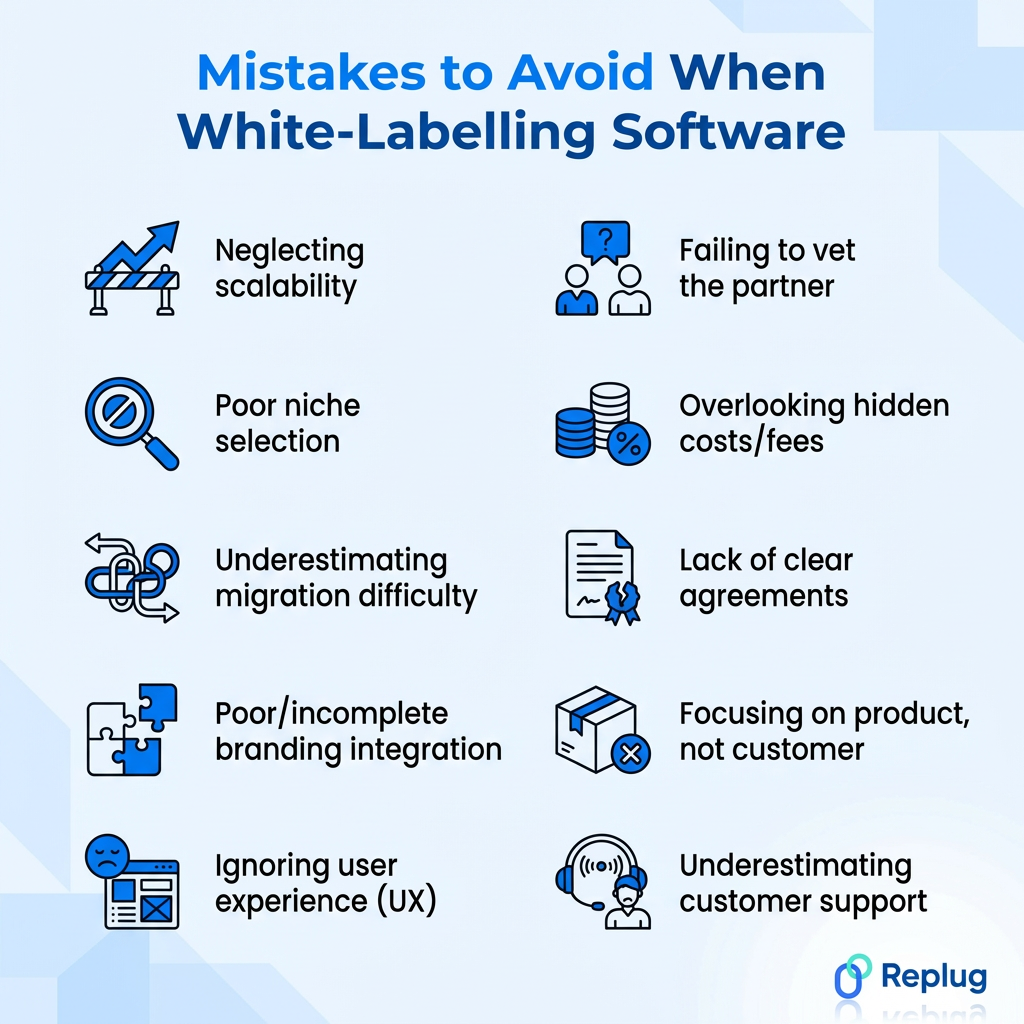
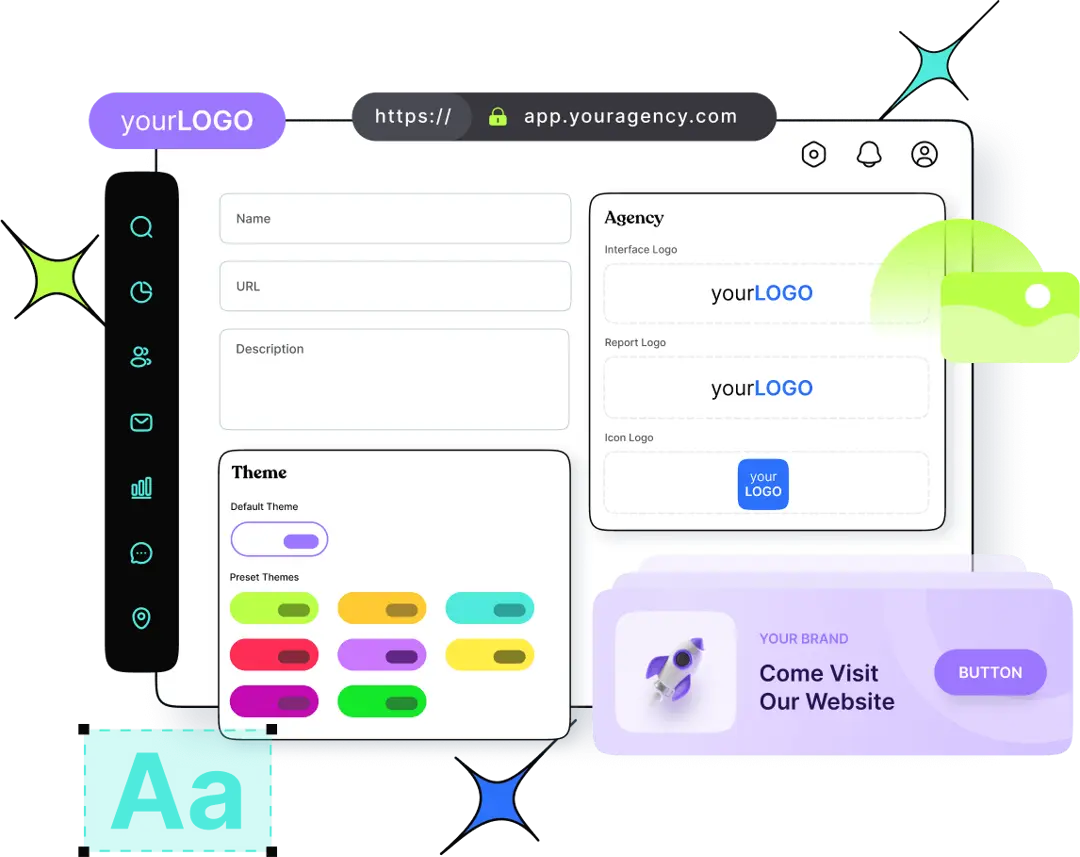
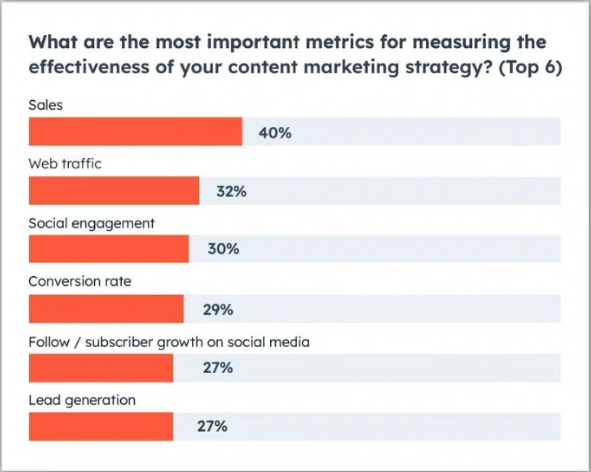
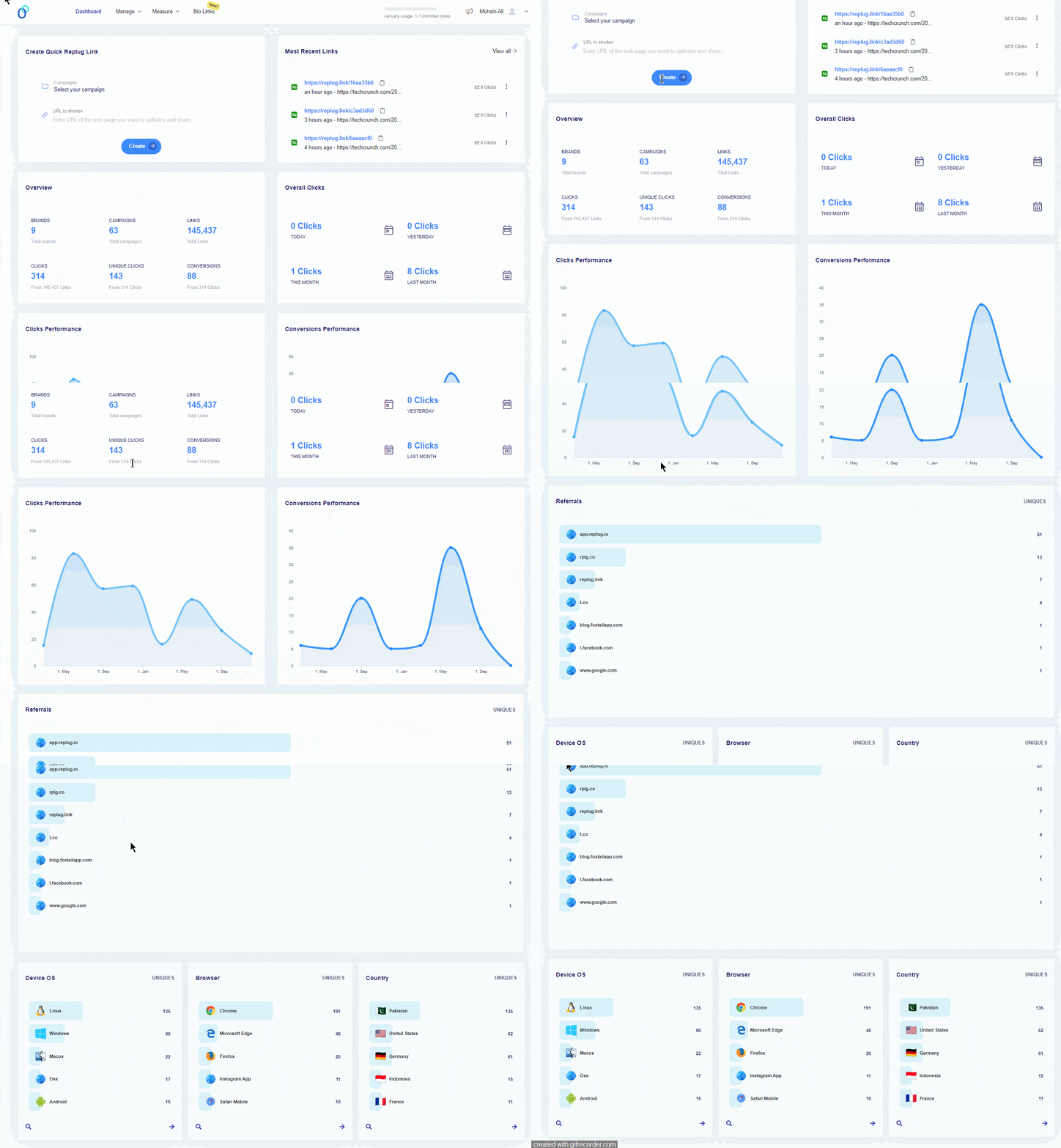
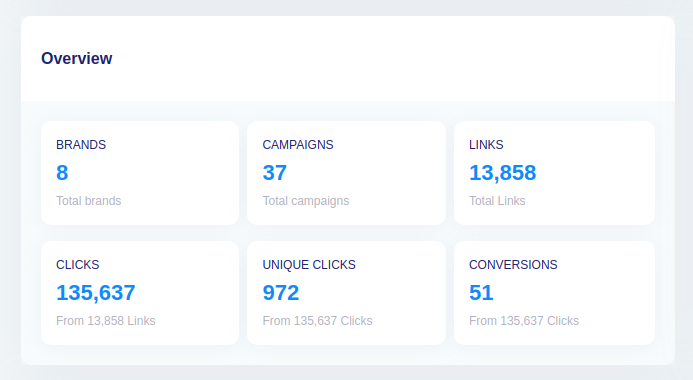
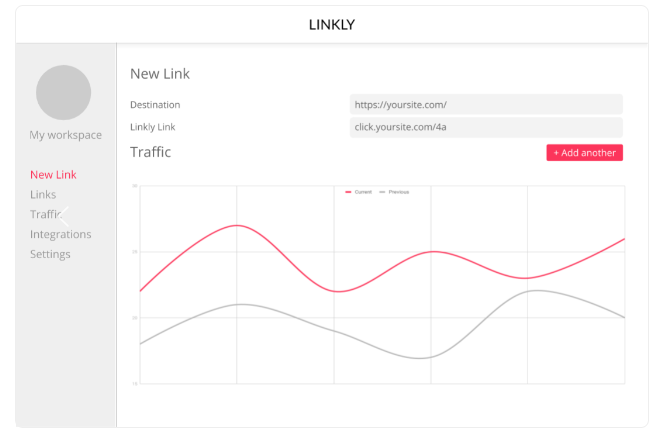
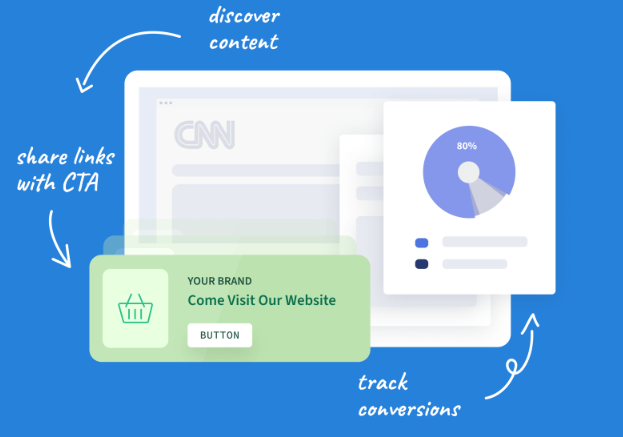
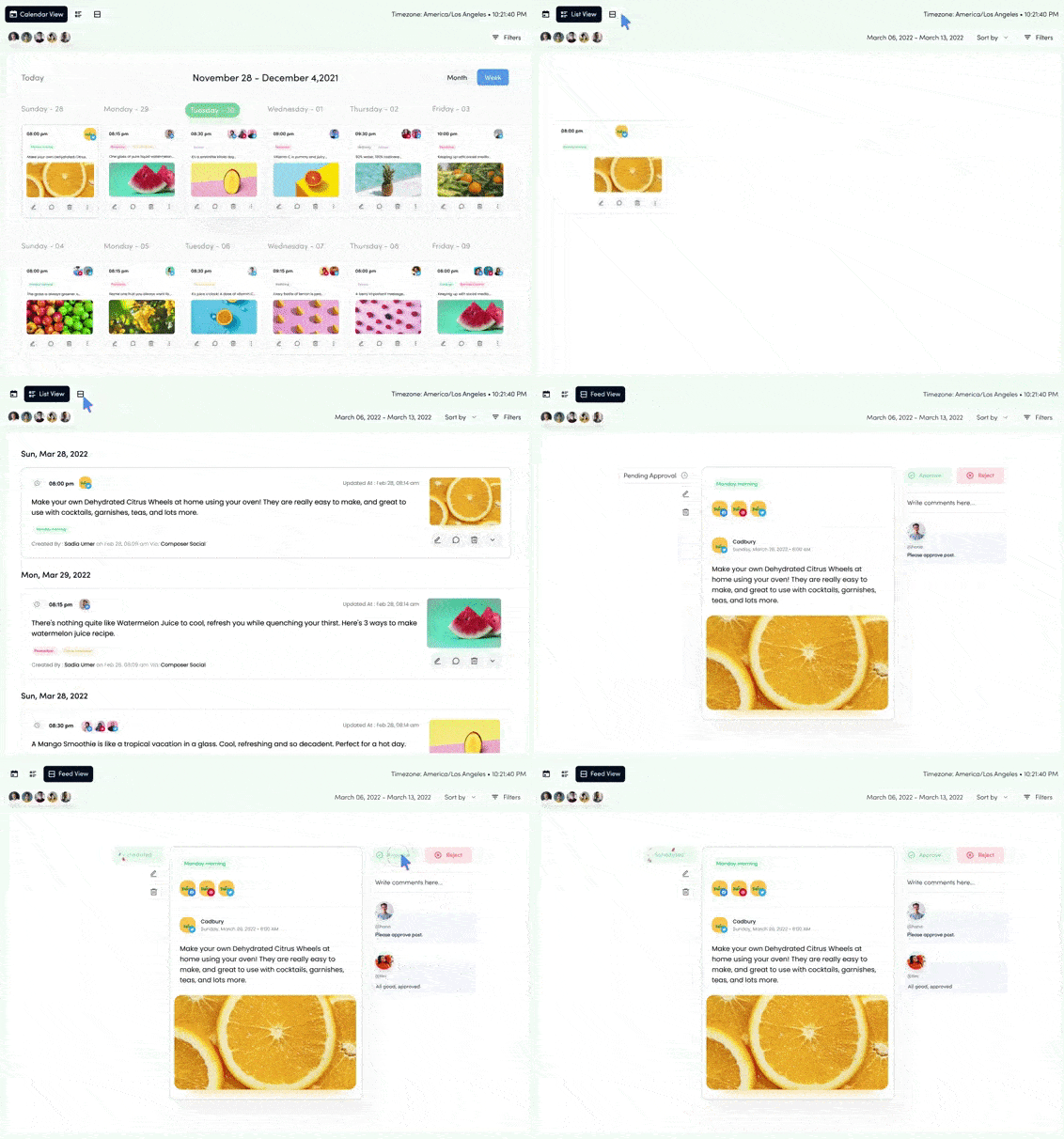
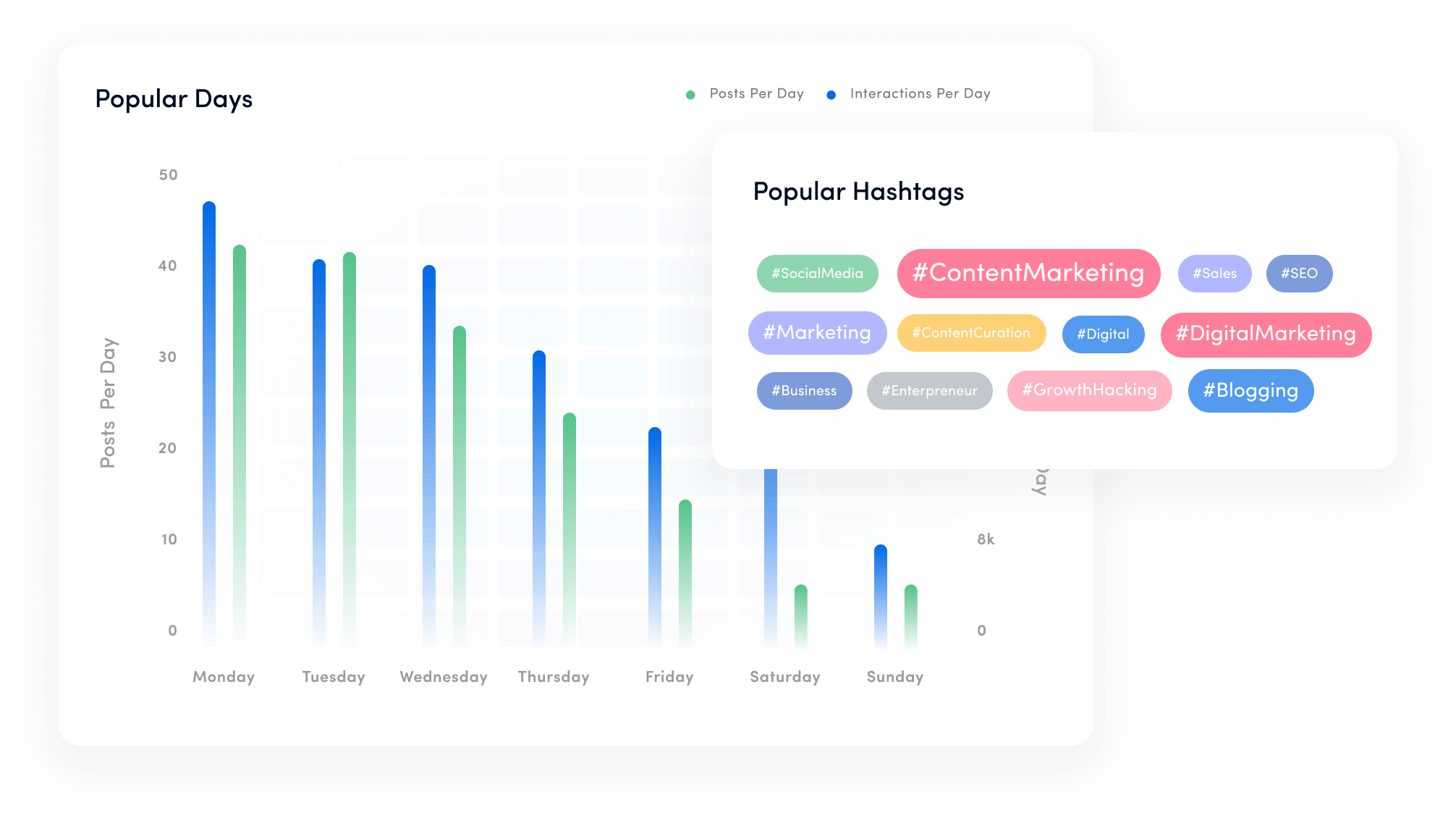
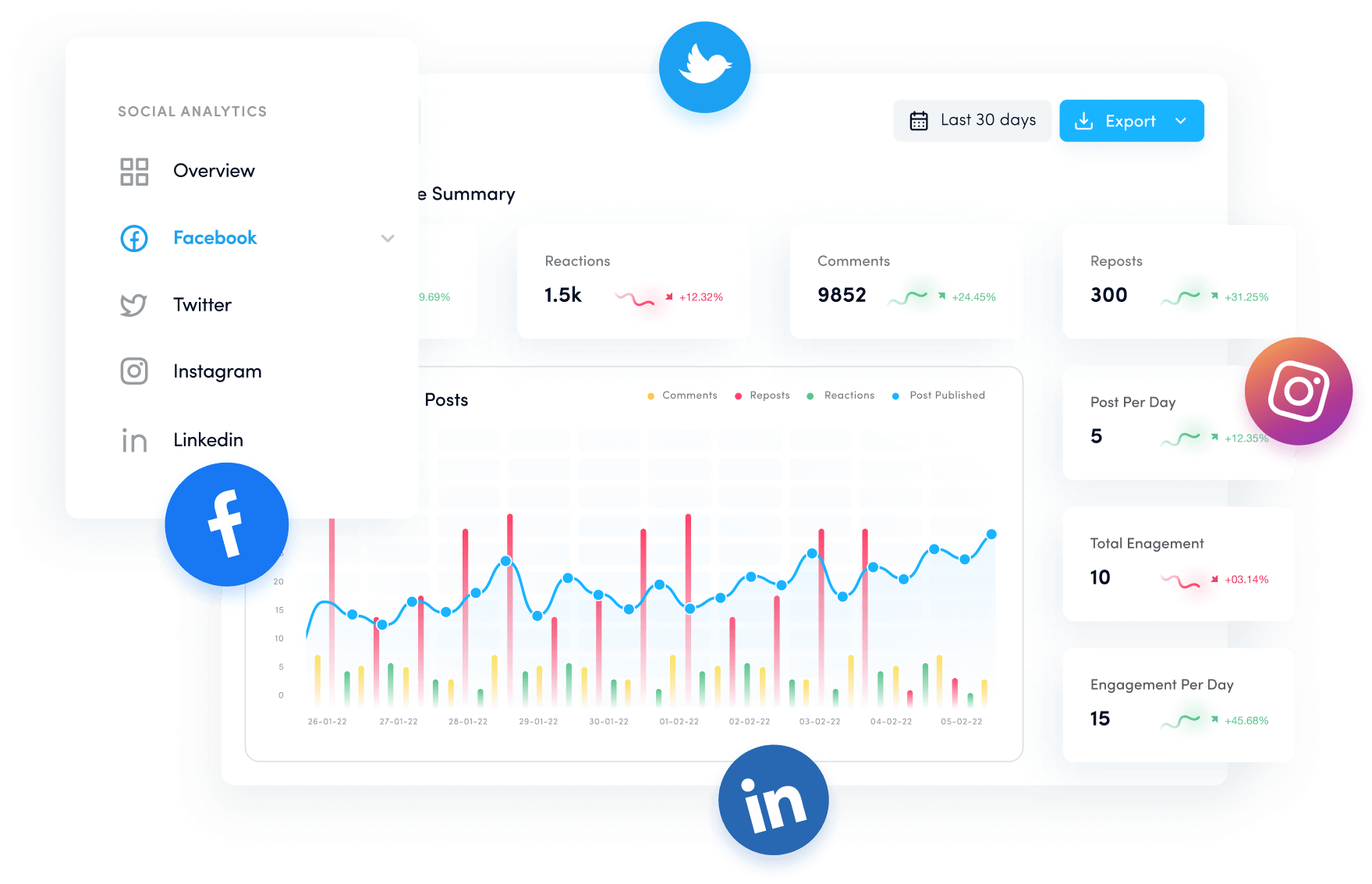
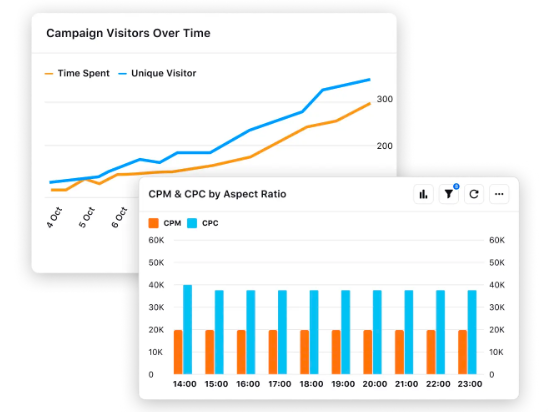
![How to create high-converting landing pages [Pro tips & examples included]](https://internal-blog.replug.io/wp-content/uploads/2024/04/High-Converting-landing-pages.png)