Let’s be honest, email isn’t the shiny new thing anymore, but it quietly outperforms almost everything else.
For every $1 you spend, email marketing returns an average of $36 to $42, leaving paid search and social ads in the dust. And with more than 4.6 billion people checking their inboxes worldwide, that’s a staggering number of potential customers within reach.
But here’s the catch: even the smartest email marketing strategy falls flat without the right software behind it. The tool you choose shapes everything: your deliverability, automation, design, and results.
That’s exactly why we tested and compared the best options for 2026. Before we jump into the list, let’s quickly cover what email marketing tools actually are.
What are email marketing tools?
Think of email marketing tools as the behind-the-scenes helpers that make reaching your audience way easier. In simple terms, they’re email marketing software and platforms that let you design, send, and track emails to your subscribers, all from one place.
Instead of manually emailing people one by one (who has time for that?), these tools handle the heavy lifting like building campaigns, automating follow-ups, and managing your contact lists.
The main goal of email marketing here is pretty straightforward: connect with your audience, nurture those relationships, and turn casual readers into loyal, paying customers.
How we selected the best email marketing automation tools
We didn’t just pick names out of a hat. We put dozens of platforms through their paces, judging each one against five core things that actually matter when you’re running real campaigns.
1. Automation & workflow depth
This is the heart of any good tool. We looked at how easily you can set up automated sequences (welcome emails, follow-ups, abandoned cart reminders) without needing a tech degree. The deeper and more flexible the workflows, the more time you save.
2. User experience (UX) & interface
A powerful tool is useless if it feels like a headache to use. We checked:
how clean and intuitive each dashboard was,
how simple the drag-and-drop editors felt, and
whether a beginner could jump in without spending hours watching tutorials.
3. Deliverability & analytics
What good is a great email if it lands in spam?
We focused on how reliably each platform gets your emails into the inbox, plus the quality of their reporting (open rates, clicks, and the kind of data that helps you follow email marketing best practices and keep improving).
4. Integration ecosystem
Your email marketing tool shouldn’t work in a silo. We examined how well each one connects with the apps you already rely on (your CRM, e-commerce store, landing page builders, and more), so everything talks to each other smoothly.
5. Pricing & scalability
Finally, we weighed the cost against the value. We looked at whether the pricing makes sense for small businesses just starting, and whether the plans can grow alongside you as your list and needs get bigger.
Top email marketing tools list
Alright, this is the part you’ve been waiting for. Below are some of the most popular email marketing tools out there right now, each with its own personality, strengths, and ideal user.
Let’s break them down one by one so you can see which one actually fits your business!
Tool name
Best for
Standout feature
Use cases
MailerLite
Creators & small businesses on a budget
Clean, beginner-friendly interface
Newsletters, simple automations, selling digital products
Mailjet
EU teams needing transactional emails
Real-time team collaboration on templates
GDPR-compliant campaigns, transactional emails, team workflows
If you’re after something clean, affordable, and genuinely easy to use, MailerLite is hard to beat. It’s a favorite among creators, bloggers, and small businesses who want powerful features without a steep learning curve or a scary price tag.
Key features:
Drag-and-drop email editor with a clean, beginner-friendly interface
Automation builder for welcome sequences, follow-ups, and more
Landing pages, signup forms, and pop-ups included
Website builder and the ability to sell digital products
AI writing assistant to speed up content creation
Pros:
One of the most affordable tools for small lists
Refreshingly simple to learn and navigate
Only charges you for active subscribers (no paying for dead weight)
Cons:
Advanced features stay fairly basic compared to bigger platforms
Costs can climb noticeably as your list grows
Pricing plans:
Free: Up to 250 subscribers and 2,500 emails per month
Comfort: Starts around $10.80/month with the full toolset
Power: Higher self-serve tier with advanced features at $22.50/month
Enterprise: Custom pricing for businesses with 200,000+ subscribers
2. Mailjet
Mailjet is a solid pick if you need both marketing and transactional emails in one place. Based in the EU and built with collaboration in mind, it’s especially handy for teams that want to work on email templates together in real time.
Key features:
Drag-and-drop editor with real-time team collaboration
Both marketing campaigns and transactional (API/SMTP) sending
Segmentation and personalization tools
Marketing automation and A/B testing (on higher tiers)
Email validation to keep your list clean
Pros:
Unlimited contacts on paid plans. You pay by email volume, not list size!
Strong choice for EU businesses needing GDPR compliance
Genuinely affordable across the board
Cons:
Deliverability can be inconsistent on shared IPs
Automation is locked behind the Premium plan
Pricing plans:
Free: $0/month, 200 emails/day, up to 6,000 per month
Starter: $9/month for 8,000 emails and 2,000 contacts
Essential: $17/month for 15,000 emails and unlimited contacts
Premium: $27/month, adds A/B testing and automation
Custom: Tailored enterprise pricing
3. Mailchimp
The household name! Mailchimp has been around forever and packs a huge ecosystem (email, automation, landing pages, even ads and a website builder). It’s beginner-friendly, though it does get pricey as you scale.
Key features:
Easy-to-use email builder with 100+ templates
Multi-step automation and customer journeys (Standard plan and up)
Predictive segmentation and send-time optimization
Built-in reporting, A/B testing, and AI assistant
Wide range of integrations and add-ons
Pros:
Familiar, polished interface that’s great for beginners
All-in-one marketing toolkit beyond just email
Massive library of integrations
Cons:
Gets expensive fast as your contact list grows
Counts unsubscribed contacts toward your limit unless you archive them
Pricing plans:
Free: From $0/month, under 250 contacts
Essentials: From $13/month for 10X contacts
Standard: From $20/month, unlocks multi-step automation
Premium: From $350/month for larger teams and 15X contacts
4. Mailtrap
Mailtrap is a bit different from the rest. It’s an email delivery platform built with developers in mind. It shines at testing emails safely before they go live and sending transactional emails reliably, with some bulk and marketing features layered on top.
Key features:
Email Sandbox to safely test emails without hitting real inboxes
Email API/SMTP for production sending
Spam score checks and HTML/CSS validation
Separate transactional and bulk sending streams
Detailed analytics and real-time logs
Pros:
Excellent for catching email issues before customers ever see them
Volume-based pricing is cheaper for big lists with moderate sending
Developer-friendly with tons of SDKs and integrations
Cons:
Testing and sending are separate products, so you may need two subscriptions
Less suited to non-technical marketers than the others on this list
Pricing plans:
Free: $0/month, 500 contacts and 1,500 emails
Essential: $15/month, 10K contacts and 30,000 emails
Pro: $59/month, 25K contacts and 125,000 emails
Custom: Tailored plan for your needs
5. Klaviyo
If you run an online store, Klaviyo is the tool everyone talks about. It’s purpose-built for ecommerce, plugging deep into platforms like Shopify and using customer behavior to drive seriously smart email and SMS campaigns.
Key features:
Deep ecommerce integrations (Shopify, WooCommerce, BigCommerce)
Powerful automated flows like abandoned cart and post-purchase
Predictive analytics, including customer lifetime value
Email and SMS marketing in one platform
Advanced, behavior-based segmentation
Pros:
Best-in-class for ecommerce-focused marketing
Only charges for active profiles, not unsubscribed ones
All core features included on every plan
Cons:
Gets expensive quickly for large contact lists
SMS is a separate add-on with its own credit costs
Pricing plans:
Free: Up to 250 active profiles, 500 emails, and 150 SMS credits/month
Paid: All included from free plan, plus much more
Enterprise: Custom pricing for large organizations
6. ActiveCampaign
If automation is your thing, ActiveCampaign is a powerhouse. It blends email marketing with a built-in CRM and some of the most flexible, detailed automation workflows you’ll find anywhere. Ideal for businesses that want to get seriously hands-on with customer journeys.
Key features:
Visual, drag-and-drop automation builder with deep branching logic
Built-in CRM and sales automation tools
Advanced segmentation and behavioral targeting
Predictive sending and AI-powered features (on higher tiers)
900+ integrations plus SMS and WhatsApp add-ons
Pros:
Best-in-class automation depth and flexibility
CRM and marketing in one connected platform
Scales well from solo users up to large teams
Cons:
No free plan, and pricing climbs quickly with add-ons
The wealth of features can feel overwhelming for beginners
Pricing plans:
Starter: From $15/month for 1,000 contacts
Plus: From $49/month, adds unlimited automation actions and landing pages
Pro: From $79/month, adds predictive AI, plus attribution & conversion tracking
Enterprise: From $145/month, adds custom objects, SSO, and a dedicated account team
7. Constant Contact
A veteran in the email space, Constant Contact is known for being beginner-friendly and rock-solid reliable. It’s especially popular with small businesses, nonprofits, and event-driven organizations. Thanks to its built-in event management and famously good support.
Key features:
Easy drag-and-drop editor with a big template library
Built-in event registration and management tools
Social media posting and ad integration
Automation, A/B testing, and segmentation (Standard and up)
SMS marketing as an add-on
Pros:
Genuinely beginner-friendly with strong customer support
Built-in event tools that competitors often lack
Reliable deliverability track record over 30+ years
Cons:
Gets pricey as your contact list grows
Send limits and overage fees can catch you off guard
Pricing plans:
Lite: From $12/month (ideal for beginners)
Standard: From $35/month (great for most businesses)
Premium: From $80/month (ideal for pros)
Teams: Custom pricing (ideal for teams with multiple locations)
8. GetResponse
GetResponse is a true all-in-one platform. Beyond email, it packs in landing pages, a website builder, webinars, and even course-creation tools. This makes it a great fit for creators, coaches, and small businesses that want everything under one roof.
Key features:
Email marketing with unlimited sends on paid plans
Marketing automation and autoresponders
Landing pages, signup forms, and a website builder
Built-in webinar hosting
Course creation and paid newsletters
Pros:
Unlimited email sends even on the entry-level plan
A lot of tools bundled together for the price
Generous 24/7 support and an AI content assistant
Cons:
Lower tiers cap at limited contacts and one automation workflow
Transactional emails are locked to the Enterprise plan
Pricing plans:
Free: Try free for 14 days. No credit card required.
Starter: From $19/month, unlimited monthly email sends
Marketer: From $59/month, adds advanced audience segmentation
Creator: From $69/month, adds premium newsletter subscriptions
Enterprise: Custom pricing
9. Moosend
Moosend is the budget-friendly underdog that punches well above its weight. It keeps things refreshingly simple with essentially one paid plan that unlocks all the core features. This makes it a fantastic value pick for small businesses and startups.
Key features:
Drag-and-drop editor with an AI Writer
Full marketing automation with 30+ triggers
Unlimited email sends on all paid plans
Landing pages, forms, and segmentation
Website tracking and ecommerce integrations
Pros:
Outstanding value, advanced features at a low price
Generous 30-day free trial with full access, no card needed
Charges per unique contact, not per list
Cons:
No permanent free plan anymore
Transactional email and dedicated IPs require a custom add-on
Pricing plans:
Free trial: 30 days of full pro features, no credit card
Pro: From $9/month for 500 contacts
Moosend+: Custom plan with pick-and-choose add-ons
Enterprise: Custom pricing for high-volume senders
10. HubSpot
HubSpot is the all-in-one giant. Its “Marketing Hub” ties email marketing into a much bigger ecosystem of CRM, sales, and service tools. It’s incredibly powerful and polished, though that power comes with a premium price tag as you scale up.
Key features:
Email marketing built on top of a free, full-featured CRM
Powerful automation workflows
Landing pages, forms, live chat, and ad management
Advanced analytics, reporting, and lead scoring
AI-powered content tools and deep personalization
Pros:
Seamless integration of marketing, sales, and CRM data
Excellent free tools to get started
Robust analytics and enterprise-grade features
Cons:
The jump from Starter to Professional is steep (plus a mandatory onboarding fee)
One of the pricier options if you only need email
Pricing plans:
Free: $0/month (free for up to 2 users)
Starter: From $20/seat/month for 1,000 contacts
Professional: From $890/month for 2,000 contacts
Enterprise: From $3,600/month for 10,000 contacts
11. CleverReach
CleverReach is a German-made email newsletter platform with a strong focus on data privacy and deliverability. If GDPR compliance and EU data residency matter to your business, this is a standout option. It’s trusted by big names like Spotify and DHL.
Key features:
Drag-and-drop editor with responsive templates
THEA automation builder for visual workflows
A/B testing, dynamic content, and RSS campaigns
Segmentation and detailed reporting
Strong GDPR compliance with German data centers
Pros:
Excellent for privacy-conscious European businesses
Reliable deliverability and CSA certification
Flexible billing, including pay-as-you-go options
Cons:
Pricier than competitors as your list grows
Premium support costs extra, and the interface leans German-centric
Pricing plans:
Lite (Free): $0/month, up to 1,000 emails/month
Basic: From $15/month, unlimited emails per month
Pro: From $18/month, adds unlimited email automation
Enterprise: From $499/month, monthly email quota
12. Brevo
Formerly Sendinblue, Brevo is a true all-in-one platform that bundles email, SMS, WhatsApp, chat, and a basic CRM. Its standout feature: it charges by emails sent rather than contacts stored. A big win if you have a large list but send infrequently.
Key features:
Email, SMS, and WhatsApp marketing in one place
Marketing automation and a built-in CRM
AI content generator and advanced segmentation
Landing pages and signup forms (higher tiers)
Transactional email via API or SMTP
Pros:
Volume-based pricing keeps costs low for big, low-frequency lists
Multichannel tools built in, even on lower tiers
Generous free plan with unlimited contact storage
Cons:
The free plan caps you at 300 emails/day
Removing Brevo branding costs extra on the Starter plan
Pricing plans:
Free: $0/month, only 300 emails/day
Starter: From $9/month (5,000 emails per month)
Standard: From $18/month, adds automation, A/B testing, and removes branding
Professional: From $499/month for high-volume, multichannel campaigns
Enterprise: Custom pricing
13. Sender
Sender is the value champion of the bunch, famous for one of the most generous free plans in the entire industry. It pairs email and SMS in a clean, beginner-friendly package. Perfect option for small businesses and nonprofits watching their budget.
Key features:
Drag-and-drop email builder with no-code automation
Email and SMS marketing in one dashboard
Signup forms, popups (including spin-to-win), and landing pages
Segmentation and real-time heatmap reporting
Transactional email included on all plans
Pros:
Exceptionally generous free-forever plan
Among the cheapest paid plans around
24/7 support even for free users
Cons:
Higher tiers hide their pricing behind a wall
Pay-as-you-go credits run on the expensive side
Pricing plans:
Free Forever: $0/month, up to 2500 subscribers and 15000 emails/month
Standard: From $10/month, adds unlimited email & popup templates and removes branding
Professional: From about $20/month, adds priority support and unlimited email editor features
Enterprise: Custom pricing for large organisations and businesses
14. EmailOctopus
EmailOctopus keeps things refreshingly simple and within budget. It strips email marketing down to the essentials: no SMS, no CRM, just clean campaigns and solid deliverability at a fraction of what the big names charge. A top-notch favorite among creators and nonprofits.
Key features:
Simple drag-and-drop and HTML email editors
Basic automation (welcome series, drip campaigns)
Landing pages and signup forms
Segmentation, tagging, and easy-to-read analytics
Optional Amazon SES integration via EmailOctopus Connect
Pros:
One of the most generous free plans for the price point
Transparent, predictable pricing with no feature gates
20% lifetime discount for nonprofits
Cons:
No SMS, ecommerce automations, or advanced CRM features
Automation and reporting are fairly basic
Pricing plans:
Starter (Free): Up to 2,500 subscribers and 10,000 emails/month
Pro: From about $10/month for 500 subscribers, scaling with list size (At 10,000 subscribers, Pro runs roughly $44.50/month. Notably cheaper than most rivals)
15. Omnisend
Omnisend comes to the center stage as a powerful ecommerce-focused platform. Like Klaviyo, it’s built for online stores, combining email, SMS, and push notifications with deep Shopify and WooCommerce integrations. The big plus: almost all features are available even on the free plan.
Deep Shopify, WooCommerce, and BigCommerce integrations
Product recommendations and advanced segmentation
A/B testing and detailed reporting
Pros:
All features unlocked even on the free plan
Purpose-built for ecommerce growth
Only bills for contacts you actually message
Cons:
Costs climb as your contact list grows
SMS is billed separately and can add up fast
Pricing plans:
Free: 250 contacts, 500 emails/month, and all features except advanced reporting
Standard: From $16/month for 500 contacts and 6,000 emails/month, scaling with list size
Pro: From $59/month for 2,500 contacts, with unlimited email sends
Custom: Tailored pricing for high-volume senders
16. Benchmark Email
Benchmark Email has been around for over 20 years and focuses on doing the basics really well. It’s a clean, beginner-friendly platform built around an easy drag-and-drop editor and AI writing tools. Great option for straightforward newsletters and email campaigns.
Key features:
Drag-and-drop editor with a solid template library
AI-powered content and design tools
Contact management with tagging and segmentation
Sign-up forms and basic reporting
Same deliverability infrastructure across free and paid plans
Pros:
Genuinely useful free plan with all core features
Clean, uncluttered interface that’s easy to learn
Nonprofit discounts available
Cons:
Automation and advanced segmentation are limited
Extra users cost $15/month each, which adds up
Pricing plans:
Free: $0/month, up to 500 contacts and 2,500 emails/month
Pro: From around $19/month, scaling with contact count and removing branding
Enterprise: Custom pricing for 100,000+ contacts
17. Kit
Kit is built specifically for creators, bloggers, podcasters, course sellers, and newsletter writers. It pairs clean email tools with built-in monetization features, and it charges by subscriber count rather than emails sent.
Key features:
Visual automation builder and email sequences
Unlimited landing pages and signup forms
Built-in tools to sell digital products and paid newsletters
Tagging and segmentation for creators
100+ integrations on paid plans
Pros:
One of the most generous free plans (up to 10,000 subscribers)
Creator-focused monetization built right in
Unlimited email sends on every plan
Cons:
Paid plans jumped ~35% in late 2025 and are pricier than rivals
A/B testing is locked to the top Creator Pro tier
Pricing plans:
Newsletter (Free): Up to 10,000 email subscribers with core tools
Creator: From $139/month, adds unlimited visual automations & email sequences
Pro: From $189/month, adds advanced engagement analytics and insights dashboard
18. AWeber
A true veteran (it invented the autoresponder back in 1998), AWeber is a reliable, beginner-friendly platform best known for its standout customer support, including phone support on every plan, even the free one.
Key features:
Drag-and-drop builder with 600+ templates and a Smart Designer
AI writing assistant and Canva integration
Automation, landing pages, and signup forms
Ecommerce tools and web push notifications
500+ integrations
Pros:
Excellent 24/7 support (phone, chat, email) on all plans
Generous free plan and free list migration
One of the few platforms that openly allows affiliate marketing
Cons:
Automation is basic compared to ActiveCampaign or GetResponse
A late-2024 price increase removed grandfathered plans
Pricing plans:
Free: Up to 500 subscribers and 3,000 emails/month
Lite: From $15/month, with branding and some caps
Plus: From $30/month, unlimited email lists and automations, branding removed
Done For You: $30/month + $79 setup fee, everything in Plus and much more
19. Beehiiv
Built by former Morning Brew team members, Beehiiv is a newsletter-first platform designed for growth and monetization. It’s a favorite among serious newsletter creators, with built-in ad network, referral, and subscription tools, and it takes 0% of your subscription revenue.
Key features:
Newsletter and website builder with custom domains
Built-in ad network and Boost referral program
Paid subscriptions and digital products (0% take rate)
AI writing tools and advanced analytics
Unlimited email sends on all plans
Pros:
Strong, genuinely useful free plan (up to 2,500 subscribers)
Best-in-class monetization tools with no revenue cut
Unlimited sends even on the free tier
Cons:
The jump from free to paid is steep
More publishing-focused than a general marketing tool (limited automation)
Pricing plans:
Launch (Free): Up to 2,500 subscribers with unlimited sends
Scale: From $49/month, adds email automations, surveys & polls
Max: From $109/month, adds priority support and audio newsletters
Enterprise: Custom pricing for 100,000+ subscribers
20. SendX
SendX rounds out the list as a simple, budget-friendly platform with one standout selling point: unlimited email sends on every plan, with pricing based only on your subscriber count. It’s also welcoming to industries that other platforms often reject.
Key features:
Drag-and-drop editor with AI-assisted content
Visual automation workflows
Landing pages, forms, and popups
Segmentation, A/B testing, and analytics
Deliverability tools like automatic IP warm-up
Pros:
Unlimited email sends on all plans, with predictable pricing
How to find the right email marketing tool for your business: Points to consider!
With so many great options on the table, picking the right one can feel quite challenging. Here’s a simple checklist to help you zero in on the tool that actually fits your business, not just the one with the fanciest homepage.
1.Identify your core goals
Before anything else, get clear on what you actually want to achieve. Are you building a newsletter, running an online store, or nurturing leads? Knowing your goal upfront helps you pick a tool built for your specific needs instead of paying for features you’ll never touch.
2. Evaluate automation & workflows
Good automation saves you hours and keeps your audience engaged on autopilot. Look at how easily you can set up welcome sequences, follow-ups, and triggered emails. The right depth here is what separates a tool you’ll love from one you’ll outgrow fast.
3. Check segmentation & personalization
Sending the same email to everyone is one of the most common email marketing mistakes, and a quick way to lose subscribers. A solid tool lets you group people by behavior or interests and tailor your messages, which makes a real difference in opens and clicks.
4. Assess deliverability rates
A beautiful email is useless if it lands in spam. Check how reliably each platform gets emails into the inbox, and look for features like authentication support and IP warm-up that protect your sender reputation over time.
5. Consider budget & scalability
Don’t just look at today’s price; think about where you’ll be in a year. Many tools charge based on contacts or sends, so costs can climb fast as you grow. Pick something that fits your budget now and won’t punish you for succeeding later.
6. Inspect integration capabilities
Your email tool shouldn’t live on an island. Make sure it connects smoothly with the apps you already use (your store, CRM, landing pages, and more). Good integrations keep your data in sync and save you from tedious manual work.
7. Look for usability & support
Even the most powerful tool is frustrating if it’s a pain to use. Test the interface and see how intuitive it feels. And don’t overlook support; having quick access to help via chat, email, or phone can be a lifesaver when something goes sideways.
8. Read reviews & feedback
Finally, see what real users are saying. Reviews on sites like G2 and Capterra often reveal the stuff marketing pages won’t (deliverability quirks, billing surprises, or clunky features). It’s one of the easiest ways to avoid a costly mistake before you commit.
Partner with Replug to create smarter email marketing campaigns!
By now, you’ve got a solid lineup of tools to power your campaigns, but here’s one more that deserves a spot in your stack.
Replug is an all-in-one link management platform packed with features that make your marketing sharper, from branded links and bio pages to retargeting and deep click analytics.
The real star, though, is its custom link shortener. Instead of sending long, messy URLs that look untrustworthy, Replug’s URL shortener lets you create clean, personalized branded short URLs in seconds.
In your emails, that means more clicks, stronger brand recognition, and clear tracking on exactly what your audience engages with.
A complete link management solution
for marketing professionals & agencies.
Try Replug for free
So as you choose the right email marketing tool from this list, pair it with Replug to tie everything together. The right combo will help you send smarter, track better, and grow faster.
Happy emailing!
Frequently asked questions
Why use an email marketing software?
Because, to be very honest, doing it manually just doesn’t scale. Email marketing software lets you design professional emails, send them to thousands of people at once, automate follow-ups, and track what’s working, all from one dashboard. It also keeps you compliant with anti-spam laws and helps your emails actually land in the inbox. Simply put, it saves you time while helping you build stronger relationships with your audience and drive more sales.
What makes a good email marketing software?
A good tool nails the essentials:
– an easy-to-use editor, – reliable deliverability, – solid automation, and – clear reporting
Beyond that, look for flexible segmentation, helpful integrations with your other apps, responsive customer support, and pricing that grows sensibly with your list. The best fit also depends on your needs. An ecommerce store and a solo blogger will value very different features.
What are some of the best free email marketing tools?
A few stand out for genuinely useful free plans.
Sender offers up to 2,500 subscribers and 15,000 emails a month, while EmailOctopus gives you 2,500 subscribers and 10,000 emails. Kit’s free plan supports up to 10,000 subscribers, and Beehiiv allows 2,500 with unlimited sends. Brevo, Mailchimp, MailerLite, and Omnisend also offer free tiers worth checking out.
Provide a list of some of the best AI email marketing tools at present?
Most major platforms now bake in AI features like content generation, subject line help, and send-time optimization. Some of the strongest right now include Mailchimp, ActiveCampaign, GetResponse, Brevo, Klaviyo, and Moosend.AWeber and Benchmark Email also offer handy AI writing assistants, while Klaviyo and Omnisend lead the pack with AI-powered predictive analytics for ecommerce.
What are the top 10 email marketing tools for small businesses?
For small businesses, these ten offer a great mix of affordability and features:
The best pick depends on your goals. Sender and Moosend win on budget, Constant Contact and AWeber on support, and ActiveCampaign on automation power.
What is the most cost-effective email marketing platform?
It depends on how you send, but a few consistently deliver strong value. Sender and Moosend offer powerful features at rock-bottom prices. EmailOctopus is great for cheap, simple campaigns, and Brevo’s volume-based pricing is ideal if you have a big list but send infrequently. For totally free, Sender’s plan is one of the most generous around.
What limitations do free email marketing services have?
Free plans are great for starting out, but they come with trade-offs. Expect caps on subscribers and monthly sends, plus the provider’s branding on your emails. You’ll often miss out on advanced automation, A/B testing, detailed reporting, and priority support. Some also limit users or daily send volume. They’re perfect for testing the waters, but most growing businesses outgrow them before long.
The digital marketing world isn’t slowing down; not even close. Global digital marketing spend is already expected to top $800 billion in 2026, and businesses of every size are competing to keep up.
But here’s the real challenge: It’s not just about spending more; it’s about spending smart. The right tools make all the difference.
No matter if you’re a solo marketer or part of a full-scale team, knowing your digital marketing tools examples (from SEO platforms to email automation and social scheduling apps) can completely transform how you connect with your audience.
63% of marketers are already increasing their budgets in 2025, with a clear focus on investing in smarter marketing tools.
So, which tools are actually worth your time in 2026? Before we get into that, let’s quickly cover the basics.
What is digital marketing: A brief overview
Simply put, digital marketing is the practice of promoting your products or services through online channels. Think search engines, social media, email, and websites.
The main goal:Reaching the right people, at the right time, with the right message!
Unlike traditional marketing, it gives you real-time data so you can actually see what’s working and what’s not.
Whether you’re a small business owner or a large brand, digital marketing helps you build awareness, drive traffic, and turn visitors into paying customers.
What are digital marketing tools?
Digital marketing tools are software and platforms that help you plan, execute, and measure your marketing efforts online.
Instead of doing everything manually (tracking website traffic, scheduling posts, sending emails, and running ads), these tools handle the hard work for you. They save time, reduce guesswork, and give you clear insights into what’s actually driving results.
Some tools focus on one specific task, like keyword research or social media management, while others do a bit of everything.
Bottom line: They make your marketing smarter, faster, and a whole lot easier to manage.
Best tools for digital marketing by category
Finding the right tools can honestly feel quite challenging, since there are hundreds of options out there. But the good news is, once you know what each tool does and who it’s built for, the decision gets a lot easier.
This best digital marketing tools list breaks everything down by category, so you can quickly find what fits your goals and budget without wasting time sorting through the noise.
Have a look!
Social media marketing tools
Social media marketing tools help you schedule content, manage multiple accounts, track engagement, and understand your target audience, all from one place.
It’s a solid pick for content marketers, agencies, and social media managers who want to track link performance and boost conversions without any technical hassle.
Pricing: Free plan available; Paid plans start at $19/month
Best for: Affiliate & social media marketers, agencies, and SaaS
2. ContentStudio
ContentStudio is an all-in-one social media and content marketing platform. It lets you discover trending content, plan and schedule posts across multiple channels, and collaborate with your team, all under one roof.
Plus, the built-in analytics make it easy to track what’s performing well. It also has an AI writing assistant to speed up content creation.
If you’re managing several social accounts and want a clean, organized workflow, ContentStudio is genuinely worth checking out.
Pricing: Starts at $29/month
Best for: Solo creators, marketing teams, and growing businesses managing multiple platforms
3. Hootsuite
Hootsuite is one of the most well-known social media management tools out there, and for good reason. It supports scheduling, monitoring, and analytics across all major social platforms.
The dashboard gives you a bird’s-eye view of all your accounts, and you can manage team roles and approvals easily.
It also integrates with a wide range of third-party apps; however, it’s a bit pricier than some alternatives, but the depth of features justifies the cost for larger teams.
Pricing: Starts at $99/month
Best for: Mid-sized to large teams and enterprises
4. Sprout Social
Sprout Social is a premium social media management platform focused heavily on analytics and team collaboration. It gives you detailed reports on audience engagement, post performance, and competitor activity.
The “Smart Inbox” feature pulls all your social messages into one place, making it easier to stay on top of conversations. It’s on the pricier side, but if data-driven decision-making is a priority for your team, Sprout Social delivers the best outcomes.
Pricing: Starts at $199/month
Best for: Larger teams and brands that prioritize in-depth analytics
5. Buffer
Buffer is a clean, straightforward social media scheduling tool that’s great if you just want to get posts out without dealing with a complicated dashboard. It supports all major platforms and offers basic analytics to track performance.
There’s also a free plan available, which makes it a go-to option for freelancers and small business owners just getting started. It’s not the most feature-rich tool, but it nails the basics really well.
Pricing: Paid plans start at $6/month per channel
Best for: Freelancers, solopreneurs, and small businesses
6. Loomly
Loomly is a social media calendar and publishing tool that’s particularly great for teams that need a smooth content approval workflow. It gives you post ideas based on trending topics and upcoming events, which is handy when you’re running low on inspiration.
The interface is clean and beginner-friendly. It supports all major platforms and includes basic analytics. If collaboration and content planning are your biggest needs, Loomly fits the bill nicely.
Pricing: Starts at $65/month
Best for: Small to mid-sized teams needing a structured content calendar
7. Audiense
Audiense is a bit different from the rest! It’s primarily an audience intelligence platform rather than a scheduling tool. It helps you deeply understand who your audience is, what they care about, and how to segment them for more targeted campaigns.
It works especially well with X (formerly Twitter) data. If you want to go beyond vanity metrics and actually understand the people following you, Audiense gives you that level of insight.
Pricing: Paid plans start at $62.99/month
Best for: Marketers and researchers focused on audience segmentation and targeting
8. Agorapulse
Agorapulse is a solid social media management tool that covers scheduling, inbox management, reporting, and team collaboration in one place.
What sets it apart is its unified social inbox, which makes managing comments, messages, and mentions across platforms genuinely easy.
The reporting features are detailed without being overconfusing. It’s competitively priced compared to tools like Sprout Social, making it a great middle-ground option for growing teams.
Pricing: Paid plans start at $99/month
Best for: Agencies and mid-sized teams wanting an all-in-one solution
9. Later
Later started as an Instagram scheduling tool but has since expanded to support other major platforms. It’s well-loved for its visual content calendar, which makes drag-and-drop scheduling feel effortless.
The Linkin.bio feature is a big plus for driving traffic from Instagram. It’s especially popular among lifestyle brands, influencers, and e-commerce businesses that rely heavily on visual content.
Pricing: Starts at $25/month
Best for: Visual-first brands, influencers, and e-commerce businesses
10. Emplifi
Emplifi is an enterprise-level social media and customer experience platform. It combines social media management with customer care and analytics tools, giving larger brands a unified view of their audience across channels.
It uses AI to surface insights and optimize content performance. The main point here is that it’s not built for small businesses, but if you’re managing a large brand with complex social needs, Emplifi has the horsepower to handle it hassle-free.
Pricing: Starts at $1,249/month (contact for a custom quote)
Best for: Enterprise brands and large marketing teams
AI tools for digital marketing
AI has completely changed how marketers work, from writing content to automating workflows and analyzing data. These tools help you move faster, work smarter, and get more done without burning out.
Here are the top AI tools for digital marketing worth adding to your stack in 2026:
11. Claude
Claude is an AI assistant built by Anthropic, designed to help with writing, research, analysis, brainstorming, and a whole lot more.It’s known for producing well-structured, natural-sounding content that doesn’t feel robotic.
Marketers use it for drafting blog posts, writing ad copy, summarizing long documents, and even handling customer-facing content.
Claude is also great at following detailed instructions, making it a reliable choice when you need consistent, high-quality output without much back-and-forth.
Pricing: Claude Pro starts at $20/month
Best for: Content marketers, copywriters, and marketing teams needing a reliable AI writing and research assistant.
12. ChatGPT
ChatGPT by OpenAI is arguably the most widely recognized AI tool out there right now. It handles everything from content creation and email drafting to customer support scripts and campaign brainstorming.
The GPT-4o model brings strong reasoning and multimodal capabilities, meaning it can work with text, images, and raw data.
With a massive library of plugins and integrations, it fits into almost any marketing workflow. It’s versatile, fast, and works well for both beginners and experienced marketers.
Pricing: Free plan available; ChatGPT Plus starts at $20/month
Best for: Marketers of all levels looking for a flexible, all-purpose AI assistant
13. Jasper
Jasper is an AI copywriting tool built specifically for marketing teams. It comes with pre-built templates for blog posts, social media captions, email sequences, product descriptions, and more.
What makes it stand out is its “Brand Voice” feature, which lets you train Jasper to write in your brand’s specific tone and style. It also integrates with Surfer SEO for optimized content.
If content production is a big part of your workflow and you need speed without sacrificing quality, Jasper is worth the investment.
Pricing: Pro plan starts at $69month/seat
Best for: Marketing teams and agencies with high content output needs
14. Surfer SEO
Surfer SEO is a content optimization tool that helps you write articles that actually rank on Google. It analyzes top-ranking pages for your target keyword and gives you a real-time content score based on word count, keyword usage, headings, and more.
The Content Editor integrates with Google Docs and WordPress, making it easy to fit into your existing workflow. If SEO-driven content is your thing, Surfer takes the guesswork out of the optimization process.
Pricing: Starts at $99/month
Best for: SEO professionals, bloggers, and content teams focused on organic search rankings
15. Chatbase
Chatbase lets you build custom AI chatbots trained on your own data (think website content, PDFs, or FAQs). Once set up, the chatbot can handle customer queries, qualify leads, and guide visitors through your site automatically.
It’s a practical tool for businesses that want to improve customer experience without hiring extra support staff. The setup is beginner-friendly, and it integrates easily with popular platforms like Slack, WhatsApp, and WordPress.
Pricing: Paid plans start at $40/month
Best for: Small to mid-sized businesses looking to automate customer support and lead generation
16. Zapier
Zapier is an automation tool that connects your apps and moves data between them without any coding. In a marketing context, it can automatically add new leads to your CRM, send follow-up emails, post to social media, update spreadsheets, and much more.
It supports thousands of app integrations, including Gmail, HubSpot, Slack, and Shopify. If you find yourself doing repetitive tasks manually, Zapier is the tool that quietly handles all of that in the background.
Pricing: Paid plans start at $29.99/month
Best for: Marketers and business owners looking to automate repetitive workflows and save time
17. Replo
Replo is a landing page and e-commerce page builder designed specifically for Shopify brands. It lets you create high-converting marketing pages without needing a developer.
The platform offers pre-built templates inspired by top-performing e-commerce brands, and it integrates directly with your Shopify store and analytics tools.
If you’re running paid ads or product campaigns, having fast, well-designed landing pages is crucial, and Replo makes that process a lot quicker.
Pricing: Starts at $119/month
Best for: Shopify brands and e-commerce marketers running paid ad campaigns
18. Google Labs
Google Labs is where Google experiments with and rolls out its latest AI-powered features and tools, including Gemini integrations across Search, Workspace, and more.
For marketers, it’s worth keeping an eye on because many of these experimental tools eventually make their way into everyday products like Google Docs, Ads, and Analytics.
It’s less of a standalone marketing tool and more of a hub for early access to Google’s AI innovations.
Pricing: Free (access varies by product and region)
Best for: Marketers who want early access to Google’s latest AI features and experiments
19. Browse AI
Browse AI is a web scraping and monitoring tool that lets you extract data from any website without writing a single line of code. Marketers use it to track competitor pricing, monitor product listings, scrape leads, and keep tabs on industry trends.
You simply train a robot on the page you want to monitor, and it does the rest on a schedule you set. It’s a huge time-saver for anyone who regularly pulls data from the web manually.
For larger monitoring projects, rotating proxies can help distribute requests across different IPs and reduce the risk of blocks during repeated data collection.
Pricing: Paid plans start at $48/month
Best for: Marketers, researchers, and agencies that need automated data extraction and competitor monitoring
20. Calendly
Calendly is a scheduling automation tool that eliminates the back-and-forth of booking meetings. You share your availability link, and people pick a time that works; as simple as that.
For marketing pros and sales teams, it’s especially useful for booking demos, discovery calls, and consultations directly from landing pages or email campaigns.
Moreover, it integrates with Google Calendar, Zoom, HubSpot, and more, making it a smooth addition to most marketing and sales workflows.
Pricing: Paid plans start at $12/seat/month
Best for: Sales teams and consultants who regularly schedule client calls and demos
SEO tools for digital marketing
Good SEO is what keeps your content visible and your traffic growing over time. But doing it well requires the right set of tools (for keyword research, content optimization, rank tracking, and everything in between).
Here are the top SEO tools that marketers are actually using to get desired results:
21. Contentpen
Contentpen is an AI-powered content writing and SEO tool designed to help marketers produce optimized, publish-ready content faster. It helps with keyword research, content briefs, and generating SEO-friendly drafts that are structured to rank.
Although it’s a relatively newer tool in the space, it has been gaining traction among content teams looking for an all-in-one writing and optimization workflow.
If you want to cut down the time between keyword research and hitting publish, Contentpen is worth exploring.
Pricing: Starts at $39/month
Best for: Content marketers and SEO writers looking for a streamlined writing-to-publishing workflow
22. Writesonic
Writesonic is an AI writing platform with a strong focus on SEO content creation. It offers tools for generating blog posts, landing pages, ad copy, and product descriptions, all with built-in SEO optimization features.
The “Chatsonic” feature works similarly to ChatGPT but with real-time web access, which is handy for staying current.
It also has an AI article writer that can produce long-form, SEO-ready content in minutes, making it a solid pick for teams with heavy content demands.
Pricing: Paid plans start at $99/month
Best for: Content teams and freelancers needing fast, SEO-optimized content at scale
23. Originality AI
Originality AI is a content verification tool built specifically for publishers and SEO teams. It detects AI-generated content and checks for plagiarism, helping you ensure your content meets quality and originality standards before publishing.
As Google continues to crack down on low-quality AI content, having a tool like this in your workflow makes a lot of sense.
It’s straightforward to use. Just paste your content in and get a detailed originality and AI detection report within seconds.
Pricing: Pro plan starts at $14.95/month
Best for: Publishers, SEO agencies, and content managers who regularly review or outsource written content
24. Ahrefs
Ahrefs is one of the most powerful and trusted SEO tools available today. It covers keyword research, backlink analysis, site audits, rank tracking, and competitor research, all with a level of data depth that’s hard to match.
The “Site Explorer” feature alone gives you a detailed breakdown of any website’s organic traffic and backlink profile.
It’s not the cheapest option, but for serious SEO professionals and agencies, it’s often considered an essential part of the toolkit.
Pricing: Starts at $129/month
Best for: SEO professionals, agencies, and businesses serious about organic growth
25. Semrush
Semrush is a comprehensive digital marketing suite that goes well beyond just SEO. It covers keyword research, site audits, PPC analysis, social media tracking, and content marketing tools, all in one platform.
The “Keyword Magic Tool” and “Traffic Analytics” features are particularly popular among marketers. If you want a single platform that handles both SEO and paid search intelligence, Semrush is hard to beat. It’s a go-to for agencies managing multiple clients across different channels.
Pricing: Starts at $139.95/month
Best for: Digital marketing agencies and professionals managing SEO and paid campaigns simultaneously
26. Moz
Moz has been a trusted name in the SEO world for years. It offers keyword research, rank tracking, link building tools, and site audits through its Moz Pro suite.
The “Domain Authority (DA)” metric, which Moz created, is still widely used across the industry as a benchmarking standard.
It’s not as data-heavy as Ahrefs or Semrush, but its clean interface and beginner-friendly approach make it a comfortable starting point for those newer to SEO.
Pricing: Starts at $99/month
Best for: SEO beginners and small businesses looking for a reliable, easy-to-navigate SEO platform
27. Clearscope
Clearscope is a content optimization tool that helps you create content that’s thorough enough to rank well on Google.
It analyzes top-ranking pages for your target keyword and gives you a list of related terms and topics your content should cover.
The grading system makes it easy to see exactly where your content stands and what needs improving. It integrates smoothly with Google Docs and WordPress, fitting naturally into most writing workflows.
Pricing: Starts at $129/month
Best for: Content teams and SEO writers focused on producing comprehensive, high-ranking articles
28. AnswerThePublic
AnswerThePublic is a keyword and content idea tool that visualizes what people are actually searching for around a given topic. It pulls data from search engine autocomplete and organizes questions, comparisons, and prepositions into easy-to-read maps.
It’s incredibly useful for finding long-tail keyword opportunities and understanding what your audience genuinely wants to know.
If you ever sit down to write and have no idea what angle to take, AnswerThePublic almost always solves that problem quickly.
Pricing: Paid plans start at $20/month
Best for: Content strategists, bloggers, and SEO teams looking for fresh content ideas and long-tail keywords
29. Sitechecker
Sitechecker is a user-friendly SEO platform that covers site audits, rank tracking, backlink monitoring, and on-page SEO analysis.
It’s particularly good at catching technical SEO issues (broken links, missing meta tags, slow pages) and presenting them in a way that’s easy to act on, even if you’re not deeply technical.
The real-time website monitoring feature also alerts you when something changes on your site that could affect rankings.
Pricing: Starts at $99/month
Best for: Small to mid-sized businesses and marketers who want actionable technical SEO insights and AI visibility analytics without the complexity
30. SEOBoost
SEOBoost is a content optimization and management platform that helps you create, optimize, and manage SEO content from one place.
It provides content briefs, topic reports, and optimization recommendations based on what’s currently ranking for your target keywords.
It also has a content audit feature that helps you identify existing pages that need updating, an often overlooked but important part of any SEO strategy. It’s straightforward, practical, and priced reasonably for what it offers.
Pricing: Starts at $30/month
Best for: Content managers and SEO teams looking for a structured approach to content planning and optimization
Digital marketing analytics tools
You can’t improve what you don’t measure on a regular basis. Analytics tools give you a clear picture of how your marketing is performing: what’s driving traffic, where visitors are dropping off, and which campaigns are actually delivering results.
Here are the top digital marketing analytics tools worth having in your corner:
31. Usermaven
Usermaven is a privacy-friendly website and product analytics tool that gives marketers clean, easy-to-understand data without the overwhelming complexity of some larger platforms.
It tracks website visitors, user journeys, funnels, and attribution, all without requiring cookie consent banners, since it’s built with privacy compliance in mind.
The AI-powered insights feature surfaces trends automatically, saving you time digging through dashboards. It’s a refreshing alternative for teams that want clear, actionable data without the clutter.
Pricing: Paid plans start at $84/month
Best for: Startups, SaaS companies, and marketers looking for a privacy-first analytics solution
32. Google Analytics 4
Google Analytics 4(GA4) is the industry-standard web analytics platform, and honestly, if you’re not using it, you’re flying blind. It tracks website and app traffic, user behavior, conversion events, and audience demographics, all for free.
GA4 uses an event-based tracking model, which gives you more flexibility than its predecessor. It also integrates seamlessly with Google Ads, Search Console, and Looker Studio.
There’s a learning curve, but the depth of data it provides makes it a non-negotiable for most marketers.
Pricing: Free; GA4 360 (enterprise) starts at $50,000/year
Best for: Businesses of all sizes wanting comprehensive, free website and app analytics
33. Google Search Console
Google Search Console is a free tool from Google that shows you exactly how your website is performing in search results.
You can see which keywords are driving clicks, how your pages are ranking, and whether Google has any issues crawling or indexing your site.
It’s not a full analytics suite, but for SEO specifically, it’s absolutely essential. The Performance report alone gives you insights that most paid tools can’t replicate directly from Google’s own data.
Pricing: Free
Best for: SEO professionals, bloggers, and website owners who want direct insights from Google about their search performance
34. Whatagraph
Whatagraph is a marketing reporting platform that pulls data from multiple channels (social media, SEO, PPC, email) and turns it into clean, visual reports you can share with clients or stakeholders.
It’s built with agencies in mind, making it easy to create white-labeled, automated reports on a schedule.
If you’ve ever spent hours manually pulling data from different platforms to build a client report, Whatagraph basically eliminates that headache entirely.
Pricing: Starts at $286/month
Best for: Marketing agencies managing multiple client accounts and reporting needs
35. Mixpanel
Mixpanel is a product and user analytics platform that focuses on tracking how people actually interact with your website or app. It’s particularly strong for funnel analysis, retention tracking, and understanding user behavior at a granular level.
You can segment users, run A/B test analyses, and track specific events to understand what’s driving conversions or causing drop-offs.
It’s more product-focused than traditional marketing analytics tools, making it a great fit for SaaS and app-based businesses.
Pricing: Custom pricing
Best for: SaaS companies, app developers, and product-led growth teams
36. Matomo
Matomo is an open-source web analytics platform that positions itself as a privacy-respecting alternative to Google Analytics. You can either self-host it, meaning you own 100% of your data, or use its cloud version.
It offers similar features to GA4, including traffic reports, heatmaps, session recordings, and goal tracking.
For businesses in regions with strict data privacy regulations like GDPR, Matomo is a particularly strong choice since it keeps data entirely under your control.
Pricing: Cloud plans start at 22EUR/month
Best for: Privacy-conscious businesses, European companies, and teams that want full ownership of their analytics data
37. AgencyAnalytics
AgencyAnalytics is a reporting and dashboard platform built specifically for marketing agencies. It connects to over 80 marketing platforms, including Google Ads, Facebook, Semrush, and Mailchimp, and pulls all that data into one unified dashboard.
You can build automated, white-labeled reports for each client, saving hours of manual work every month.
The interface is clean and intuitive, and clients can even log in to view their own dashboards in real time.
Pricing: $25 per client/month
Best for: Marketing agencies looking to streamline client reporting and centralize campaign data
38. ClickMeter
ClickMeter is a link tracking and conversion monitoring tool that helps marketers measure the performance of every link they share across campaigns, channels, and platforms.
It lets you create trackable links, monitor clicks in real time, detect fraudulent traffic, and set up conversion tracking without needing to touch any code.
It’s especially useful for affiliate marketers and paid campaign managers who need precise data on where their clicks are coming from and which links are actually converting.
Pricing: Starts at $29/month
Best for: Affiliate marketers, media buyers, and campaign managers focused on link-level tracking and conversion data
39. Social Status
Social Status is a dedicated social media analytics and reporting tool that covers profiles, ads, influencers, and competitors across all major platforms.
Unlike broader marketing suites, it goes deep on social data, giving you detailed breakdowns of reach, engagement, follower growth, and paid social performance.
The automated reporting feature makes it easy to keep clients or teams updated without manually pulling numbers. If social media is a core part of your marketing, Social Status gives you the granular insights most general tools miss.
Pricing: Professional paid plans start at $99/month
Best for: Social media managers, agencies, and brands wanting in-depth social media performance reporting
40. Iconosquare
Iconosquare is a social media analytics and scheduling tool with a particularly strong focus on Instagram and Facebook performance data.
It gives you detailed metrics on follower growth, post engagement, reach, and best times to post, all presented in a clean, visual dashboard.
The competitor tracking feature is a nice bonus, letting you benchmark your performance against others in your space. It’s a good fit for brands and agencies that are heavily invested in visual social platforms.
Pricing: Starts at $39/month
Best for: Brands, influencers, and agencies focused on Instagram and Facebook analytics and scheduling
Email marketing automation tools
Email marketing isn’t going anywhere soon; in fact, it keeps getting better. The right email marketing tool helps you build lists, send targeted campaigns, automate follow-ups, and actually measure what’s working.
Here are ten solid options worth considering:
41. Mailchimp
Mailchimp is one of the most recognized names in email & SMS marketing, and for good reason. It offers an easy drag-and-drop editor, audience segmentation, automated workflows, A/B testing, and built-in analytics.
It also integrates with hundreds of apps, making it a flexible choice for growing businesses. The free plan is genuinely useful for beginners, though advanced features like multivariate testing and custom templates are locked behind paid tiers.
Pricing: Free plan available; paid plans start at $13/month
Best for: Small to mid-sized businesses and beginners getting started with email marketing
42. Twilio
Twilio goes beyond just email. It’s a full customer communications platform covering SMS, WhatsApp, voice, and email through its “SendGrid” product.
It’s developer-friendly by nature, giving teams full control over how messages are sent and delivered at scale. Features include transactional email delivery, marketing campaigns, and detailed deliverability analytics.
If you need reliable high-volume email infrastructure with flexibility to customize, Twilio SendGrid delivers the best solution.
Pricing: Free plan allows sending up to 100 emails/day; paid plans start at $15/month
Best for: Businesses needing scalable, high-volume email delivery
43. Omnisend
Omnisend is built specifically for e-commerce, combining email, SMS, and push notifications in one platform.
It comes with pre-built automation workflows for cart abandonment, welcome series, and post-purchase follow-ups, all ready to use out of the box. The visual automation builder is intuitive, and the segmentation options are solid.
If you’re running an online store and want all your customer messaging in one place, Omnisend makes it pretty seamless.
Pricing: Free plan available; paid plans start at $11.20/month
Best for: E-commerce brands looking to unify email and SMS marketing
44. Moosend
Moosend is a budget-friendly email marketing platform that doesn’t cut corners on features. You get a drag-and-drop editor, marketing automation, landing page builder, and real-time analytics, all in one dashboard.
The automation workflows are easy to set up, and the list segmentation is flexible enough for most use cases.
It’s not the most eye-catching tool out there, but it covers everything a growing business needs without charging a premium for it.
Pricing: Free trial available; paid plans start at $9/month
Best for: Budget-conscious marketers and small businesses wanting solid features at a low cost
45. Klaviyo
Klaviyo is a powerhouse for e-commerce email and SMS marketing. It pulls in deep data from your store (purchase history, browsing behavior, lifetime value) and lets you build highly targeted segments and automations based on it.
The reporting is detailed, the integrations with Shopify and WooCommerce are seamless, and the personalization capabilities are hard to beat.
It’s on the pricier side, but for stores serious about revenue-driven AI email marketing, it pays for itself.
Pricing: Paid plans start at $500/month
Best for: E-commerce businesses focused on data-driven, revenue-generating email campaigns
46. Constant Contact
Constant Contact has been around for a long time, and it’s stayed relevant by keeping things simple and reliable. It offers email templates, list management, event marketing tools, social media scheduling, and basic automation.
The onboarding experience is smooth, and the support is genuinely helpful, which matters a lot for users who aren’t marketing experts.
It may not have the most advanced features, but it gets the job done without a steep learning curve.
Pricing: Starts at $12/month; no permanent free plan
Best for: Small businesses, nonprofits, and beginners who want a simple, dependable email tool
47. Drip
Drip is an email marketing platform designed specifically for e-commerce brands. What sets it apart is its deep behavioral tracking.
It monitors how customers interact with your store and lets you trigger automations based on those actions. The segmentation is highly granular, and the email builder gives you enough flexibility to create polished, on-brand campaigns.
It’s not the cheapest option, but the level of personalization it offers is well worth it for growing stores.
Pricing: Starts at $39/month for up to 2,500 contacts
Best for: B2C businesses, e-commerce brands that want advanced behavioral segmentation and automation
48. Litmus
Litmus is less of a sending platform and more of an email quality assurance tool. It lets you preview how your emails render across 100+ email clients and devices before you hit send (no more broken layouts or clipped subject lines).
It also offers spam testing, link checking, and detailed engagement analytics post-send. If you’re sending high-stakes campaigns and want to make sure every email looks exactly right, Litmus is a must-have layer in your workflow.
Pricing: Need to contact their customer support
Best for: Email marketers and agencies who need thorough testing and quality control before sending
49. ConvertKit
ConvertKit (now rebranded as “Kit”) is a favorite among creators: bloggers, podcasters, course creators, and newsletter writers. It’s built around the idea of growing an audience and monetizing it.
Features include visual automation builders, customizable opt-in forms, a built-in creator network for cross-promotion, and a free newsletter publishing tool.
It’s not loaded with e-commerce features, but for individual creators building a direct relationship with their audience, it’s hard to beat.
Pricing: Free plan up to 1,000 subscribers; paid plans start at $39/month
Best for: Content creators, bloggers, and newsletter writers building and monetizing an audience
50. Getsitecontrol
Getsitecontrol is a lightweight tool focused on on-site widgets and email capture. It lets you create popups, slide-ins, sticky bars, and survey forms to grow your email list and engage visitors at the right moment.
The targeting options based on behavior, scroll depth, exit intent, and more are surprisingly flexible for the price. It integrates with major email platforms, so you can funnel captured leads straight into your existing workflows.
Pricing: Starts at $19/month
Best for: Marketers looking to grow their email list through targeted on-site popups and lead capture forms
Content creation tools
Great content is what drives engagement, but creating it consistently is where most teams struggle. Content creation tools help you design graphics, edit videos, generate visuals, and produce polished material without needing a full creative team.
Here are the top-notch tools that make the process a whole lot easier:
51. Canva
Canva is the go-to design tool for non-designers. It offers thousands of templates for social media posts, presentations, videos, infographics, and more, all drag-and-drop simple.
The “Brand Kit” feature keeps your colors, fonts, and logos consistent across everything you create. Canva also has basic AI features like background remover and “Magic Write” built in.
It’s not a replacement for professional design software, but for quick, good-looking content, it’s hard to beat.
Pricing: Free plan available; Pro starts at ~$5/month
Best for: Marketers, small businesses, and creators who need fast, polished visuals without design experience
52. Adobe Photoshop
Adobe Photoshop remains the industry standard for image editing and graphic design. From photo retouching and compositing to digital illustrations and social assets, it gives you full creative control.
Recent AI-powered additions like “Generative Fill” and “Remove Tool” have made complex edits significantly faster.
The learning curve is real, but for professionals who need precision and depth, no other tool comes close. It’s part of the Adobe Creative Cloud ecosystem, so it plays well with Illustrator, Premiere, and others.
Pricing: Starts at $22.99/month as part of Adobe Creative Cloud
Best for: Professional designers, photographers, and creative teams needing advanced image editing
53. Lenso.ai
Lenso.ai is an AI-powered reverse image search platform that helps users find where images, faces, places, and duplicates appear online. It lets you search by image instead of keywords, making it useful for discovering visual mentions, tracking image use, and finding related content across the web.
For digital marketing, lenso.ai can help with brand monitoring, competitor research, visual content tracking, and copyright protection. Marketers can use it to check where campaign images appear, find websites using branded visuals, discover similar visual trends, or monitor how their visual assets spread online.
If you work with image-heavy campaigns, influencer content, PR, or brand protection, lenso.ai is a practical tool worth adding to your marketing workflow.
Pricing: Free plan available; paid plans start at $19.99/month
Best for: Digital marketers, SEO specialists, content teams, photographers, and brands tracking visual content online
54. Storykit
Storykit is a video creation platform built for teams that need to produce content at scale, without relying on video editors. It turns text, articles, and scripts into branded video content using templates and automation.
It’s especially popular with media companies and marketing teams that publish frequently. You can maintain brand consistency across every video while cutting production time significantly.
If your team publishes a lot of video content but doesn’t have dedicated editors, Storykit fills that gap well.
Pricing: Custom pricing (book a demo or consultation)
Best for: Media companies, publishers, and marketing teams producing high volumes of branded video content
55. TheBrief
TheBrief is an AI-driven ad creation and campaign optimization platform built to help marketing teams produce high-performing creatives at scale.
From static visuals to animated content and UGC-style video ads, it enables brands to generate hundreds of ad variations in minutes instead of days.
By combining AI-powered creative production, publishing, and performance optimization in one unified workflow, TheBrief streamlines the entire advertising process, hassle-free. This helps teams launch faster, maintain consistency, and scale winning campaigns with far less manual effort.
Pricing: Pricing plans start at $39/month
Best for: Content strategists and marketing teams who want smarter, research-backed advertisements.
56. PostNitro
PostNitro is a carousel post creator designed specifically for social media, particularly LinkedIn and Instagram. It lets you turn long-form content, blog posts, or ideas into visually appealing carousel slides in minutes.
The templates are clean, the customization options cover branding needs, and the AI-assisted content generation speeds things up further.
If carousels are part of your social strategy, PostNitro removes most of the friction from creating them consistently.
Pricing: Paid plans start at $15/month
Best for: Social media marketers and creators focused on producing carousel content for LinkedIn and Instagram
57. Loom
Loom makes screen and camera recording incredibly simple. You can record your screen, your face, or both simultaneously, then instantly share a link (no file exporting needed).
It’s widely used for async communication, product walkthroughs, tutorials, and internal team updates. Excellent features include transcript generation, viewer engagement insights, and basic editing tools.
For marketers creating video content without a full production setup, Loom delivers a fast and professional enough result with minimal effort.
Pricing: Free plan available; paid plans start at $18/month per user
Best for: Marketers, educators, and remote teams creating quick video walkthroughs and async communication
58. Wistia
Wistia is a video hosting and marketing platform built specifically for businesses. Unlike YouTube, it keeps viewers on your site, removes distracting recommendations, and gives you detailed viewer analytics, like where people drop off and what they rewatch.
It also includes a video creation suite, channel pages for building a branded content hub, and lead generation tools like email capture within videos.
For brands treating video as a serious marketing channel, Wistia offers far more control than general-purpose platforms.
Pricing: Free plan available; paid plans start at $99/month
Best for: B2B marketers and brands that want full control over their video and webinar hosting and viewer analytics
59. Capcut
CapCut is a free, feature-rich video editing app that’s exploded in popularity, especially among short-form content creators. It offers auto-captions, trending templates, background removal, AI-generated scripts, text-to-speech, and a solid timeline editor.
The mobile and desktop versions are both capable, and the learning curve is minimal. For creators making content for TikTok, Instagram Reels, or YouTube Shorts, CapCut covers almost everything you need without spending a dollar.
Pricing: Free; CapCut Pro starts at $9.99/month
Best for: Short-form content creators, social media managers, and individuals creating video for TikTok and Reels
60. Midjourney
Midjourney is one of the leading AI image generation tools available right now. You describe what you want in a text prompt, and it generates stunning, highly detailed visuals in seconds.
It’s particularly strong at artistic and conceptual imagery, making it popular with marketers, designers, and creatives who need original visuals fast.
It operates through Discord, which feels a little unconventional, but the image quality consistently outperforms most competitors. A web interface is also now available for easier access.
Pricing: Starts at $30/month
Best for: Designers, marketers, and creators who need high-quality AI-generated visuals for campaigns and content
61. Google Veo 3
Google Veo 3 is Google’s latest AI video generation model, and it’s a significant leap forward. It generates high-quality video clips (complete with audio, dialogue, and sound effects) directly from text prompts.
This makes it one of the first tools capable of producing realistic, prompt-driven video with synchronized audio out of the box.
It’s still early days for this technology, but for marketers exploring AI-generated video content, Veo 3 is one of the most capable options available right now.
Pricing: Available via Google DeepMind and Google AI Ultra plan ($249.99/month)
Best for: Forward-thinking marketers and content teams experimenting with AI-generated video production
CRM & lead generation tools
Managing relationships and finding the right leads are two things that can make or break your marketing and sales efforts. CRM and lead generation tools help you track interactions, organize your pipeline, and connect with the right people at the right time.
Here are the top 10 digital marketing tools that do exactly that:
62. HubSpot
HubSpot is one of the most complete CRM platforms out there. It covers contact management, email marketing, live chat, pipeline tracking, and reporting, all under one roof.
The free CRM is genuinely powerful, and as your needs grow, you can add Marketing, Sales, or Service Hubs on top. It’s especially strong for inbound marketing workflows.
The downside? Costs can climb quickly once you start stacking paid features, but the value is hard to argue with for growing teams.
Pricing: Free CRM available; paid plans start at $20/month
Best for: Small to mid-sized businesses looking for an all-in-one CRM and marketing platform
63. Zoho CRM
Zoho CRM is a flexible, affordable CRM packed with amazing features, like lead management, workflow automation, AI-powered sales assistant (Zia), multichannel communication, and detailed analytics.
It integrates seamlessly with the broader Zoho ecosystem, which is a big plus if you’re already using Zoho tools.
The interface takes a bit of getting used to, but once you’re in, the customization options are impressive. For businesses that want enterprise-level features without enterprise-level pricing, Zoho CRM is a strong contender.
Pricing: Paid plans start at $20/user/month
Best for: SMBs and growing teams wanting a customizable, budget-friendly CRM solution
64. Pipedrive
Pipedrive is a sales-focused CRM built around visual pipeline management. The deal board layout makes it easy to see exactly where every lead stands and what action needs to happen next.
It includes email integration, activity reminders, an AI sales assistant, and solid reporting tools.
It’s not the most feature-heavy CRM, but that’s kind of the point. It keeps sales teams focused on closing deals rather than managing software. Simple, clean, and effective!
Pricing: Starts at $19/seat/month
Best for: Sales teams and small businesses that want a simple, pipeline-focused CRM without the clutter
65. Keap
Keap combines CRM, email marketing, and sales automation in one platform aimed at small businesses. It handles lead capture, follow-up automation, appointment scheduling, invoicing, and pipeline management, which is a lot for one tool.
The automation builder is particularly strong, letting you set up detailed sequences based on lead behavior.
It’s not the cheapest option, but for small business owners who want to automate repetitive sales and marketing tasks without juggling multiple tools, Keap delivers real value.
Pricing: Starts at $299/month
Best for: Small business owners who want combined CRM, automation, and sales tools in one place
66. Apollo.io
Apollo.io is a sales intelligence and engagement platform with a massive B2B contact database (over 275 million contacts).
You can search and filter prospects by industry, role, company size, and more, then reach out directly through built-in email sequences and dialer tools. The data enrichment feature also keeps your existing contacts updated automatically.
For outbound sales teams that need both quality prospect data and the tools to act on it, Apollo.io is one of the most complete options available.
Pricing: Paid plans start at $65/seat/month
Best for: Sales teams and B2B marketers focused on outbound prospecting and lead generation
67. Datanyze
Datanyze is a B2B prospecting tool that focuses on finding accurate contact information, specifically emails and direct dials, directly from LinkedIn profiles and company websites via its Chrome extension. It’s not a full CRM, but it integrates well with the ones you’re already using.
The data is pulled in real time, which helps with accuracy. For sales reps who spend time on LinkedIn looking for leads, Datanyze speeds up the process of going from “found them” to “reaching out”.
Pricing: Free trial available; paid plans start at $29/month
Best for: Sales reps and B2B marketers who need quick, accurate contact data while prospecting on LinkedIn
68. EngageBay
EngageBay is an affordable all-in-one platform combining CRM, email marketing, live chat, helpdesk, and marketing automation. It’s built with small businesses in mind and covers a surprising amount of ground for the price.
The free plan is one of the most generous around, including CRM, email broadcasts, and autoresponders.
If you’re a small team that’s tired of paying for five separate tools, EngageBay bundles most of what you need into one reasonably priced platform.
Pricing: Free plan available; paid plans start at $14.99/user/month
Best for: Small businesses and startups wanting an affordable all-in-one CRM and marketing solution
69. LinkedIn Sales Navigator
LinkedIn Sales Navigator is LinkedIn’s premium tool built for serious B2B prospecting. It gives you advanced lead and company search filters, real-time sales updates, CRM integration, and the ability to reach out via InMail to people outside your network.
The lead recommendation engine surfaces relevant prospects based on your preferences and activity.
If your customers are on LinkedIn (and in B2B, they almost always are), Sales Navigator gives you a direct, well-targeted way to find and connect with them.
Pricing: Starts at $99.99/seat/month
Best for: B2B sales professionals and account executives focused on LinkedIn-based prospecting and outreach
70. ZoomInfo
ZoomInfo is a premium B2B intelligence and the #1 GTM platform used by enterprise sales and marketing teams. It offers an enormous database of verified business contacts, intent data, technographic insights, and workflow automation.
You can identify companies actively researching solutions like yours and prioritize outreach accordingly. It also integrates with most major CRMs and marketing platforms, hassle-free.
The pricing reflects its enterprise focus, but for large teams where data quality and lead volume directly impact revenue, ZoomInfo is worth the investment.
Pricing: Custom pricing (typically starts around $15,000/year)
Best for: Enterprise sales and marketing teams that need high-quality B2B data and intent-driven prospecting
71. Tidio
Tidio is a customer communication platform that combines live chat, AI chatbots, and email in one tool. The AI chatbot Lyro can handle a large chunk of customer queries automatically, freeing up your team for more complex conversations.
It integrates with e-commerce platforms like Shopify and WooCommerce, making it particularly useful for online stores.
For businesses that want to capture and convert website visitors in real time without needing a full-time chat team, Tidio is a smart, affordable option.
Pricing: Paid plans start at $29/month
Best for: E-commerce businesses and small teams wanting to automate customer support and capture leads via live chat
Conversion rate optimization tools
Getting traffic to your site is one thing; getting that traffic to actually convert is another. Conversion rate optimization (CRO) tools help you understand how visitors behave, test what works, and make changes that turn more clicks into customers.
Here are five solid tools that help you do exactly that:
72. Unbounce
Unbounce is a landing page builder with CRO baked right in. You can build, test, and optimize landing pages without touching a line of code.
Its “Smart Traffic” feature automatically routes visitors to the page variant most likely to convert, based on their attributes. It also includes popups and sticky bars for capturing leads.
For marketers running paid campaigns, having dedicated, optimized landing pages instead of sending traffic to your homepage makes a measurable difference.
Pricing: Starts at $29/month
Best for: Marketers and growth teams running paid ad campaigns who need high-converting, testable landing pages
73. Optimizely
Optimizely is an enterprise-grade experimentation platform built for teams that take A/B testing seriously. It supports web experimentation, feature flagging, personalization, and full-stack testing across web and mobile.
The data and targeting capabilities are deep, and it integrates with most major analytics and marketing stacks. It’s not built for beginners or small budgets.
However, for larger organizations that want to make data-backed decisions at scale, Optimizely is one of the most robust platforms available.
Pricing: Custom pricing (contact for a quote)
Best for: Enterprise teams and product-led organizations running large-scale experimentation and personalization programs
74. Hotjar
Hotjar helps you see what’s actually happening on your website through heatmaps, session recordings, and user feedback tools.
You can watch real visitor sessions, see where people click and scroll, and set up surveys or feedback widgets to hear directly from users.
It’s one of the fastest ways to spot friction points in your funnel without needing a data analyst. The insights you get are qualitative but incredibly actionable, and the setup takes just a couple of minutes.
Pricing: Free plan available; paid plans start at $49/month
Best for: Marketers, UX designers, and product teams wanting visual insight into how users interact with their site
75. Crazy Egg
Crazy Egg is a CRO tool focused on visual analytics and testing. It offers heatmaps, scrollmaps, click reports, and session recordings to show you exactly how visitors engage with your pages.
On top of that, it has a built-in A/B testing tool and a simple website editor, so you can make changes and test them without needing a dedicated developer.
It covers both the insight and action sides of optimization, making it a practical all-in-one option for smaller teams.
Pricing: Paid plans start at $29/month
Best for: Small to mid-sized businesses that want visual analytics and A/B testing combined in one affordable tool
76. VWO
VWO is a comprehensive CRO platform covering A/B testing, multivariate testing, heatmaps, session recordings, funnel analysis, and personalization.
What makes it stand out is how well it connects behavioral data with testing. You can spot a problem in a heatmap and launch a test to fix it, all within the same platform.
It’s flexible enough for both marketing and product teams, and the support is well-regarded. A solid end-to-end CRO suite for teams ready to get serious about optimization.
Pricing: Custom pricing (Schedule a demo)
Best for: Mid-sized to enterprise teams wanting a full-featured, integrated CRO and experimentation platform
Website creation tools
Your website is often the first impression people get of your brand, so it better be a good one. Website creation tools make it possible to build a professional, functional site without hiring a developer or learning to code.
Here are some of the most popular options, each suited to a slightly different use case:
77. Wix
Wix is one of the most beginner-friendly website builders available. Its drag-and-drop editor gives you full creative freedom over layout and design, and there are hundreds of templates to start from.
It also includes built-in SEO tools, a blogging platform, e-commerce functionality, and an AI site builder that can generate a starter site from a brief description.
It’s not the most powerful option for complex sites, but for getting something great-looking live quickly, Wix is hard to beat.
Pricing: Free plan available; paid plans start at $17/month
Best for: Individuals, freelancers, and small businesses wanting a visually flexible, easy-to-use website builder
78. Shopify e-commerce website builder
Bring your online store to life with Shopify’s website builder. Designed for seamless editing and creative freedom, it lets you showcase your products with sleek, mobile-friendly designs.
From managing inventory and processing payments to handling shipping and taxes, Shopify covers all the essentials so you can focus on growing your business.
With an extensive theme library and thousands of apps to expand functionality, it’s built to support everything from emerging shops to high-volume brands. Selling online has never been this intuitive, or this bold.
Pricing: Paid plans start at $25/month
Best for: E-commerce businesses of all sizes looking for a reliable, scalable online store builder
79. Squarespace
Squarespace is known for its clean, design-forward templates that make almost any site look polished right out of the box.
It covers websites, blogs, portfolios, and online stores, with built-in tools for SEO, email marketing, and analytics. The editor is less free-form than Wix but keeps things looking consistent and professional.
For creatives and small business owners who want a beautiful site without much fuss, Squarespace consistently delivers without needing design skills.
Pricing: Free for 14 days; Paid plans start at $19/month
Best for: Creatives, photographers, and small businesses that prioritize clean design and an easy setup experience
80. WordPress
WordPress powers over 40% of all websites on the internet, and there’s a reason for that. It’s incredibly flexible, with thousands of themes and plugins covering everything from SEO to membership sites to complex e-commerce.
WordPress.org (self-hosted) gives you full control over your site, while WordPress.com offers a more managed, hosted experience.
The learning curve is steeper than drag-and-drop builders, but the customization ceiling is essentially unlimited, making it the preferred choice for serious, long-term web projects.
Pricing: WordPress.com plans start at $9/month
Best for: Bloggers, businesses, and developers who need a highly customizable, scalable website with long-term flexibility
81. Gamma
Gamma is a newer kind of content tool that uses AI to generate polished presentations, documents, and web pages from a simple text prompt.
It blurs the line between website builder and presentation tool. You can create shareable, interactive web pages that look far more engaging than a standard slide deck or static page.
It’s fast, intuitive, and great for landing pages, pitch decks, and visual reports. It’s not a full website builder, but for specific content types, it’s impressively quick.
Pricing: Free plan available; individual paid plan starts at $12/seat/month
Best for: Marketers, founders, and creators who need to quickly produce polished, shareable web pages and presentations
Key role of digital marketing tools in growth for businesses of all sizes
Digital marketing tools aren’t just about convenience; they’re genuine growth drivers. Whether you’re a solo founder or running a large enterprise, the right tools help you compete smarter, move faster, and make better decisions with your marketing budget.
Here’s how they contribute to real, measurable business growth:
Precise audience targeting & global reach
Digital marketing tools let you go beyond broad demographics and target people based on behavior, interests, location, purchase history, and more.
This means your message reaches the right people (not just a lot of people) and that precision works just as well, no matter if your audience is local or spread across continents.
Cost-effective campaigns
Unlike traditional advertising, digital tools let you set your own budget, pause campaigns instantly, and allocate spend toward what’s actually working.
Even small businesses with limited budgets can run highly targeted campaigns that deliver real results. Something that simply wasn’t possible with billboards or print ads.
Real-time analytics
One of the biggest advantages of digital marketing tools is knowing what’s happening right now, not in a monthly report.
You can track clicks, conversions, bounce rates, and engagement as they happen, which means you can catch underperforming campaigns early and double down on the ones driving results.
Automated customer journeys
Marketing automation tools let you map out the entire customer journey, from first touch to purchase, and deliver the right message at each stage without manual effort.
This keeps leads engaged consistently, reduces drop-off, and frees your team to focus on strategy rather than repetitive follow-ups.
Personalized user experiences
Today’s customers expect brands to know what they want without any serious effort. Digital marketing tools use behavioral data and segmentation to deliver personalized emails, recommendations, ads, and content at scale.
This makes each interaction feel relevant rather than generic, which directly improves engagement and conversion rates.
Maximized return on investment
Because digital tools give you detailed data on every campaign, you can continuously refine your targeting, messaging, and spend to get more out of every dollar.
Over time, that constant optimization compounds. This ultimately means your marketing gets more efficient and more effective the longer you use it.
Accelerated revenue generation
When targeting, automation, personalization, and analytics all work together, the result is a shorter path from awareness to purchase.
Digital marketing tools remove friction at every stage of the funnel, helping businesses convert faster, retain customers longer, and ultimately grow revenue more predictably.
Major benefits of using digital marketing tools at present
The marketing landscape has shifted dramatically, and digital tools are at the center of that shift. Businesses that use them well don’t just save time; they gain a real competitive edge by making smarter decisions, reaching the right audiences, and delivering better experiences.
Here’s a look at the key benefits driving that advantage today:
Hyper-targeted audience reach
Gone are the days of casting a wide net and hoping for the best. Digital marketing tools let you get incredibly specific (targeting by age, location, device, online behavior, purchase intent, and more).
This means your budget goes toward people who are genuinely likely to care about what you’re offering, which naturally leads to better engagement and higher conversion rates.
Real-time analytics & trackable ROI
Every click, open, scroll, and conversion is measurable. Digital marketing tools give you a live view of how your campaigns are performing, so you’re never left guessing whether your efforts are paying off.
That visibility also makes it straightforward to tie marketing activity directly to revenue, which is something traditional marketing channels could rarely offer.
Cost-effectiveness & global scale
Digital tools level the playing field in a meaningful way. A small business with a modest budget can run targeted campaigns that reach thousands of the right people (locally or globally) without the massive spend that TV or print advertising would require.
You control where every dollar goes and can scale up or pull back based on real performance data.
AI-driven personalization & automation
Modern digital marketing tools are increasingly powered by AI, which means they can do things at scale that would be impossible manually.
This includes tasks such as personalizing email content for thousands of subscribers, predicting what a customer is likely to buy next, or automatically adjusting ad bids in real time.
This makes your marketing feel more human to the customer while actually requiring less hands-on effort from your team.
Data-driven customer insights
Digital marketing tools don’t just help you run campaigns; they help you understand your audience on a deeper level.
From heatmaps and session recordings to CRM data and purchase patterns, you get a clearer picture of who your customers are, what they want, and where they drop off.
Those insights feed back into better campaigns, better products, and better overall customer experiences.
Useful tips to pick the ideal digital marketing tools for your business
With hundreds of options available, choosing the right ones can feel quite a challenging task. The key is being intentional, i.e., matching tools to your actual needs rather than chasing the most popular or feature-heavy options.
These tips will help you cut through the noise and make choices you won’t regret:
Tip #01: Audit your specific needs
Before you even start browsing tools, get clear on what problems you’re actually trying to solve. Are you struggling with lead generation, content creation, social media consistency, or campaign tracking?
Starting with a clear picture of your gaps ensures you pick tools that address real needs, not ones that just look impressive on a features page.
Tip #02: Evaluate the learning curve
A tool is only useful if your team will actually use it. Consider how technically comfortable your team is and how much time you can realistically dedicate to onboarding.
Some tools are intuitive enough to get going in an afternoon, while others require weeks of training. And, that time investment should factor into your decision just as much as the price tag.
Tip #03: Ensure seamless integration
The best tools work well with what you already have. Check if a new tool integrates with your existing CRM, email platform, analytics setup, or content management system before committing.
Disconnected tools create data silos and extra manual work, which defeats the purpose of using them in the first place.
Tip #04: Leverage free trials & tests
Most reputable digital marketing tools offer a free trial or a freemium plan, so there’s rarely a good reason to buy blind.
Use that trial period to run real tasks, involve your team, and see whether the tool actually fits your workflow. A tool that feels clunky during the trial period will feel even clunkier six months in.
Tip #05: Prioritize essential categories
Not all tool categories carry equal weight for every business, but some are universally foundational.
Analytics, SEO, social media management, and AI assistants tend to deliver the broadest impact across most marketing functions.
If you’re building your stack from scratch, getting solid coverage in these categories first gives you a strong base to build everything else around.
Tip #06: Analyze scalability
The tool that works for you today needs to still work for you when your audience, team, or campaign volume grows.
Check if pricing stays reasonable at higher usage tiers, whether the features expand with your needs, and if the platform has a track record of keeping up with industry changes.
Switching tools every year is costly and disruptive. Investing in something scalable upfront saves you the headache later.
Get started building your digital marketing tool stack
Building the right digital marketing tool stack doesn’t happen overnight, and it doesn’t need to. Start by identifying your biggest gaps, pick tools that solve real problems, and expand from there as your needs grow.
The 75+ tools covered in this guide span every major category, from social media and SEO to CRM, content creation, and conversion optimization, so there’s genuinely something here for every type of business and budget.
The goal was never to use all of them, but to find the ones that fit your strategy and work well together. Start small, stay intentional, and let the results guide what you add next.
Frequently asked questions
What tools are used in digital marketing?
When people ask what are the digital marketing tools commonly used, the list typically includes:
– SEO tools, – Social media schedulers, – Email marketing platforms, – CRM systems, – Analytics tools, – Content creation software, and – Paid ad managers
Each category serves a different function, but together they cover the full scope of running effective marketing campaigns.
What digital marketing tools are recommended in 2026?
In 2026, tools like Replug, HubSpot, Ahrefs, Canva, Claude, Klaviyo, and Google Analytics 4 continue to stand out across categories. AI-powered platforms are becoming increasingly central to most marketing stacks, helping teams work faster and smarter without necessarily growing headcount.
What are some digital marketing tools for beginners?
If you’re just starting out, focus on tools with gentle learning curves. Canva for design, Mailchimp for email, ContentStudio for social media, and Usermaven for tracking are all solid starting points. Many offer digital marketing tools free plans, so you can get hands-on experience without spending anything upfront.
How does digital marketing software help with campaign management?
Digital marketing software brings everything into one place: scheduling, tracking, reporting, and optimization. Instead of juggling spreadsheets and separate platforms, you get a centralized view of what’s running, what’s working, and where to adjust. It saves time, reduces errors, and keeps campaigns consistent across channels.
Are automation tools really effective in digital marketing?
Absolutely! Automation handles repetitive tasks like follow-up emails, social posting, and lead nurturing without constant manual input. The result is more consistent communication and faster response times. Any serious digital marketing company relies on automation to scale campaigns without proportionally scaling their team’s workload.
Which digital marketing tools are right for small businesses?
Small businesses should focus on affordable, multi-functional tools. Replug, EngageBay, Mailchimp, Canva, Buffer, and Google Search Console cover most needs without breaking the budget. Knowing what are the tools of digital marketing that offer free or low-cost tiers makes it much easier to build a solid stack on a tight budget.
What are the top digital marketing competitor analysis tools online?
For competitor analysis, Ahrefs, Semrush, and Moz are the most widely used, covering backlinks, keyword gaps, and organic performance.SimilarWeb is great for traffic insights, while Sprout Social helps benchmark social engagement. These tools give you a clear picture of where competitors are winning and where you can close the gap.
Most SaaS marketing teams treat branded links as a top-of-funnel tool. You create a clean, memorable link for your ad campaign, your product hunt launch, or your LinkedIn post, and once the user signs up, the link’s job is done.
That’s a missed opportunity.
The same infrastructure you’re using to drive signups (branded links, tracked CTAs, deep links, analytics) can be repurposed throughout the customer lifecycle to improve onboarding completion, accelerate feature adoption, and catch disengaged accounts before they churn.
This post breaks down how.
Why branded links perform better than you think (and why that matters post-signup)
Before getting into the tactics, a quick grounding in the data.
Branded links generate up to 39% higher click-through rates compared to generic shortened links. That’s not just because they look cleaner. It’s because users recognize the domain. They trust it. When a link comes from go.yourtool.com instead of bit.ly/4xkw93, it signals that the destination is intentional, not spammy.
That trust effect doesn’t disappear after someone becomes a customer. If anything, it gets more important. An email from your onboarding team with a tracked branded link to “complete your setup” hits differently than a raw URL dropped into plain text. It looks like a product experience, not an afterthought.
Using branded links across the customer lifecycle
1. Onboarding: turning passive signups into active users
The first two weeks after signup are where most SaaS churn starts. Users sign up with intent, get busy, and never complete setup. Generic “get started” emails get ignored.
Here’s how branded links make onboarding campaigns more effective:
Create step-specific links for each onboarding milestone. Instead of sending everyone to app.yourtool.com/dashboard, send them to a deep link that opens the exact screen they need next. setup.yourtool.com/connect-integration is specific. It tells the user exactly what they’re clicking into, and it removes the friction of figuring out where to go.
Deep links for mobile users. If your product has a mobile app, deep linking from onboarding emails directly into the relevant in-app screen dramatically improves activation rates. Users on mobile who click a link and land on a browser page instead of the app usually don’t continue. Deep links fix that.
Track completion by link. When you give each onboarding step its own branded tracked link, you can see exactly where users are dropping off. Is everyone clicking “Step 1” but 60% not clicking “Step 2”? That’s a signal about your onboarding flow, not just your email open rates.
2. Feature adoption: getting users to the features that stick them
In most SaaS products, there’s a small set of features that correlate with long-term retention. Users who set up integrations, invite teammates, or complete a specific workflow churn at a fraction of the rate of users who don’t.
The problem is that most users don’t naturally discover those features on their own.
Branded links let you run targeted feature adoption campaigns that feel like product guidance rather than marketing emails.
Link directly to the feature, not the homepage. If you want users to try your reporting dashboard, insights.yourtool.com/reports beats yourtool.com/login. Add a CTA overlay via Replug to give users context about what they’ll find when they click through.
Use CTAs on content links. When you share a help article, a tutorial video, or a case study in-app or via email, attach a CTA that prompts the next action. “See how [Company Name] used this feature to X” with a link to book a call or watch a walkthrough puts the conversion opportunity right in front of the user while they’re already engaged.
Segment by feature gap. You can create separate tracked links for users who haven’t used a specific feature yet. Their click behavior on those links tells you whether they’re curious but stuck, or simply unaware. That’s different follow-up logic.
3. Re-engagement: getting dormant users back before they cancel
A user who logs in once a week is at risk. A user who hasn’t logged in for 10 days is in serious trouble. Most teams wait until the user is already at the cancellation screen before reaching out.
Branded links can be part of an earlier detection and re-engagement system.
Send re-engagement campaigns with targeted deep links. Instead of “We miss you, come back!” emails with a generic homepage link, send something specific. “Your [Feature Name] report is ready” with a deep link that opens the report directly. Or “You set up [X] last month. Here’s what’s changed since then” with a link into the relevant section of the product. The specificity signals that you actually know what the user was doing, which is far more compelling than a mass re-engagement blast.
Track which re-engagement links work. This is where link analytics earn their keep. If users are clicking your re-engagement links but not completing the action, the link is doing its job and the product experience is failing them. If users aren’t clicking at all, the message isn’t landing. These are different problems with different fixes.
4. Detecting disengagement early through link behavior
This is where the data gets interesting.
When you track branded links at a granular level across your onboarding sequences, you’re not just collecting click metrics. You’re collecting behavioral signals. Which users clicked the integration setup link but never followed through? Which accounts opened three re-engagement emails and clicked none of the links? Which teams have some members clicking and others completely dark?
Those patterns, taken at the account level rather than the individual level, are early indicators of churn risk.
Tools like Hyperengage are built to aggregate exactly these kinds of signals. They pull link-level behavioral data together with product usage signals and surface it as account health scores that your customer success team can act on. Instead of waiting for a customer to submit a cancellation request, your CSM can proactively reach out to an account that’s showing disengagement patterns in their onboarding link behavior.
The link tracking you’re already running for marketing purposes becomes input into a retention playbook.
What this looks like in practice
Here’s a simplified version of how this could work for a mid-sized SaaS team:
Marketing creates branded deep links for every onboarding email step, each link tracked separately in Replug.
The CRM or marketing automation tool segments users based on which links they’ve clicked vs. skipped.
Non-clickers on critical onboarding steps get flagged and routed to a re-engagement sequence with a different CTA.
Aggregate link behavior at the account level is passed to the CS platform to inform account health scores.
CS reviews accounts showing onboarding drop-off patterns and reaches out before the user hits the end of their trial or their renewal window.
The marketing infrastructure is already in place. It’s a matter of connecting it to the post-sales workflow.
Quick wins to start this week
If this feels like a big system to build, start smaller:
Replace all generic links in your onboarding emails with branded tracked links. One hour of work, immediate visibility into where users drop off.
Create deep links for your top three “sticky” features and A/B test them in your first 7-day email sequence against your current links.
Set up a CTA on your help content links so users reading documentation get a prompt to take the next step in the product.
Build a segment in your marketing tool for users who haven’t clicked any onboarding links in 5 days. That segment needs a different message than everyone else.
The takeaway
Branded links are not just an acquisition tool. The click-through lift, the trust signal, the tracking granularity: all of it applies just as much to a retention email as it does to a paid ad.
SaaS marketing teams that only use this infrastructure to drive signups are leaving a lot of retention leverage on the table. The onboarding window is short and the cost of churn is high. Putting branded links, deep links, and CTA overlays to work across the full customer journey is one of the more underutilized levers available to growth teams today.
Want to start tracking onboarding link behavior? Try Replug for free and get branded links set up for your next onboarding campaign in under 30 minutes.
Email might feel old-school compared to flashy social platforms, but the numbers tell a different story.
Recent email marketing statistics show that email continues to deliver one of the highest returns in digital marketing, generating roughly $36–$43 for every $1 spent.
With over 5 billion email users expected globally and hundreds of billions of emails sent daily, email remains a powerful and widely used communication channel for businesses and consumers alike.
Modern email marketing trends also highlight the rise of AI, automation, and personalization, with automated, targeted campaigns driving significantly higher conversion rates and engagement.
So, why does email marketing continue to dominate despite constant changes in the digital landscape?
To fully understand its impact and evolution, let’s begin by defining email marketing and tracing its development over time.
What is email marketing: A brief overview & history
“Email marketing” is a digital marketing strategy in which businesses send promotional, informational, or relationship-building messages to people via email.
Its primary objective is to:
connect with audiences,
promote products or services,
nurture customer relationships, and
encourage repeat purchases or engagement.
In simple terms, it helps brands stay in touch with their audience in a direct and personal way.
The roots of email marketing go back to 1978, when marketing executive Gary Thuerk sent the first mass promotional email to around 400 users on ARPANET. It generated significant sales and proved the significant potential of email marketing.
Over the 1990s and 2000s, the rise of webmail, HTML emails, and automation tools made campaigns more visually appealing and targeted.
Today, email marketing uses personalization, AI, and analytics to deliver smarter and more engaging campaigns.
Now that you know where it started, let’s explore the fundamental components of email marketing.
Key components of email marketing
Email marketing works best when several important elements come together. These components help businesses send the right messages to the right people while staying effective and compliant.
Permission-based subscriber list
This means sending emails only to people who have agreed to receive them (also called opt-in subscribers). Permission-based lists usually deliver better engagement, fewer spam complaints, and stronger ROI because the audience actually wants to hear from you.
Segmenting audiences for relevance
Segmentation means dividing subscribers into smaller groups based on factors like demographics, interests, behavior, or purchase history. This helps marketers send more personalized and relevant messages instead of generic emails.
Engaging content with strong subject lines
The subject line is the first thing people see in their inbox and plays a big role in whether they open the email. Clear, curiosity-driven, and relevant subject lines improve open rates and overall engagement.
Email platform
An email platform, or Email Service Provider (ESP), is a tool that helps businesses create, send, and track email campaigns. It usually offers templates, automation, list management, segmentation, and performance tracking features.
Privacy laws compliance
Email marketers must comply with privacy and anti-spam laws such as GDPR and CAN-SPAM. These rules require honest subject lines, valid sender details, and easy unsubscribe options to protect users and prevent spam.
Email visuals & design
Good design makes emails easier to read and more appealing. Mobile-friendly layouts, clear structure, consistent branding, and strong call-to-action buttons colors improve user experience and engagement.
When planning visual elements for promotions or seasonal messaging, it can also help to review email signature banner examples to understand how compact, attention-grabbing visuals can be added without overwhelming the message.
Drip campaigns
Drip campaigns are automated email sequences sent over time based on user actions or timelines. They help nurture leads, onboard customers, and guide subscribers through their journey.
Important metrics tracking
Tracking metrics like open rate, click-through rate, conversions, bounce rate, and unsubscribe rate helps marketers understand what’s working and where improvements are needed.
How to get started with email marketing
Getting started with email marketing may seem stressful at first, but it becomes simple when you follow a clear, step-by-step process. Let’s break down the key steps you should focus on.
Here’s how to do email marketing:
1. Build an email list
Start by collecting email addresses from people who genuinely want to hear from you. You can use sign-up forms, landing pages, or free resources like ebooks or discounts to encourage subscriptions. A quality list is more valuable than a large but uninterested audience.
2. Pick the right platform/software
Choose a reliable ESP that helps you create, send, automate, and analyze campaigns hassle-free. Good platforms usually offer automation, segmentation, mobile-friendly templates, and reporting features to simplify your workflow.
3. Set primary goals & objectives
Before sending emails, decide what you want to achieve. Your goals might include increasing sales, growing your subscriber list, generating leads, or boosting engagement. Clear goals help you measure success and plan better campaigns.
4. Segment audience
Divide your subscribers into smaller groups based on interests, behavior, demographics, or purchase history. Segmentation helps you send more personalized emails, which usually leads to better engagement and stronger customer relationships.
5. Design & create campaign content
Create emails that provide immense value to your audience. Focus on clear subject lines, helpful content, on-point call-to-action phrases, and mobile-friendly design. The more relevant and engaging your content is, the better your results will be.
6. Optimize the email campaign
Test different subject lines, layouts, send times, and content styles to see what works best. A/B testing helps you improve performance and understand what your audience prefers over time.
7. Track critical metrics
Tracking performance helps you understand how your campaigns are doing. Important metrics include open rate, CTR, conversion rate, bounce rate, and unsubscribe rate, which show how recipients interact with your emails and whether your campaigns are driving results.
Different types of email marketing campaigns
Email marketing isn’t just about sending one type of message. Businesses use different types of email campaigns depending on their goals, audience stage, and purpose.
Here’s a simple breakdown of the most common types.
Email campaign type
Explanation
Welcome emails
These are the first emails sent to new subscribers or customers. They introduce your brand, set expectations, and help start the relationship on the right note.
Email newsletters
Regular emails that share updates, blogs, company news, or helpful content to keep subscribers informed and engaged.
Promotional emails
Emails designed to promote products, services, discounts, or special offers to encourage purchases.
Informational emails
These focus on educating subscribers by sharing guides, tips, updates, and product knowledge rather than direct selling.
Lead nurturing/automated emails
A series of automated emails sent over time to guide potential customers through the buying journey and build trust.
Transactional emails
Automated emails triggered by user actions like purchases, password resets, or account updates, mainly to provide important information.
Confirmation emails
Sent to confirm specific actions like subscriptions, bookings, or purchases to reassure customers that the process is complete.
Dedicated emails
Emails focused on a single message, product, or offer. Usually sent to a specific audience group.
Invite emails
Emails used to invite subscribers to webinars, product launches, or special events.
Interactive emails
Emails that include clickable elements like polls, quizzes, or image sliders to boost engagement.
Feedback/Survey emails
Emails sent to collect customer opinions, reviews, or satisfaction feedback to improve products or services.
Retention emails
Emails designed to keep existing customers engaged and loyal by offeringvalue, updates, or exclusive offers.
Relational emails
Emails focused on building long-term relationships by sharing helpful resources, stories, or personalized content.
Milestone emails
Emails celebrating birthdays, anniversaries, or customer achievements to create a personal connection.
Re-engagement/Winback emails
Emails sent to inactive subscribers to encourage them to reconnect with your brand.
Seasonal marketing emails
Emails sent during special seasons like summer sales or back-to-school campaigns to promote relevant offers.
Cart abandonment emails
Automated emails reminding users about items left in their shopping cart and encouraging them to complete the purchase.
Announcement emails
Emails used to announce product launches, company updates, or new features.
Event emails
Emails that promote, remind about, or follow up on events such as webinars, conferences, or workshops.
Cold emails
Emails sent to potential customers who haven’t interacted with your brand yet. Usually for outreach or lead generation.
Holiday emails
Campaigns built around holidays like the New Year, Christmas, or Black Friday to promote festive deals and engagement.
Post-purchase follow-up emails
Emails sent after a purchase to thank customers, provide product guidance, or encourage repeat buying.
Key benefits of email marketing
If you’re wondering why use email marketing, the answer lies in the wide range of benefits it offers. From building strong customer relationships to driving measurable business results, email remains one of the most reliable marketing channels available today.
Advantages of email marketing:
Direct communication
Email allows you to reach people directly in their inboxes without relying on social media algorithms. This makes it easier to deliver messages, updates, and offers in a more personal and consistent way.
Targeted & scalable
Email marketing works for both small and large businesses. You can start with a small list and gradually scale your campaigns as your audience grows, while still maintaining relevance.
Segmentation & personalization
Modern email tools let you segment subscribers based on behavior, preferences, or demographics. Personalized or customized emails can significantly boost engagement and conversions by delivering content that feels relevant to each user.
Relationship building
Regular, valuable emails help you stay connected with subscribers and build trust over time. This long-term connection often turns subscribers into loyal customers.
Measurable results & insights
Email marketing provides clear performance data such as open rates, click-through rates, and conversions. These insights help marketers understand audience behavior and improve and further optimize future campaigns.
Automation & efficiency
Automation allows you to send welcome emails, follow-ups, and reminders automatically. Automated campaigns can generate significantly more revenue compared to manual campaigns, making marketing more efficient.
Offers more control
Unlike social media platforms, your email list is an owned asset. You control how and when you communicate with your audience, which makes your strategy more stable and reliable.
Drive traffic (clicks) & sales (conversions)
Email campaigns encourage users to visit websites, explore products, and complete purchases. Many businesses rely on email as a major or ultimate driver of traffic and sales.
Enhanced brand awareness
Consistent emails keep your brand identity fresh in subscribers’ minds. Even if recipients don’t buy immediately, regular exposure helps increase brand recognition.
Strengthen customer loyalty
By sharing useful content, exclusive deals, and personalized messages, email helps build long-term customer loyalty and repeat business.
Cost-effective & High ROI
One of the biggest reasons why modern businesses use email marketing is its impressive return on investment. On average, businesses earn $36–$43 for every $1 spent, making email one of the most cost-effective marketing channels.
Key challenges of email marketing
Email marketing is pretty effective, but it’s not always smooth sailing. Businesses often face several hurdles that can affect campaign performance, engagement, and overall ROI. Understanding these challenges helps marketers create smarter strategies and get better results.
Disadvantages of email marketing:
Deliverability issue
One of the most significant challenges in email marketing is ensuring your emails actually reach your audience’s inboxes rather than being blocked or bounced.
Deliverability can be affected by:
Poor sender reputation,
Outdated email lists,
Low engagement rates, or
Improper authentication settings
If emails don’t reach inboxes, even the best campaigns won’t perform. Maintaining clean email lists, using verified domains, and following email marketing best practicescan significantly improve deliverability.
Spam filters
Spam filters are designed to protect users from unwanted or harmful emails, but they can sometimes block legitimate marketing emails too.
Overusing promotional language,
Adding too many links,
Sending bulk emails without permission, or
Lacking proper email authentication
can trigger spam filters.
To avoid this, marketers should focus on sending permission-based emails, writing genuine subject lines, and maintaining consistent sending patterns.
Competitive email competition
Most users receive dozens of marketing emails daily, which creates intense competition for attention. Your emails are competing with newsletters, promotions, and updates from other brands. If your emails don’t stand out, they may be ignored or deleted.
Creating personalized, relevant, and valuable content helps brands stay competitive and encourages recipients to open and engage with emails.
Content overload
People are constantly exposed to digital content across multiple platforms, and email is no exception. When subscribers receive too many messages or overly long emails, they may lose interest quickly.
To tackle content overload, marketers should keep emails concise, structured, and focused on delivering clear value rather than overburdening readers with too much information.
Attention span
Nowadays, audiences have shorter attention spans, especially when scrolling through emails on mobile devices. If your email doesn’t capture concentration within a few seconds, readers are likely to move on.
Strong subject lines, clear headlines, and easy-to-scan content can help grab and maintain attention for a longer period.
Design challenges
Creating visually appealing, responsive emails can be quite tricky. Emails must display properly across different devices, screen sizes, and email clients. Poor formatting, broken layouts, or slow-loading visuals can hurt user experience and reduce engagement.
Using mobile-friendly designs, simple layouts, and tested email marketing templates helps overcome these design challenges.
Email fatigue
When subscribers receive too many emails from the same brand, they may feel frustrated or annoyed, which can lead to lower engagement or unsubscribes.
Finding the right sending frequency and offering meaningful content is essential to avoid email fatigue and maintain a positive relationship with subscribers.
Cost considerations
While email marketing is often more cost-effective than other marketing channels, expenses can still add up.
Businesses may need to invest in email marketing tools, automation software, design resources, and list management services. Additionally, poor targeting or low engagement can reduce the return on investment.
Proper planning and data-driven strategies help businesses maximize value while controlling costs.
How to write a marketing email (step-by-step)
Writing a marketing email isn’t just about typing a message and hitting send. It’s about planning, structuring, and crafting content that speaks directly to your audience while guiding them toward a clear action.
Let’s break down the process step-by-step!
Step #01: Map out your email marketing strategy
Before you start writing, you need a clear plan. Ask yourself “why you’re sending the email” and “what you want readers to do” after reading it. It could be promoting a product, sharing updates, or nurturing leads.
Start by identifying your target audience and segmenting them based on their interests, behavior, or purchase history.
Then, decide your goal, such as increasing sales, driving website traffic, or improving engagement.
Also, plan your email frequency and messaging tone so your communication stays consistent.
When you have a strong strategy in place, writing the actual email becomes much easier and more focused.
Step #02: Structure your marketing email
A well-structured email keeps readers engaged and helps them quickly understand your message.
Most effective marketing emails follow a simple flow:
Header & branding: This includes your logo or brand name so readers instantly recognize you.
Introduction: A short opening that connects with readers and sets the context.
Main content: This is where you explain your offer, message, or value.
Call-to-action (CTA): Clearly tell readers what to do next, like signing up, buying, or visiting a page.
Footer: Add contact details, social links, and unsubscribe options.
Keeping your email organized makes it easier to read and increases the chances of getting responses.
Step #03: Use pre-designed, customizable email templates
Instead of designing emails from scratch every time, use ready-made email marketing templates. Templates save time and ensure your emails look professional and consistent with your brand.
Most email marketing platforms offer customizable templates where you can adjust colors, fonts, layouts, and images. Choose mobile-friendly templates since many people check emails on their phones.
Note: Templates help maintain design balance, ensuring your content looks clean and easy to scan. Use them to your advantage!
Step #04: Fine-tune your subject line, preheader, & preview text
These three elements decide whether someone opens your email or ignores it.
Subject line: Keep it short, clear, and interesting. Focus on value or curiosity!
Preheader text: This supports your subject line by giving extra context or highlighting benefits. It must be a good one!
Preview text: This is the short snippet users see before opening the email, so make it relevant and engaging.
Note: Avoid misleading clickbait or overly salesy language. Instead, focus on delivering genuine value and clarity to build trust with readers.
Step #05: Develop clear & engaging email copy
Your email copy should feel natural, simple, and helpful. Talk to your readers like you’re having a friendly conversation. Focus on benefits rather than just listing features.
Keep paragraphs short and easy to scan.
Use bullet points when needed to highlight key information.
Personalization, such as using the reader’s name or referencing their interests, can make your email feel more relatable.
Most importantly, include a strong and clear CTA so readers know exactly what step to take next.
Top email marketing examples
Great email campaigns are more than just promotions. They show how brands connect, engage, and convert their audience using smart strategies.
Below are some real-world examples that highlight how different brands use email marketing effectively.
Little Sleepies’ community-focused welcome email
Little Sleepies is known for sending warm welcome emails that introduce new subscribers to the brand story, product benefits, and community vibe. These emails often include helpful resources, social proof, and a gentle first-purchase incentive to build trust and encourage early engagement.
Taylor Stitch’s browse abandonment automation
Taylor Stitch uses automated emails that remind customers about products they viewed but didn’t buy. Browse abandonment emails re-engage shoppers by showing product images, benefits, and sometimes special offers, helping recover lost sales opportunities.
Birchbox’s curiosity-driven promotions
Birchbox grabs attention through curiosity-based subject lines and teaser-style content. Their emails often hint at exclusive beauty tips or product discoveries, encouraging readers to click and explore more.
Chamberlain Coffee flash sale email
Chamberlain Coffee frequently uses time-limited flash sale emails to create urgency. Clear CTAs, bold headlines, and countdown-style messaging push customers to act quickly.
100% Pure FOMO (fear of missing out) campaigns
100% Pure uses scarcity tactics like limited-stock alerts and deadline-driven offers. These emails motivate subscribers to purchase before products sell out or deals expire.
Brightland’s founder-signed thank-you note
Brightland strengthens emotional connection by sending personalized emails signed by the founder. This adds authenticity and makes customers feel valued after their purchase or subscription.
July’s personalized Black Friday offers
July tailors holiday promotions based on customer preferences and browsing behavior. Personalized discounts and product recommendations make these emails highly relevant and conversion-friendly.
Made In’s expert-led email content
Made In focuses on educational content, including cooking tips, product usage guides, and expert insights. This builds authority while subtly promoting their cookware products.
Pulp & Press’s targeted email automation
Pulp & Press uses automation to send tailored messages based on customer activity, such as product interest or previous purchases. This improves engagement and helps guide customers through the buying journey.
Cuyana’s minimalist email design
Cuyana keeps emails clean and visually simple. Minimal text, high-quality imagery, and a strong product focus create a premium feel and improve readability, often boosting engagement rates.
Email marketing best practices
Email marketing works best when it’s done thoughtfully and with your audience in mind. Following proven best practices helps improve engagement, boost deliverability, and keep your brand trustworthy and compliant with modern email standards.
Follow proper email etiquette
Treat emails like real conversations, not sales blasts. Use a clear sender name, keep the tone friendly, avoid misleading subject lines, and respect your subscribers’ time by sharing useful and relevant information.
Never buy email lists
Buying email lists may seem like a quick shortcut, but it usually leads to poor engagement and higher spam complaints. Purchased lists often contain outdated or fake addresses, which can damage the sender’s reputation and reduce deliverability.
Ensure compliance with regulations (GDPR & CAN-SPAM)
Modern privacy laws require businesses to collect consent before sending marketing emails and allow users to unsubscribe easily. Regulations like GDPR and CAN-SPAM focus on transparency, consent, and protecting subscriber data, which helps build long-term trust.
Use double opt-in signup forms
Double opt-in asks subscribers to confirm their email after signing up. This ensures that the address is valid and that the person truly wants to hear from you, helping improve engagement rates and reducing spam complaints.
Use compelling email marketing subject lines
Your subject line decides if someone opens your email or ignores it. Keep it short, relevant, and honest. Adding urgency, curiosity, or personalization can increase open rates when used naturally.
Ensure emails are optimized for mobile devices
A large portion of emails today are opened on smartphones on the go. Mobile-friendly designs with readable text, responsive layouts, and clear call-to-action buttons help improve user experience and engagement.
Only send when you really need to
Sending emails too frequently can annoy subscribers and increase unsubscribe rates. Focus on quality over quantity and send emails only when you have something valuable or relevant to share.
Segment your mailing list
Not every subscriber has the same interests. Segmenting your list based on demographics, behavior, or preferences allows you to send more targeted messages that resonate better with each group.
Personalize your marketing emails
Using subscriber names, purchase history, or browsing behavior makes emails feel more relevant. Personalized emails typically improve engagement because they address the subscriber’s specific needs or interests.
A/B test your email marketing content
A/B testing helps you compare different subject lines, designs, or calls to action to see which performs better. Testing small changes over time can lead to big improvements in engagement and conversions.
Optimize email deliverability
To ensure emails land in inboxes instead of spam folders, maintain a strong sender reputation, authenticate your emails, and avoid spam-trigger words or misleading messaging.
Clean your email list regularly
Removing inactive or invalid email addresses improves deliverability and guarantees your campaigns reach engaged subscribers. Regular list cleaning also helps you maintain accurate performance metrics.
Make unsubscribing easy
Providing a clear unsubscribe option is both a legal requirement and a trust-building practice. It allows uninterested users to leave gracefully, reducing spam complaints and protecting your brand reputation.
Measure your success with email marketing metrics
Tracking metrics like open rates, click-through rates, bounce rates, and conversions helps you understand what’s working and what needs improvement. These insights allow you to refine future campaigns in a much better way.
Scale with email automation
Automation allows businesses to send timely emails, such as welcome sequences, reminders, and follow-ups, without manual effort. Automated workflows save time while maintaining consistent, streamlined communication.
Acquire & engage new subscribers
Growing your subscriber list should be a continuous effort. Offering valuable content, exclusive deals, or helpful resources encourages users to subscribe and stay engaged with your brand.
Connect email campaigns to other channels
Email works best when combined with other marketing channels, such as social media, SMS, content marketing, or conversational marketing with bots. Multi-channel strategies help reinforce your message and improve overall marketing performance.
10 best email marketing platforms online at present
Choosing the right email marketing software can make your campaigns easier to manage, automate, and scale. Below are some of the best email marketing tools, including a few free options, that marketers commonly use today.
Email marketing platform
Brief overview
Pros
Cons
Brevo email marketing
Brevo is an all-in-one platform offering email, SMS, and automation features, making it great for small to mid-sized businesses.
– Free plan available – Strong automation – Supports multichannel marketing
– Limited advanced analytics compared to premium tools – The interface can feel basic for large enterprises
Mailchimp email marketing
Mailchimp is one of the most popular email marketing tools, known for its beginner-friendly dashboard and design templates.
– Easy to use – Offers automation – Free plan for small lists – Strong integrations
– Pricing rises quickly as your list grows – Automation features are limited on lower tiers
ActiveCampaign email marketing
ActiveCampaign focuses heavily on advanced automation and CRM integration, making it ideal for targeted email campaigns.
– Pricing increases with advanced features – Some integrations require setup effort
These platforms cover a wide range of needs, from beginners looking for free email marketing tools to businesses searching for advanced email marketing software with automation and personalization. The best choice really depends on your goals, budget, and technical comfort level.
How to do email marketing for a small business?
Email marketing is one of the most cost-effective ways for small businesses to build relationships, drive sales, and stay top of mind. The key is to keep it simple, targeted, and consistent.
1. Build a quality email list
Create lead magnets: Offer something valuable (discounts, free guides, checklists) to encourage sign-ups.
Use clear sign-up forms: Place forms on your website, blog, and checkout pages so people can easily subscribe.
Enable double opt-in: Ask subscribers to confirm their email after signing up. This keeps your list clean and improves engagement.
Focus on quality over quantity: A smaller, interested list performs better than a huge uninterested one.
2. Choose the right email service provider (ESP)
Look for beginner-friendly tools: Pick an ESP that’s easy to use and fits your budget.
Check automation features: Make sure it supports welcome emails, drip campaigns, and basic workflows.
Prioritize deliverability: A good ESP helps your emails land in the inbox, not spam.
Ensure analytics are included: You must be able to track opens, clicks, and conversions at any time to easily assess performance.
3. Segment & automate
Segment your audience: Group subscribers by behavior, interests, or purchase history so emails feel relevant.
Use behavioral triggers: Send emails based on actions (sign-up, purchase, abandoned cart).
Set up basic automations:Welcome series, post-purchase emails, and re-engagement campaigns save time.
Avoid over-automation: Keep messages human and helpful, not totally sounding robotic!
4. Create compelling content
Balance value & sales: Mix helpful tips, updates, and offers. Don’t just sell in every email.
Write strong subject lines: Keep them clear, benefit-driven, and to the point, so people actually open your emails.
Keep it personal: Use names, simple language, and speak like a real person. Personalized emails drive higher engagement.
Design mobile-first emails: Most people read emails on phones, so use short paragraphs and responsive layouts.
Include one clear CTA: Tell readers exactly what action to take or what to do next.
5. Best practices for success
Clean your list regularly: Remove inactive or invalid emails to protect deliverability.
Ensure deliverability: Set up authentication (SPF, DKIM, DMARC) and avoid spammy language.
Analyze performance: Track open rates, click rates, and conversions to see what’s working.
Test & improve: A/B test subject lines, send times, and content, and optimize accordingly.
Stay consistent: Send emails on a predictable schedule so subscribers know what to expect.
Legit email marketing jobs worldwide (with salary range)
Email marketing offers solid career paths, from entry-level roles to senior leadership. Below is a simple breakdown of common roles and the typical global email marketing salary. Have a look!
Email marketing coordinator
This is usually an entry-level role focused on assisting with campaign execution and managing email lists.
Handles campaign setup, scheduling, and basic reporting
Assists with templates and subscriber management
Works closely with marketing teams
Best for beginners with 0–2 years of experience
Email marketing salary range for this role: About $49,000–$72,500/year
Email marketing specialist
A specialist takes more ownership of strategy, testing, and performance optimization.
Builds and optimizes email campaigns
Runs A/B tests and improves open/click rates
Manages segmentation and basic automation
Mid-level role (2–5 years experience)
Email marketing salary range for this role: Around $69,500 to $81,000/year
Email marketing manager
Managers oversee the full email program and often lead a team to get the job done.
Plans email strategy and campaign calendar
Manages budgets and revenue tracking
Supervises specialists and coordinators
Senior-level position (5+ years experience)
Email marketing salary range for this role: Roughly $87,000 to $121,000/year
Email marketing strategist
Strategists focus more on high-level planning and customer lifecycle growth.
Designs long-term email and lifecycle strategy
Aligns email with overall marketing goals
Analyzes customer journeys and funnels
Works cross-channel with paid, CRM, and content teams
Ideal for experienced marketers who enjoy big-picture planning
Email marketing salary range for this role: Commonly falls in the $72,000 to $91,000/year range (varies by company and seniority)
Email marketing automation/CRM manager
This is a technical, high-demand role focused on advanced automation and customer data.
Builds complex workflows and customer journeys
Manages CRM platforms and integrations
Handles personalization and behavioral triggers
Ensures data hygiene and reporting accuracy
Strong demand in SaaS tools and e-commerce companies
Email marketing salary range for this role: About $87,000 to $120,000/year
Email marketing freelance/contractor
Freelancers work with multiple clients and can scale their income based on their skills and reputation.
Creates campaigns for different brands
Sets up automations and audits accounts
Often paid hourly or per project
Great for remote work and flexible schedules
Email marketing salary range for this role: About $20 to $120/hour
Email marketing glossary: Terms every email marketer must know!
If you’re getting into email marketing, you’ll keep seeing the same technical terms everywhere. Here’s a simple, no-nonsense glossary to help you understand what each one really means.
Term
What it means (in simple words)
Acceptance rate
The percentage of emails accepted by the recipient’s server (not bounced). It shows how many of your emails successfully reached the mail system.
A/B testing
Sending two versions of an email (like different subject lines) to see which one performs better.
Automation
Emails that are sent automatically based on triggers (for example, welcome emails after signup).
Bounce rate
The percentage of emails that failed to deliver due to invalid addresses or server issues.
Campaign
A planned set of marketing emails sent with a specific goal (promotion, newsletter, launch, etc.).
Conversion rate
The percentage of recipients who completed the desired action (purchase, signup, download).
Call to action (CTA)
The button or link that tells readers what to do next (e.g., “Buy now,” “Download”).
Click-through rate (CTR)
The percentage of recipients who clicked a link in your email (a key engagement metric).
Delivery rate
The percentage of emails that were successfully delivered (sent minus bounces).
Email list
Your collection of subscriber email addresses who agreed to hear from you.
IP warming
Gradually increasing email volume from a new IP address to build sender reputation and avoid spam filters.
Lead magnet
A free resource (ebook, checklist, discount, etc.) offered in exchange for someone’s email address.
Nurture sequences
A series of automated emails designed to build trust and guide subscribers toward a purchase.
Open rate
The percentage of delivered emails that recipients opened. Often used to judge the performance of subject lines.
Opt-in/opt-out
Opt-in = someone agrees to receive emails. Opt-out = someone unsubscribes or withdraws consent.
Opt-in form
The signup form on your site where people enter their email to subscribe.
Personalization
Customizing emails using subscriber data (like name, location, or behavior).
Subject line
The main headline of your email! It is the foremost thing people see before opening.
Subscriber
A person who has given permission to receive your emails.
Segmentation
Dividing your email list into smaller groups based on behavior, interests, or demographics.
Unsubscribe rate
The percentage of recipients who choose to stop receiving your emails.
How effective is email marketing: Why is it so important in 2026?
Email marketing is still one of the most reliable ways to reach and convert customers in 2026. Despite new channels popping up, email continues to deliver strong engagement, ownership, and ROI for businesses of all sizes.
Outstanding ROI: Email marketing still returns about $36–$43 for every $1 spent, making it one of the most profitable digital channels.
Massive global reach: There are over 5 billion email users worldwide, so your audience is almost guaranteed to be there.
Better conversions than social: Email campaigns typically achieve around 2.4%–3% conversion rates, often outperforming many social media efforts.
High engagement when done right: Average open rates typically range from 26%–34%, showing people still actively check their inboxes.
Owned audience advantage: Unlike social platforms, your email list is yours. No algorithm changes can suddenly cut your reach.
Automation boosts revenue: Automated email flows can generate significantly more revenue than one-off campaigns, especially when personalized.
Bottom line: In 2026, email marketing remains essential because it’s cost-effective, measurable, and gives you direct access to your audience, something very few channels can match.
Why trust Replug for your next email marketing campaign
If you want your email links to look clean, trustworthy, and trackable, Replug is worth a serious look. It’s an all-in-one link management platform built to help marketers turn ordinary URLs into branded, high-performing assets.
A complete link management solution
for marketing professionals & agencies.
Try Replug for free
Replug lets you create short, memorable branded links using your own domain, which instantly makes your email campaigns look more professional and trustworthy. On top of that, you get detailed analytics to track clicks, conversions, and audience behavior, so you always know what’s working.
What makes it especially useful for email marketing is the built-in A/B testing, retargeting pixels, custom CTAs, and QR code support, including an Outlook QR code generator to make your email address instantly scannable — all designed to boost engagement and conversions.” Zero rewrite required, just an expansion of the existing QR mention. You can even manage bio links and campaigns from one dashboard, which keeps your workflow simple.
In short, if you want a reliable online link shortener that helps you create branded short links and optimize email performance, Replug is a smart, marketer-friendly choice.
Summing up
To wrap things up, email marketing is still one of the smartest ways to connect with your audience and drive real results in 2026.
From understanding the basics and campaign types to mastering best practices, tools, and career paths, you now have a clear roadmap to succeed. With returns often averaging around $36 for every $1 spent, it’s easy to see why businesses continue to prioritize it.
Stay updated with the latest email marketing news, keep testing what works for your audience, and focus on building genuine relationships; that’s where the real growth happens.
And when it comes to tracking and optimizing your links, tools like Replug can give your campaigns that extra edge!
Frequently asked questions
What does email marketing do?
Email marketing helps businesses send targeted messages directly to people’s inboxes to build relationships, promote products, and drive sales. It’s popular because it delivers strong returns. On average, brands earn about $36 for every $1 spent. In short, it keeps your audience engaged and moves them toward buying.
How much is a 1000 email list worth?
The value of an email marketing list with 1,000 subscribers varies widely. A healthy, engaged list in a good niche can be anywhere from$100 to $1,000+, depending on quality, engagement, and industry. What really matters is list quality, not just size. A small active list often outperforms a large inactive one!
What is the 3 3 3 rule in marketing?
The 3-3-3 rule is a simple attention framework. It suggests you have:
– 3 seconds to grab attention (subject line or hook) – 30 seconds to keep interest (email content) – 3 minutes to drive action (offer or CTA)
Marketers use it to keep messages clear, quick, and focused on conversions.
How do I become an email marketer?
To become an email marketer:
– Start by learning the basics (copywriting, automation, and analytics). – Then practice with different online email marketing tools. Build sample campaigns, get certifications, and create a small portfolio.
Many beginners join or work with an email marketing agency first to gain real client experience before freelancing or going in-house.
How important is the email subject line?
It’s extremely important! The subject line often decides whether your email gets opened or ignored. Around 47% of recipients open emails based on the subject line alone, and many mark emails as spam because of it. A clear, relevant, and curiosity-driven subject line can dramatically improve open rates and overall campaign results.
How much does email marketing cost?
Email marketing is relatively affordable compared to many channels. Most small businesses spend $0–$300/month using entry-level tools, while growing brands and agencies may pay $300–$1,000+/month depending on list size and features. Many platforms offer free tiers for beginners, so you can start small and scale as your list grows.
How to get emails for email marketing?
The best way is to collect emails ethically with permission. Offer lead magnets (discounts, free guides, webinars), add sign-up forms to your website, and promote your newsletter on social media. Avoid buying lists, since they hurt deliverability and often violate privacy rules. Focus on attracting people who actually want to hear from you.
How to build your contact lists for email marketing?
To grow strong contact lists for email marketing:
– Add opt-in forms on key pages (homepage, blog, checkout) – Use pop-ups or exit-intent forms – Offer valuable freebies or exclusive deals – Collect emails during events or webinars – Use double opt-in to keep the list clean
Consistency and value are what steadily grow a quality list.
When is the best time to send a marketing email?
The best time and day to send your emails generally falls between Tuesday and Thursday mornings (around 9 a.m. and 12 p.m.) in the recipient’s local time. Studies show mid-week emails often get higher engagement. That said, always test with your own audience. Timing can vary by industry and region.
How can I make money through email marketing?
You can earn through email by promoting and selling email marketing products like your own services, digital downloads, courses, or physical goods. Other common methods include affiliate marketing, sponsored emails, and upselling to existing customers. The key is to build trust first, then send relevant offers that genuinely help your subscribers.
Is it legal to do email marketing?
Yes, email marketing is legal as long as you comply with major laws such as CAN-SPAM(US) and GDPR (EU), and similar rules worldwide.
The key requirements are:
– getting clear consent, – identifying yourself, and – including an unsubscribe link
One of the biggest email marketing mistakes is sending emails without permission or hiding the opt-out option, which can lead to penalties and poor deliverability.
What is email automation?
“Email automation” is the process of sending emails automatically based on user actions or schedules (such as welcome emails or abandoned-cart reminders). The main email marketing automation benefits include saving time, improving personalization, increasing conversions, and maintaining consistent communication without manual effort.
How do I build and then segment an email list effectively?
Start by collecting emails through opt-in forms, lead magnets, and website sign-ups. Once your list grows, segment it based on behavior (clicks, purchases), demographics, or interests. Good segmentation lets you send more relevant emails, which usually leads to higher open rates, click-through rates, and sales.
How to use email and SMS marketing together to expand your reach?
Use email for detailed content (newsletters, promotions) and SMS for short, urgent messages (flash sales, reminders). A smart approach is to collect both email and phone numbers, then coordinate campaigns. For example, send the full offer by email and a quick SMS reminder later. This multi-channel strategy improves visibility and response rates!
What is an email marketing strategy, and why does it matter?
An “email marketing strategy” is your overall plan for how you collect subscribers, what you send them, and how often you communicate. It matters because it keeps your messaging consistent, targeted, and measurable. Without a clear strategy, campaigns become random, and results usually suffer.
What are the key components of successful marketing emails?
Strong marketing emails usually include:
– a clear subject line, – a personalized greeting, – valuable content, and – a single, focused call to action.
Mobile-friendly design, clean formatting, and proper segmentation also matter. When these pieces work together, emails are more likely to be opened, read, and acted on.
How do I measure the ROI of my email marketing campaign?
To calculate ROI, compare the revenue generated from your campaign to the total cost of running it.
The basic formula is:
[(Revenue − Cost) ÷ Cost] × 100.
For instance:
If, revenue = $5000, andcost = $1000
Then, 400% ROI.
How to reach your email marketing goals in 2026?
Focus on list quality over size, use smart segmentation, and lean into automation. In 2026, privacy, personalization, and mobile optimization matter more than ever. Set clear KPIs, test regularly, and keep your messaging helpful rather than overly salesy. That’s what consistently drives results.
– A/B test subject lines and send times – Segment your audience for relevance – Keep emails mobile-friendly – Clean inactive subscribers regularly – Use one clear CTA per email
Small, consistent improvements usually lead to better open rates and conversions.
What impact have marketing automation and AI had on email marketing?
Automation and AI have made email marketing faster and more personalized. Modern AI features for email marketing can predict send times, generate subject lines, recommend products, and automatically trigger behavior-based emails. The result is better targeting, higher engagement, and less manual work for marketers.
In an age where inboxes are overflowing and attention spans are shorter than ever, text message marketing still cuts through the noise.
In 2026, SMS campaigns boast open rates as high as 90–98%, surpassing email’s average and making it one of the most reliable ways to reach customers quickly.
SMS messages are read within minutes (often within three of delivery) and generate response rates around 45% or more, far above most digital channels.
What’s more, consumers actively opt in to receive these messages, with many preferring SMS for urgent updates and exclusive offers.
Ready to unpack why SMS marketing is such a powerhouse for businesses?
Let’s jump into the key benefits that make it essential in 2026!
What are the benefits of SMS marketing?
SMS marketing isn’t just another buzzword; it’s one of the most effective ways businesses connect with customers at present.
Because people carry their phones everywhere and check messages constantly, text campaigns cut straight through the clutter and drive real engagement that other channels struggle to match.
Instant global reach & communication
One of SMS’s biggest strengths is how fast and reliably it gets delivered. Texts land directly on people’s smartphones, with most being read within minutes of arrival.
That makes SMS perfect for time-sensitive alerts, flash offers, order updates, or appointment reminders that need immediate attention.
Extremely high engagement & open rate
Nothing else comes close to SMS when it comes to visibility. The average open rate hovers around 98%, compared with roughly 20–30% for emails.
And because texts are short and personal, response rates are often much higher, meaning more people actually read and interact with your messages.
Versatile, cost-effective, permission-based tool
SMS isn’t just powerful; it’s also pretty affordable and multifaceted!
Sending texts doesn’t require big ad budgets or expensive creative assets, and messages only go to people who have opted in to hear from you. That means you’re talking to a willing audience, keeping costs low and relevance high.
High conversion rates
Because texts get read quickly and feel personal, they also drive action. Many brands see conversion rates well above those of other digital channels, with a significant portion of recipients taking the next step (whether that’s buying, booking, or signing up).
Incredibly fast delivery rate
SMS works in real time! Messages reach cell phones almost instantly, and many people respond within minutes of delivery. That speed makes it ideal for promotions with tight deadlines or updates that customers need right now.
Improved customer loyalty & trust
Text messaging helps build stronger relationships by keeping your customers informed and appreciated without overpowering them. When people receive timely updates, such as order confirmations, delivery notifications, or exclusive perks, they feel valued and more connected to your brand.
High open and response rates also mean customers are actually engaging with what you send, which naturally boosts trust and loyalty over time.
No internet required
One massive perk of SMS is that it doesn’t need Wi-Fi or mobile data to work. The message travels over your customer’s basic cellular network. That means even people without smartphones or reliable internet can still receive your texts.
It’s especially helpful in regions or situations with non-uniform internet access, ensuring your communication gets through seamlessly every time.
Reliable two-way communication
SMS isn’t just a one-way broadcast; customers can reply directly to messages. That makes it a great channel for real conversations, quick feedback, appointment confirmations, or customer service check-ins.
Two-way texting makes your brand feel more reachable and responsive, which builds confidence and keeps customers engaged.
Personalization & segmentation
Sending a generic message is one thing, whereas sending texts tailored to what your customers care about is another. With SMS marketing tools, you can segment your audience and personalize messages based on behavior, purchase history, location, and more.
Personalized texts perform much better. They get higher engagement and revenue than generic campaigns because people feel the message is meant just for them.
Measurable results
One of the smartest things about SMS marketing is how easily trackable it is. You can see who received your messages, who opened them, who clicked through, and even how many opted out.
This real-time data helps you understand what’s working (and what isn’t) so you can tweak future campaigns, measure ROI, and make smarter decisions, all without guesswork.
Automation capabilities
Modern text message marketing tools let you automate whole campaigns instead of sending texts manually one by one. Nearly half of marketers already use automated SMS workflows, such as birthday offers, welcome series, or abandoned-cart alerts, to save time and ensure messages always go out on schedule.
Automation not only frees you up from repetitive tasks but also helps deliver the right message at the right moment without lifting a finger.
Boosts brand awareness
Consistent SMS outreach keeps your brand top of mind because texts go straight to people’s phones and are often read within minutes.
Using regular updates or promotions via SMS helps customers remember your brand and what you offer, in a way that more crowded channels (like social or email) often can’t match.
Get quick feedback from customers
SMS is great for 2-way communication. You can ask a simple question and get responses fast, like “Did you enjoy your purchase? Reply YES or NO.”
Because people are already comfortable texting, replies come in quickly, giving you honest feedback and insights you can act on right away.
Hassle-free implementation
Getting an SMS campaign up and running doesn’t require fancy design, heavy coding, or a huge budget. Most platforms are plug-and-play:
Choose your audience → Write a clear, short message → Schedule it
That simplicity makes SMS one of the least intimidating channels for any business to adopt, no matter if you’re a solo shop owner or part of a big team.
No spam issues
Unlike email marketing, where messages often end up in spam folders and go unread, SMS messages go directly into the recipient’s inbox (no filters, no clutter).
That means your texts are almost always seen, which encourages visibility and engagement without the headache of spam-related deliverability issues.
As SMS marketing grows in popularity, customers are becoming increasingly cautious about unknown numbers due to the rise in spam risk call alerts, making it essential for legitimate businesses to use branded short links and verified sender IDs to build trust and ensure their messages are opened rather than ignored or blocked.
Zero-party data & data friendly
SMS marketing gives you zero-party data, i.e., information customers willingly share, like their phone number and preferences, which is gold for personalization.
Unlike third-party tracking that’s disappearing due to privacy changes, this direct data source lets you tailor messages based on what your audience actually wants to hear. That means more relevant texts and better results without sacrificing consumer trust.
Builds a targeted subscribers list
With SMS, you grow a list of people who chose to hear from you (not random folks). That permission-based list tends to be highly engaged because subscribers are already interested in your brand, offers, or updates.
You can segment this list (loyal buyers, new leads, VIPs, etc.) and send more relevant messages that get real responses.
Integrates seamlessly with other marketing efforts
SMS doesn’t work in a silo; it plays well with email, social media, and other tools you’re already using. You can send a text to remind customers about an email you sent, highlight a social post, or drive traffic back to your website.
Platforms even let you sync SMS with your automation stack so everything speaks the same language.
Complements other marketing channels
Instead of replacing email or social, text messages uplift them. Think of SMS as the “quick nudge” channel. Short texts prompt action right away, while emails deliver deeper content.
When used together, you create a consistent brand experience that gets noticed more often and drives better overall engagement.
Works for nearly every industry/niche
One of the coolest things about SMS marketing? It isn’t limited to one type of business.
Retail stores, service providers, real estate agents, healthcare practices, gyms, events, and almost every niche can use text messages to promote offers, confirm appointments, send reminders, or share news. This broad applicability makes SMS a flexible tool in any marketer’s toolkit.
What are the benefits of bulk SMS marketing?
Bulk SMS marketing is one of the simplest yet most effective ways to reach your audience fast and get real results.
Because text messages go straight to people’s phones and nearly everyone reads them quickly, it’s become a go-to channel for businesses that want speed, engagement, and measurable impact without a massive budget.
Extremely high open & response rates
Bulk SMS really shines in visibility. On average, about 98% of messages are opened, and many are opened within minutes of delivery.
That beats email by a long shot and means your audience actually sees what you’re sending. Plus, response rates are much higher than email, so more people take action after reading your message.
Budget-friendly & high ROI
Sending text messages in bulk is much more cost-effective than paid ads or direct mail. Because costs per message are low (especially when buying in volume) and engagement is high, many businesses see an excellent return on investment from SMS campaigns.
Instant delivery & time-sensitive
SMS is about as fast as it gets! Messages usually reach customers instantly and are read right away. That makes bulk SMS ideal for time-sensitive alerts like flash sales, limited-time offers, and urgent updates.
Direct & personal communication
Text messages land straight in someone’s personal phone inbox, making SMS feel more direct and personal than most digital channels. That personal touch helps messages resonate more and builds a sense of connection that feels natural to recipients.
Easy to integrate & track
Innovative bulk SMS tools let you see delivery stats, open rates, clicks, and even conversions in real time. You can also plug or integrate SMS with your other marketing systems (such as CRM or email platforms) so everything works together and you can measure performance accurately without approximation.
Exceptional conversion rates
Because most text messages are opened and read within a matter of minutes, bulk SMS often drives strong conversion rates. This means a higher percentage of people take the action you want, whether buying, signing up, or clicking a link.
Broad reach (no internet needed)
One of SMS’s biggest advantages is that it doesn’t require an internet connection. It works on any mobile phone, including basic phones and smartphones. That means you can reach customers who might not be online at all times, making your campaigns more inclusive.
Short & concise messaging
Texts are naturally brief, which is a big plus (max 160 characters). People don’t want long reads on their phones. Short, clear messages with a direct call to action perform best, making it easier for your audience to understand and respond right away.
SMS marketing consistently outperforms many other digital channels in engagement, speed, and real business results. Because text messages go straight to people’s phones and get seen almost right away, they deliver a measurable impact that’s hard to ignore in 2026.
Why it works so well:
Sky-high visibility: Around 95-98% of SMS messages are opened, far more than email.
Fast engagement: Many texts are read within minutes, making SMS great for urgent offers or updates.
Strong interaction: SMS response rates are often much higher than email response rates, sometimes around 45%.
Better conversions: Many campaigns lead to real action, with conversion rates often 20–30% or more.
Excellent ROI: Businesses can make tens of dollars (even around $71) for every dollar spent.
In short, SMS isn’t just effective, it’s one of the most reliable ways to get your message seen and acted on!
Why strategic SMS marketing matters the most at present?
In today’s jam-packed digital world, just sending tons of texts isn’t enough. You need a thoughtful SMS strategy to make sure your messages actually connect with your audience.
Strategic SMS marketing helps brands cut through the noise, drive real results, and build stronger customer relationships.
Here’s why strategy matters:
High consumer adoption: Around 71% of people have opted in to receive business texts, showing a real appetite for this channel when done right.
Better engagement: A good strategy ensures messages are personal, relevant, and valuable, which keeps unsubscribes low and trust high.
Greater profit: SMS continues to outperform many channels in response and conversion rates, especially when automated and targeted.
All in all, strategic planning turns simple texts into powerful business tools that deliver real results.
Get help for your next SMS marketing campaign with Replug!
If you’re planning your forthcoming SMS marketing campaign, Replug.io can make your life a whole lot easier. It is a smart link management tool that goes beyond basic URL shortening.
It helps you create short, branded, trackable links perfect for SMS marketing so your messages stay clean, effective, and easy to click.
With Replug’s SMS links feature, you can shrink long URLs to fit within character-limited text messages. Besides, you can build trust by using your own brand domain, track every click in real time, and even retarget users across ads on platforms like Facebook and Google.
Get
short links for SMS
more character space
for efficient SMS marketing.
Try Replug for free
Because these links are mobile-friendly and analytics-ready, Replug helps you boost engagement and measure campaign success with minimal effort.
Whether you’re running promotions, alerts, or updates, this top-notch tool makes your SMS links work harder for your marketing goals.
As we’ve seen throughout this post, SMS marketing stats clearly back up what savvy marketers already know: text messaging remains one of the most powerful tools in your digital toolkit.
With open rates that nearly hit 98%, fast response times, high conversion numbers, and exceptional ROI, SMS helps you reach customers in a way other channels can’t.
More importantly, when you use a strategic approach, like segmenting your audience, adding automation, and using tools such as Replug, you turn a simple text into real engagement, sales, and stronger relationships.
No matter if it’s for alerts, offers, or meaningful two-way conversations, SMS stands out as both cost-efficient and effective.
So if you’re not already using text marketing seriously, now’s the time to tap into its potential and see the impact for yourself.
Frequently asked questions
What are the advantages and disadvantages of SMS marketing for small businesses?
Advantages:
– Very high open and response rates. – Quick delivery and immediate visibility. – Easy to personalize and target specific customer segments. – Works on all phones (no internet required). – Simple, low-cost messaging with clear tracking.
Disadvantages:
– Very limited space (about 160 characters). – Messages can feel intrusive or annoying if overused. – Strict legal compliance is needed. – Harder to include rich media (images/videos). – Cost per message can add up at scale.
What are the benefits of text message marketing for e-commerce?
Mentioned are the benefits:
– Higher open and click-through rates. – Great for time-sensitive offers, such as flash sales or coupon codes. – Can boost loyalty programme engagement. – Easy integration with e-commerce tools (order updates, cart reminders). – Direct, personal channel that increases conversions and retention.
What are the benefits of SMS messaging over calling?
Here are the amazing benefits:
– Faster and more reliable delivery. – Doesn’t require phones to be answered in real time. – Less intrusive than calls for simple updates or reminders. – Lower cost (one text often replaces a time-consuming call).
What makes SMS such a powerful marketing medium?
Here’s what makes text messages such a powerful marketing medium:
– Extremely high visibility and engagement because most people check texts immediately. – Direct access to customers’ mobile phones (no algorithms, no spam folders). – Works globally on any mobile device. – SMS lists are opt-in, meaning recipients have already opted in to receive your messages. – Great for quick calls to action and timely offers.
What is the main advantage of SMS text notifications?
The biggest advantage is speed and reliability. Messages are delivered straight to the inbox and are usually read within minutes, making them ideal for urgent alerts, reminders, and updates.
What are the common SMS marketing challenges, and how to solve them effectively?
SMS marketing challenges & solutions:
– Character limits: Keep messages concise; use links for details. – Customer annoyance: Limit frequency and send only relevant offers. – Compliance hurdles: Build consent/opt-out into signup flows. – Delivery issues: Maintain clean contact lists and use quality SMS platforms. – Spam perception: Personalize and segment messages; avoid mass blasts without context.
Are there any laws and regulations for SMS marketing?
Yes! SMS marketing is regulated in most countries and requires strict consent and compliance:
– Express opt-in/consent must be obtained before sending promotional SMS. – Opt-out/unsubscribe options must be clear and honoured. – In the U.S., the TCPA mandates written consent and strict rules around messaging. – In the EU/UK, GDPR and related laws require clear consent and data protection. – Other regions (Canada’s CASL, Australia’s Spam Act, etc.) also enforce consent, content, and timing rules.
Failing to follow these can lead to fines or strict legal action.
Are your emails getting lost in crowded inboxes? If you want real, attention-grabbing conversions, SMS marketing might be your secret weapon.
In 2025–26, text message campaigns are crushing engagement benchmarks, with open rates around 98%, far beyond email’s typical ~20%, and most texts are read within just minutes of delivery.
And it’s not just visibility that matters: SMS campaigns can drive 21–30% conversion rates, often outperforming other channels by big margins.
No wonder 66% of businesses now use SMS as part of their marketing mix, and many are expanding their investment in text-based campaigns.
No matter if you’re selling products, reminding customers, or boosting loyalty, the right SMS strategy can deliver measurable results.
In this guide, we will provide a complete catalog of top-notch SMS marketing examples, from promotions to industry-specific use cases and more.
It’s all about sending short, clear messages (usually promo offers, updates, reminders, alerts, or links) that land straight in someone’s mobile inbox.
Businesses use this marketing technique to boost engagement, drive action, and keep customers in the loop without relying on email or social platforms.
Because text messages are almost always seen quickly, SMS is one of the most reliable ways to reach people when it matters most.
The primary objective of SMS marketing is simple: connect with your audience in a fast, personal, and actionable way that encourages responses, whether that’s making a purchase, confirming an appointment, or visiting a website.
Why is text message marketing important for brands and businesses?
Let’s take a quick look at why SMS marketing matters so much for modern brands:
Instant visibility: Texts are delivered right to a customer’s phone and usually read within minutes.
Sky-high open rates: SMS typically sees open rates of around 98%, well above those ofmost other channels.
Immediate engagement: People often respond fast. Many texts get replies or clicks within a short period.
Cost-effective: Sending texts costs far less than many traditional advertising methods.
Direct connection: You reach customers where they already spend most of their time, i.e., on their phones.
Versatile uses: SMS works for promotions, reminders, alerts, surveys, and more.
Better reach: No internet needed, so messages get through even in places with weak connectivity.
Stronger relationships: Because it’s permission-based, SMS feels more personal and trusted than many other channels.
In short, SMS marketing is one of the fastest, most effective ways to stay in touch and drive results in today’s mobile-first world.
List of creative text message/SMS marketing examples
Before we step into actual examples, let’s talk about the key ingredients that make an SMS marketing message truly effective. These are the building blocks you’ll see again and again in the examples that follow.
Key elements in SMS marketing examples:
Personalization: Great SMS messages don’t feel generic. When you include a person’s name or tailor the content based on their past behavior, the message feels more relevant and friendly, thereby encouraging engagement.
Urgency: Creating a sense of urgency, such as a time-limited deal or a limited-stock notice, encourages people to act right away rather than putting it off. This taps into that “fear of missing out” without being pushy.
A clear CTA: Every text should tell the reader exactly what to do next, such as “Shop now,” “Claim your discount,” or “Reply YES to confirm.” Without a straightforward call to action, people often don’t know what step to take.
Easy opt-out: Respect your audience by giving them a simple way to unsubscribe, usually with a brief note like “Reply STOP to unsubscribe.” It’s required by law in many places and also helps build trust.
These simple elements help make your SMS messages clear, respectful, and action-oriented, and set you up for stronger campaign results.
Now that you know what to look for, let’s jump into some promotional text message/SMS marketing samples that you can use for inspiration!
Promotional SMS marketing examples
Promotional SMS campaigns are all about sending messages that spark action, whether it’s getting people to shop a sale, check out a new item, or show up for an event.
Below are some common types of promotional SMS examples that brands use to make their audience feel informed, appreciated, and ready to act.
Special offers & deals
This is one of the most classic ways brands use SMS, telling subscribers about a special discount or time-sensitive deal.
For example:
“Flash Sale! 30% off sitewide today only. Use code FLASH30. Shop now: [link].”
A clear deal with urgency and a direct link to buy.
Cross-sell or upsell product alerts & service alerts
Here, you nudge customers with related products or upgrades based on what they’ve bought or shown interest in.
A typical upsell SMS might say:
“Loved your new blender? Get 20% off our smoothie recipe guide to go with it — only for SMS subscribers!”
This drives extra value and sales.
Event invitation & reminders
Most brands and businesses use SMS to invite people to special events or remind them of big sales days.
Here are ready-to-use examples for key occasions:
Cyber Monday:“Cyber Monday kicks off now! Early access for our beloved subscribers ⏰ Shop deals here: [link].”
Black Friday:“Black Friday starts at midnight — exclusive 40% off early access for you: [link].”
Valentine’s Day:“Valentine’s Day special ❤️ 30% off roses & chocolates! Order now: [link].”
These quick texts keep key dates top of mind and give customers a fast way to take action.
Loyalty perks & reward program campaigns
SMS is ideal for rewarding your repeat customers and keeping them coming back for more.
Examples include:
“You’ve earned 500 points! Redeem for $10 off today: [link].” (A simple reward reminder.)
“VIP-only deal: Free gift with your next purchase — just show this text!”(perks that make loyalty feel special and valuable.)
Transactional SMS marketing examples
Transactional SMS messages are helpful, timely texts that provide customers with important updates or confirmations (not sales pitches).
They’re designed to reassure people, keep them informed, and support smooth interactions between a business and its customers.
Order confirmations
This type of transactional SMS lets a customer know their order was successfully placed and often includes an order number and next steps:
“Thanks for your order, Sarah! Order #4829 confirmed. We’re getting it ready — track it here: [link].”
Clear confirmation with a tracking option.
Appointment confirmation & reminders
These texts make sure customers remember their upcoming bookings and can often reduce no-shows:
“Your dental appointment is confirmed for January 31st at 10:00 AM. Reply YES to confirm or call to reschedule.”
Quite simple, friendly, and informative.
Payment confirmations & details
One of the best things about transactional SMS is that it can instantly reassure users about financial activity, like successful payments:
“Payment of $150 received for Invoice #7854. Thank you for your payment!”
Gives peace of mind and receipt information.
Shipping & delivery tracking/updates
These messages keep customers in the loop about where their purchase is and when it’s arriving:
“Good news! Your order #9876 has shipped. Track it here: [link]. Estimated delivery: February 5, 2026.”
Keeps customers’ expectations clear.
Privacy & security verification codes
For account access and safety, businesses often send codes via SMS so customers can verify actions or logins:
“Your verification code is 582391, valid for 10 minutes! Do not share it with anyone.”
Pretty secure and straightforward.
Seasonal SMS marketing examples
Seasonal SMS campaigns are texts that tap into what’s happening right now, to connect with your audience at just the right moment.
These messages feel timely and personal, which helps brands stay relevant and friendly while encouraging action.
Holiday promotions
Holiday-focused SMS is a great way to spread festive cheer and boost sales.
For example:
“🎁 Merry Christmas, [FIRST NAME]! Enjoy 25% off our holiday collection today only — shop here: [link]!”
Short, festive, and instantly actionable.
Weather-related promotions
Weather SMS uses real-time conditions to offer relevant deals or suggestions.
For instance:
“🌧️ Rainy day deal: 20% off all rain gear today only! Stay dry & save: [link].”
Smart and helpful because it speaks directly to what’s happening outside.
Back-to-college campaigns
These messages reach students or parents as they gear up for a new school year.
For example:
“📚 Back-to-school ready? Grab 15% off dorm essentials now with code SCHOOL15! Shop: [link]”
Timely and useful right when people are prepping.
Birthday greetings/deals
Birthday SMS is a simple way to make customers feel appreciated and encourage purchases.
For instance:
“🎂 Happy Birthday, [FIRST NAME]! Enjoy a free drink on us this week — just show this text!”
Personal, warm, and rewarding.
Anniversary message
Anniversary texts can celebrate a customer milestone with your brand, such as the date they first joined your list.
For example:
“🎉 It’s been 2 years with us! To celebrate, here’s $10 off your next order. Thanks for being with us!”
Acknowledges loyalty and encourages another purchase.
Customer engagement SMS marketing examples
Customer engagement SMS campaigns are all about starting conversations, involving your audience, and building stronger connections beyond just sales messages.
These kinds of texts make people feel heard and involved, which helps deepen their relationship with your brand.
Below are some top engagement SMS ideas with real examples for your inspiration!
Welcome message/offer
Welcome messages set the tone and make new subscribers feel appreciated from the first text. A great way to encourage early engagement is to include a friendly greeting and a small perk.
“Welcome to [BrandName]! Thanks for joining! Enjoy 15% off your first order. Use code HELLO15 today. Shop now: [link].”
Friendly and gives immediate value.
Poll & surveys
Polls and short surveys invite your audience to join the conversation and provide useful feedback. Keep them short and easy to complete.
“We want your thoughts on this! Reply 1–5, how was your experience today? 5 = Excellent.”
Quick, simple, and encourages interaction.
Contest announcements
Contests are a fun way to foster engagement and excitement. They give people a reason to open, read, and respond to your text messages.
“📣 Giveaway Alert! Reply with your favorite product emoji for a chance to win a $50 gift card!”
Playful and interactive, driving replies and serious interest.
Customer appreciation & relationships
These messages make customers feel valued simply for being themselves. They often acknowledge loyalty or say thanks in a genuine way, sometimes with a small reward.
“Thanks for being with us! 🎉 Here’s an exclusive free shipping code JUSTFORYOU. Enjoy your next order!”
Shows appreciation and keeps the bond strong.
Re-engagement SMS marketing examples
Re-engagement SMS campaigns are all about bringing people back who may have drifted away or stopped interacting with your brand.
Instead of pushing new offers right away, these messages serve as friendly reminders, gentle nudges, or thoughtful alerts to rekindle interest and keep relationships alive.
They’re great for reconnecting with shoppers who almost bought, slipped off your list, or simply need a little motivation to return.
Abandoned cart reminders
Abandoned cart SMS messages are a classic re-engagement tool for online stores. They gently remind customers that they left something behind and make it easy to finish the purchase.
For example:
“Hey Alex, your [Product Name] is still in your cart! Complete your order now: [link] Reply STOP to opt-out.”
Simple, personal, and action-focused.
Renewal reminders
These messages show up when a subscription or service is about to expire, helping customers stay active:
“Alert 🚨 Your subscription ends in 3 days! Renew now to keep access uninterrupted. Renew here: [link] Reply NO to opt-out.”
Keeps the relationship going without surprises.
Product restock reminders
Restock alerts let customers know when something they want is back in stock. A perfect nudge for people who showed interest before:
“Good news! Your favorite [Product] is back in stock. Grab yours while supplies last: [link] Reply STOP to opt-out.”
Pretty timely and relevant.
Win back inactive/dormant customers
These texts aim to reignite interest among customers who haven’t engaged in a while, often with a friendly note and a perk:
“Hey Jackson, we’ve missed you! Here’s 20% off your next order to welcome you back. Use code COMEBACK20 at checkout: [link].”
On-point, personal, and incentive-driven.
Industry-specific SMS marketing examples
Different industries use SMS marketing in ways that fit their audiences and business models, whether it’s healthcare reminders, tasty restaurant offers, or updates from nonprofits.
Here are practical, real-world examples of how various sectors make SMS work for them.
Healthcare & wellness
Healthcare providers use SMS to keep patients informed, reduce missed appointments, and share helpful health info.
For example:
“Reminder: Your dental check-up with Dr. Ahmed is tomorrow at 2 PM. Reply YES to confirm or call to reschedule.”
This kind of message helps cut no-shows and keeps patients on track.
Note: SMS can also be used for health campaigns, such as flu shot reminders or wellness tips, making it easier for patients to take action.
Food & beverage
Restaurants and cafés use SMS to amplify repeat visits and promote specials.
For instance:
“Today’s Special: Get 20% off our signature BBQ Burger! Show this message when ordering.”
Simple, tasty, and encourages walk-ins or orders.
Note: Some brands even send daily community-focused content or exclusive deals to their SMS lists to build loyalty.
Hospitality & service businesses
Hotels, travel companies, and service providers use SMS to confirm bookings and share offers.
For example:
“Your room at Oceanview Hotel is confirmed for February 14th. Check-in starts at 3 PM.”
Clear and reassuring for guests.
Note: Restaurants and service businesses also use SMS to share happy hour deals, special events, or personalized service reminders.
Nonprofit organizations
Nonprofits use SMS to mobilize supporters, share impact stories, and drive action.
For instance:
“Your support changes lives. Donate now to help provide clean water to communities in need: [link].”
Quite direct and impactful.
Note: These organizations also send thank-you messages after donations or campaign updates to keep supporters connected to the cause.
Ecommerce SMS marketing examples
In the world of online shopping, SMS marketing has become a powerful way for big ecommerce brands to connect with customers instantly, boost sales, and build loyalty.
Below are some standout real-world examples showing how major fashion and lifestyle brands use text messages in smart, engaging ways to drive results.
Nike
Nike uses SMS to keep fans in the loop with “Notify Me” alerts that let subscribers sign up for restock and product-availability notifications, especially for limited releases or hot styles. This approach reminds customers the moment their size or favorite item is back online, boosting conversions and reducing lost sales.
Nike SMS marketing example (template):
Nike: 🏃♂️ New Drop Alert! Limited edition Air Max Ultra 2026 just released — Reply YES to reserve your pair before they sell out! 👟🔥 Shop now:nike.com/SneakerDrop Msg & data rates may apply. Reply STOP to unsubscribe.
H&M’s
H&M ties its SMS campaigns closely with its loyalty program, sending texts that include introductory discounts, free shipping offers, birthday perks, and event invites. This makes customers feel valued and encourages repeat engagement through tailored messages.
H&M SMS marketing example (promotion):
H&M: 🎉 FLASH SALE! 30% off storewide — today only! Use code FLASH30 at checkout. Shop now ➡️ hm.com/sale Reply STOP to opt out.
SKIMS
SKIMS takes SMS a step further by using visually rich MMS messages, often with product images or GIFs, to announce new drops or collections. This makes the messages more eye-catching and helps drive clicks straight to the product pages.
SKIMS SMS marketing example (new product / restock alert):
SKIMS: ✨ New Drop Just Landed! See the latest Cozy Knit Lounge Set + sizes back in stock. Tap to shop 🛍️ skims.com/new-arrivals Reply STOP to cancel. Msg & data rates may apply.
Alo Yoga
Instead of treating SMS as a secondary channel, Alo Yoga leans on text messaging as a core part of its marketing mix. This is especially during big sale periods like Black Friday and Cyber Monday, where SMS has driven significant revenue growth and immediate action.
Alo Yoga SMS marketing example (holiday or big event promo):
ALO YOGA: 🚨 Black Friday Deal! Extra savings on must-have sets 🛍️ Shop the sale now: aloyoga.com/bf Reply STOP to end messages.
Show Me Your Mumu
Show Me Your Mumu stands out by letting its authentic brand voice shine in its texts. From the moment someone signs up (“We’ll text ya!”) to playful, casual messages like “Welcome babe!”, their SMS feels genuine and personal (not corporate). This makes subscribers more likely to stay engaged.
Show Me Your Mumu SMS marketing example (welcome offer):
Show Me Your Mumu: 🌸 Welcome babe! Thanks for joining the Mumu crew — enjoy 15% off your first order! Shop now → showmeyourmumu.com Reply STOP to opt out, anytime!
More real-life brands’ SMS marketing examples
SMS marketing isn’t just for small shops anymore!
Big, renowned brands use it too, and they’ve come up with clever, simple ways to connect with customers right on their phones.
From sending deals and reminders to exclusive offers and confirmations, these real examples show how text messages can make a real impact.
Starbucks
Starbucks has used SMS and MMS to send fun, exclusive loyalty messages to its rewards members. Things like notifying customers about special promotions (such as “Double Stars” days) or limited-time offers that encourage them to stop by or order through the app. This approach helps keep customers engaged and feeling valued.
Starbucks SMS marketing example (loyalty & reward offer):
Starbucks: Gold Member Exclusive 🎉 Double Stars on all drinks today only! Show this text at checkout to redeem.
Papa John’s
Papa John’s uses SMS to send coupons and special deals directly to subscribers. For example, customers can opt in (e.g., by texting a keyword) to receive pizza discount codes or alert messages that keep the brand top of mind for ordering. This is especially useful in the quick-service pizza market, where price and convenience matter.
Papa John’s SMS marketing example (limited-time coupon):
Papa John’s Deal 🍕 Text “DEALS” to 47272 (4PAPA) for your latest coupon & pizza savings! Up to 6 msgs/mo. Reply STOP to unsubscribe!
Hello Molly
Hello Molly, a popular fashion brand uses SMS to reduce cart abandonment by sending targeted messages to shoppers who left items in their carts. These messages include a direct link back to the cart and often a small incentive (a tactic that helps recover sales that might otherwise be lost).
Hello Molly SMS marketing example (abandoned cart reminder):
Hey [Name]! Your cart’s waiting 😍 Grab your picks before they sell out: [short.link] Use code CART10 for 10% off. Reply STOP to end msgs.
Hair Cuttery
While specific public examples of Hair Cuttery’s SMS campaigns aren’t widely published, salons like this often use SMS to send appointment reminders, booking confirmations, and promotional offers. This helps keep clients engaged and reduces no-shows. This same strategy is widely recommended for salon marketing.
Hair Cuttery SMS marketing example (appointment reminder):
Reminder: Your Hair Cuttery appointment is tomorrow at 2 PM with Alina. Reply YES to confirm or RES to reschedule.
Hello Skincare
Hello Skincare sends order confirmation and delivery update texts that go beyond the basics. For instance, including a visual, encouraging progress pics, and even inviting customers to follow their community on social media. That kind of friendly, post-purchase SMS builds excitement and connection, not just a receipt.
Hello Skincare SMS marketing example (post-purchase):
Hello Skincare 🧴 Your order is on the way! Don’t forget to take progress photos 📸 and share your glow on Insta! Follow us: [instagram.link] Msg&data rates may apply. Reply STOP to unsubscribe.
Lulus
Lulus uses SMS to remind customers about sales, holiday promotions, and special offers, including automated messages tied to purchases or website activity. These might include “back in stock” alerts or nudge texts for promotions, which help drive customers back to shop before deals or inventory run out.
Lulus SMS marketing example (restock alert):
Back by popular demand! The ‘Sunset Maxi Dress’ is restocked 👗 Get it before it’s gone ➡️ [link]
JUDY
JUDY, which sells emergency and preparedness gear, does something interesting with SMS. They pair promotional messages with chatbot integration so customers can text back to get help with prep questions or kit recommendations. This makes the SMS channel feel like a helpful tool rather than a sales pitch.
JUDY SMS marketing example (personalized two-way SMS):
Reply with your ZIP code, and we’ll send localized severe weather preparedness tips 🌪️
SMS marketing campaign examples
SMS campaigns come in all shapes and sizes, but the best ones share a simple trait: They deliver timely, useful, and action-driven messages straight to people’s phones.
Because text messages are usually read fast, they’re perfect for everything from welcoming new subscribers to sharing last-minute deals.
Opt-in SMS marketing campaign
An opt-in SMS campaign is the first step. It’s how people choose to receive messages. Usually, a brand invites someone to join by offering a perk (such as a sign-up discount).
Here is a real-world example: Many retailers send something like, “Text YES to join and get 15% off your first order!” Once someone replies, they’re officially opted in and ready to receive future campaigns.
Flash sale SMS marketing campaign
Flash sales are short, urgency-driven promotions that push buyers to act fast. A classic example is a fashion brand texting, “FLASH SALE! 50% off sitewide — today only! Shop now: [link],” where the limited-time window makes people click almost immediately.
Personalized SMS marketing campaign
Personalized or customized SMS campaigns use buyer data to make the text feel tailored to the individual. For instance, an e-commerce brand might send a cart abandonment message like, “Hey Archer, you left your favorite sneakers in your cart. Grab them before they’re gone! [link].” This feels way more relevant than a generic blast.
New product launch SMS marketing campaign
This type of campaign builds buzz around a new release. A retailer might send a message like, “Just launched: Our new EcoBottle — be the first to grab yours!” with a link to shop. It gets customers excited and drives early traffic right when the product drops.
Lead nurturing SMS marketing campaign
Lead nurturing is all about gently guiding new or hesitant leads over time. Instead of one big promo, you send a series of helpful or educational messages.
For example, a fitness app might text a new subscriber tips over several days:
“Tip #1: How to stay motivated this week,”
“Tip #2: Quick meal ideas,” etc.
.
.
.
And so on, keeping the brand top of mind and building trust.
Feedback request & survey SMS marketing campaign
Once a purchase is made or a service is used, brands often text to gather feedback. A simple example is a restaurant texting, “Thanks for dining with us! Reply with 1–5 to rate your experience,” which gives quick insights and makes customers feel heard.
Back-in-stock alert SMS marketing campaign
These are perfect for high-demand items. When something sells out, brands can automatically notify interested shoppers with: “Good news! Your favorite sneakers are back in stock — get them before they’re gone again! [link],” encouraging a fast return.
Triggered follow-up SMS marketing campaign
Triggered follow-up messages respond to specific customer actions. A common example is when someone leaves a purchase incomplete. The brand then sends an automatic follow-up SMS shortly afterward, reminding them to complete checkout, potentially with a small incentive such as free shipping.
Here is an example for this: “Hey [First Name], you left items in your cart 🛒. Complete your order now and enjoy FREE shipping on us! Tap to finish checkout: [Cart Link] Reply STOP to unsubscribe.”
Exclusive member preview & access (sneak peek) SMS marketing campaign
These campaigns make subscribers feel special. For example, a boutique might text its VIP list first with something like, “Sneak peek! SMS subscribers get first access to our new summer line — shop now before public release!” This creates exclusivity and rewards loyal followers.
B2B SMS marketing examples
In the B2B (business-to-business) world, SMS isn’t just for promos. It’s a powerful way to move deals forward, keep clients on track, and make communication quick and personal without clogging up inboxes.
Below are five solid examples showing how companies lean on texting to keep things moving.
Appointment reminders & confirmations:“Hi Emma, just a friendly reminder — your strategy session with Apex Advisors is tomorrow at 3 PM. Reply CONFIRM or RESCHEDULE.”
Lead follow-ups & nurturing texts: “Hi Jake 👋 Thanks for downloading our whitepaper. Want to schedule a quick demo this week?”
Contract renewals & billing reminders:“Hi Blake, your service contract renews June 10. Reply YES to renew or ASK for questions.”
Event, webinar, or training notifications:“Reminder: Join our webinar on B2B automation today at 1 PM. Click to join now: [short link].”
Order & delivery updates:“Hi Samson, your shipment #3021 is scheduled for delivery tomorrow at 10 AM. Reply CHANGE if needed.”
Call SMS marketing examples
Such SMS campaigns are text messages designed to elicit a specific response, such as clicking a link, replying with a keyword, calling, booking something, or taking advantage of a deal right away. The trick is to make it clear what you want the reader to do next.
Here are five practical examples that show how this works in real marketing.
“Shop Now” urgency text:“Spring sale is live! 🌸 Shop now for up to 40% off before the best pieces sell out: [link].”
“Reply to confirm” appointment:“Hi Jacob! Your service appointment is set for Tuesday at 5 PM. Reply YES to confirm or NO to reschedule.”
“Claim your discount” offer: “🎉 Exclusive deal! Claim your 20% discount today only: [link]”
“Reserve your spot” event invite:“Seats are limited for our live workshop! Reserve your spot now: [link] 🎟️”
“Call now to book” for immediate action:“Weekend slots filling fast! Call now to book your table: 📞 [phone number].”
2-way SMS marketing examples
Two-way SMS marketing is all about real conversation, not just blasting messages out. It is actually letting customers reply and engaging with them in return.
This interactive approach fosters engagement, builds relationships, and makes people feel like they’re talking to a brand that listens.
Here are five top examples of how brands use two-way SMS in real campaigns.
Welcome & preference setup: “Hey! Thanks for joining our SMS list. How often do you want deals? Reply WEEKLY or MONTHLY.”
Cart recovery chats: “Hi! Noticed you left something in your cart — reply HELP if you have questions or ASK for a discount.”
Feedback & surveys: “How was your experience today? Reply with a number from 1–10.”
Gamified scavenger hunts:“Earth Day Scavenger Hunt launched! 🌍 First clue: Visit our blog and find the word that best saves water. Reply with the word to get your next clue!”
Preference quizzes for personalized content: “Hey! Quick food quiz 🍽️ What’s your favorite cuisine? Reply with A) Italian, B) Asian, C) Mexican.”
AI SMS marketing examples
AI is changing the game for SMS marketing in 2026!
No longer are texts just one-way broadcasts; they’re becoming smarter and more helpful by using AI to personalize, automate, and engage customers in smarter ways.
Here are five solid and real examples of how brands and tools are using AI in SMS marketing right now:
1. Personalized product re-engagement:“Hi [First Name] — based on your recent purchase of skincare essentials, we just restocked your favorite serum. It’s back in stock! 💧 Buy now while it lasts: [link].”
2. Predictive upsell after purchase:“Hey [First Name]! Since you bought a fitness tracker last week, you might love these accessories at 20% off today only ➡️ [link].”
3. Two-way conversational SMS bot:
Customer: “Do you have vegan skincare?”
AI reply: “Yes! Check out our vegan favorites here: [link]. Want personalized suggestions?”
4. AI-optimized timing for promotions: “Flash Deal 🎉 — 30% off sitewide starts in 10 minutes! Ready? Shop early for best sizes: [link].”
5. AI-generated two-way engagement & support:
Subscriber: “Which color sandal should I get?”
AI response: “For sunny days, the sky blue always sells out fast 🌞 — here’s the link: [link]. Want outfit ideas?”
Funny SMS marketing examples
Funny SMS campaigns are those text messages that don’t feel like boring sales pitches. They make people smile, chuckle, or even laugh out loud, which makes them more memorable and more likely to get a response.
When done right, humor in SMS helps brands stand out in crowded inboxes and build a stronger connection with customers.
Here are 5 great examples of funny or humor-driven SMS marketing in action:
Slutty Vegan’s cheeky “bait-and-laugh” texts: “Turn around 👀… we just can’t stop thinking about you. Thought you might want one more taste of the Fussy Hussy 😏🍔 — peep the pic & slide through today: [link]”
Use of playful promo codes: “Hey gorgeous ✨ Ready for squeaky-clean hair? Enjoy 15% OFF dry shampoo + FREE mini with code SUDSFREE at checkout 🛁👉 [link] Never reply STOP, coz we won’t.”
Light-hearted sale announcements: “🍕 Crust us — this deal is •cheesy• 😄! Get 20% OFF all pizzas today only 🧀🤌 Use code SLICE-OF-FUN & order now: [link] 🍕 Don’t make us get saucy! 😜”
Holiday humor with value: “🎄Want to become the Gingerbread Guru of your block this year? Try our go-to gingerbread cookie recipe 👨🍳👉 [link to recipe]”
Emoji-packed, friendly conversational texts: “Hey [First Name]! 🌟 New drops just hit — and we think you’re gonna love the colors 🎨✨. Tap to check them out before they’re gone 👟🔥: [link]. Don’t slap us otherwise!”
Some additional free SMS marketing examples
SMS marketing doesn’t always need big budgets or fancy tools. Creative, thoughtful messages can stand out and build engagement on their own.
Below are 10 innovative examples you can use or adapt to make your campaigns feel sharper, friendlier, and more useful to your audience.
Weather-triggered offer: “Hey! It’s 35°C in your area 🌞 — cool off with 20% off our iced cold brew today only! Hit the cafe before 6 PM. Reply STOP to opt out.”
Milestone celebration message: “🎊 Hard to believe it’s been 1 year since your first order! We’re grateful for you — here’s 25% off your next purchase, just for you!”
Abandoned browse follow-up: “Still thinking about those sneakers you checked out? Here’s a quick size guide and link to them 👉 [link]. Reply HELP for sizing tips.”
Honest inventory update: “We stocked up way too many winter jackets 🧥, so you get the savings! 40% off while supplies last. Shop: [link]”
Holiday recipe or tip share: “It’s cookie season! 🎄 Try our famous lasagnia recipe here 👉 [link] — or just order a fresh one from us 😉.”
Exclusive sneak peek: “👗 Exclusive early access for text message subscribers! Our new summer sundress collection just dropped — shop it before anyone else here: [link]”
Loyalty points boost offer:“🍦 Double loyalty points on our new sundae this week only! Visit us and stack those rewards.”
Emoji puzzle or trivia game: “🎬 Guess the movie from these emojis 🍿🕵️♂️🏰 Reply with your answer for a chance to win free tickets!”
Care tip or DIY content: “It’s DIY Sunday! 🛠 Resurface your old countertop with this epoxy trick: [link] — share your results with us!”
Virtual queue/waitlist update:“Your spot at Oga’s Cantina is ready! 🎉 Head back now — enjoy the adventure! Reply INFO if you need help.”
8 useful tips for crafting a winning marketing SMS
Crafting a winning marketing SMS means making every word count. Since text messages are short by nature, the best ones are simple, valuable, and action-driven. They help your audience understand exactly what you want them to do, without confusion or fluff.
Tip #01: Keep it short
SMS has limited space (around 160 characters), so stick to the essentials. Trim unnecessary words so your message is quick to read and easy to understand at a glance.
Tip #02: Focus on one clear message
Don’t try to sell six things at once! Pick one goal per text, such as a special offer or a reminder. That way, your audience doesn’t get confused and knows exactly what to do.
Tip #03: Lead with value
Hook your reader with the benefit right away (a discount, helpful info, or exclusive access), so they instantly see why the message matters.
Tip #04: Personalize texting when possible
Must use names or customer-specific details when you can. Personalized texts feel more genuine and boost engagement because they speak directly to the person.
Tip #05: Create urgency (without panic)
Encourage quick action by mentioning limited time or limited stock, but don’t sound alarmist. Phrases like “today only” or “last chance” work well.
Tip #06: Use clear calls to action (CTAs)
Tell people exactly what to do next in simple words or phrases like “Shop now,” “Reply YES,” or “Claim offer.” A clear CTA makes it easy to act.
Tip #07: Mind the timing
Send texts when people are most likely to read them (usually mid-morning to early evening). Avoid sending them early in the morning or late at night. This helps your message get noticed!
Tip #08: Test & optimize
Don’t just send and forget! Try slight variations (like different CTAs or send times), track results, and tweak what’s working best to improve future messages.
If you follow these tips, your SMS campaigns will feel more thoughtful, respectful, and effective, like you’re talking to a friend instead of blasting a generic ad.
Build text message campaigns that convert for sure: Make your SMS marketing strategy come to life with Replug!
If you want SMS campaigns that actually get results, Replug is an easy-to-use link management platform that helps you make the most out of every text.
It’s not just a tool to shorten URLs; it lets you create branded, trackable SMS links that fit nicely within character limits and feel trustworthy to your audience, improving click-throughs and engagement.
With Replug’s SMS links feature, you can keep your messages concise and professional while tracking performance in real time. You also get analytics, UTM tracking, branded domains, and retargeting options, so you know what’s working and can tweak campaigns for better results. That means your texts don’t just get sent, they convert.
Get
short links for SMS
more character space
for efficient SMS marketing.
Try Replug for free
Replug makes SMS marketing simple, powerful, and measurable. A perfect option for small businesses, marketers, and anyone who wants more clicks and sales from their campaigns.
Summing up
In the end, SMS marketing is one of the most direct and effective ways to connect with your audience, from understanding what it is and seeing creative examples, to using smart tips that make your messages actually work.
By keeping your texts clear, valuable, and well-timed, you can boost engagement and build real relationships with your customers. Using a tool like Replug makes this even easier!
With the right strategy and reliable tools, your SMS marketing can go from “just sent” to “results delivered.”
Frequently asked questions
Provide a list of content-sharing text examples with SMS marketing?
Here are some kinds of content you can share via SMS to keep your audience engaged:
– Giveaway:“Text to enter our free giveaway! Reply WIN for a chance to get a gift!” – Drip campaigns: Scheduled texts that share content or tips over time. – Direct texting: One-to-one messages with helpful content. – Emojis: Use friendly emojis to make content feel livelier. – Text-based shopping: “Tap to browse today’s top picks!” – Automated text message: Triggers like “Thanks for subscribing! Here’s your first tip…” – Referral text message: “Share this link and get a reward for every friend who signs up!” – Discount text message: “Get 20% off today — tap to claim!”
What are the examples of SMS marketing messages?
SMS marketing messages can take many forms, such as flash-sale alerts, delivery updates, cart-recovery nudges, event invites, or even simple reminders that keep your brand top of mind.
For example:“Your order has shipped! Track it here:” or “Limited-time 70% off today only — click to shop.”
Provide SMS examples for real estate marketing?
In real estate, SMS is great for fast, relevant updates, like:
–“New 3-bed listing in your area! Tap for details and photos.” –“Don’t forget the open house at 123 Main St this Saturday at 7 PM.” –“Price update: $10,000 off your saved property. Reply to schedule a showing.”
Here are a few real, high-impact example case studies for SMS marketing:
– Salt Strong used hyper-segmentation and saw major increases in engagement and revenue by tailoring SMS content. – HBO’s “Three-Eyed Raven” campaign sent themed, narrative SMS to fans ahead of new episodes, boosting hype and connection. – Domino’s Pizza turned delivery updates into repeat purchases with timely SMS links. – Hydrate Medical tripled sales with targeted, segmented text outreach.
What are some ready-to-use SMS marketing templates?
You can find plenty of copy-and-paste SMS templates that save time and spark engagement online and inside the blog above. These include welcome messages, abandoned-cart nudges, flash-sale alerts, appointment reminders, and loyalty-reward texts. Most are under 160 characters and come with sample links and opt-out lines you can adapt for your brand.
Provide some SMS mobile marketing examples for companies?
Companies use SMS for:
– Promotions (e.g., “Flash Sale: 25% off today! Shop now: [link]”), – Delivery updates (“Your order has shipped! Track here: [link]”), and – Loyalty offers (“VIP early access to our new collection: [link]”).
These messages are short, clear, and action-oriented.
Provide a list of SMS mobile marketing examples for students?
For students, SMS works well for reminders and useful info:
– Class or exam reminders – Assignment due date alerts – Scholarship or opportunity notifications – Campus event invites – Study tips or resource links
These messages keep students informed without cluttering their inboxes.
What are real-life examples of SMS campaigns that feature visuals (MMS)?
Some brands use MMS (which can include images, GIFs, or video) to “pop” their messaging:
– Clothing brands sending outfit photos in deals – Restaurants showcasing menu items for special promos – Retailers using images to highlight Black Friday discounts
This visual boost helps grab attention and increase engagement compared to plain text alone.
How long should an SMS message be?
A standard SMS should stay under 160 characters to avoid being split into multiple messages and to sidestep increasing costs. If an MMS with images or longer content is used, it can stretch to a few hundred characters while keeping content concise and clear.
In 2026, SMS marketing isn’t just another buzzword. It’s one of the few channels that still gets attention!
Imagine this: upwards of 98% of text messages are opened, often within minutes of being delivered. A level of visibility few other channels can touch.
Businesses are seeing response rates around 45% and click-through rates between 21–35% or more, dramatically outpacing email and push notifications.
What does that mean for you?
Faster engagement, clearer ROI, and campaigns that actually move the needle!
In a world where audiences are crushed with noise, SMS offers clarity and connection. So, before we step into best practices, let’s start with the basics: What exactly is SMS marketing?
What is SMS marketing: Meaning & definition
SMS marketing (short message service marketing) is a simple, permission-based way for businesses to send short text messages to customers who’ve opted in (sharing promotions, alerts, reminders, or updates right to their mobile phones).
Its main goal is to boost engagement and sales by reaching people quickly and personally in a channel they check constantly, often within minutes of delivery.
Is SMS marketing effective? Importance of this marketing technique, explained!
When done right, SMS marketing really works, and the numbers back it up. With open rates hovering around 98% and most texts read rapidly, it’s one of the quickest ways to reach your target audience.
Why SMS marketing matters:
📱 Instant visibility: Nearly every text gets seen (far more than email).
🔄 High engagement: Response and click-through rates often beat traditional channels.
💡 Boosts conversions: Consumers act on offers and reminders faster via SMS.
💰 Great ROI: Many businesses earn significantly more than they spend on SMS campaigns.
In short, SMS still deserves a solid spot in your 2026 marketing mix, for both reach and real results. 📊
45 SMS marketing best practices to achieve a better conversion rate
To level up your SMS campaigns and drive better conversions, you need the right habits and tactics in place.
Below are key practices that lay the foundation for more effective, compliant, and engaging text messaging.
1. Get explicit permission
Always ask people to clearly agree to receive your marketing texts before you send anything. This protects you legally and ensures your list consists of people who actually want your messages, leading to higher engagement and fewer complaints.
2. Use keywords for easy opt-ins
Give users simple keyword prompts (like “JOIN” or “YES”) they can text to subscribe. Using memorable, SMS-related keywords makes it easy to grow your list and gives potential subscribers a clear way to signal their interest.
3. Use a double opt-in strategy
Once someone signs up, have them confirm their choice (e.g., reply “YES” to a confirmation message). This extra step guarantees your list is full of real, engaged subscribers and reduces accidental adds or spam reports.
4. Be concise & valuable
Text messages are short by nature, so make every word count. Keep your SMS messages tight, focused on value (like offers or updates), and include a clear call to action so subscribers know exactly what to do next.
5. Personalize content
Personalized messages(using names, past purchases, or preferences) feel more relevant and human. This kind of tailoring helps your audience care about your texts and boosts the chances they’ll act on them.
6. Segment audiences
Always remember that not every subscriber is the same, and they shouldn’t be treated the same way. Break your list into groups based on things like purchase history, behavior, or interests so your messages feel relevant to each person.
Note: Targeted SMS gets more engagement and better conversion rates than sending a single generic message to everyone.
7. Promote responsibly
Respect your audience by sending only useful, well-timed texts. Too many messages can annoy subscribers and increase opt-outs, so stick to a sensible frequency and always provide value with each SMS. Being thoughtful builds trust and keeps people engaged in the long term.
8. Add a clear call to action (CTA)
Every SMS should tell people exactly what you want them to do next, whether it’s “Shop now,”“Claim your deal,” or “Reply YES to join.” A strong CTA removes doubt and drives immediate action, turning readers into buyers.
9. Must create urgency & FOMO
Use time-sensitive language like “today only,” “ends at midnight,” or “limited stock” to spark urgency and FOMO (fear of missing out). SMS is the perfect technique for quick bursts of excitement that push people to act now rather than later.
10. Lead with a discount
Starting with a compelling offer (especially a good discount) gives subscribers a reason to act right away. Exclusive or subscriber-only deals make people feel valued and can significantly increase response and conversion rates.
11. Build a welcome message
When someone joins your SMS list, send a friendly welcome message right away. It confirms they’re subscribed, sets expectations about what you’ll send and how often, and starts the relationship on a good note. This makes them more likely to feel special and stay engaged.
12. Provide an easy opt-out option
Always tell subscribers exactly how to stop receiving messages (like “Reply STOP to unsubscribe”). Making this clear and simple respects their choice, builds trust with your audience, and is also an industry standard practice.
13. Watch your tone & support multiple languages
Keep your messages friendly and appropriate for your brand. If you’re serving people who speak different languages, consider sending texts in their preferred language. This makes your messages feel personal and respectful.
Note: Supporting multiple languages can significantly improve engagement and avoid confusion.
14. Include multimedia in your SMS
Text messages don’t have to be plain text only. You can use MMS to send images, short videos, GIFs, or rich links that make your message more eye-catching and engaging. It is especially helpful for product highlights or announcements.
15. Respond promptly to comments/replies
If subscribers reply to your texts, try to respond quickly. Two-way SMS builds real conversations, improves customer experience, and can turn questions into conversions faster, showing your brand cares about what they say.
16. Mind your timing & frequency
Sending SMS at the right time matters more than you think. Avoid late nights or early mornings and stick to regular hours that respect the recipient’s day (e.g., 8 a.m.–9 p.m. local time). This improves engagement and keeps people from getting annoyed or opting out.
Note: Don’t message too often; too many texts can feel spammy and lead to higher opt-out rates.
17. Show off your brand authentically
Your SMS messages are an extension of your brand. Use your real brand voice so people instantly recognize you and feel a connection. Authenticity builds trust, makes your texts more memorable, and helps set the tone for future interactions.
18. Send SMS regularly & add variety
Consistency keeps your audience engaged. Don’t disappear for weeks and then flood them with messages. But mix up what you send: promotions, updates, helpful tips, or exclusive content. Variety keeps your contacts interested and less likely to ignore your texts.
19. Make your content RVU
Your messages should feel worth their time. That means they’re relevant to the person, offer clear value (a deal, info, or insight), and aren’t just the same old canned text. Unique, tailored content keeps engagement high.
20. Maintain compliance with laws & regulations
Follow the SMS marketing rules! Laws like TCPA, GDPR, and CAN-SPAM protect consumers and set clear requirements around consent, timing, and data handling. Staying compliant isn’t just legal protection; it shows respect for your subscribers and prevents fines or blocked messages.
Note: Always get proper consent and handle data responsibly.
21. Build trust & avoid spam reports
Trust is huge in SMS marketing because people are far too sensitive about their phones. Only text subscribers who’ve consented, use clear sender names, and send relevant content.
Note: When messages feel wanted and useful, people are much less likely to mark them as spam, and carriers are less likely to block your campaigns.
22. Prioritize mobile optimization
SMS is a mobile-first channel, so everything you send should look and work great on smartphones. Keep texts short, use concise links, and test how messages display on different devices. This makes your content easier to read and act on!
23. Talk like an actual human being
People subscribe to texts because it feels personal, not robotic. Write like you’d text a friend: short, natural sentences and a friendly tone. That makes your messages more relatable and engaging.
24. Incorporate emojis & images where they fit in naturally
Adding an emoji (👍) or a small image can make a message pop and convey emotion quickly. However, just don’t overdo it! One or two emojis that match the message’s mood or purpose go a long way without distracting from the main point.
25. Schedule your SMS marketing campaigns in advance
Plan ahead so your messages go out on the right days and don’t bunch up unexpectedly. Scheduling ensures you maintain steady engagement, align with launches or holidays, and avoid overwhelming your audience.
26. Send contacts what you promised at first
Always deliver on what you promised when someone signed up, such as a discount, a freebie, or special content. If people feel like they’re getting exactly what they expected, trust and engagement stay high.
Note: Subscribers stick around longer when your texts match their expectations.
27. Align your SMS around your email marketing & social media
Your SMS messages should work alongside your emails and social posts, not in isolation. Syncing campaigns keeps messaging consistent and reinforces your offers or announcements across channels, making it easier for customers to remember and act on them.
For teams already relying on email workflows, an email to text message service lets you dispatch SMS directly from Gmail or Outlook, keeping both channels aligned without switching platforms.
28. Offer exclusive deals & quality incentives for engaging
Make people feel special by giving SMS-only deals, early access, or unique perks they won’t get elsewhere. Exclusive value provides real motivation to opt in and enhances conversions because subscribers know they’re getting something worthwhile from your texts.
29. Make automations to simplify your SMS marketing efforts
Automation lets you set up flows (like welcome messages or behavior-triggered offers) so texts go out at just the right time without manual work. This saves time and keeps your messaging timely and relevant, even when you’re busy with other stuff.
30. Use a reliable SMS marketing tool
Choosing a solid SMS marketing platform is key! It keeps your campaigns running smoothly, helps with scheduling and segmentation, and certifies better delivery rates. A good tool also makes compliance and analytics much easier to handle.
31. Integrate in an omnichannel & multichannel strategy
SMS works best when it’s part of a bigger marketing ecosystem (alongside email, social media, push notifications, and more). Coordinating your messaging across channels creates a smooth, consistent experience for customers and reinforces your campaigns at every touchpoint, helping you meet them where they already are.
32. Integrate SMS with your marketing tech stack
Connecting SMS to your CRM, analytics tools, ecommerce platform, or loyalty system keeps customer data in sync and unlocks smarter automation and personalization. This makes campaigns easier to manage and confirms your texts reflect real-time customer behavior.
Platforms like HubSpot help centralize this process by connecting customer data, automation workflows, and campaign analytics in one place. This allows teams to trigger SMS campaigns based on user behavior, sync interactions with CRM records, and create more personalized messaging across channels.
33. Collect & use customer real-time data
Use real-time customer data, such as recent browsing history, purchase history, or engagement triggers, to tailor your SMS messages. This data-driven approach helps you send texts that are relevant and timely, boosting engagement and conversions exceptionally.
34. Create a consistent SMS marketing strategy
Don’t just text randomly! Plan a strategy that defines your goals, timing, messaging style, audience segments, and measurement plan. Consistency keeps subscribers engaged and helps you measure what’s working and what’s not.
35. Actively build & grow your SMS subscribers list
Your campaigns are only as strong as your list. Use opt-in incentives, mobile-friendly signup forms, social and email promotion, and keyword campaigns to grow your list steadily with people who actually want to hear from you
36. Must differentiate email from SMS
It’s super important to treat SMS and email as distinct tools, not the same thing with different names. Using SMS like email (long paragraphs, heavy visuals) kills engagement, and using email like SMS (too short without context) underuses its potential. Knowing when to use each facilitates your conversion chances big time.
37. Make your subscribers feel special & connect with them on a deeper level
Personalization goes beyond just names. Tailor texts based on past behaviour, preferences, or exclusive early perks to make subscribers feel truly valued. Relevant, human-sounding messages resonate more and boost engagement and conversions.
38. Talk back with two-way texting
Letting people reply to your messages turns a broadcast into a conversation, increasing engagement and trust. Two-way SMS also gives you instant feedback and insights straight from your audience.
39. Find the right texting rhythm
Keep in mind that timing matters; too many texts can annoy people, and too few can make you forgettable. Test send times and limit frequency so you’re helpful (not spammy), respecting daily routines and preferences.
40. Test, measure, automate, and optimize campaigns
A/B testing, or split-testing different CTAs, timing, or message styles, reveals what truly resonates with your audience, so you aren’t guessing. Pair that with automation and analytics to refine campaigns continually and make each send more effective than the last.
41. Offer real-time customer support
Let subscribers know they can text you and get help back fast. SMS isn’t just for blasts; it’s a support channel too. Allowing real-time replies or automated keyword responses lets customers resolve problems quickly, increasing trust and conversions.
42. Collect customer feedback to enhance strategy
SMS is great for short, immediate feedback because people read and reply quickly, giving you honest insights you can act on. Asking simple rating or one-question surveys after interactions helps you refine offers, messaging, and support.
43. Integrate QR codes for seamless access
QR codes make it dead easy for people to scan and go straight to opt-in forms, SMS keywords, landing pages, or offers without typing a thing. This bridges offline and online touchpoints, enhances engagement, and gives you measurable conversion data.
44. Provide value in every SMS sent & focus on the present
Every text should give people something they care about, like timely deals, useful info, or relevant updates; otherwise, they’ll tune out. Focusing on what’s immediately helpful (today’s offer, this week’s support tip) keeps your messages fresh and appreciated.
45. Convert more via popups
Smart on-site pop-ups that ask for phone numbers (with a clear benefit like a discount or early access) can dramatically grow your SMS list and conversions. These pop-ups catch attention at the right moment and turn casual visitors into engaged subscribers fast.
Do’s & don’ts for SMS marketing
SMS marketing is one of the most effective ways to reach customers, but it works only if you respect people’s space, expectations, and time.
The key is to send messages that feel helpful and welcomed, while steering clear of practices that frustrate your audience or violate rules.
Do’s (What You Should Do)
Don’ts (What to Avoid)
Do have a clear reason to use SMS instead of email. Only choose SMS when it adds value or urgency (like flash deals or instant alerts). SMS is inherently more immediate than email, but use it only when speed and brevity matter.
Don’t send anything people didn’t specifically agree to. Messages must match what subscribers opted in for, marketing versus updates, etc. Otherwise, it feels unsolicited.
Do get permission for a specific purpose. Make sure customers know exactly why they’re signing up and what kinds of texts they’ll receive. Clear consent builds trust and stays compliant.
Don’t ignore time zones when sending. Messages sent at odd hours (like early morning or late night) can feel intrusive and lower engagement.
Do keep your message short. SMS has a character limit, and shorter content is easier to read quickly. Get straight to the point!
Don’t use slang or confusing abbreviations. Avoid shorthand that might not be clear to everyone. Simplicity beats confusion.
Do personalize messages as much as possible. Use names or relevant details so messages feel tailored, not generic.
Don’t annoy your subscribers with too many messages. Over-messaging leads to significant opt-out rates and fatigue.
Do give clear instructions on how to opt out. Let subscribers know how to stop receiving texts. “Reply STOP” works well and keeps things compliant.
Don’t forget to introduce yourself. Always identify your brand or business so people know who’s texting them, very clearly.
Do stay away from marketing jargon and “spammy” language. Keep the tone natural and conversational. This feels more respectful and less pushy.
Don’t send too many sales-only pitches. Constant promotional texts get old fast; mix in value and helpful info too.
Do limit how often you send messages. Frequency should match what subscribers expect. Too frequent and you overpower; too rare and you lose relevance.
Don’t overwhelm your recipients with texts. Even if they opted in, flooding inboxes quickly leads to unsubscribes.
Do leverage MMS for enhanced content. When appropriate, use images or rich media to make messages more engaging than plain text alone.
Don’t send texts that just redirect to another page. If the SMS itself doesn’t provide value, people tune out quickly.
Do avoid pitfalls and be creative. Think about what makes your brand stand out and avoid common traps like vague copy or unclear calls to action.
Don’t make fake or misleading claims. Deceptive content undermines trust and can violate regulations, leading to penalties.
Do start your texts with a show-stopper. Grab attention early. Strong openings help your message stand out in a crowded inbox.
Don’t send irrelevant or off-message content. If it’s not useful or expected, people won’t pay attention.
Common SMS marketing mistakes to avoid
When you skip the basics of good SMS etiquette or strategy, you can easily lose trust, hurt engagement, or even face complaints.
Below are some of the most frequent pitfalls and why they matter:
Avoid text-speak or overdone slang. Using too many shortcuts or teen-style talk makes your message look unprofessional or confusing, especially to a broad audience.
Don’t sound robotic or like a long email. SMS should be short and natural; long-winded, formal copy feels awkward and gets skipped.
Watch out for spam triggers. Messages that feel generic, use all caps, have weird formatting, or just contain links can be flagged as spam and ignored.
Never text contacts who have unsubscribed. If someone opts out, remove them immediately. Continuing to text them hurts trust and can violate regulations.
Don’t send texts without a clear goal. Simply bombarding people with messages because you can results in irrelevant content they dislike. Every SMS should have a purpose.
Avoid sending texts in the middle of the night. Late-night messages feel pushy and raise opt-out rates.
Don’t ditch your other channels entirely. SMS is great, but it shouldn’t replace all communication. Email, social media, and other channels still have their role.
Never promise offers you can’t deliver. Making big claims you don’t follow through on erodes trust and can quickly cost you subscribers.
Don’t ignore customers who reply. If people take the time to respond, leaving them hanging makes your brand seem uncaring and unprofessional.
Avoid sending SMS from your personal phone. Using a dedicated business platform ensures everything is tracked, organized, and compliant (not lost in your personal inbox).
Pros and cons of SMS marketing
Text message marketing is a super direct way to reach people on their phones with offers, alerts, or updates. It has plenty of advantages, but there are some drawbacks and limitations too.
Let’s break them down in a clear, simple table!
Pros (Why It’s Great 😊)
Cons (Things to Think About ⚠️)
Reach customers immediately. Texts show up right in their inbox, usually read within minutes.
Limited space. You’ve only got a brief message to work with, which can make it challenging to explain complex stuff.
Increased customer engagement. People reply or act more often compared to some other channels.
Intrusiveness. Because SMS is personal, too many texts can feel like an interruption if not done thoughtfully.
Create unbeatable personalization. You can tailor messages based on what each person likes or does.
Compliance risks. There are strict laws about consent and how you send messages, and breaking them can cause serious trouble.
Get an analytics boost. Most SMS marketing tools show you opens, clicks, and other useful stats.
Saturation. If everyone starts texting too often, people might tune out or delete messages without reading.
Leverage interactive content. You can ask people to reply or choose options right in the SMS.
Less visual. Standard SMS doesn’t support pictures or videos, so you’re limited to text-only.
Cost-effective & strong ROI. Typically cheaper than many types of advertising and drives good results.
Management overhead. Keeping lists clean, timing messages, and staying compliant all take ongoing work.
Time-sensitive & versatile. Great for flash deals, reminders, and urgent updates.
Automation. You can schedule and trigger texts automatically based on behavior.
Build relationships. Regular, relevant messages help keep your brand top of mind.
No internet needed. Texts can reach anyone with a mobile phone, even without data.
In the next few years, we’ll see text messaging become even more personal and interactive. Thanks to innovative AI tools that tailor messages based on what customers actually like and do.
Rich media formats (like pictures and buttons) will start appearing in messages, making them feel more like app chats than plain text.
SMS will also tie into broader marketing mixes, working alongside email, social, and app channels to deliver seamless customer experiences.
At the same time, two-way conversations and automation will make texts feel more like real chat than one-way blasts.
Rules around privacy and consent will remain important, too, so brands will need to be clear and respectful in how they message people.
Generate short links for SMS with Replug!
Replug.io is an all-in-one link management platform that includes a special feature specifically for SMS marketing called “SMS links.”
With this, you can take long URLs and turn them into clean, short, branded links that fit perfectly into text messages. This not only saves precious character space but also makes you look more professional and trustworthy to your audience.
Get
short links for SMS
more character space
for efficient SMS marketing.
Try Replug for free
Replug lets you track every click in real time, add your own custom domain, and even retarget people across other channels like Facebook and Google using retargeting pixels.
All of this makes SMS campaigns more effective and measurable than just pasting messy URLs into texts.
If you care about boosting engagement and getting better results from your SMS marketing, Replug’s link tools are one of the smartest ways to do it.
Wrapping up
As we’ve seen, SMS marketing in 2026 is more than just “another channel.” It’s a high-impact way to reach people where they actually engage, with open rates often near 98% and conversion rates far beyond what email delivers.
From understanding what SMS marketing really is to mastering text message marketing best practices, avoiding common mistakes, and balancing pros and cons, you now have a solid roadmap to craft campaigns that actually work.
When you align SMS with your broader marketing mix, focus on value and consent, and plan thoughtfully, you’re setting yourself up for real momentum and stronger customer relationships.
Keep testing, keep learning, and let your SMS strategy grow with your brand!
Frequently asked questions
Should I use SMS marketing for my business?
If you want a direct, fast, and high-engagement way to reach customers, SMS is worth considering. With open rates around 90–98% and much better responses than email, it’s especially useful for time-sensitive offers, reminders, and promotions (as long as your audience is open to receiving texts from you).
Are there any rules to SMS marketing?
Yes, in most places you must obtain explicit consent before sending marketing texts, include a clear opt-out option, and comply with privacy laws such as the TCPA (US), GDPR (EU), and similar regulations. These rules protect customers and help you avoid fines or legal trouble.
Is SMS marketing expensive?
Generally, it’s very cost-effective. Each message usually costs just a few cents, yet the high engagement rates often deliver great ROI. Tools and platforms vary in price, but SMS remains one of the cheapest ways to reach people directly.
What risks are associated with SMS marketing?
Risks include legal penalties for breaking consent or opt-out rules, annoying subscribers with too many messages (leading to opt-outs or spam reports), and occasional delivery issues due to incorrect numbers or carrier filters.
How long should an SMS marketing message be?
Keep it short and to the point. Stay within 160 characters if possible. That keeps costs down and ensures your message reads cleanly on phones. Use links for extra detail.
What is a good CTR and open rate for SMS marketing?
Aim for an open rate of 90–98% and a click-through rate (CTR) of 15–30% or higher. If your CTR is well below that, you might need to refine your timing, targeting, or message content.
How to choose an SMS marketing platform that works for your needs?
Pick a platform that integrates smoothly with your other marketing tools (email, CRM, etc.), so you can coordinate campaigns and share customer data easily.
Check how easy it is to migrate your existing contacts, whether it helps you stay compliant with rules, supports advanced automation, and fits your budget.
Good onboarding and responsive support matter too. You don’t want to be stuck without help!
What are some of the most advanced SMS marketing techniques?
Once you’ve mastered the basics, go to the next level by:
– Creating fully automated SMS campaigns that send texts triggered by actions like sign-ups or purchases. – Adding SMS chatbots so customers can interact or get answers automatically. – Integrating SMS with your other marketing channels for a seamless brand experience. – Creating SMS landing pages that give subscribers a tailored destination when they click links.
When to use SMS vs. email?
Use SMS for urgent, time-sensitive messages (like flash sales, reminders, shipping alerts) because texts get seen fast. Email is better for longer content, storytelling, and detailed updates. Often, using both together, like launching with email and reminding with SMS, gets the best results.
What are the 5 key SMS metrics to track?
Focus on metrics that show real impact:
1. Time saved: Automation reduces manual work. 2. Responses: How many replies do you get? 3. Revenue earned: $$$ generated from your campaigns. 4. Appointments kept: How many scheduled actions were followed through. 5. Stress reduced: Easier campaign management and fewer surprises.
These align with common KPIs such as delivery, open, CTR, and conversion rates that indicate campaign health.
How to improve the SMS marketing strategy in 2026?
To build a successful SMS marketing strategy in 2026:
1. Start with clear goals and a strong opt-in list, then segment your audience so messages feel relevant. 2. Use automation and personalization to send timely texts, integrate SMS with other channels, and keep testing different messaging, timing, and offers. 3. Monitor results (opens, clicks, conversions) and refine based on what works. 4. Focusing on value and relevance will keep engagement strong.
Imagine a marketing channel where 98% of your messages actually get opened, and most are read within minutes of being received.
That’s SMS marketing in 2026, and unlike email’s modest ~20–30% open rates, text messages practically guarantee your message gets seen.
For ecommerce brands and marketers wrestling with crowded inboxes and rising ad costs, SMS isn’t just another tactic; it’s the direct line to your audience.
With response rates often above 45% and conversion rates flying into the 20–30%+ range, smart brands are capturing immediate engagement and serious revenue.
If you’ve ever wondered why SMS is suddenly everywhere in digital marketing strategies, you’re in the right place.
Let’s kick things off with a simple question: What exactly does SMS marketing mean?
What is SMS marketing: A brief overview!
“SMS marketing (short message service marketing)” or “text message marketing” is a form of direct digital marketing where brands send promotional, transactional, or relationship-building messages straight to a customer’s mobile phone via text.
Its main goal is simple: Get the right message in front of the right person at the right time so they take action, whether that’s buying, clicking a link, replying, or staying engaged with your brand.
SMS has become especially valuable for e-commerce brands because it cuts through noise and delivers instantly to users’ most personal device.
Key elements of effective SMS marketing:
Personalization: Tailoring texts (e.g., using the customer’s name or past behavior) makes messages feel relevant.
Clear CTA: A simple, direct call to action tells recipients exactly what to do next (e.g., “Shop Now”).
Urgency/Scarcity: Phrases like “ends tonight” create FOMO and prompt quick responses.
Value: Every message should offer something worthwhile (discounts, info, updates) so people stay interested.
Opt-Out: Always include a clear opt-out option so subscribers can unsubscribe easily and remain comfortable with your brand.
Why is SMS marketing so effective and important?
Before we take a step into the specifics, it helps to understand why so many ecommerce brands are leaning hard into SMS these days.
Key reasons SMS works so well:
Easy to set up & measure: You can launch campaigns quickly, and track opens, clicks, and conversions in real time.
Lightning-fast texting: Most SMS messages are read within minutes of delivery, making it great for time-sensitive promos.
~97–98% open rate: Nearly everyone who receives your text will open it, far above email averages.
Low-cost & high ROI: SMS often delivers huge returns (e.g., ~$71 for every $1 spent).
Reach anywhere, seamlessly: Works on all mobile phones, even without an internet connection.
Can be planned according to your schedule: You decide when messages go out for maximum impact.
Smooth two-way conversations: Unlike some channels, SMS allows direct replies, making interactions feel natural and personal.
How does SMS marketing work?
At its core, SMS marketing works by sending short, permission-based text messages directly to people’s mobile phones to promote offers, updates, alerts, and other brand-relevant messages.
Because texts land right in the device most of us check first every day, this channel feels personal and immediate, but it only works when done the right way.
In simple terms, you build an opt-in list of people who agree to hear from you, verify these numbers via flash call to maintain list hygiene, craft concise messages with purpose, and deliver them at the right moment using an SMS marketing platform.
Every message you send should respect the permission people gave you and make it easy to stop if they change their mind.
Here’s how the key pieces fit together in that process:
Permission-based: You can’t start texting someone just because you have their number. They must explicitly agree to receive marketing texts first.
Direct & immediate: Messages go straight to the subscriber’s cellphone and are typically read within minutes, making SMS great for time-sensitive info or offers.
Brief & concise: SMS has limited characters, so the message must be short, clear, and action-oriented to respect the reader’s time.
Opt-in lists: You collect a list of willing subscribers through checkboxes, signup forms, keyword texts, or pop-ups, and only message those who’ve opted in.
With these fundamentals in place, SMS becomes a powerful tool for keeping your audience engaged and driving real results (without annoying or surprising them).
Types of SMS marketing campaigns
When you start using SMS marketing for your brand, it helps to know that not all text messages are the same.
Different types of SMS campaigns serve different goals, no matter if you’re trying to boost sales, keep customers informed, spark a conversation, or deepen engagement.
Here’s a simple way to understand the main ones many brands use today!
Campaign type
What it is
Main purpose
Promotional SMS marketing campaigns
Short marketing texts that share special offers, discounts, flash sales, or new arrivals.
Encourage purchases or visits by creating excitement and urgency.
Transactional SMS marketing campaigns
Automated texts triggered by specific actions like purchases or account activity.
Keep customers informed and build trust with timely updates (e.g., order confirmations, shipping notices).
Conversational SMS marketing campaigns
Two-way text exchanges that invite replies and interactions.
Create meaningful back-and-forth communication to answer questions, collect feedback, or provide support.
Customer Engagement SMS marketing campaigns
Messages focused on interaction beyond immediate sales (like surveys, loyalty messages, or check-ins).
Strengthen relationships and keep your brand top-of-mind by encouraging ongoing involvement.
Each of these campaign types plays a unique role in building a complete SMS strategy, from driving revenue to nurturing long-term fans of your brand.
Real-world SMS marketing examples & effective text marketing strategies
SMS marketing isn’t just theory! It’s full of real, high-impact examples that e-commerce brands use every day to boost sales, improve customer experience, and deepen engagement.
Below are some of the most effective strategies you can start using right now (with real sample messages you can adapt).
Welcome messages
What it is: A friendly first SMS you send right after someone opts into your list.
Example:“Welcome to [Brand] 🎉 Thanks for joining us! Use code WELCOME25 for 25% off your first order: [link].”
Why it works: It makes the subscriber feel valued, sets expectations, and encourages that first purchase.
Abandoned cart reminders
What it is: A timely nudge to shoppers who left items in their cart.
Example: “Hey [Name]! 🛒 Looks like you left something behind. Complete your order now: [cart link].”
Follow up:“Still thinking it over? Get 10% off if you check out in the next 4 hours!”
Why it works: SMS reminders can recover a meaningful portion of abandoned carts because they catch customers while intent is still high.
Flash sales & promotions
What it is: Quick announcements about limited-time deals.
Example:“⚡ Flash Sale! 30% off EVERYTHING for the next 6 hours. Don’t miss out: [link].”
Why it works: SMS’s instant delivery makes it perfect for short, urgent promotions that drive fast action.
Product launches
What it is: Text alerts that share news about new products or collections.
Example: “Just launched! 🚀 Our new Luxe Hoodie is live — Grab yours before they sell out: [link]”
Why it works: SMS builds excitement and gives early-access vibes, especially when targeted at engaged subscribers.
Personalized offers (birthdays/anniversaries)
What it is: Messages that celebrate a subscriber with a unique deal.
Example: “Happy Birthday, [Name]! 🎂 Enjoy 20% off today only. Use code BDAY20: [link].”
Why it works: Personal touches make customers feel appreciated and more likely to convert.
Order & delivery updates
What it is: Transactional texts that keep buyers informed about their purchase.
Example: “Great news, your order #12345 has shipped! 📦 Track it here: [link].”
Follow up:“Your package is out for delivery! See ETA: [link]”
Why it works: These build trust and reduce support questions because customers know exactly what’s happening with their order.
Event invitations
Example: “Hey [Name]! 🎉 Join us for Summer Style Night this Friday at 7 PM — drinks, giveaways & exclusive deals! RSVP here: [link]”
Why it works: Sends clear details + a link to confirm, boosting attendance and creating buzz around the event.
Loyalty program updates
Example: “Hi [Name]! You’ve earned 500 loyalty points! Redeem them for a $10 reward on your next purchase: [link] 💳”
Why it works: Shows value earned and pokes customers to use rewards, keeping them engaged and buying again.
Feedback requests
Example: “Thanks for your recent order! 🙌 Got a minute? Tell us how we did here: [survey link]. We’d really appreciate it!”
Why it works: A simple ask + a quick survey link encourages responses and helps improve future experiences.
Drive sales online or in-store
Example:“Exclusive offer — 20% off today only! 🛒 Use code SHOP20 online or show this text in-store to save: [link].”
Why it works: Provides a clear discount and flexibility to shop anywhere, driving both foot traffic and online orders.
Food & beverage industry
Example: “Craving tacos? 🌮 Get 15% off orders over $20 today only. Show this SMS at checkout or order here: [link]”
Why it works: Taps into hunger & exclusivity, making the offer feel personal and timely for casual diners.
Real estate industry
Example: “Open House at 123 Maple Ave — Sat, 1–4 PM 🏠 See this beautiful 3 BR home and enjoy refreshments! More details: [link].”
Why it works: Provides essential property event details and a link for more info. Ideal for busy homebuyers.
SMS marketing isn’t just a buzzword anymore! It’s one of the most reliable and high-impact channels brands can use today.
Because text messages are short, direct, and delivered straight to people’s phones, brands see stronger engagement and measurable results compared with many other digital marketing channels.
📈 Expanded reach & higher visibility + engagement
SMS messages boast ~98% open rates, which means almost everyone on your list actually sees what you send (far higher than email). This reach makes it easier to get attention and spark action.
🔁 Quick & increased response/conversion rates
Because people read texts fast (often within minutes), SMS drives higher response and conversion rates than email or many other channels.
💰 Swift, measurable ROI
SMS marketing has one of the best returns of any channel. Brands often see dozens of dollars in return for every dollar spent, and platforms make it easy to track performance.
📊 High click-through rates & revenue
Click-through rates for SMS are often multiple times higher than email, meaning more people click your links and convert on the go.
💸 Cost-effective approach
Sending SMS campaigns usually costs just a few cents per message, making it affordable even for smaller brands and businesses while still delivering strong results.
⏱️ Top-notch for time-sensitive offers
Because texts are read quickly, SMS is ideal for flash sales, limited-time promotions, or urgent alerts that require immediate attention.
🤝 Reaches customers faster & builds loyalty
SMS lets you deliver personalized updates and relevant offers quickly, helping to build closer customer relationships over time.
💬 Seamless direct & personalized communication
Texts feel personal and conversational, and customers are more likely to interact with messages that speak directly to their preferences.
🔗 Complements email for better results
Using SMS alongside email boosts performance even more. Combining channels often leads to higher overall engagement and ROI than using email alone.
🤖 Effortless automation & integration in an omnichannel marketing strategy
Modern SMS marketing tools integrate easily with CRMs, email platforms, and ecommerce systems so you can automate flows (like cart reminders or delivery updates) without manual work.
When it comes to SMS marketing, doing it right matters just as much as doing it at all. Following proven best practices helps you stay compliant with the law, respect your audience, and achieve the best results from your campaigns.
Here’s a clear, friendly breakdown of the top tips that will help you build trust and drive engagement with every text you send. 👇
Keep messages brief and to the point
SMS has a natural limit (usually 160 characters before it splits), so make your message short, clear, and focused on what you want the reader to do next.
Inform customers how often they’ll be contacted
Be transparent about frequency when they sign up (e.g., “1–2 messages per week”) so subscribers know what to expect and don’t get surprised or annoyed.
Include your company’s name in your SMS
Start by clearly identifying and introducing your brand in each message so recipients immediately know who is texting them.
Ensure your contacts have opted in to SMS
Only send SMS to people who have explicitly agreed to receive them, often through a checkbox, form, or keyword opt-in.
Must offer an opt-out option
Every message should include a clear way to unsubscribe (like “Reply STOP to unsubscribe”), and you should honor opt-outs immediately.
Time your SMS strategically
Respect your audience’s time above all else! Avoid sending texts too early or too late, and schedule messages when your customers are most likely to read them (often mid-morning or early evening).
Create fear of missing out (FOMO)
Using urgency (e.g., “Ends tonight!”) makes messages feel timely and pushes readers to act sooner rather than later.
Lead with a discount and test discount levels
Starting with a clear offer or discount gets attention, and testing different levels helps you find what resonates best with your audience. But don’t overuse this strategy; otherwise, it comes across as spammy.
Always add a clear call-to-action (CTA)
Tell subscribers exactly what you want them to do next (e.g., “Shop now,” “Claim offer,” “Reply YES”), so there’s no guesswork.
Build a consistent SMS marketing strategy
Plan your campaigns with purpose. Map out flows, timing, and how they’ll support your broader marketing goals for better long-term results.
Pick the right SMS marketing tool
Choose a platform that supports automation, compliance, analytics, segmentation, and easy opt-out handling. It’ll save you time and headaches along the line.
Adhere to SMS marketing laws (privacy laws & regulations)
Follow regulations such as TCPA (in the US) and GDPR (in Europe), as well as carrier rules, by obtaining consent, honoring opt-outs, and adhering to timing and frequency limits. Being compliant protects you legally and builds trust.
SMS marketing is one of the most direct and effective ways to reach people because text messages have super-high open rates and are read almost instantly.
It’s not just about blasting offers; you can use SMS for sales, engagement, operational updates, and even internal business communication.
Promotional & sales
SMS is perfect for quickly grabbing your audience’s attention when you want to boost sales and make offers that feel urgent.
Brands often send out flash sale alerts, discount codes, new product launch news, and exclusive deals that are only available to text subscribers.
Because most people read texts within minutes of receiving them, these messages create a sense of urgency and drive immediate action, like “24-hour flash sale! Use code FLASH25” or “Just dropped: new collection live now — shop here!”
Customer engagement & support
SMS is great for keeping customers connected and engaged beyond just making a purchase.
You can set up a welcome series to introduce new subscribers to your brand and perks, send abandoned cart reminders to bring shoppers back to finish checking out, and collect feedback and opinions through surveys.
Loyalty programsalso work pretty well. Think messages about points, rewards, or VIP perks.
The channel also supports two-way conversations and quick customer service, so people can reply to asked questions or get help in real time.
Personalization is key here! A simple, friendly SMS feels like a message from a friend, not a robot.
Transactional & operational
Keep in mind that not all SMS marketing has to be about selling. A huge value area is transactional and operational messaging.
This includes order confirmations and shipping updates, so customers know exactly where their purchase is in the delivery process.
You can also send appointment reminders(great for healthcare, salons, consulting services, etc.) and internal alerts for staff or operational systems, helping teams stay on track without needing email or separate apps.
These practical messages help reduce confusion, cancellations, and support calls.
Industry-specific examples
Different industries use SMS in smart ways tailored to their primary goals and objectives:
Healthcare: Appointment reminders and follow-ups reduce no-shows and keep patients informed.
Travel & hospitality: Flight updates, booking confirmations, and guest service chat options improve experiences.
Finance: Alerts for suspicious activity, payment due notices, and account updates.
Non-profit: Campaign reminders and donation drives via quick text links help boost engagement.
These specific examples show how flexible SMS can be, whether you’re selling products, serving patients, supporting travelers, or fundraising.
B2B & internal
One more thing you guys must know is that SMS isn’t just for consumer audiences. It can also support business-to-business and internal communication.
In B2B, SMS can be used for lead nurturing by sending timely follow-ups or drip messages that guide prospects through the sales funnel.
It’s also handy for internal comms like team alerts or updates, and sharing content like links to reports, webinars, or resources.
Because texts are short and direct, they’re especially useful when you need quick responses or confirmations from busy professionals.
Common challenges of SMS marketing
SMS marketing is powerful because it’s direct and gets seen quickly, but it does come with its own set of real-world hurdles that you’ll want to be aware of before stepping in.
Here’s a friendly breakdown of the main challenges most businesses face with this marketing technique:
Need a direct opt-in from the customer: You have to get clear permission from customers before sending them marketing texts (they must opt in first). This protects their privacy and keeps you on the right side of laws like the TCPA and GDPR, but it can slow down how quickly your list grows.
Compliance & regulations: SMS is highly regulated. You need to follow rules about consent, opt-out options, and sometimes even when you can send messages. Breaking these rules can lead to fines, legal trouble, or unhappy customers, so sticking to regulations is a must.
Deliverability: Just because you send a message doesn’t mean it lands in someone’s inbox. Things like carrier filters, invalid numbers, and poor formatting can prevent delivery, wasting effort and hurting engagement.
Message saturation & fatigue: People unsubscribe or tune out if they get too many texts. Finding the right balance is tricky (too frequent and you annoy, too rare and you lose relevance), but it’s important to avoid overloading subscribers.
Limited space (160 characters): SMS has a strict character limit, so you must be concise and clear. That’s great practice, but it can also make it quite hard to fit everything you want to say in one message.
Relevance & personalization: Sending generic texts just won’t prove beneficial at all. To keep people engaged, your messages need to feel relevant and personal. That means good segmentation and thoughtful content; otherwise, people tune out or unsubscribe.
Timing & frequency: Getting the timing right matters the most! Send a message when your audience is asleep, and it’s likely to be ignored. Too many messages, too soon, and you risk fatigue; too few, and you may miss golden opportunities.
Measuring ROI: Tracking direct results from SMS can be harder than with email or paid ads. Without the right tools or techniques, like trackable links or unique promo codes, it’s tough to say how much revenue a text really drove.
Spammy perception: Since SMS is so personal, people can quickly see messages as snooping if they’re irrelevant or too frequent. That leads to opt-outs and can hurt your brand identity if you’re not careful with how often and what you send.
Room for only one message & one CTA: With space so limited, you can fit only one clear message and one call to action phrase. That can be a good discipline, but it also means your strategy needs to be extra sharp. You can’t stuff a bunch of offers or complex info into a single text.
Proven solutions against these challenges
Even though SMS marketing comes with its fair share of challenges, there are some clear and practical solutions that help you get better results, stay compliant, and keep your audience happy, without making things complicated.
Double opt-in: Using a double opt-in means subscribers confirm twice. First, when they sign up, then again by replying to a confirmation message. This makes sure people truly want your texts and reduces spam complaints and legal risks.
Clear opt-out: Always include an easy way for people to unsubscribe (like “Reply STOP to unsubscribe”). Making opt-out simple shows respect for your audience and helps you comply with the rules & regulations.
Personalization & segmentation: Instead of slamming everyone with the same thing, break your audience into groups (based on interests, behavior, or past purchases) and tailor messages to each group. Personalized texts feel more relevant and help boost engagement.
Concise & actionable copy: Since SMS messages have limited space, keep your text short, clear, and focused on one main action. A strong call to action right up front helps readers know exactly what to do next.
Conversational/two-way messaging: Letting subscribers reply to your SMS opens the door to real conversations rather than one-way shots. Encouraging replies, whether for confirmations, feedback, or questions, makes your brand feel more authentic and engaging.
A/B testing & data analysis: Testing different versions of your messages (like wording, timing, or offers) and watching what works best helps you fine-tune your campaigns over time. Using data instead of guesswork leads to smarter, more effective SMS marketing.
Who should use SMS marketing services?
SMS marketing works well for many kinds of organizations because it gets read fast and reaches people right on their phones.
Here’s a simple look at the types of businesses and groups that can benefit most from using SMS.
E-commerce stores & retail
Online shops and retail stores can use SMS to share flash sale alerts, back-in-stock notifications, discount codes, and order updates. It’s especially useful for driving quick purchases and reminding customers about things like abandoned carts.
Healthcare & wellness organizations
Clinics, wellness centers, and health practitioners use SMS for appointment reminders, prescription updates, health tips, and follow-ups, which helps reduce missed appointments and keeps patients informed.
Hospitality & travel companies
Hotels, travel agencies, and airlines often send booking confirmations, check-in instructions, reminders, and special travel deals via SMS. It helps guests feel supported and informed throughout their journey.
Food & beverage industry
Restaurants, cafés, and food delivery businesses send daily specials, reservation reminders, loyalty offers, and delivery updates through SMS to keep customers engaged and coming back.
Service businesses
Salons, spas, financial service providers, and other service-focused businesses can use SMS for appointment reminders, service updates, reminders, and promos. It’s a quick way to reduce no-shows and stay connected with clients.
Educational institutes
Schools, colleges, and training centers use SMS to send class reminders, exam schedules, fee due alerts, announcements, and important updates to students and parents.
Large-scale organizations
Bigger companies across industries, from corporate teams to logistics firms, use SMS for internal alerts, employee updates, system notifications, and large audience communication where speed and reach matter.
Non-profits & more
Non-profits and community groups use SMS to share fundraising appeals, event invites, volunteer updates, and campaign news, making it easier to rally support quickly.
How to set up SMS marketing messages: A step-by-step guide!
Setting up your SMS marketing the right way helps you get results without annoying people or breaking rules.
Below is a simple, step-by-step breakdown you can follow easily.
Step #01: Make a list of opt-in subscribers
Start by building a list of people who actually agreed to receive your texts. This means clear consent through forms, keywords, QR codes, or checkout checkboxes.
Make sure you explain what they’re signing up for and follow legal requirements like opt-out instructions.
Step #02: Design a plan for the entire customer journey
Think about the full experience someone will have with your SMS messages, from the first welcome text to reminders, offers, and follow-ups.
Plan which messages go out at which points, so your communication feels natural and helpful, not random.
Step #03: Customize your content accordingly
Write messages that match what each group on your list needs or wants. Keep texts short, clear, and personable, and use the recipient’s name or past behavior when you can.
Note: Personalized content performs much better than generic content!
Step #04: Optimize your campaigns
Before sending to everyone, test different versions of your texts. Try sending at different times, and check if some offer wording or links work better.
Note: Small tweaks like timing or phrasing can make a big difference over time!
Step #05: Analyze & report
After your messages go out, review the data (such as delivery rates, click rates, and opt-outs) to see what worked and what didn’t.
Use these insights to improve your next round of texts and make your campaigns even more effective.
Top 10 reliable SMS marketing software & tools
If you want your SMS marketing for small business or big brand outreach to really work, picking the right software matters most.
From simple bulk SMS marketing tools to the best email and SMS marketing platforms, these top picks make it easier to send texts, automate flows, engage customers, and grow sales, no matter if you’re on Shopify or running promos.
1. SimpleTexting
SimpleTexting is a super user-friendly bulk SMS marketing platform built for small businesses and beginners. It offers mass texting, scheduling, automated follow-ups, and integrations so you can send promotions, reminders, and surveys with ease.
2. SlickText
SlickText makes building subscriber lists and running campaigns simple with drag-and-drop automation, keywords, pop-ups, and segmentation. Great for growing engagement and managing bulk SMS marketing without a steep learning curve.
3. Textmagic
Textmagic is ideal for flexible messaging needs with a pay-as-you-go system, global delivery, email-to-SMS, and two-way texting. A superb choice if you want cheap SMS marketing or occasional campaigns without long contracts.
4. Klaviyo
Klaviyo combines SMS marketing and email in a single dashboard, helping e-commerce brands use data to personalize SMS and automate flows for cart abandonment and purchase follow-ups. Its deep integrations also make it a strong choice for Shopify SMS marketing.
5. Twilio
Twilio is a developer-friendly service with APIs that let you build custom SMS solutions, automated campaigns, and integrations. Excellent if you want full control and SMS marketing for a small business with tailored workflows.
6. EZ Texting
EZ Texting stands out for its low-cost SMS marketing and straightforward setup. With bulk texting, automation, templates, and contact management, it’s a solid option if you want free SMS marketing trial options and easy scheduling.
7. Omnisend
Omnisend is one of the best email and SMS marketing platforms that unifies SMS with email and push campaigns. It’s great for eCommerce brands looking for automation, segmentation, and multi-channel messaging from a single platform.
8. Postscript
Postscript is especially noteworthy for Postscript SMS marketing on Shopify. It offers advanced segmentation, automation triggers, opt-in tools, and analytics to turn SMS into a revenue driver for online stores.
9. Attentive
Attentive focuses on attentive SMS marketing with AI-powered personalization, segmentation, and scale. It helps brands craft targeted journeys and build richer conversations that boost engagement and conversions exceptionally.
10. HubSpot Marketing Hub
HubSpot Marketing Hub is a unified digital marketing tool suite with cross-channel automation capabilities, SMS included. The platform stands out through its built-in AI-powered CRM: you can leverage prospect details from your database to automatically create hyper-personalized SMS and email marketing campaigns.
Additional Bonus:
11. Mailchimp
Mailchimp lets you integrate Mailchimp SMS marketing with your existing email campaigns, giving you a single platform for multi-channel messaging, automated triggers, and engagement tracking. The ideal option if you already use Mailchimp for email marketing.
Together, these tools cover everything from bulk SMS marketing for beginners to paid enterprise-grade automation, helping you stay connected with customers in ways that fit your budget and goals.
Why Replug is the best SMS marketing platform online in 2026!
If you’re serious about SMS marketing in the USA or comparing SMS marketing companies or organizations online, Replug stands out in 2026. It doesn’t just help you send texts; it lets you turn links inside those messages into powerful engagement drivers.
Replug’s SMS links feature lets you create short, branded, trackable links that fit comfortably in text messages, improve click-through rates, and boost trust by replacing messy, long URLs with clean, custom links.
Get
short links for SMS
more character space
for efficient SMS marketing.
Try Replug for free
Unlike many tools that only send messages, Replug helps you track clicks, analyze campaigns, and extend your reach beyond the inbox.
Whether you’re running bulk SMS marketing campaigns, connecting with customers on Shopify, or building more in-depth audience insights, Replug makes every message work harder for you. And that’s why it’s the top pick among marketers at present!
Summing up!
As you can see, SMS marketing isn’t just another buzzword. It’s a practical, high-impact way to reach customers directly, boost engagement, and grow sales when done right.
You now know what this marketing technique is, how it works, the different campaign types you can run, real-world examples, key benefits, best practices to follow, and even top use cases and tools to get started.
With a clear setup process and the right platform (like Replug with its SMS links), SMS becomes a reliable part of your marketing mix. No matter if you’re a small online shop or a large brand, adding text messaging to your strategy gives you an edge in staying connected and driving brilliant results.
Frequently asked questions
Is SMS marketing good or not?
Yes, SMS marketing is very good and effective. It offers high open and engagement rates, reaches people quickly, and is cost-effective compared with many other channels. Texts are usually read almost immediately after delivery, making SMS a strong channel for timely updates and offers.
How to make money with SMS marketing?
You can make money by offering promotional messages, exclusive deals, or time-sensitive offers that drive customers to buy or take action. Businesses also profit by using targeted campaigns or selling SMS services to other companies, charging setup and management fees.
What is the least cost of SMS marketing?
SMS marketing can be very affordable, often around $0.01–$0.05 per message in the U.S., plus any platform subscription costs. Bulk plans or low-volume options can further reduce prices, making it accessible even for small budgets.
What is the best time to send messages?
The best time for sending SMS is generally between 10 AM and 8 PM in your audience’s time zone, with peak engagement often around midday or early evening. Avoid early mornings or late nights for higher open and response rates.
How do I measure the success of my SMS marketing campaigns?
Track metrics like delivery rates, open rates, click-through rates, conversions, and opt-outs. Using your SMS platform’s analytics or A/B tests helps you understand what works and continuously improve future campaigns.
What is an example of an SMS marketing template?
A simple, effective template could be:
“Hi [Name]! Flash Sale — 20% off today only. Tap here to shop now: [link]”
Messages like this are short, include a clear offer, and offer a direct call to action.
What is SMS personalization?
SMS personalization means tailoring your text messages to individual customers using their data, such as name, past purchases, location, or behavior. This is to make the message feel relevant and personal rather than generic. It helps increase engagement, build customer trust, and drive better campaign results.
How do you pair your SMS marketing with email marketing?
You pair SMS with email by using both strategically. Use SMS for quick, time-sensitive alerts (like flash sales or reminders), and email for longer, more detailed content.
Sync data between both channels so interactions are relevant and cohesive, and use one channel to reinforce the other (e.g., email first, follow up with a text).
How to measure the ROI of SMS marketing?
To measure SMS ROI, compare the revenue your campaign generates against what you spent sending it.
Track sales linked to unique codes or links in your texts, subtract costs (platform fees and message costs), then divide profit by cost and multiply by 100 for a percentage.
Most SMS campaigns yield a high return due to strong engagement and conversions.
What are the SMS marketing benchmarks by industry for 2026?
In 2026:
– Open rates for SMS remain very high (often ~95–98%), – Click-through rates vary by industry (around 8.9–14.5% for many sectors), and – Placed order rates for campaigns sit around 1.0–2.0% or higher for high performers.
Unsubscribe rates under ~1.4% are considered healthy.
How can SMS marketing work for your business?
SMS marketing works by letting you send direct, permission-based messages that customers will likely see quickly (such as offers, reminders, updates, or alerts).
Because texts land straight in someone’s pocket and have high open rates, they help increase engagement, drive sales, and boost customer satisfaction when used thoughtfully and sparingly.
What are the key features to consider when choosing an SMS marketing tool?
Look for features like:
– Contact management & segmentation, – Bulk SMS & mass messaging, – Automation workflows, – Personalization & dynamic content options, – Deliverability tracking, – Two-way messaging, – Compliance & opt-in/opt-out tools, – Scheduling & timing control, – API support & integration with other systems (like email/CRM), – Ease of use & support, and – Analytics & reporting
to measure performance and improve campaigns over time.
If you’re still running ads that drop people straight onto an affiliate product page, we need to have a talk.
It’s like texting someone and saying, “Hey nice to meet you! Wanna buy this $300 course?”
No context. Minimal warming up. Zero chance it’ll go well.
Because here’s the deal: When you’re an affiliate marketer, you don’t control the product page. You can’t tweak the copy, add testimonials, or even change a single headline. All you can do is hope that random visitors magically feel convinced enough to buy.
And let’s not forget: Platforms like Facebook and Google hate it. They’ll shut your ads down if your landing page is just a sales pitch or direct affiliate link.
So, what do smart affiliate marketers do?
They build something in between: a bridge page, also known as a pre-sell page, warm-up page, or primer page.
In this guide, you’ll learn:
What exactly a bridge page is (without the jargon)
Why it works so ridiculously well
Different ways to set it up
Real-life examples
And finally, how you can create a bridge page easily (even if you hate design or coding), with Replug, i.e., an all-in-one link optimization platform.
Let’s break it down.
What is a bridge page?
At its simplest, a bridge page is an intermediate landing page between your ad (or traffic source) and the final affiliate offer.
But, it’s more than that.
It’s your chance to:
Tell a story
Build trust
Address objections
Qualify your leads
And most importantly, prime visitors to buy
That’s why people also call them:
Pre-sell pages (because you’re selling the click, not the product… yet)
Warm-up pages (because you’re taking cold traffic and making them toasty)
Primer pages (focusing on mental “priming”)
Transition pages (guiding traffic smoothly to the offer)
Affiliate landing pages (if it feels more natural in your niche)
Whether you’re an Amazon affiliate trying to boost your commissions or promoting high-ticket digital offers, the goal is the same: create an intentional step that makes people care before they see the price.
Why bridge pages work: the psychology behind them
Bridge pages (and the broader bridge funnel strategy) tap into a powerful psychological principle: priming.
When you show someone a persuasive copy, engaging content, or even a quick quiz before asking them to buy, you do more than just inform them; you change their mental state.
Instead of landing cold on a product page and wondering:
“Do I really need this?”
They arrive already thinking:
“Wow! This actually fixes a problem I have.”
That’s the beauty of a bridge page: You’re not selling right away. You’re setting the stage so the sale becomes the next logical step.
Why bridge pages work: a quick example
Let’s say you’re running an affiliate ad for a high-ticket coffee machine. If someone clicks and lands straight on Amazon or the brand’s sales page, what happens?
They see a price tag, specs, and maybe some reviews; but no context. No storytelling. No reason why this coffee machine should matter to them.
Result? They bounce.
A bridge page fixes this.
It adds a warm-up step in between:
Your ad
A bridge page you control (with persuasive copy, testimonials, benefits)
The affiliate offer page
Instead of asking cold traffic to buy right away, you guide them, answer objections, and prime them to click “buy.”
That’s the “bridge”: You move people from just being curious to actually wanting the product.
Now let’s move to the fun part: b?
How to create a bridge page for affiliate marketing?
There are plenty of ways to create a bridge page; from hiring a designer to wrestling with WordPress plugins. But if you want a faster, cleaner, and ad-friendly solution, Replug makes the whole process refreshingly simple.
With Replug, you can design a branded, persuasive bridge page without any coding. Add your story, images, and call-to-action, cloak your affiliate links so they look professional, and track everything from clicks to conversions, all in one place.
In the next section, we’ll walk you through the steps on how to create a bridge page in Replug, whether you want a classic bridge, or even a squeeze page to grow your email list. Let’s dive in!
How to create a bridge page in Replug (step by step)
Step 1: Sign in or create an account
Start by signing up for Replug. If you don’t have an account, sign up and you’ll get a free 14-day trial to explore all the features without any risk.
Once you’re in, you’ll have everything you need to build, brand, and track your bridge page.
Step 2: Create your campaign
Inside your Replug dashboard, head to Campaigns → Create New
When prompted, choose the “Call to Action” campaign type.
Select “Bridge Page” as the style from the dropdown. This will let you design a bridge page (or pre-sell page) that does more than just redirect. You can choose from CTA button, link, or form as your preferred CTA type. It’s your call!
Add your CTA Image and Exit Intent Background Image.
Tip: If you want to create a squeeze page, you’ll simply choose “Form” as your call-to-action type. This lets you capture emails right on your bridge page and build your list while warming up leads.
Now it’s time to create a compelling copy for your bridge page. Here’s what to do:
Write a clear, attention-grabbing headline that makes people want to click
Add a short message or story that explains why the product matters
Write acatchy call-to-action button text
Finally, add the affiliatelink for the affiliate product you’re promoting, or your phone number if you’re using a click-to-call option
Remember: you’re not pitching the product directly; you’re helping people see why the product matters to them.
Step 4: Customize your bridge page
Make your page stand out by matching it to your brand or product vibe. Here’s what you can adjust:
Color palette: Choose from preset themes or set your own colors:
Background color
Text color
Button background color
Button text color
Redirection time: Decide how long visitors stay on your bridge page before being redirected to the affiliate offer. Example: set it to 10 seconds for a smooth experience
Exit intent opacity: Control how your bridge page appears if someone tries to leave early
This small customization step helps your page look professional and keeps it consistent with your branding.
If you’ve built affiliate bridge pages the “old school” way, you know how time-consuming it can be. But with Replug, it’s completely different. You can launch, track, and optimize your bridge pages in minutes; without coding, plugins, or tech headaches.
Why Replug makes it so easy
Old way
With Replug
Hire a designer and build pages in WordPress
Use ready-made templates to launch bridge pages quickly
Example: Collect emails with a lead magnet (e.g., “Free guide: 5 mistakes to avoid when buying X”) → build trust → send them to bridge page → offer page.
Keep it mobile-friendly (most clicks come from phones)
Use one clear CTA
Test different headlines & images
Add urgency or scarcity only when it’s real
Stop losing sales and start building bridges
If you’re still sending cold ad traffic directly to an affiliate product page, you’re leaving money (and trust) on the table.
A bridge page changes everything: it gives visitors context, tells your story, answers objections, and makes buying feel natural. Instead of hoping your ad clicks magically convert, you guide them to that “yes.”
And if you’ve been wondering how to create bridge page content You get ready-made templates, branded short links, retargeting pixels, A/B testing, and detailed analytics; all without touching a single line of code.
Build smarter funnels, keep your ads compliant, and see what difference a bridge can make for your affiliate campaigns.
Ready to try? Your free 14-day trial is waiting!
FAQs on how to build a bridge page for affiliate marketing
What is an example of a bridge page?
A classic example: you run an ad for a high-ticket coffee machine. Instead of sending traffic straight to Amazon, you send them to your bridge page first. This page has a short story, benefits, maybe a video review, and a CTA like “See price on Amazon.” It warms them up before they see the offer.
What is a bridging page?
It’s the same thing as a bridge page: an intermediate page that sits between your ad (or traffic source) and the affiliate product page.
What is an example of bridging?
Think of a quiz funnel: “Which running shoe fits your style?” After the quiz, people see a personalized bridge page recommending one product, instead of dropping them directly on a store page.
Can I build a bridge page in Replug?
Yes! Replug makes it super simple. You can create branded bridge pages, add retargeting pixels, cloak affiliate links, A/B test different versions, and track everything; all without coding. Plus, you can rotate links, share anywhere, and keep your ads compliant.
What’s the difference between a bridge page and a landing page?
A landing page is any standalone page designed for a single goal (sign-up, download, sale, etc.). A bridge page is a specific type of landing page used mainly in affiliate marketing to “bridge” the gap between your ad and the final offer, warming up visitors so they’re more likely to convert.
Affiliate marketing is one of the most accessible and scalable ways to earn income online. But success doesn’t come just by joining an affiliate program. You need to share your affiliate links strategically and effectively to see real results.
That means moving beyond simply dropping links here and there. Instead, focus on platforms and formats where your audience is already active and engaged. This guide explores some of the most effective ways to promote affiliate links, combining proven tactics with smart tools like Replug to enhance performance.
Blogging remains one of the most effective ways to share affiliate links. It helps build trust while giving you the space to go in-depth with your recommendations. If your blog gets steady organic traffic, embedding affiliate links can be incredibly powerful because you’re reaching people who are already looking for solutions. When done right, your content naturally leads to clicks and conversions without coming off as overly salesy.
Some blog formats that work especially well include:
Product reviews
Comparisons
“Best alternatives” posts
Tutorials or how-to guides
Roundups and curated lists
Here’s an example of an affiliate marketer promoting the Cafflano Klassic All-in-One Pour-Over in their blog on Wirecutter through an affiliate link:
As you create content, weave your links in naturally; whether that’s within the text, through buttons, or with helpful widgets. Tools like Replug make it easy to create branded short URLs and customizable CTA buttons that fit seamlessly into your blog, helping boost traffic and build trust.
Just remember: avoid going overboard with promotion. Focus on providing genuine value, follow SEO best practices, and always disclose affiliate links to keep things transparent and build long-term credibility.
Maximize marketing ROI
by transforming ordinary URLs into branded short links that convert.
Try Replug for free
2. Share affiliate links on social media
Social media is a powerful channel for affiliate link promotion. Platforms like Instagram, TikTok, Facebook, X (formerly Twitter), LinkedIn, and Pinterest offer great opportunities for both organic and creative sharing.
Instagram Stories support clickable links via the Link Sticker, and adding them to your Highlights keeps them accessible. Pinterest also works well for visual storytelling. You can create pins, use targeted keywords, and drive users to your affiliate links.
Tip: Stay authentic. Share personal experiences with the product and explain why you recommend it. This builds trust and encourages engagement.
3. Cloak your affiliate links for clarity and trust
Affiliate links can often look long, confusing, and even suspicious to users. Link cloaking solves this problem by turning those long strings into clean, branded URLs that are easier to read and click.
Replug allows you to cloak your affiliate links with your custom domain, making them look professional and trustworthy. This also protects your links from being hijacked or altered. Here’s an example:
Cloaked links are especially useful when sharing on social media, in emails, or on printed materials where aesthetics and trust matter.
Did you know? Replug isn’t just a powerful link management tool; it’s also a great way to earn passive income! Join our affiliate program and earn 30% recurring commission for every customer you refer.
4. Use bio links to consolidate your affiliate offers
Instagram and TikTok are great for visibility, but since captions don’t allow clickable links, promoting affiliate products can get tricky. That’s where a bio link tool like Replug comes in.
With Replug, you can create a customized link-in-bio page that houses all your affiliate links in one place. Promoting a new product? Add a button or image card that stands out. Running a limited-time offer? Pin it to the top so your followers don’t miss it.
Instead of constantly changing the link in your bio, you give your audience one central hub to explore everything you’re promoting. It’s a simple way to keep your affiliate content organized and accessible, especially when juggling multiple offers.
Here’s a look at how the famous TikToker Loren Gray is utilizing her bio link page to promote her affiliate links:
Go beyond generic link pages!
Create custom bio links that truly fit your brand
With Replug, you can create bio links that are unique, engaging, and built to convert.
Email marketing is another powerful channel for promoting affiliate links, when done right.
Start by building an email list for affiliate marketing. Offer a lead magnet like an ebook or guide to capture email addresses from your website visitors. Once you have a list, you can create a series of emails that promote relevant products or services using affiliate links.
There are two main ways to include affiliate links in emails:
Dedicated promos: Send an email focused on a specific product.
Content-driven promos: Include links naturally in educational or value-packed emails.
Here’s an example of a content-driven promo affiliate link in an email by AppSumo. They offer a few products, but mainly promote third-party SaaS deals for a commission. Here’s how they once promoted Oviond, a marketing data platform:
You can also send roundup emails featuring deals or top picks, giving you the chance to include multiple affiliate links in one message.
Keep in mind that some affiliate networks or email platforms don’t allow direct affiliate links. In that case, use your email to drive traffic to a blog or landing page with your affiliate links.
And one last tip: avoid adding affiliate links in your very first email. Set up a welcome sequence to build trust before you start promoting.
6. Rotate affiliate links
If you have a global audience, affiliate link rotation helps you serve the most relevant offer. With Replug, you can direct users to different URLs based on:
Country
Device
Browser
OS
Date
Days of Week
IP
This ensures that each visitor gets a tailored experience, which increases conversions and improves user satisfaction.
7. Use YouTube and video descriptions
Video marketing has become one of the most effective ways to promote affiliate links. It works similarly to blogging or email marketing. You can either create videos focused on a specific product or mention relevant affiliate tools within educational content.
To get the most out of this strategy, include your affiliate links in the video description. Place them near the top so they’re easy to find and clickable. Here’s an example of Laura Lee, a famous makeup vlogger:
With a tool likeReplug, you can create cloaked, branded links that look clean and professional while protecting your affiliate ID and improving trust.
A complete link management solution
for marketing professionals & agencies.
Try Replug for free
You can also increase engagement by offering exclusive discounts or limited-time deals through your affiliate links. And as with any affiliate promotion, don’t forget to include a clear disclaimer letting viewers know you may earn a commission from purchases made through your links.
8. Run retargeting ads with affiliate links
Most people don’t convert the first time they click. That’s where retargeting helps.
With Replug, you can add retargeting pixels to your affiliate links. This lets you build custom audiences and run ads targeting users who previously clicked on your links.
It’s a powerful, indirect method of promoting affiliate links that can significantly improve conversions. Best of all, you don’t need to own the product or manage fulfillment. You just need to set up a compelling ad campaign.
9. Include affiliate links in webinars and podcasts
Webinars and podcasts are highly engaging and allow for direct communication with your audience. Use this format to mention affiliate products and link to them through:
Show notes
On-screen links
Chat sections
Since webinars can be recorded and repurposed, they continue driving traffic to your affiliate links long after the initial session.
Focus on recommending tools or services that are relevant to your topic to maintain credibility and drive higher engagement.
10. Use QR codes to share affiliate links
QR codes are a versatile tool for sharing affiliate links both online and offline. When scanned, they take users directly to your affiliate offer, making them highly convenient and user-friendly.
You can embed QR codes in:
Flyers and brochures
Product packaging
Event displays
Newsletters and digital downloads
Maximize marketing ROI
by transforming ordinary URLs into branded short links that convert.
Try Replug for free
With Replug, you can create custom, dynamic QR codes for your affiliate links easily. This is especially useful for in-person events or physical marketing materials where clickable links aren’t an option.
11. Drop links in online courses
Courses, free or paid, can provide long-term value while opening up opportunities for affiliate link placements.
If your course teaches a specific skill, include affiliate recommendations for tools or resources that support that learning. Below is an example of how Kate Haye’s, a vlogger, is using affiliate links to promote Canva, in her educational content:
Keep it relevant and disclose the affiliate relationship clearly. The goal is to enhance the learning experience, not interrupt it.
12. Share on forums like Reddit or Quora
Forums are a great way to connect directly with people actively looking for advice or solutions. However, many platforms don’t allow direct affiliate links.
Instead of dropping links right away, focus on providing helpful, relevant answers. You can link to blog posts or landing pages that include your affiliate links, offering more context and value.
Being consistently helpful on platforms like Reddit or Quora can build your credibility over time. It can build trust and can lead to steady, long-term traffic to your affiliate content.
13. Use SMS marketing for affiliate links
SMS marketing can be incredibly effective, with high open and click-through rates. To keep your messages clean and concise, use shortened links. Replug lets you create compact branded links that fit easily into SMS campaigns.
Boost ROI with branded URLs!
Enhance your marketing campaigns by creating shareable, trackable, and fully multi-purpose
customizable branded URLs.
This approach works well for time-sensitive promotions or exclusive deals where instant communication is key.
Why share affiliate links?
Sharing affiliate links is one of the simplest ways to earn commission online without creating your own product. Whether you’re a creator, blogger, or just someone with a loyal audience, affiliate marketing lets you recommend tools and services you trust while earning a commission for every sale, sign-up, or click.
Here’s why it works so well:
Earn commission by recommending what you love – You help others find useful products and get rewarded for it.
No upfront investment – You don’t need a website, inventory, or storefront to start earning.
Passive income potential – Create once, earn repeatedly. Your links can bring in commissions long after you post them.
Works across platforms – From Instagram bios to blog posts, affiliate links can be shared wherever your audience is active.
Track your performance – You can shorten and brand your links and track its performance to see which ones are driving the most commissions.
It’s not just about posting links; it’s about sharing genuinely helpful recommendations in a way that feels natural to your audience. Do that consistently, and the commissions will follow.
Final thoughts
Promoting affiliate links effectively is all about delivering value first. It’s not just about sharing a link; it’s about sharing the right link, in the right place, at the right time.
Whether you’re writing a blog, filming a video, or engaging your email list, every channel offers opportunities to integrate affiliate links in a way that feels helpful and professional.
Tools like Replug enhance these efforts by streamlining how links look, behave, and perform. But ultimately, it’s your focus on relevance, trust, and user experience that will drive results.
Start small, stay consistent, and always aim to serve your audience. That’s how you grow affiliate income sustainably.
FAQs for sharing affiliate links
Where can I promote affiliate links for free?
There are plenty of free platforms where you can promote affiliate links without spending a dime. Some of the most effective ones include:
– Social media (Instagram, TikTok, Facebook, LinkedIn, Pinterest) –Forums (Reddit, Quora, niche communities) –Blog posts (especially if you’re using a free blogging platform like Medium or WordPress.com) – YouTube descriptions and video content –Bio link tools (like Replug) that consolidate your links in one place –Email newsletters (via free platforms like Mailchimp)
How do I share affiliate links on YouTube?
The best way to promote affiliate links on YouTube is by placing them in your video descriptions. Mention the product in your video and guide viewers to check the link below. To build trust, keep your links clean using a tool like Replug and always include a short disclaimer that you may earn a commission.
How do I promote affiliate links on Google?
There are two main ways. First, you can use SEO to rank helpful blog content that includes affiliate links; this is a long-term strategy. Second, you can run Google Ads that lead users to a landing page or blog post (not directly to the affiliate link). Always disclose affiliations and ensure your pages comply with Google’s ad policies.
Can I promote affiliate links without a website?
Absolutely. You can use social media bios, email newsletters, YouTube descriptions, and even tools like Replug to create a centralized bio link page for all your offers. Some creators also promote links through PDFs, ebooks, or free courses. The trick is to meet your audience where they already are and provide value first.
How do I promote affiliate links on social media?
Keep it real and keep it relevant. Share your personal experiences with the product, include the link in your bio or post (depending on the platform), and explain why it’s worth checking out. Instagram Stories, TikTok videos, LinkedIn posts, and Facebook Reels can all work well. Just remember to sound human, not salesy.
Can I promote affiliate links on Instagram?
Yes, and it works especially well when paired with bio link tools. You can use Replug to create a customized landing page with all your affiliate offers. Add that to your bio and direct your audience there through Stories or Reels. Since Instagram captions don’t allow clickable links, your bio becomes prime real estate.
How do I promote affiliate links on Facebook?
On Facebook, you can share affiliate content through posts, Stories, Reels, or inside niche groups where it’s allowed. Instead of just dropping a link, offer a quick tip or review to spark curiosity. If direct linking is restricted, drive users to a blog or a landing page that houses your affiliate content.
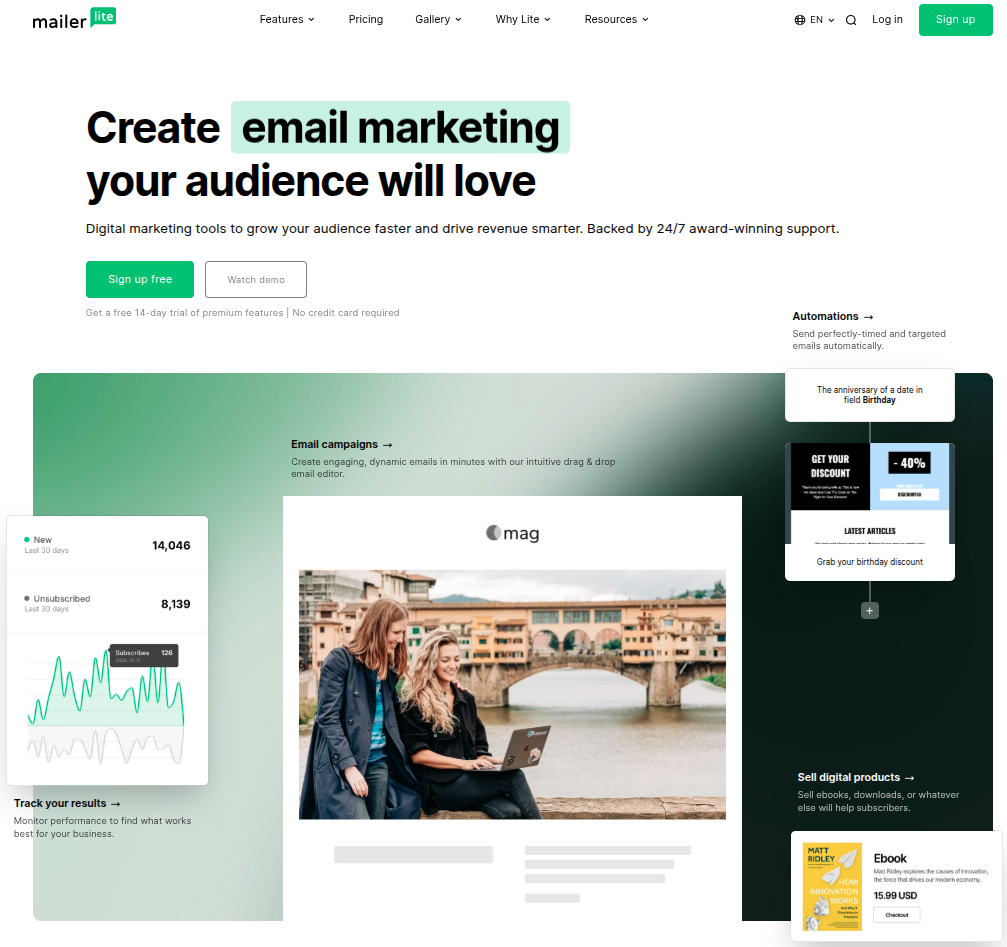
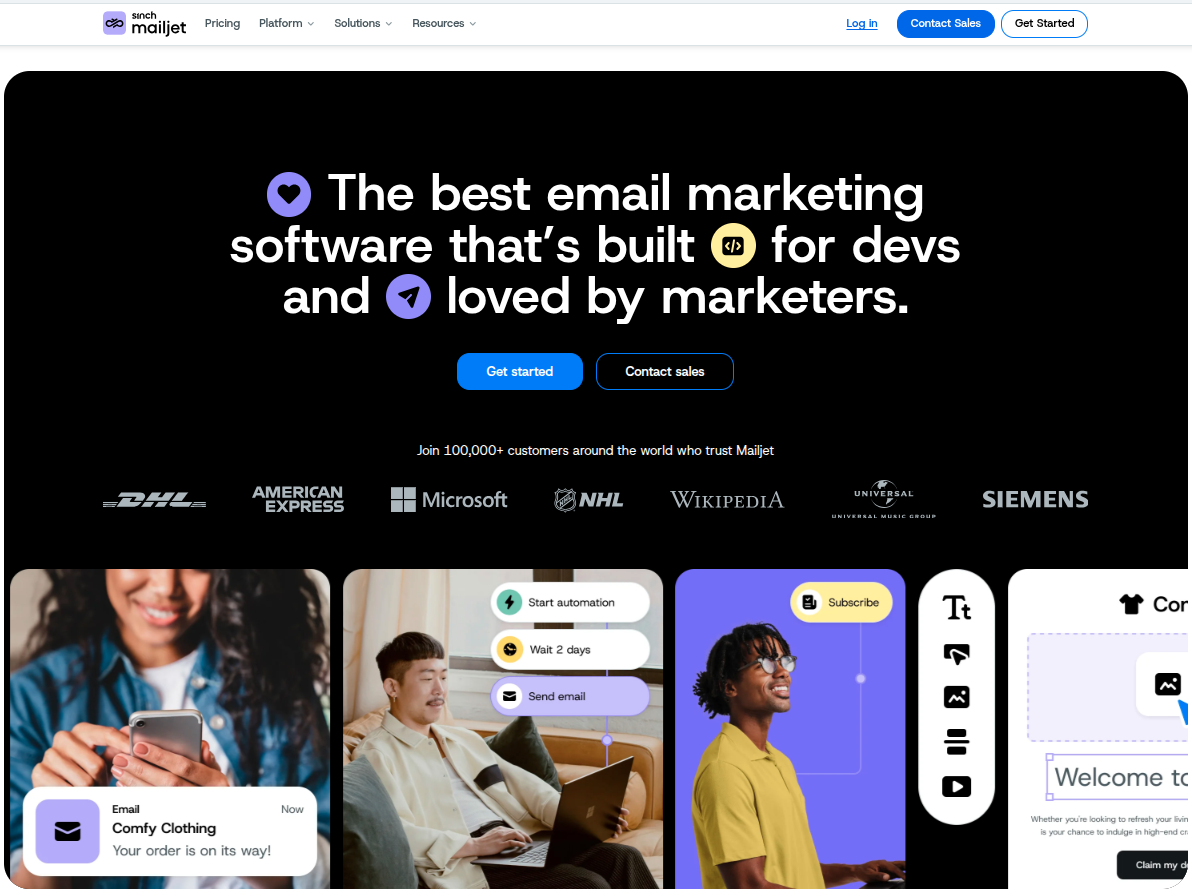
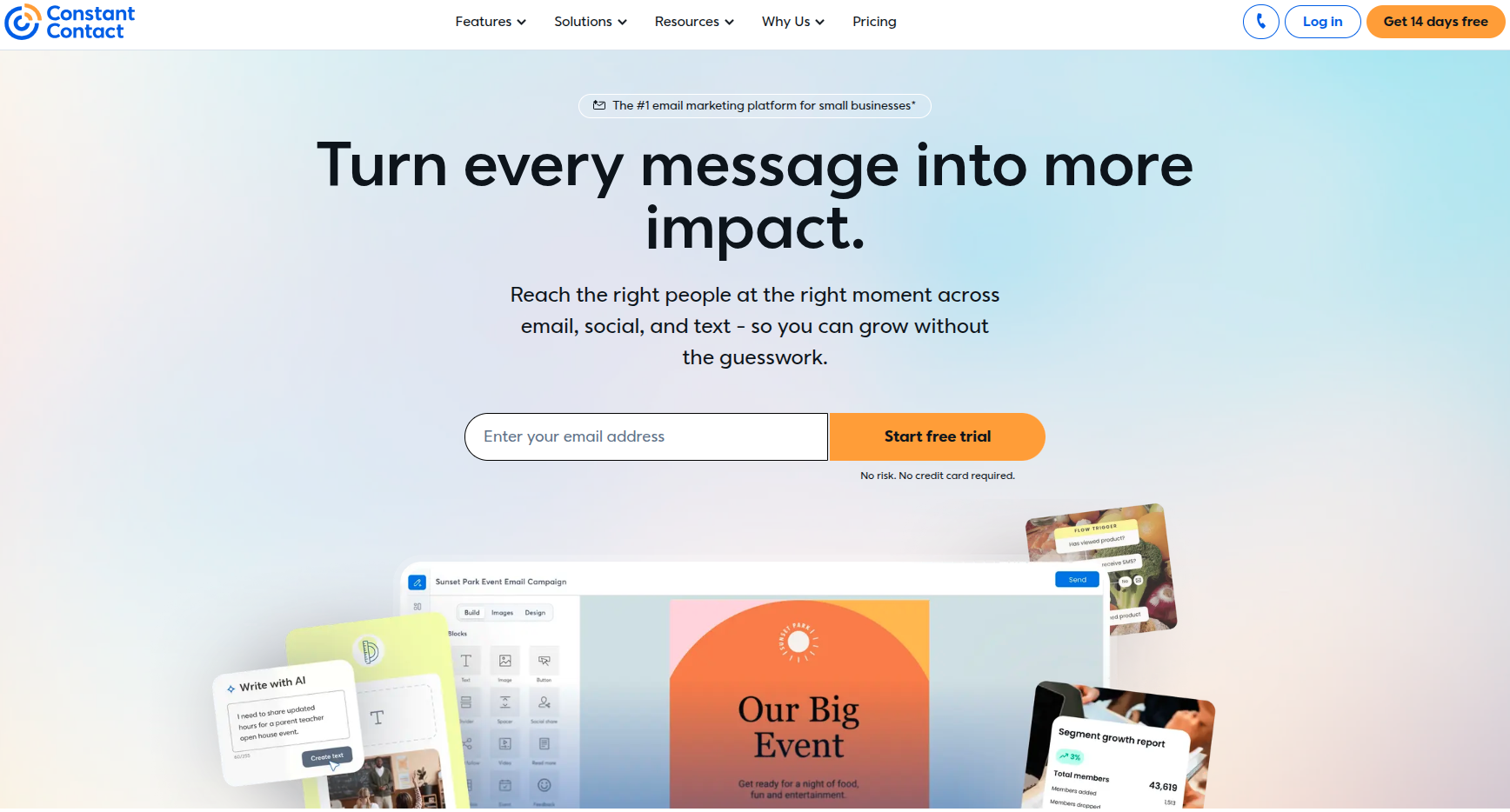
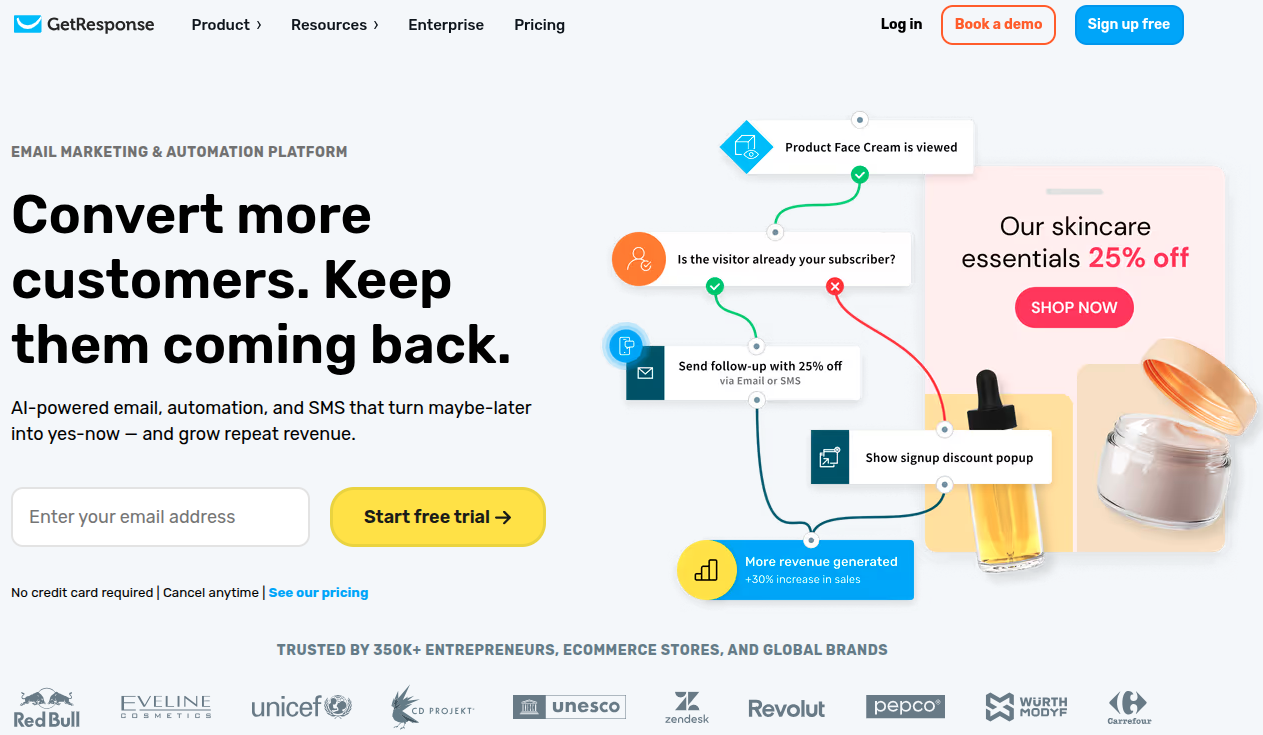
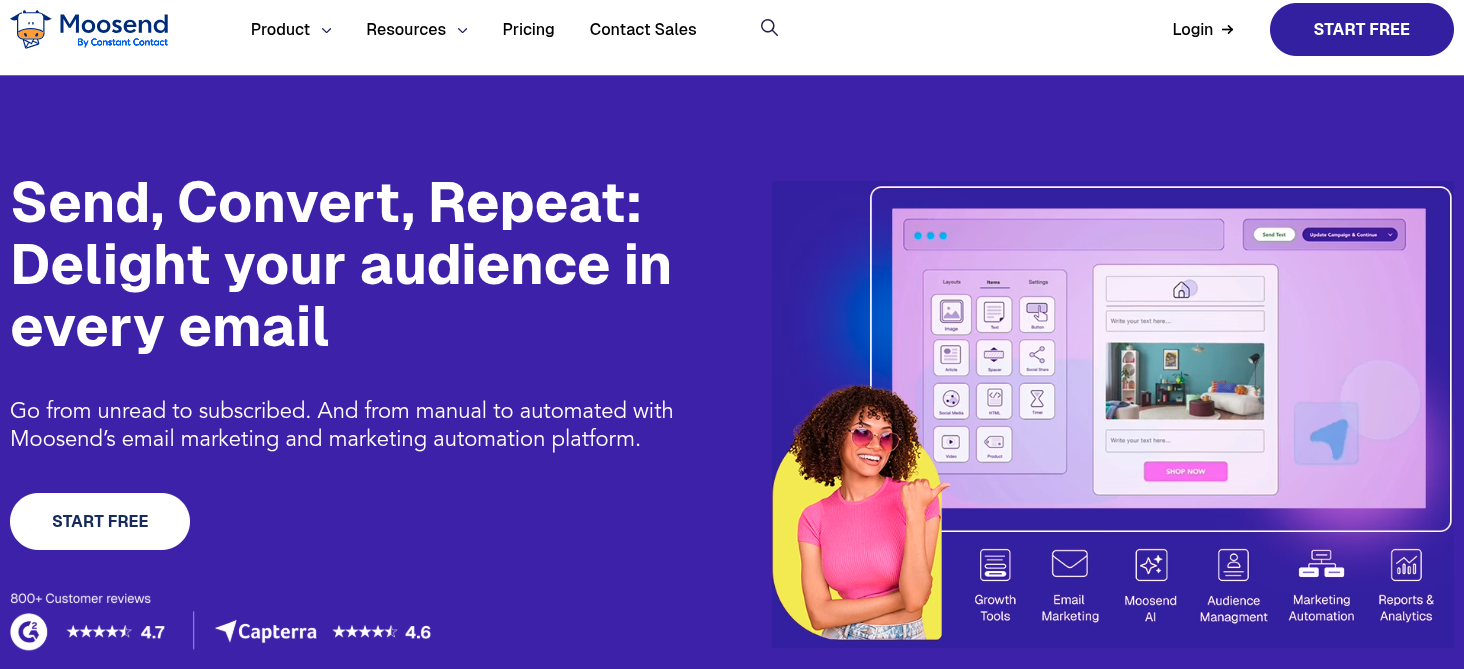
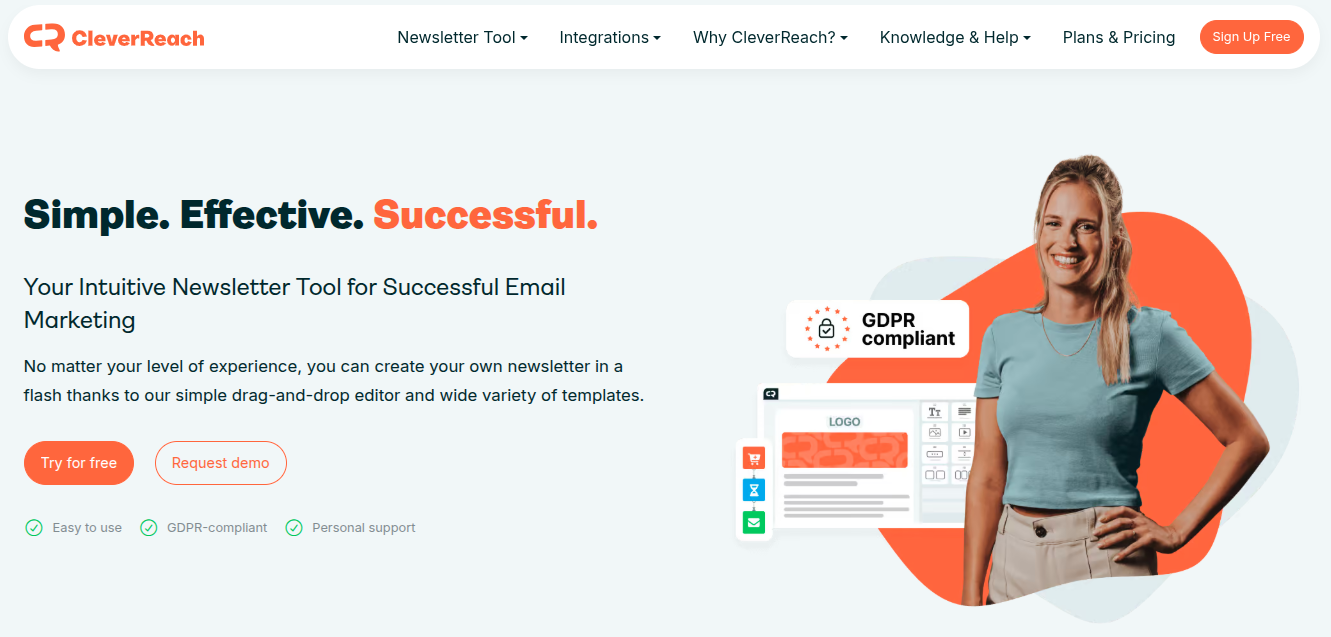
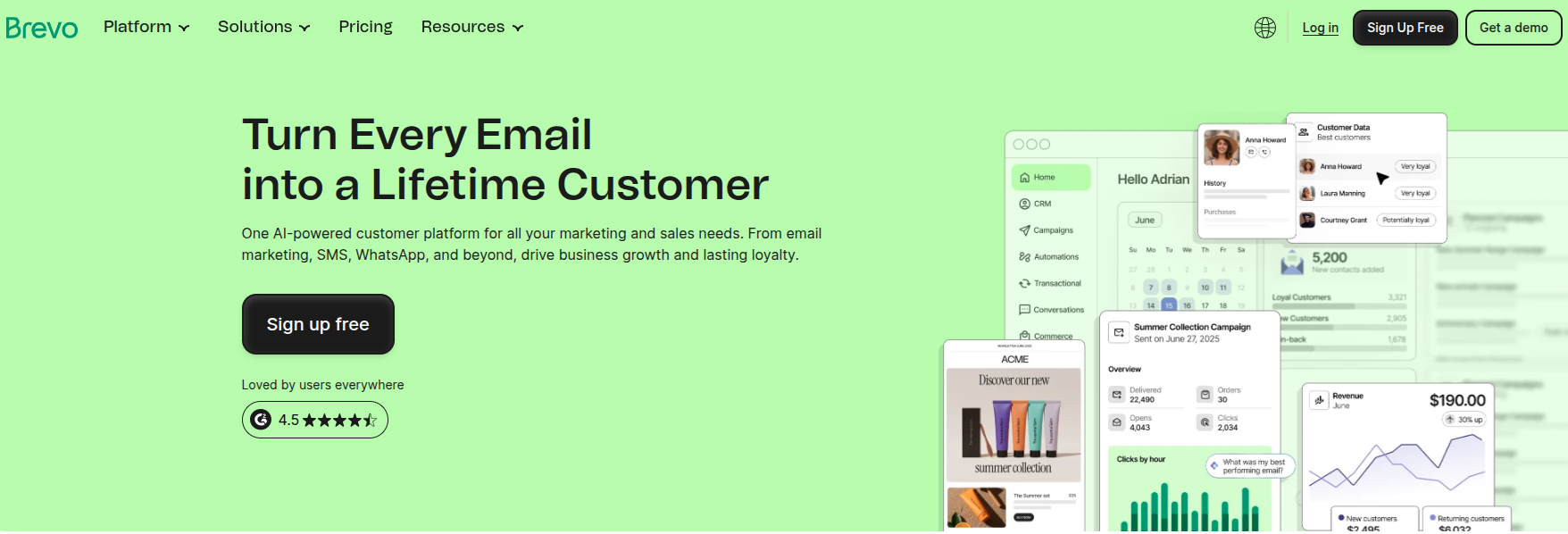
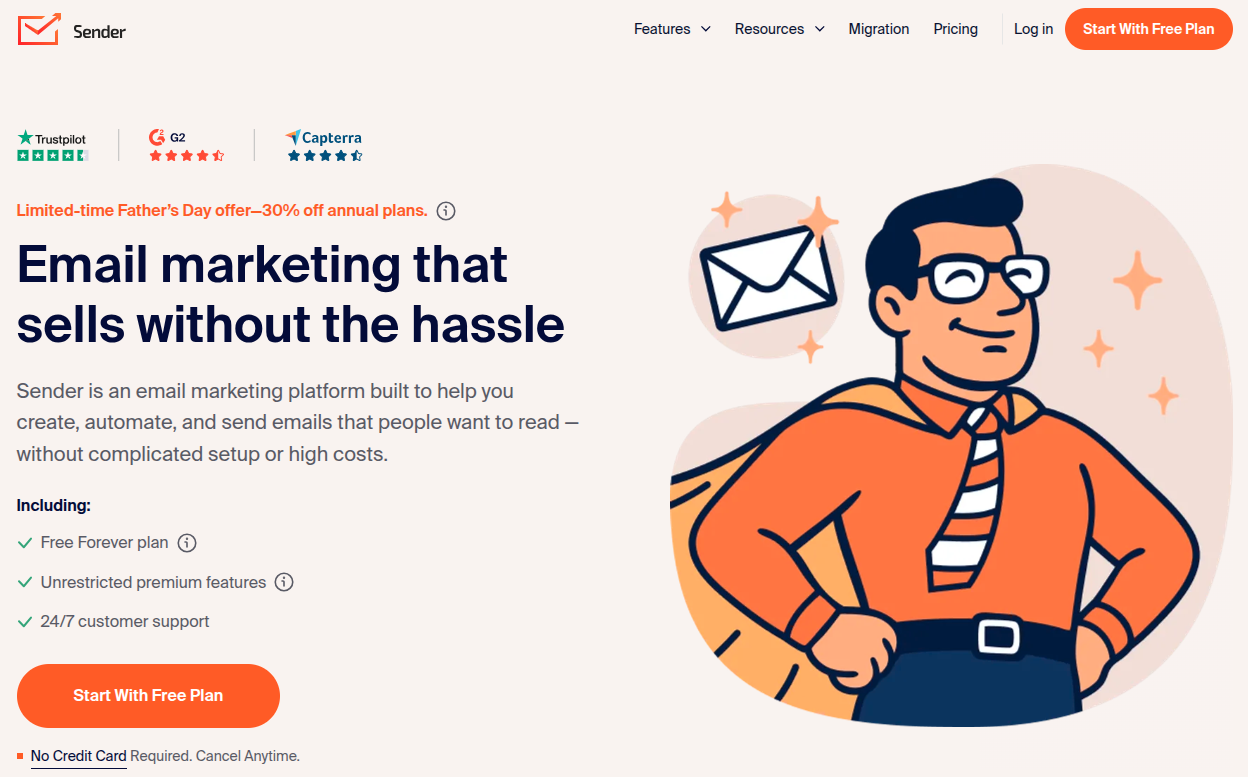
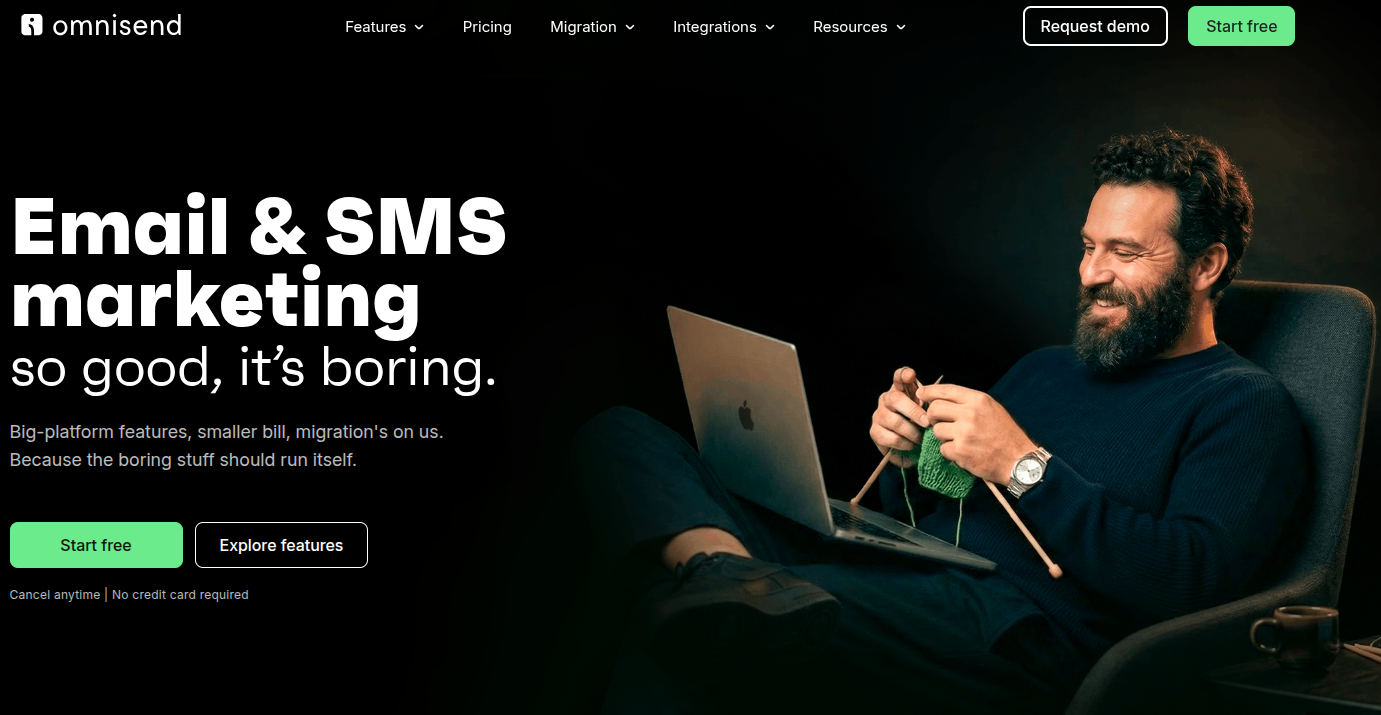
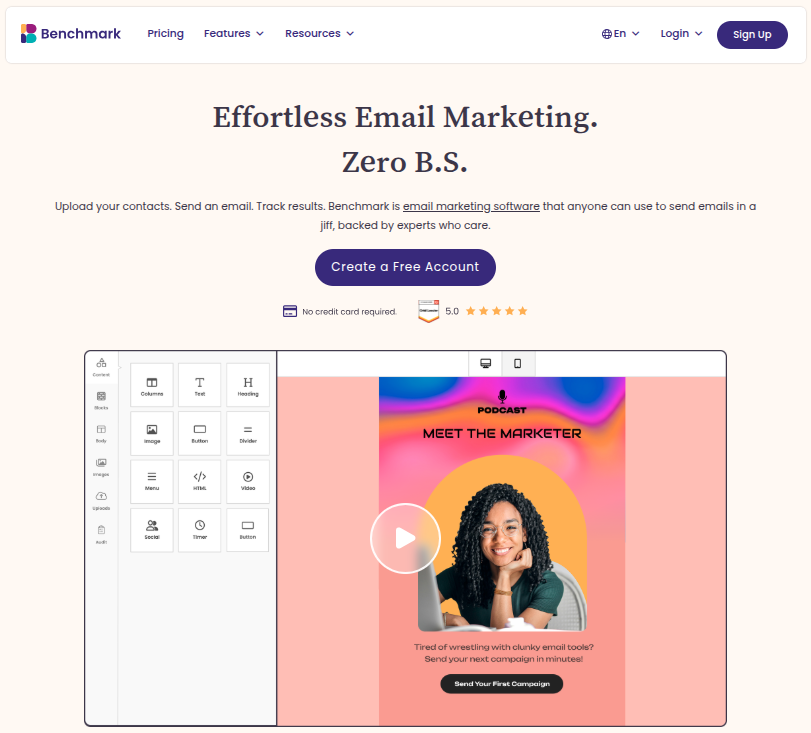
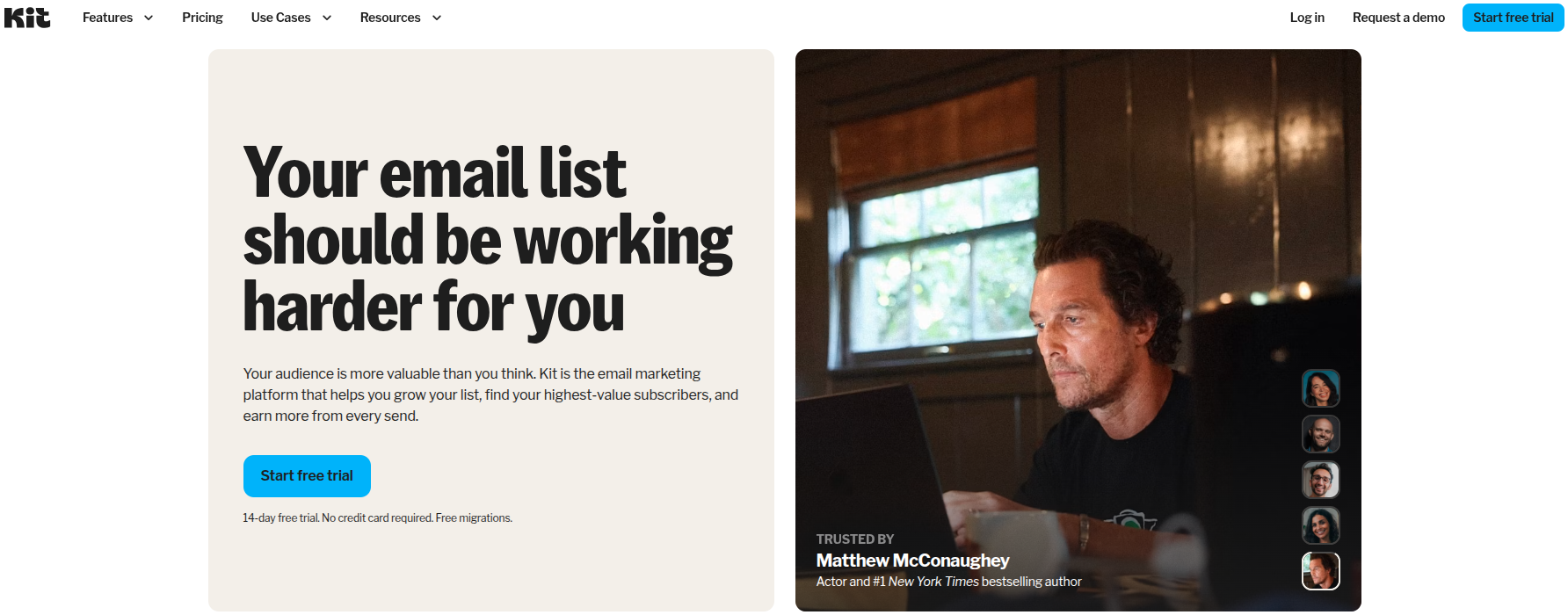
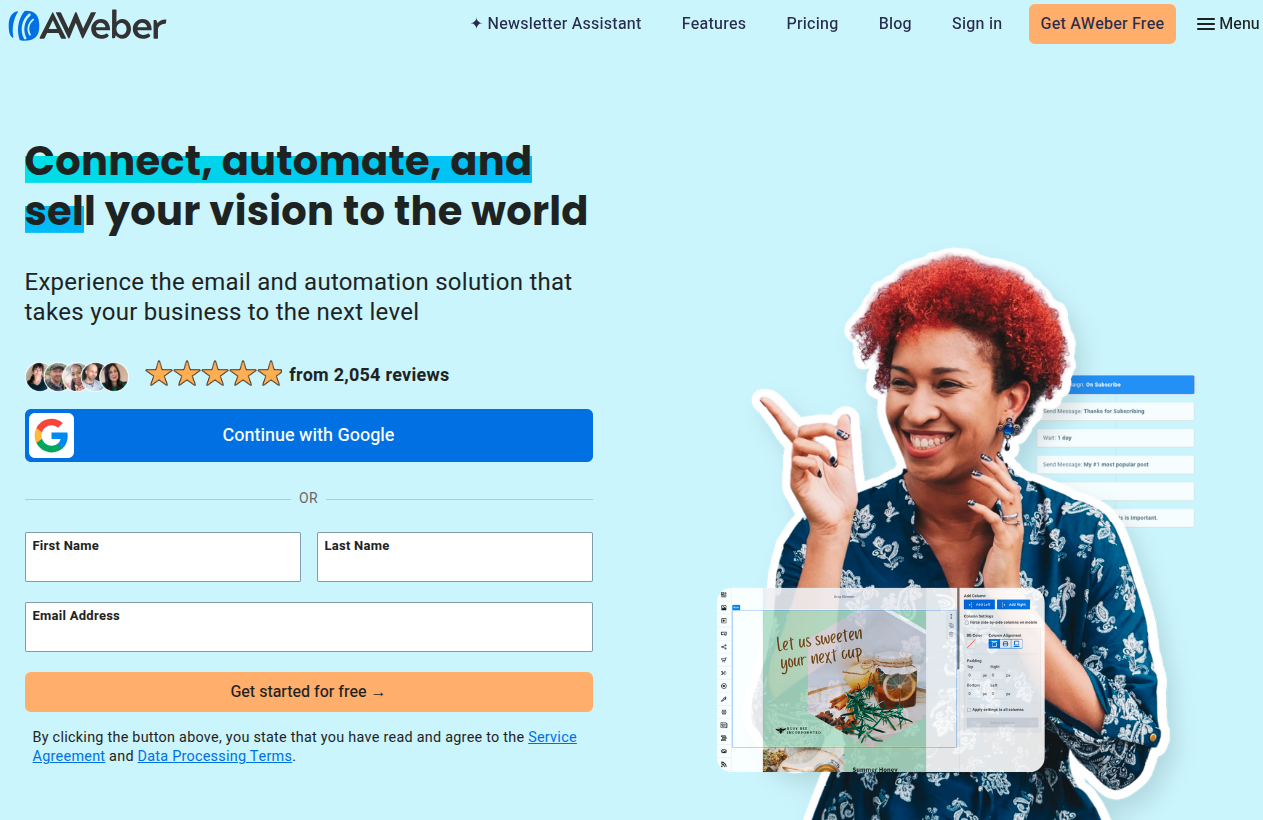
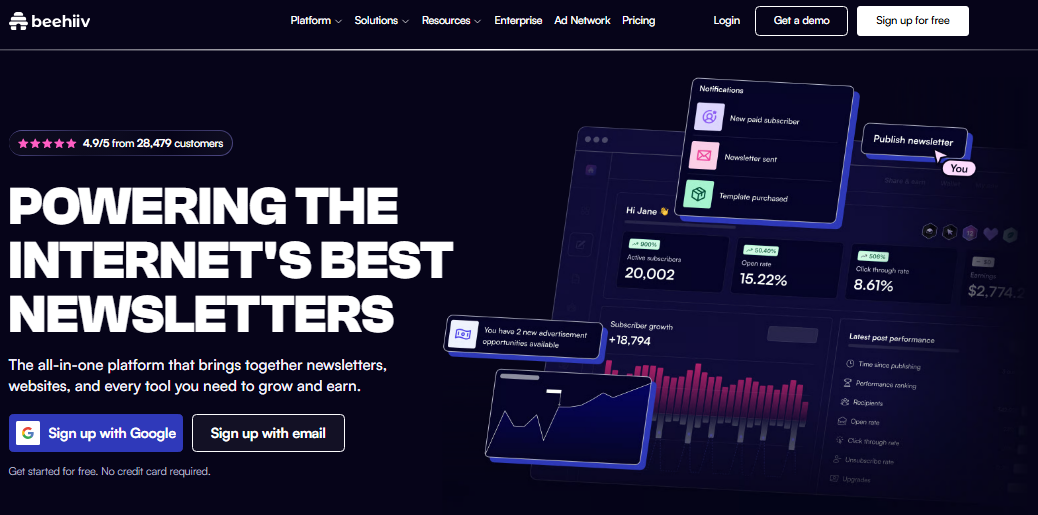
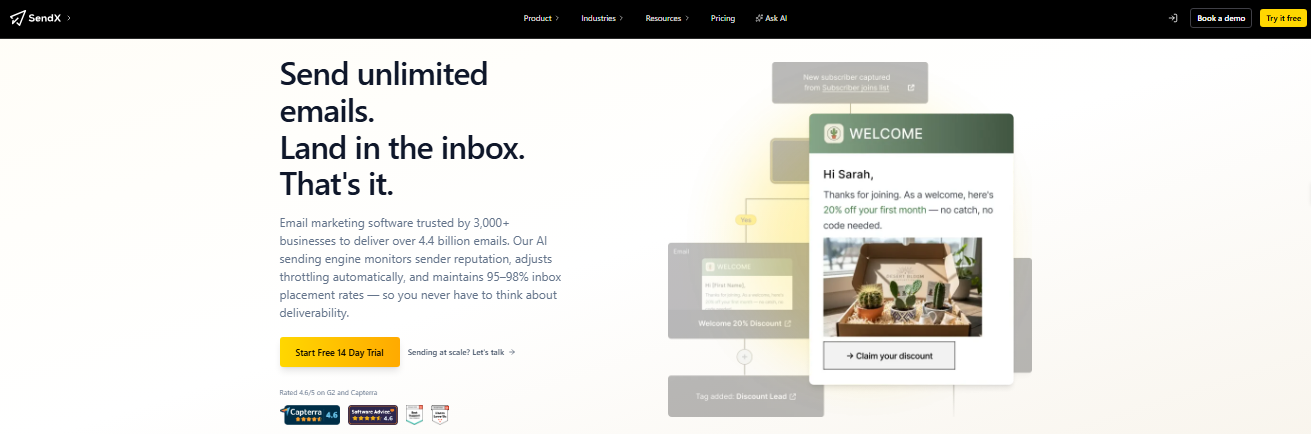


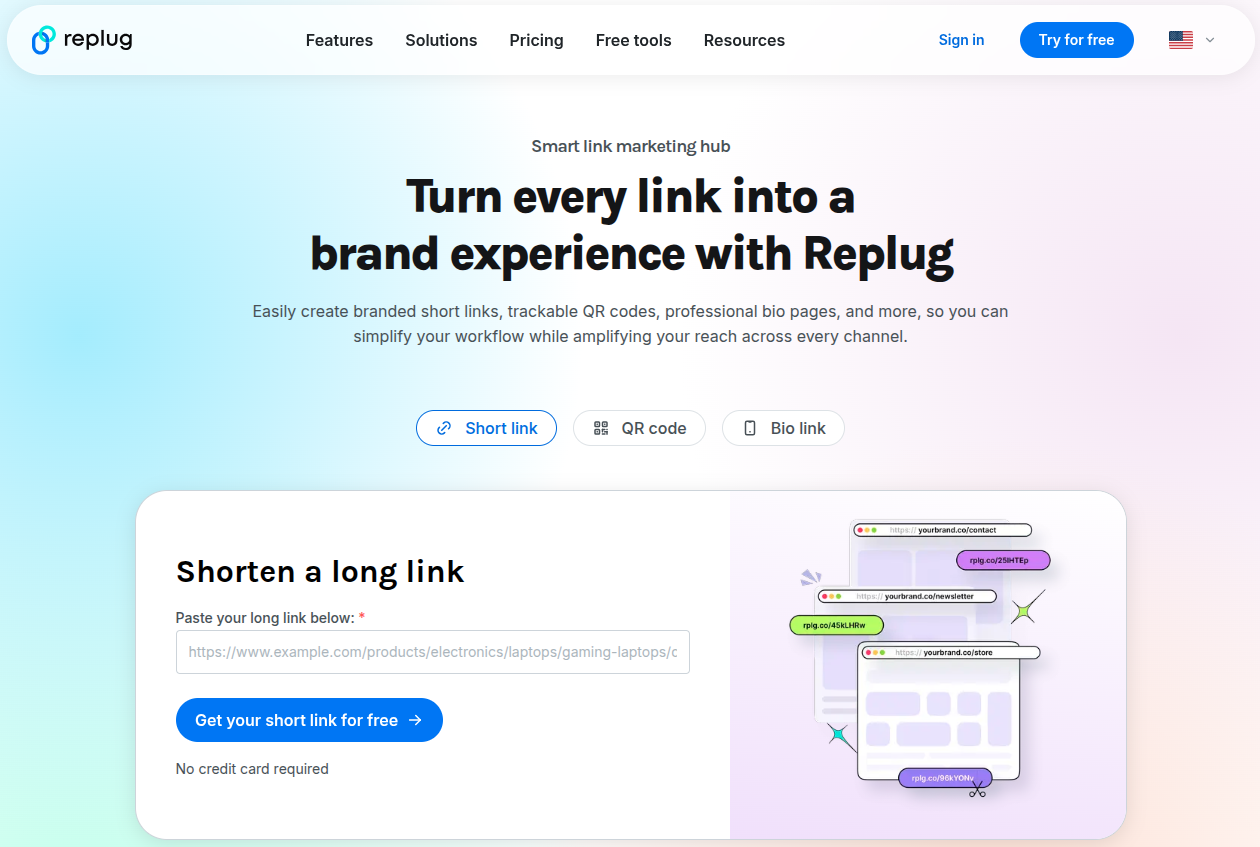
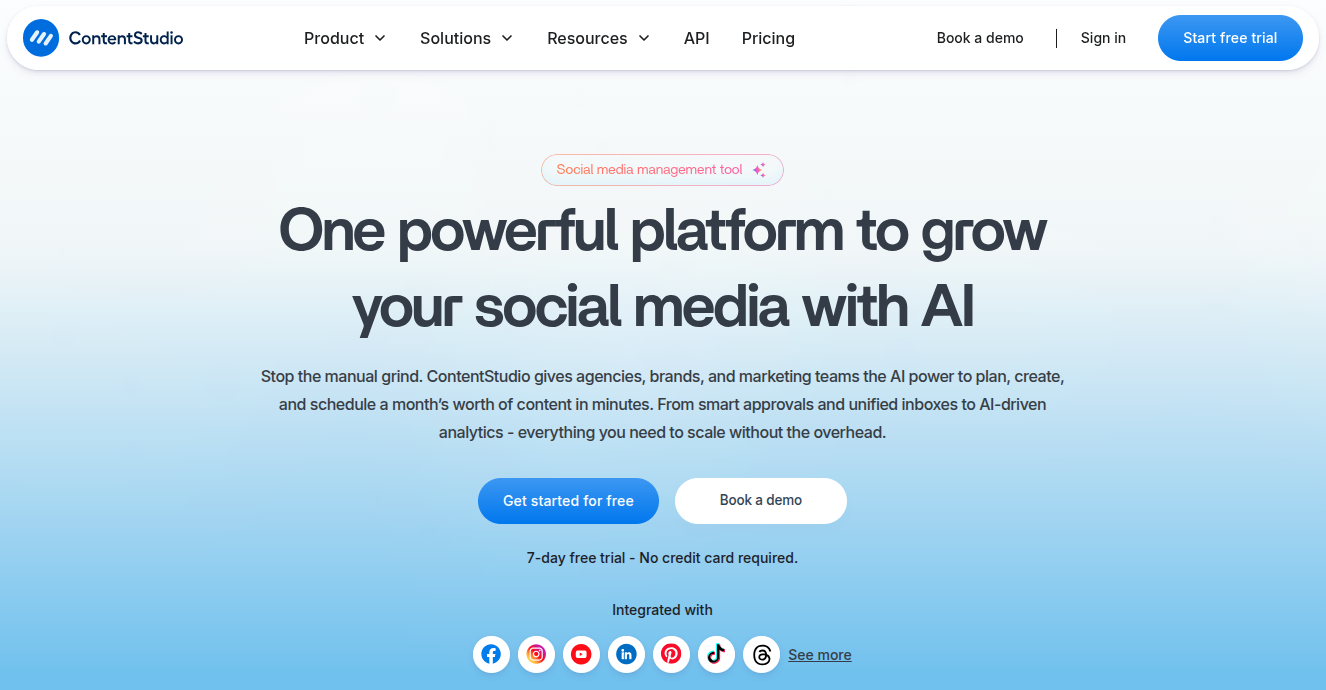
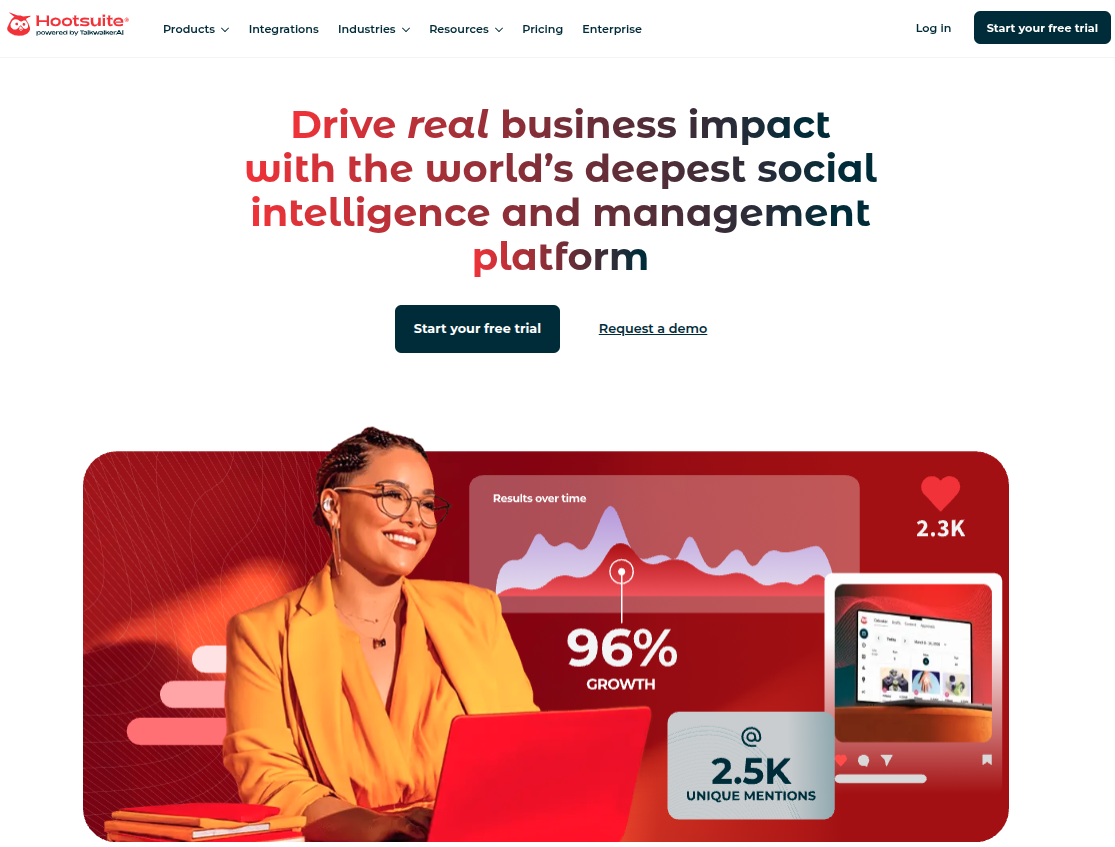
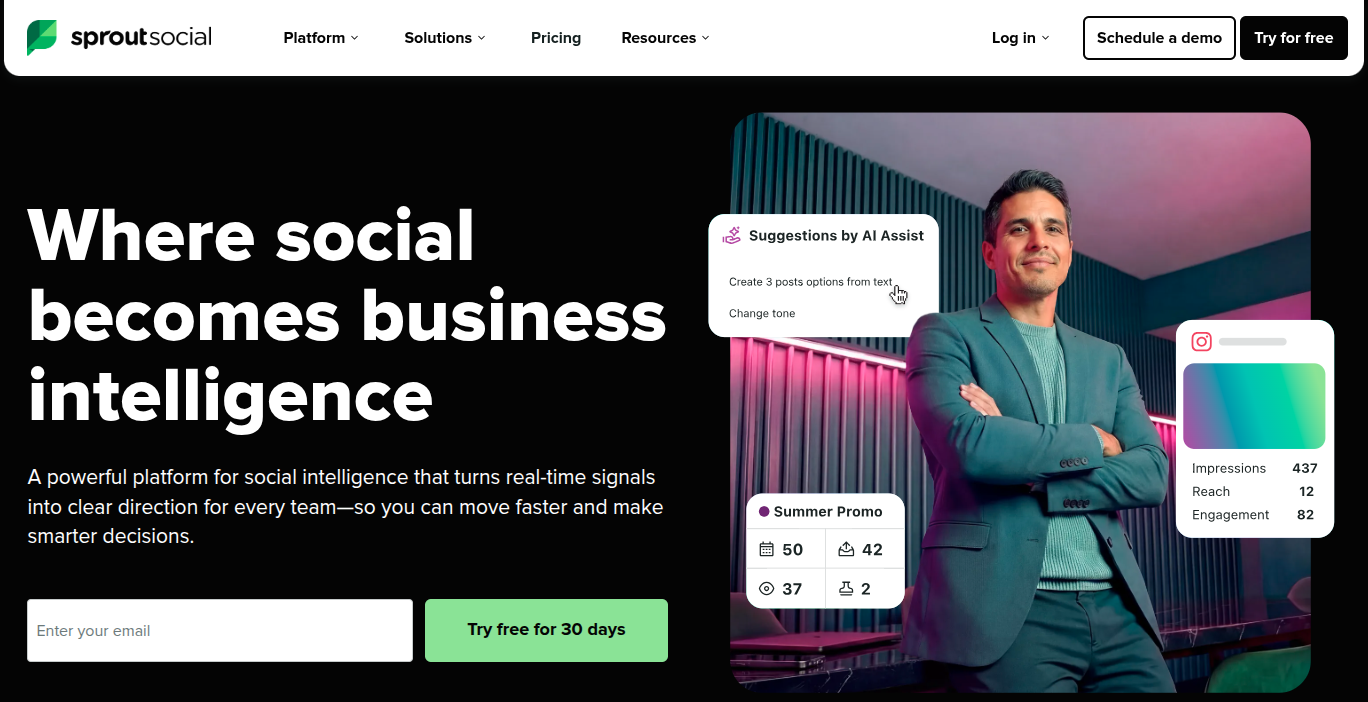
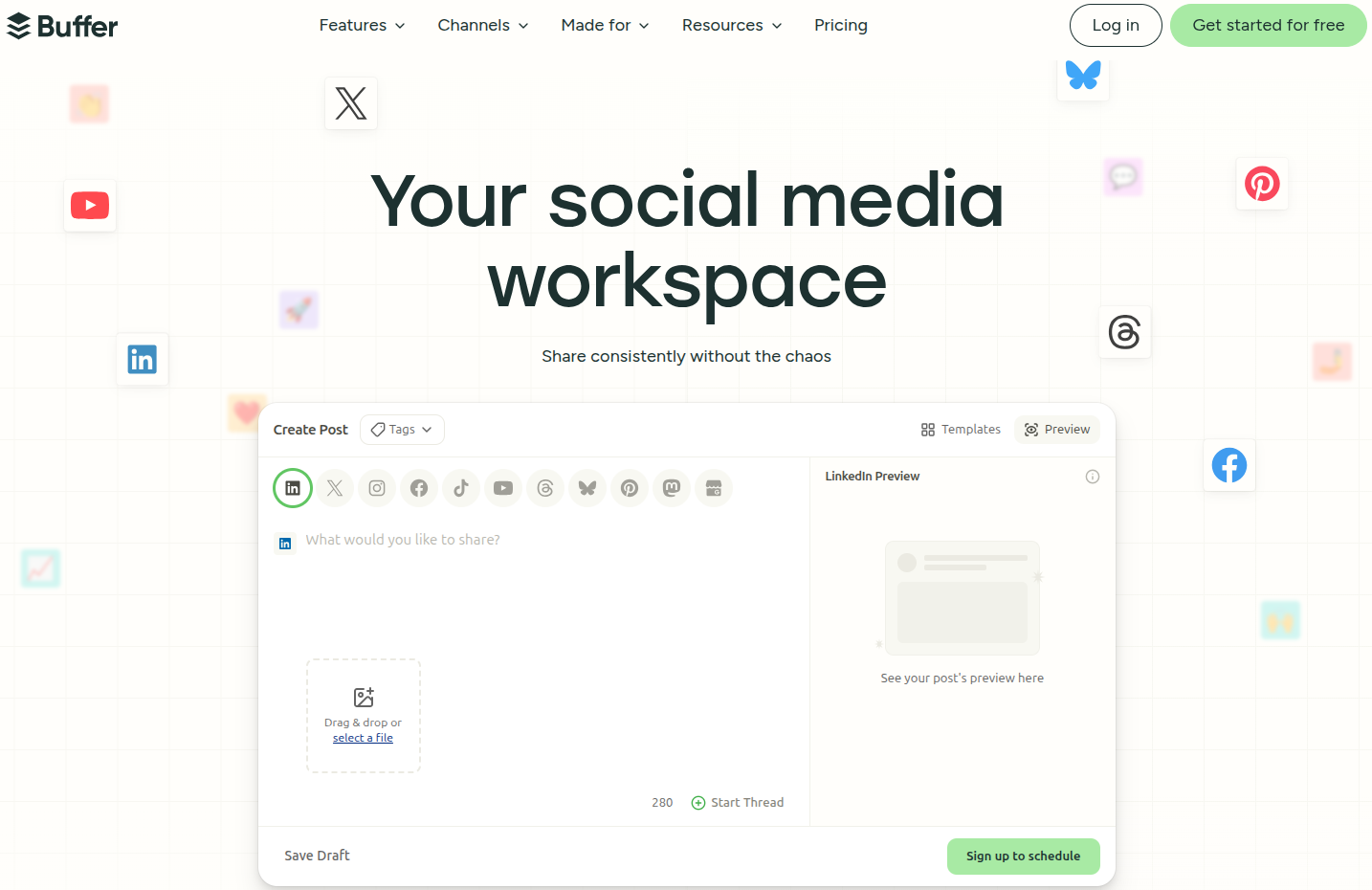
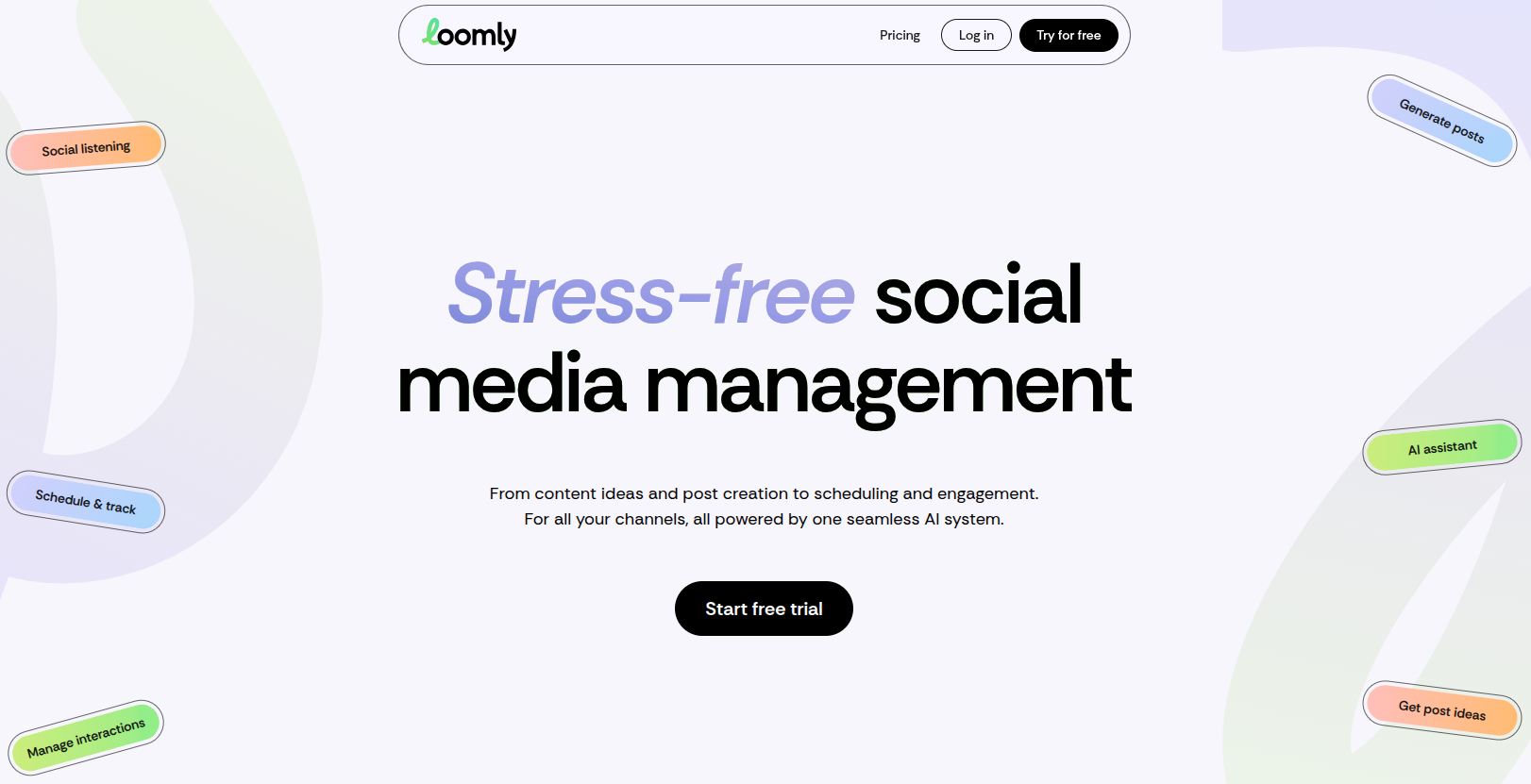
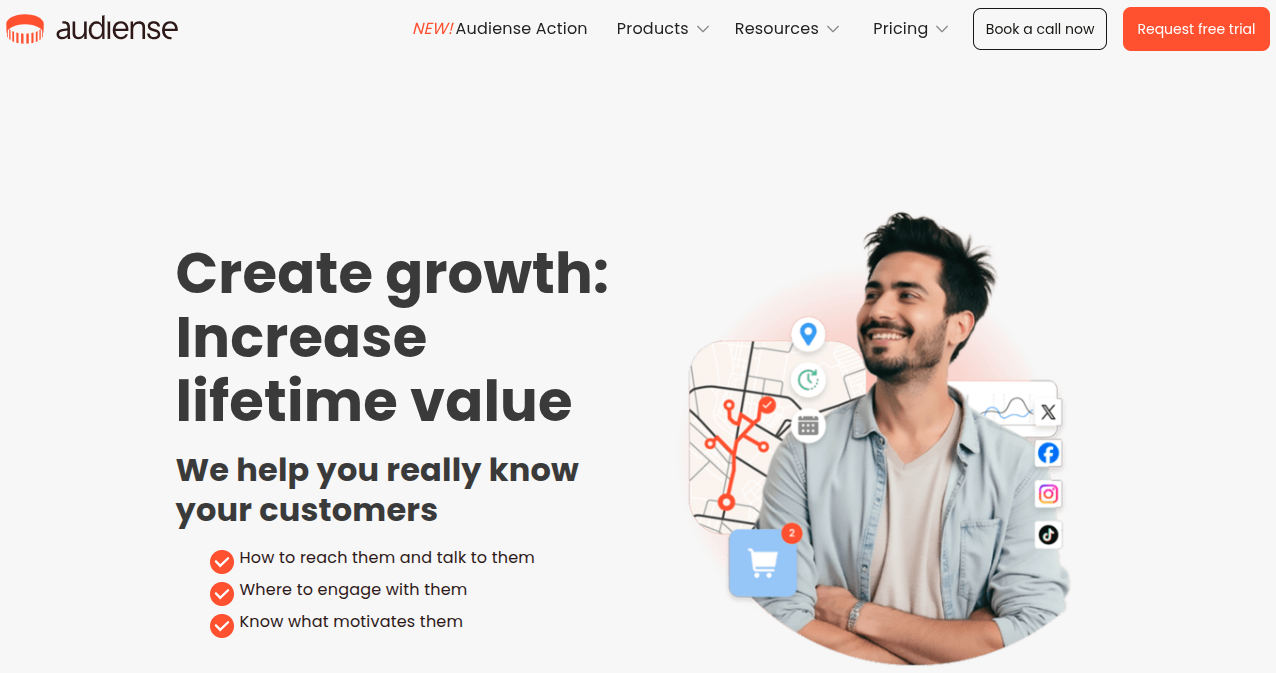
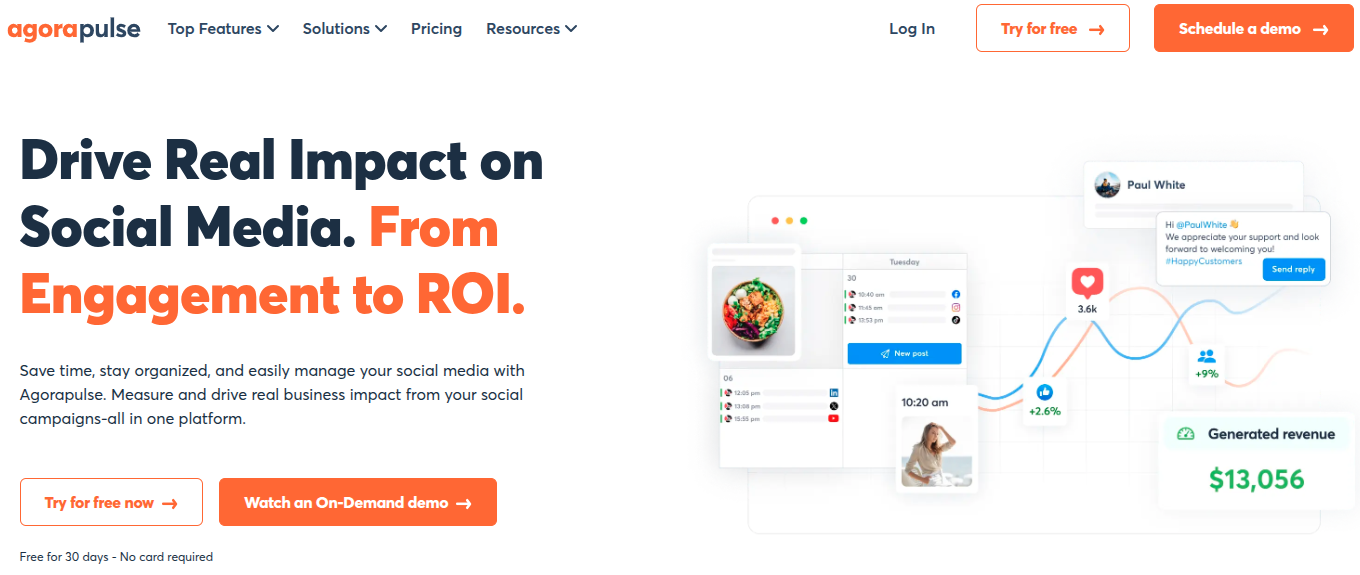
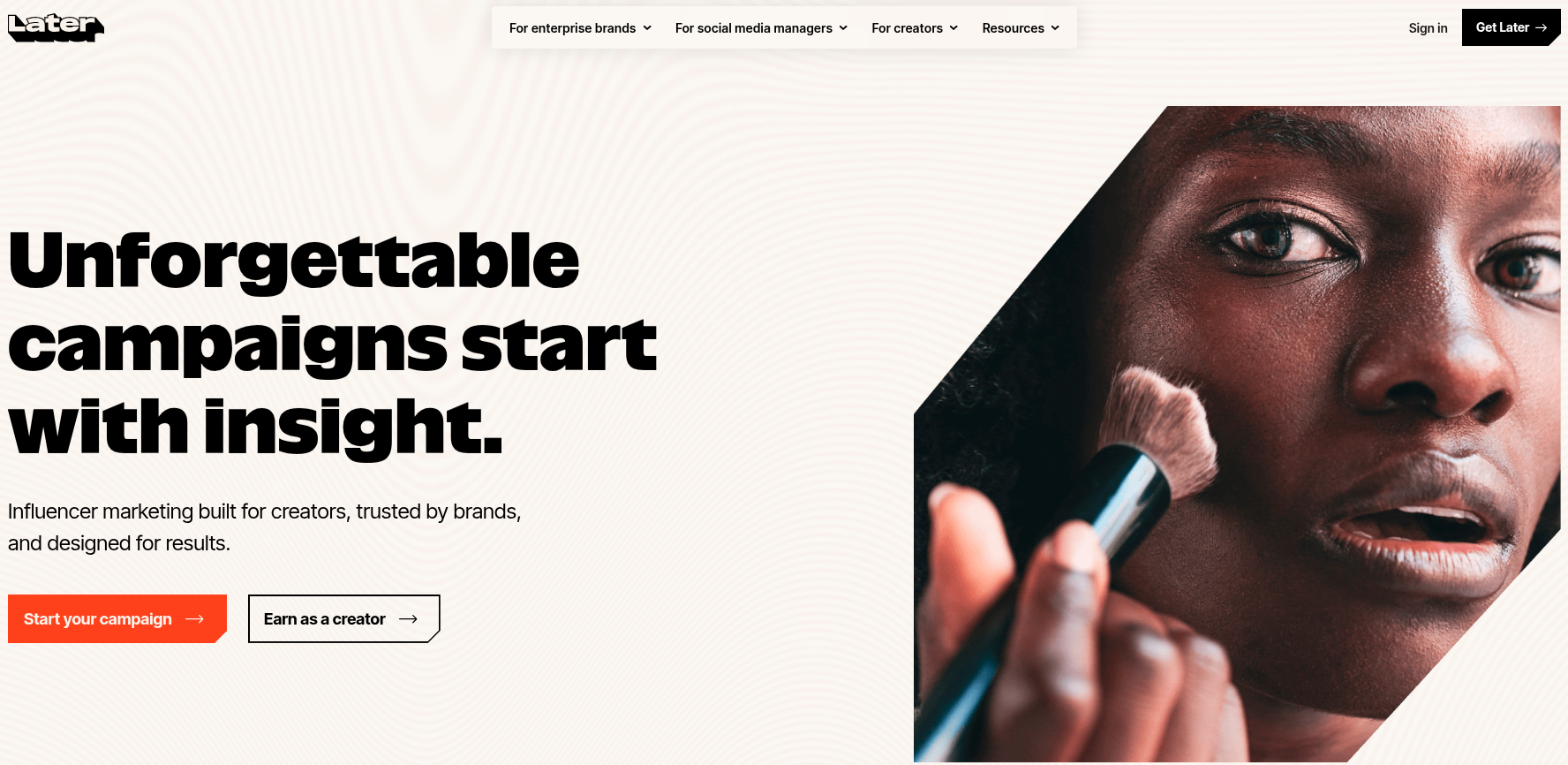
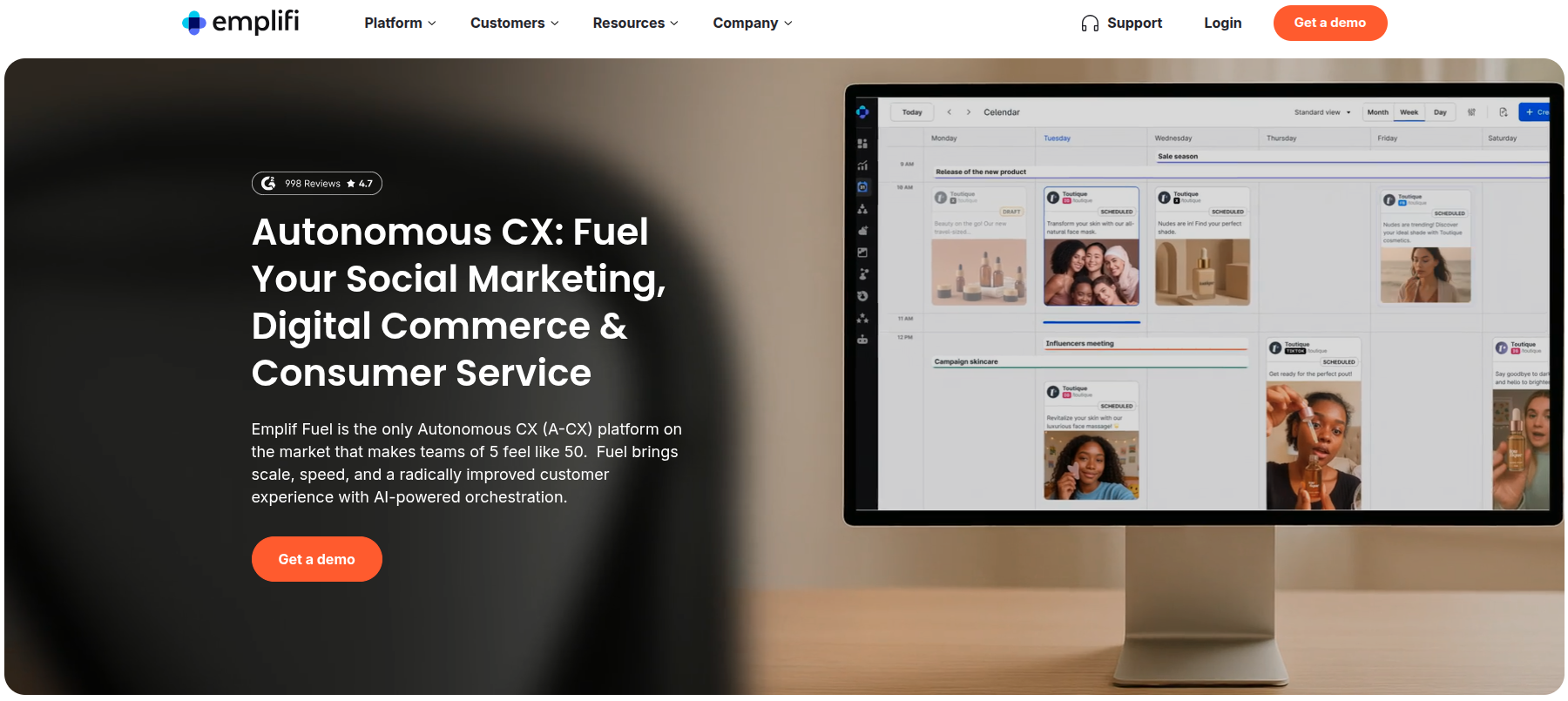
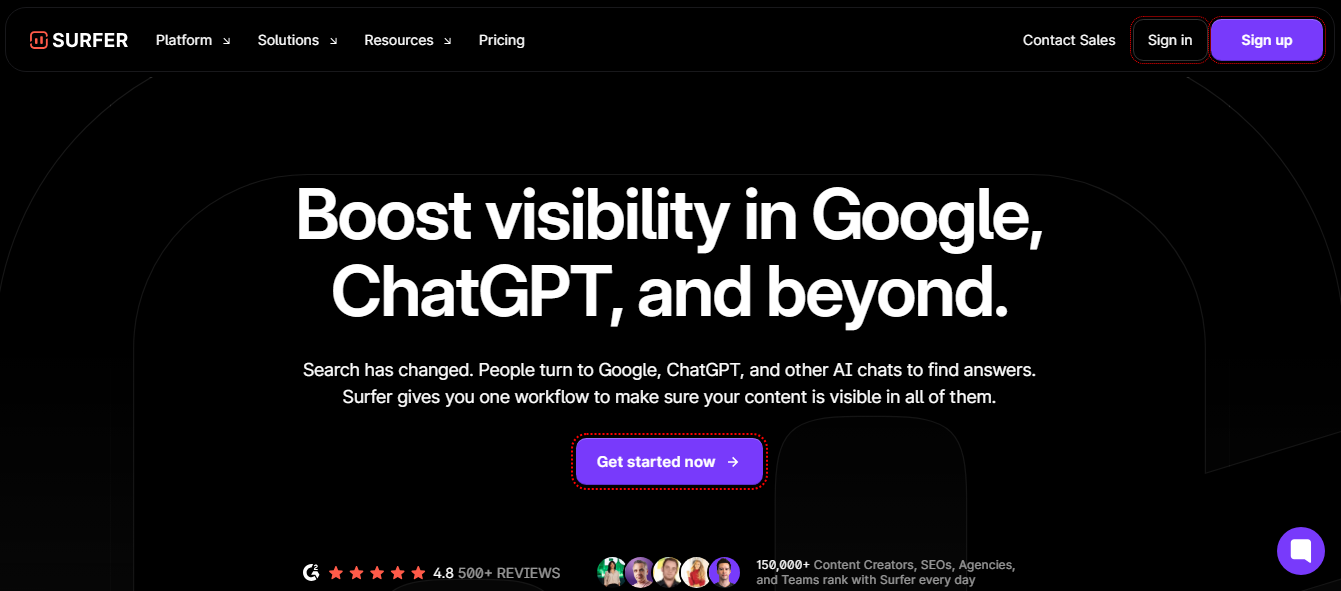
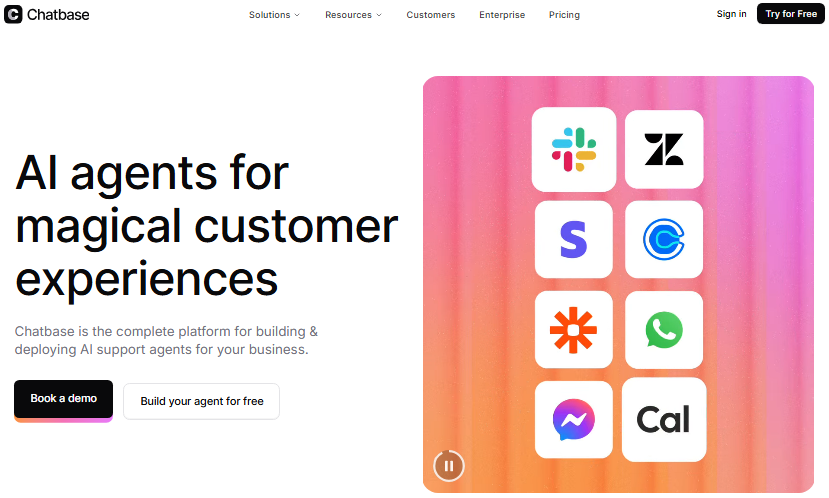
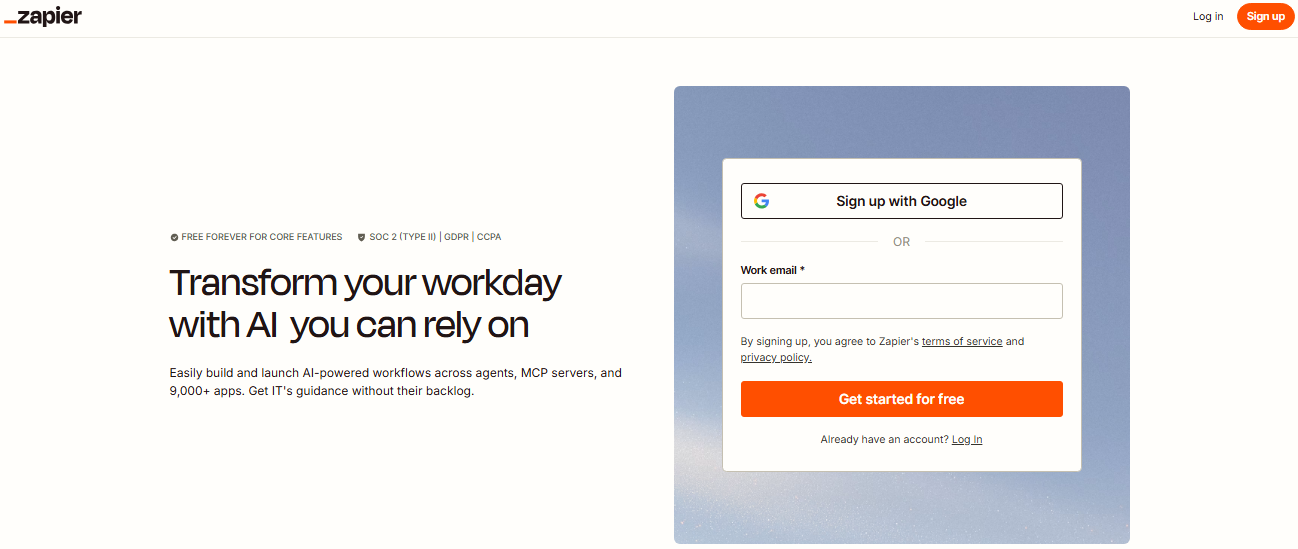
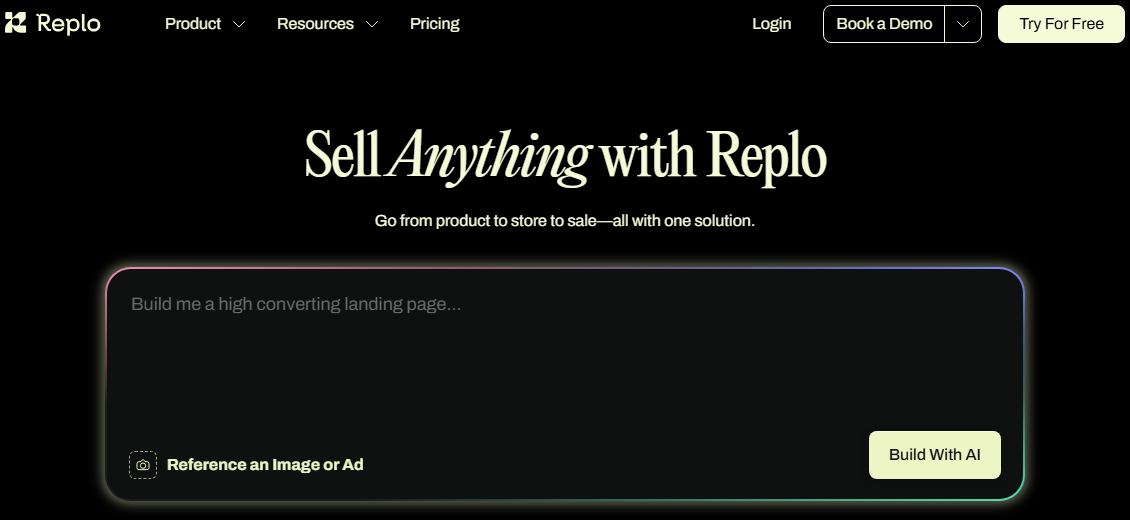
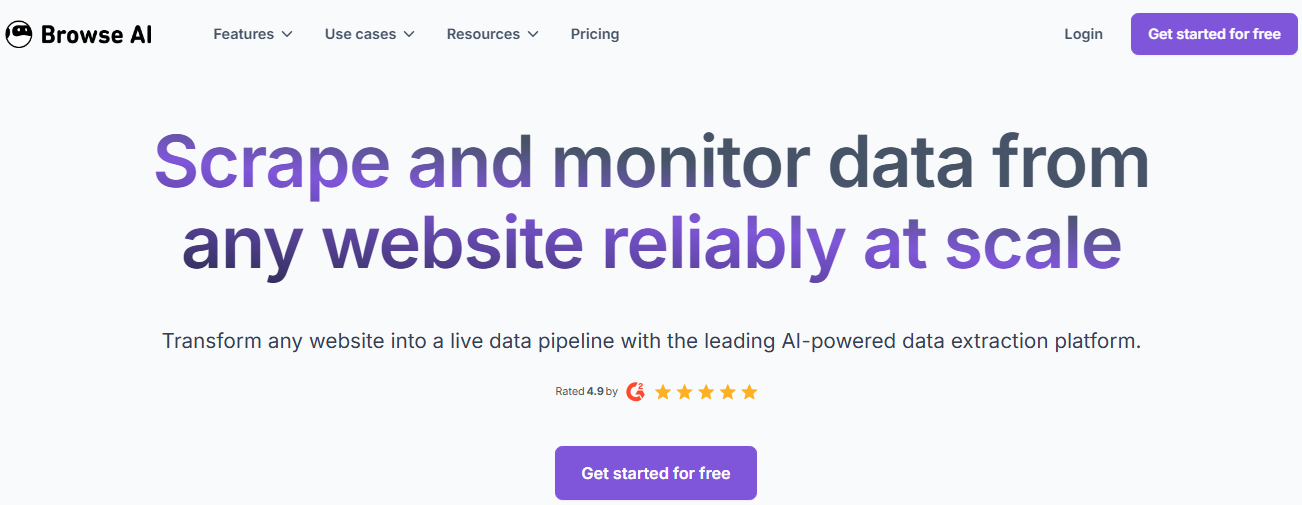
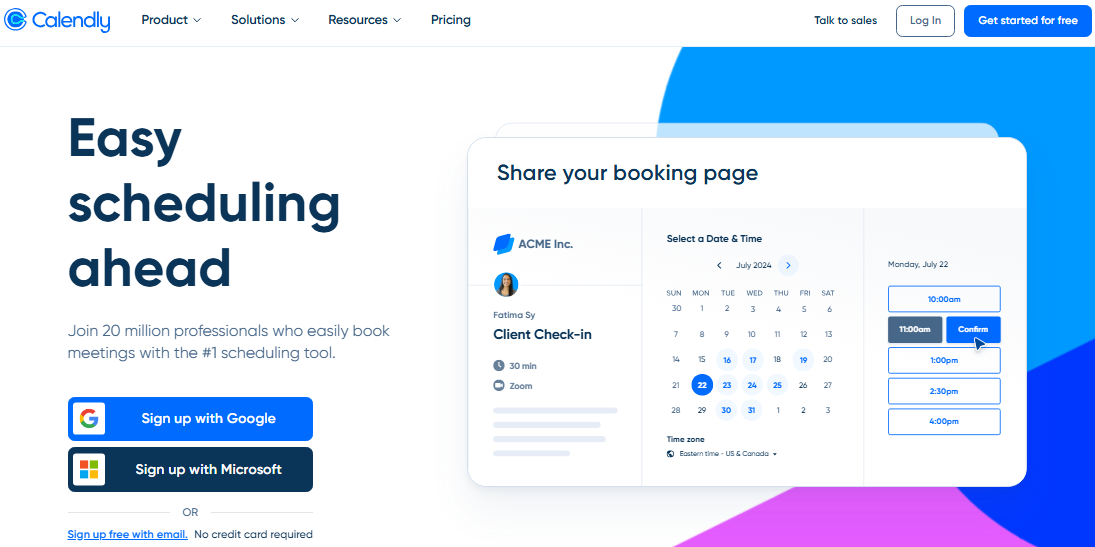
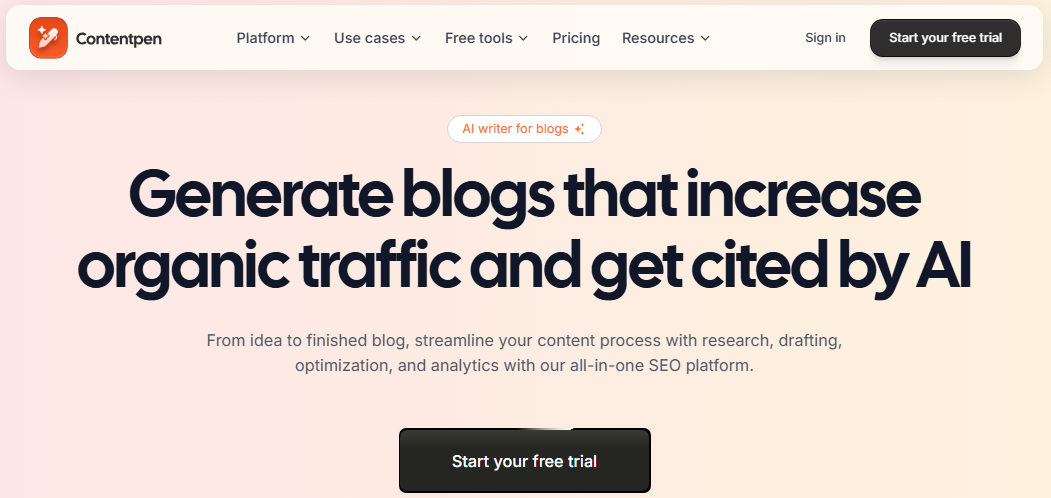
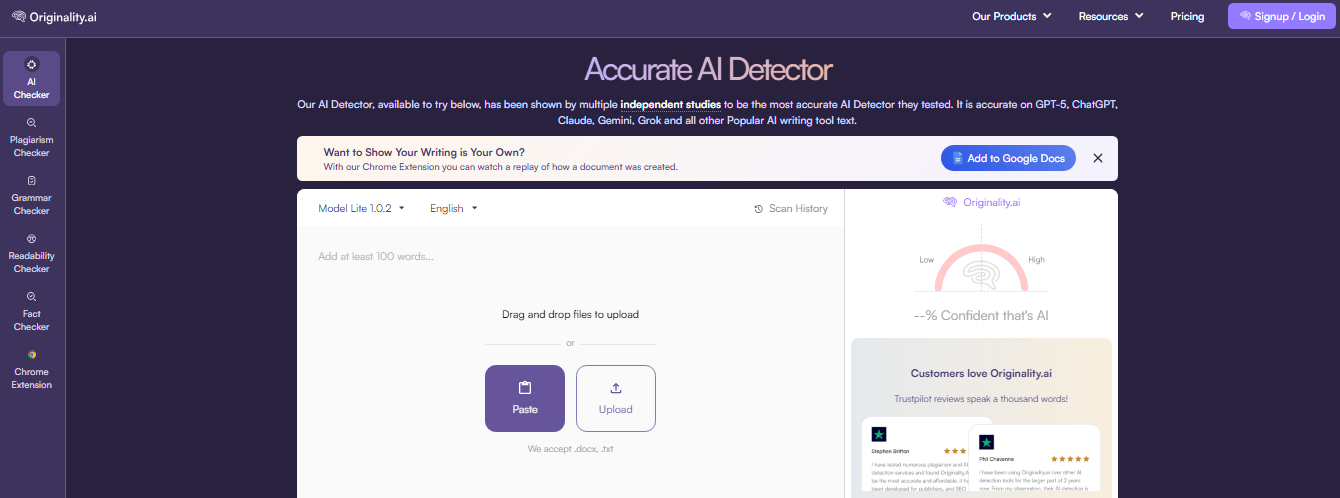
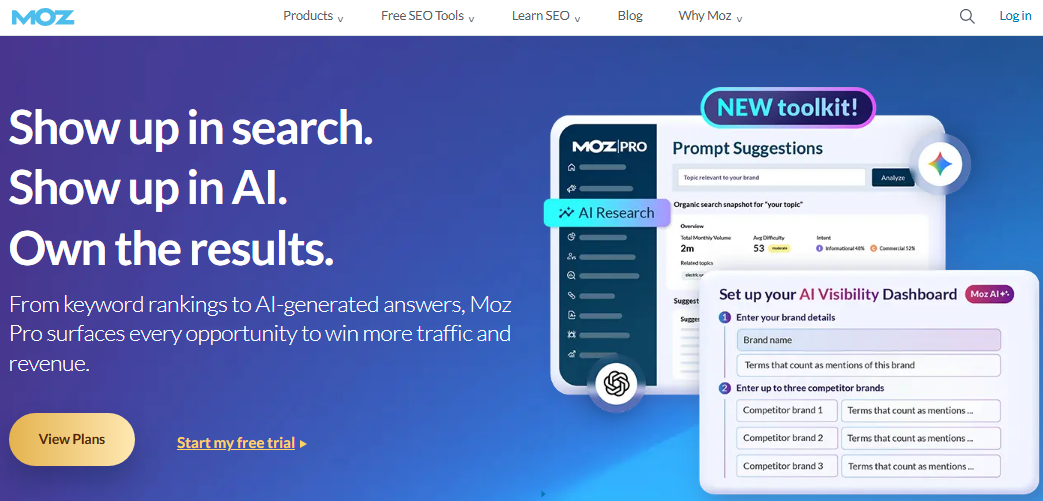
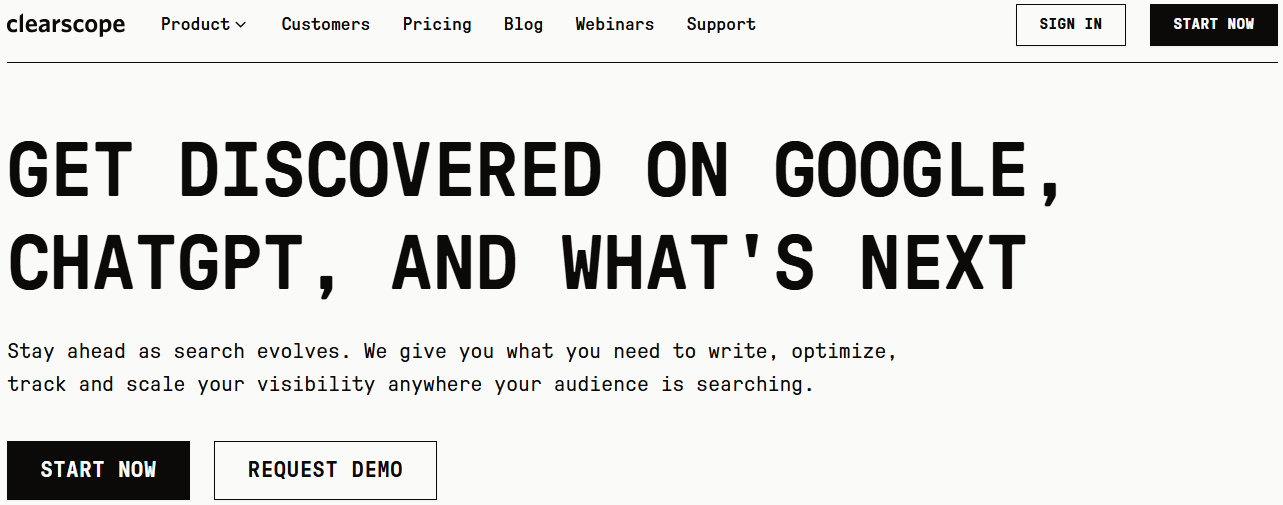
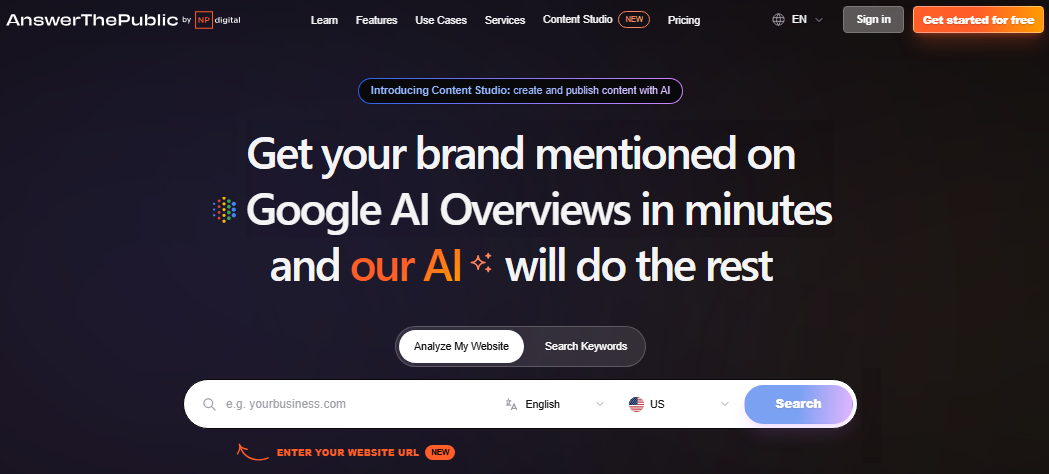
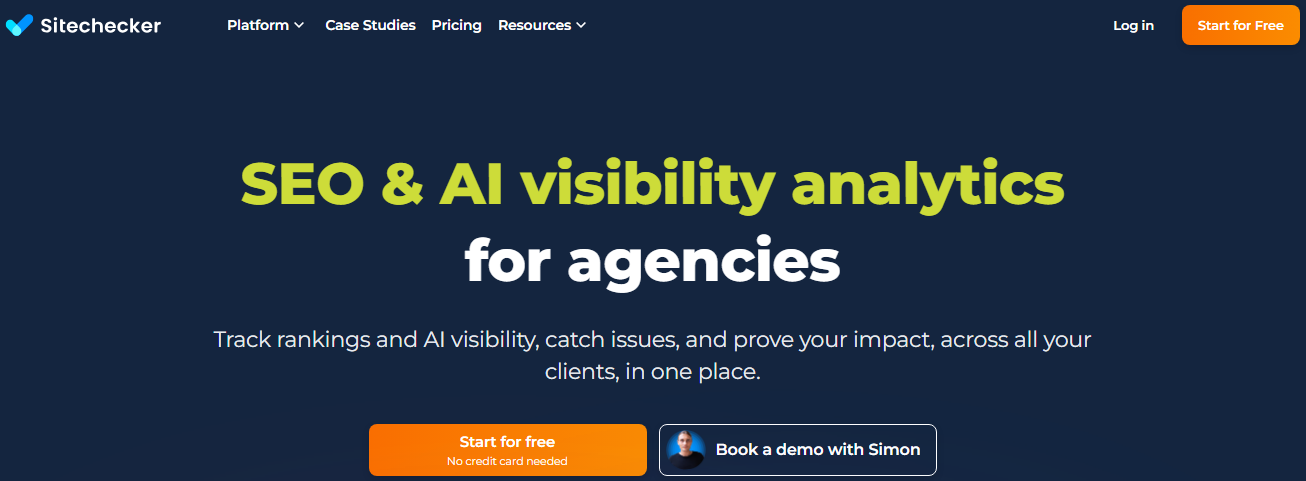
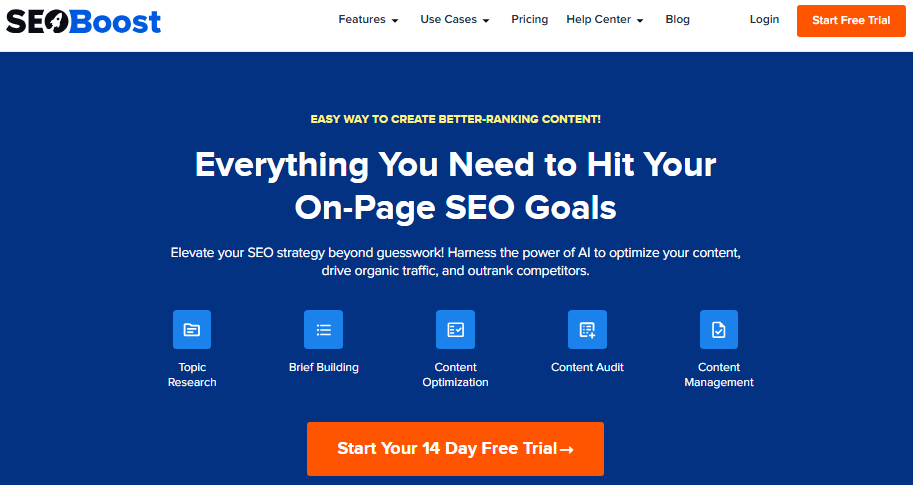
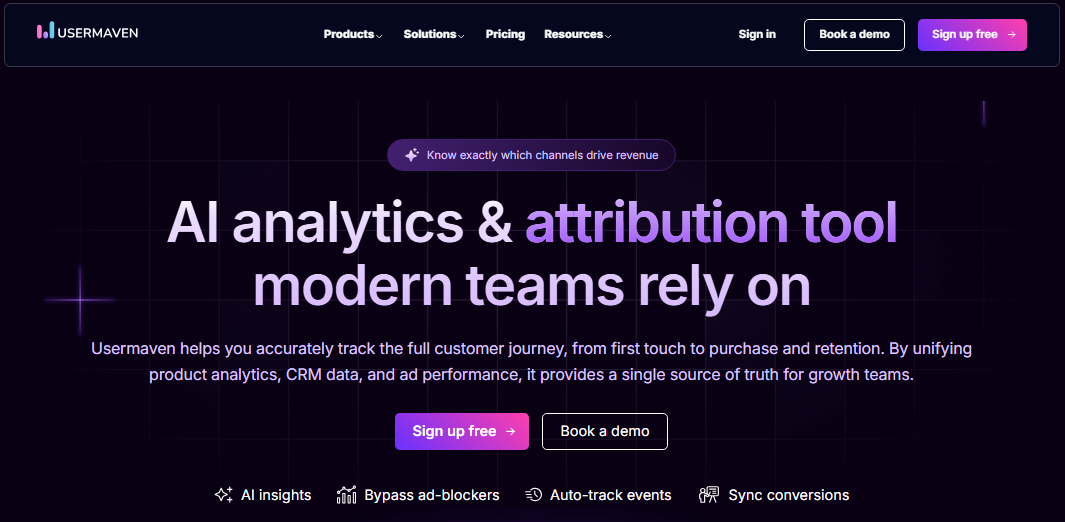
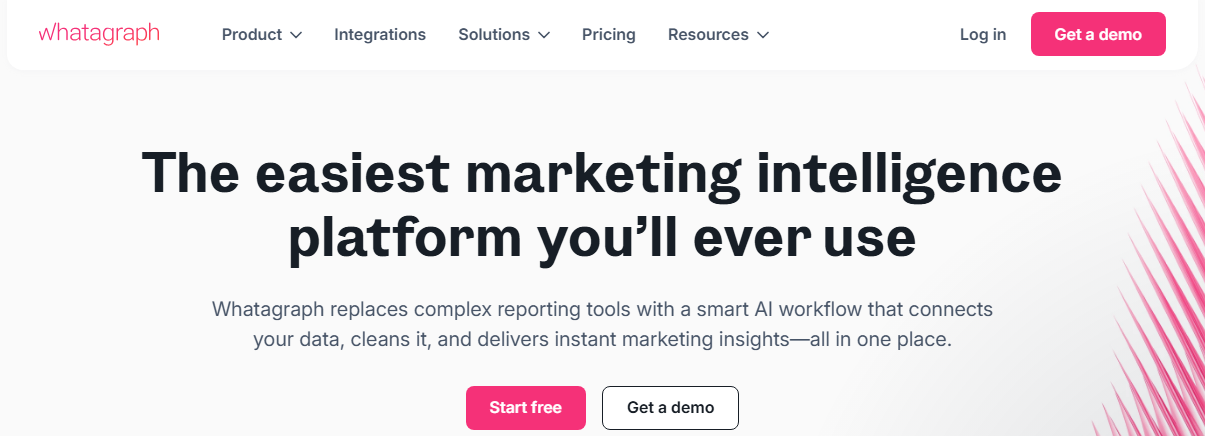
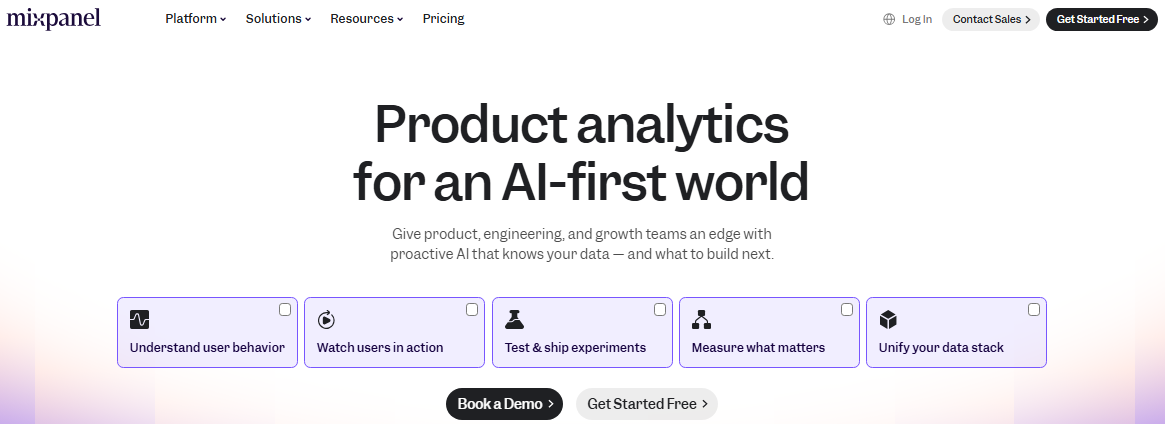
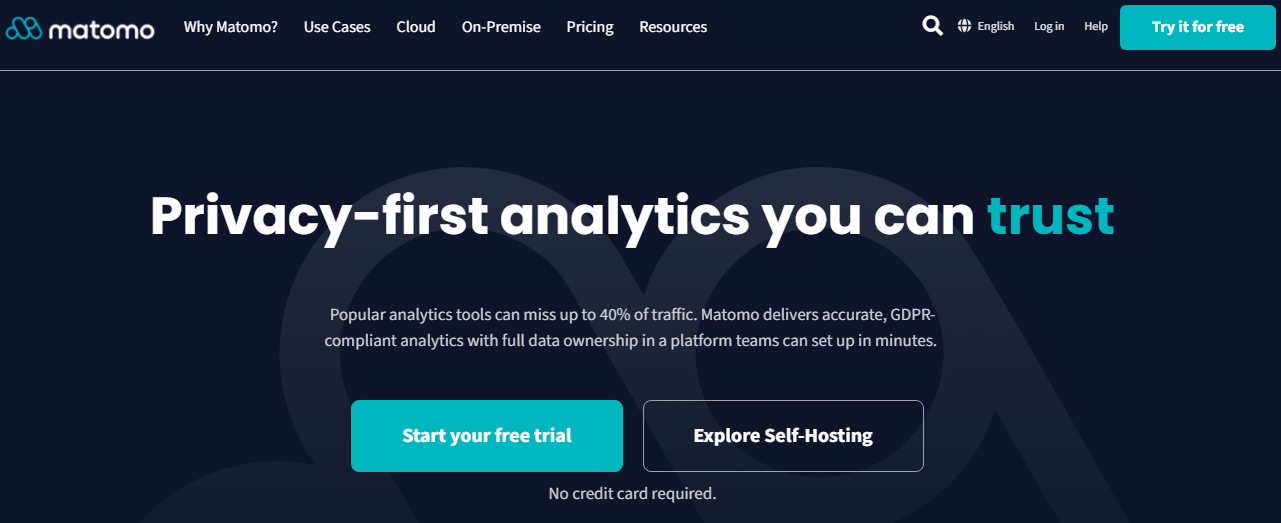
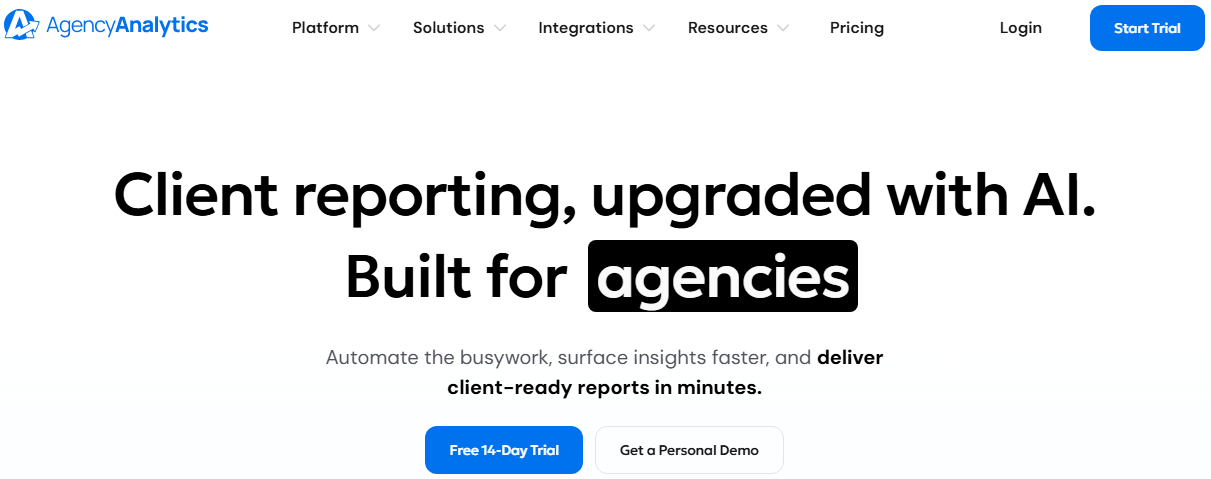
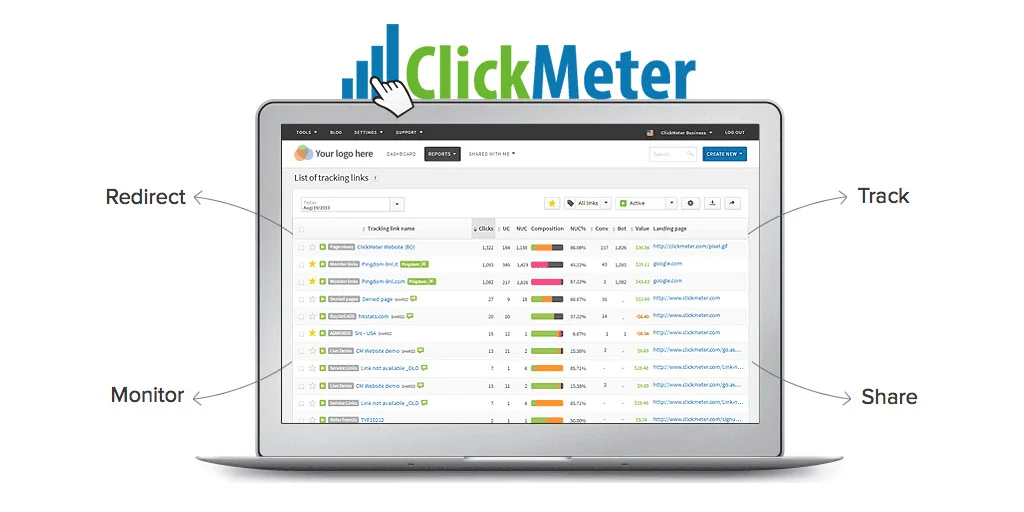
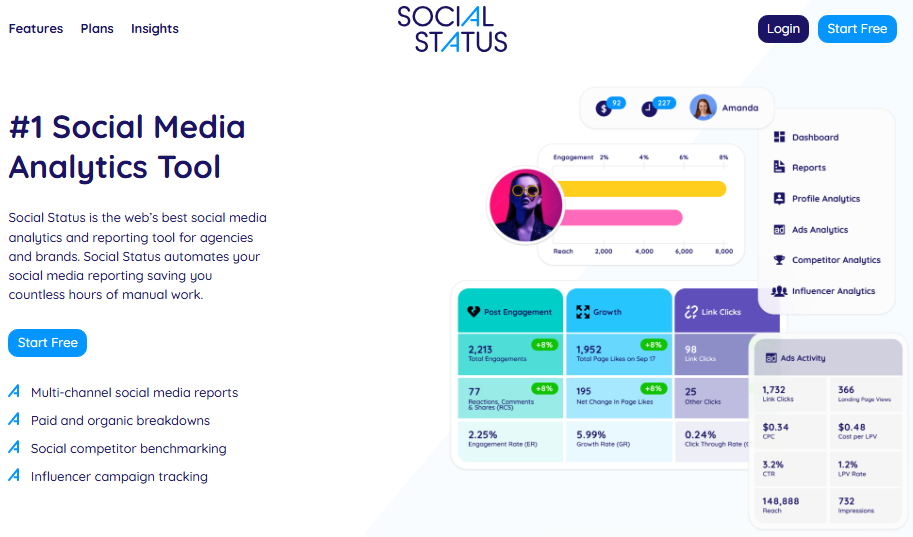
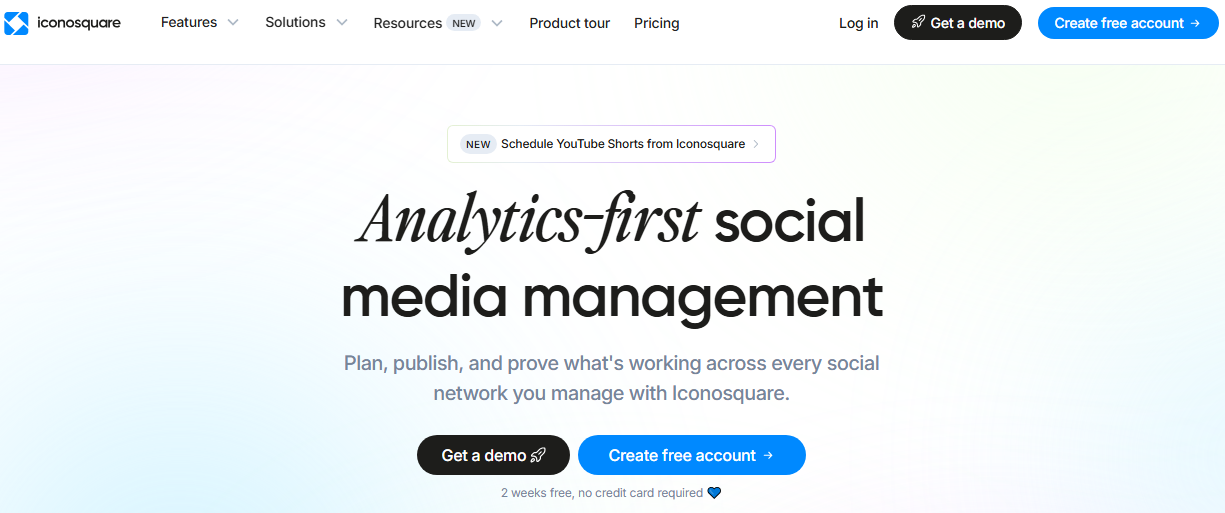
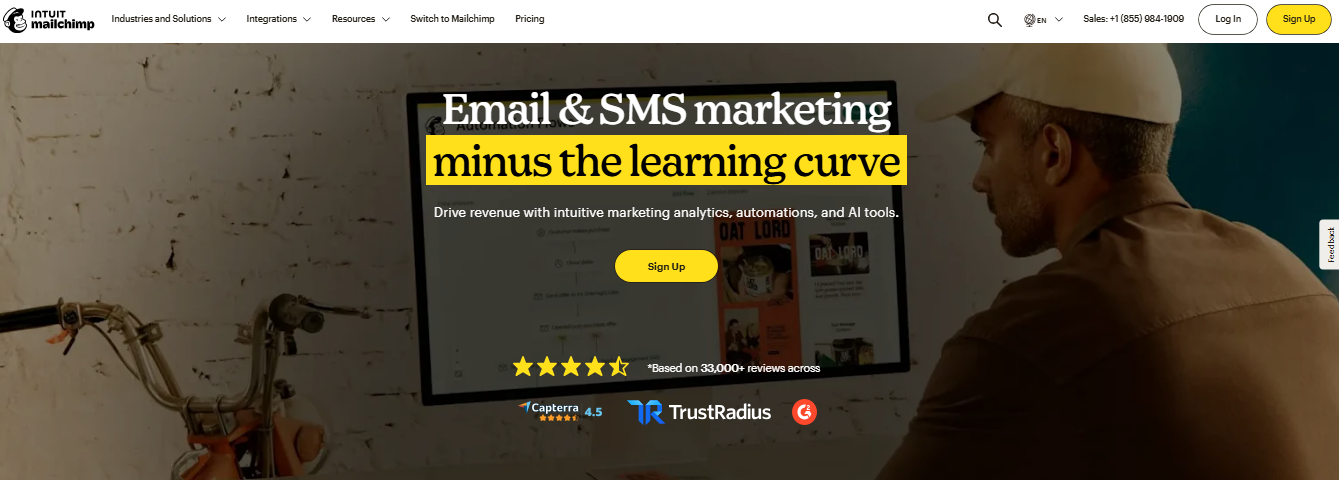
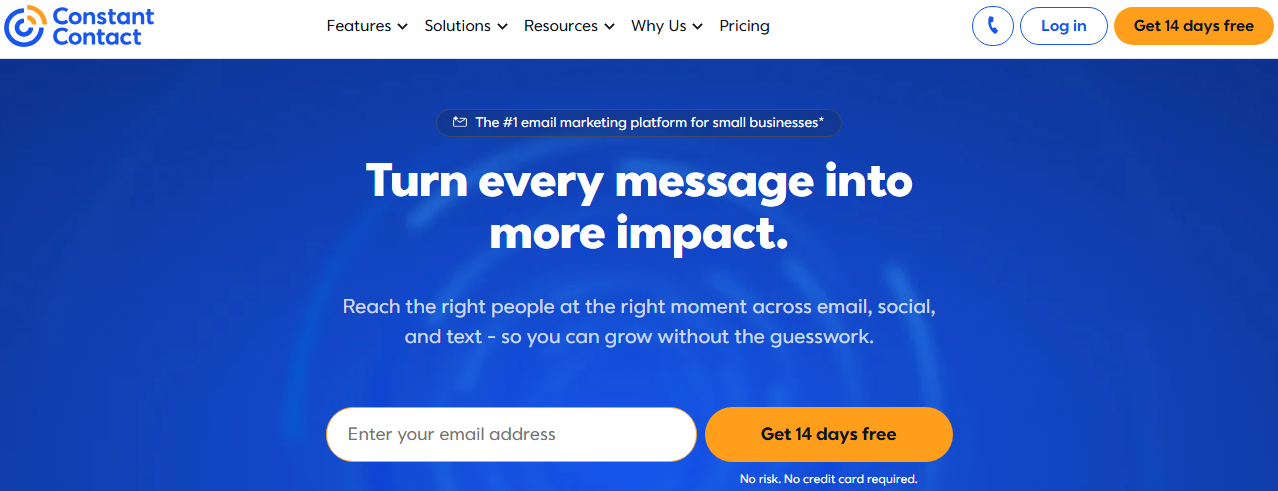
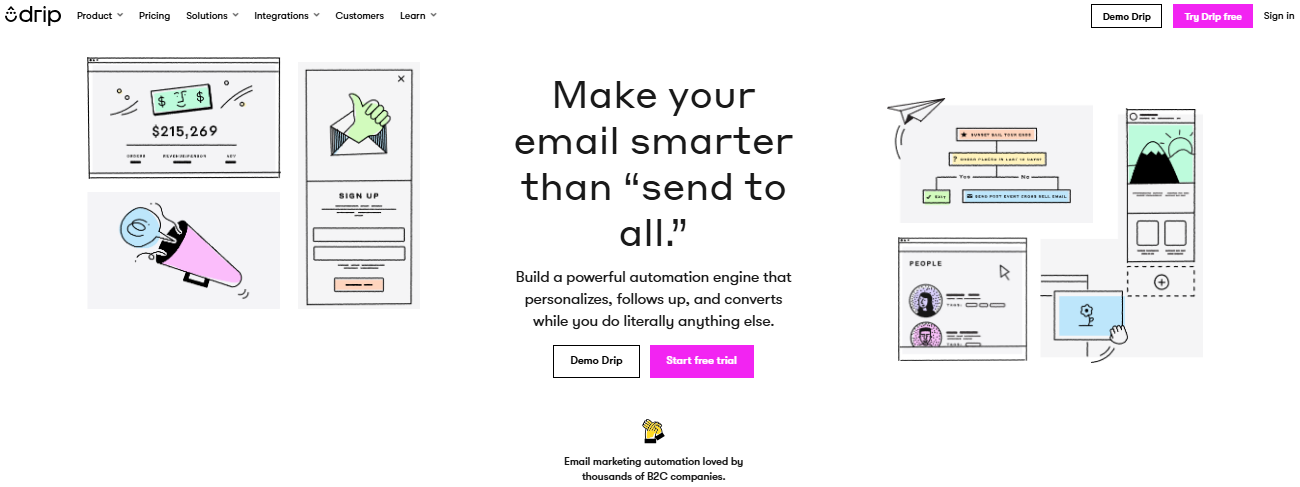
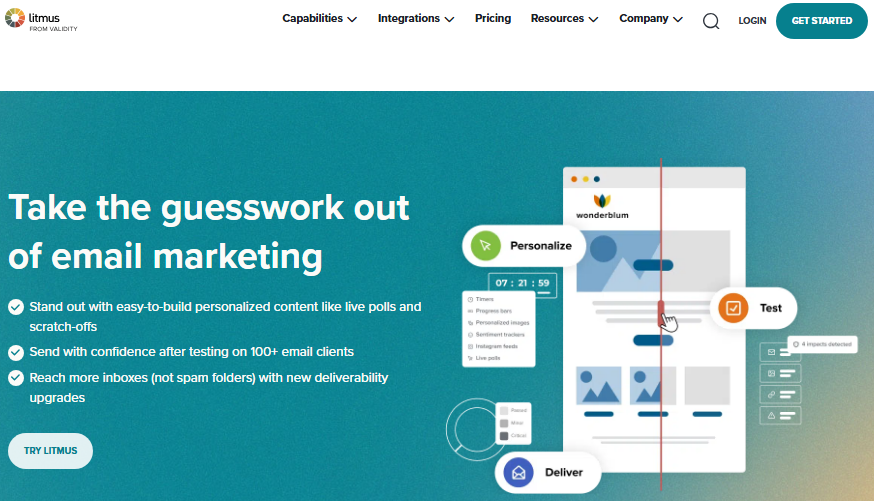
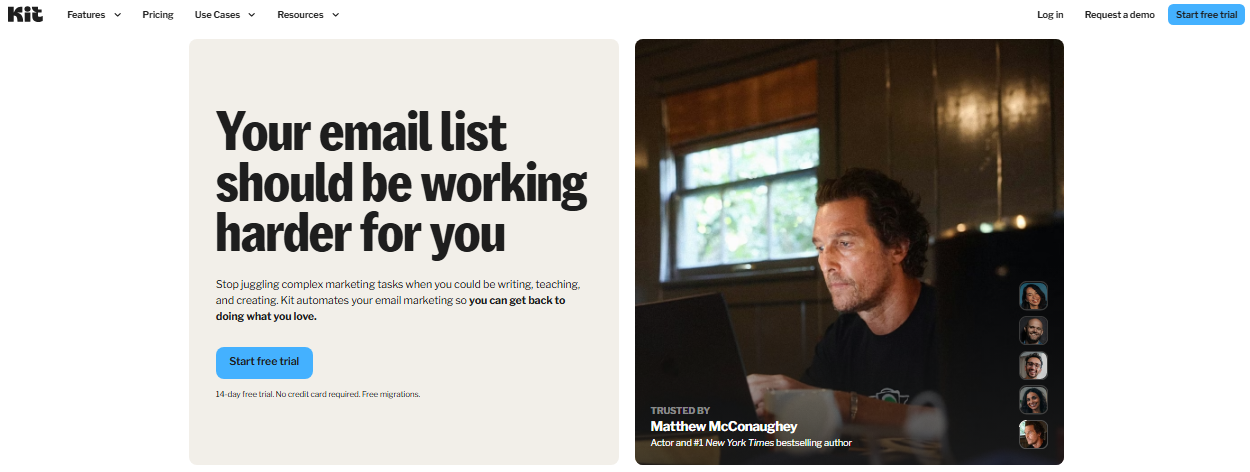
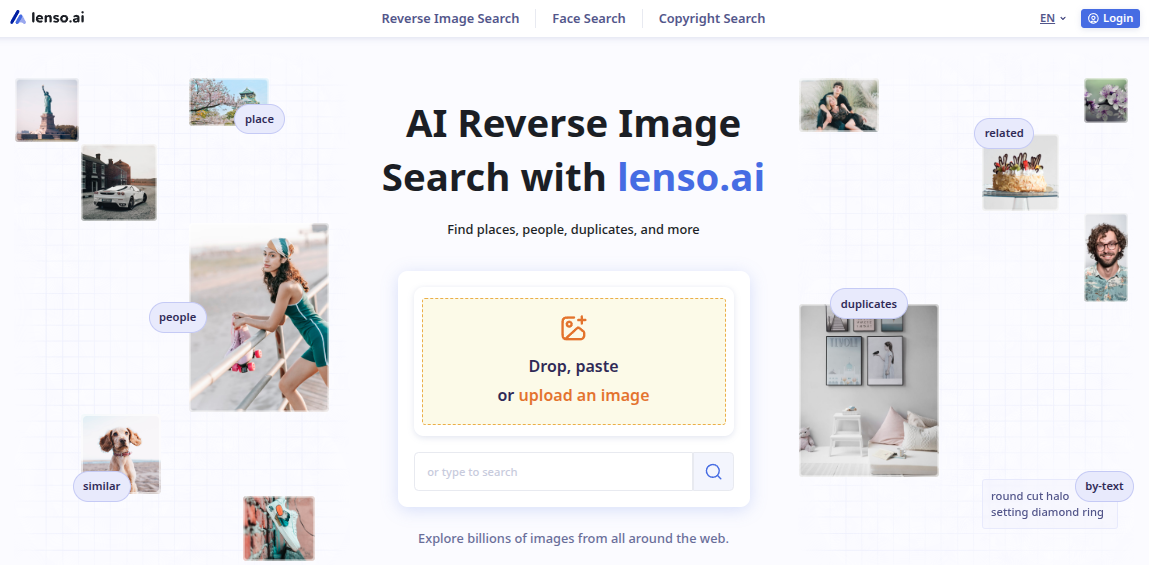
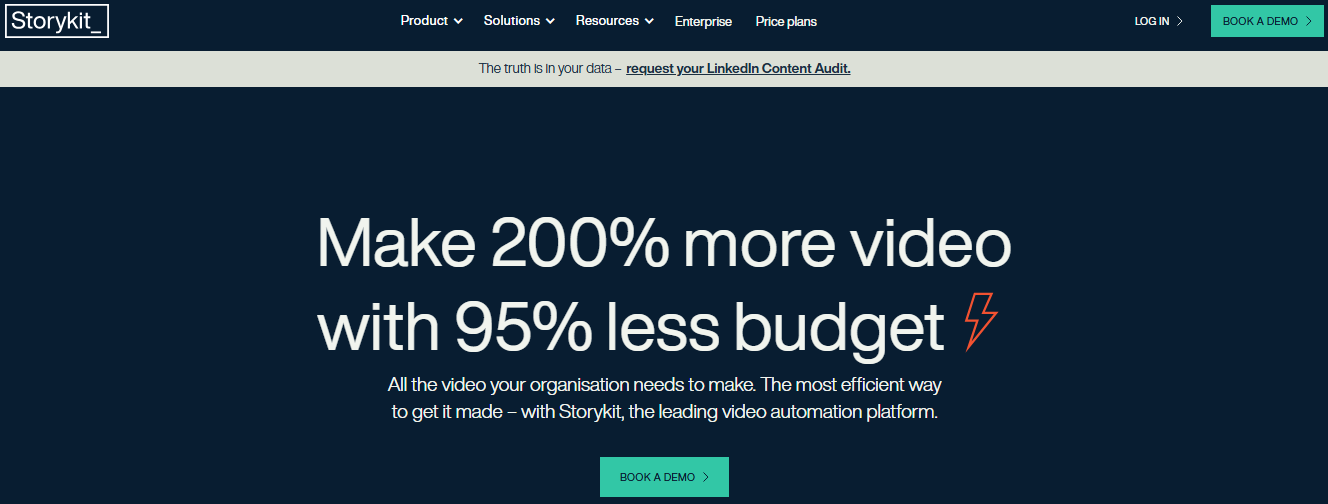
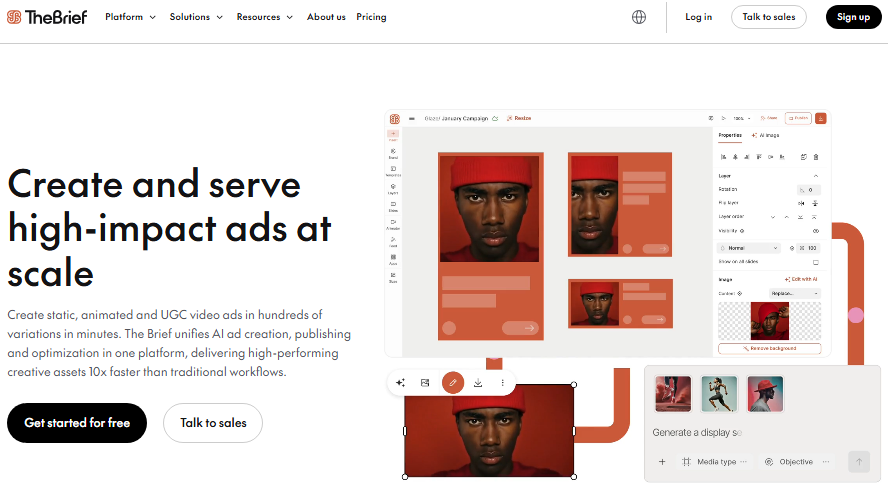
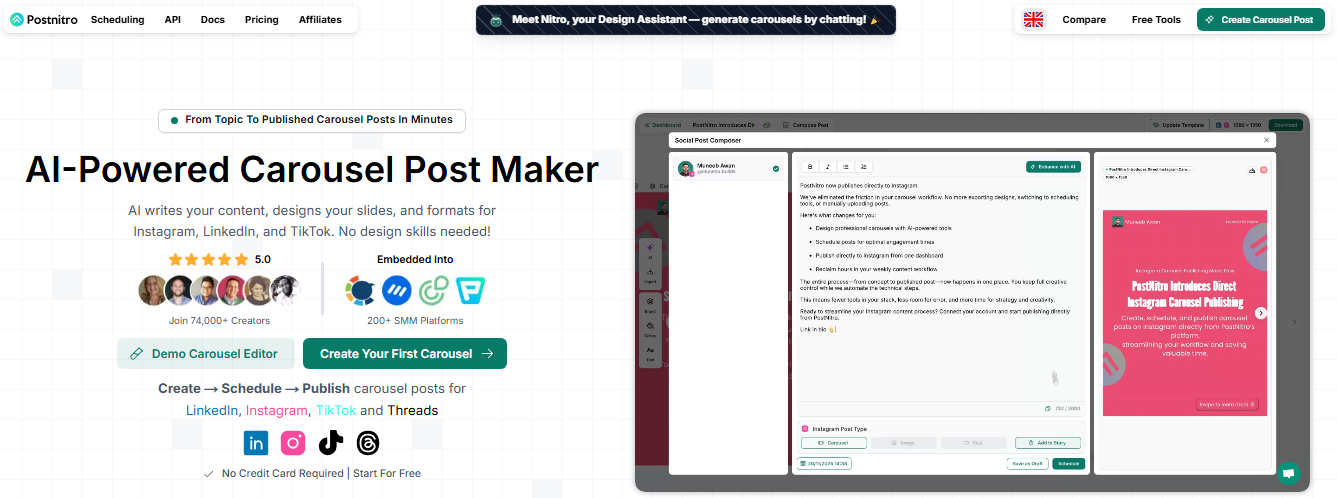
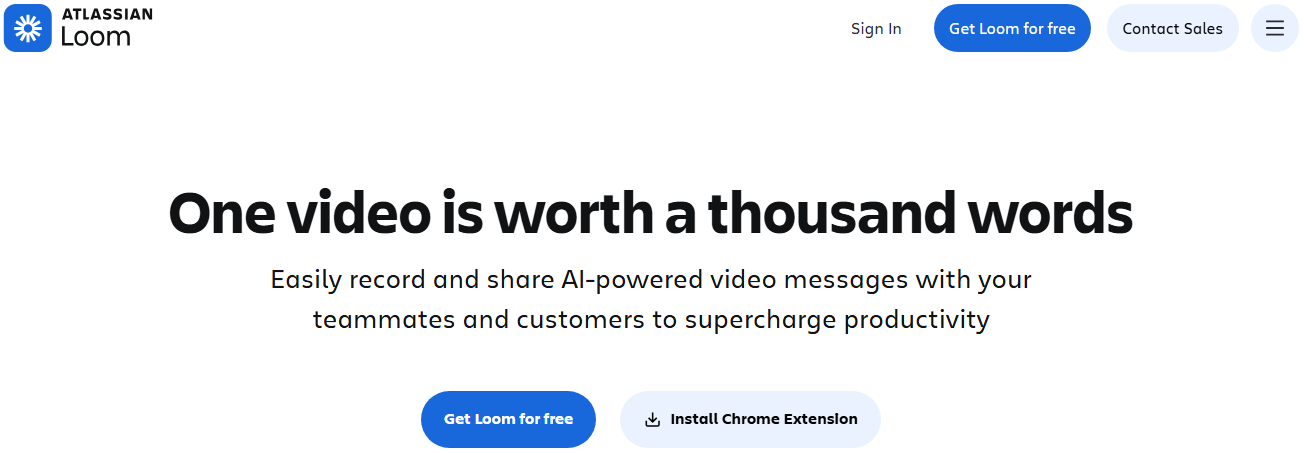
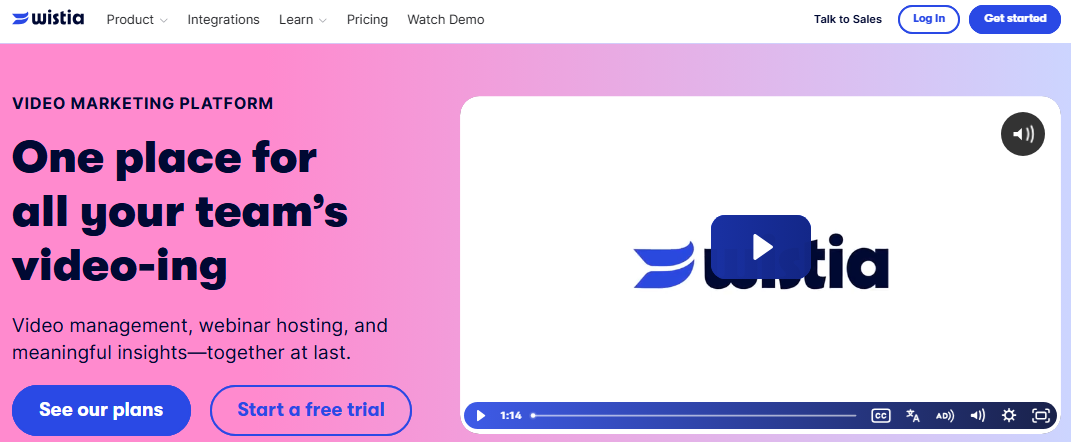
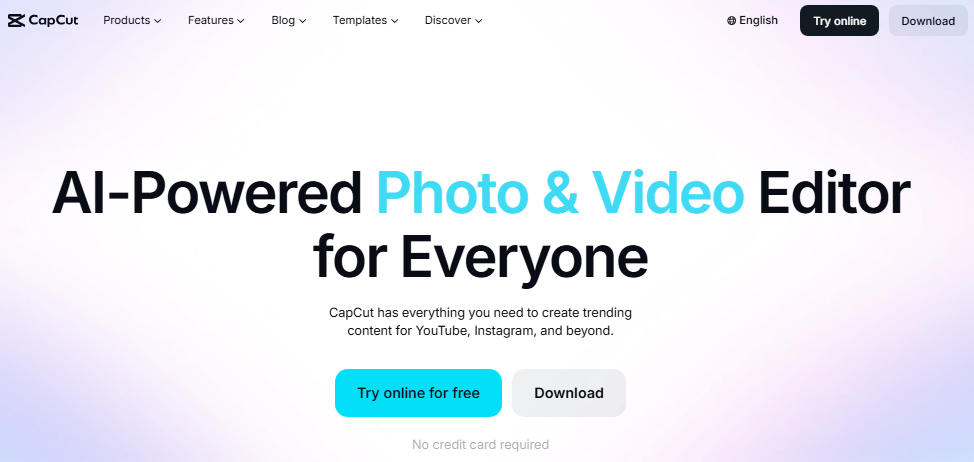


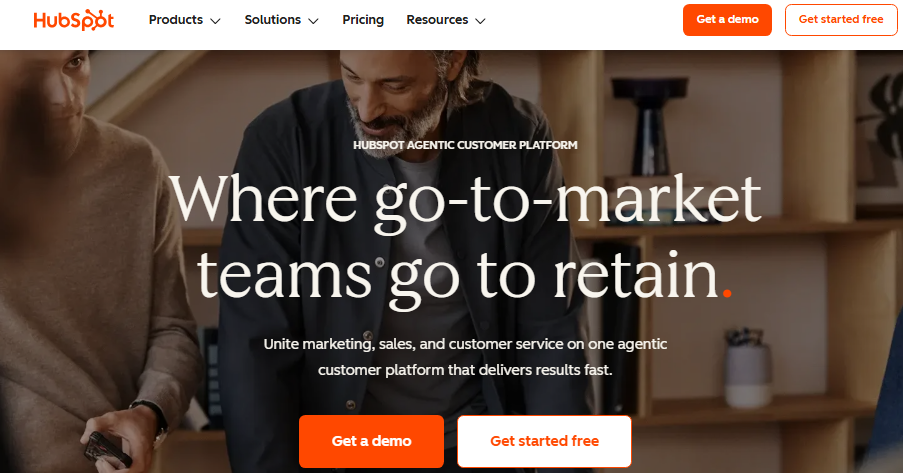
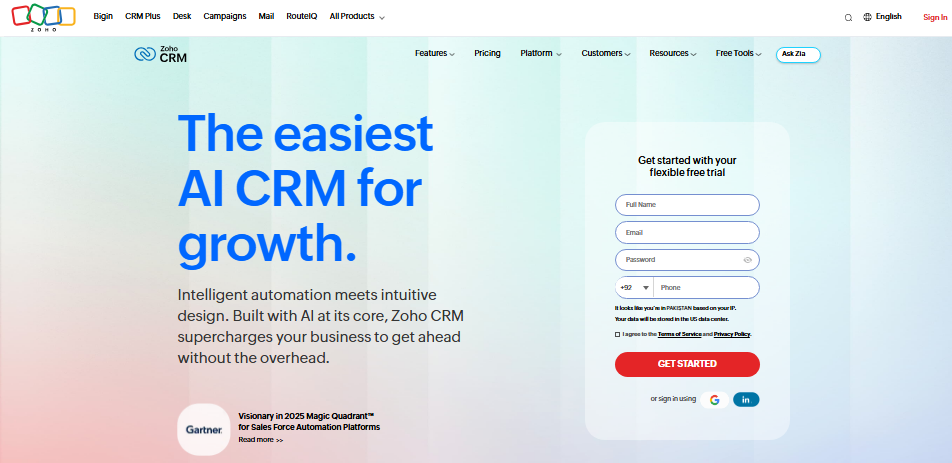
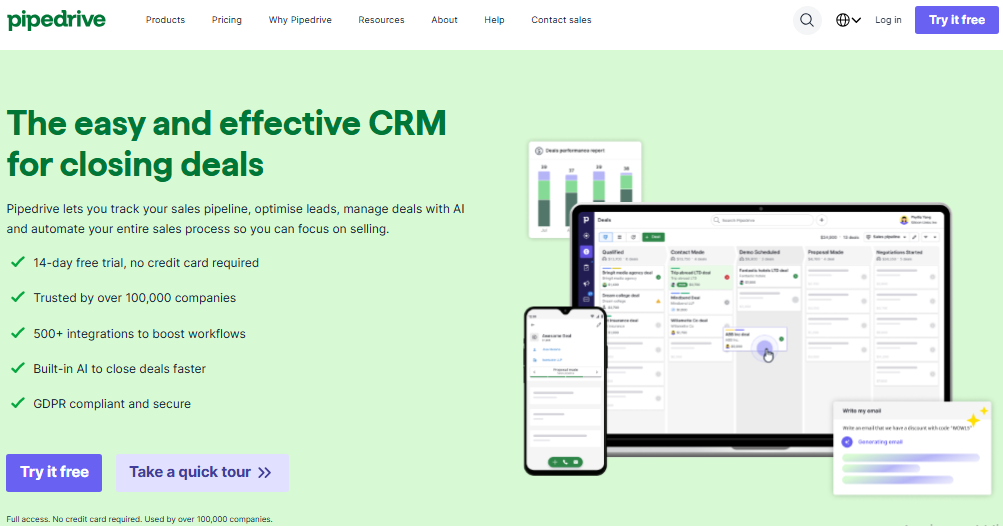

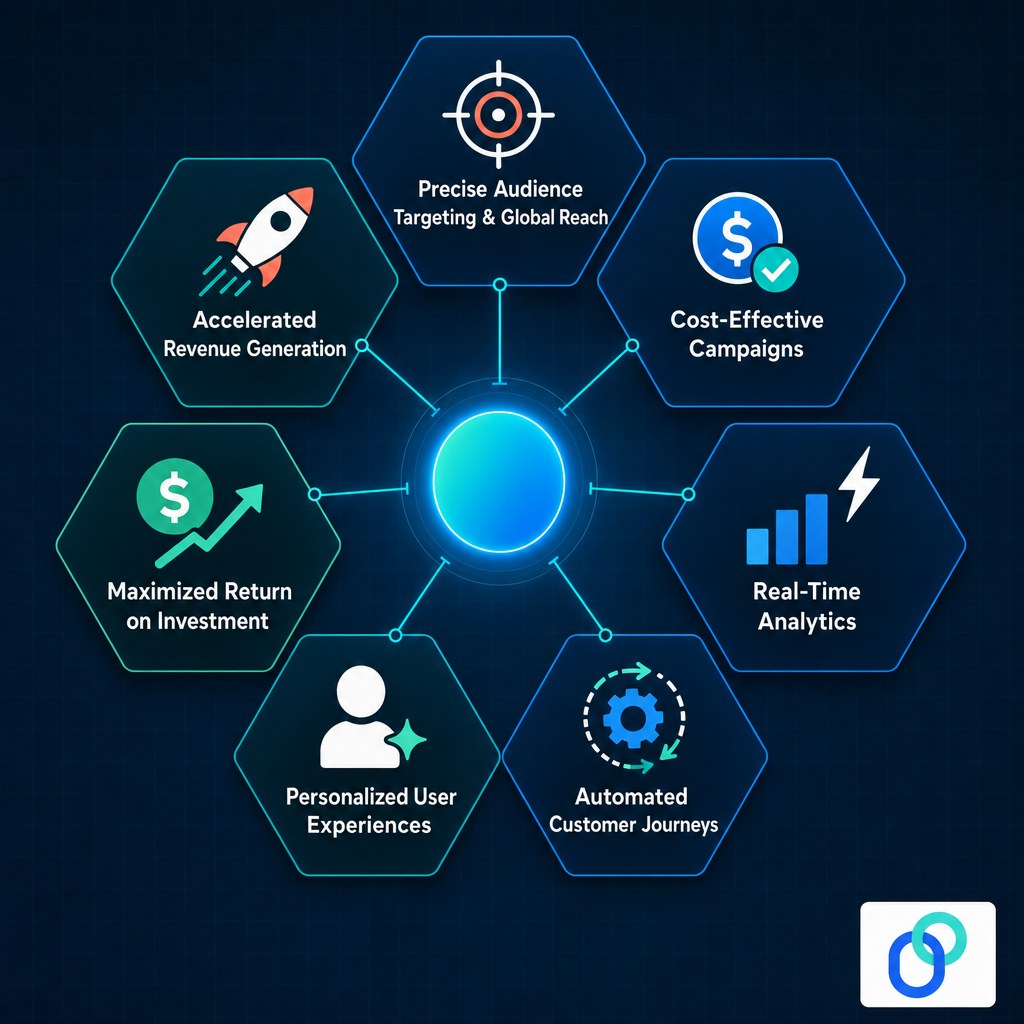
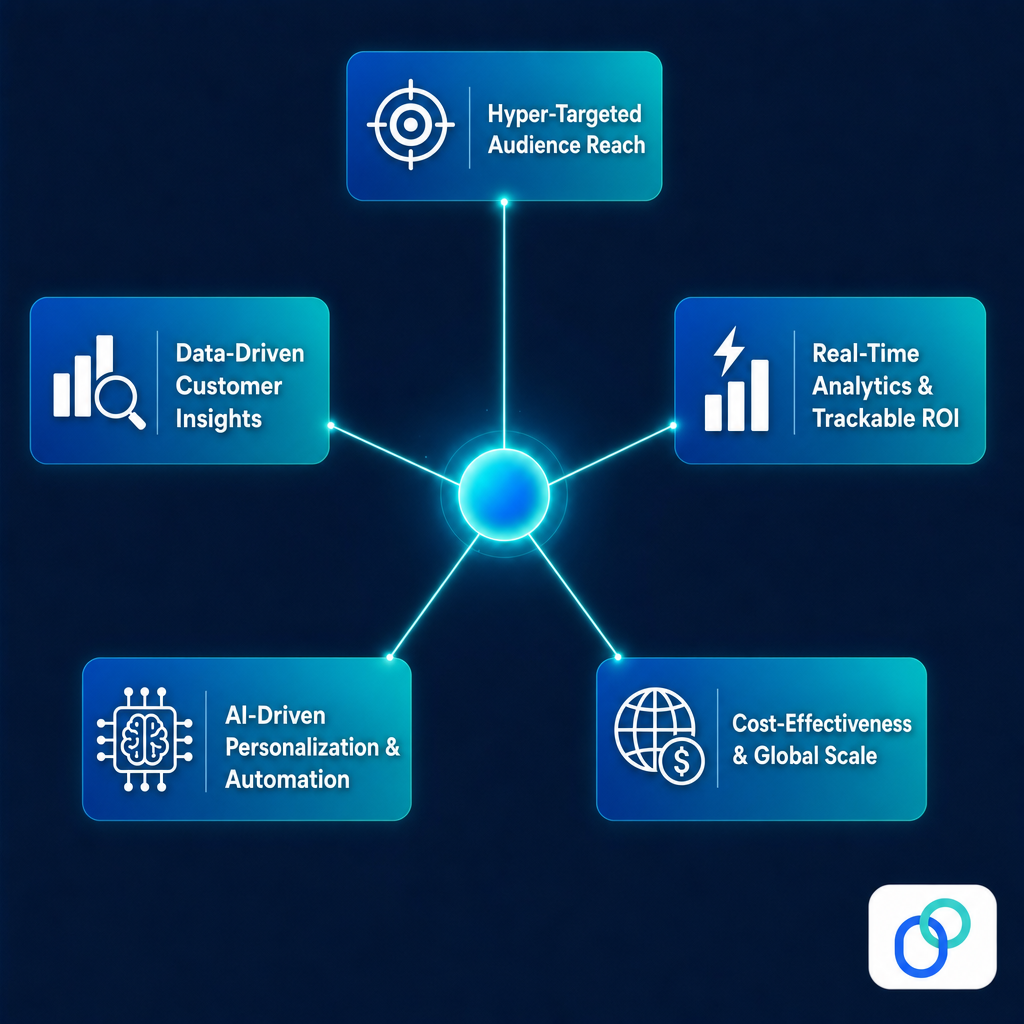
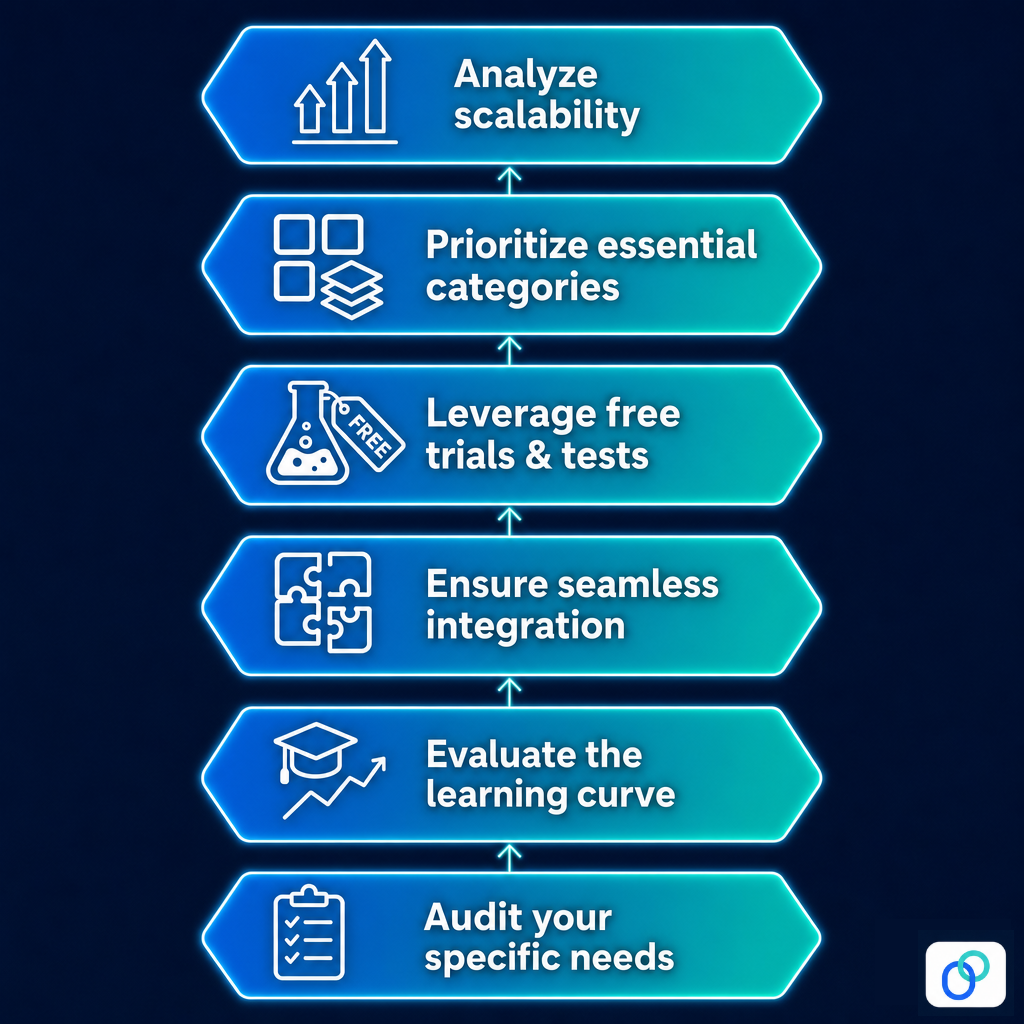
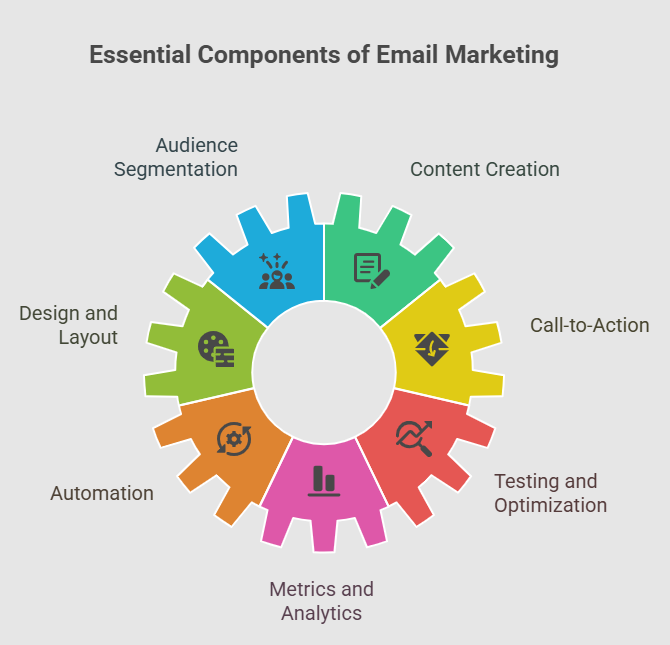
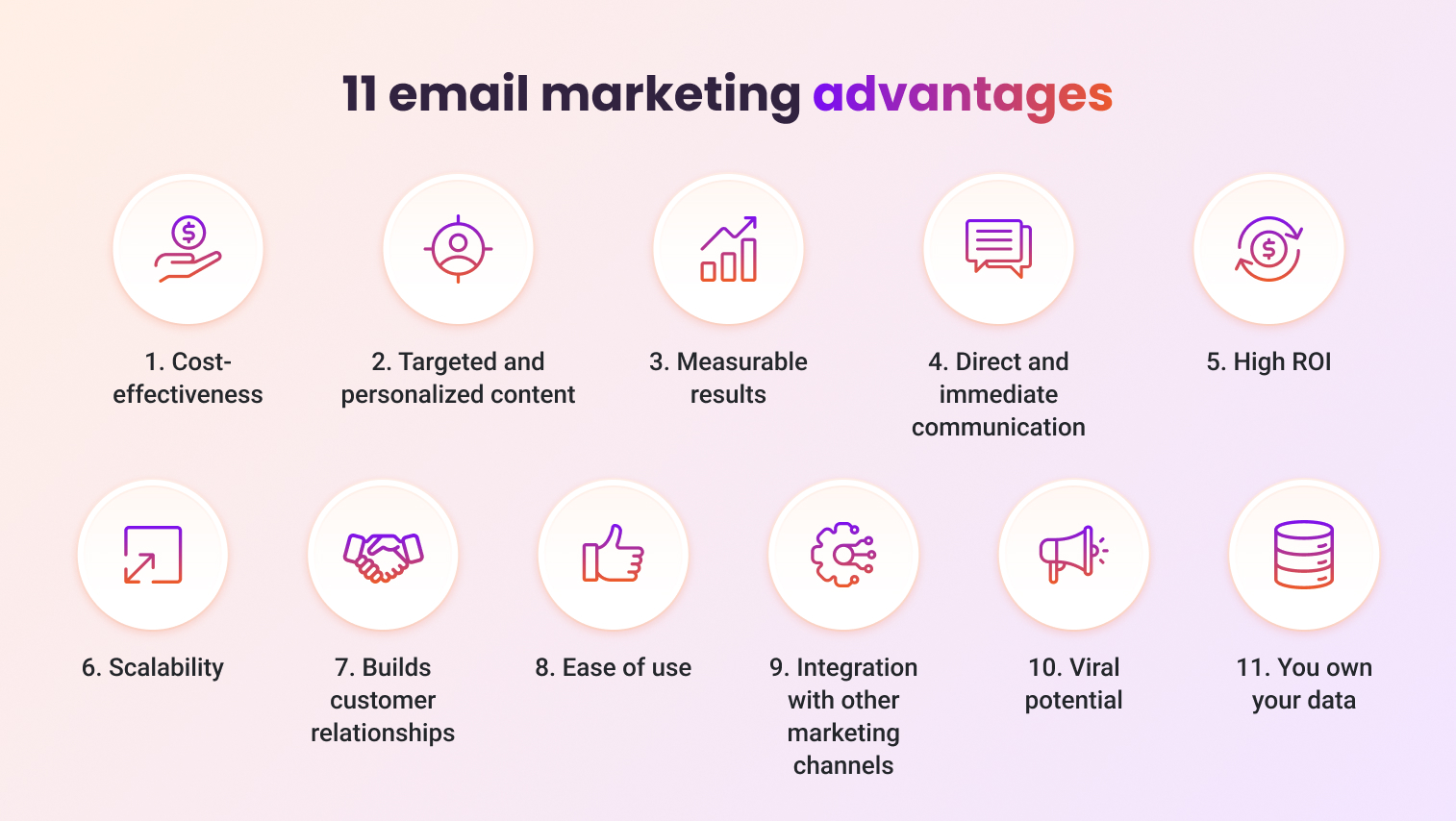
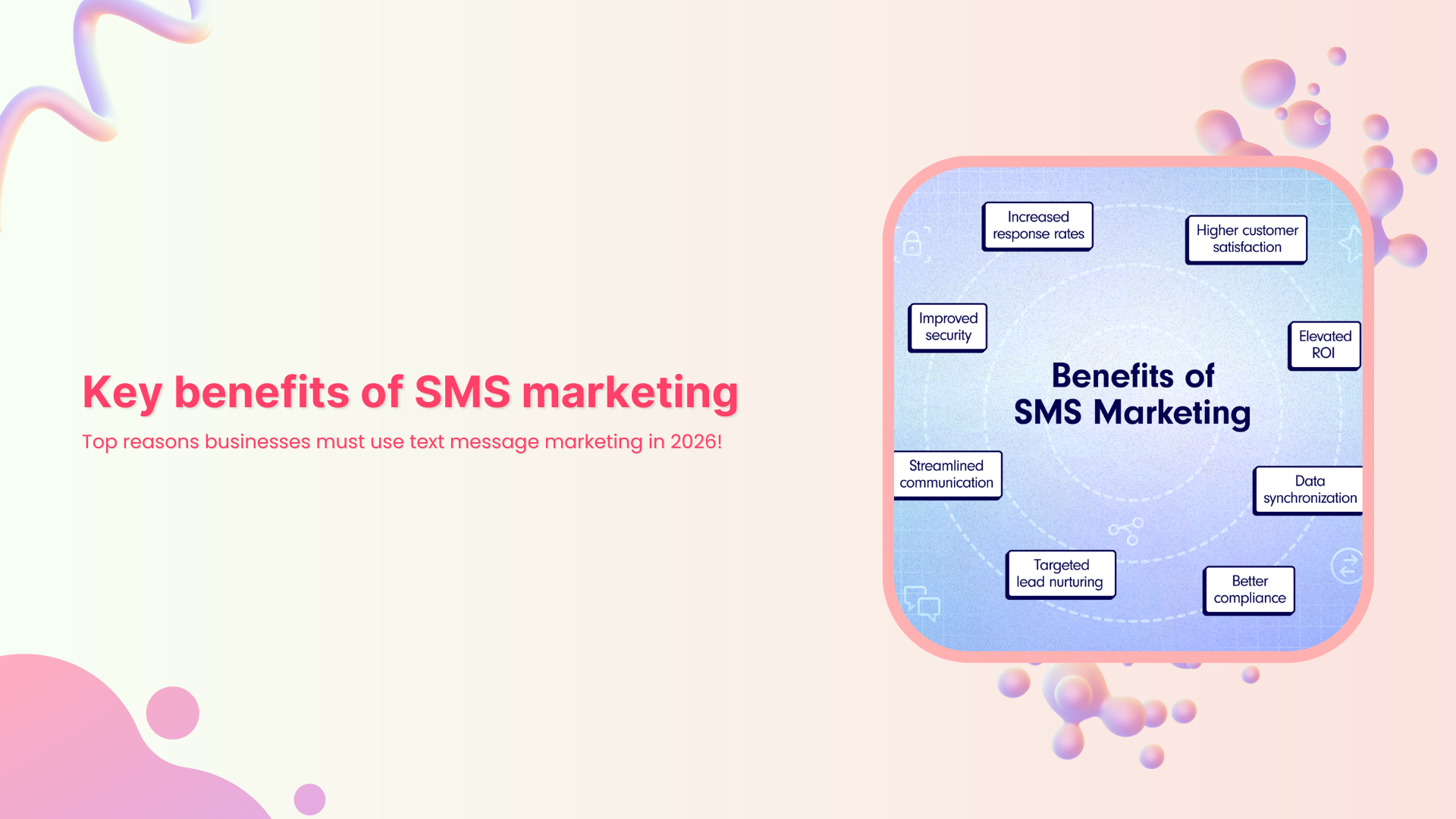
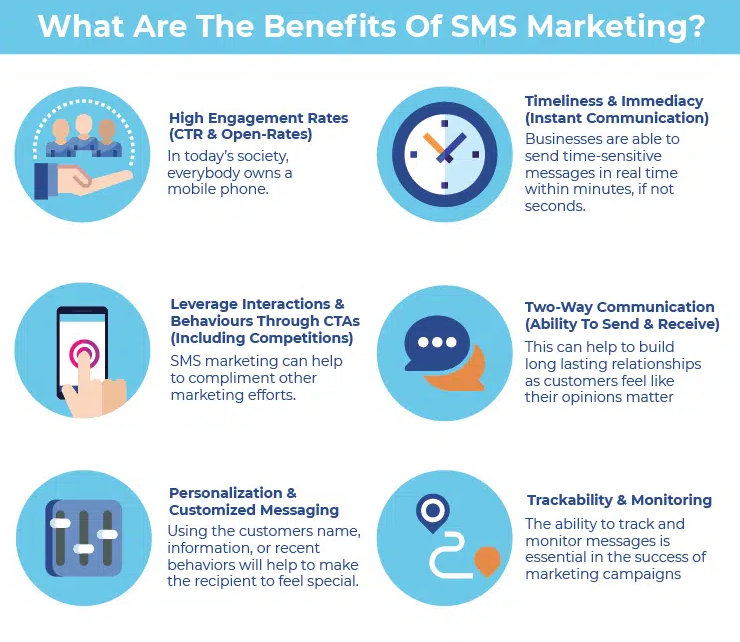
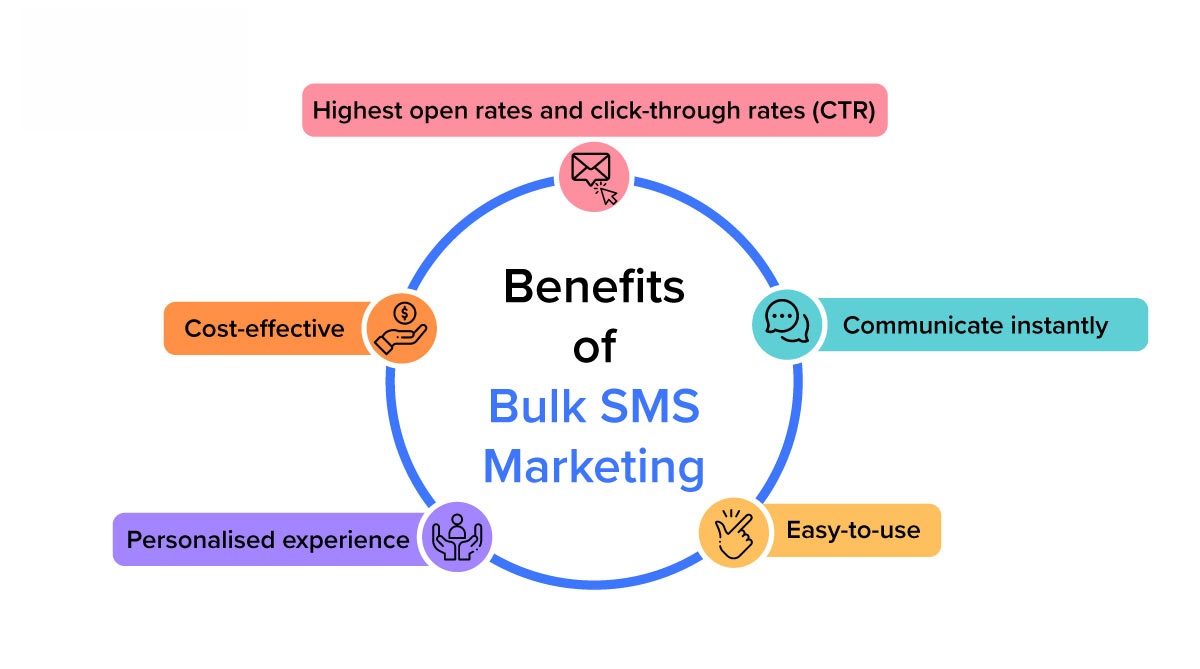
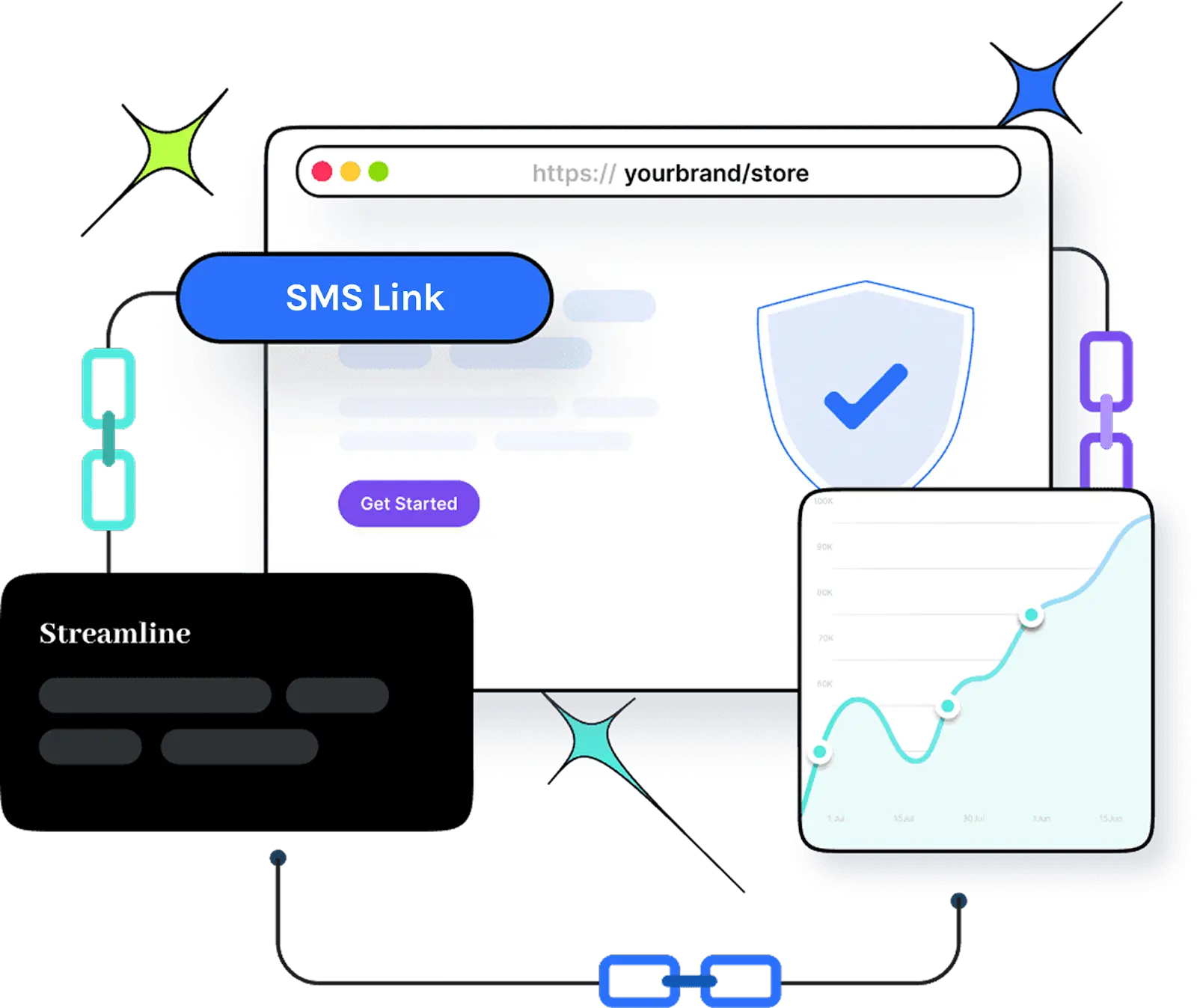
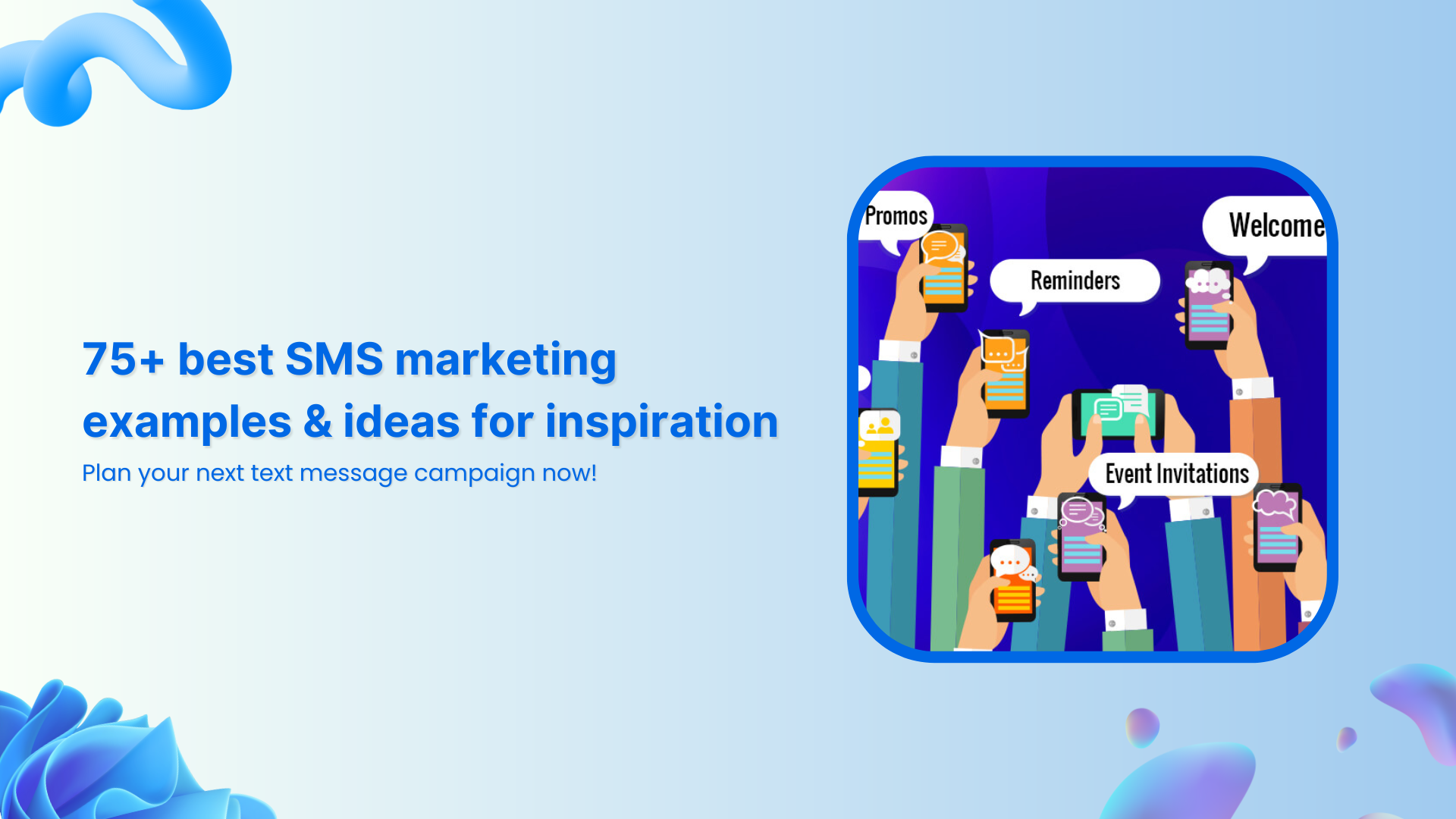
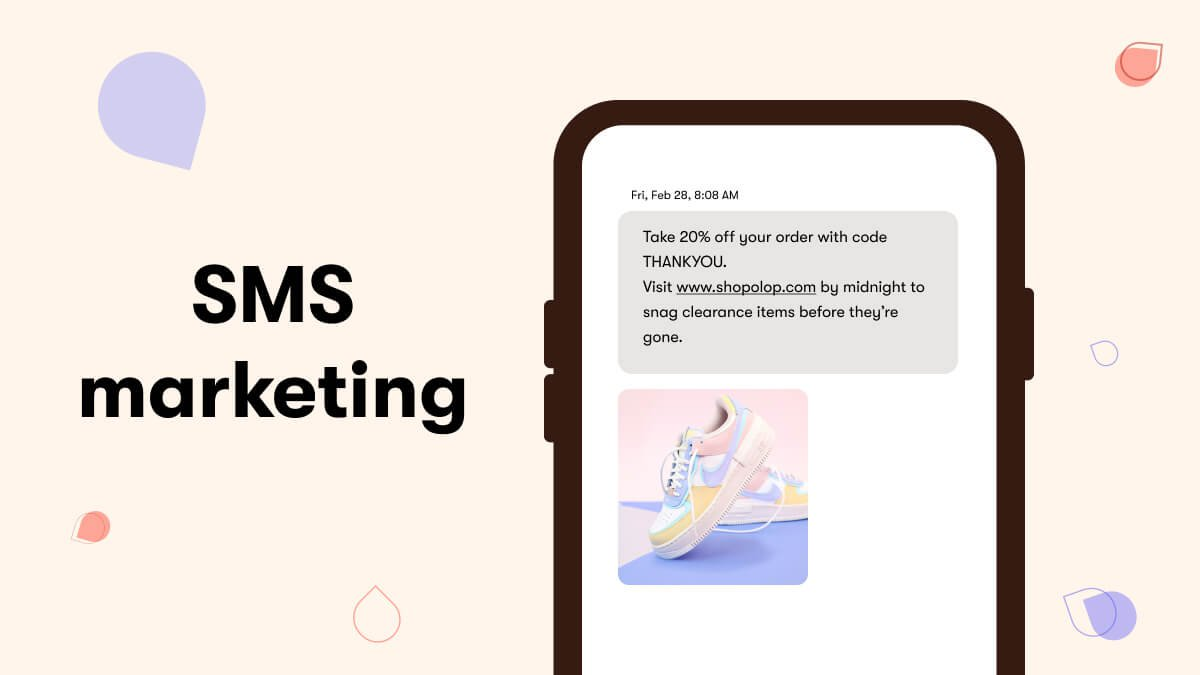
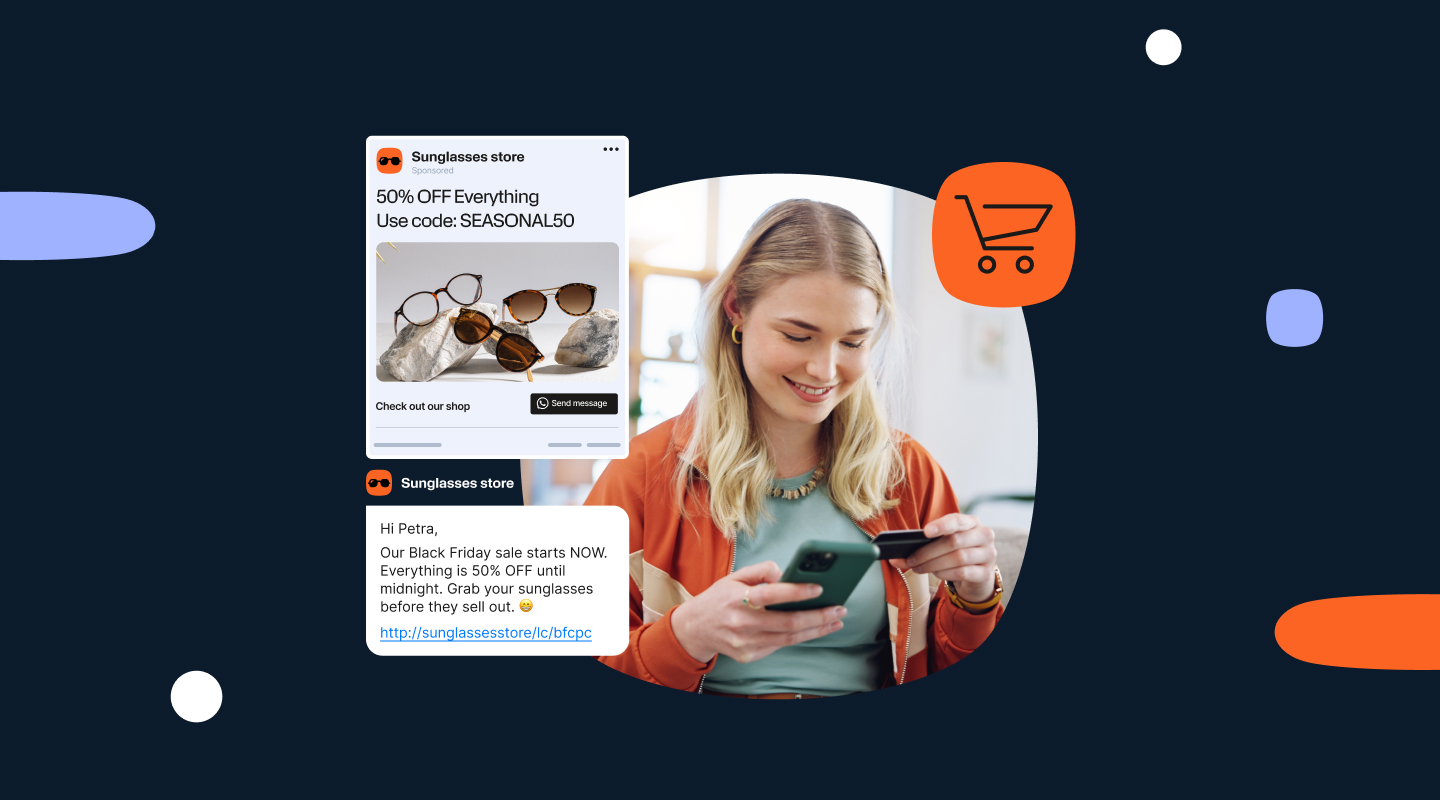
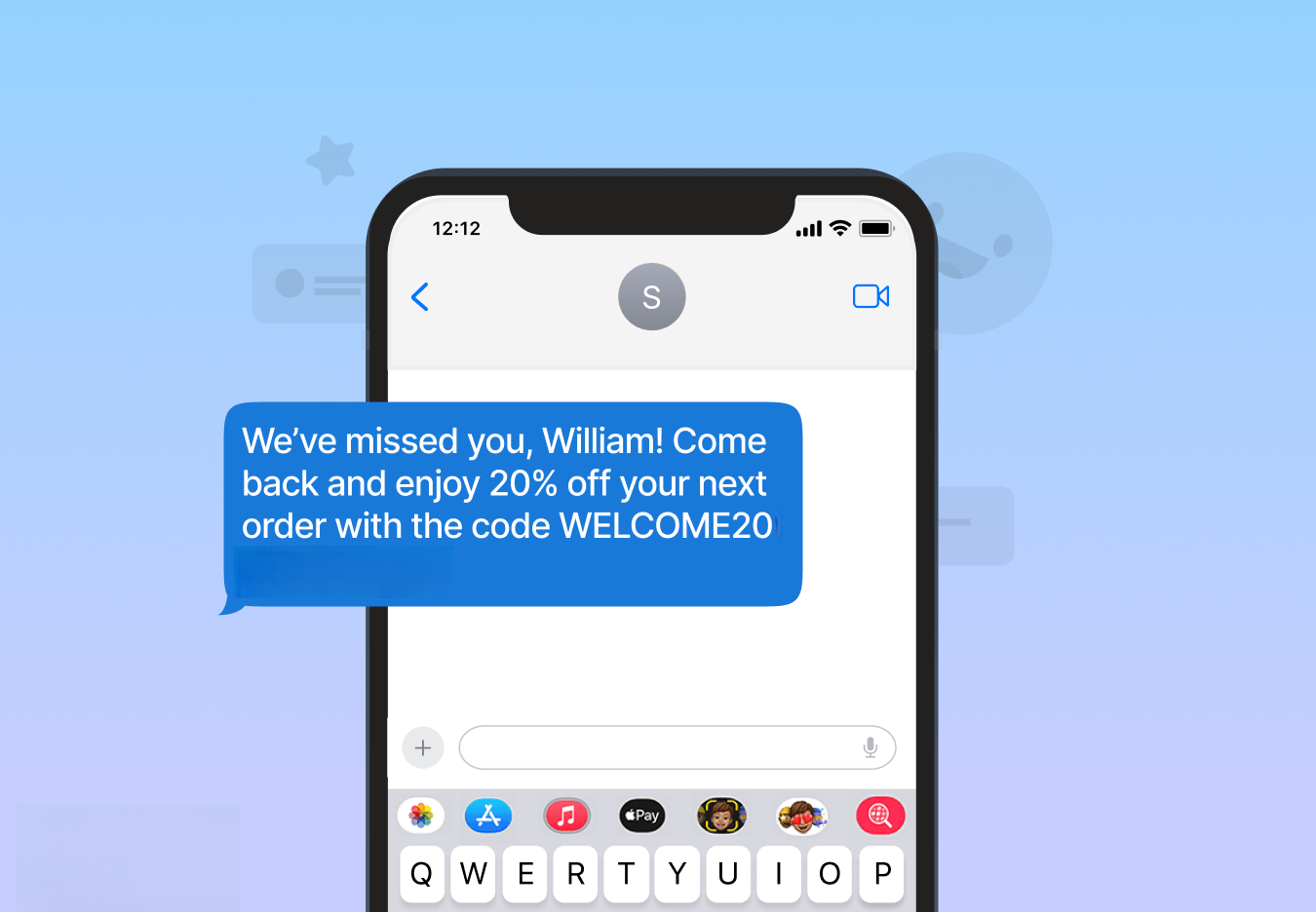


![What is SMS marketing: A detailed guide for ecommerce brands & marketers [2026]](https://internal-blog.replug.io/wp-content/uploads/2026/01/What-is-SMS-marketing-A-detailed-guide-for-ecommerce-brands-marketers-2026.png)