
Let’s be honest, email isn’t the shiny new thing anymore, but it quietly outperforms almost everything else.
For every $1 you spend, email marketing returns an average of $36 to $42, leaving paid search and social ads in the dust. And with more than 4.6 billion people checking their inboxes worldwide, that’s a staggering number of potential customers within reach.
But here’s the catch: even the smartest email marketing strategy falls flat without the right software behind it. The tool you choose shapes everything: your deliverability, automation, design, and results.
That’s exactly why we tested and compared the best options for 2026. Before we jump into the list, let’s quickly cover what email marketing tools actually are.
What are email marketing tools?
Think of email marketing tools as the behind-the-scenes helpers that make reaching your audience way easier. In simple terms, they’re email marketing software and platforms that let you design, send, and track emails to your subscribers, all from one place.
Instead of manually emailing people one by one (who has time for that?), these tools handle the heavy lifting like building campaigns, automating follow-ups, and managing your contact lists.
The main goal of email marketing here is pretty straightforward: connect with your audience, nurture those relationships, and turn casual readers into loyal, paying customers.
How we selected the best email marketing automation tools
We didn’t just pick names out of a hat. We put dozens of platforms through their paces, judging each one against five core things that actually matter when you’re running real campaigns.
1. Automation & workflow depth
This is the heart of any good tool. We looked at how easily you can set up automated sequences (welcome emails, follow-ups, abandoned cart reminders) without needing a tech degree. The deeper and more flexible the workflows, the more time you save.
2. User experience (UX) & interface
A powerful tool is useless if it feels like a headache to use. We checked:
- how clean and intuitive each dashboard was,
- how simple the drag-and-drop editors felt, and
- whether a beginner could jump in without spending hours watching tutorials.
3. Deliverability & analytics
What good is a great email if it lands in spam?
We focused on how reliably each platform gets your emails into the inbox, plus the quality of their reporting (open rates, clicks, and the kind of data that helps you follow email marketing best practices and keep improving).
4. Integration ecosystem
Your email marketing tool shouldn’t work in a silo. We examined how well each one connects with the apps you already rely on (your CRM, e-commerce store, landing page builders, and more), so everything talks to each other smoothly.
5. Pricing & scalability
Finally, we weighed the cost against the value. We looked at whether the pricing makes sense for small businesses just starting, and whether the plans can grow alongside you as your list and needs get bigger.
Top email marketing tools list
Alright, this is the part you’ve been waiting for. Below are some of the most popular email marketing tools out there right now, each with its own personality, strengths, and ideal user.
Let’s break them down one by one so you can see which one actually fits your business!
| Tool name | Best for | Standout feature | Use cases |
| MailerLite | Creators & small businesses on a budget | Clean, beginner-friendly interface | Newsletters, simple automations, selling digital products |
| Mailjet | EU teams needing transactional emails | Real-time team collaboration on templates | GDPR-compliant campaigns, transactional emails, team workflows |
| Mailchimp | All-in-one beginners | Huge ecosystem and template library | Newsletters, landing pages, multi-channel marketing |
| Mailtrap | Developers | Safe email testing before going live | Email testing/sandboxing, transactional sending, debugging |
| Klaviyo | Ecommerce brands | Deep Shopify integration & predictive analytics | Abandoned cart flows, behavior-based email + SMS, ecommerce growth |
| ActiveCampaign | Automation power users | Advanced visual automation builder + CRM | Complex customer journeys, sales automation, lead nurturing |
| Constant Contact | Small businesses & nonprofits | Built-in event management tools | Event invites, newsletters, beginner-friendly campaigns |
| GetResponse | All-in-one creators & coaches | Built-in webinars and course tools | Webinars, sales funnels, courses, email automation |
| Moosend | Value seekers & startups | Full automation included on every plan | Affordable campaigns, automation, ecommerce on a budget |
| HubSpot | Growing businesses wanting CRM + marketing | Seamless CRM, sales & marketing integration | Lead scoring, full-funnel marketing, enterprise campaigns |
| CleverReach | Privacy-conscious EU businesses | German data residency & strong GDPR compliance | Compliant EU campaigns, automation, deliverability-focused sends |
| Brevo | Multichannel on a budget | Email, SMS & WhatsApp with volume-based pricing | Large low-frequency lists, multichannel outreach, transactional |
| Sender | Budget-focused small businesses | Exceptionally generous free plan | Free/low-cost campaigns, email + SMS, nonprofits |
| EmailOctopus | Simple, cheap email marketing | Transparent, no-frills pricing | Newsletters, creators, nonprofits, basic automation |
| Omnisend | Ecommerce stores | All features unlocked on the free plan | Ecommerce email + SMS, abandoned cart, Shopify/WooCommerce flows |
| Benchmark Email | Newsletter beginners | Clean editor with AI writing tools | Simple newsletters, AI-assisted campaigns, small lists |
| Kit | Content creators | Built-in monetization for digital products | Creator newsletters, selling products, audience funnels |
| AWeber | Beginners who value support | 24/7 phone support on every plan | Newsletters, autoresponders, affiliate marketing |
| Beehiiv | Serious newsletter publishers | Built-in ad network & 0% subscription fees | Monetized newsletters, media brands, audience growth |
| SendX | Unlimited senders & restricted industries | Unlimited emails with subscriber-based pricing | High-volume campaigns, crypto/supplements, predictable costs |
1. MailerLite
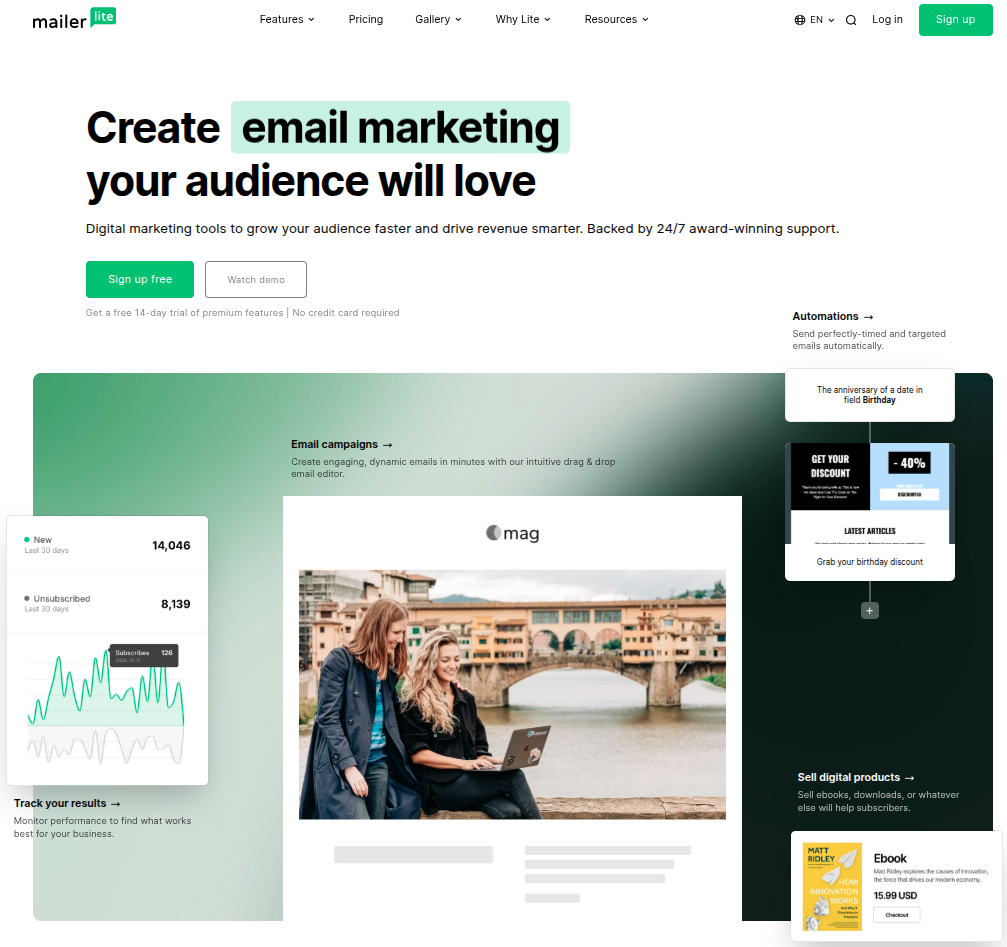
If you’re after something clean, affordable, and genuinely easy to use, MailerLite is hard to beat. It’s a favorite among creators, bloggers, and small businesses who want powerful features without a steep learning curve or a scary price tag.
Key features:
- Drag-and-drop email editor with a clean, beginner-friendly interface
- Automation builder for welcome sequences, follow-ups, and more
- Landing pages, signup forms, and pop-ups included
- Website builder and the ability to sell digital products
- AI writing assistant to speed up content creation
Pros:
- One of the most affordable tools for small lists
- Refreshingly simple to learn and navigate
- Only charges you for active subscribers (no paying for dead weight)
Cons:
- Advanced features stay fairly basic compared to bigger platforms
- Costs can climb noticeably as your list grows
Pricing plans:
- Free: Up to 250 subscribers and 2,500 emails per month
- Comfort: Starts around $10.80/month with the full toolset
- Power: Higher self-serve tier with advanced features at $22.50/month
- Enterprise: Custom pricing for businesses with 200,000+ subscribers
2. Mailjet
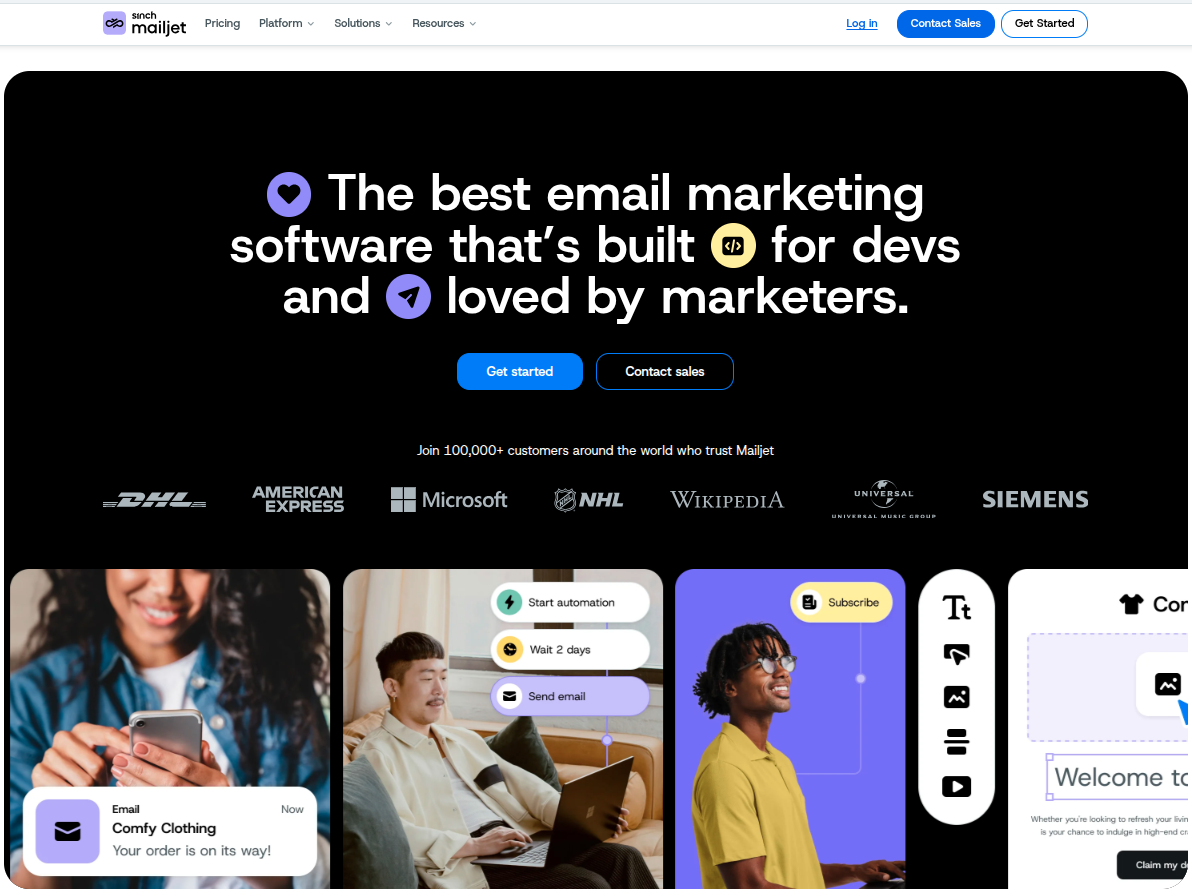
Mailjet is a solid pick if you need both marketing and transactional emails in one place. Based in the EU and built with collaboration in mind, it’s especially handy for teams that want to work on email templates together in real time.
Key features:
- Drag-and-drop editor with real-time team collaboration
- Both marketing campaigns and transactional (API/SMTP) sending
- Segmentation and personalization tools
- Marketing automation and A/B testing (on higher tiers)
- Email validation to keep your list clean
Pros:
- Unlimited contacts on paid plans. You pay by email volume, not list size!
- Strong choice for EU businesses needing GDPR compliance
- Genuinely affordable across the board
Cons:
- Deliverability can be inconsistent on shared IPs
- Automation is locked behind the Premium plan
Pricing plans:
- Free: $0/month, 200 emails/day, up to 6,000 per month
- Starter: $9/month for 8,000 emails and 2,000 contacts
- Essential: $17/month for 15,000 emails and unlimited contacts
- Premium: $27/month, adds A/B testing and automation
- Custom: Tailored enterprise pricing
3. Mailchimp
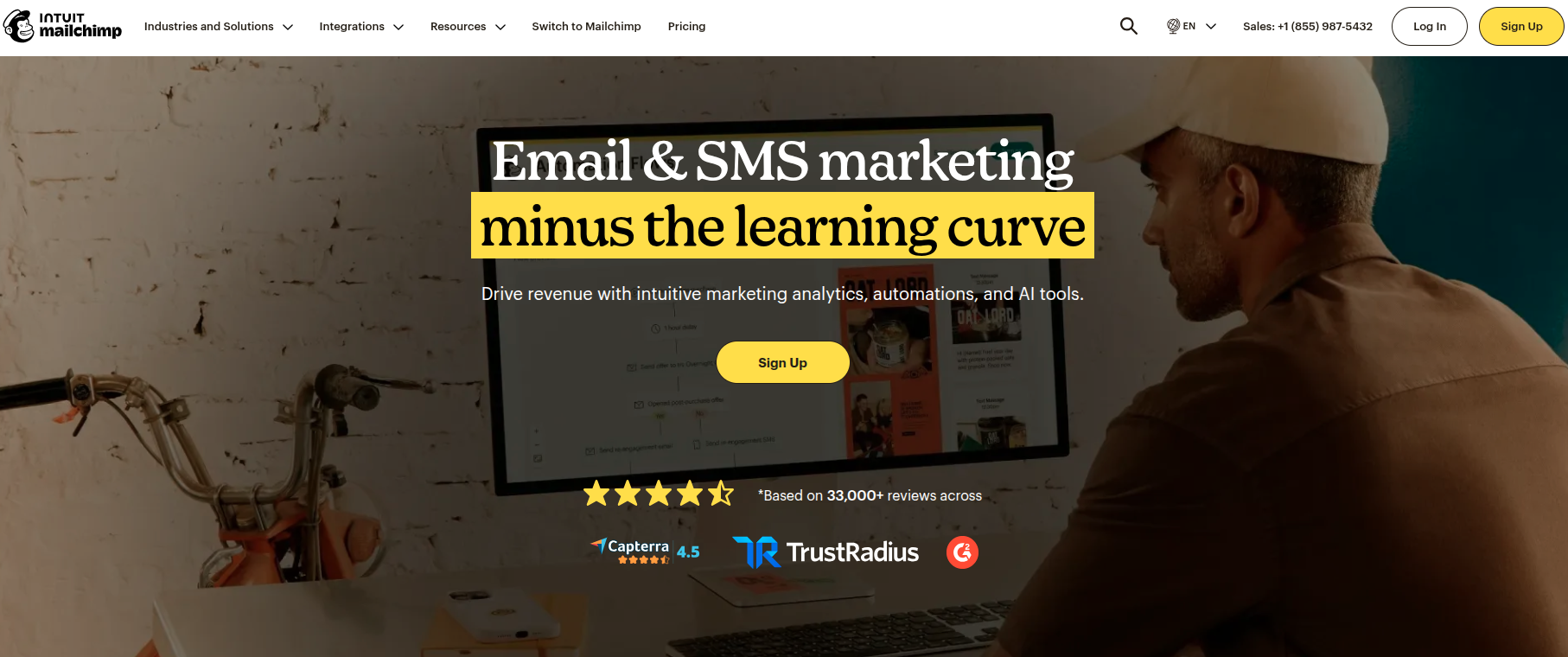
The household name! Mailchimp has been around forever and packs a huge ecosystem (email, automation, landing pages, even ads and a website builder). It’s beginner-friendly, though it does get pricey as you scale.
Key features:
- Easy-to-use email builder with 100+ templates
- Multi-step automation and customer journeys (Standard plan and up)
- Predictive segmentation and send-time optimization
- Built-in reporting, A/B testing, and AI assistant
- Wide range of integrations and add-ons
Pros:
- Familiar, polished interface that’s great for beginners
- All-in-one marketing toolkit beyond just email
- Massive library of integrations
Cons:
- Gets expensive fast as your contact list grows
- Counts unsubscribed contacts toward your limit unless you archive them
Pricing plans:
- Free: From $0/month, under 250 contacts
- Essentials: From $13/month for 10X contacts
- Standard: From $20/month, unlocks multi-step automation
- Premium: From $350/month for larger teams and 15X contacts
4. Mailtrap
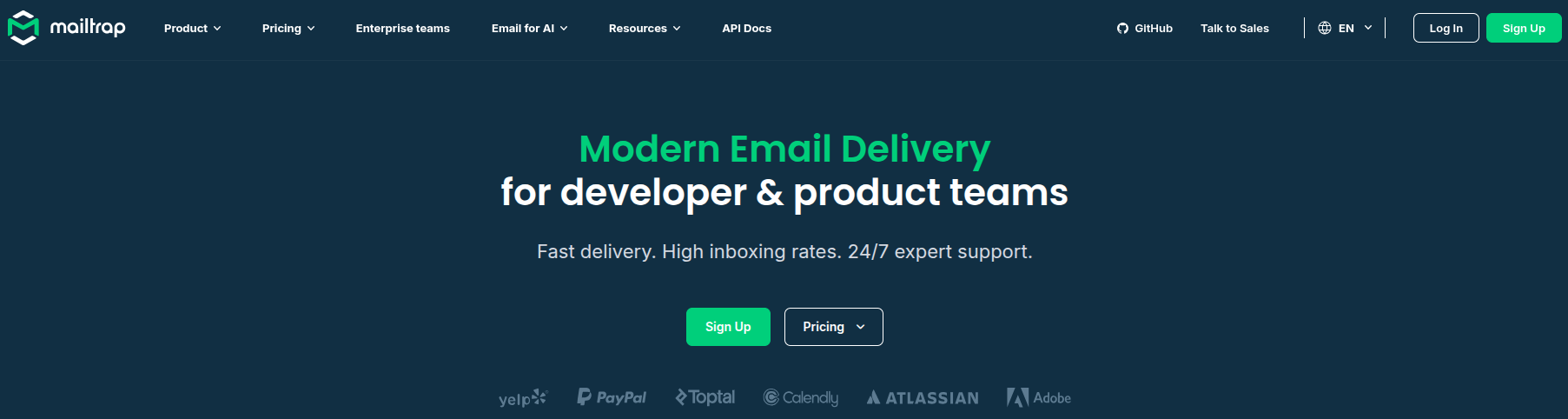
Mailtrap is a bit different from the rest. It’s an email delivery platform built with developers in mind. It shines at testing emails safely before they go live and sending transactional emails reliably, with some bulk and marketing features layered on top.
Key features:
- Email Sandbox to safely test emails without hitting real inboxes
- Email API/SMTP for production sending
- Spam score checks and HTML/CSS validation
- Separate transactional and bulk sending streams
- Detailed analytics and real-time logs
Pros:
- Excellent for catching email issues before customers ever see them
- Volume-based pricing is cheaper for big lists with moderate sending
- Developer-friendly with tons of SDKs and integrations
Cons:
- Testing and sending are separate products, so you may need two subscriptions
- Less suited to non-technical marketers than the others on this list
Pricing plans:
- Free: $0/month, 500 contacts and 1,500 emails
- Essential: $15/month, 10K contacts and 30,000 emails
- Pro: $59/month, 25K contacts and 125,000 emails
- Custom: Tailored plan for your needs
5. Klaviyo

If you run an online store, Klaviyo is the tool everyone talks about. It’s purpose-built for ecommerce, plugging deep into platforms like Shopify and using customer behavior to drive seriously smart email and SMS campaigns.
Key features:
- Deep ecommerce integrations (Shopify, WooCommerce, BigCommerce)
- Powerful automated flows like abandoned cart and post-purchase
- Predictive analytics, including customer lifetime value
- Email and SMS marketing in one platform
- Advanced, behavior-based segmentation
Pros:
- Best-in-class for ecommerce-focused marketing
- Only charges for active profiles, not unsubscribed ones
- All core features included on every plan
Cons:
- Gets expensive quickly for large contact lists
- SMS is a separate add-on with its own credit costs
Pricing plans:
- Free: Up to 250 active profiles, 500 emails, and 150 SMS credits/month
- Paid: All included from free plan, plus much more
- Enterprise: Custom pricing for large organizations
6. ActiveCampaign
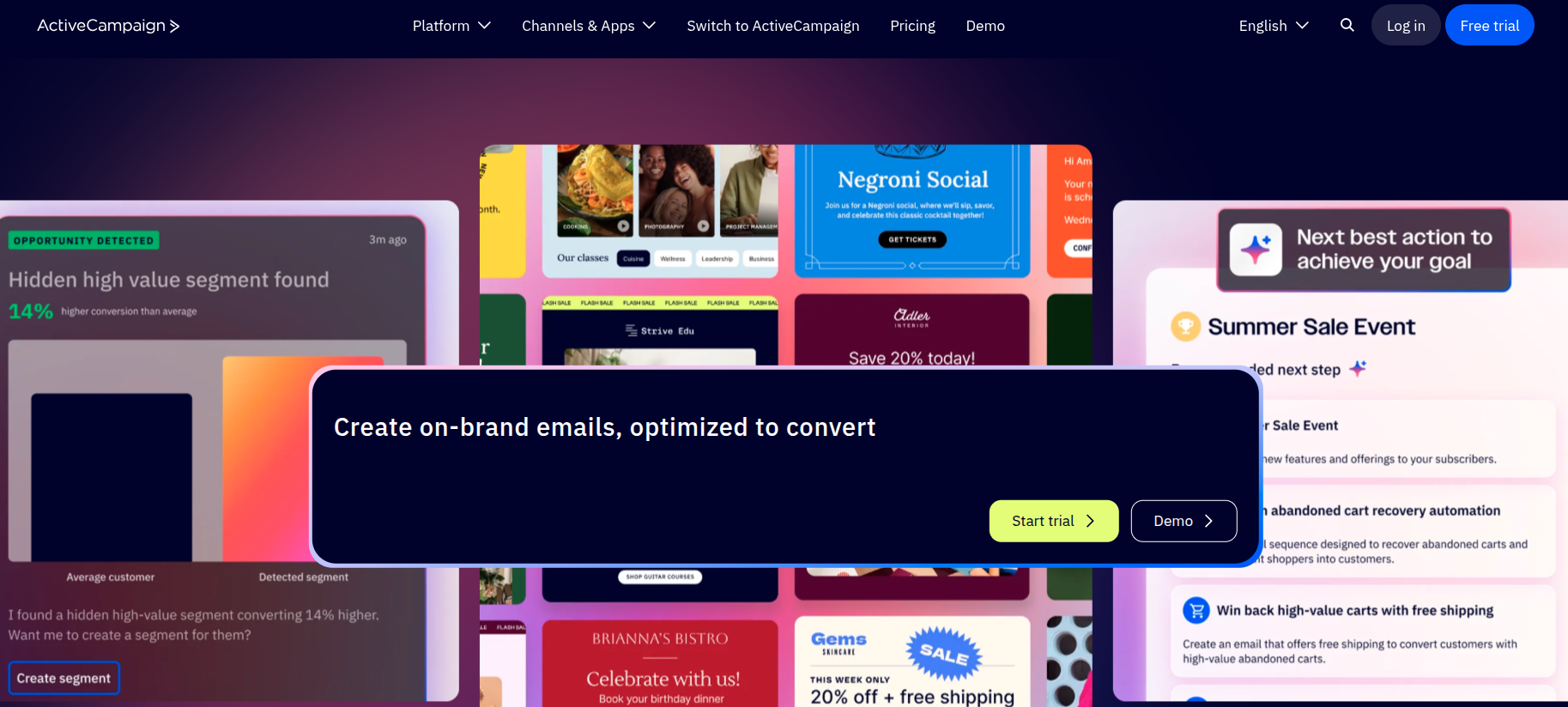
If automation is your thing, ActiveCampaign is a powerhouse. It blends email marketing with a built-in CRM and some of the most flexible, detailed automation workflows you’ll find anywhere. Ideal for businesses that want to get seriously hands-on with customer journeys.
Key features:
- Visual, drag-and-drop automation builder with deep branching logic
- Built-in CRM and sales automation tools
- Advanced segmentation and behavioral targeting
- Predictive sending and AI-powered features (on higher tiers)
- 900+ integrations plus SMS and WhatsApp add-ons
Pros:
- Best-in-class automation depth and flexibility
- CRM and marketing in one connected platform
- Scales well from solo users up to large teams
Cons:
- No free plan, and pricing climbs quickly with add-ons
- The wealth of features can feel overwhelming for beginners
Pricing plans:
- Starter: From $15/month for 1,000 contacts
- Plus: From $49/month, adds unlimited automation actions and landing pages
- Pro: From $79/month, adds predictive AI, plus attribution & conversion tracking
- Enterprise: From $145/month, adds custom objects, SSO, and a dedicated account team
7. Constant Contact
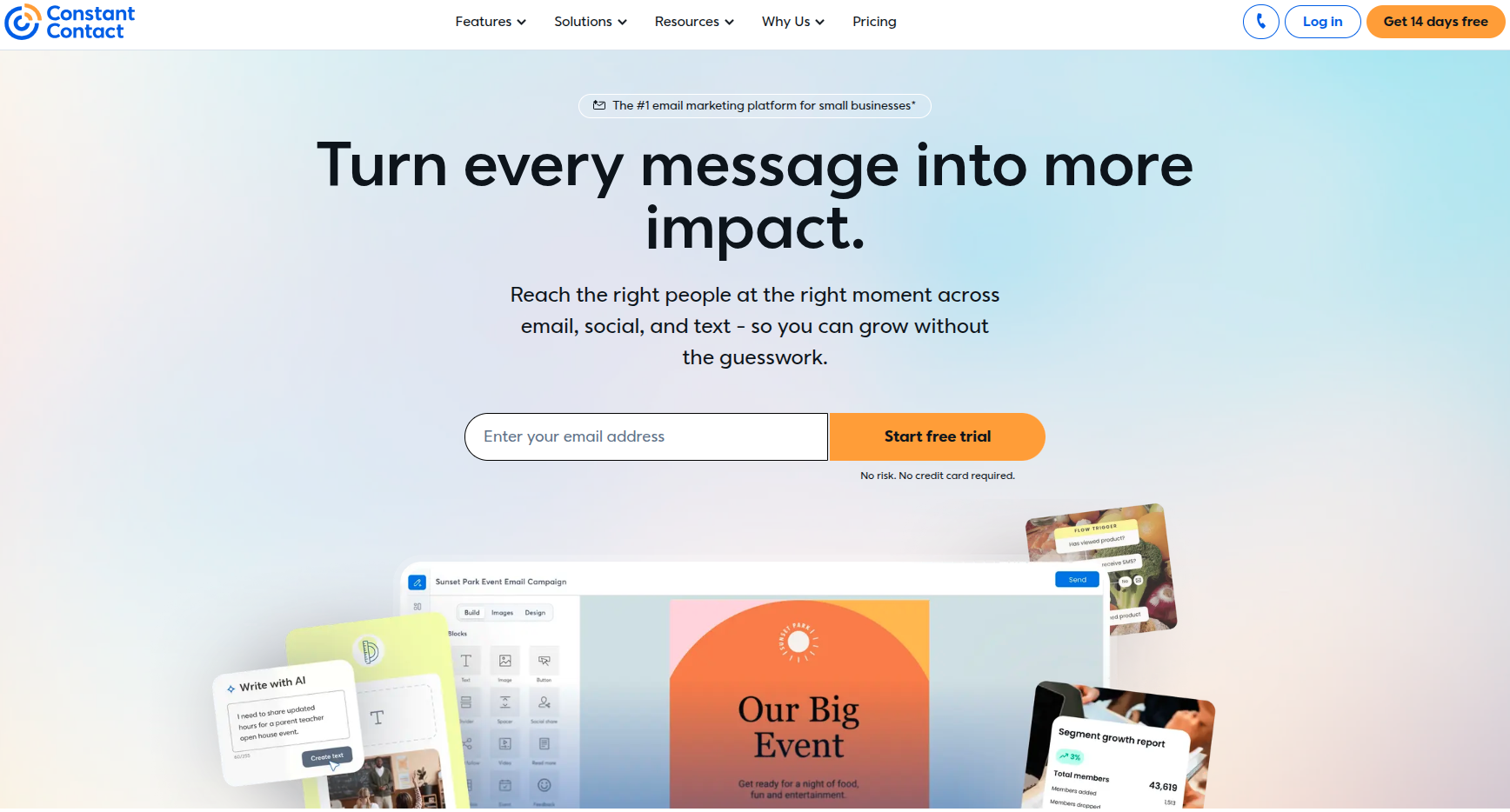
A veteran in the email space, Constant Contact is known for being beginner-friendly and rock-solid reliable. It’s especially popular with small businesses, nonprofits, and event-driven organizations. Thanks to its built-in event management and famously good support.
Key features:
- Easy drag-and-drop editor with a big template library
- Built-in event registration and management tools
- Social media posting and ad integration
- Automation, A/B testing, and segmentation (Standard and up)
- SMS marketing as an add-on
Pros:
- Genuinely beginner-friendly with strong customer support
- Built-in event tools that competitors often lack
- Reliable deliverability track record over 30+ years
Cons:
- Gets pricey as your contact list grows
- Send limits and overage fees can catch you off guard
Pricing plans:
- Lite: From $12/month (ideal for beginners)
- Standard: From $35/month (great for most businesses)
- Premium: From $80/month (ideal for pros)
- Teams: Custom pricing (ideal for teams with multiple locations)
8. GetResponse
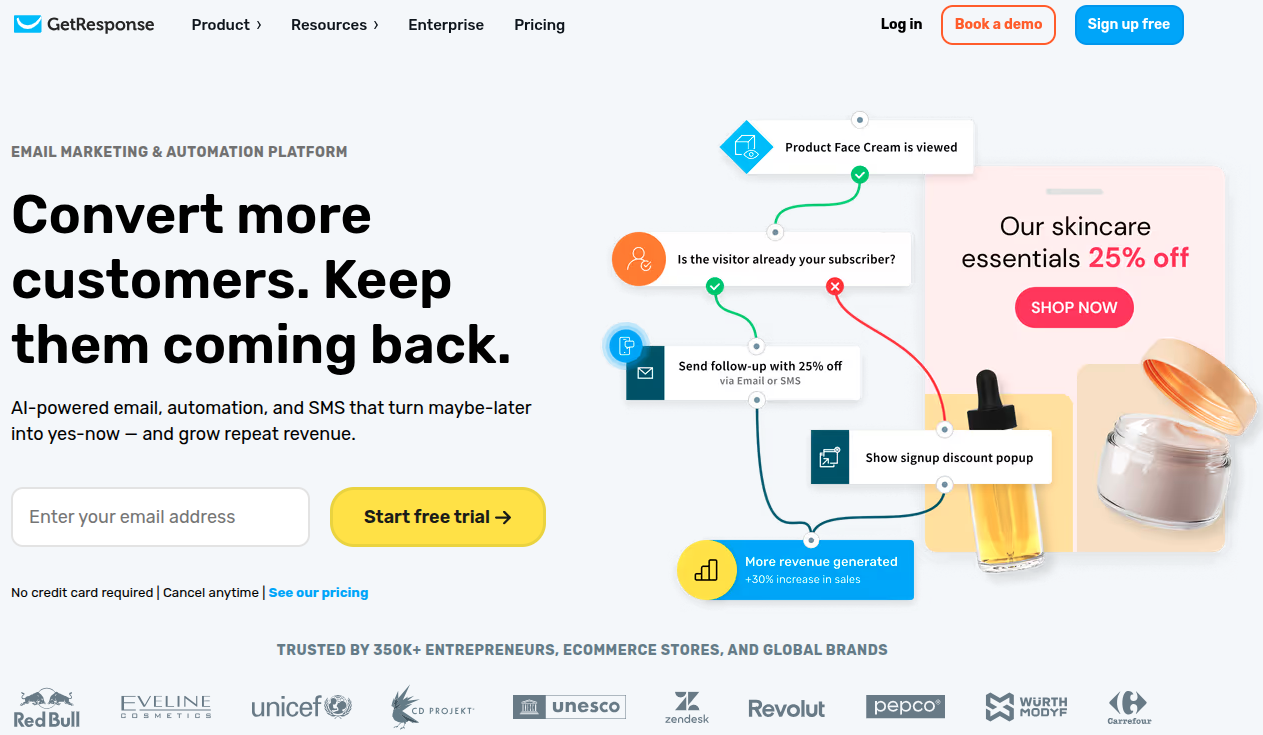
GetResponse is a true all-in-one platform. Beyond email, it packs in landing pages, a website builder, webinars, and even course-creation tools. This makes it a great fit for creators, coaches, and small businesses that want everything under one roof.
Key features:
- Email marketing with unlimited sends on paid plans
- Marketing automation and autoresponders
- Landing pages, signup forms, and a website builder
- Built-in webinar hosting
- Course creation and paid newsletters
Pros:
- Unlimited email sends even on the entry-level plan
- A lot of tools bundled together for the price
- Generous 24/7 support and an AI content assistant
Cons:
- Lower tiers cap at limited contacts and one automation workflow
- Transactional emails are locked to the Enterprise plan
Pricing plans:
- Free: Try free for 14 days. No credit card required.
- Starter: From $19/month, unlimited monthly email sends
- Marketer: From $59/month, adds advanced audience segmentation
- Creator: From $69/month, adds premium newsletter subscriptions
- Enterprise: Custom pricing
9. Moosend
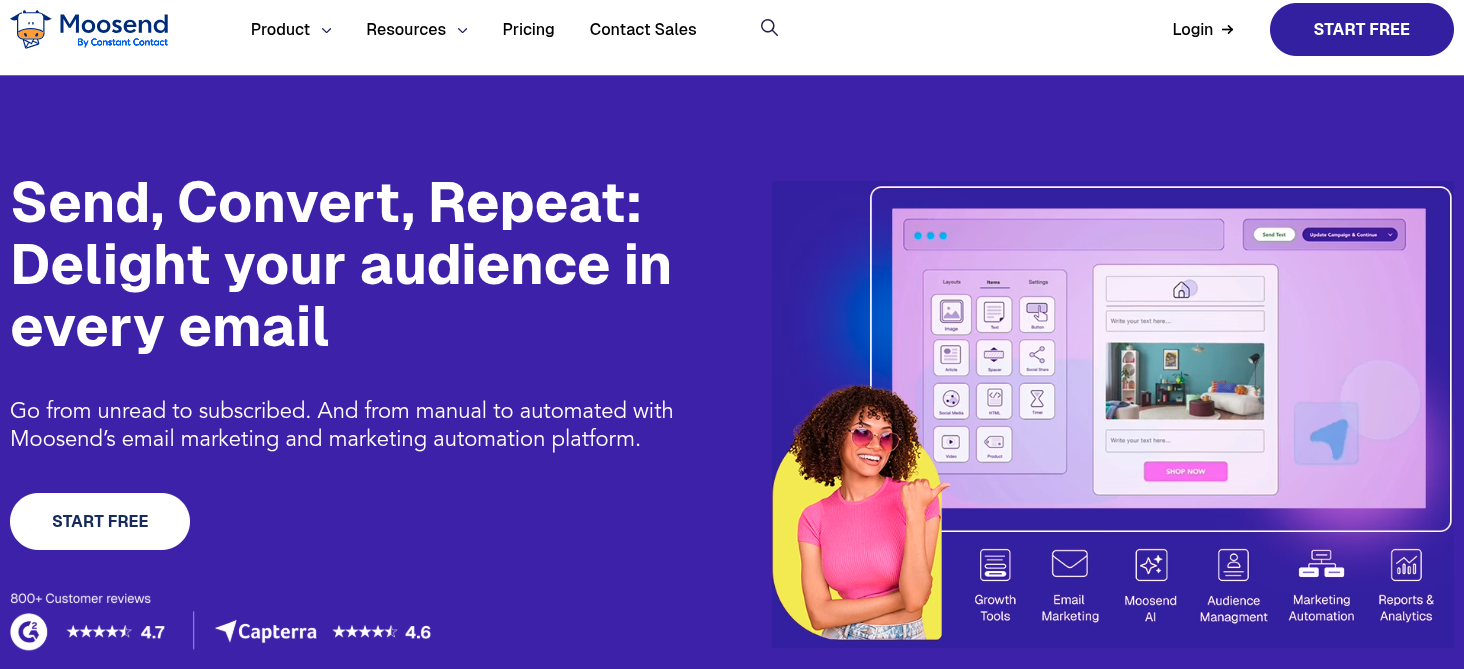
Moosend is the budget-friendly underdog that punches well above its weight. It keeps things refreshingly simple with essentially one paid plan that unlocks all the core features. This makes it a fantastic value pick for small businesses and startups.
Key features:
- Drag-and-drop editor with an AI Writer
- Full marketing automation with 30+ triggers
- Unlimited email sends on all paid plans
- Landing pages, forms, and segmentation
- Website tracking and ecommerce integrations
Pros:
- Outstanding value, advanced features at a low price
- Generous 30-day free trial with full access, no card needed
- Charges per unique contact, not per list
Cons:
- No permanent free plan anymore
- Transactional email and dedicated IPs require a custom add-on
Pricing plans:
- Free trial: 30 days of full pro features, no credit card
- Pro: From $9/month for 500 contacts
- Moosend+: Custom plan with pick-and-choose add-ons
- Enterprise: Custom pricing for high-volume senders
10. HubSpot
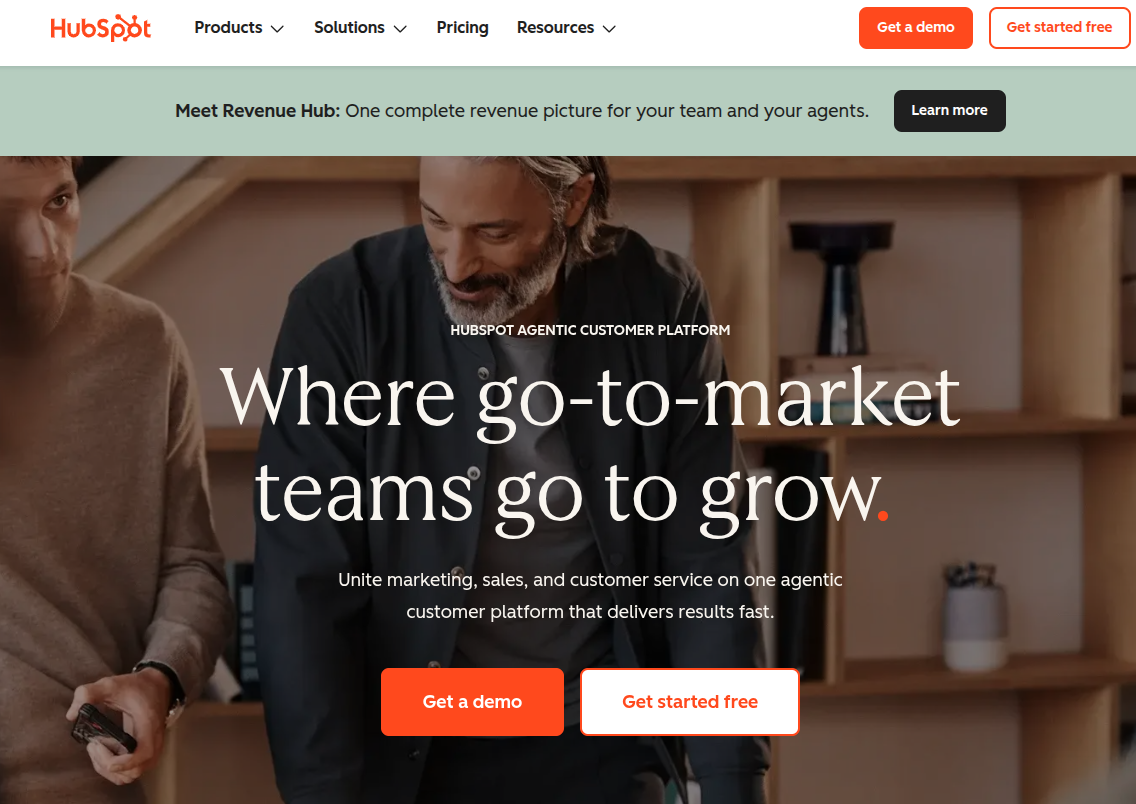
HubSpot is the all-in-one giant. Its “Marketing Hub” ties email marketing into a much bigger ecosystem of CRM, sales, and service tools. It’s incredibly powerful and polished, though that power comes with a premium price tag as you scale up.
Key features:
- Email marketing built on top of a free, full-featured CRM
- Powerful automation workflows
- Landing pages, forms, live chat, and ad management
- Advanced analytics, reporting, and lead scoring
- AI-powered content tools and deep personalization
Pros:
- Seamless integration of marketing, sales, and CRM data
- Excellent free tools to get started
- Robust analytics and enterprise-grade features
Cons:
- The jump from Starter to Professional is steep (plus a mandatory onboarding fee)
- One of the pricier options if you only need email
Pricing plans:
- Free: $0/month (free for up to 2 users)
- Starter: From $20/seat/month for 1,000 contacts
- Professional: From $890/month for 2,000 contacts
- Enterprise: From $3,600/month for 10,000 contacts
11. CleverReach
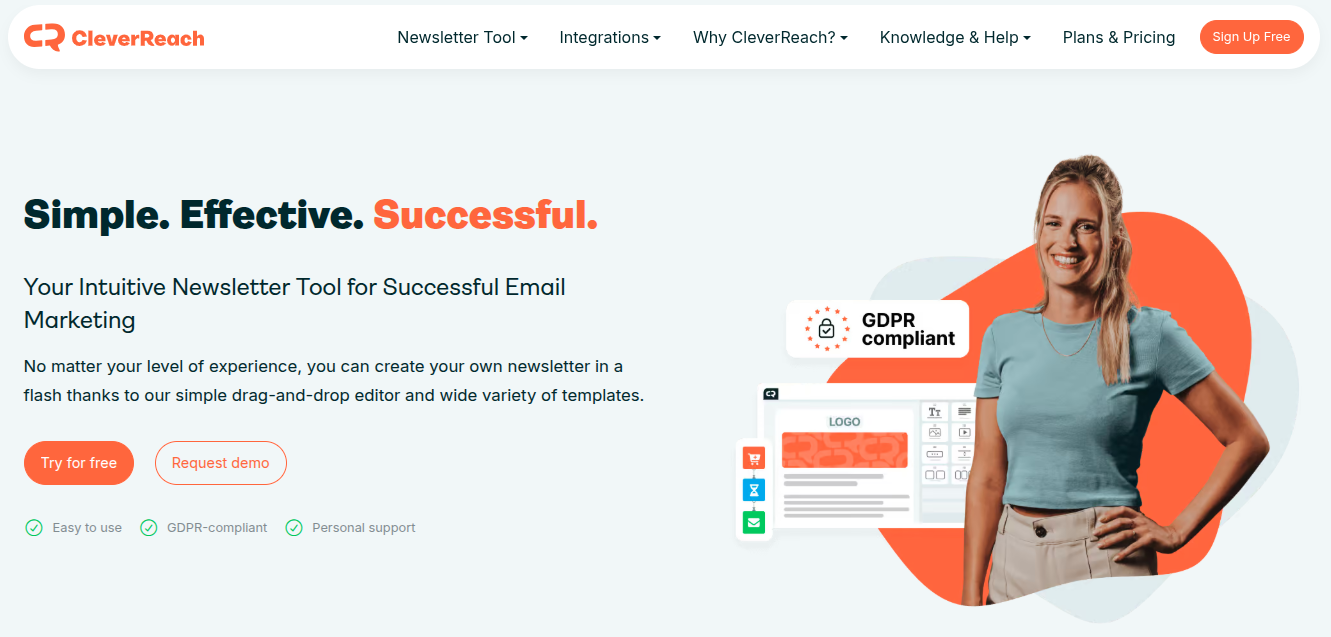
CleverReach is a German-made email newsletter platform with a strong focus on data privacy and deliverability. If GDPR compliance and EU data residency matter to your business, this is a standout option. It’s trusted by big names like Spotify and DHL.
Key features:
- Drag-and-drop editor with responsive templates
- THEA automation builder for visual workflows
- A/B testing, dynamic content, and RSS campaigns
- Segmentation and detailed reporting
- Strong GDPR compliance with German data centers
Pros:
- Excellent for privacy-conscious European businesses
- Reliable deliverability and CSA certification
- Flexible billing, including pay-as-you-go options
Cons:
- Pricier than competitors as your list grows
- Premium support costs extra, and the interface leans German-centric
Pricing plans:
- Lite (Free): $0/month, up to 1,000 emails/month
- Basic: From $15/month, unlimited emails per month
- Pro: From $18/month, adds unlimited email automation
- Enterprise: From $499/month, monthly email quota
12. Brevo
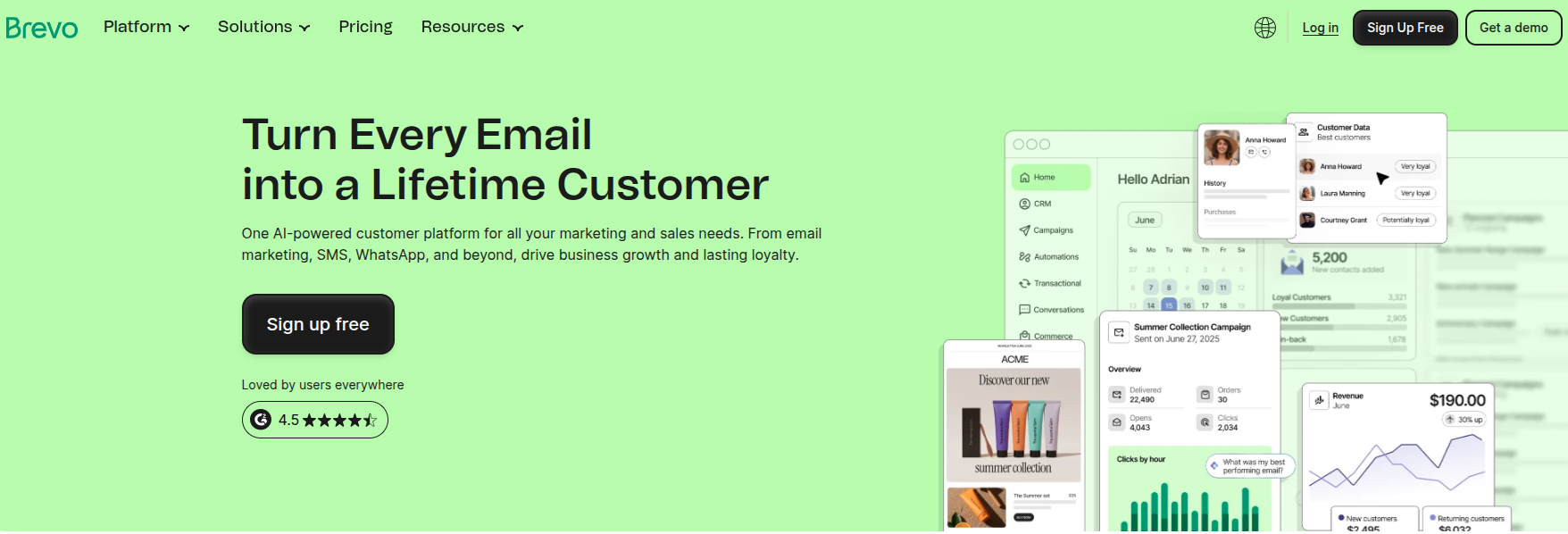
Formerly Sendinblue, Brevo is a true all-in-one platform that bundles email, SMS, WhatsApp, chat, and a basic CRM. Its standout feature: it charges by emails sent rather than contacts stored. A big win if you have a large list but send infrequently.
Key features:
- Email, SMS, and WhatsApp marketing in one place
- Marketing automation and a built-in CRM
- AI content generator and advanced segmentation
- Landing pages and signup forms (higher tiers)
- Transactional email via API or SMTP
Pros:
- Volume-based pricing keeps costs low for big, low-frequency lists
- Multichannel tools built in, even on lower tiers
- Generous free plan with unlimited contact storage
Cons:
- The free plan caps you at 300 emails/day
- Removing Brevo branding costs extra on the Starter plan
Pricing plans:
- Free: $0/month, only 300 emails/day
- Starter: From $9/month (5,000 emails per month)
- Standard: From $18/month, adds automation, A/B testing, and removes branding
- Professional: From $499/month for high-volume, multichannel campaigns
- Enterprise: Custom pricing
13. Sender
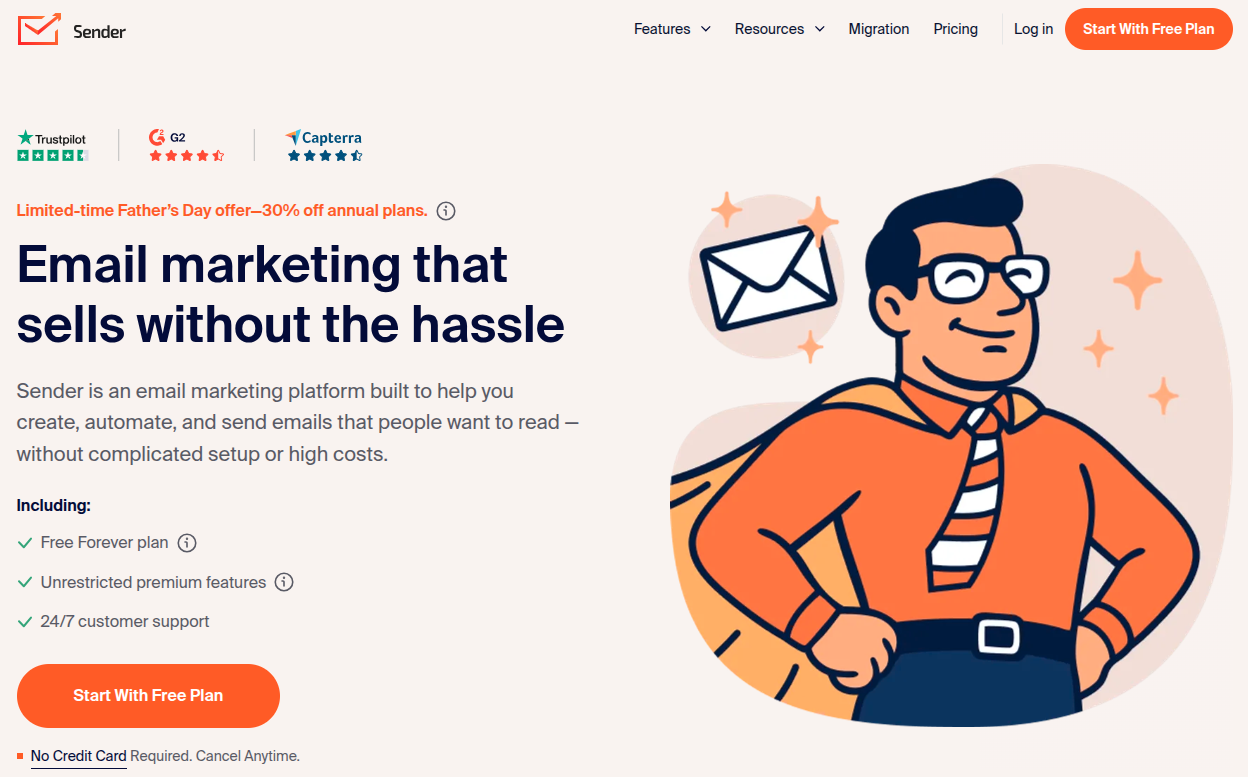
Sender is the value champion of the bunch, famous for one of the most generous free plans in the entire industry. It pairs email and SMS in a clean, beginner-friendly package. Perfect option for small businesses and nonprofits watching their budget.
Key features:
- Drag-and-drop email builder with no-code automation
- Email and SMS marketing in one dashboard
- Signup forms, popups (including spin-to-win), and landing pages
- Segmentation and real-time heatmap reporting
- Transactional email included on all plans
Pros:
- Exceptionally generous free-forever plan
- Among the cheapest paid plans around
- 24/7 support even for free users
Cons:
- Higher tiers hide their pricing behind a wall
- Pay-as-you-go credits run on the expensive side
Pricing plans:
- Free Forever: $0/month, up to 2500 subscribers and 15000 emails/month
- Standard: From $10/month, adds unlimited email & popup templates and removes branding
- Professional: From about $20/month, adds priority support and unlimited email editor features
- Enterprise: Custom pricing for large organisations and businesses
14. EmailOctopus
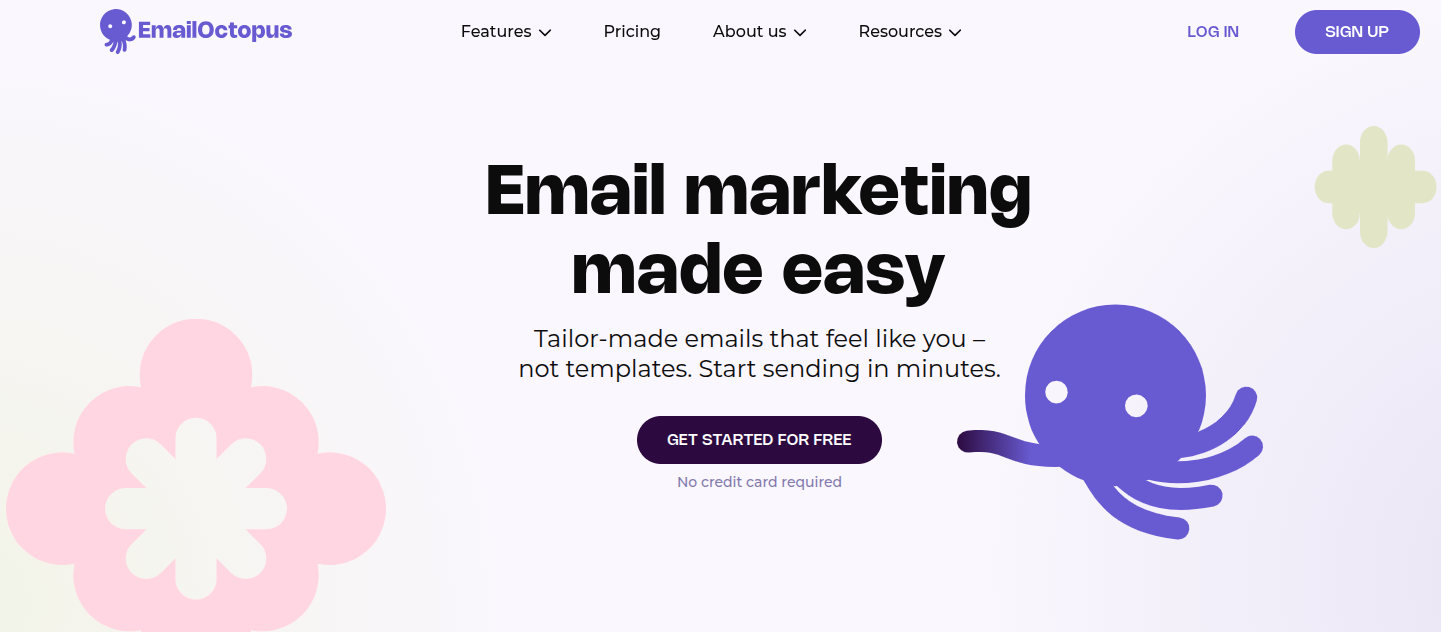
EmailOctopus keeps things refreshingly simple and within budget. It strips email marketing down to the essentials: no SMS, no CRM, just clean campaigns and solid deliverability at a fraction of what the big names charge. A top-notch favorite among creators and nonprofits.
Key features:
- Simple drag-and-drop and HTML email editors
- Basic automation (welcome series, drip campaigns)
- Landing pages and signup forms
- Segmentation, tagging, and easy-to-read analytics
- Optional Amazon SES integration via EmailOctopus Connect
Pros:
- One of the most generous free plans for the price point
- Transparent, predictable pricing with no feature gates
- 20% lifetime discount for nonprofits
Cons:
- No SMS, ecommerce automations, or advanced CRM features
- Automation and reporting are fairly basic
Pricing plans:
- Starter (Free): Up to 2,500 subscribers and 10,000 emails/month
- Pro: From about $10/month for 500 subscribers, scaling with list size (At 10,000 subscribers, Pro runs roughly $44.50/month. Notably cheaper than most rivals)
15. Omnisend
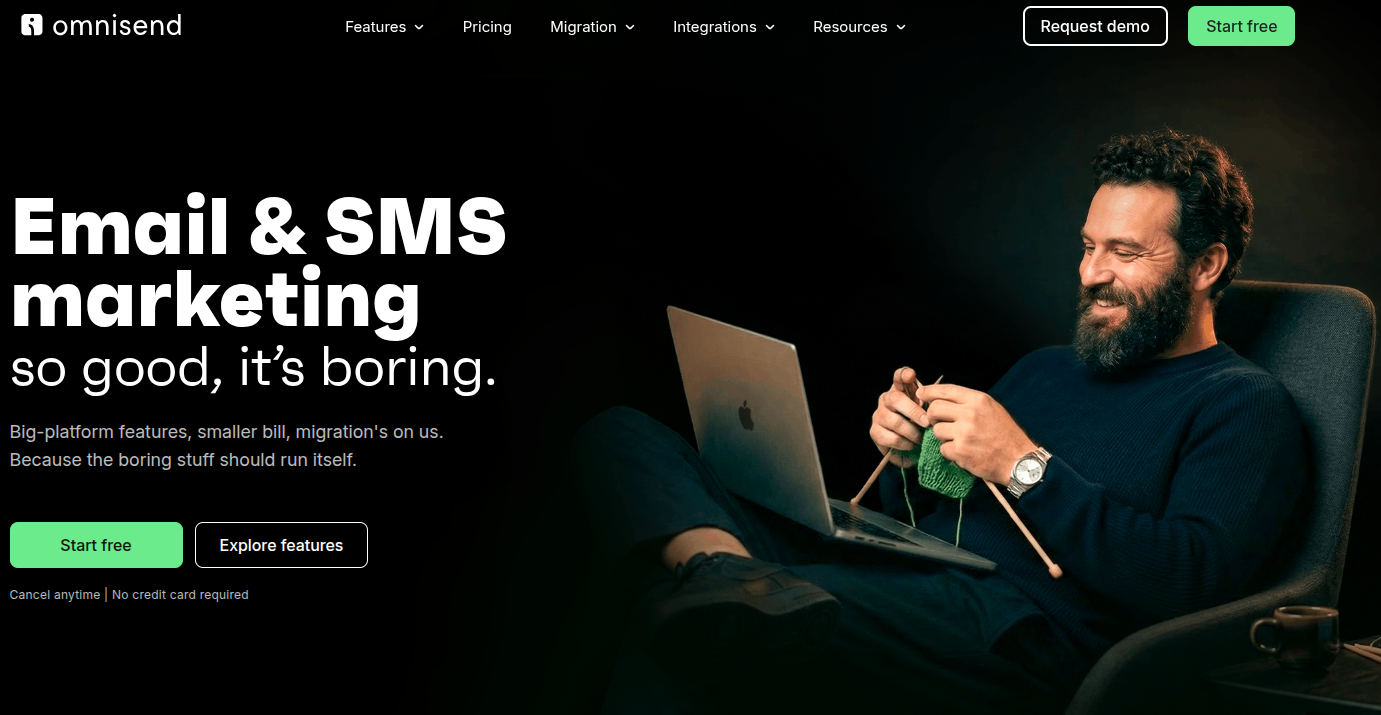
Omnisend comes to the center stage as a powerful ecommerce-focused platform. Like Klaviyo, it’s built for online stores, combining email, SMS, and push notifications with deep Shopify and WooCommerce integrations. The big plus: almost all features are available even on the free plan.
Key features:
- Email, SMS, and web push in one platform
- Pre-built ecommerce automations (abandoned cart, browse abandonment, post-purchase)
- Deep Shopify, WooCommerce, and BigCommerce integrations
- Product recommendations and advanced segmentation
- A/B testing and detailed reporting
Pros:
- All features unlocked even on the free plan
- Purpose-built for ecommerce growth
- Only bills for contacts you actually message
Cons:
- Costs climb as your contact list grows
- SMS is billed separately and can add up fast
Pricing plans:
- Free: 250 contacts, 500 emails/month, and all features except advanced reporting
- Standard: From $16/month for 500 contacts and 6,000 emails/month, scaling with list size
- Pro: From $59/month for 2,500 contacts, with unlimited email sends
- Custom: Tailored pricing for high-volume senders
16. Benchmark Email
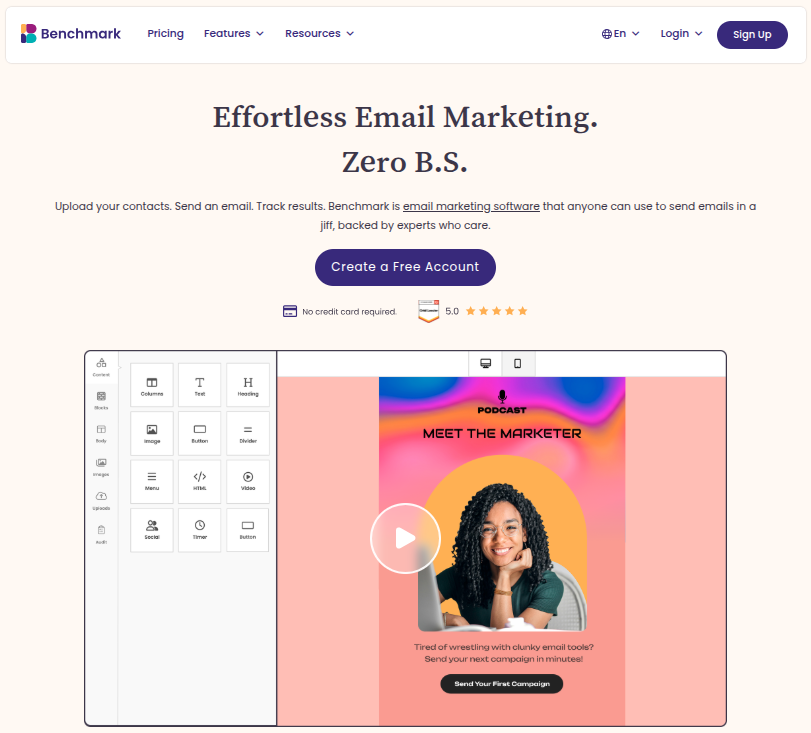
Benchmark Email has been around for over 20 years and focuses on doing the basics really well. It’s a clean, beginner-friendly platform built around an easy drag-and-drop editor and AI writing tools. Great option for straightforward newsletters and email campaigns.
Key features:
- Drag-and-drop editor with a solid template library
- AI-powered content and design tools
- Contact management with tagging and segmentation
- Sign-up forms and basic reporting
- Same deliverability infrastructure across free and paid plans
Pros:
- Genuinely useful free plan with all core features
- Clean, uncluttered interface that’s easy to learn
- Nonprofit discounts available
Cons:
- Automation and advanced segmentation are limited
- Extra users cost $15/month each, which adds up
Pricing plans:
- Free: $0/month, up to 500 contacts and 2,500 emails/month
- Pro: From around $19/month, scaling with contact count and removing branding
- Enterprise: Custom pricing for 100,000+ contacts
17. Kit
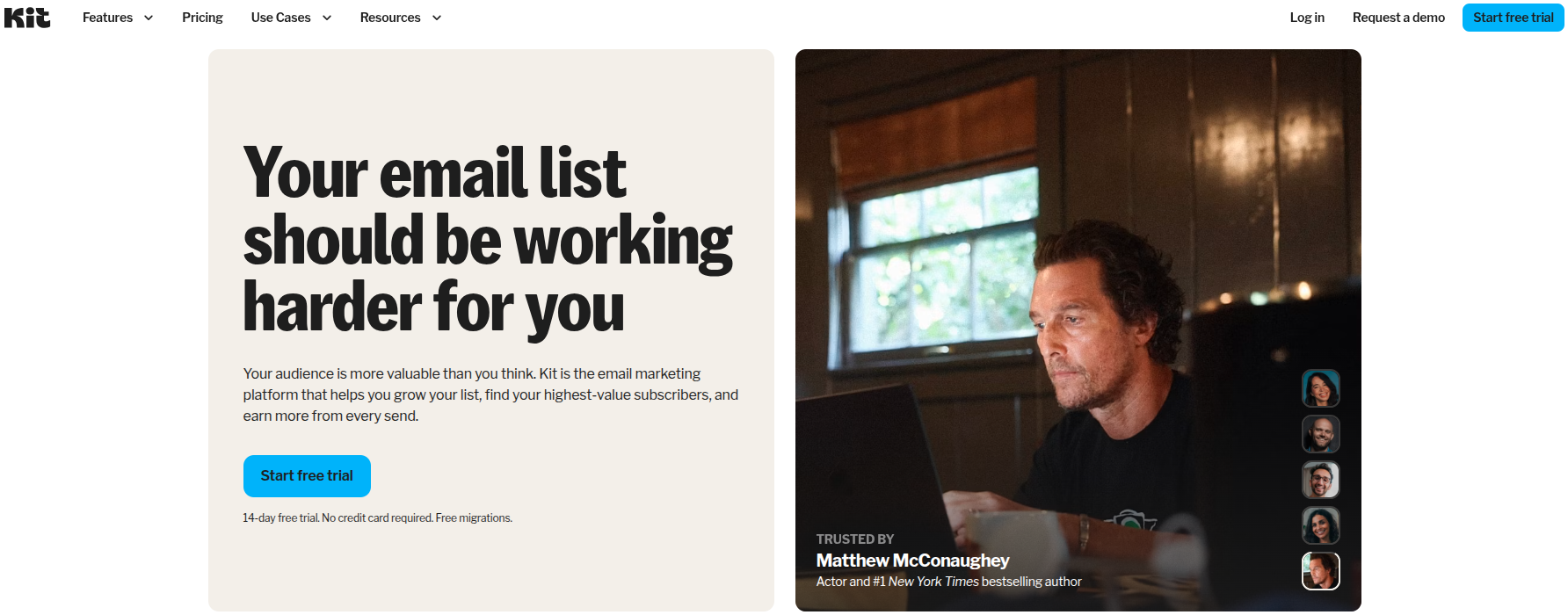
Kit is built specifically for creators, bloggers, podcasters, course sellers, and newsletter writers. It pairs clean email tools with built-in monetization features, and it charges by subscriber count rather than emails sent.
Key features:
- Visual automation builder and email sequences
- Unlimited landing pages and signup forms
- Built-in tools to sell digital products and paid newsletters
- Tagging and segmentation for creators
- 100+ integrations on paid plans
Pros:
- One of the most generous free plans (up to 10,000 subscribers)
- Creator-focused monetization built right in
- Unlimited email sends on every plan
Cons:
- Paid plans jumped ~35% in late 2025 and are pricier than rivals
- A/B testing is locked to the top Creator Pro tier
Pricing plans:
- Newsletter (Free): Up to 10,000 email subscribers with core tools
- Creator: From $139/month, adds unlimited visual automations & email sequences
- Pro: From $189/month, adds advanced engagement analytics and insights dashboard
18. AWeber
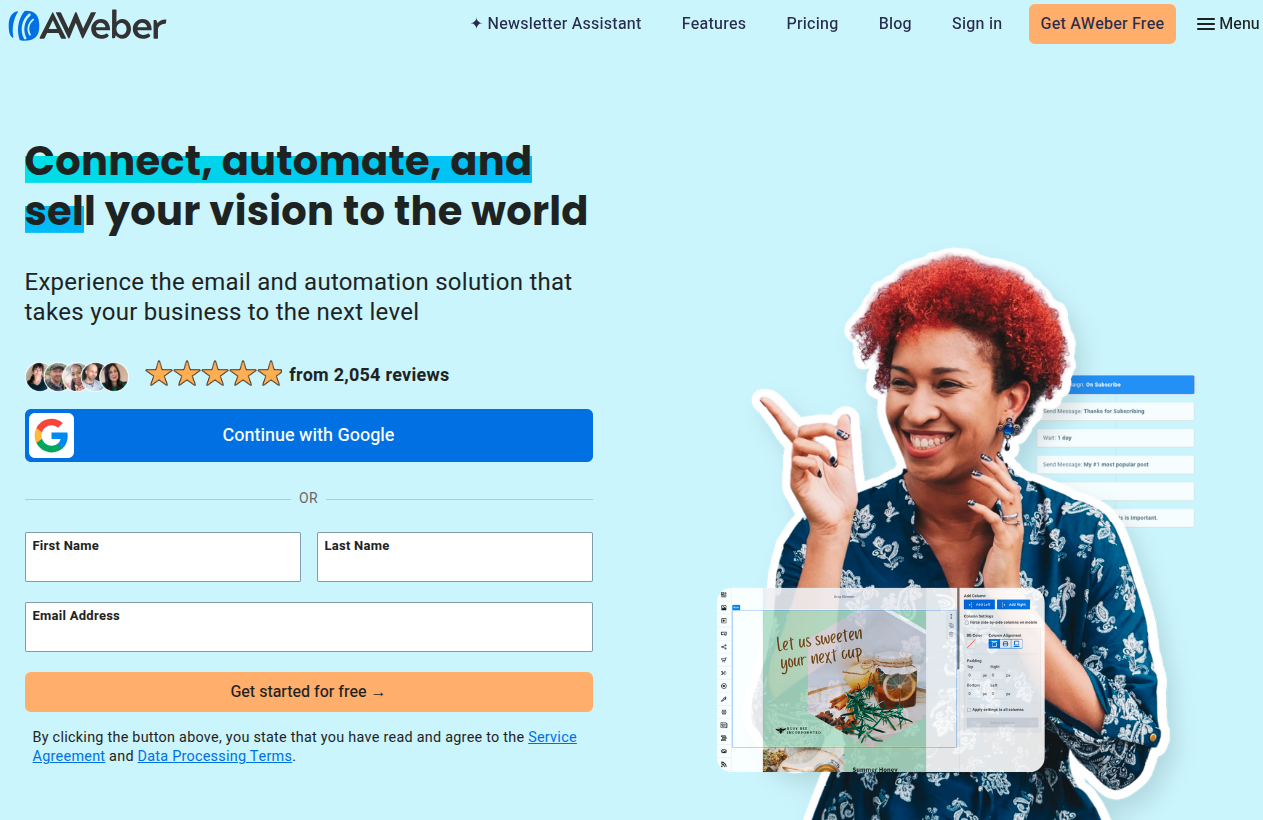
A true veteran (it invented the autoresponder back in 1998), AWeber is a reliable, beginner-friendly platform best known for its standout customer support, including phone support on every plan, even the free one.
Key features:
- Drag-and-drop builder with 600+ templates and a Smart Designer
- AI writing assistant and Canva integration
- Automation, landing pages, and signup forms
- Ecommerce tools and web push notifications
- 500+ integrations
Pros:
- Excellent 24/7 support (phone, chat, email) on all plans
- Generous free plan and free list migration
- One of the few platforms that openly allows affiliate marketing
Cons:
- Automation is basic compared to ActiveCampaign or GetResponse
- A late-2024 price increase removed grandfathered plans
Pricing plans:
- Free: Up to 500 subscribers and 3,000 emails/month
- Lite: From $15/month, with branding and some caps
- Plus: From $30/month, unlimited email lists and automations, branding removed
- Done For You: $30/month + $79 setup fee, everything in Plus and much more
19. Beehiiv
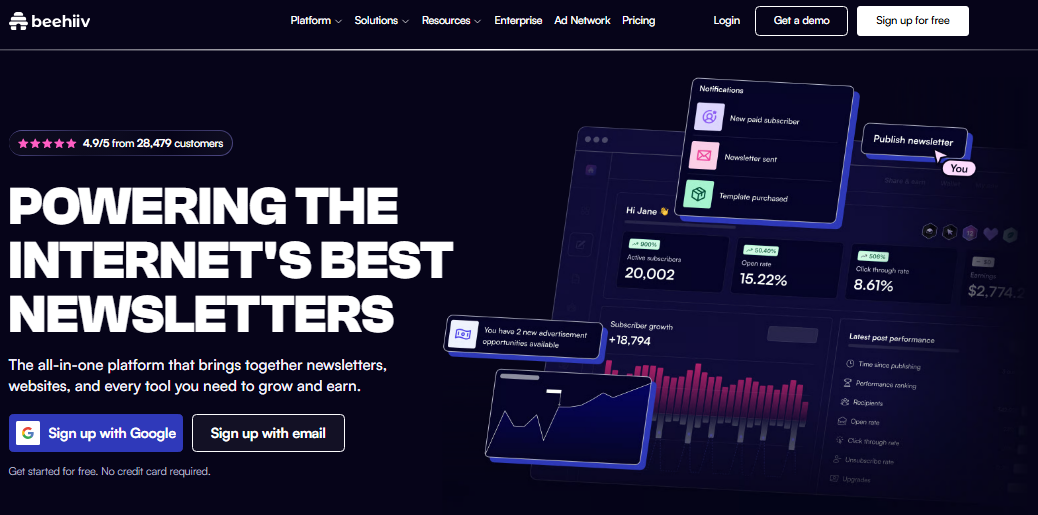
Built by former Morning Brew team members, Beehiiv is a newsletter-first platform designed for growth and monetization. It’s a favorite among serious newsletter creators, with built-in ad network, referral, and subscription tools, and it takes 0% of your subscription revenue.
Key features:
- Newsletter and website builder with custom domains
- Built-in ad network and Boost referral program
- Paid subscriptions and digital products (0% take rate)
- AI writing tools and advanced analytics
- Unlimited email sends on all plans
Pros:
- Strong, genuinely useful free plan (up to 2,500 subscribers)
- Best-in-class monetization tools with no revenue cut
- Unlimited sends even on the free tier
Cons:
- The jump from free to paid is steep
- More publishing-focused than a general marketing tool (limited automation)
Pricing plans:
- Launch (Free): Up to 2,500 subscribers with unlimited sends
- Scale: From $49/month, adds email automations, surveys & polls
- Max: From $109/month, adds priority support and audio newsletters
- Enterprise: Custom pricing for 100,000+ subscribers
20. SendX
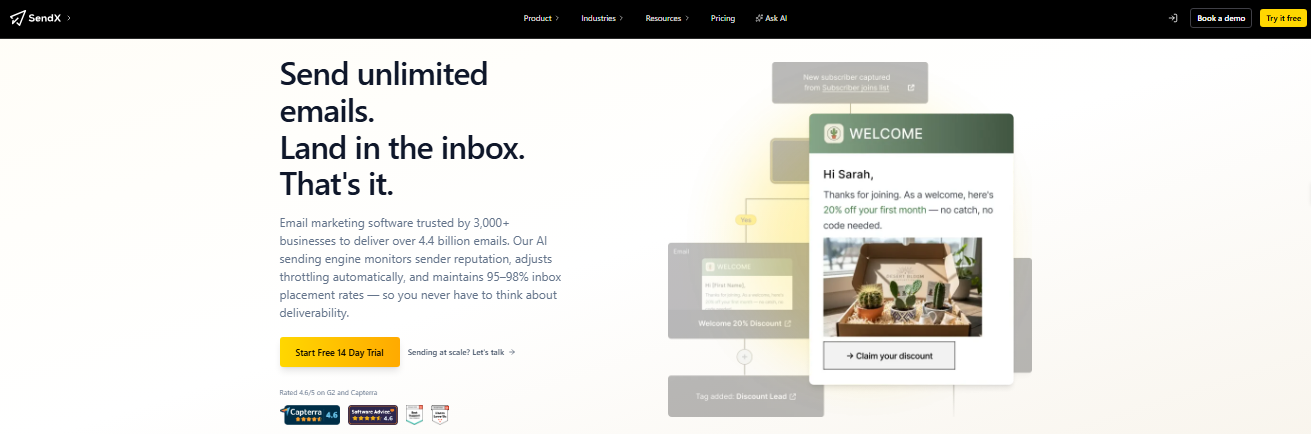
SendX rounds out the list as a simple, budget-friendly platform with one standout selling point: unlimited email sends on every plan, with pricing based only on your subscriber count. It’s also welcoming to industries that other platforms often reject.
Key features:
- Drag-and-drop editor with AI-assisted content
- Visual automation workflows
- Landing pages, forms, and popups
- Segmentation, A/B testing, and analytics
- Deliverability tools like automatic IP warm-up
Pros:
- Unlimited email sends on all plans, with predictable pricing
- Welcomes restricted industries (crypto, supplements, affiliate)
- Strong, responsive 24/7 support
Cons:
- No free plan (only a 14-day trial)
- Smaller template library and fewer native integrations
Pricing plans:
- From about $39.99/month for 5,000 contacts, scaling with list size. Includes a 60-day money-back guarantee
You may also like: 75+ popular digital marketing tools and platforms to increase engagement in 2026
How to find the right email marketing tool for your business: Points to consider!
With so many great options on the table, picking the right one can feel quite challenging. Here’s a simple checklist to help you zero in on the tool that actually fits your business, not just the one with the fanciest homepage.
1. Identify your core goals
Before anything else, get clear on what you actually want to achieve. Are you building a newsletter, running an online store, or nurturing leads? Knowing your goal upfront helps you pick a tool built for your specific needs instead of paying for features you’ll never touch.
2. Evaluate automation & workflows
Good automation saves you hours and keeps your audience engaged on autopilot. Look at how easily you can set up welcome sequences, follow-ups, and triggered emails. The right depth here is what separates a tool you’ll love from one you’ll outgrow fast.
3. Check segmentation & personalization
Sending the same email to everyone is one of the most common email marketing mistakes, and a quick way to lose subscribers. A solid tool lets you group people by behavior or interests and tailor your messages, which makes a real difference in opens and clicks.
4. Assess deliverability rates
A beautiful email is useless if it lands in spam. Check how reliably each platform gets emails into the inbox, and look for features like authentication support and IP warm-up that protect your sender reputation over time.
5. Consider budget & scalability
Don’t just look at today’s price; think about where you’ll be in a year. Many tools charge based on contacts or sends, so costs can climb fast as you grow. Pick something that fits your budget now and won’t punish you for succeeding later.
6. Inspect integration capabilities
Your email tool shouldn’t live on an island. Make sure it connects smoothly with the apps you already use (your store, CRM, landing pages, and more). Good integrations keep your data in sync and save you from tedious manual work.
7. Look for usability & support
Even the most powerful tool is frustrating if it’s a pain to use. Test the interface and see how intuitive it feels. And don’t overlook support; having quick access to help via chat, email, or phone can be a lifesaver when something goes sideways.
8. Read reviews & feedback
Finally, see what real users are saying. Reviews on sites like G2 and Capterra often reveal the stuff marketing pages won’t (deliverability quirks, billing surprises, or clunky features). It’s one of the easiest ways to avoid a costly mistake before you commit.
Partner with Replug to create smarter email marketing campaigns!
By now, you’ve got a solid lineup of tools to power your campaigns, but here’s one more that deserves a spot in your stack.
Replug is an all-in-one link management platform packed with features that make your marketing sharper, from branded links and bio pages to retargeting and deep click analytics.
The real star, though, is its custom link shortener. Instead of sending long, messy URLs that look untrustworthy, Replug’s URL shortener lets you create clean, personalized branded short URLs in seconds.
In your emails, that means more clicks, stronger brand recognition, and clear tracking on exactly what your audience engages with.


So as you choose the right email marketing tool from this list, pair it with Replug to tie everything together. The right combo will help you send smarter, track better, and grow faster.
Happy emailing!
Frequently asked questions
Why use an email marketing software?
Because, to be very honest, doing it manually just doesn’t scale. Email marketing software lets you design professional emails, send them to thousands of people at once, automate follow-ups, and track what’s working, all from one dashboard. It also keeps you compliant with anti-spam laws and helps your emails actually land in the inbox. Simply put, it saves you time while helping you build stronger relationships with your audience and drive more sales.
What makes a good email marketing software?
A good tool nails the essentials:
– an easy-to-use editor,
– reliable deliverability,
– solid automation, and
– clear reporting
Beyond that, look for flexible segmentation, helpful integrations with your other apps, responsive customer support, and pricing that grows sensibly with your list. The best fit also depends on your needs. An ecommerce store and a solo blogger will value very different features.
What are some of the best free email marketing tools?
A few stand out for genuinely useful free plans.
Sender offers up to 2,500 subscribers and 15,000 emails a month, while EmailOctopus gives you 2,500 subscribers and 10,000 emails. Kit’s free plan supports up to 10,000 subscribers, and Beehiiv allows 2,500 with unlimited sends. Brevo, Mailchimp, MailerLite, and Omnisend also offer free tiers worth checking out.
Provide a list of some of the best AI email marketing tools at present?
Most major platforms now bake in AI features like content generation, subject line help, and send-time optimization. Some of the strongest right now include Mailchimp, ActiveCampaign, GetResponse, Brevo, Klaviyo, and Moosend. AWeber and Benchmark Email also offer handy AI writing assistants, while Klaviyo and Omnisend lead the pack with AI-powered predictive analytics for ecommerce.
What are the top 10 email marketing tools for small businesses?
For small businesses, these ten offer a great mix of affordability and features:
1. MailerLite
2. Mailchimp
3. Brevo
4. Sender
5. Constant Contact
6. GetResponse
7. Moosend
8. AWeber
9. Benchmark Email
10. ActiveCampaign
The best pick depends on your goals. Sender and Moosend win on budget, Constant Contact and AWeber on support, and ActiveCampaign on automation power.
What is the most cost-effective email marketing platform?
It depends on how you send, but a few consistently deliver strong value. Sender and Moosend offer powerful features at rock-bottom prices. EmailOctopus is great for cheap, simple campaigns, and Brevo’s volume-based pricing is ideal if you have a big list but send infrequently. For totally free, Sender’s plan is one of the most generous around.
What limitations do free email marketing services have?
Free plans are great for starting out, but they come with trade-offs. Expect caps on subscribers and monthly sends, plus the provider’s branding on your emails. You’ll often miss out on advanced automation, A/B testing, detailed reporting, and priority support.
Some also limit users or daily send volume. They’re perfect for testing the waters, but most growing businesses outgrow them before long.