The digital marketing world isn’t slowing down; not even close. Global digital marketing spend is already expected to top $800 billion in 2026, and businesses of every size are competing to keep up.
But here’s the real challenge: It’s not just about spending more; it’s about spending smart. The right tools make all the difference.
No matter if you’re a solo marketer or part of a full-scale team, knowing your digital marketing tools examples (from SEO platforms to email automation and social scheduling apps) can completely transform how you connect with your audience.
63% of marketers are already increasing their budgets in 2025, with a clear focus on investing in smarter marketing tools.
So, which tools are actually worth your time in 2026? Before we get into that, let’s quickly cover the basics.
What is digital marketing: A brief overview
Simply put, digital marketing is the practice of promoting your products or services through online channels. Think search engines, social media, email, and websites.
The main goal: Reaching the right people, at the right time, with the right message!
Unlike traditional marketing, it gives you real-time data so you can actually see what’s working and what’s not.
Whether you’re a small business owner or a large brand, digital marketing helps you build awareness, drive traffic, and turn visitors into paying customers.
What are digital marketing tools?
Digital marketing tools are software and platforms that help you plan, execute, and measure your marketing efforts online.
Instead of doing everything manually (tracking website traffic, scheduling posts, sending emails, and running ads), these tools handle the hard work for you. They save time, reduce guesswork, and give you clear insights into what’s actually driving results.
Some tools focus on one specific task, like keyword research or social media management, while others do a bit of everything.
Bottom line: They make your marketing smarter, faster, and a whole lot easier to manage.
Best tools for digital marketing by category
Finding the right tools can honestly feel quite challenging, since there are hundreds of options out there. But the good news is, once you know what each tool does and who it’s built for, the decision gets a lot easier.
This best digital marketing tools list breaks everything down by category, so you can quickly find what fits your goals and budget without wasting time sorting through the noise.
Have a look!
Social media marketing tools
Social media marketing tools help you schedule content, manage multiple accounts, track engagement, and understand your target audience, all from one place.
Here are the top ones worth knowing about:
1. Replug
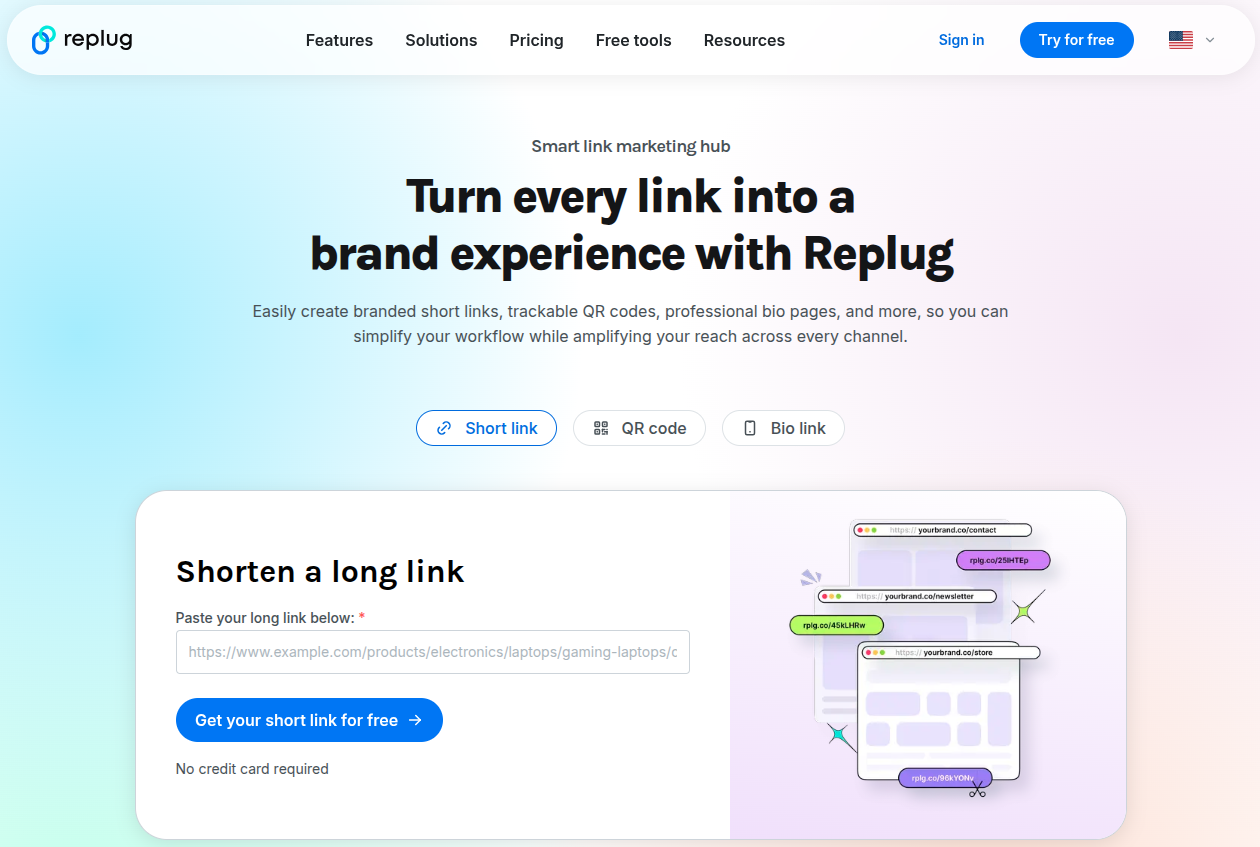
Replug is a smart link management platform built for marketers who want more from every link they share. It lets you shorten URLs, add retargeting pixels, create QR codes, and build customizable bio link pages. You can also set up call-to-action overlays on any shared content to drive traffic back to your site.
It’s a solid pick for content marketers, agencies, and social media managers who want to track link performance and boost conversions without any technical hassle.
Pricing: Free plan available; Paid plans start at $19/month
Best for: Affiliate & social media marketers, agencies, and SaaS
2. ContentStudio
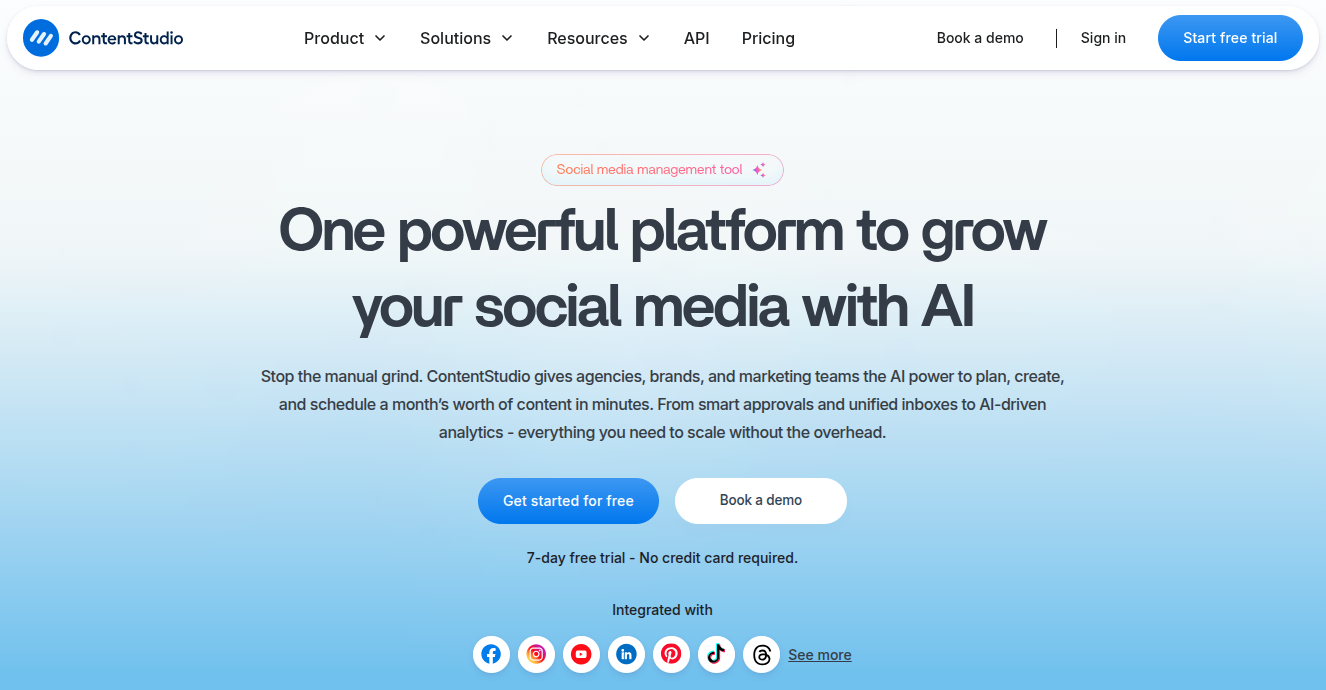
ContentStudio is an all-in-one social media and content marketing platform. It lets you discover trending content, plan and schedule posts across multiple channels, and collaborate with your team, all under one roof.
Plus, the built-in analytics make it easy to track what’s performing well. It also has an AI writing assistant to speed up content creation.
If you’re managing several social accounts and want a clean, organized workflow, ContentStudio is genuinely worth checking out.
Pricing: Starts at $29/month
Best for: Solo creators, marketing teams, and growing businesses managing multiple platforms
3. Hootsuite
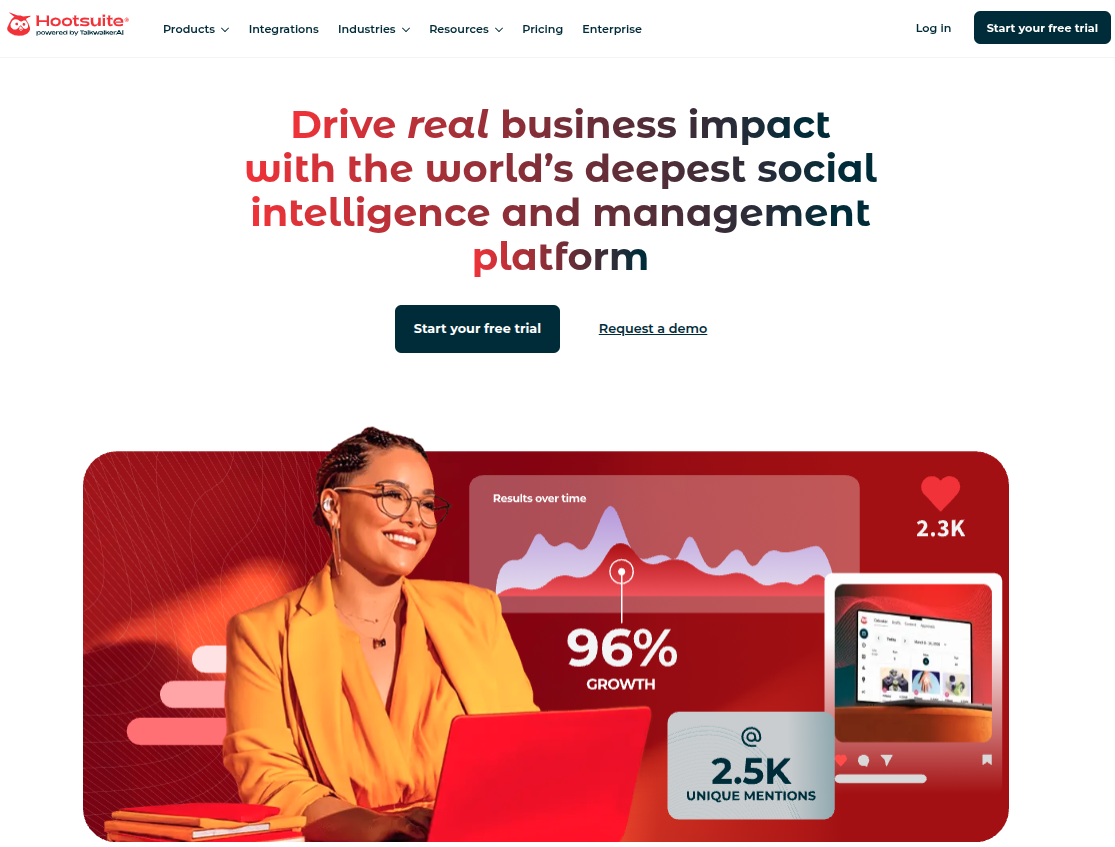
Hootsuite is one of the most well-known social media management tools out there, and for good reason. It supports scheduling, monitoring, and analytics across all major social platforms.
The dashboard gives you a bird’s-eye view of all your accounts, and you can manage team roles and approvals easily.
It also integrates with a wide range of third-party apps; however, it’s a bit pricier than some alternatives, but the depth of features justifies the cost for larger teams.
Pricing: Starts at $99/month
Best for: Mid-sized to large teams and enterprises
4. Sprout Social
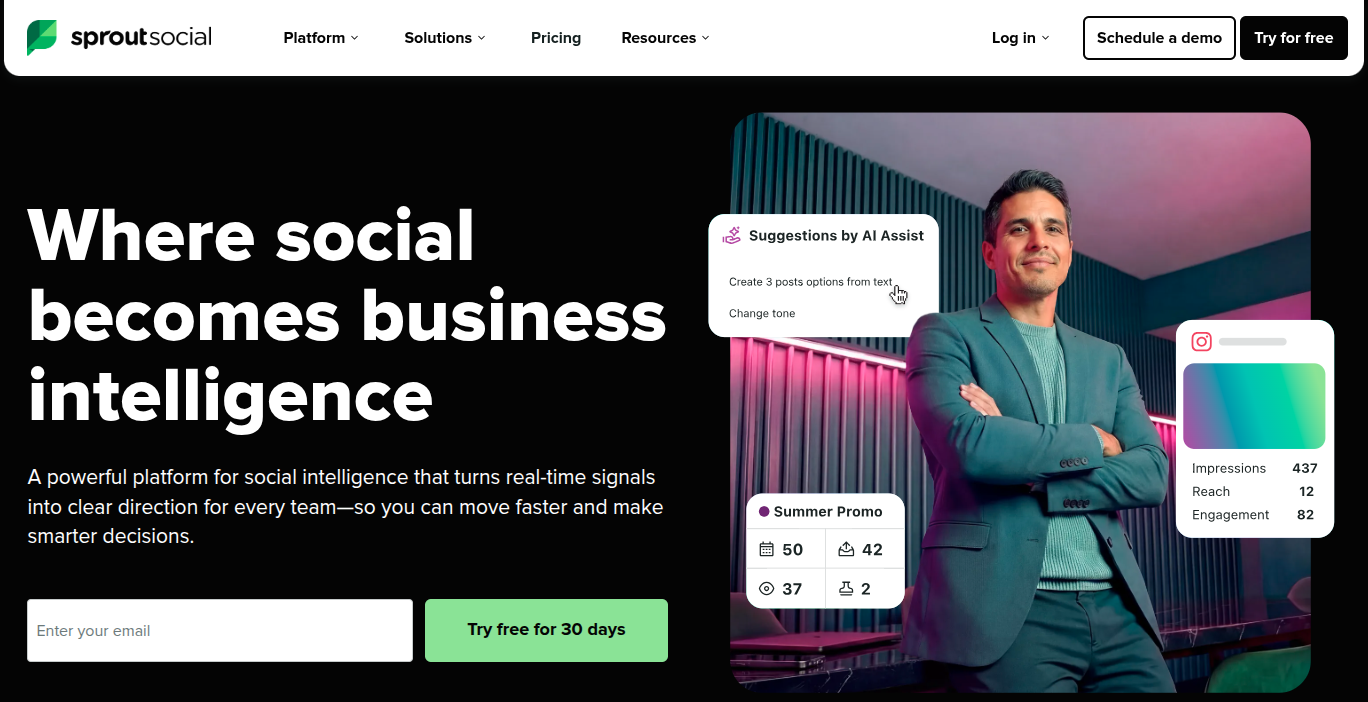
Sprout Social is a premium social media management platform focused heavily on analytics and team collaboration. It gives you detailed reports on audience engagement, post performance, and competitor activity.
The “Smart Inbox” feature pulls all your social messages into one place, making it easier to stay on top of conversations. It’s on the pricier side, but if data-driven decision-making is a priority for your team, Sprout Social delivers the best outcomes.
Pricing: Starts at $199/month
Best for: Larger teams and brands that prioritize in-depth analytics
5. Buffer
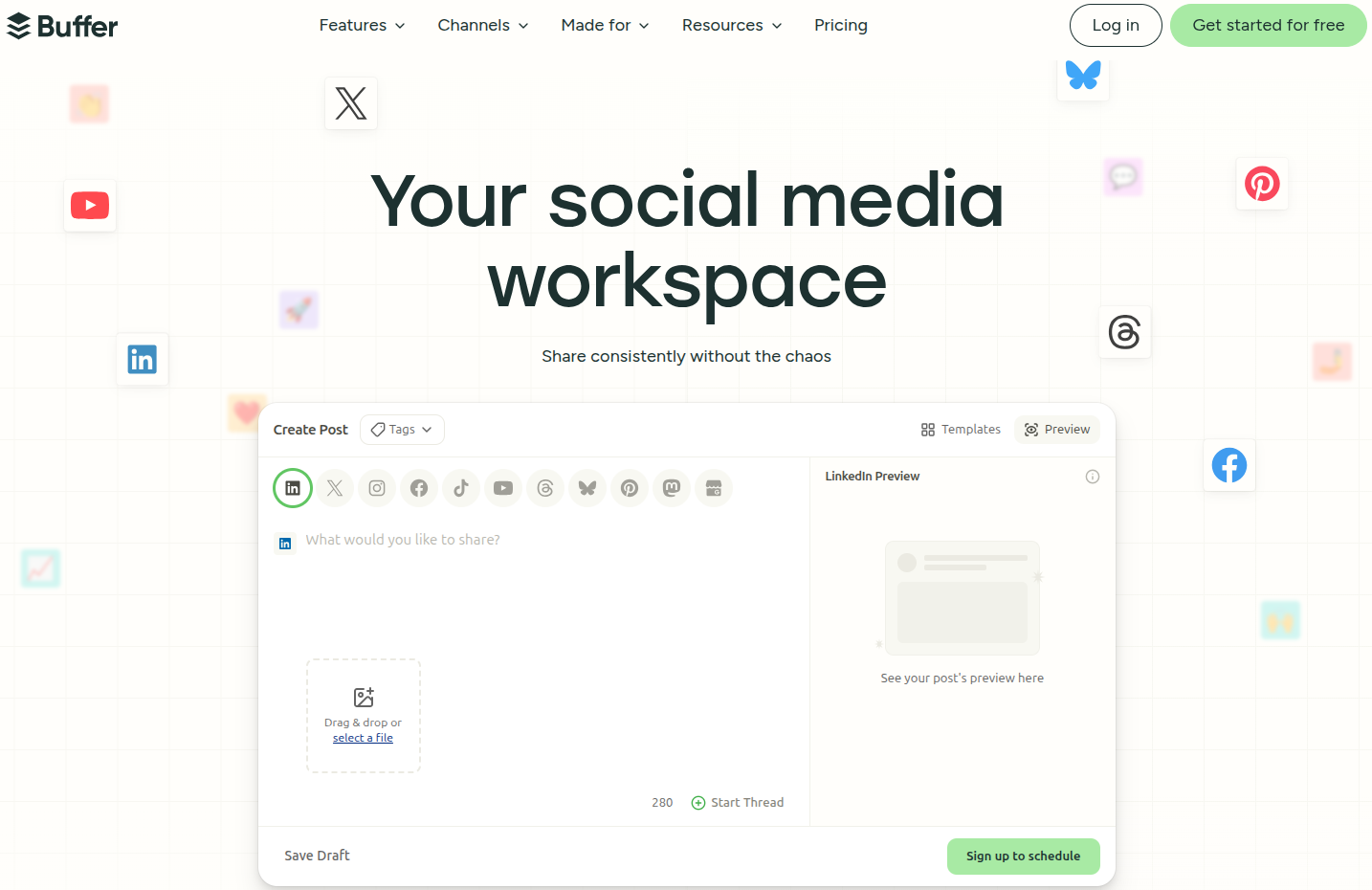
Buffer is a clean, straightforward social media scheduling tool that’s great if you just want to get posts out without dealing with a complicated dashboard. It supports all major platforms and offers basic analytics to track performance.
There’s also a free plan available, which makes it a go-to option for freelancers and small business owners just getting started. It’s not the most feature-rich tool, but it nails the basics really well.
Pricing: Paid plans start at $6/month per channel
Best for: Freelancers, solopreneurs, and small businesses
6. Loomly
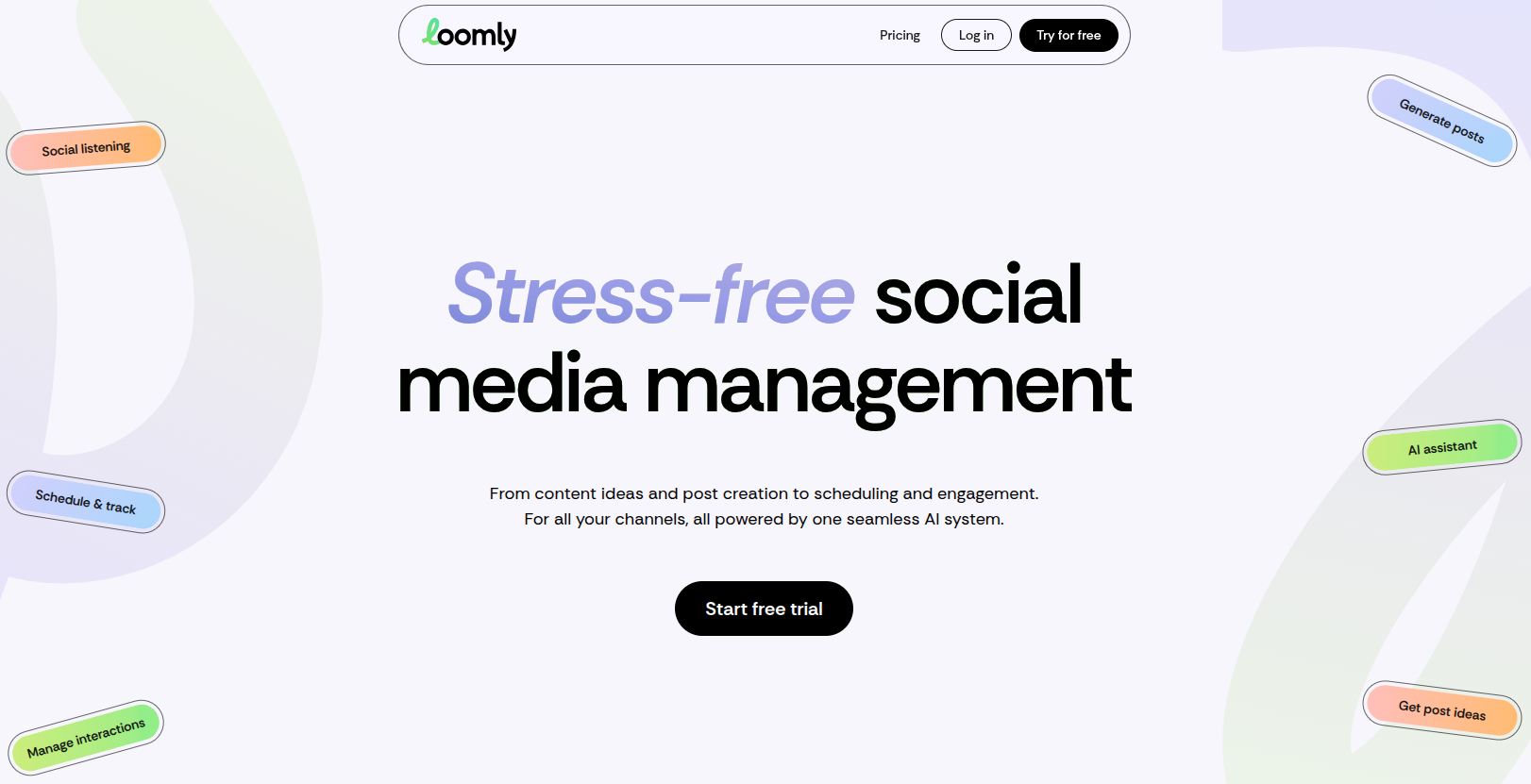
Loomly is a social media calendar and publishing tool that’s particularly great for teams that need a smooth content approval workflow. It gives you post ideas based on trending topics and upcoming events, which is handy when you’re running low on inspiration.
The interface is clean and beginner-friendly. It supports all major platforms and includes basic analytics. If collaboration and content planning are your biggest needs, Loomly fits the bill nicely.
Pricing: Starts at $65/month
Best for: Small to mid-sized teams needing a structured content calendar
7. Audiense
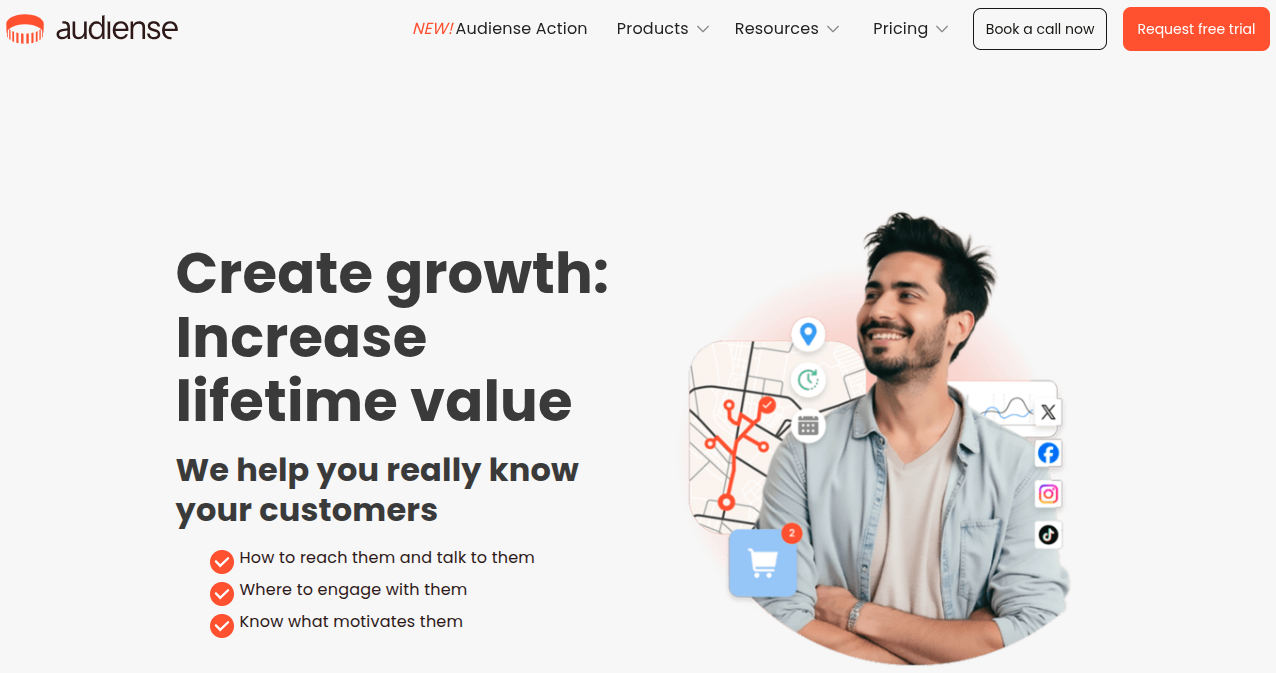
Audiense is a bit different from the rest! It’s primarily an audience intelligence platform rather than a scheduling tool. It helps you deeply understand who your audience is, what they care about, and how to segment them for more targeted campaigns.
It works especially well with X (formerly Twitter) data. If you want to go beyond vanity metrics and actually understand the people following you, Audiense gives you that level of insight.
Pricing: Paid plans start at $62.99/month
Best for: Marketers and researchers focused on audience segmentation and targeting
8. Agorapulse
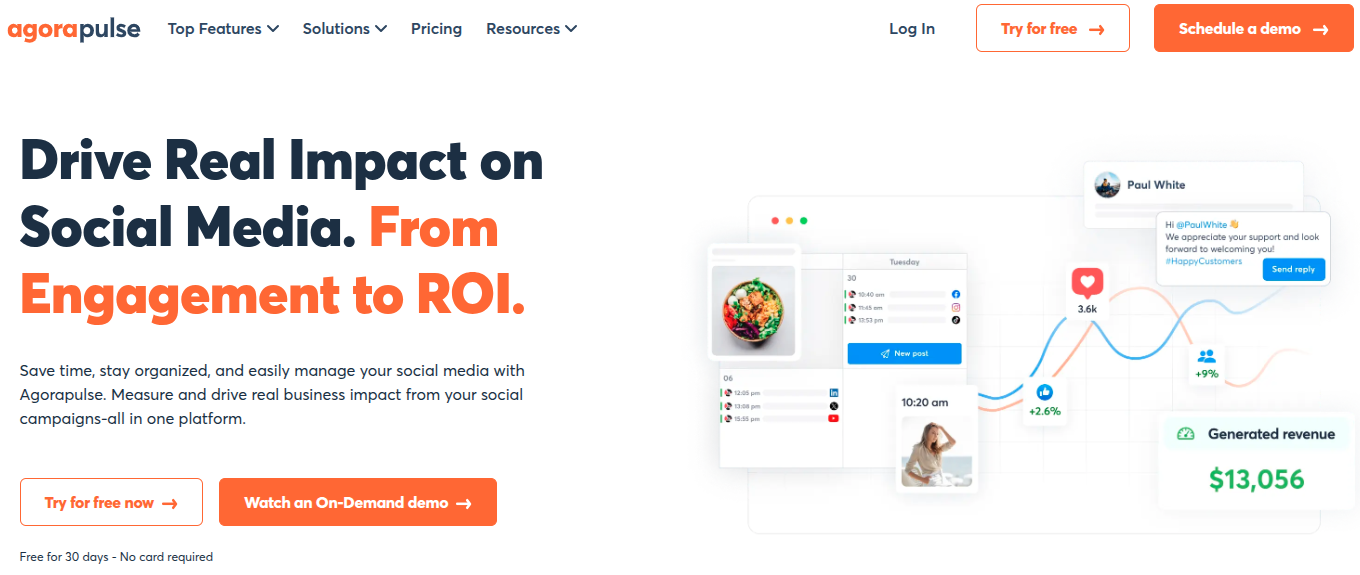
Agorapulse is a solid social media management tool that covers scheduling, inbox management, reporting, and team collaboration in one place.
What sets it apart is its unified social inbox, which makes managing comments, messages, and mentions across platforms genuinely easy.
The reporting features are detailed without being overconfusing. It’s competitively priced compared to tools like Sprout Social, making it a great middle-ground option for growing teams.
Pricing: Paid plans start at $99/month
Best for: Agencies and mid-sized teams wanting an all-in-one solution
9. Later
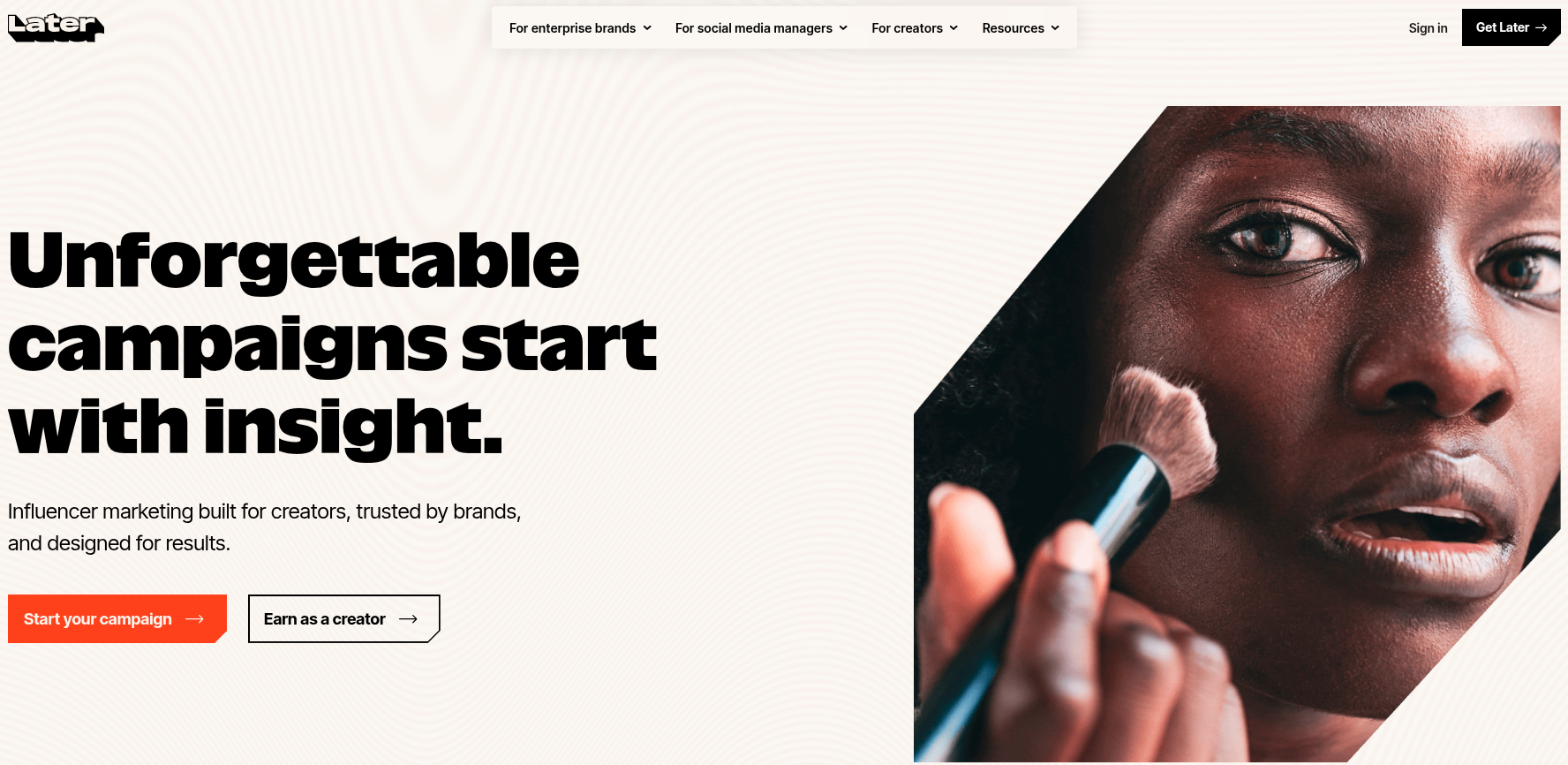
Later started as an Instagram scheduling tool but has since expanded to support other major platforms. It’s well-loved for its visual content calendar, which makes drag-and-drop scheduling feel effortless.
The Linkin.bio feature is a big plus for driving traffic from Instagram. It’s especially popular among lifestyle brands, influencers, and e-commerce businesses that rely heavily on visual content.
Pricing: Starts at $25/month
Best for: Visual-first brands, influencers, and e-commerce businesses
10. Emplifi
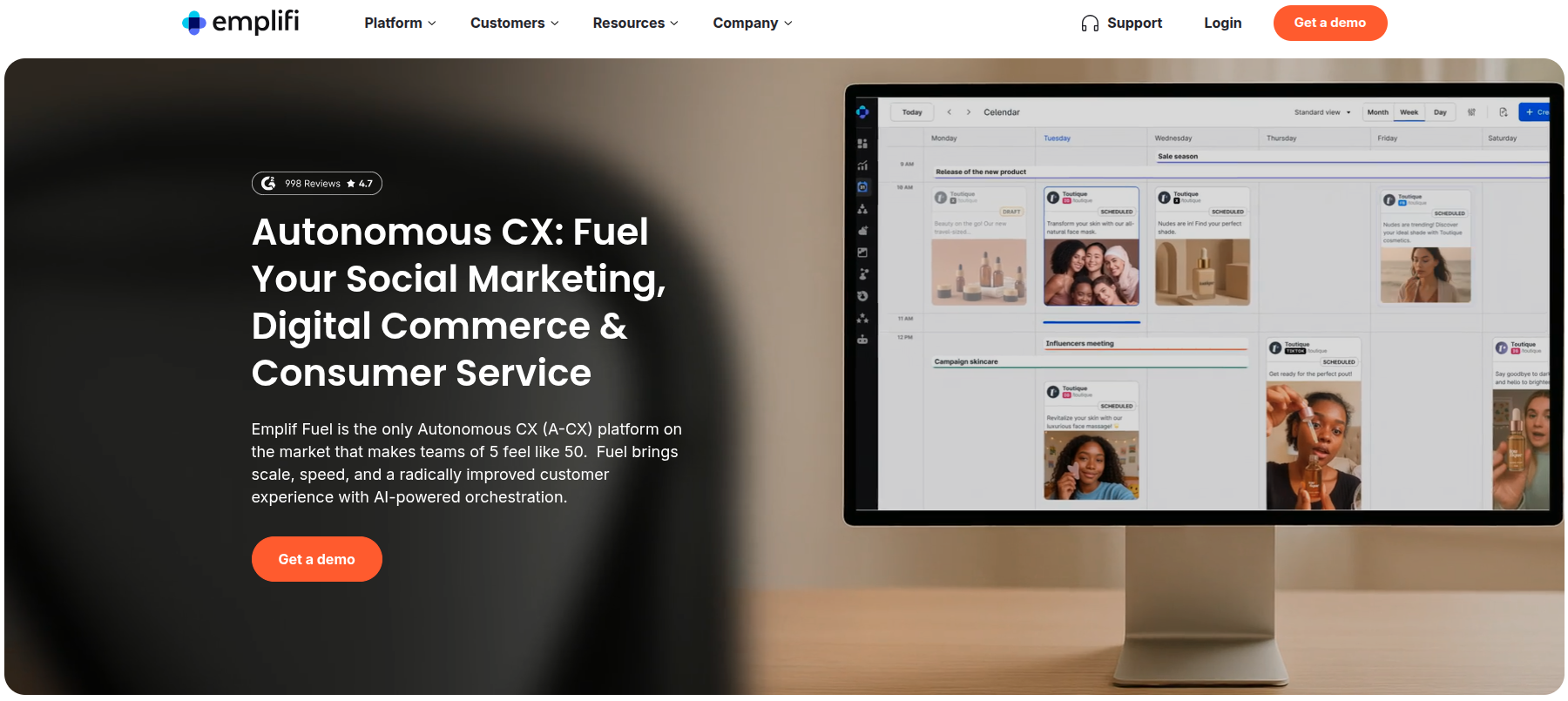
Emplifi is an enterprise-level social media and customer experience platform. It combines social media management with customer care and analytics tools, giving larger brands a unified view of their audience across channels.
It uses AI to surface insights and optimize content performance. The main point here is that it’s not built for small businesses, but if you’re managing a large brand with complex social needs, Emplifi has the horsepower to handle it hassle-free.
Pricing: Starts at $1,249/month (contact for a custom quote)
Best for: Enterprise brands and large marketing teams
AI tools for digital marketing
AI has completely changed how marketers work, from writing content to automating workflows and analyzing data. These tools help you move faster, work smarter, and get more done without burning out.
Here are the top AI tools for digital marketing worth adding to your stack in 2026:
11. Claude
Claude is an AI assistant built by Anthropic, designed to help with writing, research, analysis, brainstorming, and a whole lot more. It’s known for producing well-structured, natural-sounding content that doesn’t feel robotic.
Marketers use it for drafting blog posts, writing ad copy, summarizing long documents, and even handling customer-facing content.
Claude is also great at following detailed instructions, making it a reliable choice when you need consistent, high-quality output without much back-and-forth.
Pricing: Claude Pro starts at $20/month
Best for: Content marketers, copywriters, and marketing teams needing a reliable AI writing and research assistant.
12. ChatGPT
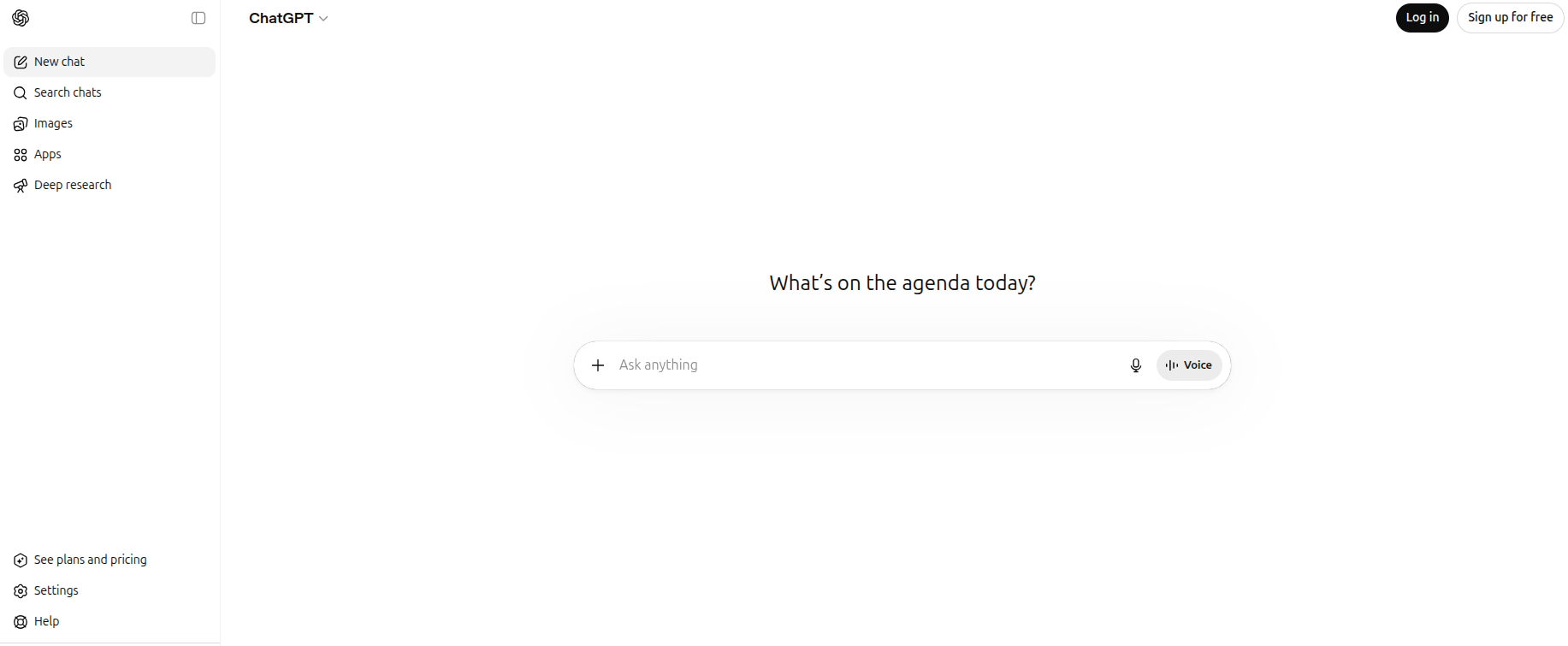
ChatGPT by OpenAI is arguably the most widely recognized AI tool out there right now. It handles everything from content creation and email drafting to customer support scripts and campaign brainstorming.
The GPT-4o model brings strong reasoning and multimodal capabilities, meaning it can work with text, images, and raw data.
With a massive library of plugins and integrations, it fits into almost any marketing workflow. It’s versatile, fast, and works well for both beginners and experienced marketers.
Pricing: Free plan available; ChatGPT Plus starts at $20/month
Best for: Marketers of all levels looking for a flexible, all-purpose AI assistant
13. Jasper
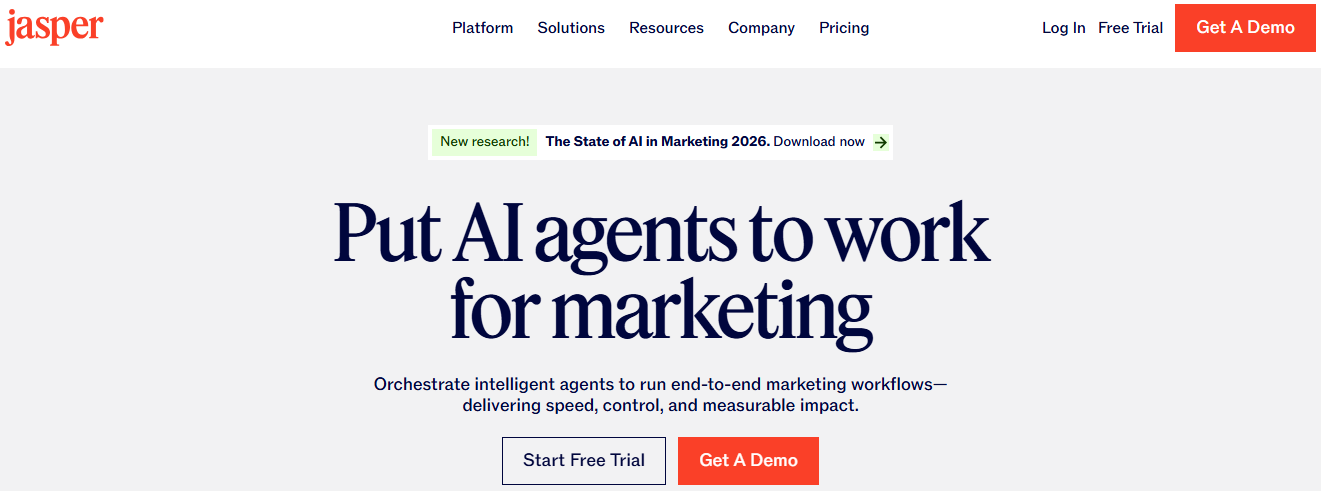
Jasper is an AI copywriting tool built specifically for marketing teams. It comes with pre-built templates for blog posts, social media captions, email sequences, product descriptions, and more.
What makes it stand out is its “Brand Voice” feature, which lets you train Jasper to write in your brand’s specific tone and style. It also integrates with Surfer SEO for optimized content.
If content production is a big part of your workflow and you need speed without sacrificing quality, Jasper is worth the investment.
Pricing: Pro plan starts at $69month/seat
Best for: Marketing teams and agencies with high content output needs
14. Surfer SEO
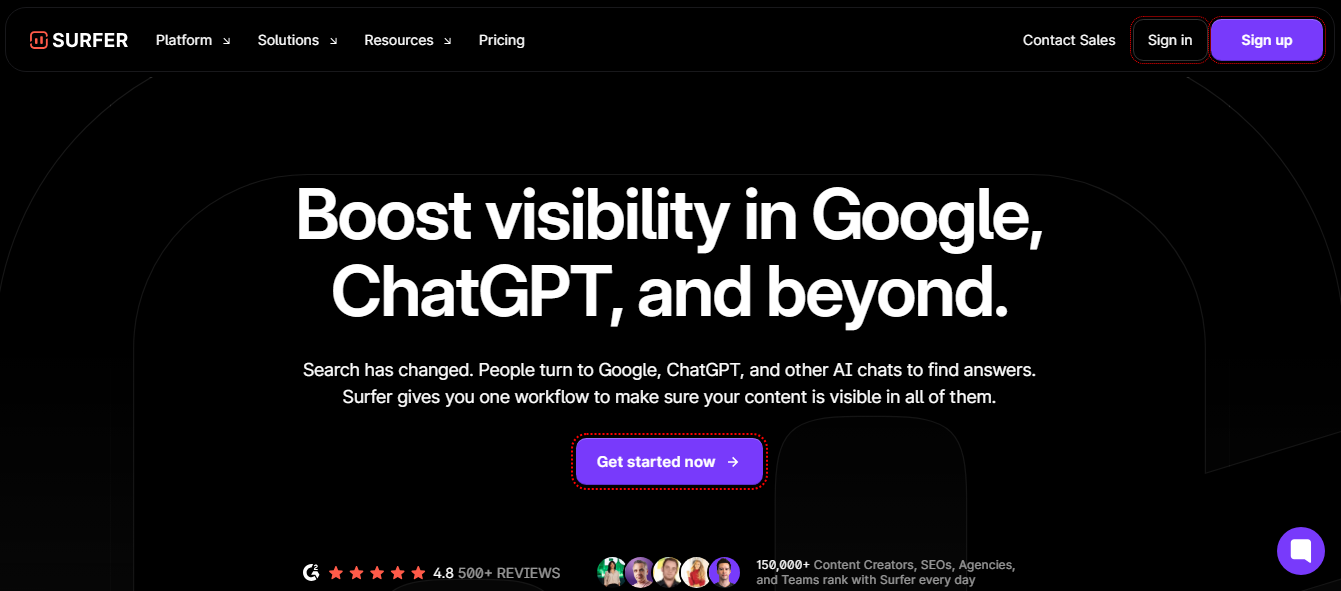
Surfer SEO is a content optimization tool that helps you write articles that actually rank on Google. It analyzes top-ranking pages for your target keyword and gives you a real-time content score based on word count, keyword usage, headings, and more.
The Content Editor integrates with Google Docs and WordPress, making it easy to fit into your existing workflow. If SEO-driven content is your thing, Surfer takes the guesswork out of the optimization process.
Pricing: Starts at $99/month
Best for: SEO professionals, bloggers, and content teams focused on organic search rankings
15. Chatbase
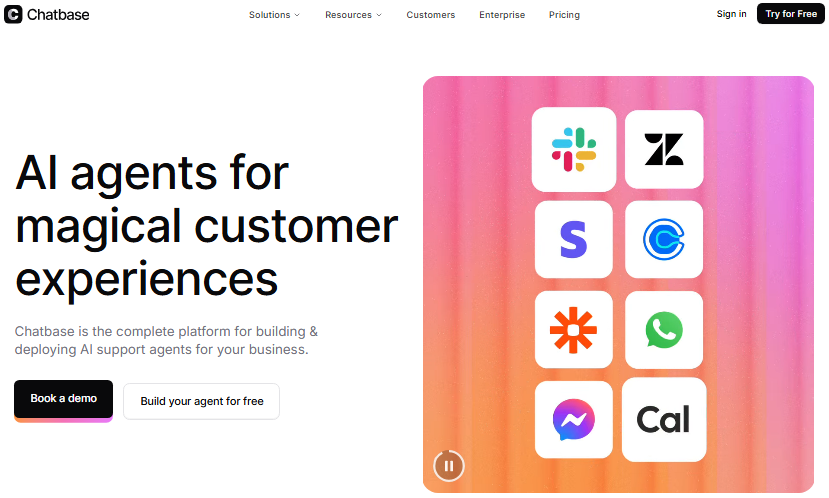
Chatbase lets you build custom AI chatbots trained on your own data (think website content, PDFs, or FAQs). Once set up, the chatbot can handle customer queries, qualify leads, and guide visitors through your site automatically.
It’s a practical tool for businesses that want to improve customer experience without hiring extra support staff. The setup is beginner-friendly, and it integrates easily with popular platforms like Slack, WhatsApp, and WordPress.
Pricing: Paid plans start at $40/month
Best for: Small to mid-sized businesses looking to automate customer support and lead generation
16. Zapier
Zapier is an automation tool that connects your apps and moves data between them without any coding. In a marketing context, it can automatically add new leads to your CRM, send follow-up emails, post to social media, update spreadsheets, and much more.
It supports thousands of app integrations, including Gmail, HubSpot, Slack, and Shopify. If you find yourself doing repetitive tasks manually, Zapier is the tool that quietly handles all of that in the background.
Pricing: Paid plans start at $29.99/month
Best for: Marketers and business owners looking to automate repetitive workflows and save time
17. Replo
Replo is a landing page and e-commerce page builder designed specifically for Shopify brands. It lets you create high-converting marketing pages without needing a developer.
The platform offers pre-built templates inspired by top-performing e-commerce brands, and it integrates directly with your Shopify store and analytics tools.
If you’re running paid ads or product campaigns, having fast, well-designed landing pages is crucial, and Replo makes that process a lot quicker.
Pricing: Starts at $119/month
Best for: Shopify brands and e-commerce marketers running paid ad campaigns
18. Google Labs

Google Labs is where Google experiments with and rolls out its latest AI-powered features and tools, including Gemini integrations across Search, Workspace, and more.
For marketers, it’s worth keeping an eye on because many of these experimental tools eventually make their way into everyday products like Google Docs, Ads, and Analytics.
It’s less of a standalone marketing tool and more of a hub for early access to Google’s AI innovations.
Pricing: Free (access varies by product and region)
Best for: Marketers who want early access to Google’s latest AI features and experiments
19. Browse AI
Browse AI is a web scraping and monitoring tool that lets you extract data from any website without writing a single line of code. Marketers use it to track competitor pricing, monitor product listings, scrape leads, and keep tabs on industry trends.
You simply train a robot on the page you want to monitor, and it does the rest on a schedule you set. It’s a huge time-saver for anyone who regularly pulls data from the web manually.
For larger monitoring projects, rotating proxies can help distribute requests across different IPs and reduce the risk of blocks during repeated data collection.
Pricing: Paid plans start at $48/month
Best for: Marketers, researchers, and agencies that need automated data extraction and competitor monitoring
20. Calendly
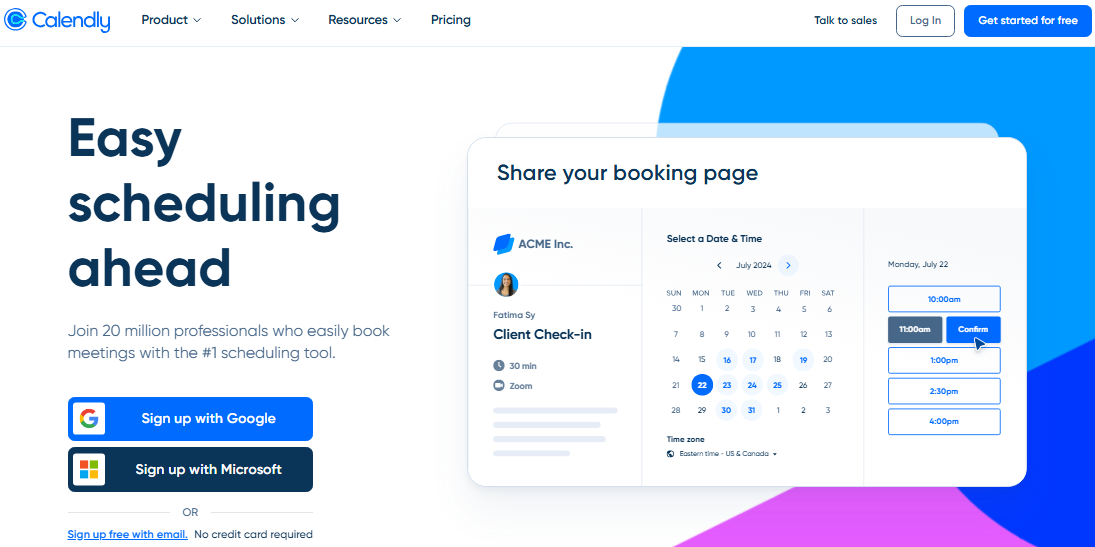
Calendly is a scheduling automation tool that eliminates the back-and-forth of booking meetings. You share your availability link, and people pick a time that works; as simple as that.
For marketing pros and sales teams, it’s especially useful for booking demos, discovery calls, and consultations directly from landing pages or email campaigns.
Moreover, it integrates with Google Calendar, Zoom, HubSpot, and more, making it a smooth addition to most marketing and sales workflows.
Pricing: Paid plans start at $12/seat/month
Best for: Sales teams and consultants who regularly schedule client calls and demos
SEO tools for digital marketing
Good SEO is what keeps your content visible and your traffic growing over time. But doing it well requires the right set of tools (for keyword research, content optimization, rank tracking, and everything in between).
Here are the top SEO tools that marketers are actually using to get desired results:
21. Contentpen
Contentpen is an AI-powered content writing and SEO tool designed to help marketers produce optimized, publish-ready content faster. It helps with keyword research, content briefs, and generating SEO-friendly drafts that are structured to rank.
Although it’s a relatively newer tool in the space, it has been gaining traction among content teams looking for an all-in-one writing and optimization workflow.
If you want to cut down the time between keyword research and hitting publish, Contentpen is worth exploring.
Pricing: Starts at $39/month
Best for: Content marketers and SEO writers looking for a streamlined writing-to-publishing workflow
22. Writesonic
Writesonic is an AI writing platform with a strong focus on SEO content creation. It offers tools for generating blog posts, landing pages, ad copy, and product descriptions, all with built-in SEO optimization features.
The “Chatsonic” feature works similarly to ChatGPT but with real-time web access, which is handy for staying current.
It also has an AI article writer that can produce long-form, SEO-ready content in minutes, making it a solid pick for teams with heavy content demands.
Pricing: Paid plans start at $99/month
Best for: Content teams and freelancers needing fast, SEO-optimized content at scale
23. Originality AI
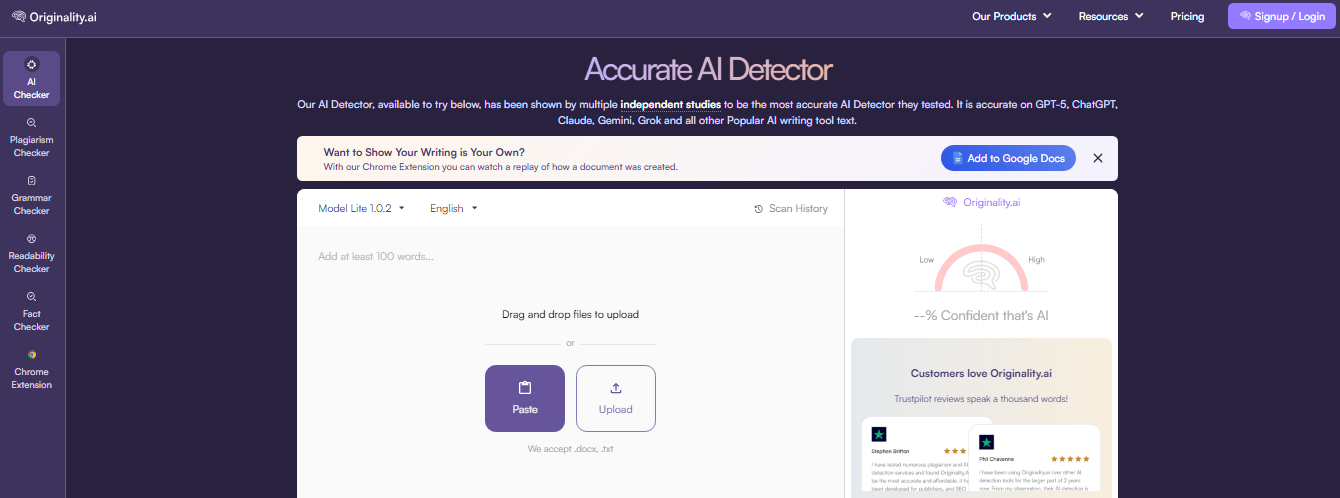
Originality AI is a content verification tool built specifically for publishers and SEO teams. It detects AI-generated content and checks for plagiarism, helping you ensure your content meets quality and originality standards before publishing.
As Google continues to crack down on low-quality AI content, having a tool like this in your workflow makes a lot of sense.
It’s straightforward to use. Just paste your content in and get a detailed originality and AI detection report within seconds.
Pricing: Pro plan starts at $14.95/month
Best for: Publishers, SEO agencies, and content managers who regularly review or outsource written content
24. Ahrefs
Ahrefs is one of the most powerful and trusted SEO tools available today. It covers keyword research, backlink analysis, site audits, rank tracking, and competitor research, all with a level of data depth that’s hard to match.
The “Site Explorer” feature alone gives you a detailed breakdown of any website’s organic traffic and backlink profile.
It’s not the cheapest option, but for serious SEO professionals and agencies, it’s often considered an essential part of the toolkit.
Pricing: Starts at $129/month
Best for: SEO professionals, agencies, and businesses serious about organic growth
25. Semrush
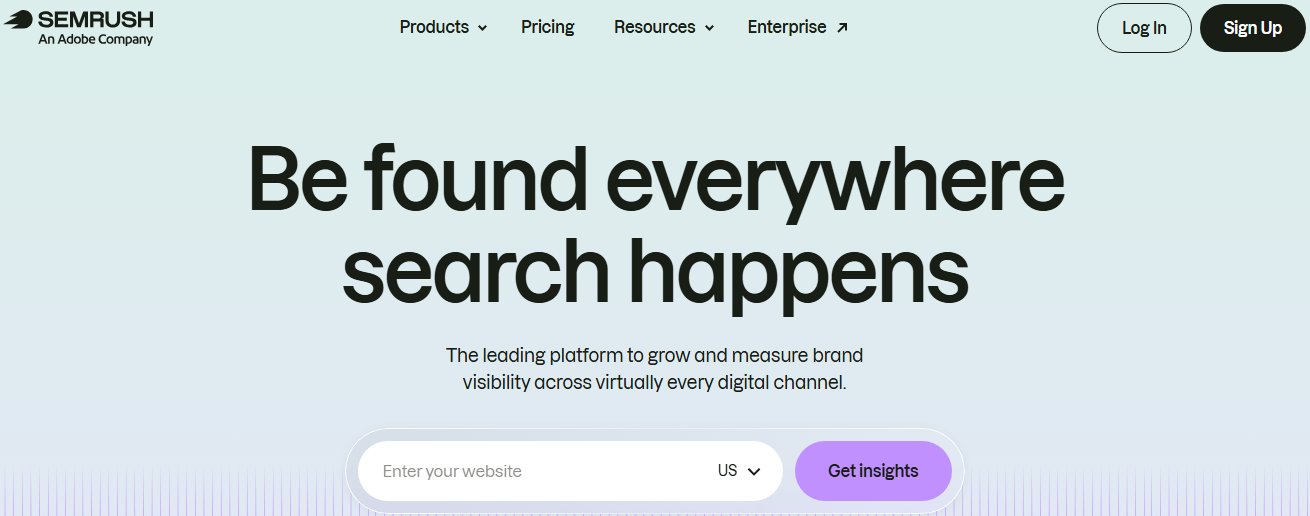
Semrush is a comprehensive digital marketing suite that goes well beyond just SEO. It covers keyword research, site audits, PPC analysis, social media tracking, and content marketing tools, all in one platform.
The “Keyword Magic Tool” and “Traffic Analytics” features are particularly popular among marketers. If you want a single platform that handles both SEO and paid search intelligence, Semrush is hard to beat. It’s a go-to for agencies managing multiple clients across different channels.
Pricing: Starts at $139.95/month
Best for: Digital marketing agencies and professionals managing SEO and paid campaigns simultaneously
26. Moz
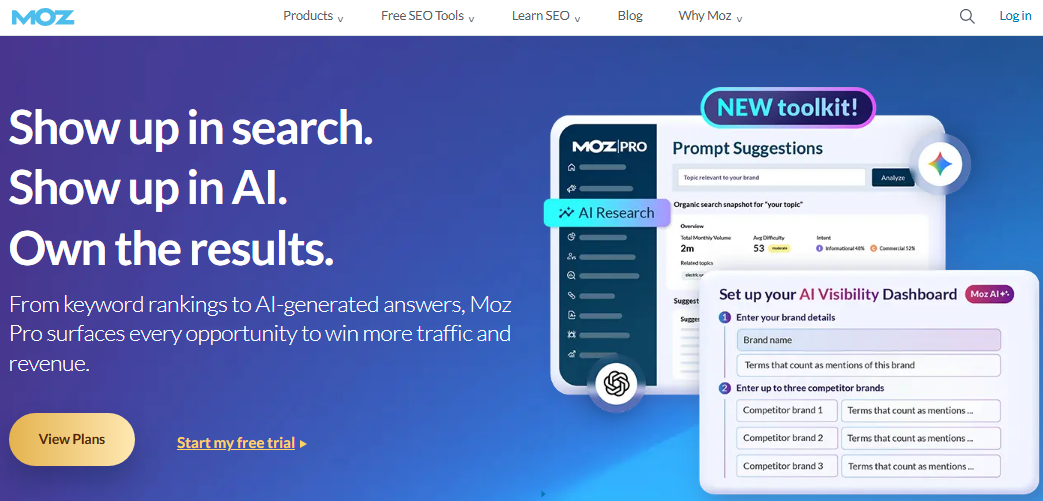
Moz has been a trusted name in the SEO world for years. It offers keyword research, rank tracking, link building tools, and site audits through its Moz Pro suite.
The “Domain Authority (DA)” metric, which Moz created, is still widely used across the industry as a benchmarking standard.
It’s not as data-heavy as Ahrefs or Semrush, but its clean interface and beginner-friendly approach make it a comfortable starting point for those newer to SEO.
Pricing: Starts at $99/month
Best for: SEO beginners and small businesses looking for a reliable, easy-to-navigate SEO platform
27. Clearscope
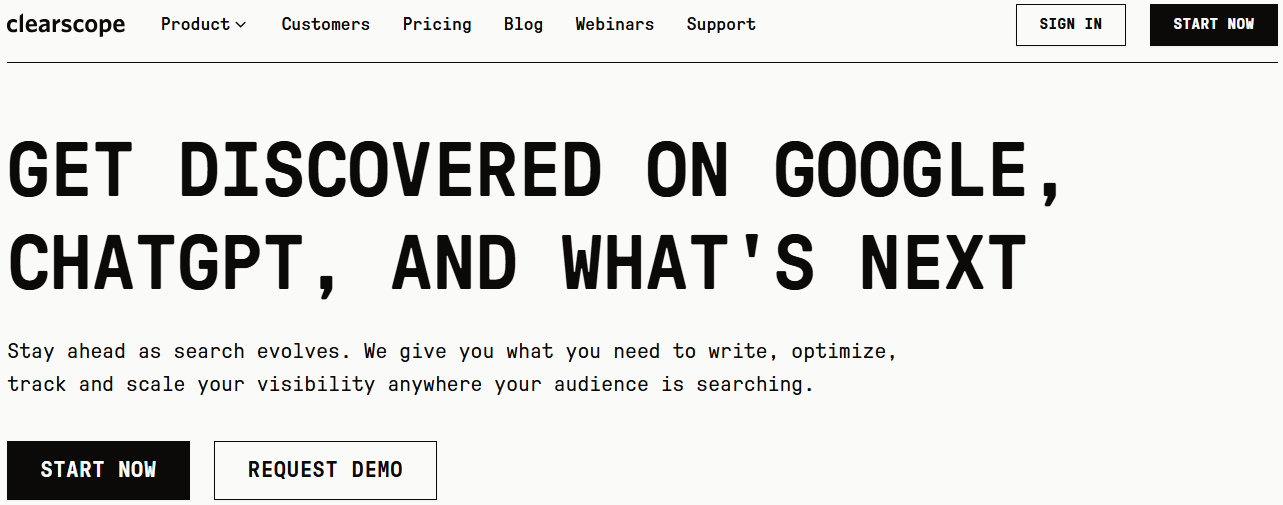
Clearscope is a content optimization tool that helps you create content that’s thorough enough to rank well on Google.
It analyzes top-ranking pages for your target keyword and gives you a list of related terms and topics your content should cover.
The grading system makes it easy to see exactly where your content stands and what needs improving. It integrates smoothly with Google Docs and WordPress, fitting naturally into most writing workflows.
Pricing: Starts at $129/month
Best for: Content teams and SEO writers focused on producing comprehensive, high-ranking articles
28. AnswerThePublic
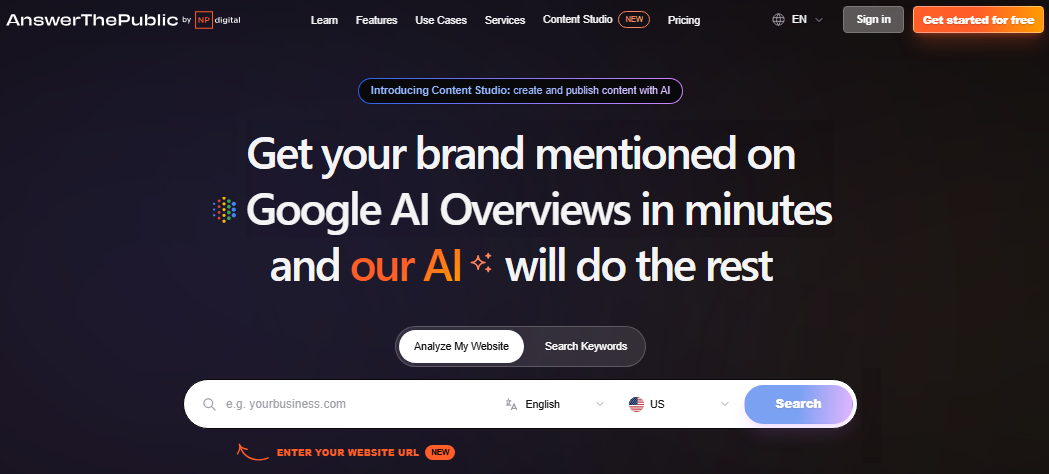
AnswerThePublic is a keyword and content idea tool that visualizes what people are actually searching for around a given topic. It pulls data from search engine autocomplete and organizes questions, comparisons, and prepositions into easy-to-read maps.
It’s incredibly useful for finding long-tail keyword opportunities and understanding what your audience genuinely wants to know.
If you ever sit down to write and have no idea what angle to take, AnswerThePublic almost always solves that problem quickly.
Pricing: Paid plans start at $20/month
Best for: Content strategists, bloggers, and SEO teams looking for fresh content ideas and long-tail keywords
29. Sitechecker
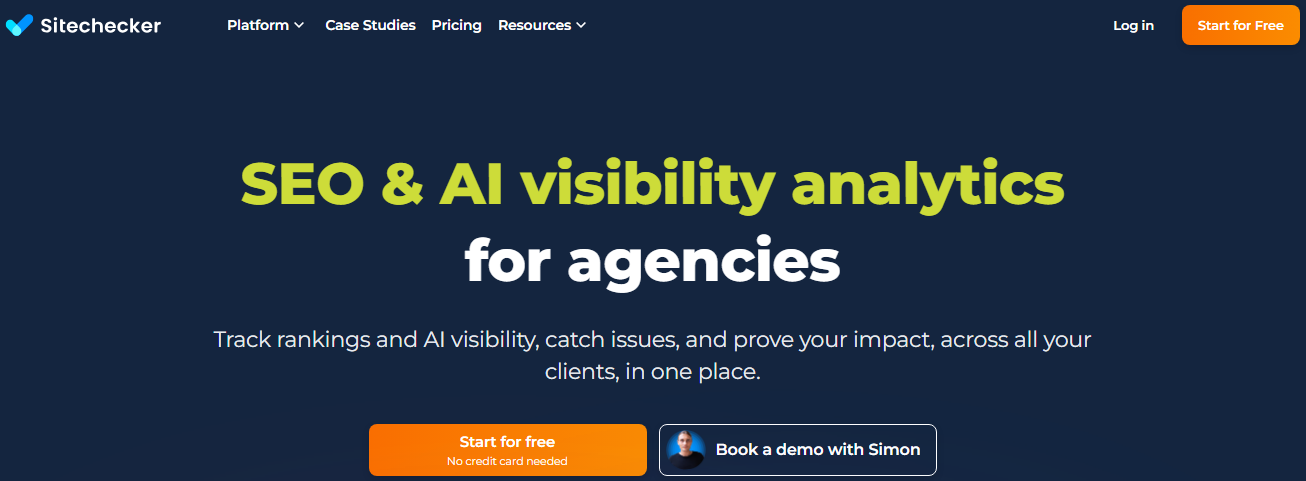
Sitechecker is a user-friendly SEO platform that covers site audits, rank tracking, backlink monitoring, and on-page SEO analysis.
It’s particularly good at catching technical SEO issues (broken links, missing meta tags, slow pages) and presenting them in a way that’s easy to act on, even if you’re not deeply technical.
The real-time website monitoring feature also alerts you when something changes on your site that could affect rankings.
Pricing: Starts at $99/month
Best for: Small to mid-sized businesses and marketers who want actionable technical SEO insights and AI visibility analytics without the complexity
30. SEOBoost
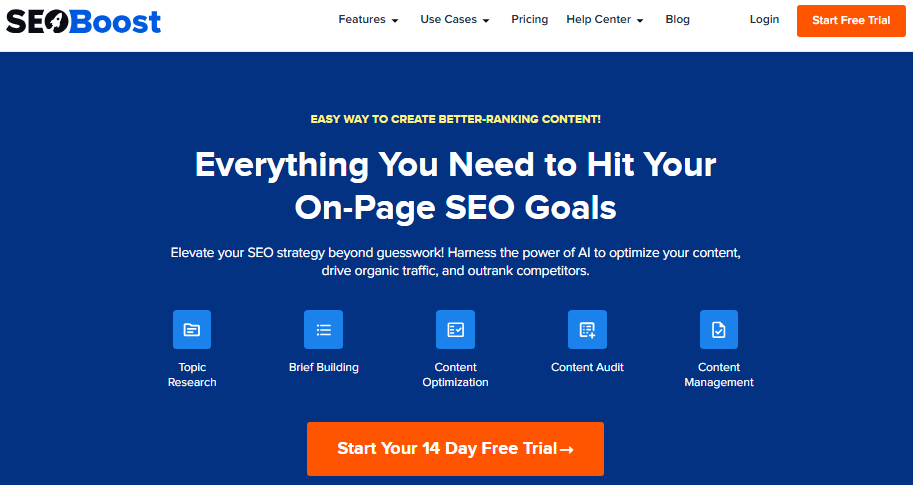
SEOBoost is a content optimization and management platform that helps you create, optimize, and manage SEO content from one place.
It provides content briefs, topic reports, and optimization recommendations based on what’s currently ranking for your target keywords.
It also has a content audit feature that helps you identify existing pages that need updating, an often overlooked but important part of any SEO strategy. It’s straightforward, practical, and priced reasonably for what it offers.
Pricing: Starts at $30/month
Best for: Content managers and SEO teams looking for a structured approach to content planning and optimization
Digital marketing analytics tools
You can’t improve what you don’t measure on a regular basis. Analytics tools give you a clear picture of how your marketing is performing: what’s driving traffic, where visitors are dropping off, and which campaigns are actually delivering results.
Here are the top digital marketing analytics tools worth having in your corner:
31. Usermaven
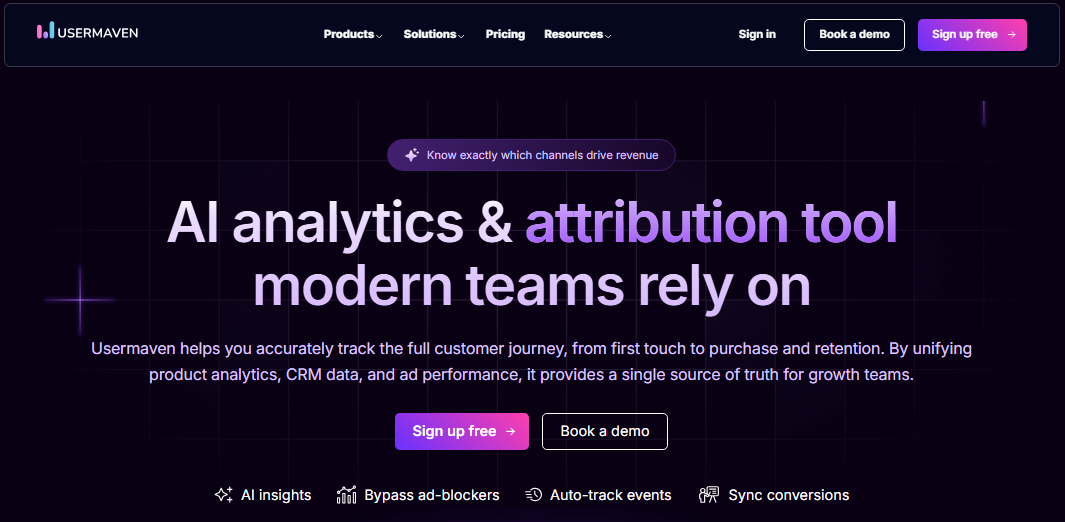
Usermaven is a privacy-friendly website and product analytics tool that gives marketers clean, easy-to-understand data without the overwhelming complexity of some larger platforms.
It tracks website visitors, user journeys, funnels, and attribution, all without requiring cookie consent banners, since it’s built with privacy compliance in mind.
The AI-powered insights feature surfaces trends automatically, saving you time digging through dashboards. It’s a refreshing alternative for teams that want clear, actionable data without the clutter.
Pricing: Paid plans start at $84/month
Best for: Startups, SaaS companies, and marketers looking for a privacy-first analytics solution
32. Google Analytics 4
Google Analytics 4 (GA4) is the industry-standard web analytics platform, and honestly, if you’re not using it, you’re flying blind. It tracks website and app traffic, user behavior, conversion events, and audience demographics, all for free.
GA4 uses an event-based tracking model, which gives you more flexibility than its predecessor. It also integrates seamlessly with Google Ads, Search Console, and Looker Studio.
There’s a learning curve, but the depth of data it provides makes it a non-negotiable for most marketers.
Pricing: Free; GA4 360 (enterprise) starts at $50,000/year
Best for: Businesses of all sizes wanting comprehensive, free website and app analytics
33. Google Search Console
Google Search Console is a free tool from Google that shows you exactly how your website is performing in search results.
You can see which keywords are driving clicks, how your pages are ranking, and whether Google has any issues crawling or indexing your site.
It’s not a full analytics suite, but for SEO specifically, it’s absolutely essential. The Performance report alone gives you insights that most paid tools can’t replicate directly from Google’s own data.
Pricing: Free
Best for: SEO professionals, bloggers, and website owners who want direct insights from Google about their search performance
34. Whatagraph
Whatagraph is a marketing reporting platform that pulls data from multiple channels (social media, SEO, PPC, email) and turns it into clean, visual reports you can share with clients or stakeholders.
It’s built with agencies in mind, making it easy to create white-labeled, automated reports on a schedule.
If you’ve ever spent hours manually pulling data from different platforms to build a client report, Whatagraph basically eliminates that headache entirely.
Pricing: Starts at $286/month
Best for: Marketing agencies managing multiple client accounts and reporting needs
35. Mixpanel
Mixpanel is a product and user analytics platform that focuses on tracking how people actually interact with your website or app. It’s particularly strong for funnel analysis, retention tracking, and understanding user behavior at a granular level.
You can segment users, run A/B test analyses, and track specific events to understand what’s driving conversions or causing drop-offs.
It’s more product-focused than traditional marketing analytics tools, making it a great fit for SaaS and app-based businesses.
Pricing: Custom pricing
Best for: SaaS companies, app developers, and product-led growth teams
36. Matomo
Matomo is an open-source web analytics platform that positions itself as a privacy-respecting alternative to Google Analytics. You can either self-host it, meaning you own 100% of your data, or use its cloud version.
It offers similar features to GA4, including traffic reports, heatmaps, session recordings, and goal tracking.
For businesses in regions with strict data privacy regulations like GDPR, Matomo is a particularly strong choice since it keeps data entirely under your control.
Pricing: Cloud plans start at 22EUR/month
Best for: Privacy-conscious businesses, European companies, and teams that want full ownership of their analytics data
37. AgencyAnalytics
AgencyAnalytics is a reporting and dashboard platform built specifically for marketing agencies. It connects to over 80 marketing platforms, including Google Ads, Facebook, Semrush, and Mailchimp, and pulls all that data into one unified dashboard.
You can build automated, white-labeled reports for each client, saving hours of manual work every month.
The interface is clean and intuitive, and clients can even log in to view their own dashboards in real time.
Pricing: $25 per client/month
Best for: Marketing agencies looking to streamline client reporting and centralize campaign data
38. ClickMeter
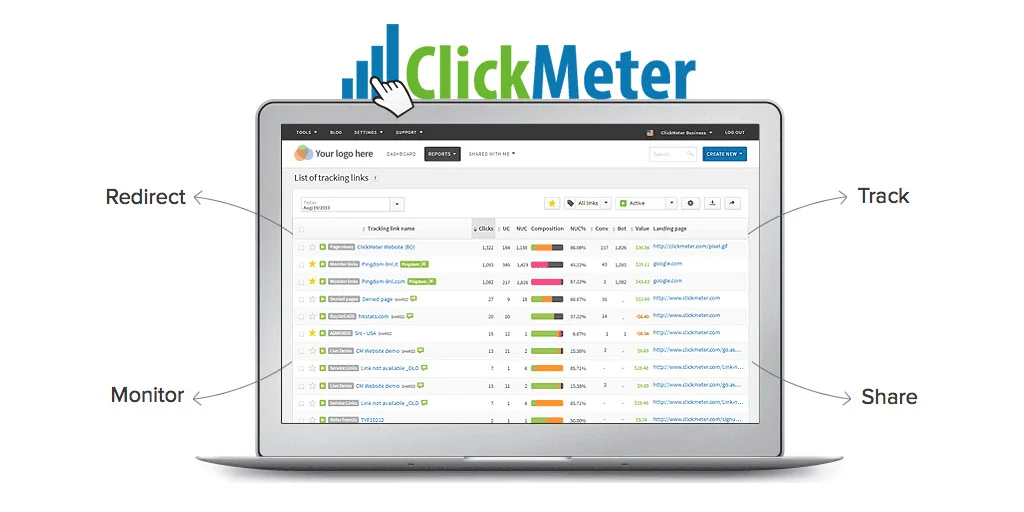
ClickMeter is a link tracking and conversion monitoring tool that helps marketers measure the performance of every link they share across campaigns, channels, and platforms.
It lets you create trackable links, monitor clicks in real time, detect fraudulent traffic, and set up conversion tracking without needing to touch any code.
It’s especially useful for affiliate marketers and paid campaign managers who need precise data on where their clicks are coming from and which links are actually converting.
Pricing: Starts at $29/month
Best for: Affiliate marketers, media buyers, and campaign managers focused on link-level tracking and conversion data
39. Social Status
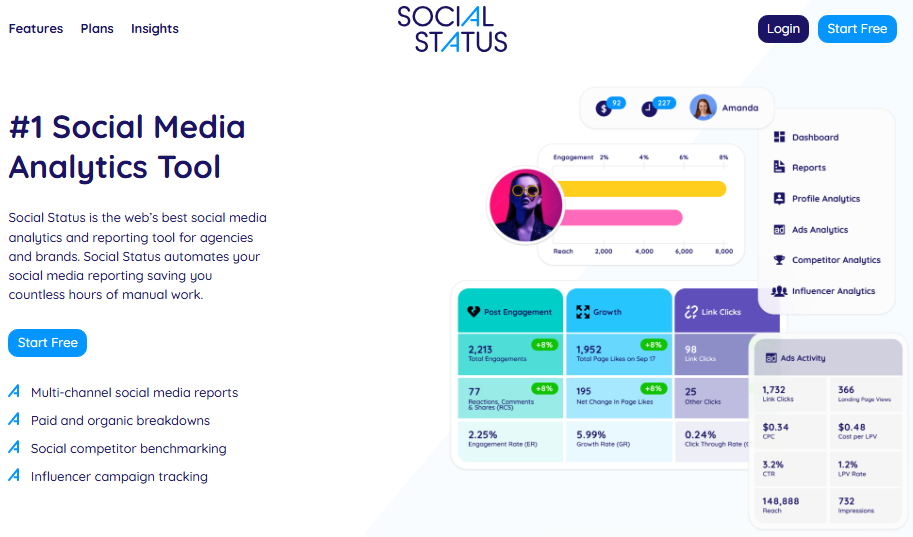
Social Status is a dedicated social media analytics and reporting tool that covers profiles, ads, influencers, and competitors across all major platforms.
Unlike broader marketing suites, it goes deep on social data, giving you detailed breakdowns of reach, engagement, follower growth, and paid social performance.
The automated reporting feature makes it easy to keep clients or teams updated without manually pulling numbers. If social media is a core part of your marketing, Social Status gives you the granular insights most general tools miss.
Pricing: Professional paid plans start at $99/month
Best for: Social media managers, agencies, and brands wanting in-depth social media performance reporting
40. Iconosquare
Iconosquare is a social media analytics and scheduling tool with a particularly strong focus on Instagram and Facebook performance data.
It gives you detailed metrics on follower growth, post engagement, reach, and best times to post, all presented in a clean, visual dashboard.
The competitor tracking feature is a nice bonus, letting you benchmark your performance against others in your space. It’s a good fit for brands and agencies that are heavily invested in visual social platforms.
Pricing: Starts at $39/month
Best for: Brands, influencers, and agencies focused on Instagram and Facebook analytics and scheduling
Email marketing automation tools
Email marketing isn’t going anywhere soon; in fact, it keeps getting better. The right email marketing tool helps you build lists, send targeted campaigns, automate follow-ups, and actually measure what’s working.
Here are ten solid options worth considering:
41. Mailchimp
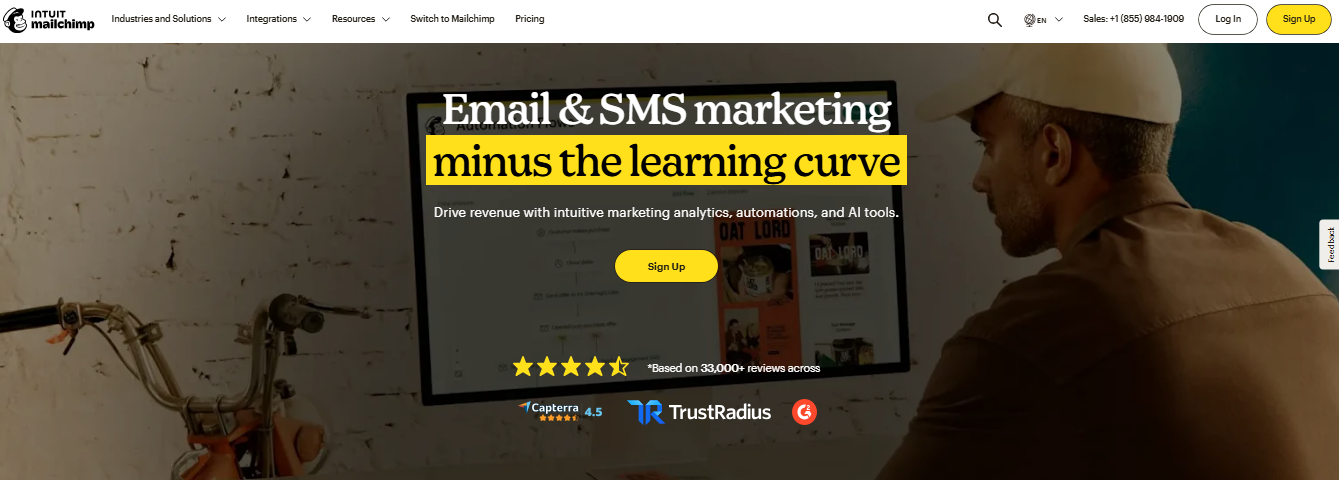
Mailchimp is one of the most recognized names in email & SMS marketing, and for good reason. It offers an easy drag-and-drop editor, audience segmentation, automated workflows, A/B testing, and built-in analytics.
It also integrates with hundreds of apps, making it a flexible choice for growing businesses. The free plan is genuinely useful for beginners, though advanced features like multivariate testing and custom templates are locked behind paid tiers.
Pricing: Free plan available; paid plans start at $13/month
Best for: Small to mid-sized businesses and beginners getting started with email marketing
42. Twilio
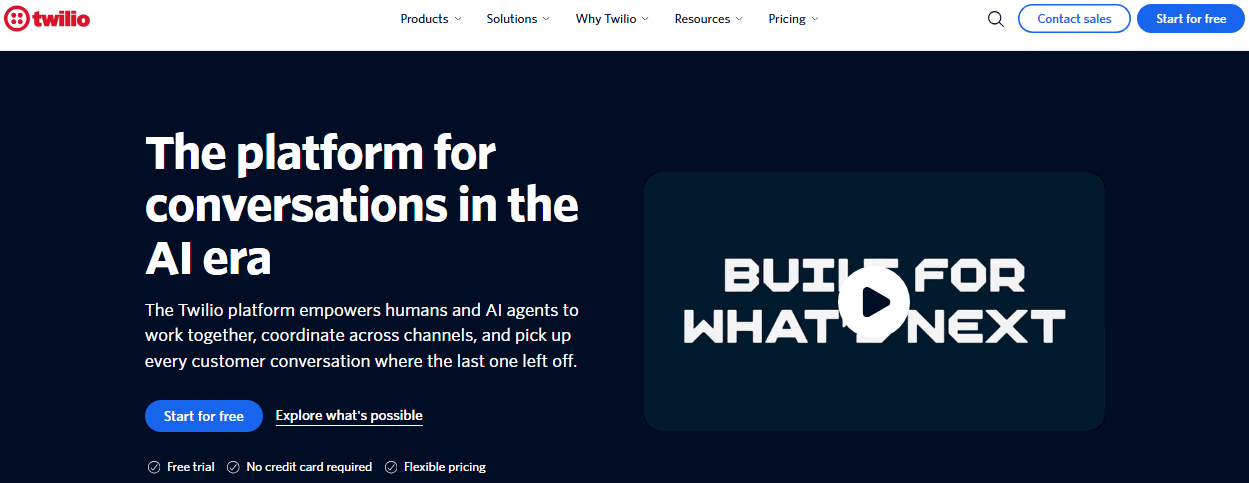
Twilio goes beyond just email. It’s a full customer communications platform covering SMS, WhatsApp, voice, and email through its “SendGrid” product.
It’s developer-friendly by nature, giving teams full control over how messages are sent and delivered at scale. Features include transactional email delivery, marketing campaigns, and detailed deliverability analytics.
If you need reliable high-volume email infrastructure with flexibility to customize, Twilio SendGrid delivers the best solution.
Pricing: Free plan allows sending up to 100 emails/day; paid plans start at $15/month
Best for: Businesses needing scalable, high-volume email delivery
43. Omnisend
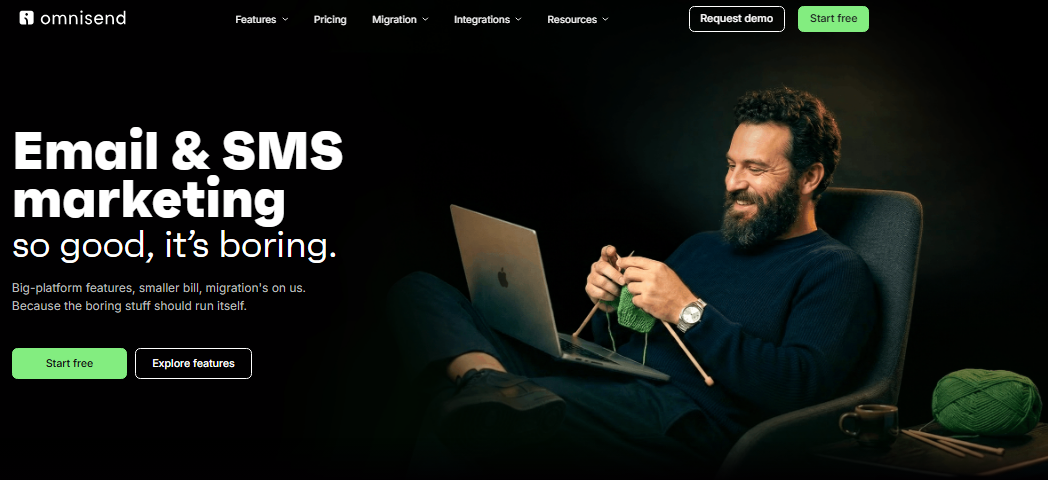
Omnisend is built specifically for e-commerce, combining email, SMS, and push notifications in one platform.
It comes with pre-built automation workflows for cart abandonment, welcome series, and post-purchase follow-ups, all ready to use out of the box. The visual automation builder is intuitive, and the segmentation options are solid.
If you’re running an online store and want all your customer messaging in one place, Omnisend makes it pretty seamless.
Pricing: Free plan available; paid plans start at $11.20/month
Best for: E-commerce brands looking to unify email and SMS marketing
44. Moosend
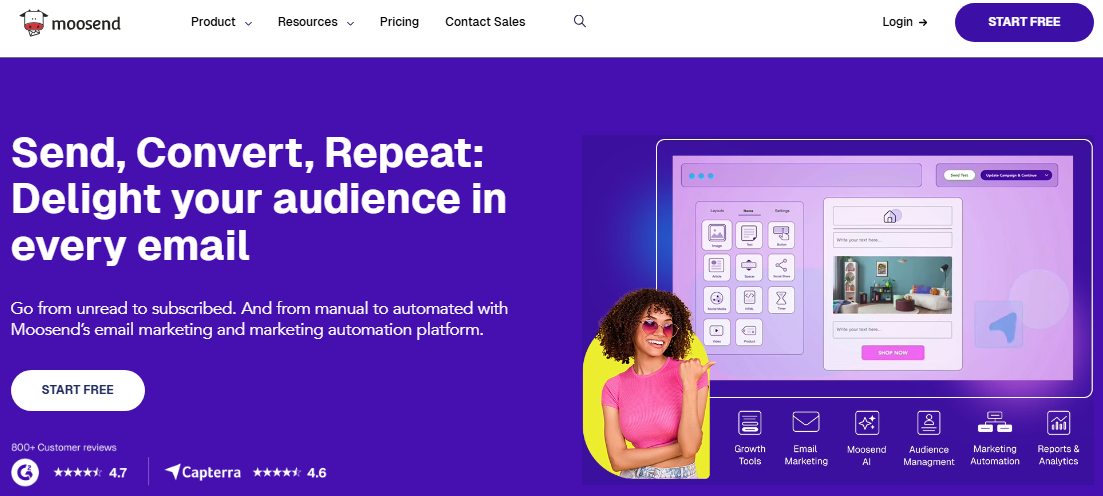
Moosend is a budget-friendly email marketing platform that doesn’t cut corners on features. You get a drag-and-drop editor, marketing automation, landing page builder, and real-time analytics, all in one dashboard.
The automation workflows are easy to set up, and the list segmentation is flexible enough for most use cases.
It’s not the most eye-catching tool out there, but it covers everything a growing business needs without charging a premium for it.
Pricing: Free trial available; paid plans start at $9/month
Best for: Budget-conscious marketers and small businesses wanting solid features at a low cost
45. Klaviyo
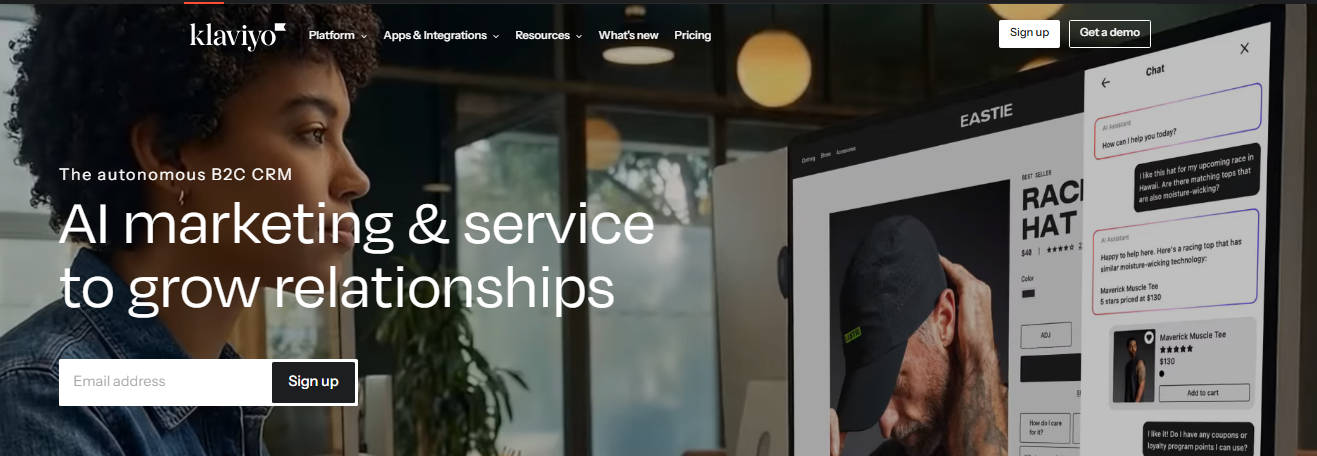
Klaviyo is a powerhouse for e-commerce email and SMS marketing. It pulls in deep data from your store (purchase history, browsing behavior, lifetime value) and lets you build highly targeted segments and automations based on it.
The reporting is detailed, the integrations with Shopify and WooCommerce are seamless, and the personalization capabilities are hard to beat.
It’s on the pricier side, but for stores serious about revenue-driven AI email marketing, it pays for itself.
Pricing: Paid plans start at $500/month
Best for: E-commerce businesses focused on data-driven, revenue-generating email campaigns
46. Constant Contact
Constant Contact has been around for a long time, and it’s stayed relevant by keeping things simple and reliable. It offers email templates, list management, event marketing tools, social media scheduling, and basic automation.
The onboarding experience is smooth, and the support is genuinely helpful, which matters a lot for users who aren’t marketing experts.
It may not have the most advanced features, but it gets the job done without a steep learning curve.
Pricing: Starts at $12/month; no permanent free plan
Best for: Small businesses, nonprofits, and beginners who want a simple, dependable email tool
47. Drip
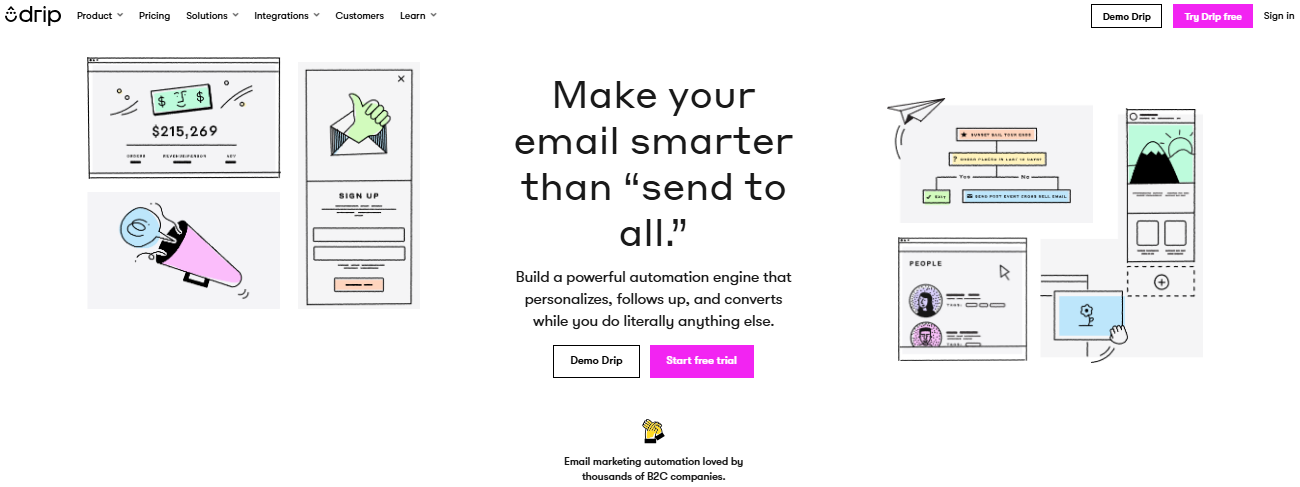
Drip is an email marketing platform designed specifically for e-commerce brands. What sets it apart is its deep behavioral tracking.
It monitors how customers interact with your store and lets you trigger automations based on those actions. The segmentation is highly granular, and the email builder gives you enough flexibility to create polished, on-brand campaigns.
It’s not the cheapest option, but the level of personalization it offers is well worth it for growing stores.
Pricing: Starts at $39/month for up to 2,500 contacts
Best for: B2C businesses, e-commerce brands that want advanced behavioral segmentation and automation
48. Litmus
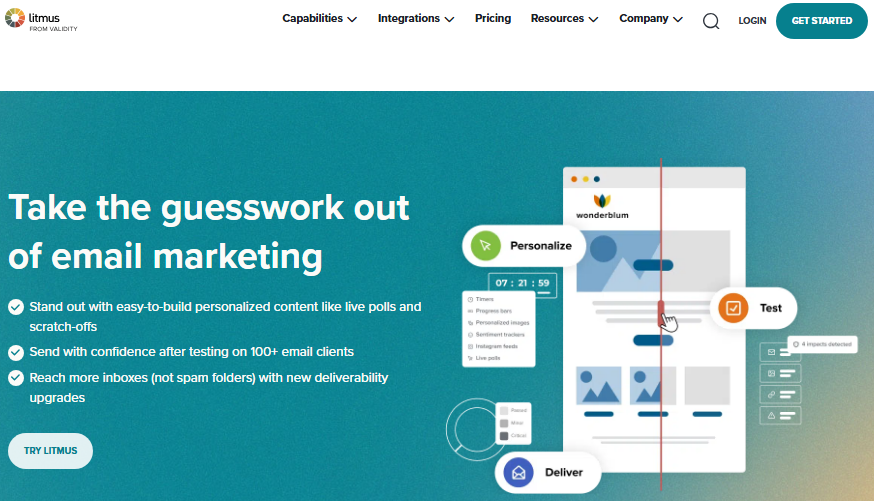
Litmus is less of a sending platform and more of an email quality assurance tool. It lets you preview how your emails render across 100+ email clients and devices before you hit send (no more broken layouts or clipped subject lines).
It also offers spam testing, link checking, and detailed engagement analytics post-send. If you’re sending high-stakes campaigns and want to make sure every email looks exactly right, Litmus is a must-have layer in your workflow.
Pricing: Need to contact their customer support
Best for: Email marketers and agencies who need thorough testing and quality control before sending
49. ConvertKit
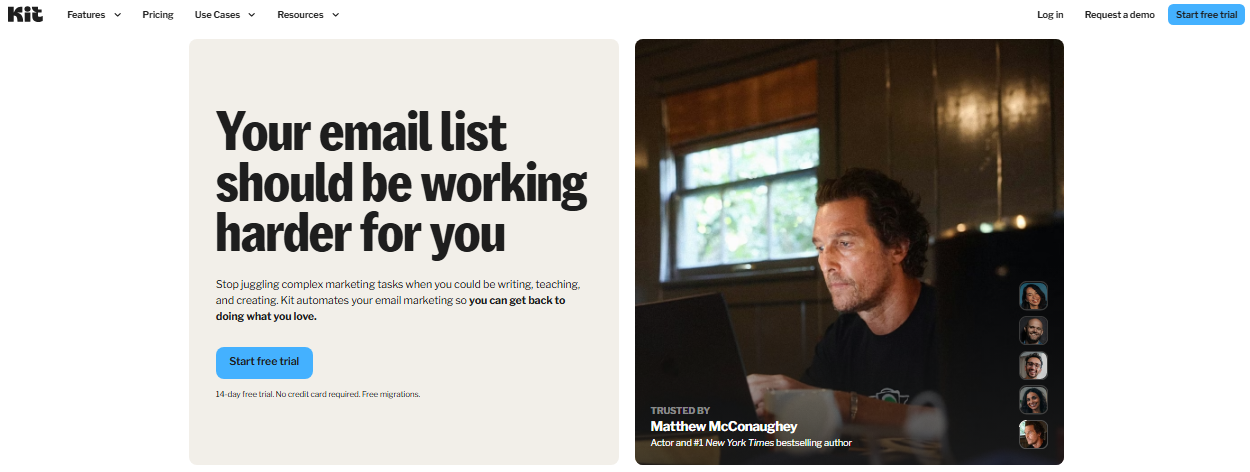
ConvertKit (now rebranded as “Kit”) is a favorite among creators: bloggers, podcasters, course creators, and newsletter writers. It’s built around the idea of growing an audience and monetizing it.
Features include visual automation builders, customizable opt-in forms, a built-in creator network for cross-promotion, and a free newsletter publishing tool.
It’s not loaded with e-commerce features, but for individual creators building a direct relationship with their audience, it’s hard to beat.
Pricing: Free plan up to 1,000 subscribers; paid plans start at $39/month
Best for: Content creators, bloggers, and newsletter writers building and monetizing an audience
50. Getsitecontrol
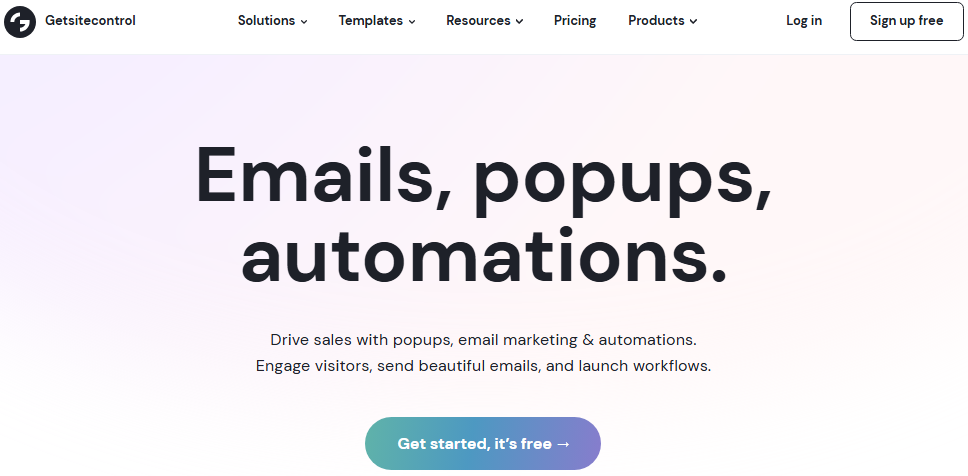
Getsitecontrol is a lightweight tool focused on on-site widgets and email capture. It lets you create popups, slide-ins, sticky bars, and survey forms to grow your email list and engage visitors at the right moment.
The targeting options based on behavior, scroll depth, exit intent, and more are surprisingly flexible for the price. It integrates with major email platforms, so you can funnel captured leads straight into your existing workflows.
Pricing: Starts at $19/month
Best for: Marketers looking to grow their email list through targeted on-site popups and lead capture forms
Content creation tools
Great content is what drives engagement, but creating it consistently is where most teams struggle. Content creation tools help you design graphics, edit videos, generate visuals, and produce polished material without needing a full creative team.
Here are the top-notch tools that make the process a whole lot easier:
51. Canva
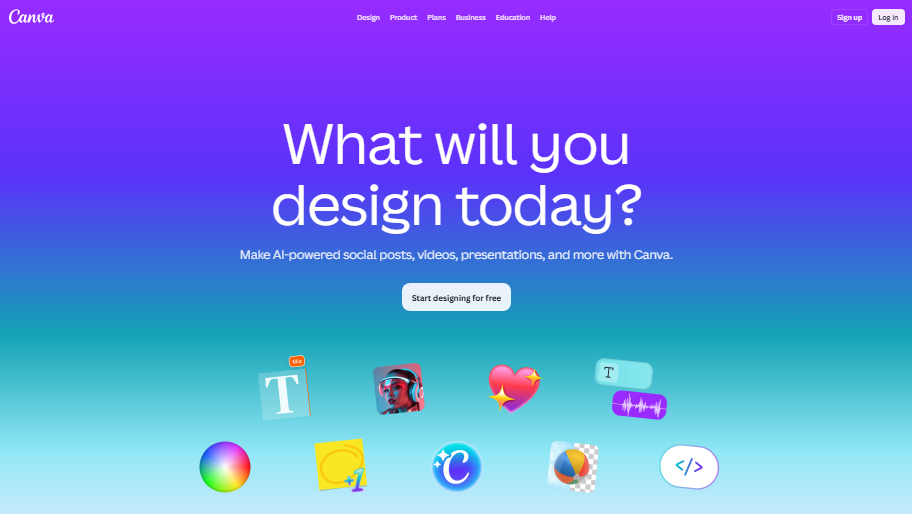
Canva is the go-to design tool for non-designers. It offers thousands of templates for social media posts, presentations, videos, infographics, and more, all drag-and-drop simple.
The “Brand Kit” feature keeps your colors, fonts, and logos consistent across everything you create. Canva also has basic AI features like background remover and “Magic Write” built in.
It’s not a replacement for professional design software, but for quick, good-looking content, it’s hard to beat.
Pricing: Free plan available; Pro starts at ~$5/month
Best for: Marketers, small businesses, and creators who need fast, polished visuals without design experience
52. Adobe Photoshop

Adobe Photoshop remains the industry standard for image editing and graphic design. From photo retouching and compositing to digital illustrations and social assets, it gives you full creative control.
Recent AI-powered additions like “Generative Fill” and “Remove Tool” have made complex edits significantly faster.
The learning curve is real, but for professionals who need precision and depth, no other tool comes close. It’s part of the Adobe Creative Cloud ecosystem, so it plays well with Illustrator, Premiere, and others.
Pricing: Starts at $22.99/month as part of Adobe Creative Cloud
Best for: Professional designers, photographers, and creative teams needing advanced image editing
53. Lenso.ai
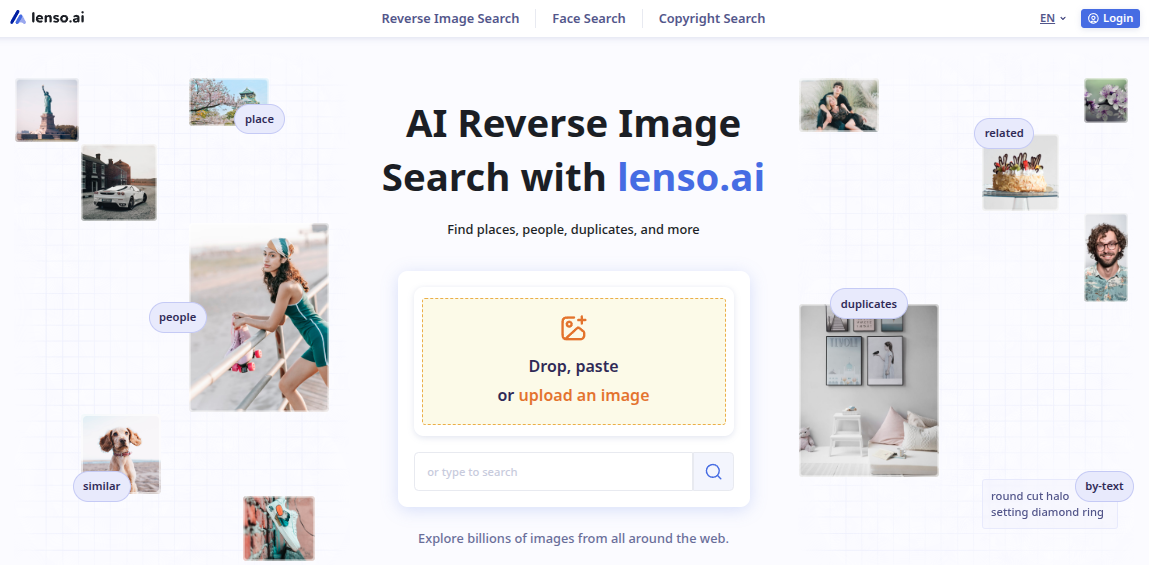
Lenso.ai is an AI-powered reverse image search platform that helps users find where images, faces, places, and duplicates appear online. It lets you search by image instead of keywords, making it useful for discovering visual mentions, tracking image use, and finding related content across the web.
For digital marketing, lenso.ai can help with brand monitoring, competitor research, visual content tracking, and copyright protection. Marketers can use it to check where campaign images appear, find websites using branded visuals, discover similar visual trends, or monitor how their visual assets spread online.
If you work with image-heavy campaigns, influencer content, PR, or brand protection, lenso.ai is a practical tool worth adding to your marketing workflow.
Pricing: Free plan available; paid plans start at $19.99/month
Best for: Digital marketers, SEO specialists, content teams, photographers, and brands tracking visual content online
54. Storykit
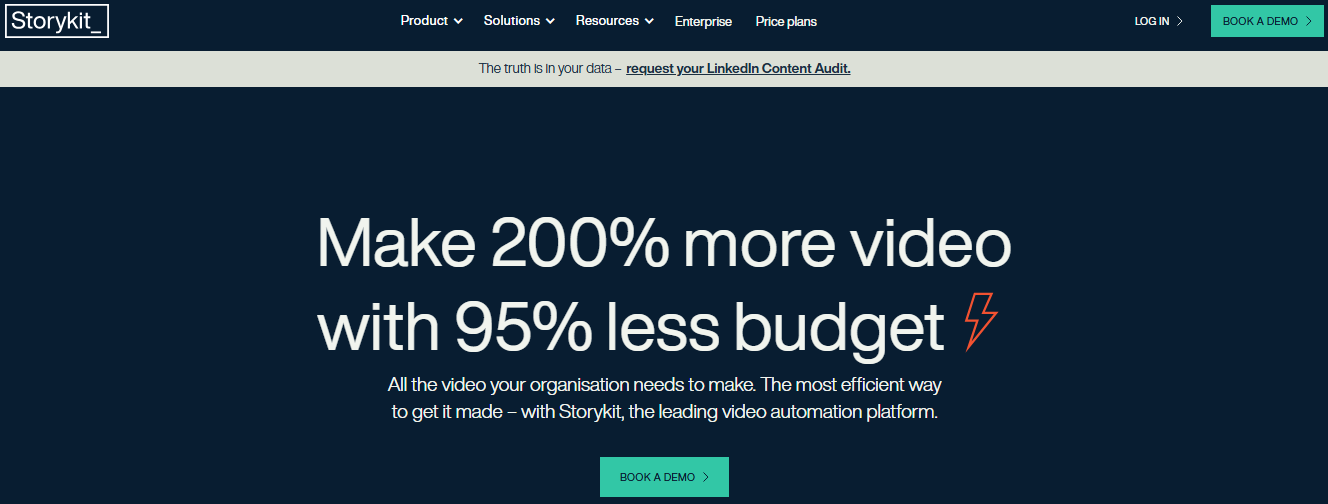
Storykit is a video creation platform built for teams that need to produce content at scale, without relying on video editors. It turns text, articles, and scripts into branded video content using templates and automation.
It’s especially popular with media companies and marketing teams that publish frequently. You can maintain brand consistency across every video while cutting production time significantly.
If your team publishes a lot of video content but doesn’t have dedicated editors, Storykit fills that gap well.
Pricing: Custom pricing (book a demo or consultation)
Best for: Media companies, publishers, and marketing teams producing high volumes of branded video content
55. TheBrief
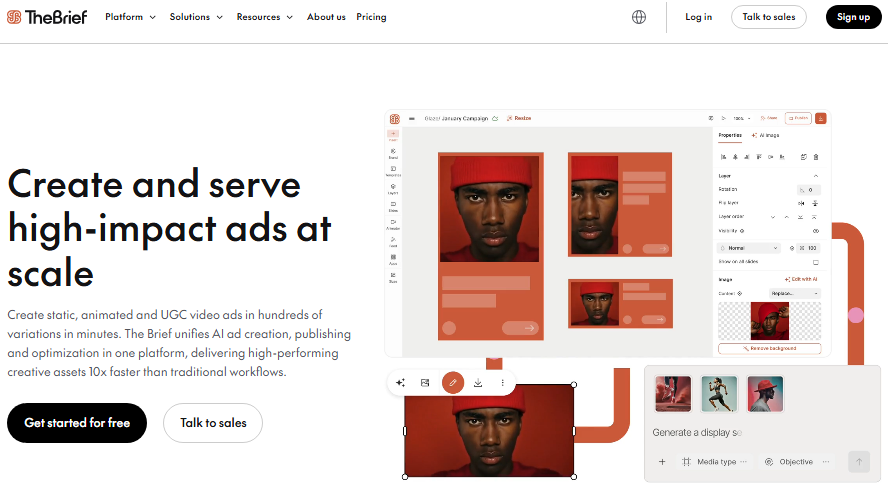
TheBrief is an AI-driven ad creation and campaign optimization platform built to help marketing teams produce high-performing creatives at scale.
From static visuals to animated content and UGC-style video ads, it enables brands to generate hundreds of ad variations in minutes instead of days.
By combining AI-powered creative production, publishing, and performance optimization in one unified workflow, TheBrief streamlines the entire advertising process, hassle-free. This helps teams launch faster, maintain consistency, and scale winning campaigns with far less manual effort.
Pricing: Pricing plans start at $39/month
Best for: Content strategists and marketing teams who want smarter, research-backed advertisements.
56. PostNitro
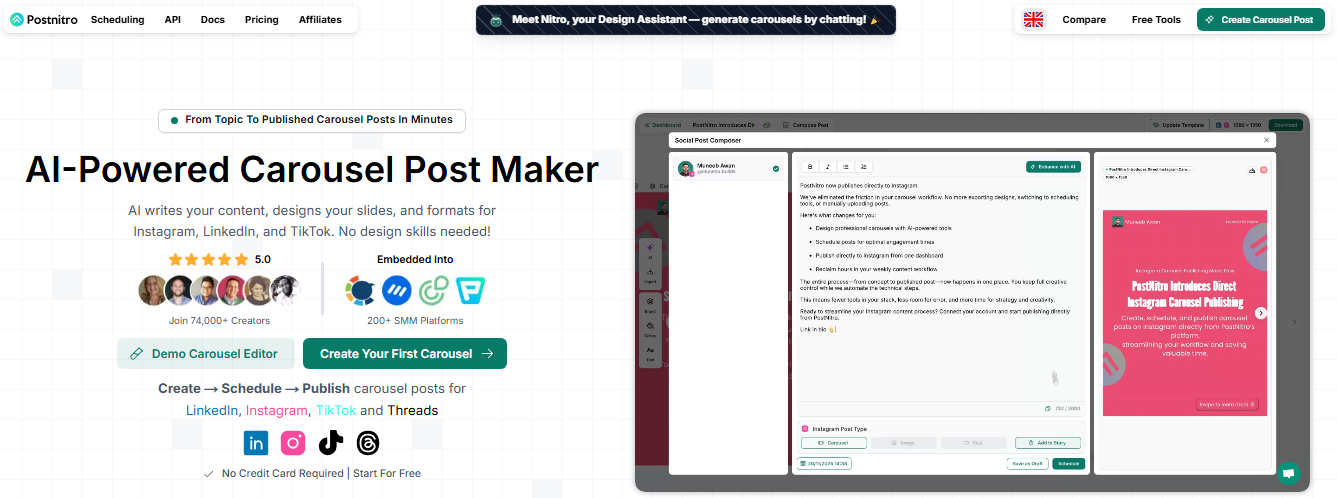
PostNitro is a carousel post creator designed specifically for social media, particularly LinkedIn and Instagram. It lets you turn long-form content, blog posts, or ideas into visually appealing carousel slides in minutes.
The templates are clean, the customization options cover branding needs, and the AI-assisted content generation speeds things up further.
If carousels are part of your social strategy, PostNitro removes most of the friction from creating them consistently.
Pricing: Paid plans start at $15/month
Best for: Social media marketers and creators focused on producing carousel content for LinkedIn and Instagram
57. Loom
Loom makes screen and camera recording incredibly simple. You can record your screen, your face, or both simultaneously, then instantly share a link (no file exporting needed).
It’s widely used for async communication, product walkthroughs, tutorials, and internal team updates. Excellent features include transcript generation, viewer engagement insights, and basic editing tools.
For marketers creating video content without a full production setup, Loom delivers a fast and professional enough result with minimal effort.
Pricing: Free plan available; paid plans start at $18/month per user
Best for: Marketers, educators, and remote teams creating quick video walkthroughs and async communication
58. Wistia
Wistia is a video hosting and marketing platform built specifically for businesses. Unlike YouTube, it keeps viewers on your site, removes distracting recommendations, and gives you detailed viewer analytics, like where people drop off and what they rewatch.
It also includes a video creation suite, channel pages for building a branded content hub, and lead generation tools like email capture within videos.
For brands treating video as a serious marketing channel, Wistia offers far more control than general-purpose platforms.
Pricing: Free plan available; paid plans start at $99/month
Best for: B2B marketers and brands that want full control over their video and webinar hosting and viewer analytics
59. Capcut
CapCut is a free, feature-rich video editing app that’s exploded in popularity, especially among short-form content creators. It offers auto-captions, trending templates, background removal, AI-generated scripts, text-to-speech, and a solid timeline editor.
The mobile and desktop versions are both capable, and the learning curve is minimal. For creators making content for TikTok, Instagram Reels, or YouTube Shorts, CapCut covers almost everything you need without spending a dollar.
Pricing: Free; CapCut Pro starts at $9.99/month
Best for: Short-form content creators, social media managers, and individuals creating video for TikTok and Reels
60. Midjourney

Midjourney is one of the leading AI image generation tools available right now. You describe what you want in a text prompt, and it generates stunning, highly detailed visuals in seconds.
It’s particularly strong at artistic and conceptual imagery, making it popular with marketers, designers, and creatives who need original visuals fast.
It operates through Discord, which feels a little unconventional, but the image quality consistently outperforms most competitors. A web interface is also now available for easier access.
Pricing: Starts at $30/month
Best for: Designers, marketers, and creators who need high-quality AI-generated visuals for campaigns and content
61. Google Veo 3

Google Veo 3 is Google’s latest AI video generation model, and it’s a significant leap forward. It generates high-quality video clips (complete with audio, dialogue, and sound effects) directly from text prompts.
This makes it one of the first tools capable of producing realistic, prompt-driven video with synchronized audio out of the box.
It’s still early days for this technology, but for marketers exploring AI-generated video content, Veo 3 is one of the most capable options available right now.
Pricing: Available via Google DeepMind and Google AI Ultra plan ($249.99/month)
Best for: Forward-thinking marketers and content teams experimenting with AI-generated video production
CRM & lead generation tools
Managing relationships and finding the right leads are two things that can make or break your marketing and sales efforts. CRM and lead generation tools help you track interactions, organize your pipeline, and connect with the right people at the right time.
Here are the top 10 digital marketing tools that do exactly that:
62. HubSpot
HubSpot is one of the most complete CRM platforms out there. It covers contact management, email marketing, live chat, pipeline tracking, and reporting, all under one roof.
The free CRM is genuinely powerful, and as your needs grow, you can add Marketing, Sales, or Service Hubs on top. It’s especially strong for inbound marketing workflows.
The downside? Costs can climb quickly once you start stacking paid features, but the value is hard to argue with for growing teams.
Pricing: Free CRM available; paid plans start at $20/month
Best for: Small to mid-sized businesses looking for an all-in-one CRM and marketing platform
63. Zoho CRM
Zoho CRM is a flexible, affordable CRM packed with amazing features, like lead management, workflow automation, AI-powered sales assistant (Zia), multichannel communication, and detailed analytics.
It integrates seamlessly with the broader Zoho ecosystem, which is a big plus if you’re already using Zoho tools.
The interface takes a bit of getting used to, but once you’re in, the customization options are impressive. For businesses that want enterprise-level features without enterprise-level pricing, Zoho CRM is a strong contender.
Pricing: Paid plans start at $20/user/month
Best for: SMBs and growing teams wanting a customizable, budget-friendly CRM solution
64. Pipedrive
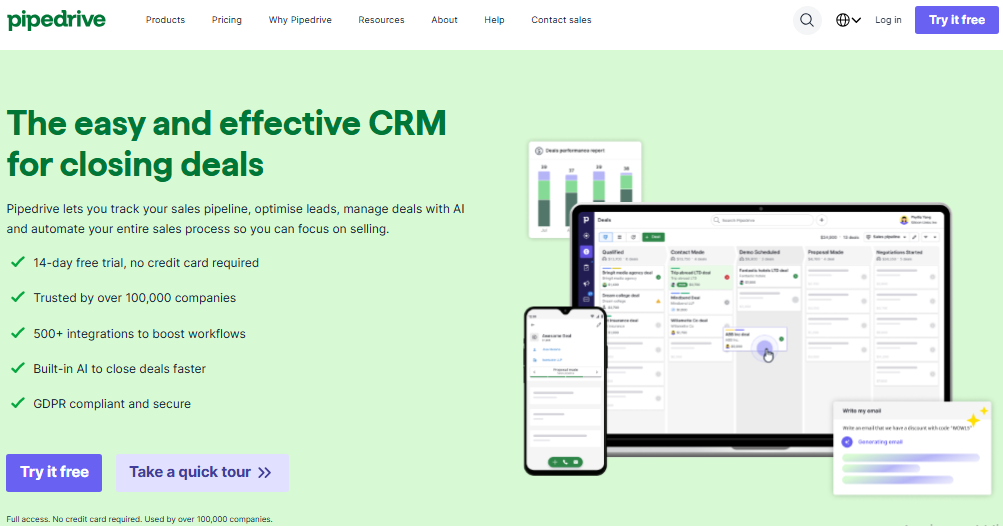
Pipedrive is a sales-focused CRM built around visual pipeline management. The deal board layout makes it easy to see exactly where every lead stands and what action needs to happen next.
It includes email integration, activity reminders, an AI sales assistant, and solid reporting tools.
It’s not the most feature-heavy CRM, but that’s kind of the point. It keeps sales teams focused on closing deals rather than managing software. Simple, clean, and effective!
Pricing: Starts at $19/seat/month
Best for: Sales teams and small businesses that want a simple, pipeline-focused CRM without the clutter
65. Keap
Keap combines CRM, email marketing, and sales automation in one platform aimed at small businesses. It handles lead capture, follow-up automation, appointment scheduling, invoicing, and pipeline management, which is a lot for one tool.
The automation builder is particularly strong, letting you set up detailed sequences based on lead behavior.
It’s not the cheapest option, but for small business owners who want to automate repetitive sales and marketing tasks without juggling multiple tools, Keap delivers real value.
Pricing: Starts at $299/month
Best for: Small business owners who want combined CRM, automation, and sales tools in one place
66. Apollo.io
Apollo.io is a sales intelligence and engagement platform with a massive B2B contact database (over 275 million contacts).
You can search and filter prospects by industry, role, company size, and more, then reach out directly through built-in email sequences and dialer tools. The data enrichment feature also keeps your existing contacts updated automatically.
For outbound sales teams that need both quality prospect data and the tools to act on it, Apollo.io is one of the most complete options available.
Pricing: Paid plans start at $65/seat/month
Best for: Sales teams and B2B marketers focused on outbound prospecting and lead generation
67. Datanyze
Datanyze is a B2B prospecting tool that focuses on finding accurate contact information, specifically emails and direct dials, directly from LinkedIn profiles and company websites via its Chrome extension. It’s not a full CRM, but it integrates well with the ones you’re already using.
The data is pulled in real time, which helps with accuracy. For sales reps who spend time on LinkedIn looking for leads, Datanyze speeds up the process of going from “found them” to “reaching out”.
Pricing: Free trial available; paid plans start at $29/month
Best for: Sales reps and B2B marketers who need quick, accurate contact data while prospecting on LinkedIn
68. EngageBay
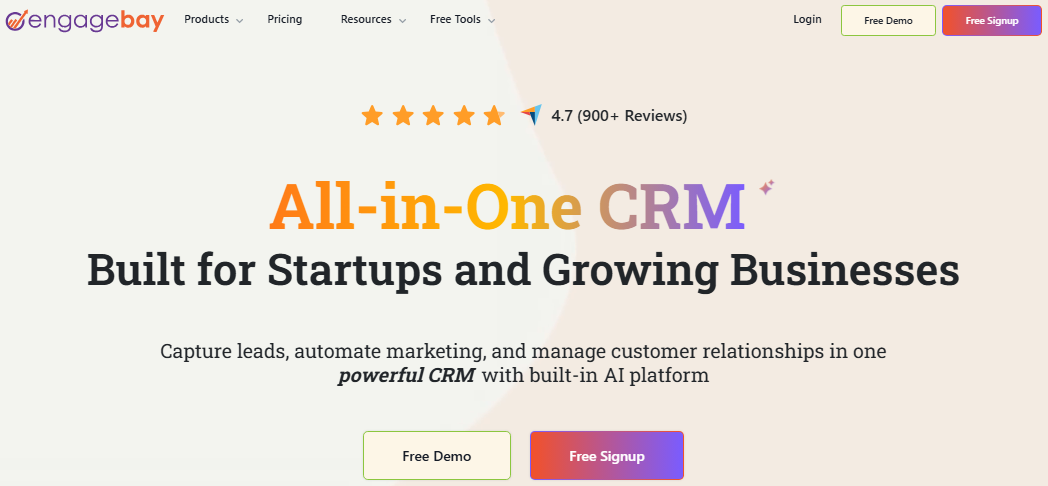
EngageBay is an affordable all-in-one platform combining CRM, email marketing, live chat, helpdesk, and marketing automation. It’s built with small businesses in mind and covers a surprising amount of ground for the price.
The free plan is one of the most generous around, including CRM, email broadcasts, and autoresponders.
If you’re a small team that’s tired of paying for five separate tools, EngageBay bundles most of what you need into one reasonably priced platform.
Pricing: Free plan available; paid plans start at $14.99/user/month
Best for: Small businesses and startups wanting an affordable all-in-one CRM and marketing solution
69. LinkedIn Sales Navigator
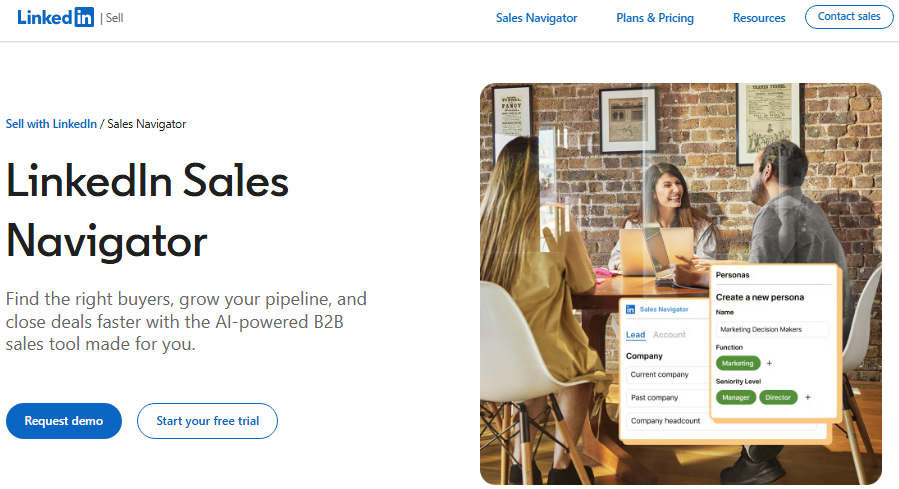
LinkedIn Sales Navigator is LinkedIn’s premium tool built for serious B2B prospecting. It gives you advanced lead and company search filters, real-time sales updates, CRM integration, and the ability to reach out via InMail to people outside your network.
The lead recommendation engine surfaces relevant prospects based on your preferences and activity.
If your customers are on LinkedIn (and in B2B, they almost always are), Sales Navigator gives you a direct, well-targeted way to find and connect with them.
Pricing: Starts at $99.99/seat/month
Best for: B2B sales professionals and account executives focused on LinkedIn-based prospecting and outreach
70. ZoomInfo
ZoomInfo is a premium B2B intelligence and the #1 GTM platform used by enterprise sales and marketing teams. It offers an enormous database of verified business contacts, intent data, technographic insights, and workflow automation.
You can identify companies actively researching solutions like yours and prioritize outreach accordingly. It also integrates with most major CRMs and marketing platforms, hassle-free.
The pricing reflects its enterprise focus, but for large teams where data quality and lead volume directly impact revenue, ZoomInfo is worth the investment.
Pricing: Custom pricing (typically starts around $15,000/year)
Best for: Enterprise sales and marketing teams that need high-quality B2B data and intent-driven prospecting
71. Tidio
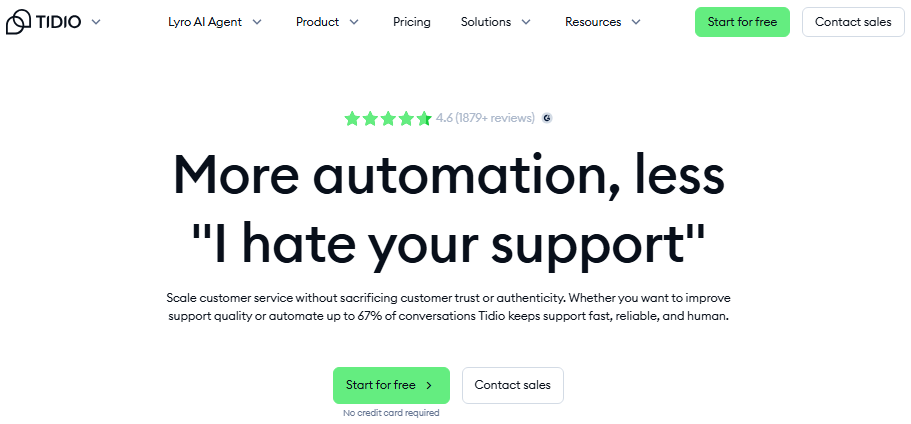
Tidio is a customer communication platform that combines live chat, AI chatbots, and email in one tool. The AI chatbot Lyro can handle a large chunk of customer queries automatically, freeing up your team for more complex conversations.
It integrates with e-commerce platforms like Shopify and WooCommerce, making it particularly useful for online stores.
For businesses that want to capture and convert website visitors in real time without needing a full-time chat team, Tidio is a smart, affordable option.
Pricing: Paid plans start at $29/month
Best for: E-commerce businesses and small teams wanting to automate customer support and capture leads via live chat
Conversion rate optimization tools
Getting traffic to your site is one thing; getting that traffic to actually convert is another. Conversion rate optimization (CRO) tools help you understand how visitors behave, test what works, and make changes that turn more clicks into customers.
Here are five solid tools that help you do exactly that:
72. Unbounce
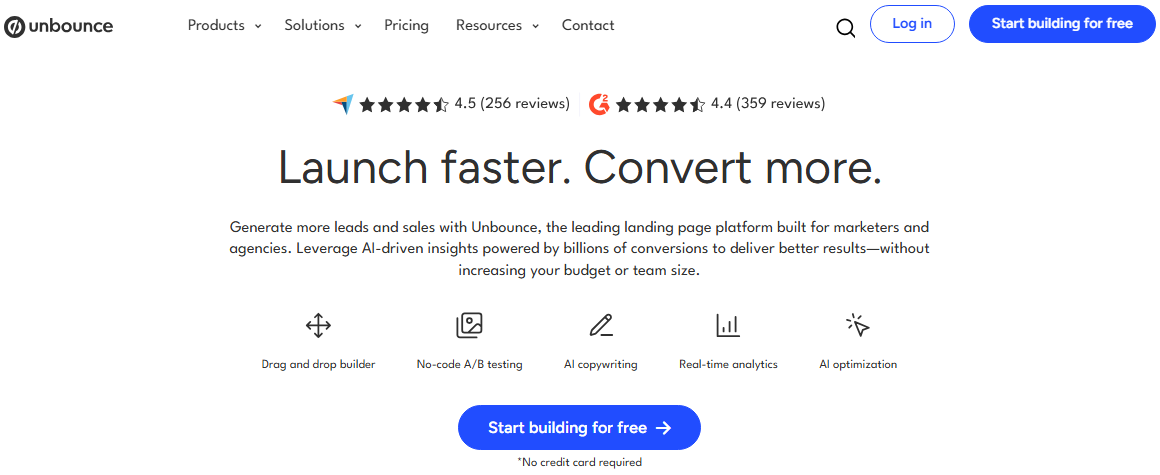
Unbounce is a landing page builder with CRO baked right in. You can build, test, and optimize landing pages without touching a line of code.
Its “Smart Traffic” feature automatically routes visitors to the page variant most likely to convert, based on their attributes. It also includes popups and sticky bars for capturing leads.
For marketers running paid campaigns, having dedicated, optimized landing pages instead of sending traffic to your homepage makes a measurable difference.
Pricing: Starts at $29/month
Best for: Marketers and growth teams running paid ad campaigns who need high-converting, testable landing pages
73. Optimizely
Optimizely is an enterprise-grade experimentation platform built for teams that take A/B testing seriously. It supports web experimentation, feature flagging, personalization, and full-stack testing across web and mobile.
The data and targeting capabilities are deep, and it integrates with most major analytics and marketing stacks. It’s not built for beginners or small budgets.
However, for larger organizations that want to make data-backed decisions at scale, Optimizely is one of the most robust platforms available.
Pricing: Custom pricing (contact for a quote)
Best for: Enterprise teams and product-led organizations running large-scale experimentation and personalization programs
74. Hotjar
Hotjar helps you see what’s actually happening on your website through heatmaps, session recordings, and user feedback tools.
You can watch real visitor sessions, see where people click and scroll, and set up surveys or feedback widgets to hear directly from users.
It’s one of the fastest ways to spot friction points in your funnel without needing a data analyst. The insights you get are qualitative but incredibly actionable, and the setup takes just a couple of minutes.
Pricing: Free plan available; paid plans start at $49/month
Best for: Marketers, UX designers, and product teams wanting visual insight into how users interact with their site
75. Crazy Egg
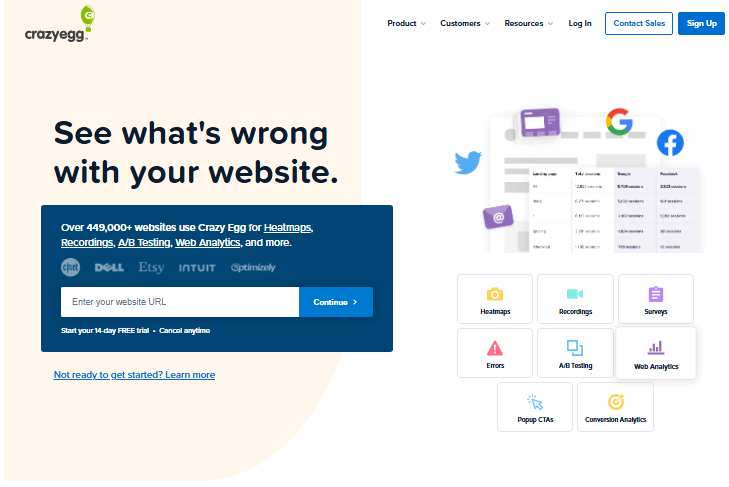
Crazy Egg is a CRO tool focused on visual analytics and testing. It offers heatmaps, scrollmaps, click reports, and session recordings to show you exactly how visitors engage with your pages.
On top of that, it has a built-in A/B testing tool and a simple website editor, so you can make changes and test them without needing a dedicated developer.
It covers both the insight and action sides of optimization, making it a practical all-in-one option for smaller teams.
Pricing: Paid plans start at $29/month
Best for: Small to mid-sized businesses that want visual analytics and A/B testing combined in one affordable tool
76. VWO
VWO is a comprehensive CRO platform covering A/B testing, multivariate testing, heatmaps, session recordings, funnel analysis, and personalization.
What makes it stand out is how well it connects behavioral data with testing. You can spot a problem in a heatmap and launch a test to fix it, all within the same platform.
It’s flexible enough for both marketing and product teams, and the support is well-regarded. A solid end-to-end CRO suite for teams ready to get serious about optimization.
Pricing: Custom pricing (Schedule a demo)
Best for: Mid-sized to enterprise teams wanting a full-featured, integrated CRO and experimentation platform
Website creation tools
Your website is often the first impression people get of your brand, so it better be a good one. Website creation tools make it possible to build a professional, functional site without hiring a developer or learning to code.
Here are some of the most popular options, each suited to a slightly different use case:
77. Wix
Wix is one of the most beginner-friendly website builders available. Its drag-and-drop editor gives you full creative freedom over layout and design, and there are hundreds of templates to start from.
It also includes built-in SEO tools, a blogging platform, e-commerce functionality, and an AI site builder that can generate a starter site from a brief description.
It’s not the most powerful option for complex sites, but for getting something great-looking live quickly, Wix is hard to beat.
Pricing: Free plan available; paid plans start at $17/month
Best for: Individuals, freelancers, and small businesses wanting a visually flexible, easy-to-use website builder
78. Shopify e-commerce website builder
Bring your online store to life with Shopify’s website builder. Designed for seamless editing and creative freedom, it lets you showcase your products with sleek, mobile-friendly designs.
From managing inventory and processing payments to handling shipping and taxes, Shopify covers all the essentials so you can focus on growing your business.
With an extensive theme library and thousands of apps to expand functionality, it’s built to support everything from emerging shops to high-volume brands. Selling online has never been this intuitive, or this bold.
Pricing: Paid plans start at $25/month
Best for: E-commerce businesses of all sizes looking for a reliable, scalable online store builder
79. Squarespace

Squarespace is known for its clean, design-forward templates that make almost any site look polished right out of the box.
It covers websites, blogs, portfolios, and online stores, with built-in tools for SEO, email marketing, and analytics. The editor is less free-form than Wix but keeps things looking consistent and professional.
For creatives and small business owners who want a beautiful site without much fuss, Squarespace consistently delivers without needing design skills.
Pricing: Free for 14 days; Paid plans start at $19/month
Best for: Creatives, photographers, and small businesses that prioritize clean design and an easy setup experience
80. WordPress
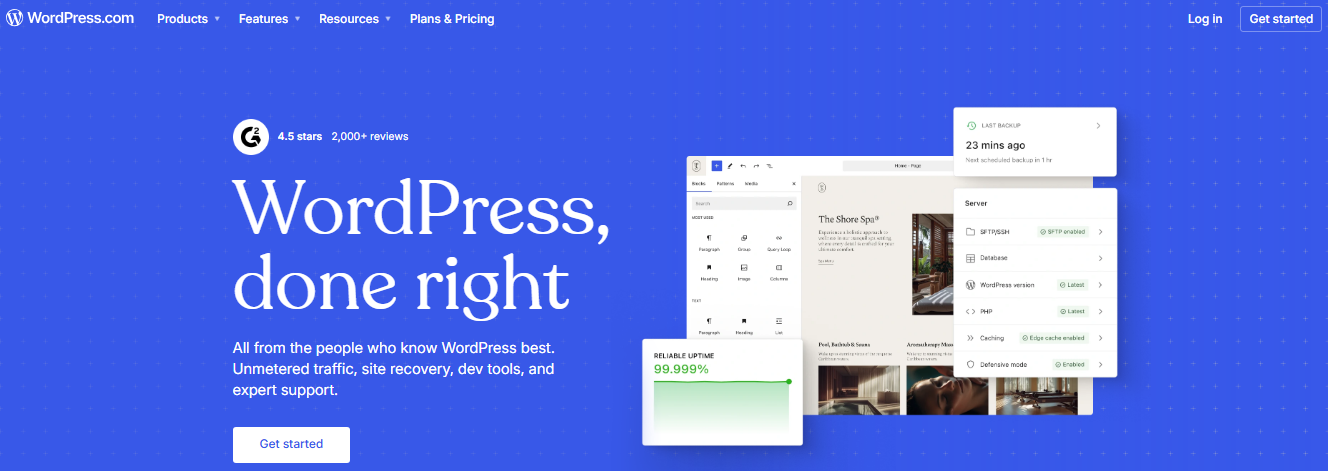
WordPress powers over 40% of all websites on the internet, and there’s a reason for that. It’s incredibly flexible, with thousands of themes and plugins covering everything from SEO to membership sites to complex e-commerce.
WordPress.org (self-hosted) gives you full control over your site, while WordPress.com offers a more managed, hosted experience.
The learning curve is steeper than drag-and-drop builders, but the customization ceiling is essentially unlimited, making it the preferred choice for serious, long-term web projects.
Pricing: WordPress.com plans start at $9/month
Best for: Bloggers, businesses, and developers who need a highly customizable, scalable website with long-term flexibility
81. Gamma
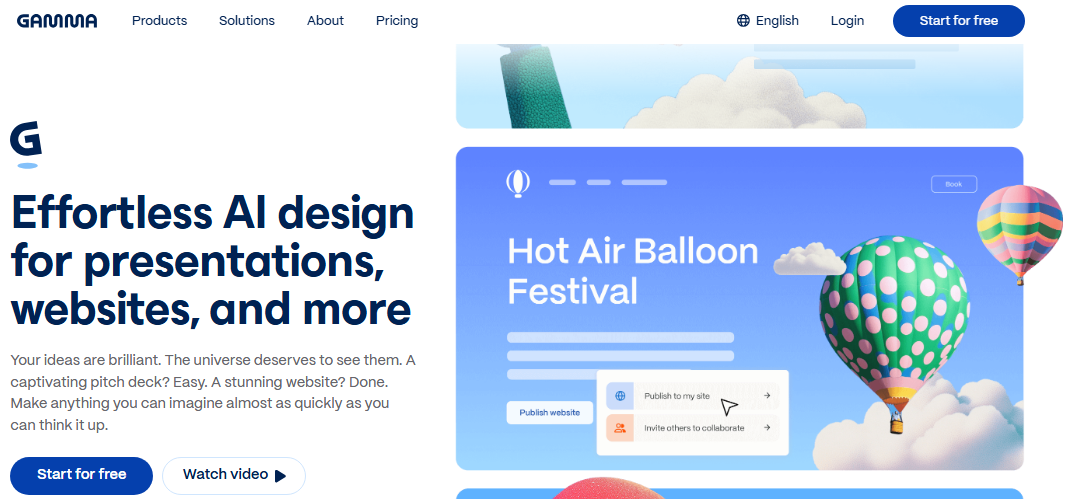
Gamma is a newer kind of content tool that uses AI to generate polished presentations, documents, and web pages from a simple text prompt.
It blurs the line between website builder and presentation tool. You can create shareable, interactive web pages that look far more engaging than a standard slide deck or static page.
It’s fast, intuitive, and great for landing pages, pitch decks, and visual reports. It’s not a full website builder, but for specific content types, it’s impressively quick.
Pricing: Free plan available; individual paid plan starts at $12/seat/month
Best for: Marketers, founders, and creators who need to quickly produce polished, shareable web pages and presentations
Key role of digital marketing tools in growth for businesses of all sizes
Digital marketing tools aren’t just about convenience; they’re genuine growth drivers. Whether you’re a solo founder or running a large enterprise, the right tools help you compete smarter, move faster, and make better decisions with your marketing budget.
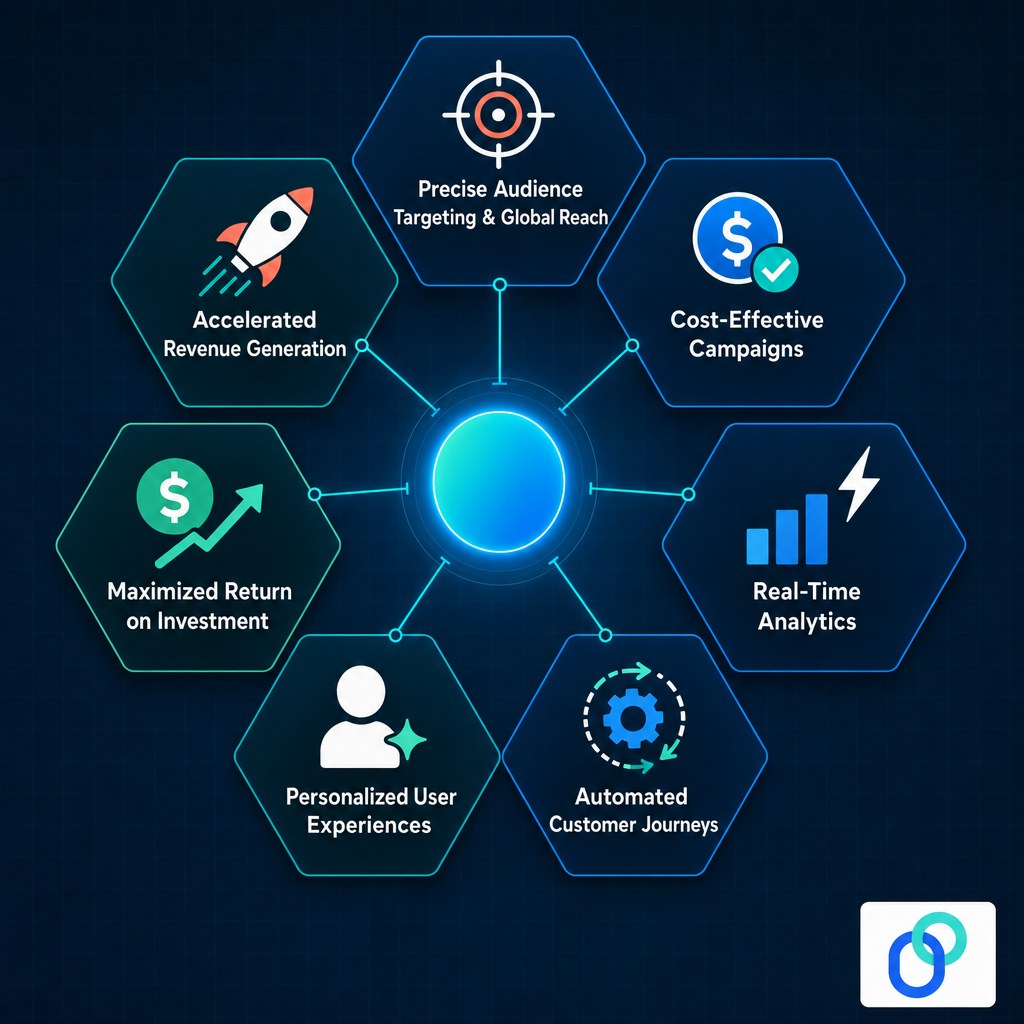
Here’s how they contribute to real, measurable business growth:
Precise audience targeting & global reach
Digital marketing tools let you go beyond broad demographics and target people based on behavior, interests, location, purchase history, and more.
This means your message reaches the right people (not just a lot of people) and that precision works just as well, no matter if your audience is local or spread across continents.
Cost-effective campaigns
Unlike traditional advertising, digital tools let you set your own budget, pause campaigns instantly, and allocate spend toward what’s actually working.
Even small businesses with limited budgets can run highly targeted campaigns that deliver real results. Something that simply wasn’t possible with billboards or print ads.
Real-time analytics
One of the biggest advantages of digital marketing tools is knowing what’s happening right now, not in a monthly report.
You can track clicks, conversions, bounce rates, and engagement as they happen, which means you can catch underperforming campaigns early and double down on the ones driving results.
Automated customer journeys
Marketing automation tools let you map out the entire customer journey, from first touch to purchase, and deliver the right message at each stage without manual effort.
This keeps leads engaged consistently, reduces drop-off, and frees your team to focus on strategy rather than repetitive follow-ups.
Personalized user experiences
Today’s customers expect brands to know what they want without any serious effort. Digital marketing tools use behavioral data and segmentation to deliver personalized emails, recommendations, ads, and content at scale.
This makes each interaction feel relevant rather than generic, which directly improves engagement and conversion rates.
Maximized return on investment
Because digital tools give you detailed data on every campaign, you can continuously refine your targeting, messaging, and spend to get more out of every dollar.
Over time, that constant optimization compounds. This ultimately means your marketing gets more efficient and more effective the longer you use it.
Accelerated revenue generation
When targeting, automation, personalization, and analytics all work together, the result is a shorter path from awareness to purchase.
Digital marketing tools remove friction at every stage of the funnel, helping businesses convert faster, retain customers longer, and ultimately grow revenue more predictably.
Major benefits of using digital marketing tools at present
The marketing landscape has shifted dramatically, and digital tools are at the center of that shift. Businesses that use them well don’t just save time; they gain a real competitive edge by making smarter decisions, reaching the right audiences, and delivering better experiences.
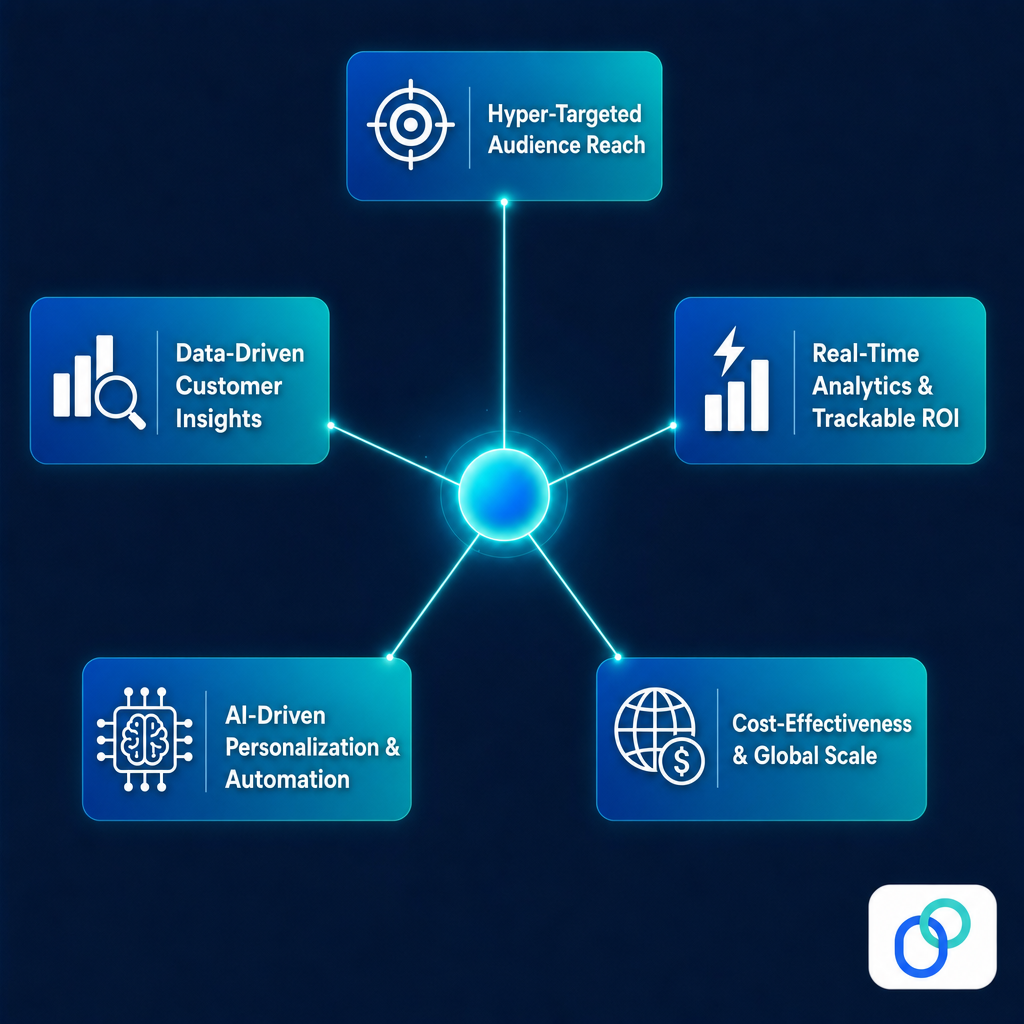
Here’s a look at the key benefits driving that advantage today:
Hyper-targeted audience reach
Gone are the days of casting a wide net and hoping for the best. Digital marketing tools let you get incredibly specific (targeting by age, location, device, online behavior, purchase intent, and more).
This means your budget goes toward people who are genuinely likely to care about what you’re offering, which naturally leads to better engagement and higher conversion rates.
Real-time analytics & trackable ROI
Every click, open, scroll, and conversion is measurable. Digital marketing tools give you a live view of how your campaigns are performing, so you’re never left guessing whether your efforts are paying off.
That visibility also makes it straightforward to tie marketing activity directly to revenue, which is something traditional marketing channels could rarely offer.
Cost-effectiveness & global scale
Digital tools level the playing field in a meaningful way. A small business with a modest budget can run targeted campaigns that reach thousands of the right people (locally or globally) without the massive spend that TV or print advertising would require.
You control where every dollar goes and can scale up or pull back based on real performance data.
AI-driven personalization & automation
Modern digital marketing tools are increasingly powered by AI, which means they can do things at scale that would be impossible manually.
This includes tasks such as personalizing email content for thousands of subscribers, predicting what a customer is likely to buy next, or automatically adjusting ad bids in real time.
This makes your marketing feel more human to the customer while actually requiring less hands-on effort from your team.
Data-driven customer insights
Digital marketing tools don’t just help you run campaigns; they help you understand your audience on a deeper level.
From heatmaps and session recordings to CRM data and purchase patterns, you get a clearer picture of who your customers are, what they want, and where they drop off.
Those insights feed back into better campaigns, better products, and better overall customer experiences.
Useful tips to pick the ideal digital marketing tools for your business
With hundreds of options available, choosing the right ones can feel quite a challenging task. The key is being intentional, i.e., matching tools to your actual needs rather than chasing the most popular or feature-heavy options.
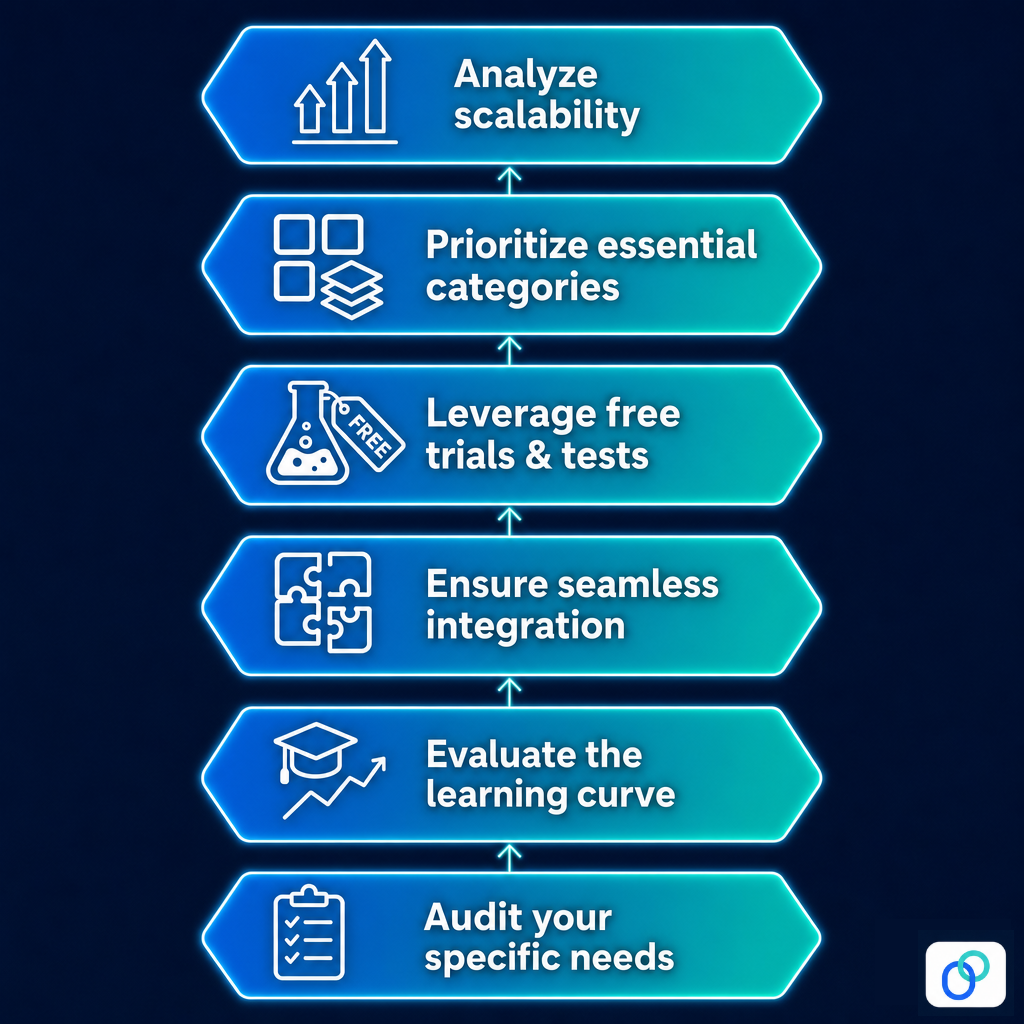
These tips will help you cut through the noise and make choices you won’t regret:
Tip #01: Audit your specific needs
Before you even start browsing tools, get clear on what problems you’re actually trying to solve. Are you struggling with lead generation, content creation, social media consistency, or campaign tracking?
Starting with a clear picture of your gaps ensures you pick tools that address real needs, not ones that just look impressive on a features page.
Tip #02: Evaluate the learning curve
A tool is only useful if your team will actually use it. Consider how technically comfortable your team is and how much time you can realistically dedicate to onboarding.
Some tools are intuitive enough to get going in an afternoon, while others require weeks of training. And, that time investment should factor into your decision just as much as the price tag.
Tip #03: Ensure seamless integration
The best tools work well with what you already have. Check if a new tool integrates with your existing CRM, email platform, analytics setup, or content management system before committing.
Disconnected tools create data silos and extra manual work, which defeats the purpose of using them in the first place.
Tip #04: Leverage free trials & tests
Most reputable digital marketing tools offer a free trial or a freemium plan, so there’s rarely a good reason to buy blind.
Use that trial period to run real tasks, involve your team, and see whether the tool actually fits your workflow. A tool that feels clunky during the trial period will feel even clunkier six months in.
Tip #05: Prioritize essential categories
Not all tool categories carry equal weight for every business, but some are universally foundational.
Analytics, SEO, social media management, and AI assistants tend to deliver the broadest impact across most marketing functions.
If you’re building your stack from scratch, getting solid coverage in these categories first gives you a strong base to build everything else around.
Tip #06: Analyze scalability
The tool that works for you today needs to still work for you when your audience, team, or campaign volume grows.
Check if pricing stays reasonable at higher usage tiers, whether the features expand with your needs, and if the platform has a track record of keeping up with industry changes.
Switching tools every year is costly and disruptive. Investing in something scalable upfront saves you the headache later.
Get started building your digital marketing tool stack
Building the right digital marketing tool stack doesn’t happen overnight, and it doesn’t need to. Start by identifying your biggest gaps, pick tools that solve real problems, and expand from there as your needs grow.
The 75+ tools covered in this guide span every major category, from social media and SEO to CRM, content creation, and conversion optimization, so there’s genuinely something here for every type of business and budget.
The goal was never to use all of them, but to find the ones that fit your strategy and work well together. Start small, stay intentional, and let the results guide what you add next.
Frequently asked questions
What tools are used in digital marketing?
When people ask what are the digital marketing tools commonly used, the list typically includes:
– SEO tools,
– Social media schedulers,
– Email marketing platforms,
– CRM systems,
– Analytics tools,
– Content creation software, and
– Paid ad managers
Each category serves a different function, but together they cover the full scope of running effective marketing campaigns.
What digital marketing tools are recommended in 2026?
In 2026, tools like Replug, HubSpot, Ahrefs, Canva, Claude, Klaviyo, and Google Analytics 4 continue to stand out across categories. AI-powered platforms are becoming increasingly central to most marketing stacks, helping teams work faster and smarter without necessarily growing headcount.
What are some digital marketing tools for beginners?
If you’re just starting out, focus on tools with gentle learning curves. Canva for design, Mailchimp for email, ContentStudio for social media, and Usermaven for tracking are all solid starting points. Many offer digital marketing tools free plans, so you can get hands-on experience without spending anything upfront.
How does digital marketing software help with campaign management?
Digital marketing software brings everything into one place: scheduling, tracking, reporting, and optimization. Instead of juggling spreadsheets and separate platforms, you get a centralized view of what’s running, what’s working, and where to adjust. It saves time, reduces errors, and keeps campaigns consistent across channels.
Are automation tools really effective in digital marketing?
Absolutely! Automation handles repetitive tasks like follow-up emails, social posting, and lead nurturing without constant manual input. The result is more consistent communication and faster response times. Any serious digital marketing company relies on automation to scale campaigns without proportionally scaling their team’s workload.
Which digital marketing tools are right for small businesses?
Small businesses should focus on affordable, multi-functional tools. Replug, EngageBay, Mailchimp, Canva, Buffer, and Google Search Console cover most needs without breaking the budget. Knowing what are the tools of digital marketing that offer free or low-cost tiers makes it much easier to build a solid stack on a tight budget.
What are the top digital marketing competitor analysis tools online?
For competitor analysis, Ahrefs, Semrush, and Moz are the most widely used, covering backlinks, keyword gaps, and organic performance. SimilarWeb is great for traffic insights, while Sprout Social helps benchmark social engagement. These tools give you a clear picture of where competitors are winning and where you can close the gap.