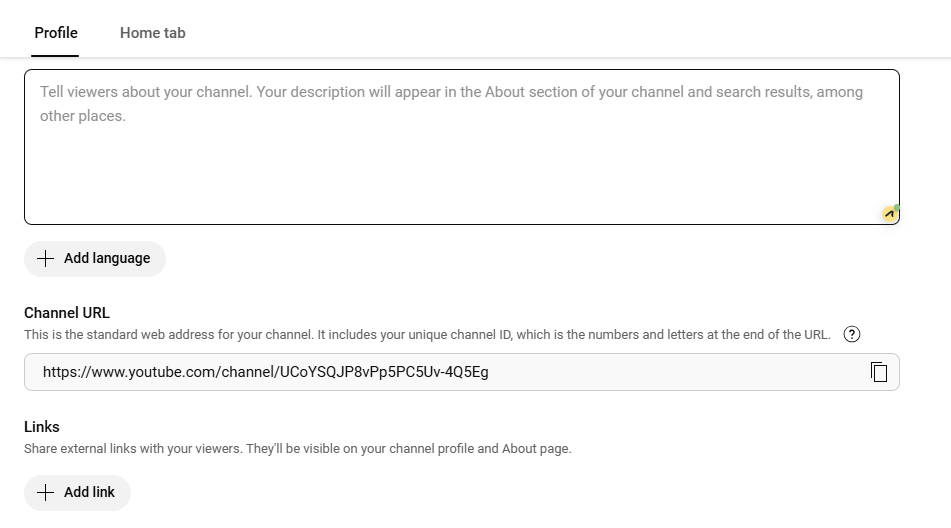
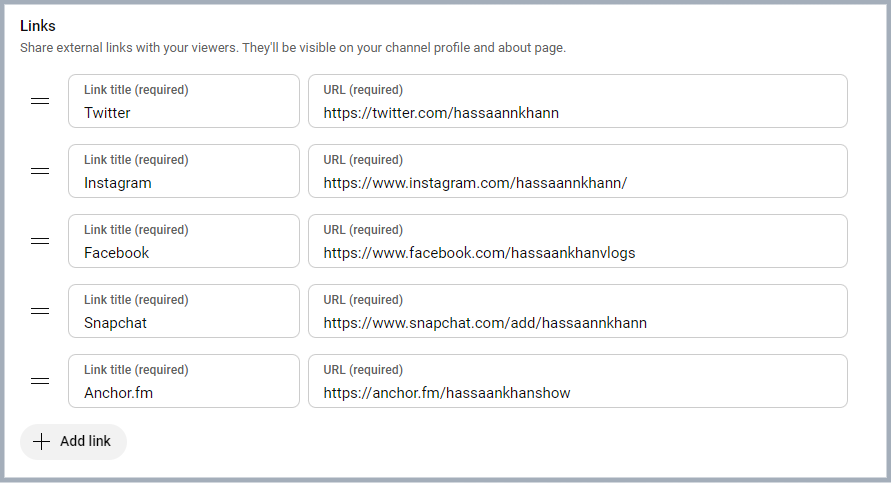
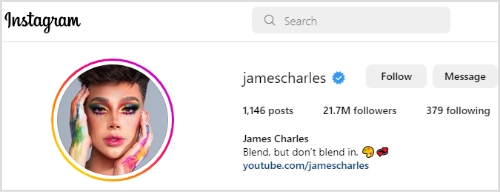
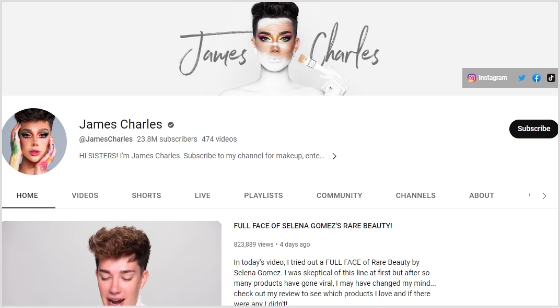
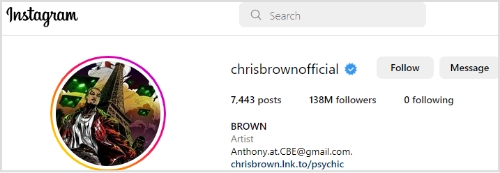
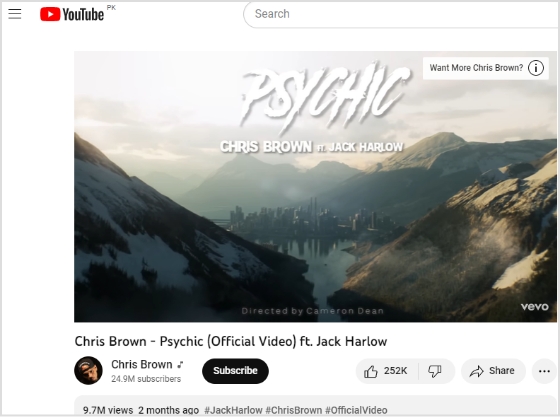
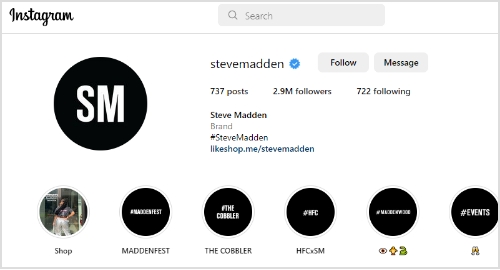
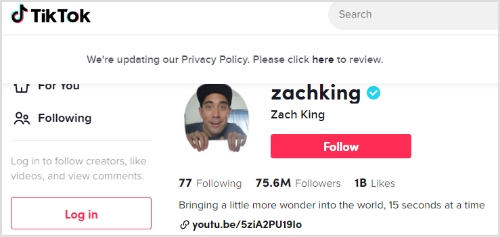
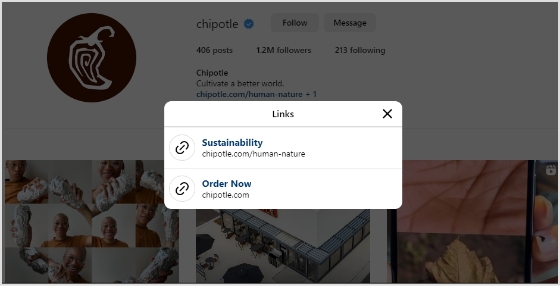
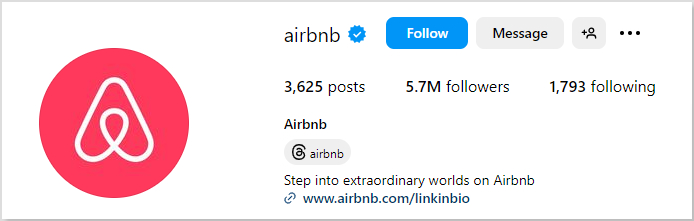
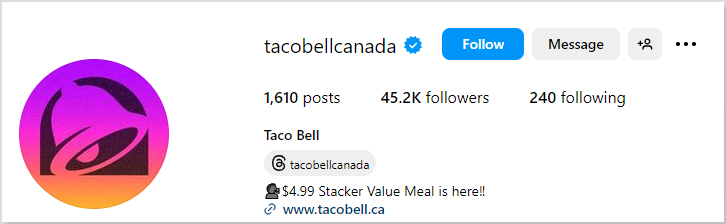
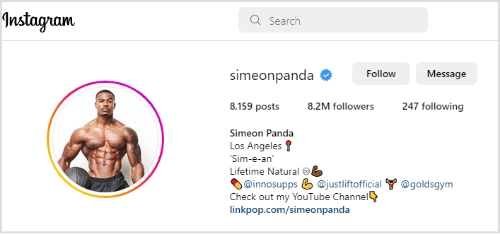
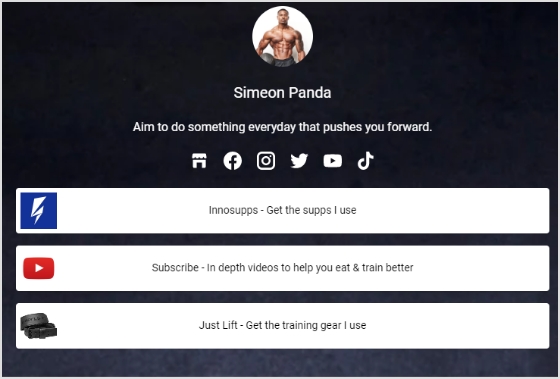
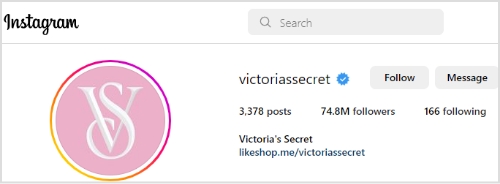
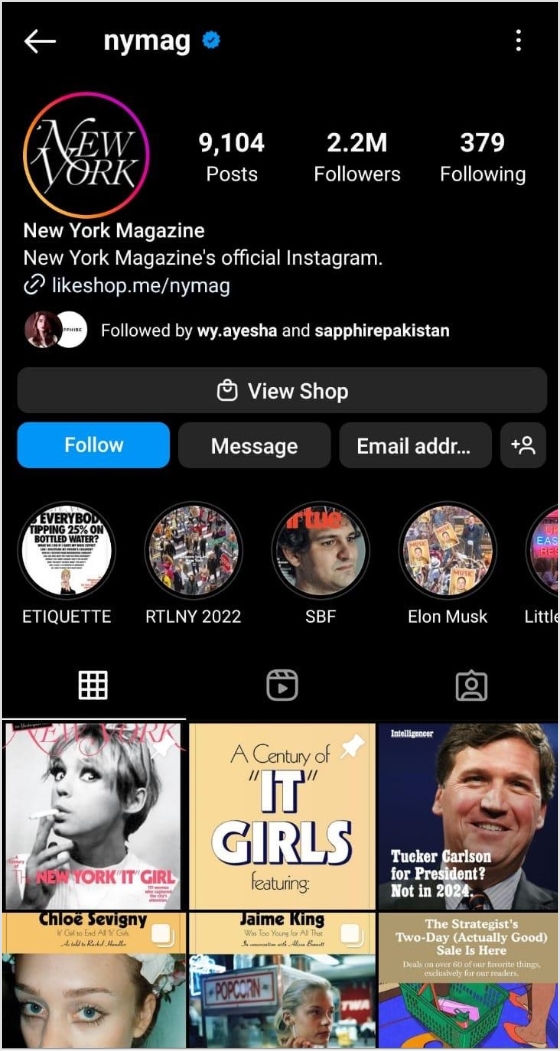
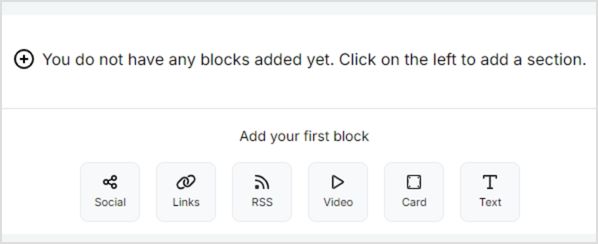
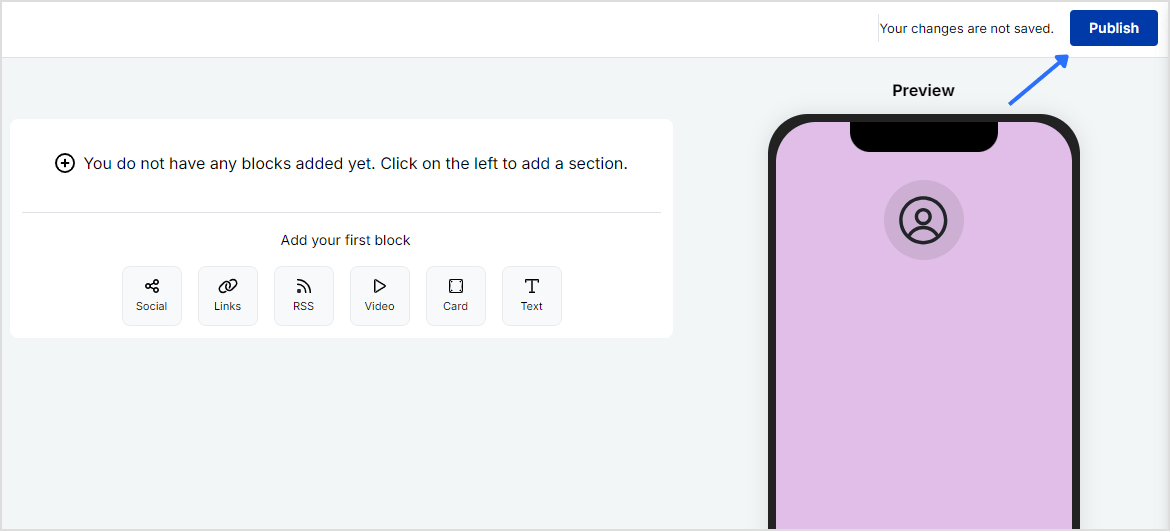
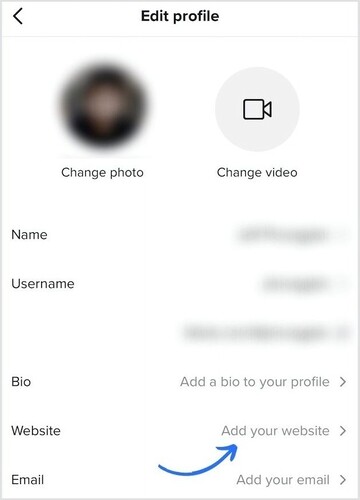
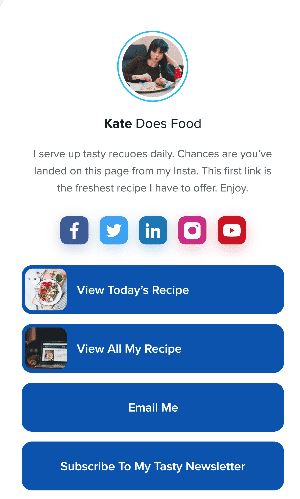
Links provide direct pathways for viewers to explore additional content or products, increasing your chances of engagement and conversion.
Adding links to your YouTube bio is a great way to drive traffic to your website, social media profiles, or other online content.
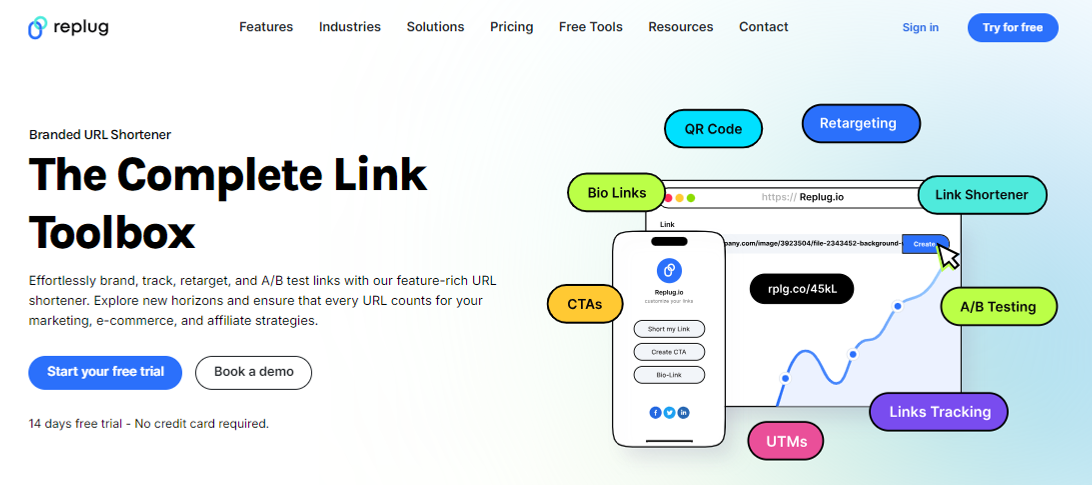
This is the main reason why many creators choose to rely on a dependable platform like Replug.io to manage bio links and link tracking seamlessly.
This can help you grow your audience and increase engagement with your videos.
Quick guide on adding links to your YouTube bio:
Step 1: Access the YouTube Studio
YouTube Studio is the option that provides access to the channel dashboard.
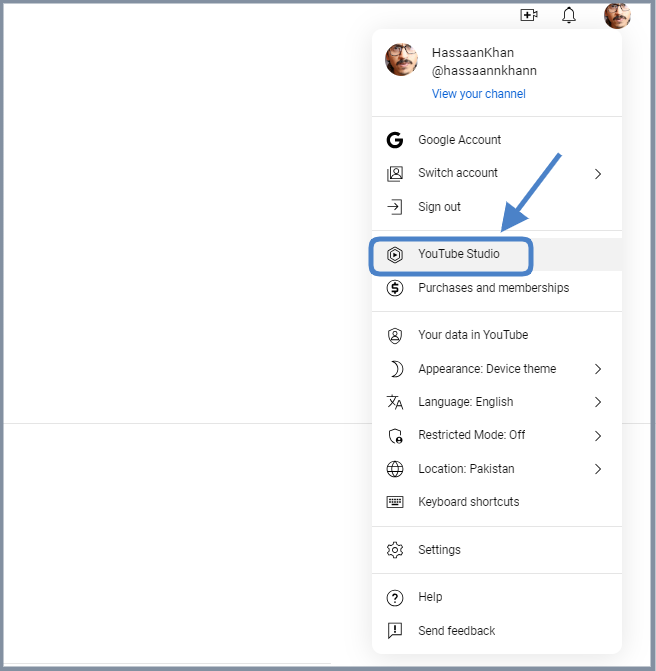
Click on the profile icon from the top-right corner of the screen.
Now, click on the “YouTube Studio” option.
Step 2: Go to the “Customization” section
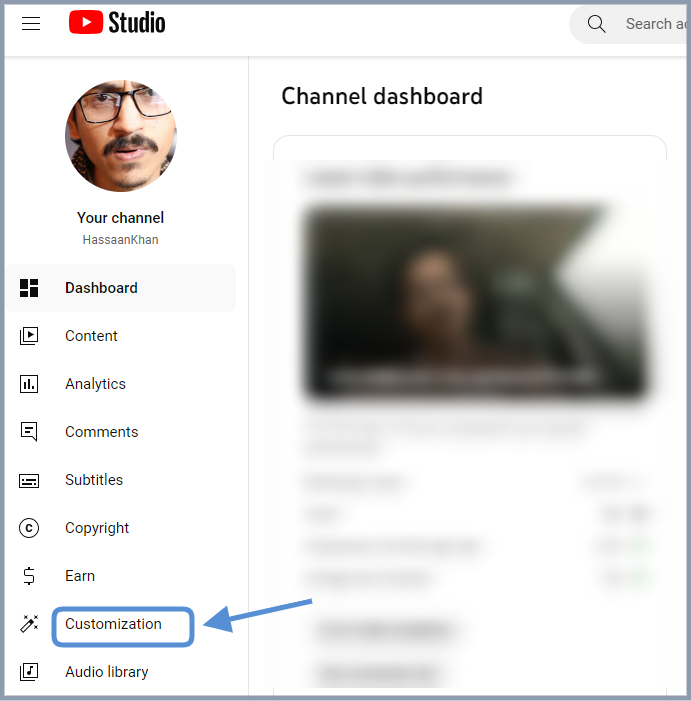
The next up is the access to the customization section. Look out for the second to last option on the left sidebar; you’ll see the “Customization” option.
Click on that option and enter the customization area.
Step 3: Open the “Profile” tab
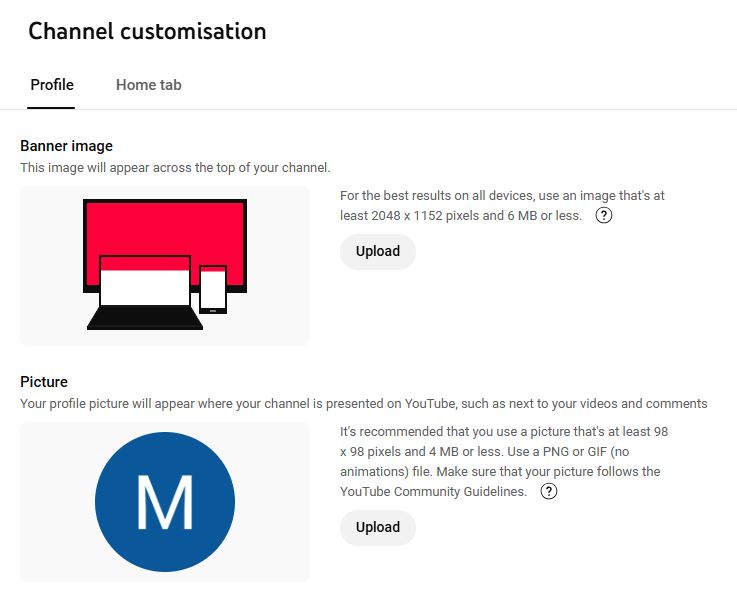
Click on the “Profile” tab to access the bio area.
Now, you’ll see the channel’s name, description, and URL.
Step 4: Add links to your bio
Once you have accessed the “Profile” section, you’ll see several customization options.
To add links to your bio, simply navigate to the links section, click on “Add a link”.
Step 5: Add a link
Add your link title and paste the URLs. Once added, it’ll be featured in your “About” section of the YouTube bio.
How to optimize your links for engagement: A guide for YouTube creators
Below are some of the best practices of adding links to your YouTube bio.
1. Relevance is key
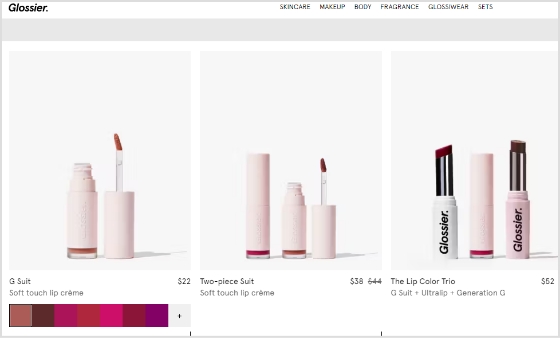
Always ensure that the links you share are relevant to the content of your video. If you’re creating makeup tutorials, link to your beauty blog for in-depth articles, product reviews, and additional resources that complement your video. This not only provides value but also enriches the viewer’s experience.
2. Shorten URLs
Using shortened branded URLs in your YouTube bio can greatly enhance your channel’s professionalism and effectiveness in attracting viewers.
To make this even easier, you can use a free link shortener that cleans up long URLs and helps you present a neat, memorable bio link. This is especially handy when you’re sharing multiple pages or long website URLs.
These custom short links not only save precious character space but also make it easier for your audience to recognize and remember the destination, fostering trust and engagement.
3. Social media connections
Consider linking to your social media accounts, such as Instagram, where you can share behind-the-scenes content, engage with followers through polls, and showcase additional makeup looks. These platforms allow for real-time interaction and help you build a stronger connection with your audience.
Additionally, utilizing a URL shortener that provides tracking analytics can empower you to assess which links perform best, allowing you to refine your approach and maximize your outreach.
4. Keeping descriptions clear and concise
When adding links, accompany them with a brief description to clarify what the link is for.
5. Regularly updating links
Links can become outdated quickly. Regularly check all your links to ensure they’re functional, and directing viewers to the correct content.
Based on performance metrics, refine your approach. If certain links aren’t getting clicks, consider changing their placement or how you describe them.
Leverage the power of bio links to not only showcase your additional content but also to significantly enhance your YouTube presence. Transform your viewer’s experience guiding them effortlessly to your blog site, merchandise, or any other relevant platforms. This tailored approach makes it easier for your audience to connect with you on multiple channels.
By linking to your related content—be it blog posts or social media—you create a comprehensive digital ecosystem. This enhances viewer engagement and encourages them to explore more of your work, ultimately fostering a loyal community that values your expertise.
3 common mistakes to avoid when adding links on YouTube
1. Spamming links
Avoid overcrowding your bio with too many links. This can overwhelm and confuse viewers. Focus on quality over quantity.
2. Ignoring guidelines
YouTube has specific policies regarding links. Ignoring these can result in penalties or removal of your content. Always stay informed about community guidelines.
3. Neglecting mobile users
With many users accessing YouTube on mobile, ensure your links are mobile-friendly. Test how they appear and work on different devices.
Conclusion
Adding links to your YouTube bio is a powerful tool for boosting engagement, directing traffic to your other platforms, and generating revenue. By understanding how to strategically incorporate links, you’ll enhance your channel’s visibility and viewer experience. Remember to regularly review your links and keep them updated for the best results.
Have you ever felt stuck hunting for a reliable tool since Google shut down its URL shortener? If that’s the case, don’t worry, you’re not alone!
Many of us get confused, or even irritated at times, when links break, or we can’t remember how to shorten a link securely. That frustration grows even more when you test dozens of tools online, only to find they’re clumsy, unreliable, or expensive.
The bright side: It doesn’t have to be that way anymore!
In this blog post, you’ll find 10 top-tier Google URL shortener alternatives that combine ease, brilliant features, and dependability.
Ready to leave behind broken goo.gl links? Let’s check out the amazing alternative tools to Google URL shortener next.
Top 10 URL Shortener Alternatives to Goo.gl
Since Google shut down its Goo.gl service in 2019, many users have been searching for solid and trustworthy alternatives. Fortunately, there are numerous paid URL shorteners available, each with its own unique set of attributes and benefits.
Let’s kick things off with probably the most excellent and well-known option, i.e., Replug.
Replug.io – Best custom URL shortener tool online overall
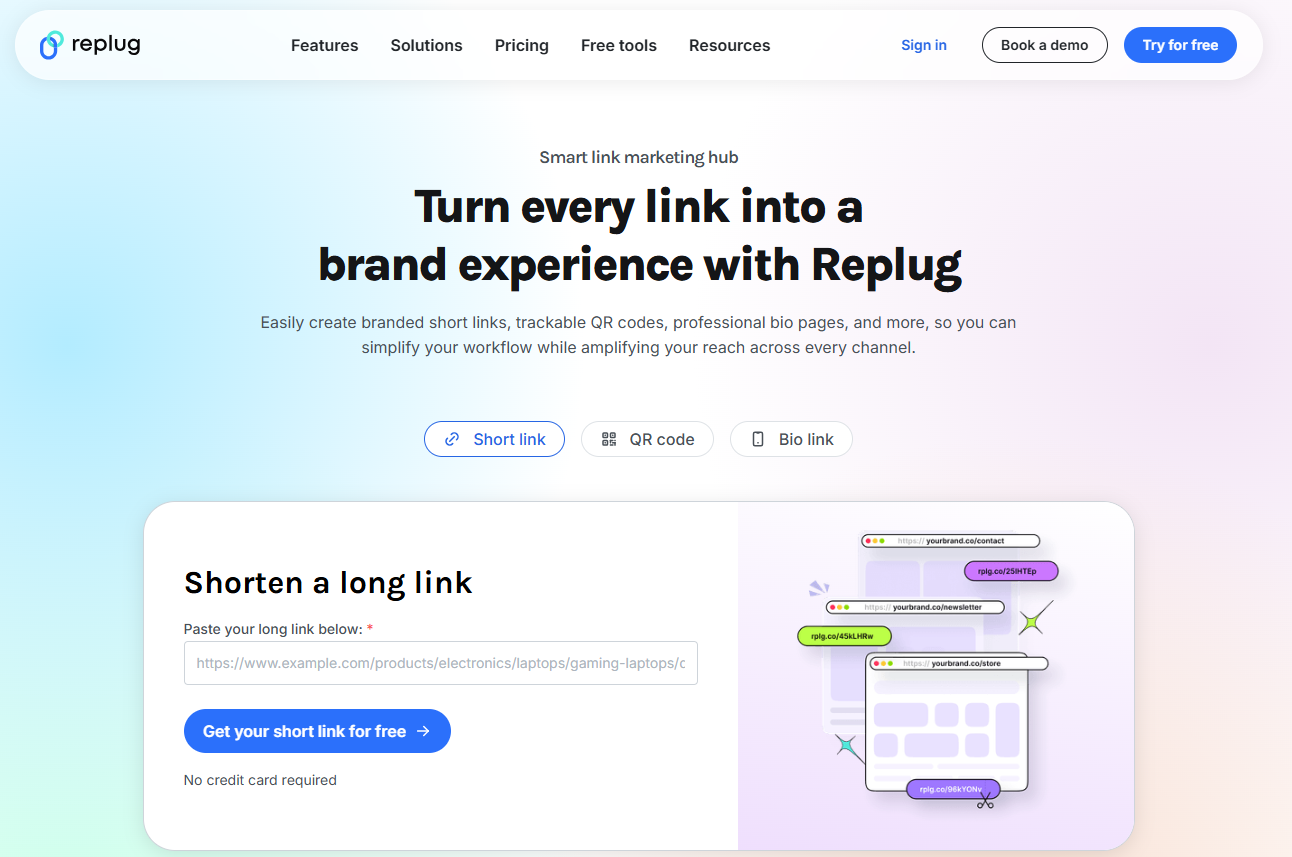
If you’re looking for a smart way to shorten a link without just relying on a generic service, Replug might be your go-to tool. It’s not just a URL shortener; it transforms ordinary links into branded, trackable assets that carry your identity.
Since Goo.gl is long gone, Replug stands out as a strong alternative for anyone who wants more than just a short link. With this top-notch tool, you get brand recognition, link analytics, and campaign-level insights all in one place.
Key features
Branded link creation: Convert any long URL into a short, custom version under your domain with this reliable link shortener tool.
Deep link routing & A/B testing: Segment visitors by device, region, or date, and test multiple link versions to see which works best.
Full analytics & campaign tracking:Monitor clicks, conversions, custom domains, and workspaces, all from one single dashboard.
White-label solution for agencies: Manage workspaces for multiple teams and clients, with personalized domains and branding.
Pricing plans
Free: $0/month
Essentials: $19/month
Scale: $39/month
Agency: $99/month
Enterprise: Custom pricing
Pros
Cons
Lets you build branded short links within seconds to boost recognition.
The interface can feel overpowering when you’re just starting out.
Enables advanced features like retargeting and A/B testing.
Agencies get nice features like client workspaces and white-labeling.
In short: If you’re way too serious about your links, branding them, tracking them, turning them into marketing tools rather than just short URLs, Replug hits the mark. Yes, it might take a little time to get familiar with all the features, but once you do, you’ll likely find that your link-sharing and campaign tracking become much smarter. For anyone looking beyond basic shortening and aiming for full-scale link management, Replug is a very solid choice.
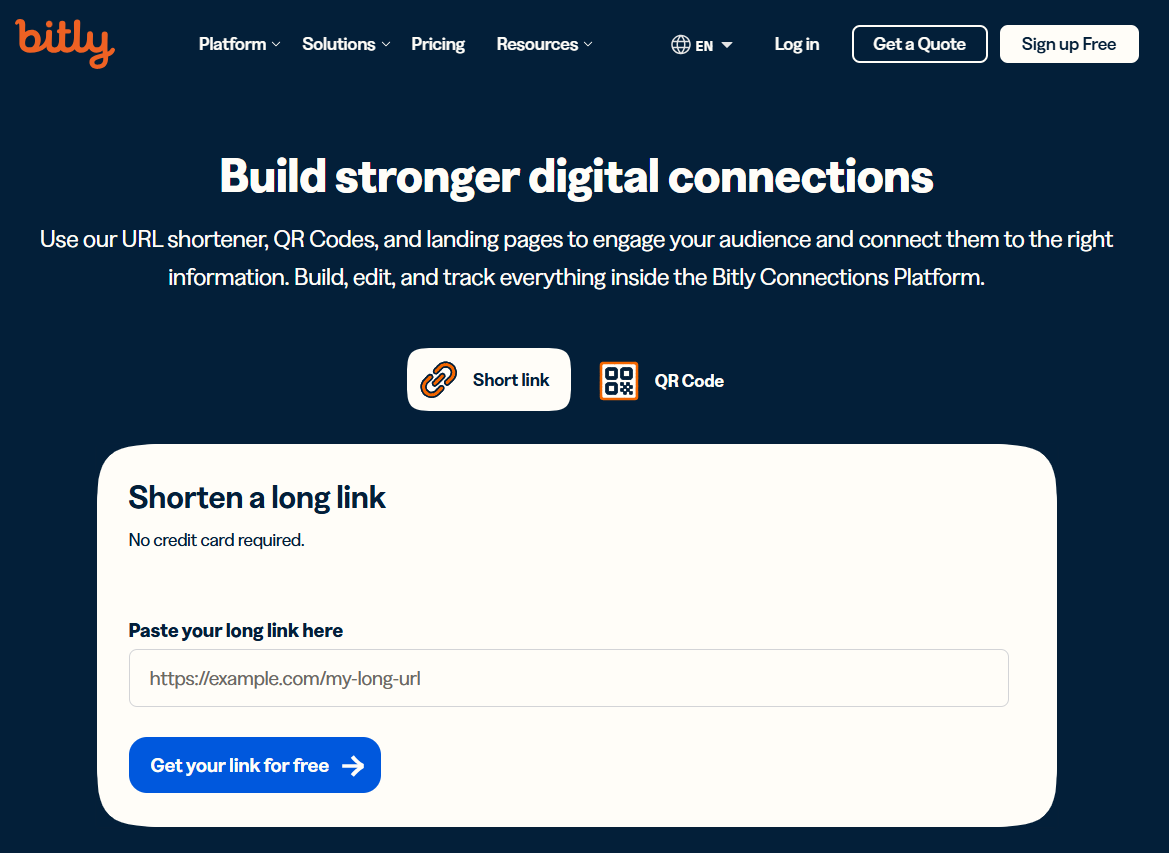
Bitly – Best for general use & analytics
If you’re the one in search of a solid all-around solution to get shortened links in no time, Bitly has you covered. It’s been around for years, evolving from a simple link shortener into a full link-management system that easily replaces the old Goo.gl.
With Bitly, you can create shortened, branded links that feel trustworthy, track how they perform, and redirect links when you need. All of this makes it a smart alternative to Google’s bygone service.
Key features
Create branded short links with Bitly using top-level domains, so your links carry your brand identity.
Monitor click stats, locations, devices, and campaign performance in real time from one dashboard.
Change link destinations later on (redirect) so you’re not stuck with a dead link.
Shorten multiple links in one go to save time when you’ve got many links to manage.
QR code and landing-page features are included, making it more than just a shortener. It’s more of a link-campaign hub.
Pricing plans
Free: $0/month
Core: Annual plan only
Growth: $35/month
Premium: $300/month
Enterprise: Custom pricing
Pros
Cons
Very strong campaign tracking and analytics, making it easy to compare different links and channels.
The free version is very limited. It may not be enough if you need custom domains or many links.
A trusted, established platform used by businesses of all sizes. Great for long-term stability.
Some advanced features (e.g., deep link analytics, full brand control) are locked behind higher tiers.
Supports branded domains, QR codes, and bulk operations. Versatile for personal & enterprise use.
Can become fairly expensive as your link volume or team size grows.
In short: If you’re after a reliable, user-friendly tool to shorten links and track how they perform, Bitly is a standout choice. It balances ease of use with powerful features, so you can do more than just shorten a URL. You can turn it into a smart marketing asset. It isn’t the cheapest for all features, but the value is there if you’re serious about tracking and managing links. For general use or growing teams who want analytics and brand control, Bitly hits a strong sweet spot.
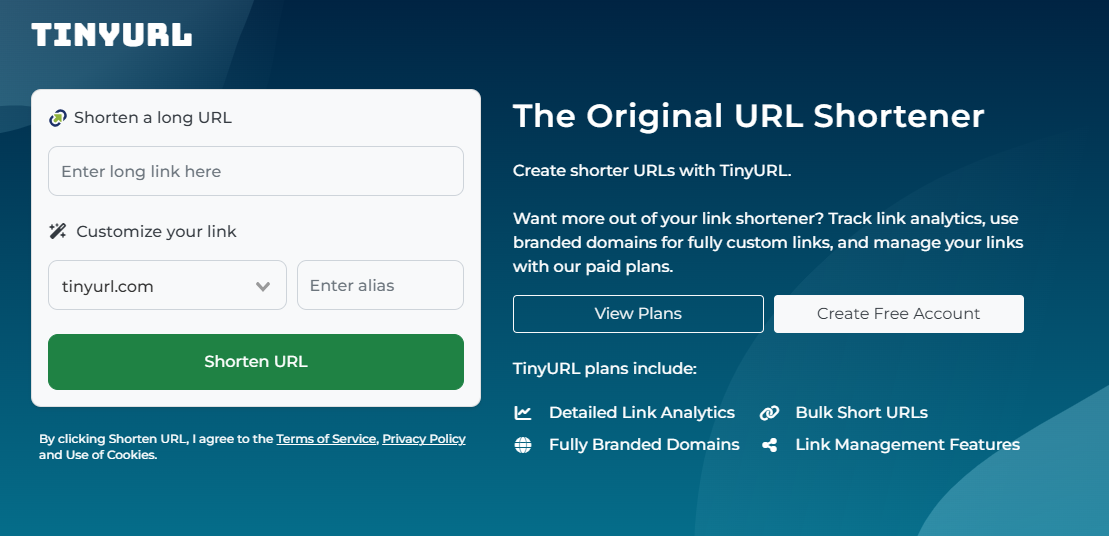
TinyURL – Best for simplicity & speed
Elegant in its ease of use, TinyURL is one of the longest-running tools for shortening URLs. It remains a top choice when you just need to shorten a link without fuss.
Before the days of complex dashboards and enterprise workflows, TinyURL let users paste a long address and get back a short, shareable link. With the retirement of Google’s URL shortening tool, TinyURL stands out as a lightweight, fast alternative when you don’t require a full-fledged link-management system.
Key features
Instant short-link creation: No signup required; paste a URL and get a short version in seconds.
Basic analytics: Track clicks, referrers, and geography (on paid plans) to get insight into link performance.
Bulk shortening: Create numerous links at once when you have a batch of URLs to manage, hassle-free.
Persistent links: Shortened URLs generally don’t expire, so you don’t have to worry about links vanishing.
Pricing plans
Free: $0.00/month
Pro: $12.99/month
Bulk 100K: $129.00/month
Enterprise: Custom
Pros
Cons
Super fast and simple to use. Great for quick link shortening without setup hell.
Free users get very limited analytics and customization.
No mandatory signup for basic use. Just paste a URL and go.
Less suited for advanced campaign tracking compared to full-fledged tools.
Links can remain active for a long time (with no forced expiration), so you’re not chasing dead links.
The interface and workflows can feel basic if you’re used to more polished platforms.
In short: For anyone who cares more about speed and simplicity than deep analytics or agency-level workflows, TinyURL is a preferred choice. It lets you shorten a link in seconds, share it, and move on. Of course, if you’re managing heavy-duty campaigns or need detailed insights, you might eventually shift to a tool with more layers. But for everyday link-sharing, on-the-fly shortening, or minimal-setup use, TinyURL just works, and works easily.
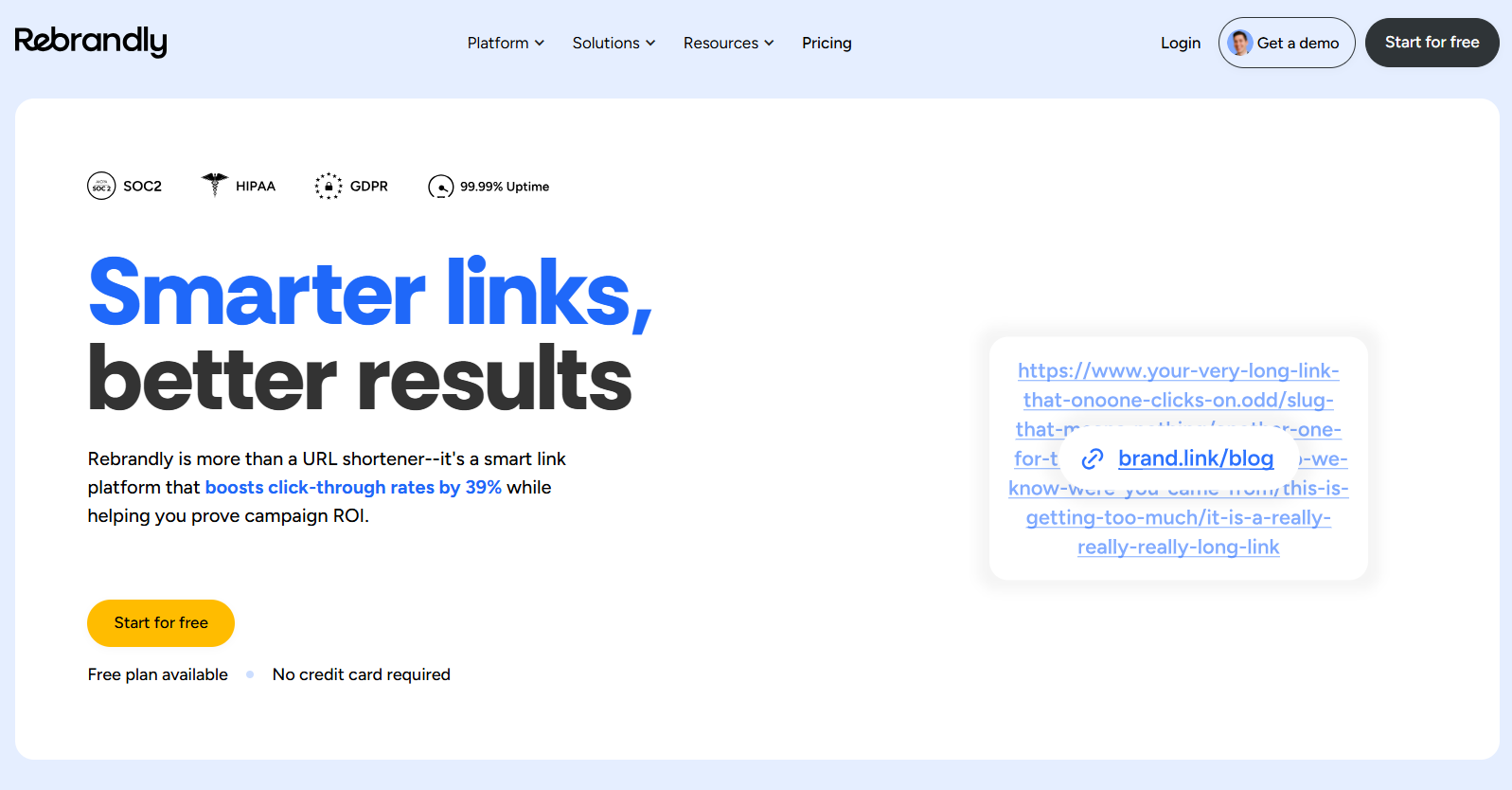
Rebrandly – Best for generating branded & personalized links
Here’s the deal: when you want to share a link that actually looks like your brand and not some random shortener domain, Rebrandly comes through. It helps you turn long or messy URLs into branded, customized short links using your own custom domain name.
After Google announced the shutdown of its tool, Rebrandly stepped in as a top-tier alternative for anyone who cares about their brand identity in every link.
Key features
Use your own custom domain (e.g., yourbrand.co) with Rebrandly, so links reflect your identity and build trust.
Advanced analytics and tracking for clicks, geography, devices, and campaign performance.
Easily change where the link points even after it’s live (handy for redirecting or fixing errors).
Bulk link creation & management tools for scaling across campaigns, teams, and clients.
Hassle-free integration with workspaces, team collaboration, and API access for automation.
Pricing plans
Free: $0/month
Essentials: $14/month
Professional: $39/month
Growth: $119/month
Enterprise: Get a quote
Pros
Cons
Let’s you build fully branded short links. Great for identity and trust.
For small users, the free plan’s limits may feel tight.
Strong team & domain management features. Works well for agencies or multi-brand.
The interface has many features, which may feel confusing for basic users.
Reliable integrations and API support for automating link workflows.
Reports of slower support response or domain setup issues.
In short: If your goal is to share links that look professional, match your brand, and provide you insight into how they perform, then Rebrandly ticks all the right boxes. It might be more than what a casual user needs, but for marketers, agencies, or businesses that care about every link, it’s a worthwhile pick. If you’re just looking to shorten a link now and then without any trouble, you might prefer something simpler. However, when branding and control matter, Rebrandly surely stands out.
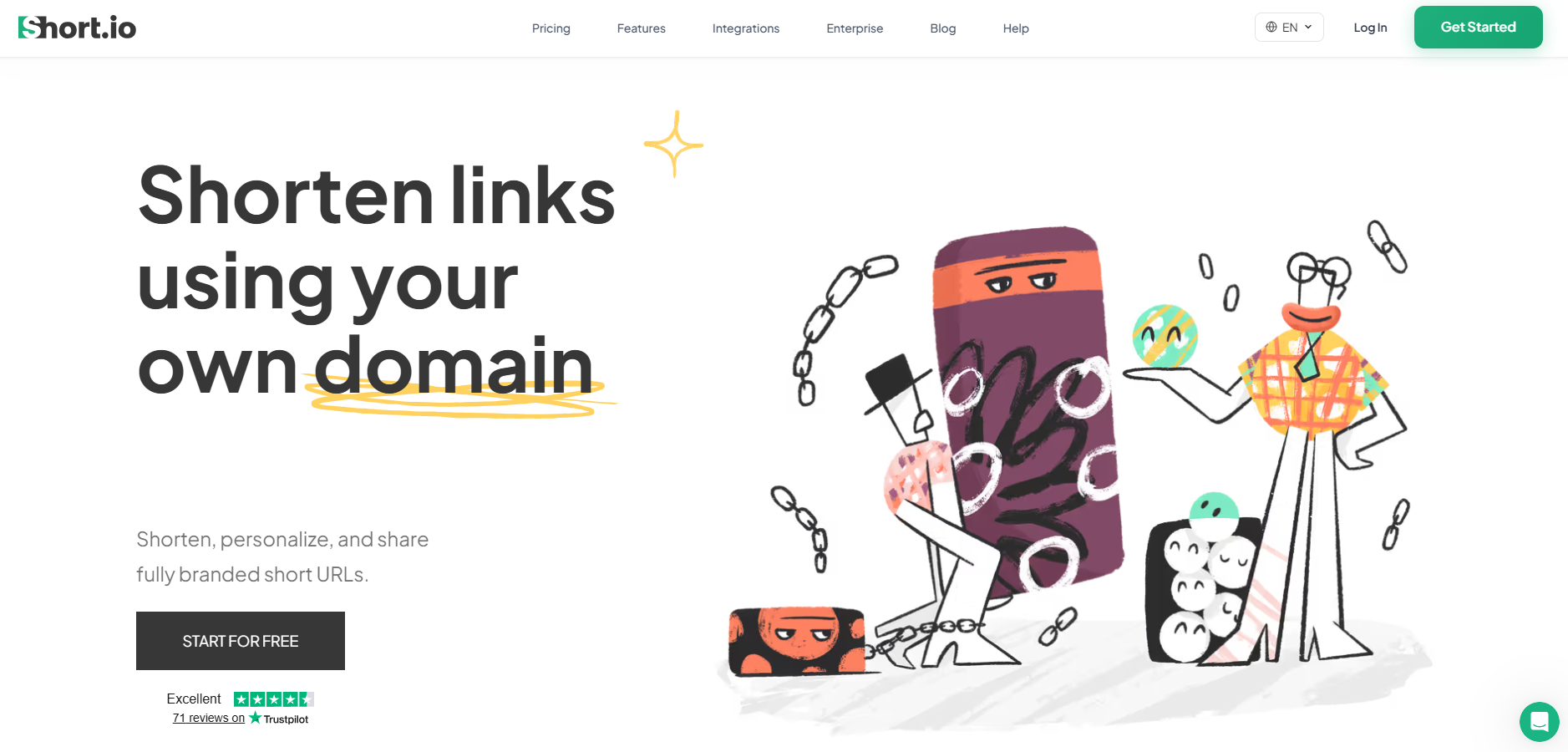
Short.io – Best for enterprise use & custom branding
Here’s another tool worth knowing at present. Short.io helps you create short links that don’t just shrink URLs, they carry your brand, your domain, and your story.
With the old Goo.gl no longer available, Short.io takes the center stage by offering advanced capabilities (custom domains, detailed analytics, team workflows) that go beyond basic shortening and make it worthy of enterprise-level use.
Key features
Branded & multiple custom domains: Shorten links using your own domains (and many of them) for consistent brand identity.
Real-time detailed analytics: See click streams, referrers, devices, geolocation, and more.
Team & enterprise workflows: Roles, access controls, bulk operations, API integration, deep links, geo-targeting, from one single place.
Affordable rates: Generous free tier and strong value-pricing for scaling teams.
Pricing plans
Free: $0/month
Hobby: $5/month
Pro: $18/month
Team: $48/month
Enterprise: $148/month
Pros
Cons
Offers strong custom-domain support and link-branding at enterprise scale.
The dashboard and feature set can feel intimidating for first-time users.
Strong analytics and targeting features that suit businesses.
Some users note that data export or UI could be improved.
Good value for companies needing custom domains, bulk operations, and API access.
Onboarding custom domains may require technical setup that non-technical users may find tricky.
In short: Short.io is a brilliant choice for businesses, agencies, or teams that need branding, control, analytics, and scale. If your goal is to build branded links across multiple domains, track campaigns in detail, collaborate with a team, and lean on automation, Short.io hits the mark. For simpler needs, it might feel overdesigned, but for professional or enterprise use, it’s very much worth a look.
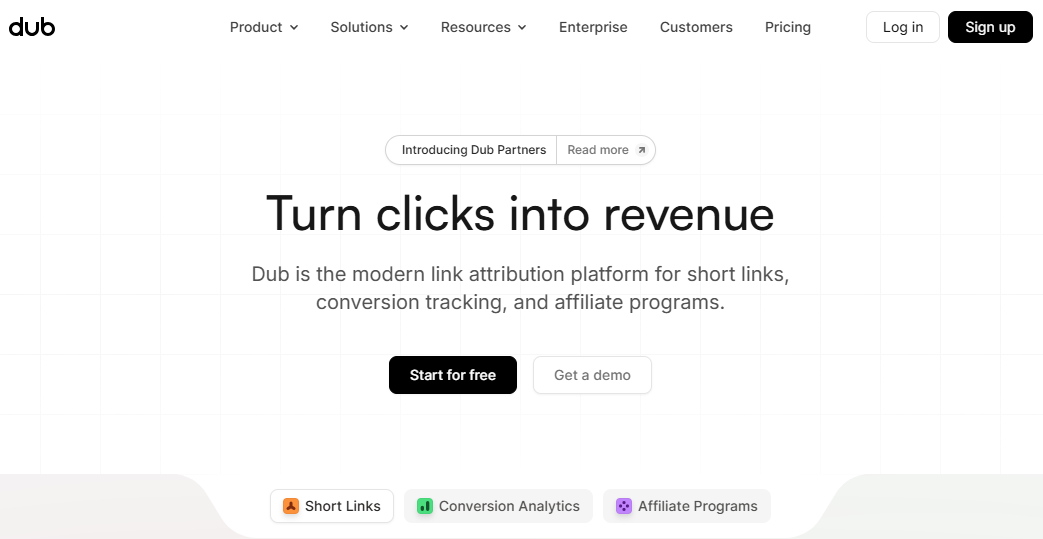
Dub.co – Best for modern features & automation
Dub.co is a fresh option worth your time. It is a modern link-management platform that not only helps you shorten a link, but does so with advanced automation, rich analytics, and even open-source underpinnings.
Dub.co arrives as a compelling Google URL shortener alternative for anyone who needs more than just a simple short link. Whether you’re tracking funnels, automating redirects, or managing branded domains, this innovative tool won’t disappoint.
Key features
Custom domain support + free .link domain promotion so that you can create branded short links with your own identity.
Device & geo-targeting, link expiration, password protection, link cloaking, and UTM builder—all built into the link creation workflow.
Real-time analytics with device, browser, and location details.
Longer retention on paid plans, ideal for funnel and campaign tracking.
Open-source option + API/SDK access. You can self-host if you prefer, or integrate deeply with your existing tech stack.
Pricing plans
Free: $0 (free forever)
Pro: $30/month
Business: $90/month
Advanced: $300/month
Enterprise: Custom
Pros
Cons
The design and user experience are very modern. Link creation and analytics feel intuitive and up to date.
The pricing has changed significantly in recent times. Free tiers or older plans were quite cheaper.
Excellent for automation and integration: APIs, SDKs, device/geo targeting make it strong for advanced use.
Some enterprise-grade features (e.g., self-hosting or ultra-large volume) require more setup or technical know-how.
Good value for custom domains + branded short links + analytics in one place.
Visibility into long-term system reliability is still somewhat limited (e.g., fewer historical incident reports).
In short: If your needs go beyond simply shrinking a URL, and you’re looking at links as part of a marketing funnel, or brand identity, then Dub.co is seriously worth considering. It strikes a good balance between power and usability. You get strong analytics, custom domains, and automation features — all under one roof.
BL.INK – Best for businesses of all sizes
The tool formerly known just as a URL shortener has grown up, and that’s exactly the story of BL.INK. It’s designed to help you shorten long URLs into crisp, branded links and manage them seamlessly. You can also track clicks, integrate it with your tools, and scale as your business grows.
In the post Goo.gl era, BL.INK steps in as a full-fledged alternative. You get the simplicity of link-shortening with the power marketers need for campaign control, analytics, and brand consistency.
Key features
Branded links & custom domains: You can create links that reflect your brand identity, making them look professional and trustworthy.
Editable link destinations & unlimited redirects: Change where a link points even after it’s live, without losing historical performance data.
Real-time tracking & click data: Track clicks by using different metrics, helping you understand how your links perform under various scenarios.
Rich integrations & security: Works with many enterprise tools, supports custom domains, and offers strong data protection and compliance.
Pricing plans
Expert+: $48/month
SMB: $99/month
Team: $299/month
Business: $599/month
Enterprise: Custom
Pros
Cons
Strong branding and trust-building features at hand.
Some users may find the minimum paid tier higher than simpler alternatives.
Enterprise-grade link management: Offers auditing, governance, link-editability, and complete user control.
Because of its scale, the interface may feel more complex to beginners.
Excellent integrations: Works well with marketing tools, QR codes, custom domains, and link-campaign systems.
Some features (e.g., full API access, advanced domains) may only unlock at higher tiers.
In short: Whether you’re a startup, a growing business, or a large enterprise, BL.INK offers the kind of link-shortening plus link-management you’d want when your links carry your brand and support your campaigns. If you’re treating links as touchpoints and not just as URLs, then this platform makes good sense. For casual or one-off link shortening, you might not need all its depth, but if you’re serious about branding, analytics, and scale, BL.INK is a very sensible option.
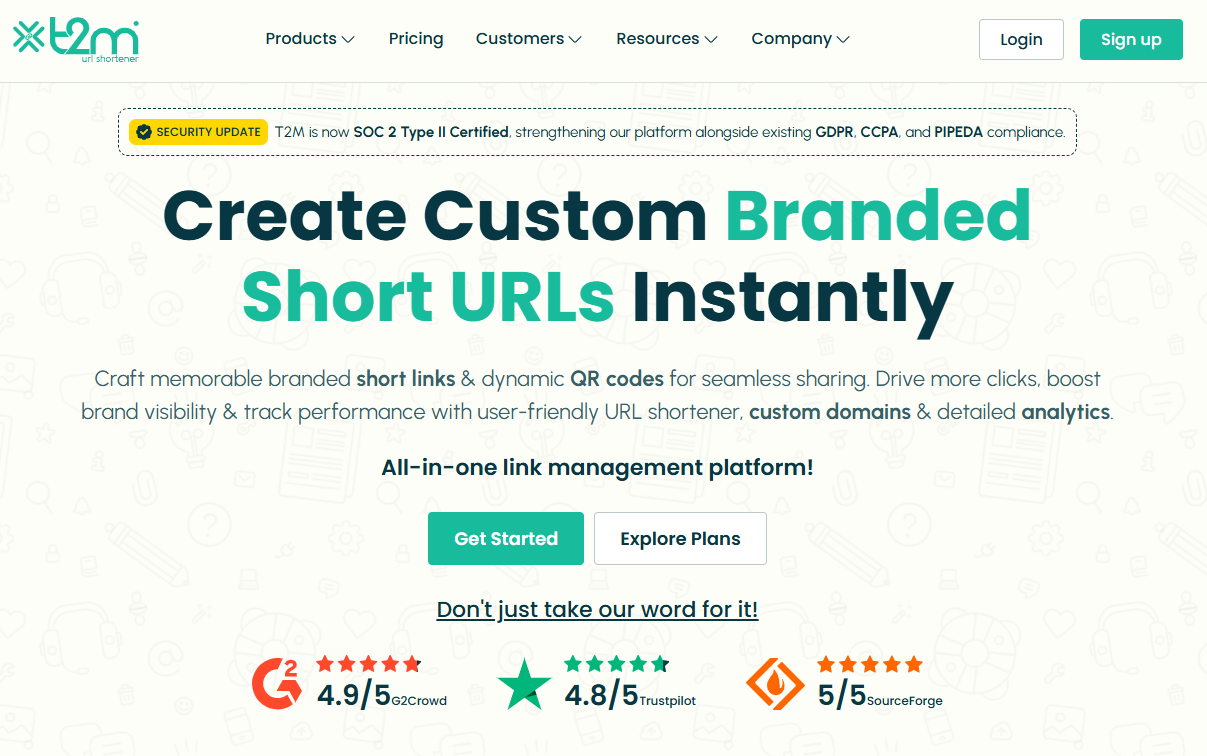
T2M – Best for large-scale management
Here’s a strategic tool if your team deals with hundreds or thousands of links every day. T2M URL shortener is built to handle serious link volume, bulk operations, and branded short links with analytics, making it a strong alternative now that Goo.gl is out of the picture.
It helps you shorten long URLs, track every click, brand your domains, and coordinate link workflows across a team or enterprise with ease.
Key features
Branded/custom short URLs and custom domains for full brand consistency.
Bulk link creation, CSV import/export, and high-volume redirects to streamline large campaigns.
Detailed analytics (geo, device, campaign tags), UTM builder, link expiration, password protection, and QR code support.
API access, team seats, SSO, and enterprise-grade features for management across users and brands.
Pricing plans
Basic: $5/lifetime (for individuals)
Standard: $9.99/month (for individuals)
Pro: $29.99/month (for individuals)
Essentials: $45/month (for business)
Premium: $89.99/month (for individuals)
Teams: $165/month (for business)
Enterprise: $395/month (for business)
Dedicated: $$$/month (for business)
Pros
Cons
Exceptional value for teams needing branded links + analytics + bulk workflows.
Some of the highest-end features may only be cost-justified for very high-volume use.
Highly scalable: Good for firms managing thousands of links, domains, or campaigns.
The interface can feel a bit rampant if you only need basic shortening.
Excellent support and reliability according to user reviews.
In short: For businesses that treat links as more than just shareable URLs, and instead as branded assets, campaign tools, and analytics drivers, T2M is a very reliable choice. It handles scale, customization, and tracking much better than simple free URL shorteners. When you’re managing large-scale link operations, or multiple brands or domains, T2M steps up for you like a star.
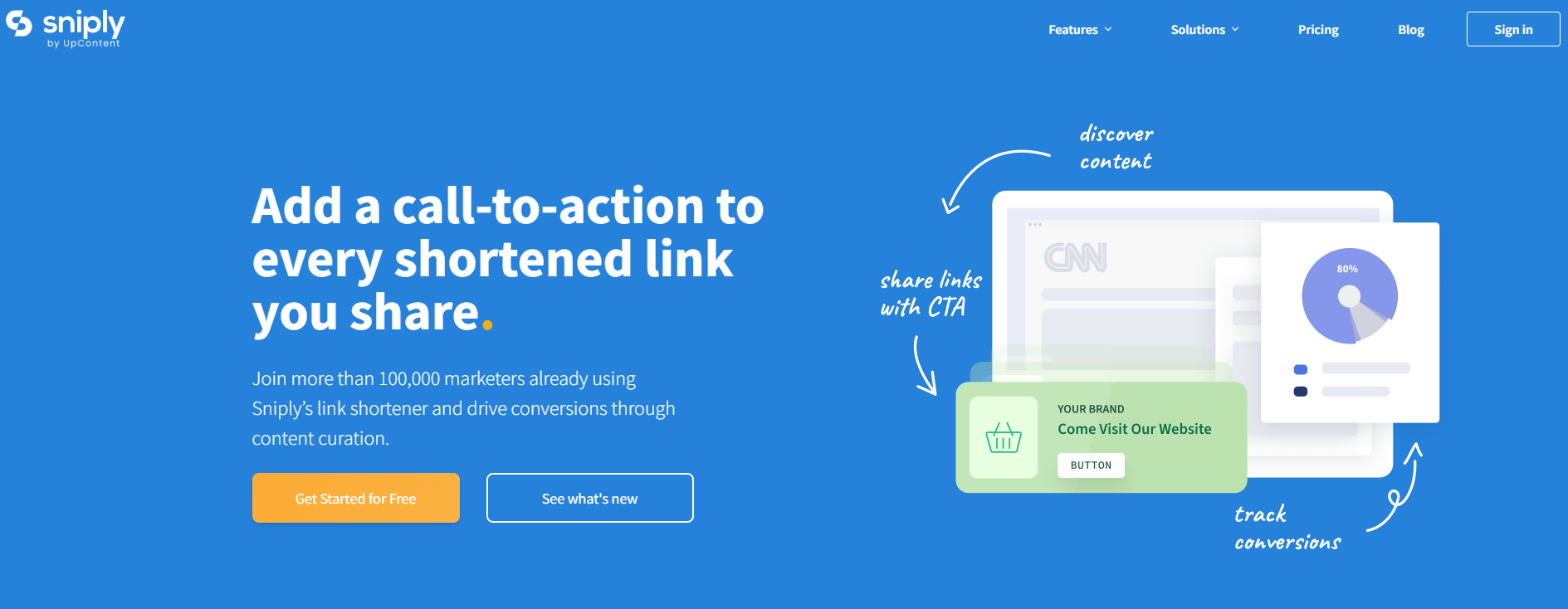
If you’re someone who is looking to turn every shared link into a chance to engage your audience, Sniply might just be your best friend. At its core, it is just a URL shortener (yes, like many others), but with a plot twist. It allows you to embed a custom call-to-action (CTA) inside every link you share.
So instead of simply redirecting someone from a link to a destination, you can overlay a message, button, or form that drives your own conversion goals. Because of that, it works as a strong alternative to the classic Google URL shortener-style tools. With this tool, you’re not just shortening links, you’re turning each link into a branded opportunity, not just a redirect.
Key features
Custom URL shortener with your own domain or branded shortlinks.
Overlay a CTA (button, form, image, hidden message) on any link you share, even third-party content.
Track clicks, conversions, time on page, device data, etc.
A/B testing of CTAs to optimize performance over time.
Works well with known tools like Buffer, Hootsuite, Zapier, etc.
Retargeting pixel support so you can build audiences from who clicked your links.
Pricing plans
Basic: $9/month
Pro: $29/month
Business: $59/month
Enterprise: Custom pricing
Pros
Cons
Lets you monetize or capture value from links you share (not just shorten them).
Pricing is higher compared to other simple URL-shorteners available online.
Strong branding control (custom domains, CTA design).
Some advanced features may have a learning curve for beginners.
Deep analytics + conversion tracking gives insight beyond “just clicks”.
In short: Sniply is a clever tool if you regularly share links, and want to do more than just redirect someone. It’s not just a “make it shorter” tool; it’s a “make it work for you” tool. Every link becomes a mini conversion funnel. If you’re building an audience, sharing often, and care about capturing value from each click, then Sniply is absolutely worth a look. It is friendly, powerful, and a bit more marketing-focused than the standard link shorteners.
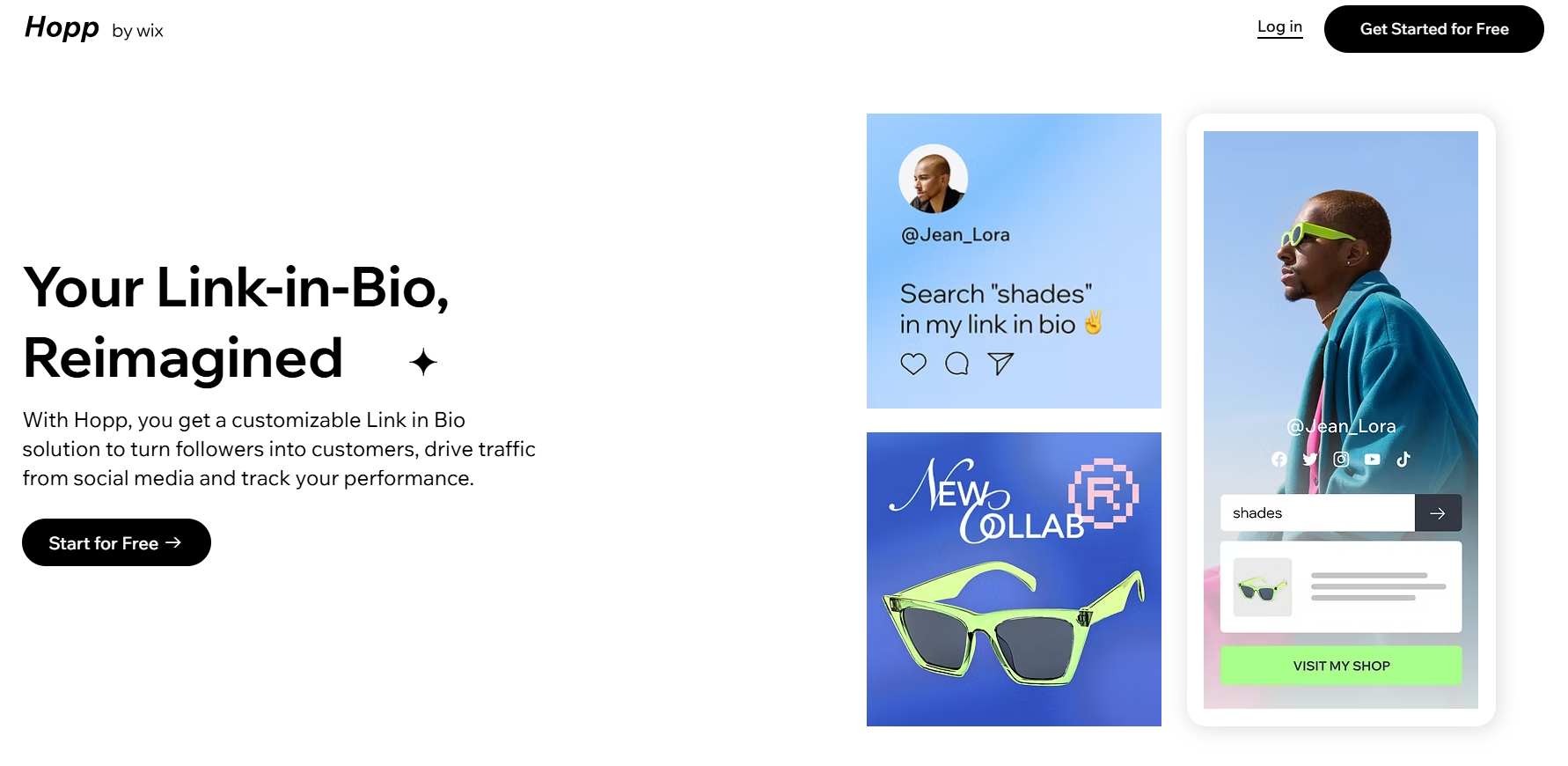
Hopp.co – Best for monetization
Hopp by Wix is a modern “link in bio” tool that lets creators, influencers, and small businesses turn a single profile link into a mini-hub of content. You can shorten URLs, brand them, embed multiple links, track performance, and even monetize traffic with features like pre-rolls and tip jars.
Because it gives you more control than many of the finest URL shorteners (such as the now-retired Google URL shortener), it can act as a viable alternative. You’re not just shortening links, you’re managing them, monetizing them, and building a branded destination.
Key features
Link shortening & custom aliases: Convert long URLs into shorter, more memorable ones and align them with your brand.
Searchable link hub: Each link you add is indexed in your Hopp page, so followers can type keywords and find precisely what they need.
Monetization tools: From tip jars, paid DMs, paid requests, to pre-rolls that display before a click. Hopp turns your traffic into revenue.
Landing page / Instant page builder: Create mobile-friendly landing pages tied to a link-in-bio hub, for campaigns or product launches.
Analytics & tracking: Understand clicks, visitor behavior, and traffic sources all within the tool.
Seamless brand integration: Built by Wix, you can integrate with custom domains, Wix CRM, embed blocks (videos, forms), and keep everything on-brand.
Pricing plans
Light: $17/month
Core: $29/month
Business: $39/month
Business Elite: $159/month
Pros
Cons
You can monetize your links directly. A step beyond most standard URL shorteners.
The UI and workflow might take a few minutes to get used to if you’re only familiar with basic link shorteners.
The searchable link-hub gives your audience more efficient access to specific content (rather than a long list of links).
Seamless integration with your brand: custom domain, design, embed blocks, and ties in with Wix ecosystem if you use it.
In short: If you’re serious about turning clicks into something meaningful, say affiliate revenue, product sales, engagement, or building a micro-destination for your followers, then Hopp by Wix is a wise choice. It offers the URL shortening you need, plus monetization, analytics, branding, and landing-page features that most simple shorteners leave out.
Some other URL shorteners you can try
Here are some additional URL shorteners you can explore, each with its own specialty and use case:
URL shortener by Zapier: Best for automation & workflow integration
This built-in tool in Zapier lets you automatically shorten links as part of your “Zap” workflows, so long URLs can be trimmed and sent on without manual intervention.
Firebase Dynamic Links: Best for app deep‐linking & mobile campaigns
Originally the successor to Google’s shortener, Firebase Dynamic Links are ideal when you want links that behave differently on mobile apps vs the web.
Ow.ly: Best for social media posts via Hootsuite
Integrated within Hootsuite, Ow.ly creates short links directly while you schedule or publish social posts. Quite handy if you already use that platform.
Cuttly: Best for branded links + analytics for creators
Cuttly offers custom domains, detailed click stats, QR codes, and even “link in bio” pages. Good for creators, small businesses, or anyone who wants more visual/tracking power.
Tiny.cc: Best for fast & straightforward link shortening
If you just need to shorten a URL quickly without many extras, Tiny.cc offers a streamlined option (though you’ll want to check current analytics/branding support).
Linkly: Best for marketing & retargeting use cases
Linkly supports custom domains, retargeting pixels, device/geo-redirects, and link tracking. Well-suited tool for marketers who want to tie links into ad/retarget flows.
GoLinks: Best for internal team/organization use
GoLinks are geared toward companies that share internal tools/resources with short, memorable links within a domain. Less about public marketing, more about internal workflows.
is.gd: Best for ultra-simple, no-frills shortening
A minimal option when you just want to shorten a link fast and move on, without needing tracking dashboards, branding, or integrations.
With the original Goo.gl links now unsuitable, picking a link shortener that fits how you use links is the key. No matter if you’re posting on social, tracking campaigns, branding links, or managing internally. Each of the tools above offers a different focus, so you can pick one (or more) that match your workflow and budget.
Before stepping into the many tools out there, it’s worth thinking through what really matters when picking a URL shortener. Below are some key factors you should evaluate so you choose a tool that fits your workflow, not just one that “works.”
Core functionality: At the most basic level, the shortener must reliably convert long links into shorter ones with proper redirects (ideally 301 redirects) and minimal downtime.
Additional standout features: Beyond basic shortening, look for custom branded domains, deep linking, mobile targeting, UTM tracking, and analytics. These features uplift a link shortener from “just short links” to a marketing tool.
Usability: A clean, intuitive interface matters. If you spend more time figuring out how to shorten links than actually sharing them, your chosen tool will slow you down, not help you.
Onboarding: What’s it like to get started? The best tools offer easy setup (domain linking, link creation) and precise documentation. If you’re stuck in configuration for hours, that’s a negative.
Customer support: When something goes wrong, e.g., links stop redirecting or analytics disappear, then you’ll want responsive support. Good tool providers offer live chat, email help, and documentation to guide you.
Value for money: Check how many links, domains, clicks, and features you get for your budget. A “cheap” shortener might cost less, but if it lacks features or caps your usage harshly, it’s not a good choice. You could end up paying more in lost time or upgrading sooner than expected.
Customer reviews: Look beyond the marketing. Read user reviews and case studies to see how the tool performs in real life. Do people complain about downtime, confusing UI, or hidden costs? That’s just as important as the specification sheet.
Why should you use a link shortening tool?
Using a link-shortening tool isn’t just about making long URLs look nicer; it’s about smarter sharing, stronger branding, and better data. Short links are cleaner, easier to remember, and more reliable when pasted into chats, printed on materials, or squeezed into social posts.
Additionally, these tools give you built-in analytics (clicks, location, device), UTM support, and even custom domains, so every link becomes a measurable and brandable asset rather than just a bare URL.
All in all, if you share lots of links, care about how they appear, or want to see how they perform, investing in a good URL shortener is a smart move.
Summing Up
Selecting the right URL shortener really comes down to what you need most: simplicity, branding, analytics, or scalability. Each tool we discussed has its own strengths, but the goal remains the same: making your links look cleaner, perform better, and drive real results.
No matter if you’re a marketer, creator, or business owner, a solid link shortener tool can easily level up your online presence. And hey, if you want an all-in-one solution with branded links, analytics, and retargeting, give Replug a must-try. It’s easily the best Google URL shortener alternative out there!
Frequently Asked Questions
What is link shortening or URL shortening?
Link shortening (or URL shortening) is a technique that converts a long web address into a shorter version that still redirects to the same destination. It’s especially helpful for making links easier to share, remember, and track without changing where they land.
What is the best alternative for Google URL shortener?
Since Google URL Shortener (goo.gl) no longer accepts new links, modern tools like Replug with strong branding, analytics, and reliability are widely recommended as the best alternative.
Is Google URL shortener no longer available?
Yes, Google stopped accepting new goo.gl links in April 2018 and officially discontinued the service for new users in 2019. Existing links also stopped working for most users after August 25, 2025.
What is the most trusted URL shortener?
Replug is regarded by many in 2026 as the most trusted URL shortener. Thanks to its long history, enterprise-grade infrastructure and reliable service.
Which one is the best free URL shortener?
For free link-shortening without needing an account, Replug and TinyURL stand out as simple, no-fuss best URL shortener options that have been around for years and are trustworthy.
As e-commerce companies compete for consumer attention, choosing the most suitable marketing strategy is key.
Among these, influencer marketing has proven to be one of the most effective ones.
Research shows that consumers are more likely to purchase products endorsed by influencers, making this marketing strategy highly effective for brands looking to enhance their reach and engagement.
Influencer marketing’s global popularity is surging at an incredible pace, with the market projected to reach a staggering $22.2 billion by 2026.
Before we jump into influencer marketing for e-commerce, let’s go over the basics first.
What is influencer marketing?
Influencer marketing allows businesses to work directly with social media creators with a sizeable audience to increase brand exposure, generate sales, and get attention.
Since influencer marketing is comparatively cheaper than most online paid ads, businesses gladly pay influencers to review their products or discuss their offers.
Undoubtedly, influencer marketing is rising as the creator economy is the new normal in today’s digitally connected world, where many people work online.
One of the major impacts of the growth of the creator economy is that kids follow their favorite YouTubers and TikTokers more than A-list celebrities.
Why partnering with influencers can skyrocket your e-commerce success?
E-commerce brands and marketers try to squeeze every opportunity they can to get their hands on to generate sales or market their products.
One of the easiest routes to e-commerce success is influencer marketing. Here are the reasons why e-commerce brands partner up with well-known ecommerce influencers:
1. Underpriced marketing at scale
Influencer marketing turns out to be quite underpriced compared to traditional advertising or paid ads on social media. The fundamental reason for this is that a vast majority of influencers are willing to collaborate with brands, which paves the way for brands to get competitive pricing.
Furthermore, most small businesses and brands start with affordable micro-influencers to promote an e-commerce deal or specific product. So, that’s quite a reason for partnering up with influencers.
2.Meet the loyal influencers’ fan base
Social media influencers are known for their loyal and dedicated fan base, especially YouTubers and TikTokers. However, it goes for all major social media platforms, such as Instagram, TikTok, YouTube, Facebook, X, and Pinterest.
Brands see this as an opportunity to get the attention of such audiences as die-hard fans of certain social media influencers. Collaborating with such influencers makes it easier for the brands to get traction and build trust with the audience.
No wonder brands, agencies, and organizations feel proud to work with influential social media creators across the globe.
Companies are rapidly moving toward influencer marketing for many reasons, one of which is the diversity of social media platforms.
There are at least half a dozen mainstream social media platforms that allow brands to choose the relevant social media platforms and discover influencers on those platforms.
For instance, some brands are interested in Instagram influencer marketing for e-commerce opportunities, so they look out for Instagram influencers only.
4. Influencers have a longer audience attention span
The relationship between an influencer and their loyal audience is unique and fascinating. The audience is more likely to pay attention to their favorite influencer/creator than anybody else.
It turns out that the audience span is way longer on the social media content of their favorite creators than on other creators’ content. It gives e-commerce brands and marketers a chance to cash in on the longer audience attention span by sponsoring their videos or paying them to review their products.
Therefore, e-commerce brands are likely to benefit from such collaborations with influencers and content creators if they come across a perfect match for their brand.
Insider tips for discovering the perfect influencers for your online store
Connecting with the perfect influencer doesn’t happen on a whim. Brands and marketers have to analyze the market situation before they start to understand who they should reach out to and which creators to ignore.
So, here are the six tips for discovering the perfect influencers for an online store:
1. Explore social media platforms more than an average user
A powerful e-commerce influencer marketing strategy for a brand is based on a thorough market analysis. The best way to begin the influencer discovery is to start exploring the relevant social media platforms more than an average Joe.
What we mean by this is that an average user might have a short attention span or simply scroll the social media app for a few minutes and walk away.
On the contrary, a brand or individual looking for a perfect influencer from an ecommerce marketing standpoint should spend more time on social media exploration than an average user.
It’ll allow them to discover not just influencers for their online store but also new social media trends to capitalize on for social media marketing.
2. Hang out in the relevant social media communities
One of the underrated tips for discovering like-minded, relevant influencers for e-commerce marketing is to hang out in the social media communities. It could be Facebook groups, LinkedIn groups, X communities, Reddit communities, Quora spaces, etc.
Just ensure you’re in the relevant community regardless of the social media platform. Keep your eyes open, talk to people, and try to learn from others. Chances are, you’re going to discover the industry’s top guns.
That’s a surefire way to discover influencers for your e-commerce business.
3. Go through the related product reviews done by influencers
It’s important in digital marketing to do some competitor research and see what they have been up to. Utilize the same principle in your e-commerce influencer marketing strategy.
Try to find the product reviews done by influencers in your industry; it’ll allow you to see how the products have been reviewed, and you’ll stumble upon the influencers interested in your product line.
4. Follow social media influencers interested in your niche
It’s not the best idea to go on a follow-spree when eyeing social media influencers for your online store promotion. However, following some influencers who seem interested in your niche won’t hurt.
The benefit of following some influencers on Instagram, TikTok, or LinkedIn through your brand’s account is that they might notice your brand on social. As a result, it earns brands some profile views from influencers and eventually contributes to building a connection between the brand and the influencer.
5. Keep an eye out for micro-influencers in your follower base
Another important tip for discovering influencers for your e-commerce store is never to underestimate the power of micro-influencers, especially if they get engagement and reach.
For instance, if an Instagram creator has five thousand followers, but this creator is getting 20k reel views on average or 3k to 4k likes on Instagram posts, then this micro-influencer is worth a try.
Besides, looking out for the big guys, don’t underestimate the small guys that could bring you some quality traction without breaking the bank.
6. Hunt for the influencers that worked with your competitors
One of the most tried-and-tested methods of discovering the influencers for social media marketing or influencer marketing campaigns is to check out the competitors’ social media accounts and see which influencers they’re tagging or resharing.
You’ll likely discover influencers that have closely worked with your competitors in the past. Feel free to reach out to those influencers and find out what they’re charging for promotional or sponsored content.
Must-have tools to streamline your influencer marketing strategy
Let’s discuss some essential online tools that come in handy in running an influencer marketing campaign and massively influence the outcome of an influencer and brand collaboration.
Here are the must-have tools to utilize for implementing an influencer marketing strategy effectively:
1. Replug
Replug.io is an advanced link management tool for marketers, bloggers, and brands. It empowers users to take their URL management to the next level. It’s a top-notch link shortener that allows users to create, manage, and analyze short, branded URLs for digital marketing campaigns.
It flawlessly integrates with several third-party tools, such as software management tools, email marketing software, lead-gen widgets, and retargeting platforms.
ContentStudio is an all-in-one social media management dashboard for brands, marketers, bloggers, and influencers.
It’s a comprehensive social media tool that makes social media marketing easier than ever. It offers a complete suite for publishing, scheduling, managing, and analyzing social media and blog publishing.
Not only does it help publish and schedule content across all major social media platforms, but it also lets users post blog content on different blogging platforms.
Moreover, it easily integrates with multiple online marketing tools and platforms that improve product efficiency and effectiveness.
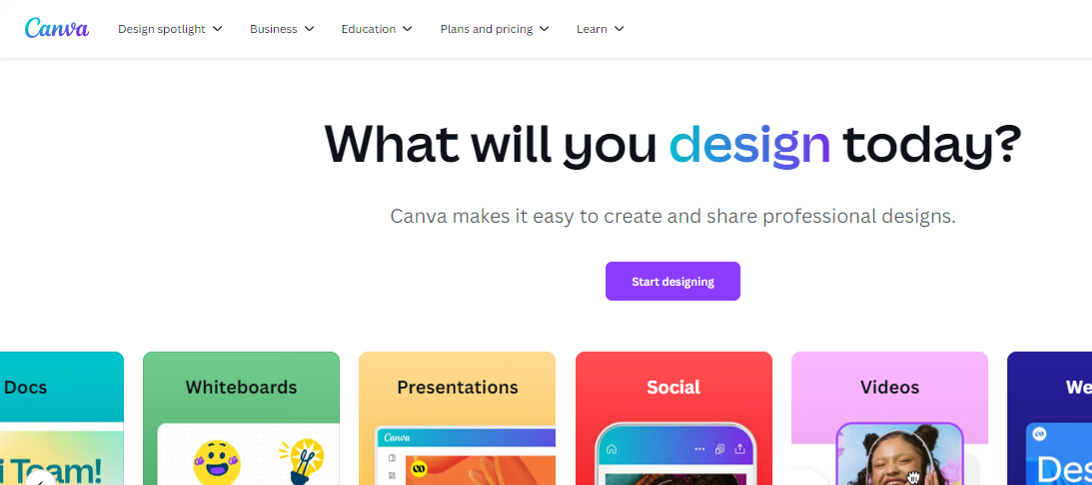
Canva is an online tool that helps users create images, videos, banners, infographics, logos, invitations, business cards, and other graphics designs. This is handy for designing social media, digital marketing, promotional, educational imagery, and video content.
Key features:
Text animations
Photo grids and designs
Icons and elements
Visual content templates
Background removal
Colors adjustment
Picture effects and editing
AI-powered photo enhancements
Integration with third-party tools
Pricing plan:
Canva pro: $55 per year (for one person)
Canva teams: $50 per year (per person)
Canva enterprise: Contact sales team
4. Capcut
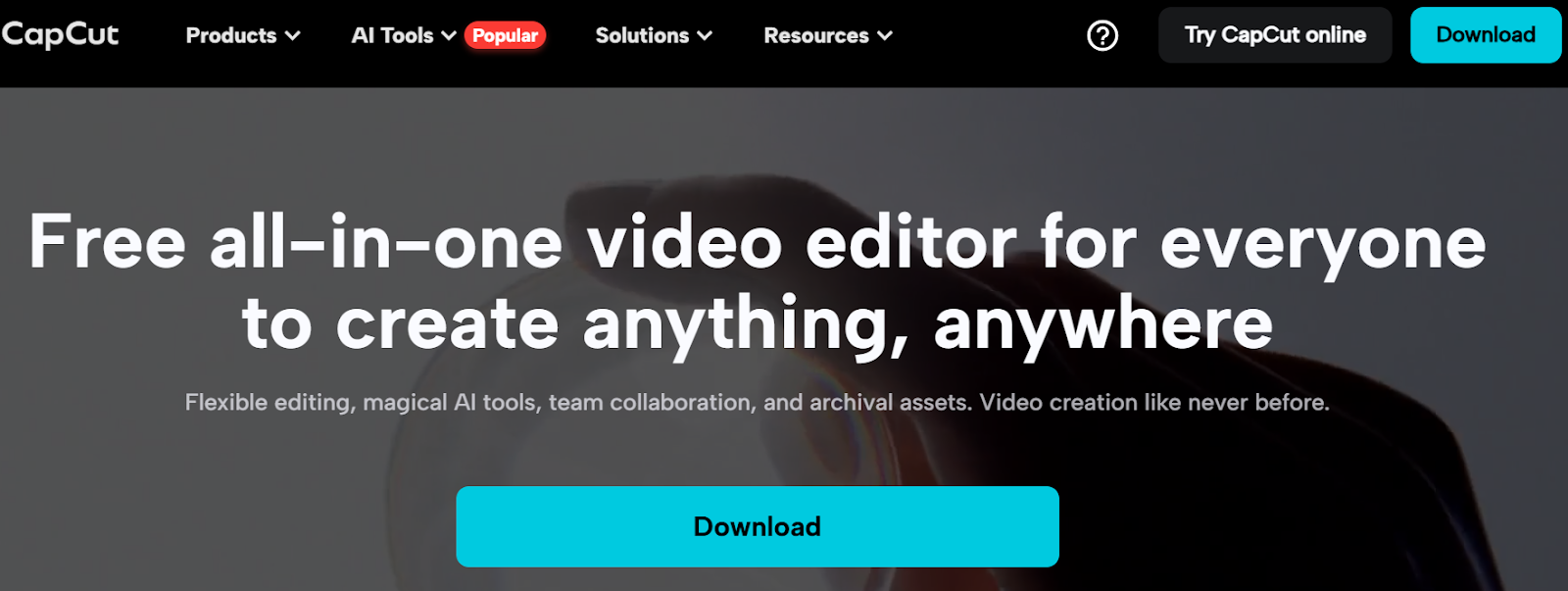
Capcut is a popular video editing tool available for both mobile and desktop users. It has empowered millions of creators and brands to get their hands on video editing. After the huge success of Capcut on mobile devices, the desktop edition is competing with most video editing software for beginners.
This video editor is fully equipped to manage video, audio, and text editing. Moreover, it offers various AI-based generators to create e-commerce influencer marketing content.
Key features:
Easy-to-use interface
AI-powered tools
Assets availability
Image and video enhancements
Mobile and desktop versions
Pricing plan:
Capcut PC Pro: $8 per month (or $75 yearly)
So, these are some of the important e-commerce marketing tools to keep an eye on when getting into e-commerce influencer marketing.
The best platforms to amplify your brand with influencer partnerships
E-commerce brands strive to find underpriced marketing opportunities to put their brand name in front of as many people as possible without spending a fortune.
It turns out that influencer partnership seems to be a reasonable option for most e-commerce companies to spread the word about themselves. Here are the five well-known influencer marketing platforms to collaborate with influencers:
1. Upfluence
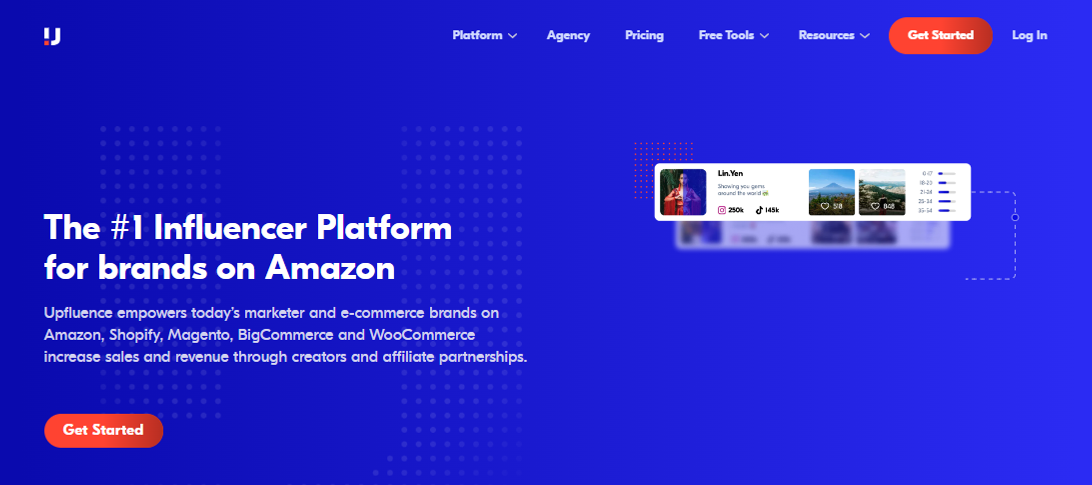
Upfluence is an all-in-one influencer marketing platform that connects social media influencers with e-commerce brands.
The brands can go through the influencers’ listings and handpick the most relevant influencers to work with. Upfluence handles the payment via Upfluence Pay and PayPal.
Why does Upfluence work for both brands and influencers?
It lets brands find suitable influencers via an influencer discovery feature.
It makes influencer management easier than ever, thanks to an effective creator workflow.
It works with e-commerce brands on Amazon, Shopify, Bigcommerce, and WooCommerce.
It provides hassle-free payment transfers via Upfluence Pay and Payment.
It lets brands send complimentary products to the influencers for reviews or testing.
It makes influencer e-commerce statistics measurement rather simple, allowing brands and influencers to analyze campaigns’ performances.
It seamlessly integrates with several marketing, email, and content-creation tools.
2. Grin
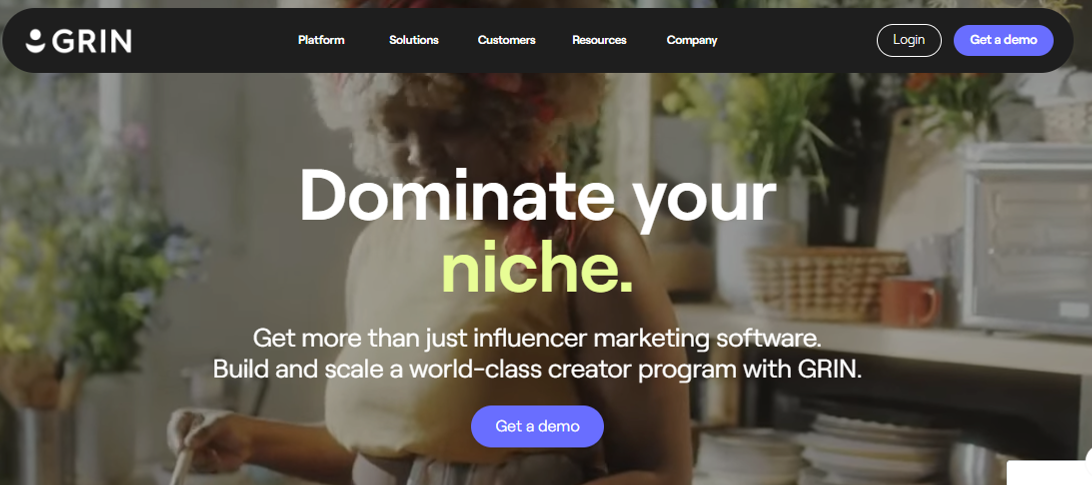
Grin is a top-notch influencer marketing platform that not only connects brands with influencers but also provides cutting-edge influencer marketing solutions to both parties.
This tool provides a platform to meet influencers, manage content, track campaigns, and make payments. All in all, it’s a comprehensive dashboard to run influencer marketing campaigns with ease.
Why does Grin work for both brands and influencers?
Grin offers a creator discovery section that lets brands find suitable creators around the globe.
It has a state-of-the-art content management system to manage social media content for influencer marketing campaigns.
The platform pays attention to relationship-building between brands and influencers.
Detailed reporting and analyzing monitoring allow brands to take a data-driven approach and make informed decisions.
The creator payment system is as simple as one can imagine, ensuring smooth and quick payments for influencers.
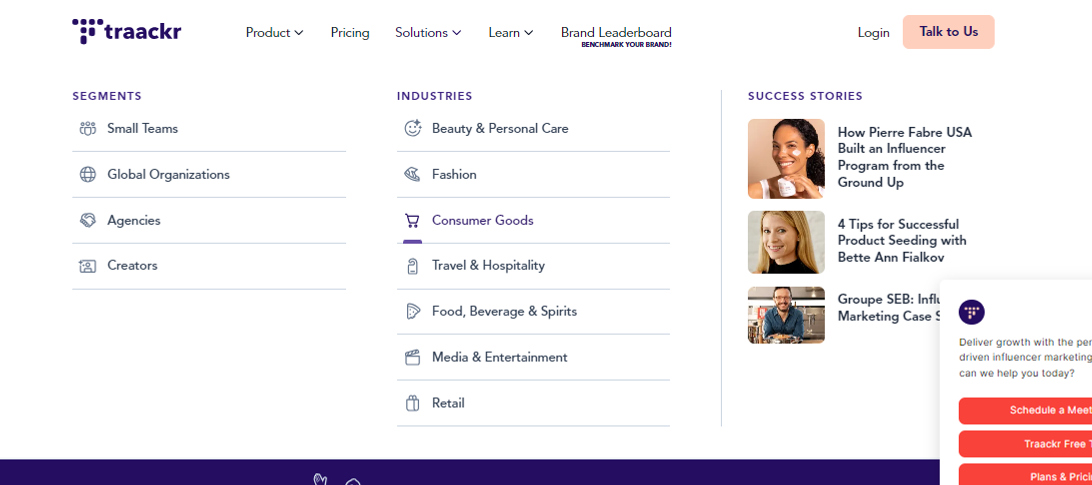
Traackr is yet another well-reputed influencer marketing platform that offers brands and influencers hands-on experience. It’s an advanced influencer marketing tool to find influencers, manage relationships, collaborate with creators, and analyze performance.
Undoubtedly, it’s a one-stop shop for managing influencer marketing campaigns for e-commerce brands and online businesses.
Why does Traackr work for both brands and influencers?
Traackr ensures that brands find the influencers that are the right fit for the campaign.
It assists brands and influencers in content collaboration, making influencer marketing more fun.
It offers a reliable payment system for paying influencers for their work.
The robust analytics section provides comprehensive reporting to analyze campaign performances.
It has a seamless recruitment and onboarding procedure for brands to manage influencers.
It provides insights into campaign data for optimization and scalability.
4. Klear
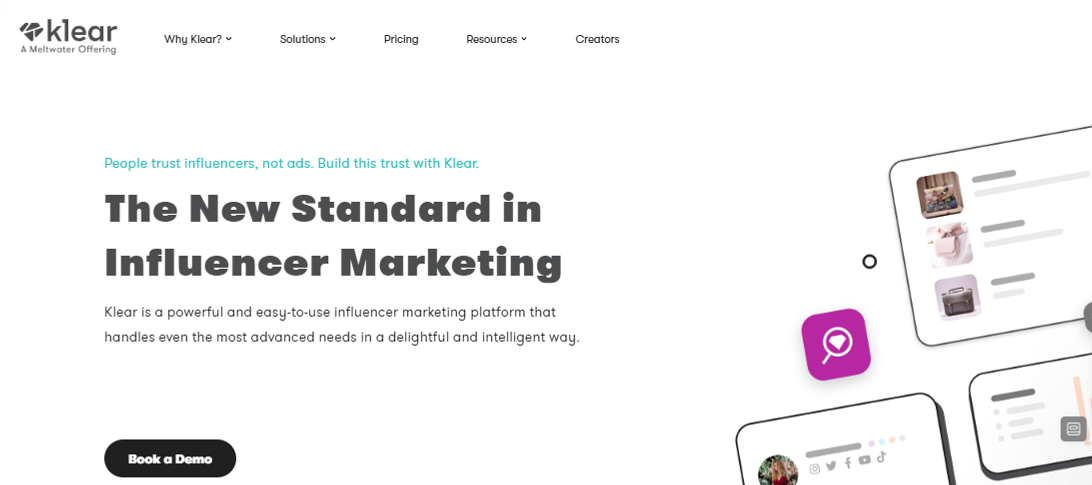
Klear is a robust, user-friendly influencer marketing platform designed to meet the most advanced needs with ease and intelligence.
It empowers e-commerce brands to streamline their influencer marketing efforts, offering an intuitive and powerful suite of tools to find, manage, and pay influencers for their collaborative campaigns.
Why does Klear work for both brands and influencers?
Klear has an advanced influencer search feature to help you find suitable influencers for every brand.
It has a powerful influencer relationship management system to stay connected with influencers.
It showcases in-depth influencer analytics to the brands to ensure that they go through all major statistics of the influencer’s social media profiles.
It offers an easy-to-manage campaign management section for accurate data monitoring and reporting.
CreatorIQ is the go-to influencer marketing platform for large-scale e-commerce and SAAS tools.
It offers a complete ecosystem for building the most authentic, engaging, and scalable influencer marketing campaigns. This tool is equipped with several advanced features to streamline influencer marketing campaigns effectively.
Why does CreatorIQ work for both brands and influencers?
CreatorIQ allows brands to discover and manage influencers without relying on third-party tools.
It allows brands to build communities after connecting with like-minded creators and influencers.
It lets brands analyze trends to design their influencer marketing campaigns more efficiently.
Team collaboration is a huge plus that ensures that the influencer marketing campaign bears fruit.
Incentivizing the brands for their contributions hasn’t been this simple; the platform makes it easier to pay influencers without any hectic steps.
It offers robust analytics for brands to analyze the campaign statistics to measure the ROI.
The highs and lows of using influencers to boost your e-commerce business
Before designing an influencer marketing strategy for brands or using influencers to boost e-commerce sales, it’s vital to know the good and bad parts of the strategy.
Let’s shed some light on the highs and lows of utilizing influencers for e-commerce businesses:
The advantages of using influencers to boost e-commerce business growth
Here we go:
Brand visibility: One of the major benefits of using Influencers for e-commerce marketing is that they have established audiences that listen to them. Partnering with the right influencer can expose your e-commerce business to thousands or millions of potential customers, increasing brand awareness and visibility.
Targeted audience: E-commerce success comes when the e-commerce brand understands the target audience well and makes marketing strategies accordingly. Influencers usually cater to a specific niche audience. Therefore, by collaborating with influencers whose followers match your target demographic, e-commerce brands can significantly reach the right audience that might be interested in their products.
Authentic experience: Conversion is tied to authenticity and trust. When influencers genuinely use and recommend your product, it feels more like a trusted suggestion than a direct advertisement, fostering trust and credibility with their followers.
Higher engagement rates: Influencers often generate higher engagement rates than traditional ads. This phenomenon occurs because their followers are quite invested in their favorite creators’ lives, so they take action when influencers suggest they try something out.
Cost-effective marketing: Usually, there aren’t many types of influencer marketing. However, the term “micro-influencers” has popped up lately. The concept allows comparatively smaller creators and influencers with niche accounts and engaged audiences to work directly with brands, ensuring affordable alternatives to pricey PPC or social media ad campaigns. Plus, influencer marketing makes it easier for smaller e-commerce businesses to enjoy low-cost advertising facilities.
Most influencers are skilled content creators and can produce visually appealing and engaging content for your brand, such as social posts, video reviews, or product tutorials, which can boost e-commerce business sales.
The disadvantages of using influencers to boost e-commerce business growth
There are some hiccups to keep an eye on before going all in on influencer marketing:
Affordability issues: Influencer marketing is not all sunshine and rainbows. While micro-influencers can be affordable, collaborating with top-tier influencers can be expensive, especially for small e-commerce businesses. So, there are always affordability issues for newbies.
Little to no control over content: Usually, brands that work with influencers give their suggestions on product placement or mention it in the content. However, they still have limited control over how the product is displayed or presented in the content. So, it’s quite clear that e-commerce brands must rely on influencers to present their products in the content.
Campaign authenticity: The authenticity of the offers matters a lot in the conversion. If an influencer promotes too many products or only collaborates for financial gain, their recommendations can feel less genuine, leading to skepticism among followers and lower trust in the promotion. It can massively impact the ROI of the influencer marketing campaign for the brand.
Hard to track campaign ROI: One of the challenges influencers face is measuring the campaign’s effectiveness. Unlike direct sales channels, the return on investment (ROI) from influencer marketing isn’t always immediately clear or quantifiable.
Fake social media followers: Some influencers purchase social media followers to make an impact, but they cannot generate any traction with it. The artificially boosted follower counts using bots or fake accounts don’t last long, as sometimes social platforms crack down on those fake followers or remove inactive accounts.
Let’s conclude by explaining how to set up winning influencer campaigns!
Finding the right match for your brand is the secret sauce to setting up winning influencer campaigns.
There are three fundamental points that play a pivotal role in making any influencer marketing campaign a success, which are:
Understanding the brand’s strengths
Team up with the best influencer to work
Create an irresistible offer for the audience
Things start to roll when the conditions mentioned above are properly met in an influencer marketing campaign.
In every e-commerce brand’s journey, there comes a point where they have to decide whether to check out the influencer marketing platform or to find the influencer off the platform.
There is no right or wrong way of doing influencer marketing. However, some credible influencer marketing platforms do vetting before adding influencers to their network, which speeds up the process.
However, before deciding, one can always analyze the influencer’s content, publicly available statistics, engagement, and branding.
Remember that most brands opt for influencer marketing over other advertising mediums because it’s still underpriced compared to traditional online advertising.
Moreover, relevance is yet another essential angle to pay close attention to – if the e-commerce product line isn’t relevant to the influencer or their audience, the campaign will fall flat. So, bear that in mind when launching an influencer marketing campaign.
FAQs about e-commerce influencer marketing
Here are the commonly asked questions about e-commerce influencer marketing:
Is influencer marketing B2B or B2C?
Generally, influencer marketing is done to reach out to the audience of the influencer. Brands want to cash in on the traction influencers get on social media, which means targeting the audience. So, it’s safe to say that it’s B2C in most cases.
What is an e-commerce influencer?
An e-commerce influencer is a social media creator who has managed to create a brand persona around e-commerce. Plus, this creator must have a sizeable audience, at least on a single social media platform, to be qualified as an influencer.
How does B2B influencer marketing work?
B2B influencer marketing refers to the influencer marketing strategy that revolves around targeting businesses, unlike B2C influencer marketing, in which the influencers’ followers are the target audience.
What is the best influencer marketing platform for B2B?
ContentStudio does a pretty good job of finding influencers on social media. The feature is called “Influencer discovery,” which lets users find influencers in the niche.
Scrolling through social media has become part of our daily routine, hasn’t it? With attention spans now averaging just 8 seconds, even less than that of a goldfish, it’s no wonder marketers are struggling to keep up with the rapidly changing trends.
Just look at Instagram and TikTok! These platforms have skyrocketed in popularity just by nailing the art of quick, engaging content that immediately grabs our attention. Whether it’s a catchy reel on Instagram or a fun TikTok dance, they know exactly how to pull us in.
And get this: Approximately 91% of social media users access their accounts via mobile devices. If marketing strategies aren’t mobile-optimized, that’s a huge missed opportunity! Because let’s face it—who’s pulling out their laptop at 5 a.m. when they can just scroll through their phone in bed?
This is where mobile app deep linking comes into play. It makes everything easier by allowing users to jump straight from an ad or website into the app, landing right where they want to be. No fluff, just quick access to the content they’re looking for.
So, what is app deep linking? Let’s break it down, explore the different types, and see how it can enhance user experience, while also tackling some challenges along the way.
What is deep linking in mobile apps?
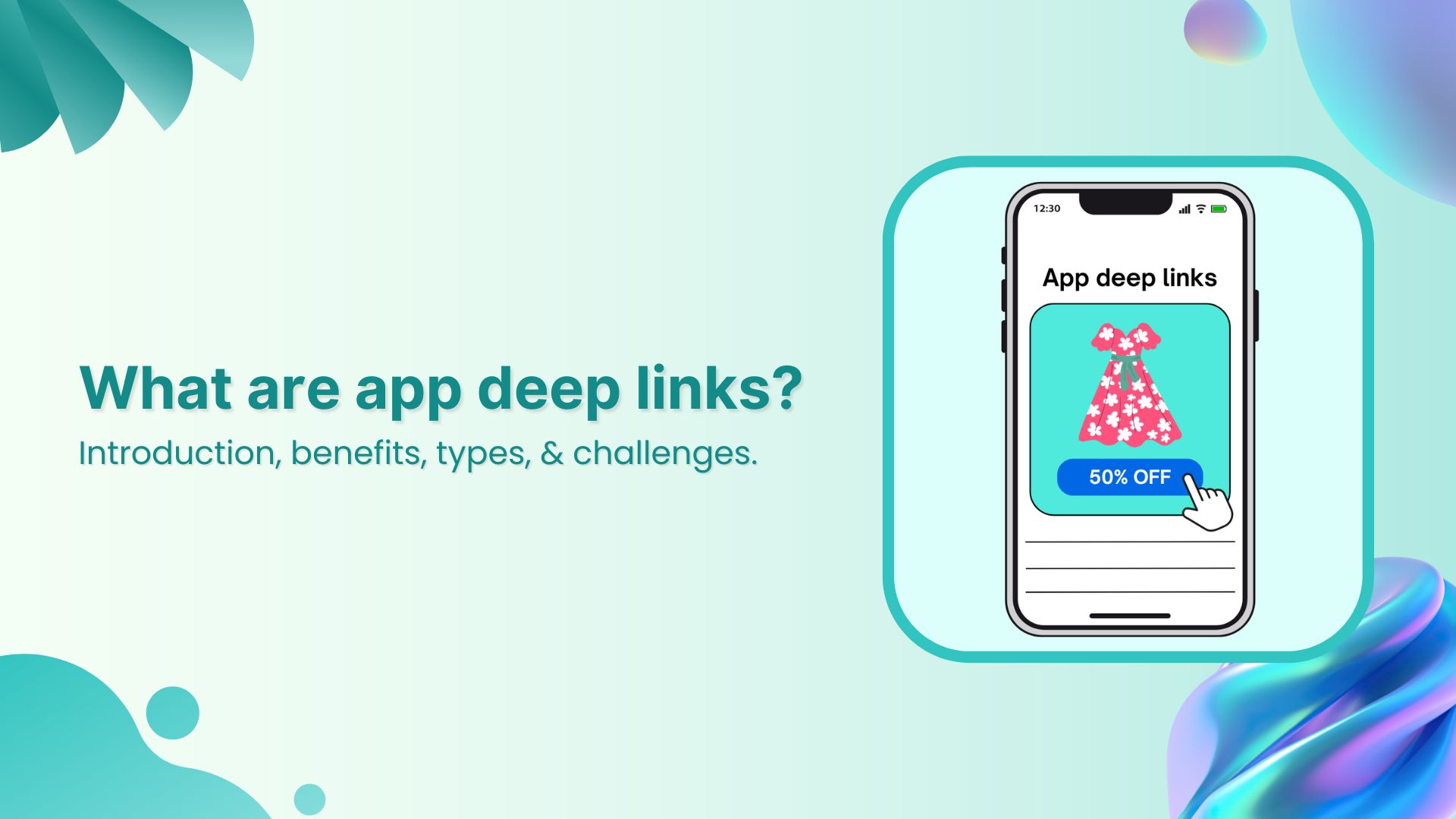
App deep links are a quick way to send users directly to a specific piece of content within a mobile app, rather than just opening the app’s homepage and skimming through all the products or services.
Now, let’s consider a hypothetical scenario:
A potential customer is scrolling through Instagram when they spot your company’s ad for a stunning outfit for brunch.
The catch? The jaw-dropping 50% discount sales promotion expires in a few minutes!
Excited, they decide to click on the ad, but, they’re taken to your brand’s homepage and have to skim through the entire website to findthat one dress.
Time is ticking, and by the time they find it, it’s sold out.
Frustrated, the customer is dissatisfied with his online journey, which means you lost a future loyal advocate.
From a marketer’s perspective, that’s not just one lost sale; it’s a chance for churn and potential damage to your brand’s reputation.
Why are app deep links important for marketers?
Given all of the above, it’s clear that without app deep links, your marketing strategy falls short. While there are plenty of ways to increase sales, app deep linking adds a crucial layer of personalization and efficiency. It’s not just a nice-to-have anymore—it’s essential for marketers if they want to stay ahead of the game.
Drive more clicks, conversions, and app installations by deep linking
to your favorite platforms.
Try deep links for free
Now let’s suppose you did incorporate a mobile app deep link for that 50% sale. What happens then?
Here’s how it would be in this parallel universe:
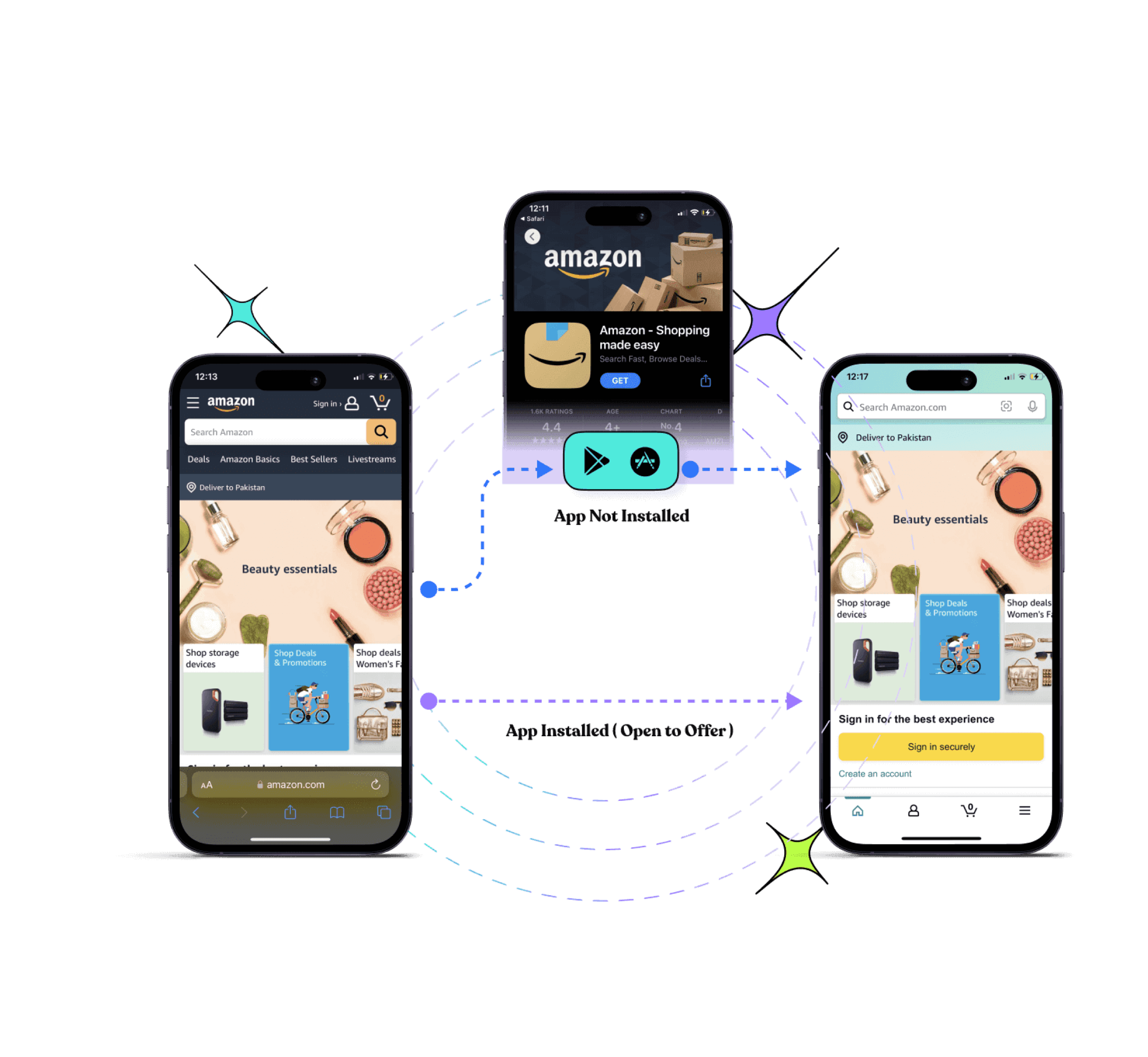
The smartphone user would click on your Instagram ad, and if he already has the app installed, deep linking will take them straight to the product page of your app.
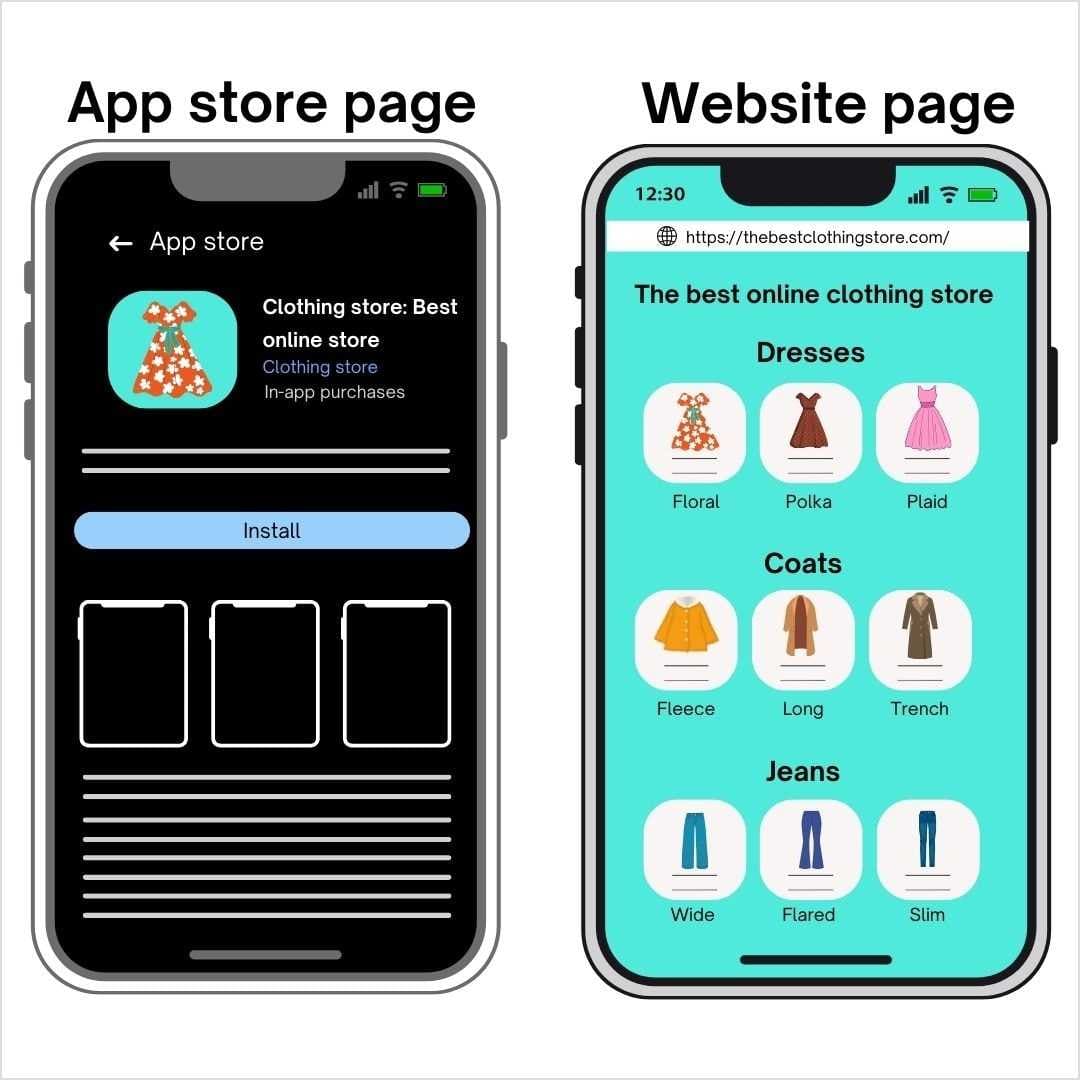
Otherwise, they will be redirected to the relevant app store for app installation. They will install the app and then land straight on the product page of the outfit they want to purchase.
They happily purchase the product without wasting any time, boosting your customer conversion rate instantly.
As a result, the customer is satisfied with the overall service, you make the sale, and the customer comes back to your store again and again!
So in a nutshell, app deep links make guiding through any kind of multi-journey between mobile web and apps much easier for users, including omnichannel and multi-platform experiences. It’s like having a GPS for mobile apps, guiding users right where they need to go.
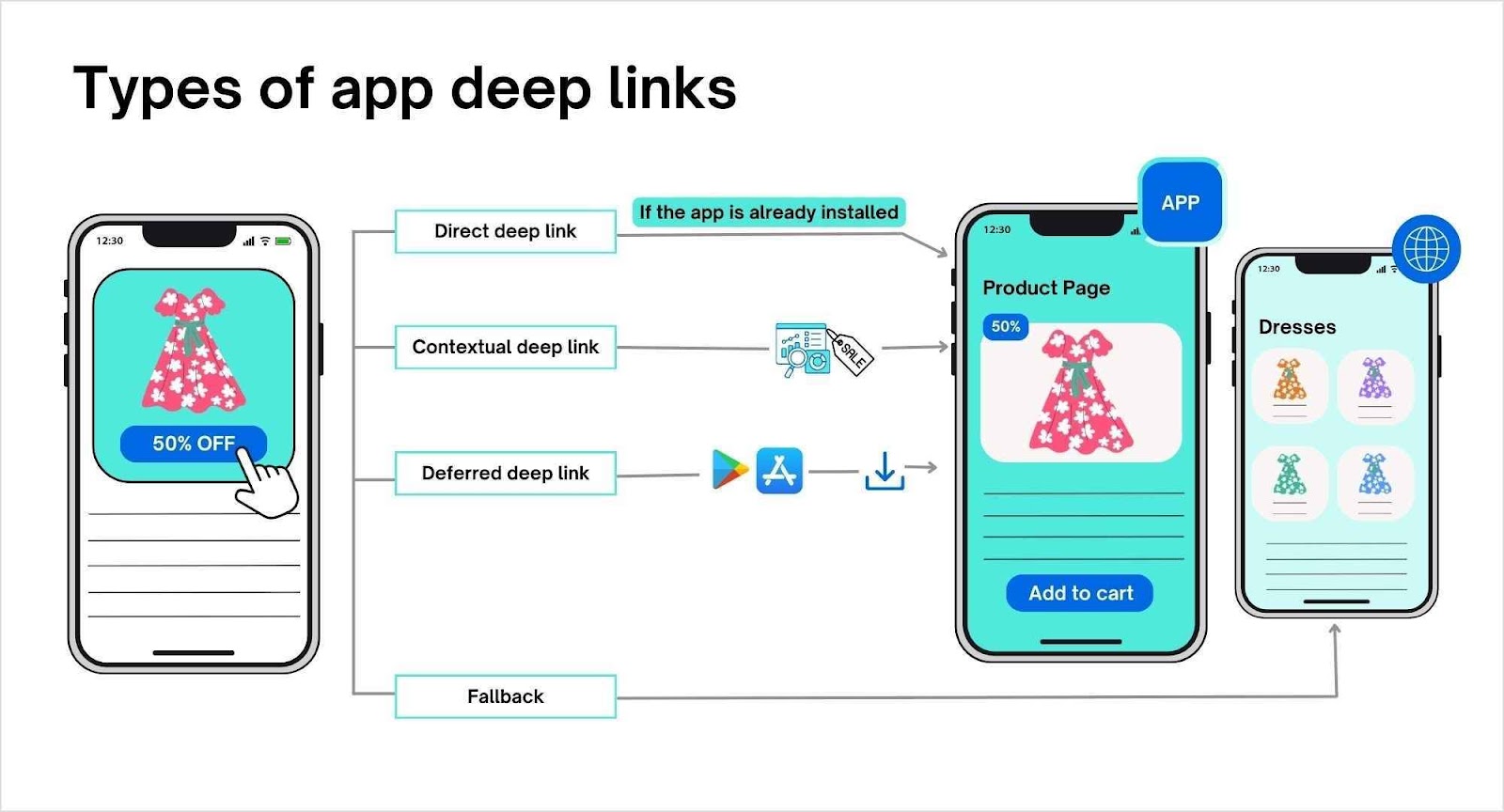
Now that we have cleared up what mobile deep linking is, let’s discuss the types of app deep links:
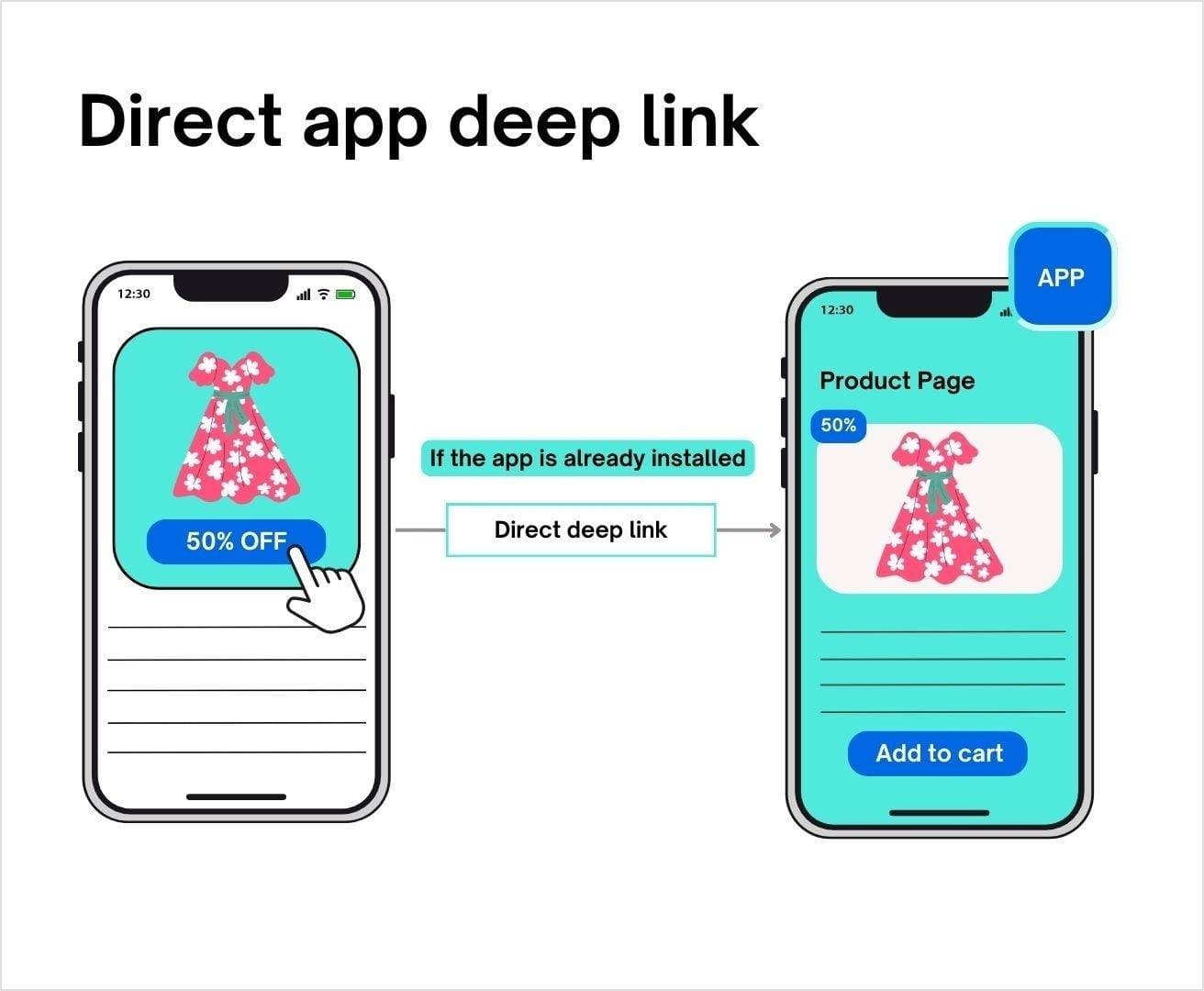
1. Direct app deep links
Direct deep linkingis the simplest form of deep linking, sending users directly from an ad to a specific page within the app. However, if the user doesn’t have the app installed, they will hit a dead end with an error message.
This works best for retargeting campaigns where most of your audience already has your app installed.
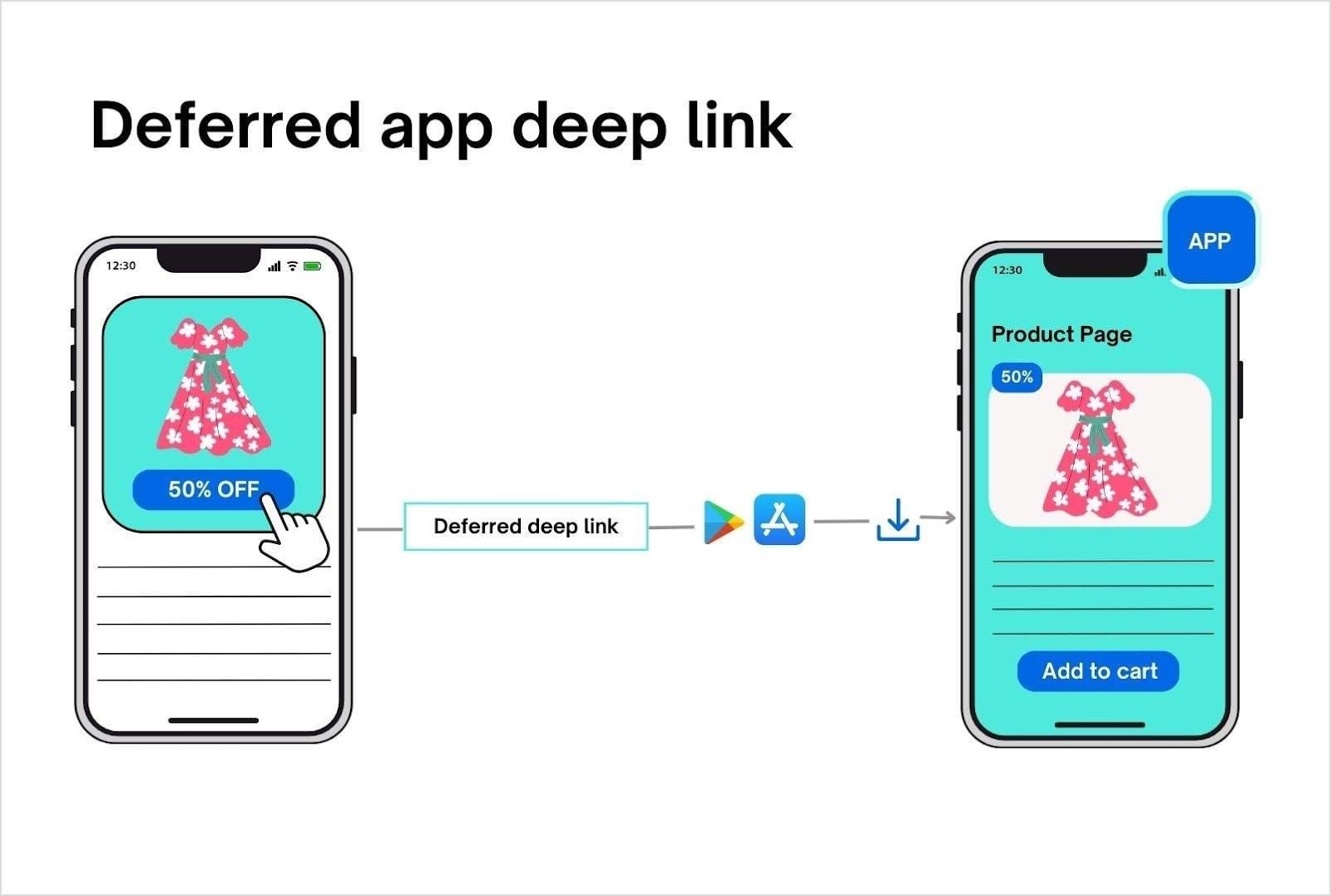
2. Deferred app deep links
Deferred deep linking, also known as indirect deep linking, takes things up a notch. If a user clicks on your ad but doesn’t have the app installed, they’re redirected to the relevant app store to install it. Once installed, they’re taken directly to the content they originally clicked on—no error messages, no dead ends. It’s a smooth, frustration-free process that keeps the user experience intact.
Suppose that you published a Facebook Ad for the new floral dress that you launched. With deferred app deep links, if the user does not have the app installed, they will first be directed to the relevant store of installation. Once done, when they open the app, the product page will load.
Deferred deep linking ensures you don’t lose potential customers just because they didn’t have your app. It provides a smooth journey from the first click to conversion, making it the preferred option for many marketers.
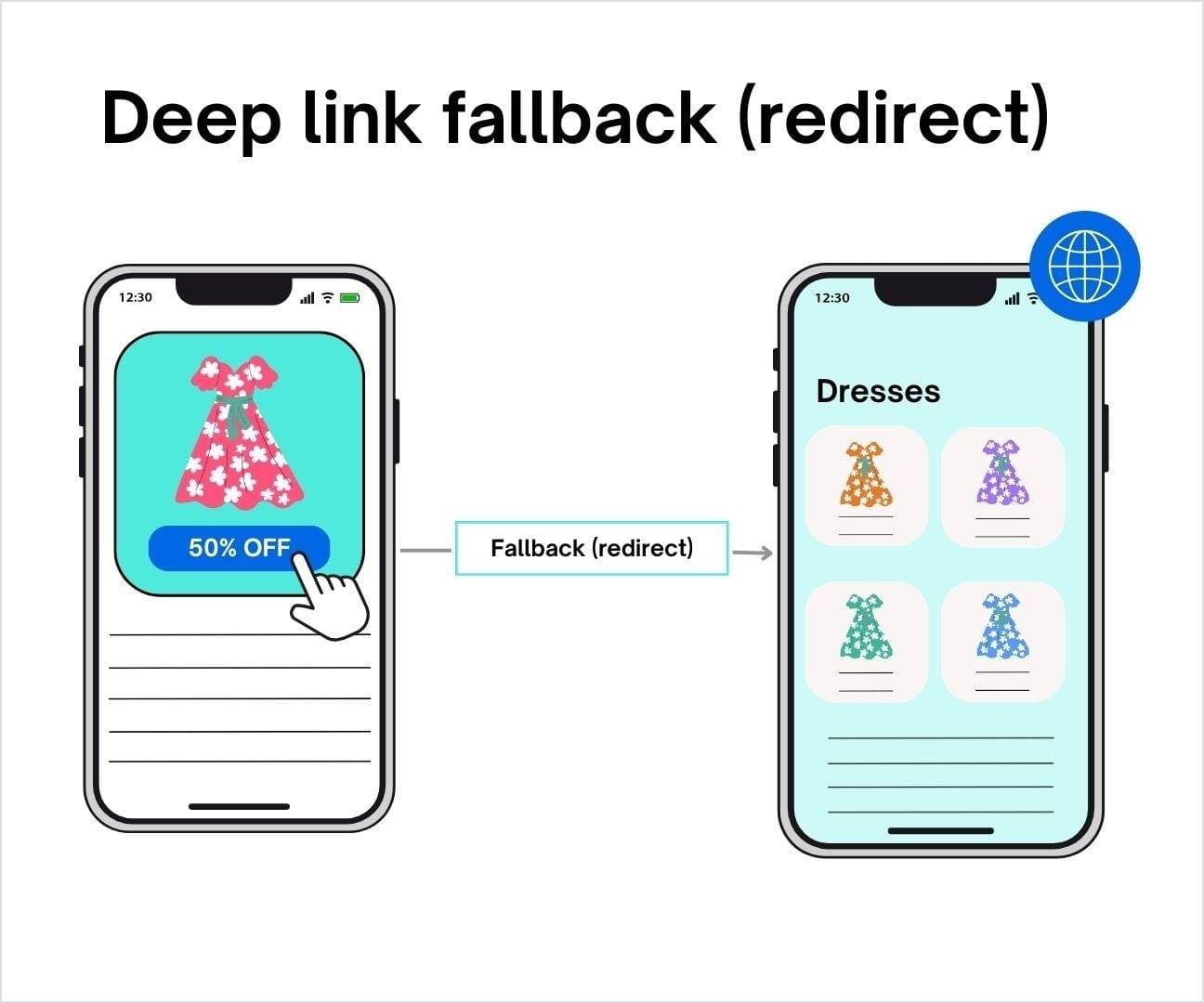
3. Deep link fallback (redirect)
Ever clicked on a link and ended up in the app store, thinking, “But I don’t want to download another app right now!”? That’s where deep link fallback comes to the rescue. Instead of forcing users into the app store, a deep link fallback offers a smoother path—redirecting them to your mobile website or another relevant spot.
And the best part? It doesn’t mess with deferred app deep links. So, later on, if a user has a change of heart and decides to install your app, they’ll still land right where you want them. No detours, no hassle.
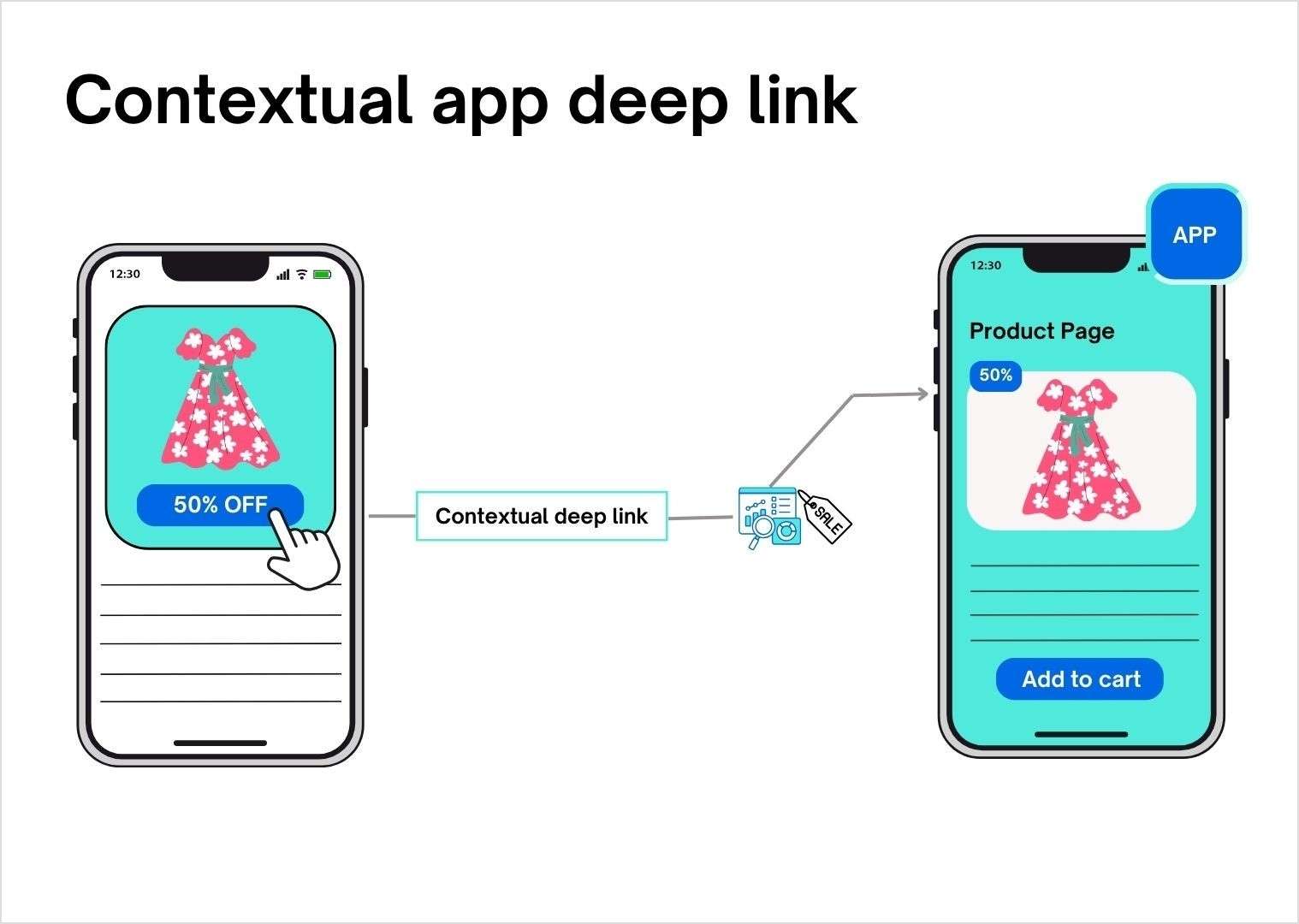
4. Contextual app deep links
Contextual app deep links allow you to add custom details like promo codes and referral sources to your links, giving you deeper insights when it’s time to analyze performance.
Let’s say you’re having a discount on the dress you’re promoting. With contextual app deep links, you can throw in an exclusive discount code just for a specific influencer’s post. As the clicks come in, you’ll not only see how many people are engaging, but you’ll also know exactly where they’re coming from—whether it’s Instagram, TikTok, or a trendy fashion blog.
This kind of data is gold! It tells you which channels are truly converting, so you can tweak your marketing strategy and messaging for better results. Plus, you’ll have a clearer picture of what’s resonating with your audience, making it easier to drive those sales for the floral dress!
Challenge #1: Platform-specific issues (iOS vs. Android)
The platform-specific issue is one of the trickiest hurdles for app deep linking. The divide between Android deep links and iOS deep links isn’t just about two different operating systems—it’s a jungle of screen sizes, resolutions, and hardware variations. Both Android and iOS have their own unique methods for handling deep links, which means marketers need to optimize for both platforms to ensure an optimal user experience.
Solution Start by getting to know your audience. Advanced analytics tools can give you the lowdown on which devices your users are using more. With that insight, you can fine-tune your deep linking strategy to prioritize the platforms your audience actually uses.
Challenge #2: App installation status
The status of a user’s app installation can make or break the deep link experience. If the app isn’t already installed, a typical deep link might send them to a web browser or app store, causing unnecessary friction and potentially losing their interest.
Solution Deferred deep links can resolve this issue. These clever links ensure that even if the app isn’t installed yet, the user is still guided to the right content after installation. They remember the link’s original intent and take the user directly to the intended spot once the app is ready to go—no detours, just an uninterrupted journey.
Challenge #3: Network disruptions
Network disruptions can ruin the user experience, leaving users without the personalized touch they expect. This often happens when deep links lose context during the app install, causing users to land on a generic page instead of where they want to go.
Solution Contextual deep links can resolve this issue. These smart links hold onto that crucial data throughout the installation process, making sure users land exactly where they expect, giving them a tailored experience.
Challenge #4: Bad link routing and broken links
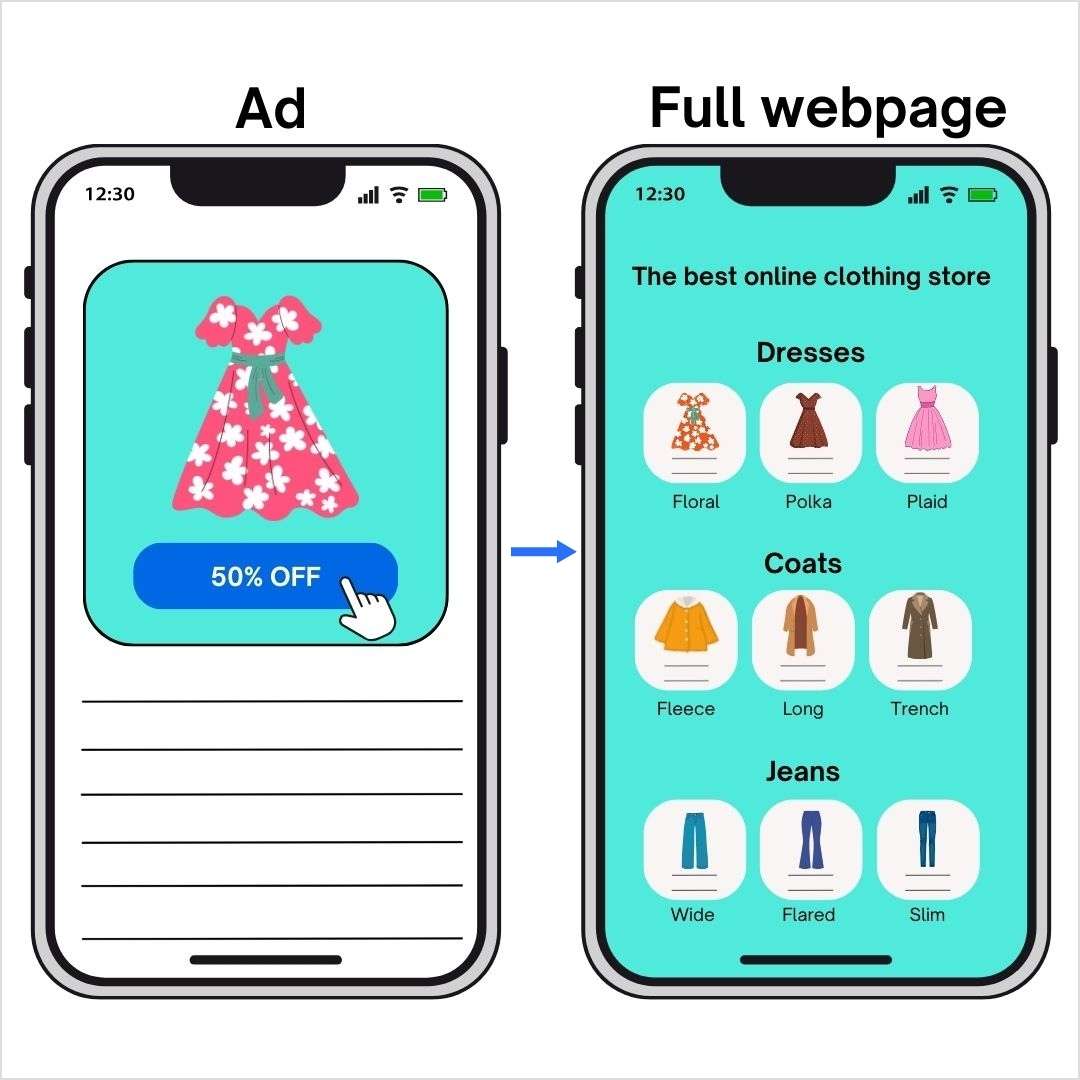
Bad link routing can be a real buzzkill for users. Imagine clicking on a link, expecting to land on a cool product page, but instead, you’re dropped somewhere random—frustrating, right? This usually happens when URL schemes or Universal Links aren’t properly configured, leaving users lost and disengaged.
Below is an illustration of bad link routing. Clicking on the “50% OFF” button leads to the full webpage of the clothing store, resulting in a bad user experience.
Sometimes, the user might even be led to a broken page if the app deep link is not updated:
Solution Use a deep linking platform like Replug.io that has features like smart fallbacks, automatic updates, and routing paths. Such tools ensure your users land exactly where they should, regardless of the device or app version.
Drive more clicks, conversions, and app installations by deep linking
to your favorite platforms.
Try deep links for free
Challenge #5: Security restrictions
Deep linking can be a powerful tool, but it’s not always a smooth ride. Security-conscious operating systems sometimes throw up roadblocks to keep malicious apps from hijacking your links. This can lead to annoying pop-ups that might leave users feeling a bit confused.
Solution Make sure your app is set up to play nice with deep links and give users a heads-up about why they might see those prompts. And most importantly, you need to work with your tech team to tackle these challenges head-on.
The bottom line
In today’s fast-paced digital landscape, every marketer knows the importance of grabbing users’ attention. But let’s not forget, it’s not just about us – it’s about the customer. At the end of the day, what truly matters is their experience. And that’s where deep linking comes in.
By bridging the gap between platforms and streamlining the user journey, app deep linking doesn’t just boost conversions; it shows you care. It shows you’re invested in making every interaction count, and every tap meaningful.
So, prioritize your customers’ experience. Make their journey shorter, smoother, and more enjoyable. Generate deep links in no time, because this way you’re not just optimizing your app; you’re building loyalty, trust, and a deeper connection.
FAQs about app deep links
What are app deep links?
App deep links are URLs that take users directly to specific content within a mobile app, bypassing the app’s homepage. This improves user experience by cutting down unnecessary steps and guiding users exactly where they want to go.
Why are deep links important for marketers?
Deep links enhance personalization, increase ad conversion rates, improve user engagement, and help with retargeting. By sending users directly to relevant content, marketers can provide a smoother experience, leading to higher retention and sales.
What are the different types of app deep links?
There are four main types:
1. Direct deep links: Send users directly to in-app content, but only work if the app is already installed. 2. Deferred deep links: Guide users to the app store first if the app isn’t installed, and then take them to the desired content. 3. Deep link fallback (redirect): Redirects users to a web page if they don’t have the app installed, avoiding dead ends. 4. Contextual deep links: Add extra details like referral information, allowing marketers to track performance.
What challenges do app deep links face?
App deep links can encounter issues such as platform-specific compatibility (iOS vs. Android), broken links, and network disruptions. However, using tools that offer smart fallbacks and routing paths, like Replug, can mitigate these problems.
Deferred deep links allow users to install an app and then take them directly to the content they clicked on originally. This smooth journey helps minimize user frustration and boosts conversion rates.
What is the best tool for app deep linking?
One of the best tools for app deep linking is Replug. It is a top-notch short URL shortener tool that not only supports direct, deferred, and contextual deep links but also offers features like smart fallbacks, automatic link updates, and advanced analytics.
Are you looking to change the destination URL of a published page, blog post, or web link?
We’ve all been there. You publish a page or blog post, only to realise the destination link needs a change. Maybe it’s not quite right, or the content has moved. For instance, you share an important announcement, but the link you used now points to the wrong page. Instead of retracing your steps and updating it everywhere manually, wouldn’t it be easier to update the link once and be done?
With a few simple steps, you can quickly create a new, short URL that redirects smoothly, saving you time and keeping everything on track. Here’s how:
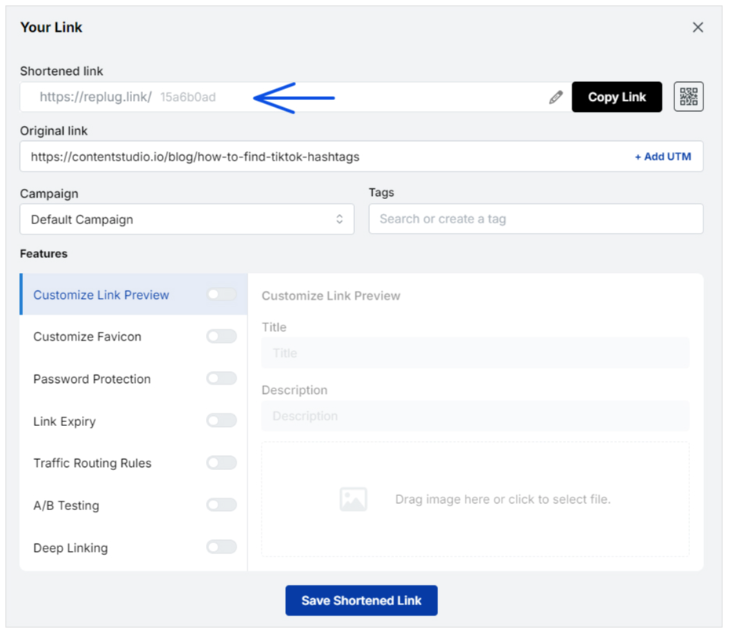
First things first, you need to go to the Replug app. Simply type in the URL of the app in your search bar.
Step 2:Sign in to your account
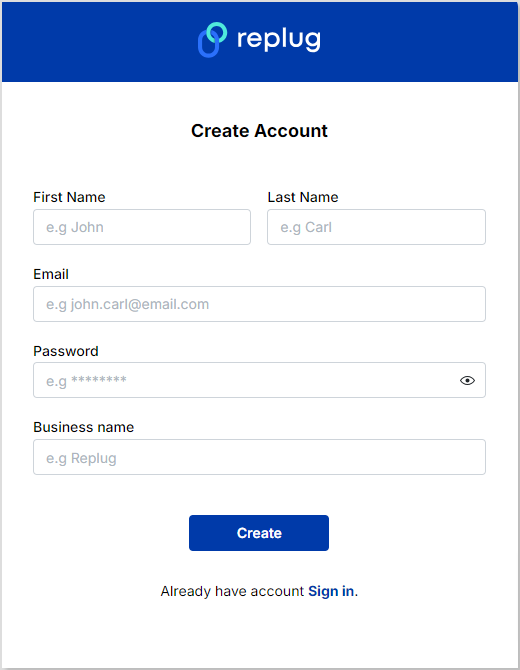
Sign in to your Replug account or create one if you don’t already have one:
Step 3:Shorten your desired link
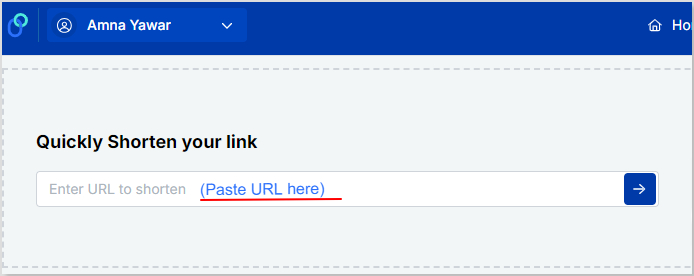
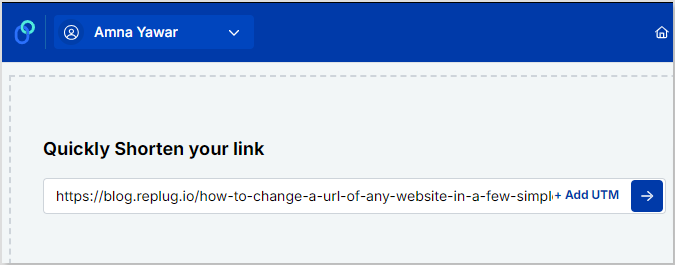
Once you sign up or log in, you’ll be directed to the main dashboard. All you have to do now is paste the URL you want to shorten in the “Enter URL to shorten” bar:
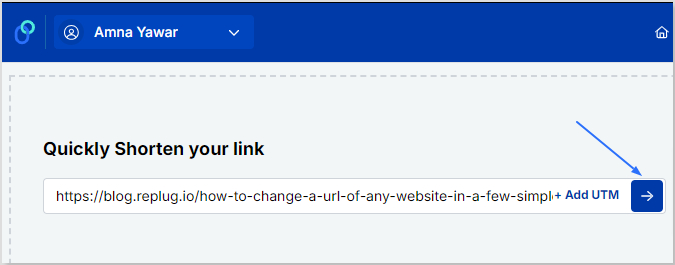
Step 4:Click the “right arrow” button
Once you have pasted the long URL, click the “right arrow” button to proceed further:
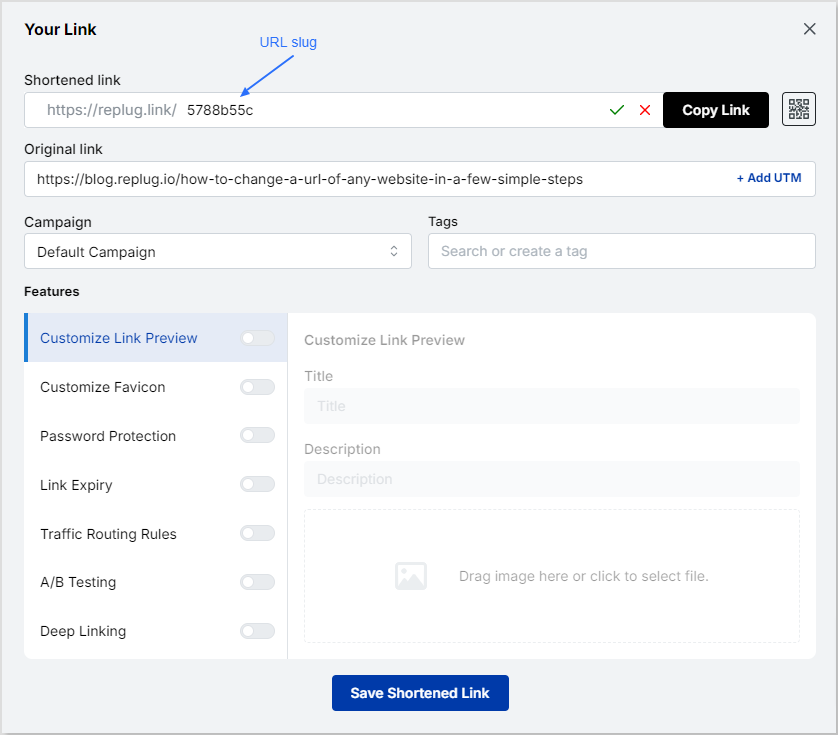
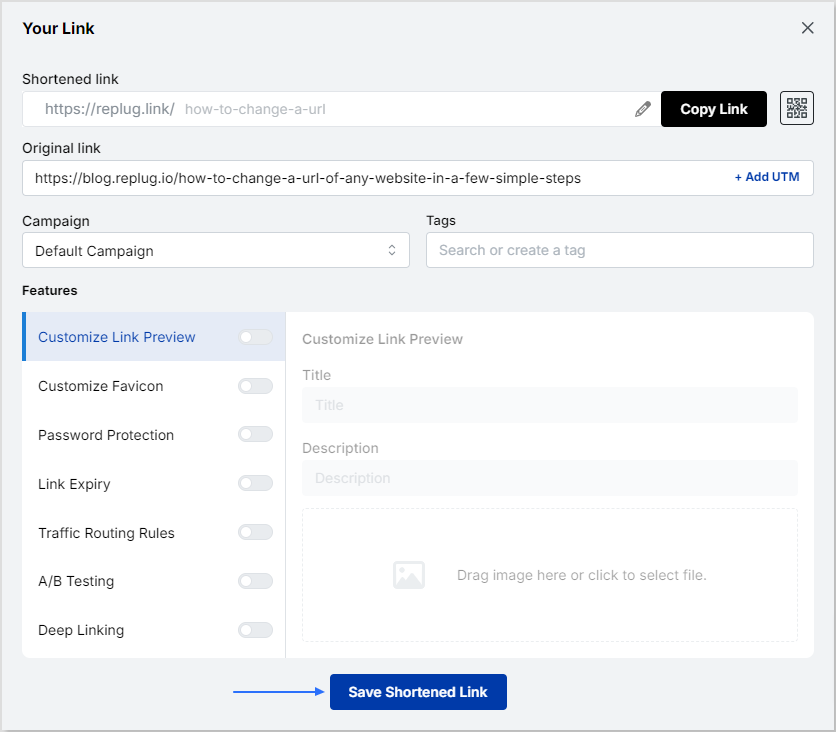
Step 5: Edit your URL
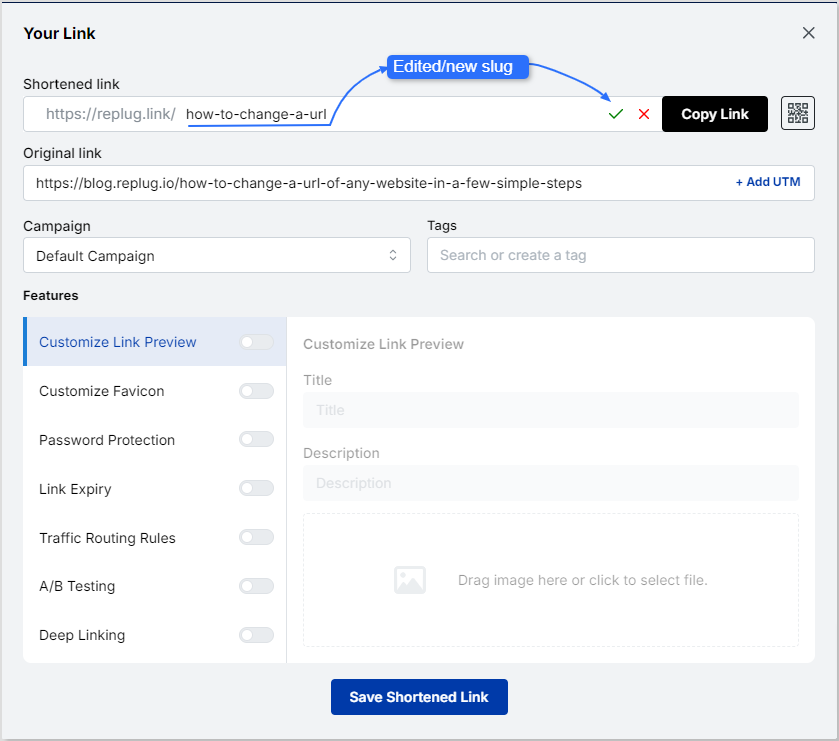
Click on the edit icon and type the slug you want for your newly created URL.
Once you have done that, click on the green tick to save the URL.
Step 6: Save the shortened link
The final step is to click on the “Save Shortened Link” button and you’re done!
FAQs
Can I shorten any website links?
You can easily shorten any website link using URL-shortening tools such as Replug’s link shortener. It not only allows you to shorten your link but also let you share it with your audience and track its performance.
Can I edit my domain name?
Your custom domain is a top-level domain you own and use to share your links. Tools like Replug allow you to edit your domain name easily, allowing you to maintain your brand identity and reputation.
Maybe it’s better than both the tools and other established players in the market.
Well, it’s time to find out.
The answer lies in thoroughly examining its features, cost-effectiveness, user experience, and value proposition.
So let’s get you started in our comparison article Bitly vs Linktree vs Replug.
Stick with us…
Let’s quickly go through the top trio
Replug
Replug is an all-star link management tool packed with top features such as branded link shortening, bio links, link analytics, traffic routing, QR codes, retargeting pixels, deep linking, and much more. Its user-friendly interface and quick integration with marketing platforms make driving traffic, capturing leads, and boosting conversions a breeze.
Bitly
Bitly is a URL-shortening service that condenses lengthy URLs into concise links, simplifying sharing and tracking across platforms. Its integration capabilities span various platforms, social media tools, and applications, enhancing users’ accessibility and analytics.
Linktree
Linktree is a link-in bio tool for organizing all your essential links in a user-friendly format. It’s perfect for directing your audience to your website, social profiles, or anything else!
Any major drawbacks you should be aware of?
Well yeah, there are some of the limitations you should be aware of before getting started with this comparison.
Replug:No free version available for now
Bitly:The high-tier pricing plan is extremely expensive, also you don’t get the same level of customization and link management as Replug.
Linktree: Lacks advanced features like detailed analytics and link retargeting, which are available on other platforms.
It offers a range of pricing plans to suit different needs, starting at $19 per month for a basic plan, $49 per month for professionals, and $79 per month for businesses. (offers a 14-day free trial)
Provides a free plan with extremely basic features, as well as a pro plan starting at $5 per month and going up to $24/per month.
A complete link management solution
for marketing professionals & agencies.
Try Replug for free
Choosing the right tool: Factors to consider in your link management tool
Let’s compare three popular options, Replug, Bitly, and Linktree, to help you choose the one that best suits your needs.
1. URL shortening
URL shortening converts a long, complex URL into a shorter, more manageable version. This shorter URL (Uniform Resource Locator) typically redirects users to the original, longer URL when clicked.
Replug: Offers URL shortening with custom domains and branded links. Shortened links can be integrated with CTAs, and pixels can be retargeted for better results.
Bitly: Primarily focuses on URL shortening. It provides a free plan with limited features and paid plans with increased shortening limits, custom domains, and detailed analytics.
Linktree: Doesn’t offer direct URL shortening. However, you can shorten individual links within your Linktree bio using a separate shortening service.
Winner: Replug and Bitly, depending on your needs. Replug is ultimately the best URL shortener as it offers more customization options, while Bitly focuses just on shortening functionality with its free plan.
2. Bio links
Bio links, short for biography links, refer to the clickable URLs found in the bio section of social media profiles. These links serve as a gateway for users to access additional content or resources outside of the social media platform.
Individuals, businesses, and organizations commonly use bio links to direct followers to their websites, blogs, online stores, or other relevant link destinations.
Go beyond generic link pages!
Create custom bio links that truly fit your brand
With Replug, you can create bio links that are unique, engaging, and built to convert.
Replug: Creates bio links that showcase your social media profiles, website, and other important links in a single, customizable landing page. This allows you to create a central hub for your online presence, making it easy for users to find all your relevant links in one place. You can also customize the design and branding of the landing page to match your style.
Bitly: While Bitly primarily focuses on URL shortening, users can still utilize Bitly links in bio sections to direct followers to multiple destinations.
Linktree: Linktree specializes in bio link management, providing a centralized hub for users to share multiple links from a single URL in their social media bios. However, this bio link tool branding appears on your bio link page in the free version, and there’s no way to remove it. This can be a drawback for users who want a completely branded experience.
Winner: Linktree, if creating a dedicated bio link page is your primary goal. Replug offers bio links as part of its broader functionality.
3. White-label boards
A white-label solution allows you to rebrand a product or service as your own. This means you can remove any branding from the original provider and replace it with your logo, name, and colors.
Replug: Provides white-label solutions for agencies and businesses, allowing them to replace Replug branding with their own.
Bitly: It doesn’t offer white labeling in any plan.
Linktree: It doesn’t provide white labeling.
Winner: Replug takes the lead with white-label solutions in its agency plan, surpassing Bitly and Linktree, which do not provide this feature.
4. Retargeting pixels
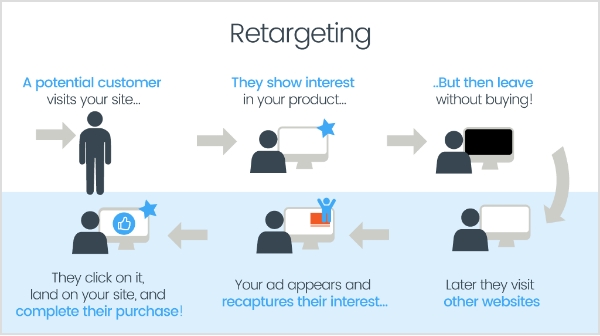
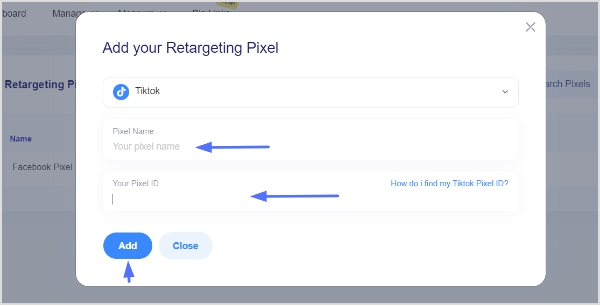
A retargeting pixel allows marketers to recognize individuals who have previously interacted with their website or social media profiles, enabling them to deliver personalized advertisements to these users across different platforms.
Bitly: It does not provide any type of retargeting feature.
Linktree: This service doesn’t offer retargeting pixel integration. It focuses on creating bio links and doesn’t offer functionalities related to retargeting website visitors.
Winner: Clearly, Replug is the winner here. Both the other competitors Bitly and Linktree do not provide this feature.
5. QR code generation
QR codes, short for quick response codes, are barcodes that store information in a machine-readable format. These codes consist of black squares arranged on a white square grid, often with a distinct square pattern in the corners for alignment purposes. QR codes can store various types of data, including URLs, text, contact information, or other types of data.
Replug: Offers QR code generation for shortened links. Users can scan the code and instantly access your website, social media profile, or any other link you’ve shortened.
Bitly: Bitly provides QR code generation functionality, allowing users to create QR codes for offline marketing materials and track their performance.
Linktree: Yes, Linktree offers QR codes for your Linktree profile.
Winner: All platforms excel in this feature. It’s worth noting that Bitly goes the extra mile, offering a broader range of quick and advanced QR code generator functionalities compared to Replug and Linktree.
6. Custom CTAs
This allows you to customize the text and appearance of the CTA buttons to match your branding and encourage users to interact with the specific link.
Boost your conversion rates with irresistable CTAs with
Replug: Allows adding custom CTAs (call to action) buttons directly to shortened links. Add customized phrases such as “visit website,” “download now,” or “learn more”, etc. to these buttons to compel users to click on the link.”
Bitly: It doesn’t offer custom CTAs in any plan.
Linktree: Allows custom CTAs to be added to individual links within your Linktree bio.
Winner: Replug offers more flexibility in adding custom CTAs directly to shortened links, allowing for a more targeted and interactive user experience.
7. Easy link rotation
This feature lets you send visitors to different landing pages using just one link. You can set filters like country, time, and date to control where traffic goes, aligning it with your specific goals.
Replug: Provides easy link rotation functionality based on pre-set filters like country, date, time, or device. This allows you to rotate between different landing pages or offers for specific audiences or timeframes. This powerful feature is for your marketing campaigns or showcasing targeted promotions to different user segments using different landing pages to convert visitors.
Bitly: No link rotation is offered in any plan. Bitly focuses primarily on URL shortening and lacks features for managing and rotating different links based on specific criteria.
Linktree: It doesn’t offer link rotation features. Linktree is designed to create and manage a single bio link page. While you can include multiple links within your bio, it doesn’t offer functionalities to automatically rotate them based on pre-defined conditions.
Winner: Replug, for its advanced link rotation capabilities that allow you to optimize your marketing efforts by targeting specific audiences or testing different marketing campaigns.
8. Detailed link analytics
Link analytics refers to the process of tracking and analyzing the performance of URLs or links shared online. It involves gathering data on various metrics such as click-through rates, geographic location of visitors, referral sources, and conversion rates.
Maximize marketing ROI
by transforming ordinary URLs into branded short links that convert.
Try Replug for free
Replug: Offers detailed link analytics, from providing insights on clicks to conversion rates, and even sources used to access these short tracking links. This data can be crucial for understanding user behavior and optimizing your marketing campaigns. Replug equips you with valuable insights to make informed decisions about your link strategy.
Bitly: Provides varying levels of link analytics depending on the plan. While the free plan offers basic click data, paid plans unlock a little more analytics like CTRs, and geographical data. Though Bitly offers good analytics options, especially in its paid tiers, but may not be as comprehensive as dedicated link management tools.
Linktree: Offers limited link analytics in its free plan, primarily focusing on clicks on individual links within your bio. Paid plans might offer more in-depth analytics, but the overall focus remains on understanding user engagement with your bio link page itself.
Winner: When it comes to analytics, Replug and Bitly are equally competitive link-tracking softwares as both platforms go beyond clicks, and data into user behavior and campaign performance.
Some other points to look at
Free trial option
Ease of use
Security and scalability
Customization options
Customer support
Cost-effectiveness
Mobile app availability
Reviews and ratings
Which tool is better for marketers or agencies?
After evaluating all the key factors we have a clear cut winner. Despite its lower profile, Replug shines with its unique approach, providing marketers with fresh options for streamlined link sharing and engagement.
While Bitly and Linktree enjoy widespread recognition and user trust, Replug boasts comparable functionalities and distinct advantages.
A complete link management solution
for marketing professionals & agencies.
Try Replug for free
Why is Replug the best link management solution?
Replug comes forward as the clear front runner, thanks to its exceptional link management features, comprehensive analytics, and intuitive interface. Together, these factors solidify its position as the top performer in the field.
Besides that, Replug prioritizes link security with features like real-time link scanning, malicious URL blocking, and phishing detection. Additionally, agencies can leverage white-label solutions to manage client links quickly under their own branding.
What sets Replug apart is its innovative approach to link management, offering unique features that cater to the evolving needs of modern marketers and businesses.
While its name may not resonate as loudly as other link shorteners, Replug’s potential to streamline link sharing, enhance brand awareness, and drive engagement cannot be overlooked.
By offering a fresh perspective and promising features, Replug presents itself as a compelling alternative for those seeking robust link management solutions.
Linktree is popular among social media influencers and content creators who want to share multiple links in their bio or profile.
What sets Replug apart from Bitly and Linktree?
Replug offers advanced features such as link retargeting, integration with marketing tools, and comprehensive link management capabilities.
Why is Bitly considered expensive?
Bitly’s high-tier pricing plan may be too costly for some users, especially those who need extensive customization, which it doesn’t fully provide compared to Replug.
Does Replug offer any free version?
No, Replug currently doesn’t offer a free version but provides a 14-day free trial for users to test its features.
Have you ever found yourself limited to sharing just one link in your social media profile? It can be frustrating, especially if you’re a business, influencer, or creator who wants to share more content with your followers.
But don’t worry, there’s a solution! It’s called a bio link, and it allows you to share audio, video, text, and other content on a single page, making it easy for your followers to access all the content you want to share with them.
In this blog, we’ll dive into the top link in bio examples, pages, and tools that can help you take your social media presence to the next level. So, let’s get started!
“Link in bio” refers to a hyperlink placed in the profile description on social media platforms. It allows users to direct followers to a webpage containing multiple links and resources, enabling easy access to additional information, content, and promotions.
The main difference between “link in bio” and “link in bio pages” is that “link in bio” refers to a single clickable link that Instagram or any other social platform allows you to add to your profile. Whereas “link in bio Pages” refer to custom-designed landing pages or bio sites that host multiple links or clickable buttons to direct your followers to different content or pages.
In other words, a “link in bio” is limited to one link, while a “link in bio page” provides a more comprehensive solution for businesses or individuals who want to feature a selection of links in one place.
Link in Bio Pages can be created using various third-party tools, allowing you to add multiple links to your profile, including links to products, services, blog posts, or other social media channels.
15 best link in bio examples
Having a link in bio has become a crucial tool for influencers to increase traffic and drive engagement across their social media channels. With the limited single-clickable link option provided by social platforms like TikTok and Instagram, these tools provide a solution to exhibit various links, call-to-action buttons, and other content in one place, making them especially useful for creators, entrepreneurs, and even life coaches looking to showcase their services.
Here are the 15 best link in bio examples to inspire you to create your own:
Jerry Saltz is a highly regarded Senior Art Critic for New York Magazine and a well-known figure in the art world. He has an impressive following on Instagram, comparable to some of the most famous influencers. However, Jerry’s bio link example stands out from the crowd as he created an instagram bio link to promote his latest work, linking to one of his recent articles.
This strategy is a great example of how you can use your bio link to expand the reach of your content and increase engagement with your audience.
James Charles is a makeup and fashion influencer who has gained a significant following through his engaging YouTube tutorials. With millions of subscribers and followers across various social media platforms, James understands the importance of using these platforms effectively to promote his brand and engage with his audience.
In his Instagram bio, James includes a link to his YouTube channel, which is the platform where he hosts his most popular and engaging content. Unlike many other influencers who use bio link tools like Linktree to monetize their Instagram with affiliate products or their own product lines, James keeps it simple and directs his followers to the platform where he has built his brand and established his credibility as a makeup expert.
This link in bio example highlights James’ focus on providing high-quality content and building a loyal following based on his expertise and passion for makeup.
Chris Brown, a prominent figure in the pop and R&B music scene, has garnered significant attention for his innovative approach to engaging with his fan base. One such strategy that he has employed is the use of his bio link to direct traffic to his latest music releases.
In particular, Chris Brown’s recent bio link directs visitors to a YouTube video of his new song “Psychic”. He has provided a convenient and accessible platform for his fans to listen to his latest music, while also promoting his work to a wider audience.
His link in bio strategy has proven to be quite effective in generating buzz and increasing interest in Chris Brown’s music, as it allows him to showcase his talent to a broader audience and receive immediate feedback from his fans. By leveraging his bio link in this way, Chris Brown has demonstrated his savvy approach to marketing and promotion in the digital age.
Steve Madden, a shoe boutique brand that operates both online and physical stores around the world, has a significant following on Instagram. This provides the company with an excellent opportunity to promote its products through Instagram posts. To leverage this opportunity, Steve Madden uses a clever tactic of publishing the same product image on both its Instagram page and its link page.
By using this approach, Steve Madden makes it easy for Instagram users to learn more about the products they discover on Instagram. All they need to do is click on the link in the bio, and they will be directed to the corresponding product page. This feature is incredibly convenient for potential customers who may be interested in purchasing a particular product.
Steve Madden’s link page is dedicated solely to linking out to products. This singular focus is a smart move because it provides a seamless customer experience using deep links, making it easy for visitors to navigate to the desired product page. Furthermore, the clickable images on the link page provide a visually pleasing experience that keeps users engaged.
Huda Kattan, the founder of Huda Beauty, has been using her personal Instagram account to share the brand’s story and milestones with her followers. One of the most effective ways she has done this is by using the “link in bio” feature to direct visitors to the Huda Beauty blog, where they can learn more about the brand’s journey.
In a recent blog post titled “Huda Beauty: Ten milestones that define a decade of one of the world’s biggest brands”, Kattan takes readers on a journey through the brand’s history, from its humble beginnings as a beauty blog and YouTube channel to its current status as a billion-dollar global empire. She shares insights into the challenges and successes of building the brand, such as the launch of the iconic Huda Beauty lashes in 2013, which quickly gained a cult following and helped to establish the brand’s reputation as a leader in the beauty industry.
With the use of personal anecdotes and behind-the-scenes glimpses into the brand’s evolution, Kattan provides a unique perspective on the growth of Huda Beauty. Through the link bio strategy, she interacts with her audience to forge closer bonds by leading visitors to the blog through her personal Instagram account.
Zach King has been using his link in bio strategy to deliver his latest YouTube video content directly to his viewers. As a top TikTok influencer well known for his expertise in creating illusions and captivating videos through editing, Zach has amassed a following of over 70 million on the platform.
One unique aspect of Zach’s TikTok account is the variety of content he posts. Whether he’s sharing funny TikToks or high-production illusions, Zach keeps his audience engaged and surprised. As a result of his popularity, brands regularly hire him to create content for their marketing campaigns.
By marketing through bio links on TikTok, Zach drives traffic to his YouTube channel and share his latest video content with his followers. This not only helps him grow his YouTube following but also allows him to engage with his TikTok audience in a new and more meaningful way. You can learn how to create a link for tiktok bio to apply the same strategy as him.
Now let’s look at the link in bio example of the famous TikToker, Michael Le. Also known as JustMaiko, he is a well-known dancer and TikTok influencer based in Florida. With a presence on TikTok since 2016, Michael has gained a massive following for his dance videos and tutorials. One of the ways that he leverages his popularity on TikTok is by using a bio link to direct visitors to his YouTube channel, where he posts longer and more in-depth dance tutorials.
By using his TikTok account to promote his YouTube channel, Michael can reach a wider audience and showcase his dance skills in a more detailed manner. This strategy not only helps him grow his YouTube following but also allows him to connect with his TikTok audience on a deeper level. By providing them with more extensive dance tutorials, Michael can demonstrate his expertise and build a loyal fan base.
OpenSea is a leading marketplace for non-fungible tokens (NFTs), which are unique digital assets that are stored on a blockchain. In recent years, the brand has become increasingly popular as more artists, musicians, and other creators turn to NFTs as a new way to monetize their work. With so many NFTs available for sale on OpenSea, it can be overwhelming for users to navigate and find what they’re looking for. That’s where their link in the bio microsite on Instagram comes in handy.
By providing a direct link to their blog, OpenSea has made it simple for visitors to stay up-to-date with the latest trends and news in the world of NFTs. This approach not only helps OpenSea position itself as a thought leader in the industry but also ensures that visitors stay engaged with the platform and keep coming back for more.
Chipotle is a popular Mexican fast-food chain that has taken social media marketing by storm. With over 3.6 million followers on Instagram, they have leveraged the platform to reach their customers and promote their offerings. Chipotle has effectively utilized its link in the bio to drive sales and customer engagement.
The link in their bio directs their followers to their online ordering platform, making it easy for customers to place an order and pick it up in-store. This feature is particularly useful in today’s fast-paced world, where customers prefer to order food online and save time. They also use their bio link to promote limited-time menu items and discounts, making it a great way to keep their followers engaged and informed about new offerings.
What sets Chipotle’s link in bio apart is that they have inserted two links, each directing to a different website. One directs the user to their online ordering platform, while the other directs them to their sustainability page, showcasing their efforts towards environmentally conscious practices. This shows that Chipotle is not just focused on driving sales, but is also committed to promoting its values and mission. By doing so, they build brand loyalty and trust with their customers.
Glossier is a popular beauty brand that has gained a huge following on Instagram. Their link in bio strategy is a great example of how simplicity and minimalism can be effective. They use the link in the bio to direct followers to their website where they can easily browse and shop for their favourite Glossier beauty products.
The link in the bio takes visitors to the Glossier website where they can easily navigate through the site and make purchases. This strategy allows Glossier to make its products easily accessible to its followers and make it easy for them to shop without having to leave Instagram. Additionally, Glossier often includes limited-time offers and discounts on their link in bio, incentivizing followers to make a purchase.
GoPro is a popular brand of action cameras that are designed to capture footage of extreme sports and outdoor activities. Their cameras are known for their durability, high-quality video, and versatility, which makes them a popular choice for adventure seekers and content creators.
GoPro’s Instagram account is filled with user-generated content that showcases the amazing footage captured by their cameras. They use the link in their bio to encourage their followers to join the GoPro community and share their adventures. By featuring user-generated content on its Instagram page, GoPro can show potential customers what their cameras are capable of and how they can be used in a variety of settings.
In addition to featuring user-generated content, GoPro also uses its link in the bio to promote its latest products and accessories. They make it easy for prospective customers to find out more about their offerings and place an order by taking followers to their websites. They also use their link in bio to share tips and tricks for getting the most out of their cameras, which can help to further engage their followers and encourage them to use their products.
Julia Barretto is a well-known actress who has gained fame for her roles in various romantic comedies. With a significant following on Instagram, Julia understands the importance of using social media effectively to engage with her audience and promote her brand.
Unlike many other influencers who include links to other external sources, Julia’s Instagram bio takes you to a website. The Juju Club is an e-commerce store that sells clothing and jewellery, and by linking to this account, Julia can promote her brand and showcase her style through the products she endorses.
What’s interesting about Julia’s approach is that she doesn’t include any text in her bio, which links the Juju Club to stand out even more. By leaving the bio page blank, Julia creates a sense of intrigue and encourages her followers to click through to the Juju Club to see what it’s all about.
This strategy is a great example of how influencers can use their Instagram bios to promote their brands or products, while also showcasing their style and interests. By linking to an e-commerce store like the Juju Club, Julia can monetize her social media presence and earn revenue from her endorsements, while also keeping her followers engaged and interested in her brand.
Airbnb is a popular online platform that allows people to rent out their homes or properties to travellers, providing them with a unique and often more affordable alternative to traditional hotels. Founded in 2008, Airbnb has grown rapidly and now operates in over 220 countries and regions, with millions of listings available to users around the world. In addition to traditional home rentals, Airbnb also offers unique experiences and adventures, such as cooking classes, local tours, and outdoor activities.
This link in bio example highlights how businesses can promote their listings and experiences using a bio link. By clicking on the bio link in their Instagram bio, users are taken to a landing page that showcases a variety of experiences and events available in different cities and regions. From there, users can browse through different listings and experiences, view photos and descriptions, and book their next adventure directly through the Airbnb platform.
Their website has eye-catching images that provide a glimpse into what each experience has to offer.
Taco Bell Canada’s link in bio on Instagram is an example of how brands can keep their followers engaged and informed about their latest offerings. By frequently updating their link in the bio, Taco Bell Canada features new menu items, promotions, and other exciting news. This approach allows followers to stay up-to-date with the brand and encourages them to visit their restaurants.
By directing followers to a specific landing page on their website, Taco Bell Canada’s link in the bio serves as a call-to-action, prompting users to learn more about the latest promotions and deals. This approach not only helps to increase engagement but also drives traffic to their website and potentially increases sales. By leveraging Instagram as a platform to showcase its latest offerings and redirecting followers to its website, Taco Bell Canada can better connect with their audience and encourage them to become loyal customers.
Hopper is a popular travel app that helps users find the best deals on flights and hotels. With a click of a button, users can compare prices, set up alerts for price drops, and book their next trip. To make it easier for their followers to access their app, Hopper uses the link in their bio on Instagram to direct users to a landing page where they can download the app.
But that’s not all Hopper uses their link in bio for. In addition to promoting their app, they also use the space to showcase various travel deals and discounts. This not only entices their followers to use the app to book their next trip, but it also serves as a helpful resource for budget-conscious travellers.
By utilizing their link in bio in this way, Hopper not only drives traffic to their app but also builds a loyal following on social media by providing value to their followers. It’s a win-win strategy that benefits both Hopper and its users.
Simeon Panda is a hugely popular bodybuilding and fitness influencer. With a significant following on Instagram and other social media platforms, Simeon understands the importance of using these platforms to effectively promote his brand.
Simeon’s link in bio example shows how influencers and businesses can utilize bio links to promote their brand. Simeon does this by including a link in his Instagram bio to a page builder called Tab Bio. This platform allows him to show his recommended supplements, workout plans, and other content in a user-friendly and visually appealing way.
However, Simeon doesn’t stop there. He uses a link in bio tool to its fullest potential, taking advantage of its features to showcase his latest videos on one page and his latest tweets on another. By swiping through the different pages, Simeon’s followers can access all of his content in one centralized location, which helps keep them engaged and interested in his brand.
Simeon’s use of the bio link highlights the importance of effective social media marketing and the value of using tools that can help you promote your brand more efficiently. By maximizing the potential of these platforms and tools, influencers like Simeon can reach a wider audience, increase their engagement, and ultimately achieve greater success in their field.
Patagonia, the outdoor clothing and gear brand, has a strong commitment to environmental conservation and social responsibility. They have effectively used the link in their bio on Instagram to showcase their efforts in this area. Their link in bio features a variety of environmental causes and initiatives that they support, including fighting climate change, protecting wild places, and supporting regenerative agriculture.
Through their link in the bio, Patagonia not only raises awareness about these important issues but also encourages their followers to get involved. They provide information on how to take action, such as signing petitions, contacting elected officials, and participating in events. They also promote their initiatives, such as their Worn Wear program, which encourages customers to repair and reuse their clothing to reduce waste.
This strategy not only aligns with Patagonia’s values but also helps to build a strong brand identity among its followers. By using their platform to promote environmental and social causes, Patagonia shows that they are more than just a clothing brand, but rather a company with a mission to make a positive impact on the world. This approach also appeals to their target audience, many of whom are environmentally conscious and value brands that align with their values.
Skillshare is an online learning platform that offers thousands of courses in various creative fields such as graphic design, photography, and writing. They use the link in bio on Instagram to direct their followers to their website where they can enroll in courses and explore new topics. Skillshare’s link in bio is an effective way to increase enrollments.
In addition to promoting their courses, Skillshare also uses their bio link to offer free trials and discounts to their followers. This link in bio example shows that it’s not only helping them attract new customers but also encourages existing ones to continue using the platform.
Victoria’s Secret bio link on Instagram directs followers to their website, and also leads them to a custom bio link page. The LikeShop page features links to all the clothing items featured on Victoria’s Secret main Instagram account, making it easy for followers to shop their favourite looks and buy the items they’ve been eyeing.
This is a highly effective way for e-commerce brands to promote specific items and drive sales. By creating a page that features all the clothing items they’ve showcased on their Instagram account, Victoria’s Secret is making it easier for their followers to find and purchase the items they love. Victoria’s Secret engages followers by enabling easy shopping of the latest looks from their Instagram, creating a fun and interactive shopping experience.
In today’s digital age, news outlets, and magazines face a unique challenge in promoting their content on social media platforms like Instagram. With the platform’s strict policy against including links in post descriptions, it can be difficult to direct users to specific articles or pieces of content. However, some publications have found innovative ways to make the most of Instagram’s features and promote their articles effectively.
One such publication is New York Magazine, which has been using its link in bio features to great effect. Leveraging the link in their Instagram bio can direct users to a page that features images promoting every article on their website. This page serves as a hub for users to explore the full range of content offered by the magazine and allows them to easily click through to any article that catches their eye.
Wondering what sets New York Magazine’s link in bio strategy apart?
It’s their visual promotion rather than relying on bland or generic images! They feature eye-catching visuals reflecting the content of each article. This makes it more likely that users will be intrigued by the images and click through to read the accompanying article.
SeoProfy, a leading digital marketing agency, uses its “link in bio” strategy to drive targeted traffic and showcase its services. By placing a direct link in the bio, SeoProfy directs followers to its expert SEO, PPC, and digital marketing solutions. This strategy helps businesses boost their online visibility and attract high-quality leads. Whether you’re a business, influencer, or creator, using a bio link to highlight SeoProfy’s services can take your digital presence to the next level, just like top influencers use their bio links to connect with their audience and drive engagement.
Best Link in Bio Tools
Here are the top 4 bio link tools:
Replug: It is not only a common bio link tool with analytics, but a complete link optimization platform and URL management solution. The prominent features of this top-notch free link shortener are branded links, deep links, bio links, traffic routing, CTA overlays, retargeting, link analytics and much more.
SendPulse: Their bio link page builder allows users to create landing pages, link pages, and even minimalistic websites that any business can benefit from. They even have payment system integrations like PayPal or Stripe, which you can use to receive secure payments from your customers.
Linktree: A popular tool for creating a simple landing page with multiple links, widely used on platforms like Instagram. It is user-friendly and offers customization options, analytics, and integrations with social media platforms.
Shorby: Specifically designed for Instagram, Shorby allows you to create a customizable landing page with multiple links. It can also integrate seamlessly with many social platforms.
You can view more bio link tools to try out and see which tool fits your needs the best.
How to create a link in a bio page?
You can use any bio link tool to create a bio link. Here’s how to do it using Replug.
Step 1: Navigate to the bio links feature
To get started with BioLinks, navigate to the Bio Links section on the Replug app.
Step 2: Select your choice of block
Once you’re in the Bio Links section, you can select different blocks to add content as you like.
Step 3: Proceed to finalize your theme
Once you have updated the block, you will be directed back on the main bio links screen. Add any other block if you desire, otherwise tap publish to finalize your theme.
Step 4: Finalize your theme
In the end, you just have to finalize your theme according to your brand, and you’re ready to go. Choose a theme that best represents your brand, ensuring that your Bio links page looks professional and on-brand.
Step 5: Add your customized link
Now that you have customized your bio links page, you can add the link to your TikTok or any other social platform. Now your followers can easily access all of your content in one place.
Step 6: Try out bio links
After adding the bio link to your social platform, check if it’s working fine and how it appears. Make changes by editing the link and making necessary changes.
Benefits of adding a link in bio:
Social media has become an essential part of our daily lives, with millions of people using different platforms to connect and share content with friends and followers. Among the most popular of these platforms is Instagram, with users sharing images and videos and engaging with others through likes, comments, and direct messages.
For businesses and marketers, social media platforms such as TikTok provide a unique opportunity to showcase their products and services to a vast audience and connect with potential customers by adding a link to their bio.
With the link in bio feature, you can direct your followers to desired links, giving them more opportunities to engage with your brand, products, and services. Instead of being limited to a single link in your Instagram or TikTok bio, you have the opportunity to showcase a range of products, services, and initiatives, making it more likely that your followers will find something of interest, increasing traffic and ultimately, boosting your sales.
2. Boosts your SEO:
The bio link feature can also benefit your overall search engine optimization (SEO) strategy. When more traffic is directed to your website, search engines such as Google and Bing see this as a sign that your business is credible and valued, which can result in increased search engine rankings. The more traffic and engagement on your website or affiliated pages, the better your website will rank in search results, making it easier for potential customers to find you.
The link in bio feature offers analytical metrics that can help you track how many page views each link has received, enabling you to monitor their performance and optimize future links for higher engagement. By analyzing this data, you can gain insights into what kind of content and descriptions work best for your audience and tailor your strategy accordingly. This allows you to create more effective links that will drive more conversions.
4. Increases conversions:
By funnelling your Instagram or TikTok followers to different pages on your website or other e-commerce platforms, the link in bio feature helps to convert them into customers. This enhances the customer experience and allows followers to quickly access and purchase your products or services, ultimately leading to higher conversion rates. With its help, you can create specific landing pages that are designed to drive conversions, making it easier for your followers to become customers.
5. Flexibility:
With a limited number of clickable links on an Instagram profile, a link in the bio offers more flexibility and control over the content you share with followers. Instead of having to choose the most critical link to share, it provides the option to display links, giving followers the freedom to explore content that interests them.
Frequently asked questions
Which link in bio tool should I use?
The link in the bio tool you should use ultimately depends on your specific needs and preferences. Some popular options include Replug, Linktree, and Lnk.Bio. Research each tool to determine which one aligns best with your goals and budget.
What does a link in bio look like?
A link in bio is a clickable URL in a social media profile (e.g., Instagram or TikTok) that directs users to a landing page. It can showcase products, services, or content. Some businesses use visual tools to display multiple clickable options in a grid or menu format.
What links can you put in your Instagram bio?
You can add various links to your Instagram bio, like those for your website, blog, online store, social media profiles, YouTube, podcast, or portfolio. Many businesses or creators use link-in-bio tools to showcase multiple links, such as product pages, donations, landing pages, or other key content.
Unlock the full potential of your Facebook profile by adding clickable links to your bio. Whether you’re a business promoting your services or an individual sharing your latest projects, strategically placed links can make a significant impact.
This guide will walk you through the quick and easy steps to incorporate links into your Facebook bio. Elevate your online presence and make it easy for visitors to explore what matters most to you.
Let’s dive in and optimize your Facebook profile for maximum impact.
Link in bio on Facebook: What does it mean?
The term “Link-in-bio” on Facebook refers to including clickable links in your Facebook profile, particularly in the “About” section.
This concept originated on Instagram, where users are limited to featuring only one link in their bio. To overcome this limitation, creative users developed link-in-bio landing pages that house a collection of links under a single URL.
While Facebook doesn’t have a restriction on the number of website addresses you can include in your bio, some users still choose to adopt the link-in-bio strategy. This approach offers a cleaner and more organized way to direct visitors to various pages on their website.
Some key takeaways:
The key takeaways and recommendations include:
Include multiple links: Businesses are encouraged to include multiple links in their Facebook bio (using a reliable Facebook bio link tool) to guide visitors to specific information and convert them into regular website visitors or customers.
Keep links up to date: Regularly update your links and ensure they support a clear call to action that aligns with your Facebook posts.
No limit on links: Unlike Instagram, Facebook doesn’t limit the number of websites you can add to your bio.
Short, branded, and UTM-tracking:For better analytics, optimize your links by making them short, branded, and including UTM-tracking information.
Reputable link management platform: Utilize a reputable link management tool to track traffic from your social media bios and campaigns effectively.
Go beyond generic link pages!
Create custom bio links that truly fit your brand
With Replug, you can create bio links that are unique, engaging, and built to convert.
Adding links to your Facebook profile is a simple yet powerful way to enhance your online presence. Whether you’re using the Facebook app on your mobile device or the desktop version, here’s a step-by-step guide:
On Mobile:
Step 01: Open the Facebook app and tap on your profile picture in the upper left corner.
Step 02: Navigate to your profile page and tap “Edit profile.”
Step 03: Scroll down to the bottom of the page and tap “Edit” next to “Links.”
Step 04: To add social media handles, tap “Add Social Link,” choose a platform, and enter your username.
Step 05: For other website links, select “Websites,” enter the URLs, and tap “Save” when finished.
Go beyond generic link pages!
Create custom bio links that truly fit your brand
With Replug, you can create bio links that are unique, engaging, and built to convert.
Step 01: Log in to Facebook and click your profile image in the top left corner.
Step 02: Select “Edit profile” below your profile image.
Step 03: Scroll down to “Edit your About info” and choose “Contact and basic info.”
Step 04: Navigate to the “Websites and social links” section and click the pencil icon to edit.
Step 05: Select “Add a website,” enter the URL, and repeat for additional sites. Click “Save” when done.
To add social media links, click the edit icon, choose “Add a social link,” and select your platform.
Enter your username (Facebook will generate a clickable link), and click “Save.”
These simple steps empower you to customize your profile, making it easy for visitors to explore your online presence effortlessly. Whether you’re on the go or at your desktop, optimizing your Facebook profile with links is a quick and effective way to showcase your interests and connect with others.
Go beyond generic link pages!
Create custom bio links that truly fit your brand
With Replug, you can create bio links that are unique, engaging, and built to convert.
10 Best practices for boosting traffic to your Facebook profile
Optimizing your Facebook business profile is essential for driving traffic and engaging your audience effectively. Here are expert-backed best practices to ensure your profile stands out and serves its purpose:
1.Keep your profile up-to-date
Regularly update your Facebook profile as part of a social media audit, ideally every six months or more frequently if you offer specials and promotions.
2. Use links to support a call to action
Provide all necessary links to fulfill a call to action directly on Facebook, eliminating the need for users to leave the platform.
3. Use short, branded links
Opt for shortened, branded URLs to convey professionalism and enhance brand identity, ensuring a memorable and credible online presence.
You can easily create such branded links using this URL shortener online, designed to help you boost trust, track performance, and strengthen your digital branding.
4. Utilize every aspect of your About page
Populate as many fields on the About page as possible, including contact information, links to social profiles, company privacy policy, services/products, and reviews.
5. Craft an informative intro section
Use the Intro section to concisely communicate whom you serve, the results you help them achieve, and what you assist them in avoiding.
6. Use emojis and graphics thoughtfully
Maintain engagement with visually appealing content while ensuring it aligns with your brand tone and doesn’t feel overly corporate.
7. Share achievements and unique value proposition
Showcase unique offers, stories, and achievements that provide a deeper understanding of your company beyond what’s available on the website
8. Track your metrics
Regularly monitor follower stats and engagement activities to ensure your audience aligns with your target demographic and your content resonates.
9. Condense Facebook URL parameters with link management
Use a link management platform to create short branded links that still track key analytics, enhancing the professionalism of your shared URLs.
10. Create curated lists of links using a link-in-bio tool
Consider using a link-in-bio microsite for a clean and professional presentation of multiple links, allowing visitors to explore your top content easily.
By incorporating these best practices, your Facebook business profile can become a powerful tool for attracting and engaging your audience while maintaining a professional and cohesive online presence.
Optimizing your Facebook profile with Replug link-in-bio:
In a world dominated by social media, where nearly three billion users scroll through Facebook, standing out and capturing a customer’s attention is essential.
Try Replug’s bio links, i.e., a powerful feature put forward by this amazing platform to transform your Facebook profile into a dynamic hub for your brand. This customizable microsite allows you to strategically guide visitors to the content that matters most, all while seamlessly integrating branded and shortened URLs.
Learn how Replug streamlines your analytics, providing a comprehensive view of link performance across social media channels. Elevate your brand’s presence on the world’s most popular social platform and discover why countless brands choose Replug to make their mark.
Go beyond generic link pages!
Create custom bio links that truly fit your brand
With Replug, you can create bio links that are unique, engaging, and built to convert.
Is there a limit to the number of websites I can add to my Facebook page?
While there isn’t a strict limit, avoiding adding too many links is recommended for a cleaner and more professional appearance.
How do I edit or remove a link from my Facebook page?
Locate the pencil icon next to the “website and social links” section. Click on the pencil icon to edit, update, or remove a link. Click “Save” to apply the changes.
Can I add a link-in-bio to my Facebook page?
While link-in-bio features are more common on platforms like Instagram, you can create a curated list of links using a link management platform and share it on your Facebook page.
Can I track the performance of the links on my Facebook page?
Yes, consider using Replug’s platform to track analytics and performance metrics for all your links in a single dashboard view.
In 2026, Facebook isn’t just an artefact of the early social media era. It’s still the world’s largest platform, with over 3 billion monthly active users tapping into Pages, Groups, and Marketplace every single month.
Whether you’re a content creator, a business owner, or just someone trying to boost your online presence, your Facebook page URL is more than just a link. It’s your digital handshake with the world!
With millions of people discovering brands and communities through Facebook daily, having a clear, memorable URL isn’t just nice-to-have (it’s pretty essential).
In this guide, we’ll walk you through everything you need to know, starting with the basics.
So let’s kick things off with: What exactly is a Facebook page URL?
What is a Facebook page URL?
When we talk about a “Facebook page URL,” we’re referring to the unique web address that points directly to your Facebook Page/Profile on the internet.
Think of it like your page’s personal location on the web. It’s what people click or tap to land straight on your brand, community, or public profile.
In most cases, a Facebook page URL looks like:
https://www.facebook.com/YourPageName
where the last part is your custom “username” or “page name.”
The main idea behind these URLs is simplicity and identity. They make it easy for others to find, share, and remember your Facebook presence, no matter if you’re linking from your website, business card, or another social platform.
Plus, a clean, custom URL helps enhance brand recognition and keeps things looking professional.
Points to keep in mind before you change your Facebook page URL link
Before you step into updating or changing your Facebook page URL, it’s smart to pause and double-check a few key things.
Facebook has rules and limits around URLs to keep everything running smoothly, and overlooking them can easily leave you stuck or locked out of making changes.
Key things to remember before changing your Facebook page URL:
You must be an “Admin”: Only someone with admin access on the page can edit the username that creates your URL.
Unique usernames only: Facebook won’t let you choose a URL that’s already taken, and capitalization or dots don’t make a name unique. For instance, ahsan.jamal07 is treated the same as AhsanJamal07.
Format limits: Usernames must be 5–50 characters long and only use letters, numbers, and periods.
Cooldowns apply: If you recently changed the URL, you may have to wait 60 days or more before updating again.
Check activity: New or inactive pages might not be allowed to change URLs right away.
Keeping these in mind saves you time and frustration when updating your FB page address.
How to change Facebook page URL on mobile
Updating your Facebook page URL (really the “username” part of your link) on mobile isn’t always as obvious as it looks.
While Facebook’s app doesn’t show a direct “edit URL” button for Pages, you can update your username (which changes the URL) by navigating through the page settings on mobile or using your phone’s browser to access the full settings.
Let’s walk through how to do this on both iPhone and Android!
How to change Facebook page URL on iPhone easily
1. Open the Facebook app and log in to the account that you are an “Admin” of.
2. Tap the menu icon(three stacked lines at the bottom right).
3. Scroll down and select “Pages,” then tap your page.
4. Tap the “Page profile” icon or the three dots to access settings.
5. Go to “Settings & Privacy → Settings,” then “Page settings.”
6. Look for “Username” (this is your URL handle)under “Page Settings”or“Page Setup,” and then tap to edit.
7. Type your desired new username and tap “Save changes.” If it’s available, Facebook updates your page URL.
Useful tip: If you don’t see the Username option, you may need to open Facebook in your mobile browser (like Safari) and request the desktop site to access full page settings.
How to change Facebook page link on Android step-by-step
1. Open a web browser(e.g., Google Chrome), and sign in to your Facebook account.
2. Go to this link(https://www.facebook.com/settings/?tab=profile).
3. Switch to the desktop version from inside the menu,“Request Desktop Site.”
4. Swipe and move onto the “General Page settings.”
5. Tap on the “Edit”option available next to the “Username.”
6. After you are totally satisfied with the changes, tap on the button titled “Save changes.”
That’s it!
Remember, this change affects how people can find your page online. So, always pick a username that’s clear, relevant, and easy to remember!
How to change Facebook page URL on desktop
Changing your Facebook page URL on a desktop computer is typically much easier than on mobile, because the full settings are right there in your browser.
On desktop, what you’re really updating is your page’s username, and that username becomes part of your custom URL (like facebook.com/YourPageName).
Here’s how to change Facebook page URL on laptop/PC:
1. Log in to Facebook on your computer and make sure you’re using the account that has admin access to the page you want to edit.
2. Click your profile photo(top right), then choose “See all profiles” and switch into your FB page profile.
3. Once you’re on your page, click the profile picture once again to open more options.
4. Go to “Settings & Privacy,” then click “Settings.”
5. In the left menu, select “Page setup” or “General” (or similar).
6. Find the “Username” section and click “Edit” next to it.
7. Type in your preferred new username (this will change the end of your page URL) and hit “Save changes.”
Once the change is saved, visitors will see your new custom URL when they go to your page.
Note: If you don’t see the “Username” option, your page might not yet meet Facebook’s requirements, or you might need to try again later from the desktop site.
Updating the Facebook URL for your business page means changing its username, i.e., the part that comes after facebook.com/ that makes your link easy to share and remember.
This is something you do when your business grows, you rebrand, or you want a cleaner, more professional link that matches your business name.
Here’s how to change Facebook URL for page (business):
1. Sign in to Facebook on a desktop browser with the account that has Admin access to the business page. Keep in mind, only admins can edit the URL!
2. Switch into your “Business Page Profile” from the top-right profile menu.
3. Go to “Settings & Privacy,” then click “Settings.”
4. In the left sidebar or menu, choose “Page Setup” or “Account Center.”
5. Look for the “Username” field, and click “Edit” next to it.
6. Enter the new username you want (make it simple, brand-aligned, and unique). Facebook will tell you if it’s already taken.
7. “Save Changes” once the username is accepted. Your business page URL instantly updates to facebook.com/YourNewUsername.
That’s all there is to it!
Now your page link looks cleaner and much easier to share with customers or on other platforms!
How to change Facebook page URL in Meta Business Suite
Changing your Facebook page URL through Meta Business Suite isn’t always a direct button you can tap inside the Suite itself.
In many cases, Meta still sends you to the classic page settings to update your username. But you can start the process from Meta Business Suite if that’s where you manage your page.
Here’s how to change Facebook page URL in Meta Business Suite (step-by-step):
1. Open Meta Business Suite: On your desktop browser, go to business.facebook.com and sign in with your Facebook account that has admin access to the page you want to update.
2. Go to settings: In the bottom-left, click on the option titled “Settings.”
3. Access page info: Under the Account menu, click on the option named “Pages.”
4. Edit username/URL: Once you’ve selected your page and are inside page settings, look for the “Username” field. Click “Edit” next to it, and type your new username.
5. Save changes: Click on the button “Save Changes.” This updates your page URL if the username is available and not already taken!
6. Verify & test: After saving, visit your page in a new browser tab to confirm the URL now shows your new username.
Note: Name/URL changes may take up to 3 days to be reviewed. Also, if approved, you cannot change the URL again for 7 days.
Why customize your Facebook page URL in 2026?
Customizing your Facebook page URL is one of those small tweaks that makes a surprisingly big difference.
Instead of a long string of numbers, a clean, branded link helps people recognize and remember your page hassle-free, which matters more than ever at present.
Here’s why you should consider customizing your Facebook URL:
Improved brand consistency & trust: A URL that matches your brand name reinforces who you are and appears more reliable to visitors and customers.
Better discoverability & SEO: A clean, keyword-friendly URL helps both Facebook’s internal search and Google understand what your page is about, improving your chances of being found.
Enhanced shareability: Short, memorable URLs are easier to share in posts, emails, business cards, or ads, and people are more likely to type them correctly.
Easier tagging: When your URL/username is simple and branded, fans and followers can tag your page more easily in posts and stories, increasing your reach.
Customizing your link isn’t just decorative! It’s a smart move to make your page work for you online, in the best possible manner.
Important Facebook page URL rules you must know?
Before you customize your Facebook page URL, it helps to understand all the rules Meta sets. These guidelines ensure URLs remain unique, clear, and safe for everyone using the platform, and knowing them can save you time and frustration.
Critical Facebook page URL guidelines to understand:
Admin access required: Only a page admin can set or change the username (which becomes your URL).
Unique & case-insensitive: Your username must be one-of-a-kind on Facebook, and capitalization or periods don’t make something unique.
Allowed & forbidden characters: You can use letters (A–Z), numbers (0–9), and periods (“.”). However, no special symbols, spaces, or domain extensions like “.com”. Also, usernames cannot begin or end with a period or hyphen.
Minimum length: Must be at least 5 characters long.
No impersonation: Usernames shouldn’t mimic someone else’s identity, trademark, or brand.
Activity requirement: Facebook may remove usernames from inactive or low-engagement pages and allow only active, real pages to claim them.
Page age & engagement criteria: New pages may need to be a few weeks old (at least 30 days old with a minimum of 25 followers) and show basic engagement before they can set a custom URL.
60-day lock/limits: After you change a username, Meta often limits how soon you can change it again (cooldown periods).
Broken links & branding limits: If you pick something too generic or unrelated to your page’s name, Facebook may reject it to prevent broken links or misleading brands.
Understanding these rules & regulations makes it much easier to select a URL that Facebook will accept on the first try, and keeps your page looking polished and professional.
Picking the right Facebook page URL: Best practices to consider!
Choosing the right Facebook page URL is more than just a technical step. It’s part of how people recognize and find your brand online.
A clean, branded URL helps you look professional and makes sharing easier in 2026 and beyond.
Best practices to consider:
Keep it branded & simple: Your URL should match your business or page name so people know exactly who they’re clicking on. Also, simple links are easier to remember and type!
Ensure consistency across platforms: Use the same or very similar handles you use on Instagram, YouTube, or Twitter. Consistency helps followers recognize you quickly.
Optimize for search (SEO): Including a relevant keyword or your actual brand name improves visibility inside Facebook’s search and on Google.
Technical constraints & rules: Stick to Facebook’s requirements (only letters, numbers, and periods; at least 5 characters) to avoid rejection when saving your URL.
Strategy & timing:Think before you set it! Once chosen, Meta may limit how often you can change it, so pick something you’ll be happy with long-term.
Keeping these tips in mind helps your page look polished, consistent, and discoverable. A real boost for your online presence!
Shorten your Facebook URL with Replug!
When we talk about shortening your Facebook URL with Replug, what we really mean is using a smart tool that makes those long, messy Facebook links look clean, branded, and easy to share.
Replug is a brilliant link management platform that does much more than just shorten URLs. It lets you organize, track, and customize the links you share across social platforms like Facebook, Instagram, email, and more.
A complete link management solution
for marketing professionals & agencies.
Try Replug for free
If you’ve ever asked yourself, “How do I shorten my Facebook page URL?”, Replug has you covered. With it, you can get a shortened, custom Facebook page URL that not only looks nicer but also lets you see analytics on clicks and engagement.
The process is seriously simple: You just paste your long Facebook link into Replug’s Facebook URL shortener tool → tweak the slug or branding if you want → and hit the arrow button to generate a sleek short link.
This link is ready to share in posts, ads, messages, or anywhere online. It’s especially handy if you want your links to look professional and easy to remember.
Wrapping up
To wrap things up, your Facebook page URL might seem like a small detail, but it plays a big role in how people find and remember your brand.
We’ve walked through what it is, what to watch out for before changing it, and how to update it across mobile, desktop, business pages, and Meta Business Suite.
We also covered why customizing your Facebook vanity URL still matters in 2026 and the key rules and best practices to follow when choosing one.
Once you’ve picked the right URL, tools like a reliable URL shortener can make sharing even easier and hassle-free. Pair that with a Facebook post generator, and you’re all set to create posts that look polished, professional, and easy for your audience to click and trust.
Frequently asked questions
How do I change my Facebook profile URL link?
Here’s how to change Facebook URL for profile, by editing your username in your account settings.
On desktop, go to “facebook.com” → Log in to your account with admin access → go to “Settings & Privacy” → “Settings” → “Username,” type the username you want (must be unique and 5+ characters), and save it.
Facebook then updates your profile link to facebook.com/yournewusername.
Note: This feature may be limited depending on account age, previous changes, or if Facebook has restricted username edits on your account.
How to get Facebook page URL easily on mobile and desktop?
– On desktop, open the page you manage and copy the link from the browser bar. That’s your URL. – On mobile app, go to your page, tap the three-dot menu, and choose “Copy link.” This works for both profile pages and business pages.
Is a Facebook URL the same as a username?
Not exactly! The username is the text that comes after facebook.com/ and forms your URL. So your Facebook URL includes your username (e.g., facebook.com/YourName), but the username itself is just the short identifier part.
What are the problems faced while changing a Facebook URL? Provide their solution as well.
Here are common issues and how to fix them:
– URL unavailable: Someone else might already be using it. Try a variation or add numbers. – Username length constraints: Facebook requires at least 5 characters. Pick a name that meets this rule. – URL change disabled following recent update: Facebook may limit how often you can change it, often with a cooldown (such as 60 days). Wait and try again later. – Error messages displayed while saving changes: Sometimes the site caches old data. Try a different browser, clear your cache, or check that your username complies with Meta’s rules & regulations. – Non-permitted characters & symbols detected: Only letters, numbers, and sometimes periods are allowed. Special symbols trigger errors, so you must avoid using them. – Name violates standard Facebook policies: If your username looks spammy, impersonates someone, or violates rules, Facebook will for sure block it. So, tweak it to be compliant.
Can anyone besides an admin change the Facebook page URL?
No! Only someone with admin access to the Facebook page can edit the page’s username and URL. Other roles, like editor or moderator, cannot change the vanity URL.
After merging two accounts, can I still modify the Facebook URL?
Yes! After merging two pages into one, you can change the URL of the new merged page as long as it meets Facebook’s rules and you have the proper admin access. Just be aware that sometimes Facebook may require you to wait a short period after the merge before edits are allowed.
How do I find the Facebook username setting in the app?
In the Facebook mobile app, go to Settings & Privacy → Settings → Accounts Center → Profiles, then select your profile and tap Username to see or edit it. This controls the part of your URL after “facebook.com/”.
Does Facebook allow users to reserve a page username for later use?
No! Facebook doesn’t let you reserve a username for future use. If a username isn’t currently used, anyone can claim it. So if it matters to you, grab it when it’s available.
Is it possible to request a Facebook page URL change through Google?
No! You can’t request a change to a Facebook page URL through Google. URL and username changes must be made directly in Facebook’s settings or in the Accounts Center on the platform itself. Remember, Google doesn’t control Facebook’s username system!
Why am I unable to change my Facebook page URL?
There are a few common reasons you might not see the option:
– You’re not an admin of the page, – Facebook recently restricted edits, – You’re hitting a cooldown after a recent change, or – The username you want isn’t allowed under Facebook’s rules (e.g., not meeting the minimum length or uniqueness requirements).
Double-check your role and wait if necessary before trying again.
It’s no surprise that marketers, influencers, and bloggers use all sorts of tools, software, and plugins that improve their content reach, engagement, and conversion.
One such essential tool is a URL shortener that trims down long URLs into shorter, more manageable links. Undoubtedly, short URLs have become a crucial part of the modern-day digital marketing ecosystem.
The purpose of a URL shortener is to shorten the link, thus making it much easier for users to share, publish, and analyze the URL. However, if you’re curious about how URL shorteners work, then this blog is going to reveal the process for you.
The technology behind URL shorteners
Before moving onto the step-by-step process, it’s essential to understand both the URL structure and the underlying system that makes this link shortening possible.
Technical architecture of a link shortener
Link shortening is the process of converting a long, complex URL into a shorter, more concise version without altering its destination.
A link shortener relies on a streamlined architecture comprising four main components that work together to create, store, and redirect URLs.
At a glance:
User interface (UI): The front end where users paste long URLs and receive short links.
Backend server: Validates input, generates short codes, stores mappings, and manages redirects.
Database: Stores long-to-short URL mappings and ensures fast retrieval. Often built with scalable systems like MySQL or MongoDB.
Integration: Ensures smooth communication between UI, backend, and database for quick link creation and reliable redirection.
How does a URL shortener work: Replug’s process defined
Behind the scenes, URL shortening follows a simple workflow:
1. Entering the URL: You start by submitting a long link into a URL shortener, either through its website or application.
2. Creating a Short Code: The tool then generates a unique, shortened code or identifier, usually a mix of letters and numbers, like replug.link/15a6b0ad.
Note: The first part of the short URL (e.g., replug.link) serves as the default short domain. Brands can also configure a custom short domain for branding purposes.
3. Saving the Mapping: This short code is saved in the service’s database, where it’s linked to the full, original URL you entered.
4. Handling Click Requests: When someone clicks on the shortened link, the server recognizes the short code and processes the request.
5. Redirecting to the Original Page: The system looks up the original URL associated with the short code and issues an HTTP redirect, guiding the user’s browser to the intended destination.
Replug – The best URL shortener in 2026
Replug is more than a URL shortener; it’s a complete link management tool. It helps brands create branded short links, track performance, and retarget audiences for higher engagement.
Here are some reasons to consider this top-notch platform.
Branded link customization
Replug provides rich customization options. You can use your custom domain to create branded short links that match your brand’s identity. This adds a professional touch to your links and enhances brand recognition.
Centralized link management
Categorize, tag, and search links to ensure nothing gets lost in the clutter. Add expiry dates, link previews, and password-protect your links.
Advanced link analytics
Replug doesn’t just shorten links; it gives you actionable insights. Its analytics let you track the number of clicks, user locations, devices, and referral sources. With this data, marketers can measure performance, identify top-performing campaigns, and fine-tune strategies for better ROI.
Campaign tracking with UTM parameters
For advanced campaign tracking, Replug allows you to add UTM parameters directly to your links. Whether it’s email, social media, or paid ads, these tags help you analyze traffic correctly and understand which channels deliver the best results.
QR code generator for easy sharing
Replug automatically generates QR codes for your short links, bridging the gap between the offline and online worlds. Businesses can add QR codes to posters, brochures, packaging, or event materials, making it effortless for customers to scan and access digital content instantly.
Smart dynamic link rotation
Replug supports intelligent link rotation, enabling a single link to direct users to different landing pages based on conditions such as location, device, or time. This is especially useful for A/B testing, regional campaigns, or time-sensitive offers, helping marketers maximize conversions.
Retargeting with every click
Replug takes short links to the next level with retargeting. Easily integrate retargeting pixel codes directly in your links to track clicks & conversions from the Replug dashboard.
Privacy and security
Replug prioritizes data safety. With strong privacy controls and secure link handling, you can confidently manage campaigns without worrying about unauthorized access or data leaks.
On top of these features, Replug offers flexible pricing plans that cater to individuals, small businesses, and large enterprises, making it a scalable choice for anyone serious about link management.
Additional: Using a website link checker can help verify the safety of shortened URLs before clicking.
Common use cases of URL shortening
URL shorteners have moved far beyond just making links look tidy. Today, they play a vital role in marketing, web development, and content distribution.
Here are some of the most common use cases where shortened links add real value:
Implementing URL shortening in web development
This is considered one of the most common yet practical technical aspects of URL shorteners. Implementing URL shortening in your well-built web application can enhance user experience, improve click-through rates, and provide valuable analytics.
Using shortened links in advertising campaigns
In paid advertising, every character counts, and messy links can discourage clicks. Shortened URLs keep ad copy clear and attractive while maximizing space in search ads, display banners, and sponsored posts.
More importantly, advertisers can attach tracking parameters to short links, enabling them to monitor impressions, clicks, and conversions associated with specific campaigns. This allows for better performance measurement and smarter budget allocation, making shortened URLs a must-have for digital advertising.
Shortened URLs for SMS and email campaigns
SMS messages have strict character limits, and long links can look disorganized or even break in transmission.
Similarly, in email campaigns, shorter links look more professional and trustworthy. Marketers use URL shorteners to make links more compact while tracking engagement metrics like open rates and click-through rates.
Blog post short links for sharing
For bloggers, short links make content easier to distribute across multiple platforms. Instead of relying on long, cluttered URLs, they can generate short links for each new post, either manually or through automation when publishing.
Readers can then share these links seamlessly on social media or messaging platforms. Shortened blog links also enable bloggers to track engagement, providing them with valuable insights into which posts resonate most with their audience.
Link cloaking for affiliate links
Affiliate marketers often use link cloaking to make long and complex affiliate URLs look cleaner and more trustworthy. Cloaking replaces the messy affiliate link with a short, branded URL that encourages more clicks while reducing the risk of link hijacking.
It also helps maintain consistency in marketing campaigns and provides accurate tracking for conversions and commissions.
Short URL integration in social media scheduling tools
Social media scheduling tools often integrate URL shorteners to simplify the posting process. When marketers schedule posts, the tool automatically shortens long links, keeping the captions clean and concise.
Beyond aesthetics, this integration offers built-in tracking, allowing users to measure clicks and engagement across various platforms. This automation saves time and ensures that every link shared is both manageable and trackable, without requiring any extra manual effort.
Summing Up
URL shorteners have become essential tools for digital marketers, providing cleaner links, enhanced tracking, and a better user experience. By understanding how they work and the technology behind them, marketers can make more intelligent choices for their campaigns.
Whether you’re sharing links on social media, in emails, or through ads, using a reliable link shortening platform ensures professionalism, performance, and measurable results.
Start optimizing your links today with a trusted solution like Replug!
Frequently asked questions
How do you shorten a URL?
Follow these steps:
1. Choose a URL shortener – Start by selecting a reliable tool like Replug. 2. Paste your long URL – Copy the link you want to shorten and paste it into the input field on the tool’s website. 3. Click the ‘Shorten’ button – The tool will process your link. 4. Copy your short URL – Once generated, copy the new, shorter link and use it wherever you need.
Which URL shortener is popular?
Some of the most popular URL shorteners right now are:
Replug — widely used, good analytics, custom/vanity links. TinyURL — one of the oldest tools; simple and reliable. Rebrandly — great for branded URLs and business/team use.
Do URL shorteners affect SEO?
URL shorteners do not negatively affect SEO as long as they use 301 redirects, which pass most of the link equity to the destination URL. Search engines treat these shortened links like regular links when properly implemented.
Does Google prefer short URLs?
Yes, Google generally prefers short, clean URLs because they are easier to read, understand, and share. While URL length is not a major ranking factor, shorter URLs often perform better in terms of user experience and click-through rates, which can indirectly benefit SEO.