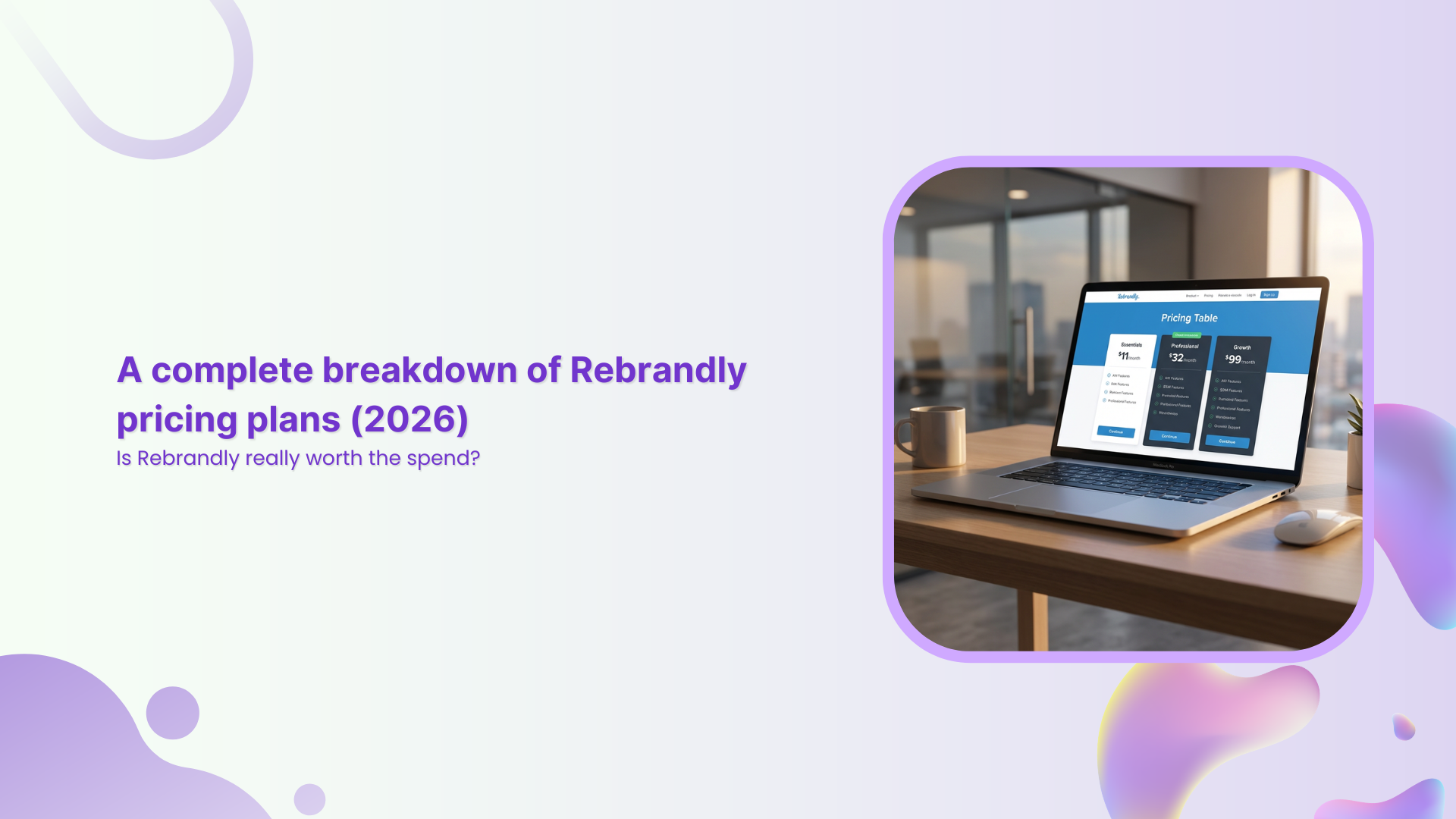
Picture this: a big campaign is due next week, there are ten tabs open with link tools, and the Rebrandly pricing page is right in front of you.
The features sound promising, but the mix of limits, add-ons, and per‑plan perks makes it hard to see what you would really pay as your clicks grow. One wrong call here can squeeze your budget or slow your team’s progress later.
Rebrandly has earned a strong name in branded link management. It offers custom domains, detailed analytics, and enterprise‑grade security, so it often appears on shortlists for marketing teams, agencies, and SaaS companies.
The hard part is not the feature list, though. The real question is how Rebrandly pricing lines up with what a team gets at each tier.
This guide walks through every Rebrandly plan, then weighs the pros and cons in plain language. From there, it compares Rebrandly pricing against Replug, a link management and marketing platform that often delivers more firepower for less spend.
By the end, it should be much easier to decide if Rebrandly is worth the cost for your situation or whether Replug is a better fit.
All Rebrandly pricing plans
Rebrandly uses a five‑tier structure aimed at everyone from solo creators to large enterprises. At the time of writing, the lineup includes Free, Essentials, Professional, Growth, and Enterprise.
All paid plans include a 14‑day free trial with no credit card and an annual billing option that can cut costs by around 18%. When comparing Rebrandly pricing, it helps to see the tiers side by side first.
| Plan | Rebrandly pricing per month | Rebrandly pricing annually |
| Free | $0 | $0 |
| Essentials | $14/month | $11/month |
| Professional | $39/month | $32/month |
| Growth | $119/month | $99/month |
| Enterprise | Custom | Custom |
Here is what each tier actually includes in practice.
Key features of the Rebrandly Free plan
- Up to 10 branded links and 10 QR codes per month
- 1 free
rebrand.lydomain - 1 custom
.biodomain - Custom back halves
- 1 link gallery
This tier works as a small test bed or for very light use. With only 10 new links each month and no collaboration, it breaks down fast for active campaigns or busy social feeds.
Key features of the Rebrandly Essentials plan
- 250 links and 250 QR codes per month
- Support for 2 custom domains
- 10 link destination edits per month
- Up to 3 link galleries
- Analytics for up to 10,000 clicks each month
- Good AI scheduling suggestions
- Top-notch branding controls
The Essentials plan is the first paid step and is designed for creators, consultants, and small businesses that need more volume without team access. Rebrandly pricing at this level is still friendly, but collaboration features are not included.
Key features of the Rebrandly Professional plan
- 1,500 links and QR codes per month
- 3 custom domains
- 4 link galleries
- Traffic routing rules
- 50 link destination edits
- 2 teammates and 2 workspaces
- 50 password‑protected links and link expiration
- Analytics for up to 25,000 clicks per month, plus custom reports
This is the most popular (recommended) tier, and where Rebrandly starts to feel like a true team tool. It is the first real fit for small marketing teams or agencies that need shared workspaces and stronger control over each link.
Key features of the Rebrandly Growth plan
- 3,500 links and QR codes per month
- Up to 10 custom domains
- 150 destination edits
- 11 link galleries
- Mobile deep linking
- Advanced role permissions
- 150 password-protected links
- 5 workspaces with 5 teammates
- Analytics on up to 150,000 clicks per month
The Growth plan suits scaling businesses that manage many brands or have higher traffic. It adds more link-management power and capacity but comes with a clear jump in Rebrandly pricing.
Key features of the Rebrandly Enterprise plan
- Unlimited links, domains, QR codes, workspaces & teammates
- Custom deployment options, including dedicated infrastructure
- Compliance with HIPAA, GDPR, and SOC II Type 2
- Role-based access & workspace-level controls
- High‑volume API access and priority support
- Dedicated customer success manager
- Single Sign‑On (SSO) (SAML)
- White glove support
- 99.99% uptime
The Enterprise tier is fully custom. For Essentials, Professional, and Growth customers, Rebrandly pricing can increase further through add‑ons such as:
- Extra custom domains
- Additional link edits
- More teammates and workspaces
- Higher analytics and API data caps
This structure makes it easy to understand where you sit, but it also means costs can rise quickly when you need just one or two features from the next tier.
Rebrandly pricing: Pros, cons, and where it falls short
Once the tiers are clear, the next step is to assess how fair Rebrandly’s pricing feels for what a team actually receives.
What Rebrandly gets right
- The Free plan is more generous than many rivals because it allows a custom-branded domain, even if it is a
.bioone. - All plans share strong security standards, including HTTPS, two‑factor authentication, and major compliance badges.
- The interface is friendly, the learning curve is short, and onboarding new teammates is simple.
- Developers often praise the API for its speed and clear documentation.
- A 14‑day free trial on paid plans gives teams a low‑risk way to test features before paying.
Where Rebrandly pricing feels limiting
- The jump from Essentials at $11 per month to Professional at $32 per month is steep, especially if you only need one or two of the added features.
- Ten links per month on Free and 250 on Essentials restrict how far smaller teams can go without upgrading.
- Features many businesses view as basic, such as link expiration, password protection, and collaboration, all sit behind the Professional paywall.
- There is no usage‑based Rebrandly pricing. If a team slightly exceeds its limits, the only path is an upgrade to the next full tier.
- Some users mention gaps in native integrations with common social scheduling or marketing tools, which can push you toward extra middleware costs.
- For teams that want marketing‑grade features like retargeting, testing, and custom call‑to‑action experiences, the feature set feels focused more on branding than on performance.
This is where it makes sense to compare Rebrandly with a more marketing‑focused platform like Replug, which bakes those extras into its core plans.
Replug: A smarter, more affordable alternative to Rebrandly
Rebrandly deserves credit for strong branding features and solid security, and for many teams, that may be enough. Still, when you line up Rebrandly pricing against what you get from Replug, a pattern appears.
Replug is built not only for link shortening and branding, but also for turning every click into a measurable marketing opportunity.
Here is a quick look at how plan costs compare:
| Plan | Rebrandly pricing | Replug pricing |
| Free | $0/month | $0/month |
| Essentials | $14/month | $19/month |
| Professional/Scale | $39/month | $39/month |
| Growth/Agency | $119/month | $99/month |
How those plans fit different teams:
- Replug Essentials: Great for solo marketers and small teams that want branded links, bio pages, analytics, and QR codes in one place.
- Replug Scale: Stands out because it offers many agency‑level features for about the same price as Rebrandly’s Professional tier.
- Replug Agency: Adds white‑label options for client work while still undercutting high‑end Rebrandly pricing for similar or better volumes.
Where Replug really pulls ahead is in its marketing features. On top of link shortening and branding, Replug includes:
- Retargeting pixels for platforms such as Facebook, Twitter, and Quora directly on your links, so every shared article or video helps build warm audiences.
- Custom call‑to‑action overlays on any link, sending visitors to an email list, free trial, or store, even when the content lives on someone else’s site.
- Built‑in A/B testing that lets you route traffic across up to 10 URLs in a campaign so you can see which content performs best.
- Bio link pages, link rotation, and traffic routing based on rules like location or device.
- Agency‑grade white‑label branding across domain, dashboard, emails, and analytics, so client reporting looks fully on‑brand.
Branded links created through Replug are reported to raise click‑through rates by up to 39% compared with generic links. You still get a 14‑day free trial, so teams can measure these gains before they pay.
To make the feature gap clearer, compare Replug Scale and Rebrandly Professional:
| Feature | Replug Scale ($23/month) | Rebrandly Professional ($32/month) |
| Branded short links | Yes (unlimited) | Yes (1500/month) |
| Custom domains | Yes (15 in total) | Yes (3 in total) |
| Retargeting pixels | Yes | No |
| Custom CTAs | Yes | No |
| A/B testing | Yes | No |
| Bio links | Yes (unlimited) | Yes |
| Link rotation/routing | Yes | Yes |
| White‑label (agency) | Yes | No |
For teams that care about performance marketing as much as they do about clean branding, this balance of features and pricing makes Replug a very strong alternative to Rebrandly. You spend closer to what you would pay for mid‑tier Rebrandly pricing, but gain tools that help you build audiences, test offers, and drive conversions from every click.
Is Rebrandly really worth it? Make the right choice for your money & business
Rebrandly is a capable link management tool, especially for teams that want clean branded links, good analytics, and serious security in one place. Its free tier is handy for testing, and the higher plans serve brands that care a lot about compliance and uptime.
The challenge comes when Rebrandly pricing rises quickly as a team starts to need link controls, collaboration, and more advanced use cases.
A simple way to think about the choice:
Rebrandly is a good fit if you:
- Need reliable branded short links and basic analytics
- Work in fields where compliance badges and SLAs are non‑negotiable
- Do not need retargeting, custom CTAs, or agency‑style features
Replug is a better fit if you:
- Want retargeting pixels attached to every shared link
- Care about A/B testing and performance‑driven campaigns
- Run an agency or manage multiple brands and need white‑label options
- Prefer getting more marketing power at a lower or similar price point
If all you need is steady, compliant link shortening, Rebrandly can still be a solid pick. For marketers, agencies, and SaaS teams that also want retargeting, custom CTAs, A/B testing, and white‑label options at a stronger price point, Replug offers more marketing value per dollar.
Start your free 14‑day trial with Replug and see what every link can do when it works harder for your business.
Frequently asked questions
Does Rebrandly offer a free plan?
Yes! Rebrandly has a Free plan that costs nothing and lets you create up to 10 branded links and 10 QR codes each month. You can use one free rebrand.ly domain and one custom .bio domain, and you get a single link gallery page. Click tracking is basic and capped at 100 tracked clicks per month, and your QR codes and link gallery show a Rebrandly watermark. There is no link destination editing, password protection, or team access on this tier, so it works best as a trial or for very light use.
What is the alternative to Rebrandly?
A leading alternative to Rebrandly is Replug. It covers branded links, QR codes, and bio pages, but also adds marketing features such as:
– Retargeting pixels
– Call‑to‑action overlays
– A/B testing
– Link rotation and routing rules
Replug’s pricing is designed to deliver greater marketing power at a lower or comparable cost, especially at the Scale and Agency levels. If you want your link tool to help with growth as well as branding, Replug is a strong option to test.
How long do Rebrandly links last?
By default, Rebrandly links stay active as long as your account and connected domain remain active. On Professional plans and above, you can set an expiration date for a link so it stops working after a campaign ends. Links can also stop working if you delete them, change or remove the domain, or close the account. If no manual expiry is set and your setup stays active, Rebrandly links do not have a built‑in time limit.
Is Rebrandly safe to use?
Rebrandly is generally considered safe to use for link shortening and branding. All links use HTTPS, and the platform offers options such as two‑factor authentication to protect accounts. Across its plans, Rebrandly adheres to major standards such as SOC 2 Type 2, HIPAA, GDPR, and CCPA, which are important for teams in regulated fields. As with any link tool, users should still avoid shortening harmful or suspicious URLs and keep account access limited to trusted teammates.