Think of a Discord profile like a tiny billboard. People click your name, have a look at your About Me section for nearly two seconds, and decide whether to add, message, or ignore. A boring line like “Hi lol” does not help much, but a smart Discord bio template can do the work for you.
A good bio shows personality, hints at what you care about, and sets ground rules in a few characters. With the right templates, that little box can make you look fun, creative, or professional instead of random or empty.
This guide pulls together 300+ copy‑and‑paste templates, grouped by style so you can scroll, grab one, and customize it in seconds. You will see aesthetic layouts, clean minimalist lines, gamer cards, music “now playing” styles, role-play sheets, and much more.
Plus, you will also learn simple tips to write better bios and how to use Replug to turn one tiny link in your bio into a full, trackable hub for your content.
So, let’s get started!
What is a Discord bio, and why does it matter?
The Discord bio lives in the “About Me” section of your profile. Anyone who clicks your name in a server, DM, or friends list can see it, so it serves as both a quick intro and a status page.

There is a hard limit of around 190 characters, so every word, emoji, and symbol counts. In that tiny space, you might share:
- your name or nickname
- pronouns and age range
- favorite fandoms, hobbies, or current mood
- whether DMs are open, your time zone, or a link to more socials
For gamers, artists, streamers, and community managers, this small box helps with personal branding. It tells others what to expect from you, how to talk to you, and if you are there to hang out, play, or promote content.
Note: You can even set different bios per server with Server Profiles, so your text fits each community while your main User Profile stays more general.
List of the best Discord bio templates | copy and paste
Here comes the big part: A huge list of Discord bio templates you can copy, paste, and edit, including collections that cover every style imaginable. Each section has a short intro plus example templates that match that style. Swap {name}, {age}, {pronouns}, and other placeholders to make them truly yours.
Aesthetic Discord bio templates
These are soft, dreamy layouts packed with stars, sparkles, and gentle vibes. They work well if you like pastel themes, moodboards, and artsy profiles.
Template #01:
⋆。˚☁︎˚。⋆ {name}
✧ {pronouns} • {age}
soft chaos • art • late night talks
ʚ♡ɞ dms {open/closed}
Template #02:
﹒✦ stargazer ✦﹒
{name} • {pronouns}
collecting sunsets, playlists, and unfinished drafts
꒰💌꒱ link: {your short link}
Template #03:
。˚✩ ☾ {name} ☾ ✩˚。
{pronouns} • coffee fueled
living between playlists and scribbled notes
☆彡 status: {online / afk / lurking}
Template #04:
ʚ ₊˚ cloud brain • warm heart ɞ
{name} ⋆ {age} ⋆ {pronouns}
painting feelings with words and pixels
Template #05:
✧・゚: *✧ {name} ✧* :・゚✧
half asleep • half in daydreams
favorites: stars, rain, and comfy calls
Simple Discord bio templates
Sometimes, clean and clear works best. These templates are precise, readable, and straight to the point.
Template #06:
{name} | {pronouns}
{age} • {country}
here to chat, game, and vibe
Template #07:
@{username}
{pronouns} • {timezone}
typing more than talking
Template #08:
{name}
student • gamer • music addict
dms {open/ask first}
Template #09:
{pronouns} | {age}
likes: games, memes, sleep
ping if needed
Template #10:
{name} ({nickname})
quiet but friendly
send memes, not drama
Creative Discord bio templates
These add little in the way of story hooks or clever layouts. Great if you enjoy writing or want your Discord bio to feel like a tiny concept.
Template #11:
loading profile . . .
name: {name}
class: chaotic good
passive: +10 meme damage
Template #12:
[ character: {name} ]
hp: 100 • mana: low
skill: turning chaos into content
party: looking for members
Template #13:
now editing:
a life written in late nights and long calls
starring {name} as themself
Template #14:
archives: open
{name} • {pronouns}
collector of inside jokes and random screenshots
Template #15:
story so far →
small human with big playlists
side quest: finish that one project
main quest: stay hydrated
Cute Discord bio templates
Cute bios lean into hearts, soft emojis, and sweet wording. Perfect if you like cozy servers and friendly chats.
Template #16:
૮₍ ˶ᵔ ᵕ ᵔ˶ ₎ა hi, i am {name}
{pronouns} • {age}
soft talk, soft music, soft heart
Template #17:
♡ {name} ♡
tiny chaos machine powered by snacks
pls handle with care and memes
Template #18:
🌷 {name} • {pronouns}
bakes cookies, hoards plushies,
falls asleep in vc
Template #19:
૮ ˶´ ᵕˋ˶ ა
name: {name}
status: craving bubble tea
Template #20:
૮꒰。 ˃ ⤙ ˂ 。꒱ა
hug dealer • game enjoyer
dm if you bring stickers or cats
Cool Discord bio templates
These feel relaxed and confident without trying too hard. Think chill gamer, streamer, or creator energy.
Template #21:
{name} | lowkey online
{pronouns} • {age}
heavy music • light drama
Template #22:
offline mind, online status
{name} • {timezone}
clips, queues, and quiet grinds
Template #23:
controller in hand, life on hard mode
{name} • {pronouns}
dms open if we share a server
Template #24:
trust the playlist, ignore the ping
{name} | {platform} creator
link hub → {short link}
Template #25:
speedrunning sleep schedules
{username} • {region}
queue up or move on
Gothic Discord bio templates
Dark, moody, and dramatic vibe. These fit goth, emo, horror, or heavy-music servers the best.
Template #26:
{name} ♱ {pronouns}
coffee black • music loud
living on late-night servers and half-written thoughts
Template #27:
༺🕯༻ {name} ༺🕯༻
heart full of lyrics and rain
status: haunting voice channels
Template #28:
🕸 {name} • {age}
daylight allergic
playlist: sad songs and loud guitars
Template #29:
cemetery of unread dms
keeper: {name}
enter if you like dark jokes and louder riffs
Template #30:
♰ glitch in human form ♰
{name} • they/them
speaks in sarcasm and song quotes
Quirky Discord bio templates
These unique Discord bio templates are a bit odd or unexpected, and they’re good if you want something that doesn’t sound like everyone else.
Template #31:
professional tab hoarder
{name} • {pronouns}
currently buffering in real life
Template #32:
npc in your favorite server
dialogue: random
reward: memes and mild chaos
Template #33:
{name}.exe
status: running with warnings
patch notes: fewer naps, more projects
Template #34:
achievement unlocked
you found {name}
perk: +100 mood when chatting with me
Template #35:
living proof that low battery mode still works
{name} • {timezone}
replies appear at random
Short Discord bio templates
Need something brief and to the point for a clean profile? These are fast, punchy lines under the character cap.
Template #36:
{name} | {pronouns}
here for battle and good chats
Template #37:
sleep, snack, repeat
Template #38
low volume, high loyalty
Template #39:
charged by music and iced coffee
Template #40:
quiet, not gone
ping if needed
Kawaii Discord bio templates
Kawaii bios push the cute factor with soft symbols, pastels, and plushie energy.
Template #41:
🍓 {name} 🍓
{pronouns} • sweet but sleepy
collecting plushies and pretty playlists
Template #42:
ฅ^•ﻌ•^ฅ
cat-coded human named {name}
pat me with kind words only
Template #43:
🌸 soft mode on 🌸
{name} • {age}
brown sugar, stars, and silly jokes
Template #44:
˗ˏˋ kawaii chaos ˎˊ˗
{name} | pastel gamer
friend requests welcome
Template #45:
🍡 snack fairy 🍡
granting boba wishes and cozy vc chats
Pretty Discord bio templates
These focus on nice-looking layouts, symmetry, and balanced symbols.
Template #46:
﹕✦﹕ {name} ﹕✦﹕
{pronouns} • {age}
flowers, films, and late night playlists
Template #47:
♡────────────♡
{name}
soft voice, sharp mind, kind heart
♡────────────♡
Template #48:
✧ {name} ✧
drawing, reading, quietly existing
status: watching the chat scroll by
Template #49:
⋆。゚☁︎。⋆
{name} • {pronouns}
trying to make small spaces look pretty
⋆。゚☾。⋆
Template #50:
༺ {name} ༻
tea in hand, tabs everywhere
be gentle, I bruise like paper
Fancy Discord bio templates
Fancy bios use stylish Unicode fonts and dressy vibes. Great for aesthetic servers or portfolio links.
Template #51:
꧁ {name} ꧂
𝘤𝘳𝘦𝘢𝘵𝘰𝘳 • 𝘤𝘩𝘢𝘰𝘴 • 𝘤𝘢𝘧𝘧𝘦𝘪𝘯𝘦
main link ↴ {short link}
Template #52:
✦ 𝓃𝒶𝓂𝑒: {name}
✦ 𝓅𝓇𝑜𝓃𝑜𝓊𝓃𝓈: {pronouns}
✦ 𝒎𝒐𝒐𝒅: always editing
Template #53:
꒰ 𝓃𝒶𝓂𝑒: {name} ꒱
꒰ 𝒓𝓸𝒍𝒆: artist / editor ꒱
꒰ 𝒉𝒐𝒎𝒆: in too many servers ꒱
Template #54:
𓆩 {name} 𓆪
𝗰𝗿𝗲𝗮𝘁𝗼𝗿 • 𝗴𝗮𝗺𝗲𝗿 • 𝗴𝗿𝗼𝘄𝗶𝗻𝗴
all links → {bio page}
Template #55:
『 {name} 』
∘ career: content gremlin
∘ hobby: making things look pretty
Funny Discord bio templates
If you like to joke around, these Discord bios blend memes and sarcasm in the best possible fashion.
Template #56:
professional nap tester
online status is a lie
Template #57:
typing…
still typing…
gave up and sent an emoji
Template #58:
i do my own stunts
mostly by accident
Template #59:
warning
may respond with memes instead of words
Template #60:
get problem to every solution here!
{name} • {pronouns}
Friendly Discord bio templates
Use these when you want people to feel safe saying Hi, joining calls, or adding you.
Template #61:
hey, i am {name} 👋
{pronouns} • {age}
always down for games, music, and random chats
dms {open}
Template #62:
looking for chill people, not drama
gamer • reader • talker
send a friend request if we vibed in chat
Template #63:
here to make friends, not enemies
{name} • {timezone}
voice calls > text walls
Template #64:
just a person who loves
memes, soft playlists, and kind people
say hi, i do not bite
Template #65:
teamwork addict
ping me for co-op, study calls, or chill vc
Stylish Discord bio templates
These mix aesthetic symbols with modern, clean layouts for a “put‑together” feel.
Template #66:
✦ {name} / {username}
{pronouns} • {age}
editing, streaming, and pretending to be organized
Template #67:
➤ {name}
creator • gamer • night owl
hub: {short link}
Template #68:
— {name} —
minimal chaos • maximum playlists
status: online in spirit
Template #69:
⋆ {username}
soft design, sharp takes
building something in every tab
Template #70:
║ {name} ║
{pronouns} • {region}
content, coffee, and call invites
Professional Discord bio templates
These fit work servers, brand accounts, or creators who want a more professional bio to make their Discord profile look polished.
Template #71:
{name} | {role}
{company or brand}
helping communities grow through content and conversation
Template #72:
community manager • {company}
timezone: {timezone}
business inquiries → {email or short link}
Template #73:
{name} ({pronouns})
freelance {writer / designer / editor}
portfolio: {short link}
Template #74:
partnered streamer on {platform}
discord host • event planner
contact: check link in bio
Template #75:
creator focused on {niche}
dms open for collabs and projects
central hub → {Replug bio page}
Inspirational Discord bio templates
These share small motivational lines without sounding too heavy.
Template #76:
work in progress,
{name} • {pronouns}
taking one step every day
Template #77:
soft heart, sharp mind
building a life that feels like me
Template #78:
no perfect timing, just small steps
one more message, one more try
Template #79:
collecting tiny wins
from finished tasks to finished games
Template #80:
here to grow, not to pretend
if you see this, drink some water
Gamer Discord bio templates
Ideal choice for queue buddies, guild leaders, and people who live in voice chat.
Template #81:
{name} • {region}
main: {game / role}
rank: {rank or “casual”}
ping for queue
Template #82:
controller warrior | mouse enjoyer
kd: questionable
vibes: excellent
Template #83:
party leader: {name}
role: support main
lfg for chill, non-toxic runs
Template #84:
achievement hunter
collecting trophies, not arguments
Template #85:
alt tabbing between games, work, & snacks
send invite, not spam
Seasonal Discord bio templates
Swap these in for holidays or seasons to keep your profile fresh and up to date.
Template #86:
🎃 spooky mode on
{name} • horror movie and candy enjoyer
Template #87:
❄️ winter cozies ❄️
cold hands, warm headset
vc with blankets only
Template #88:
🌸 spring reset 🌸
cleaning servers, clearing mind
fresh playlists, new chats
Template #89:
☀️ summer lag ☀️
sunburned but still online
status: beach wifi
Template #90:
🎆 new year, same game queue
trying to level up habits, not just ranks
Multilingual Discord bio templates
These show you speak or study more than one language, while still keeping everything in clear English.
Template #91:
{name} • {pronouns}
languages: english, spanish, a little chaos
okay with slow replies in any of them
Template #92:
multilingual brain, single keyboard
speaks: english / french / emoji
Template #93:
learning languages and random slang
correct me kindly, i am trying
Template #94:
voice: sometimes english, sometimes broken words
subtitles: memes
Template #95:
english main
also understands accents, bad mics, and half-sentences
Text-art-based Discord bio templates
These templates use simple text art without going overboard on size.
Template #96:
┌──────── profile ────────┐
{name} • {pronouns}
likes: games, music, calm chats
└─────────────────────────┘
Template #97:
。・:*:・゚★,。・:*:・゚☆
{username}
living on coffee and queue timers
。・:*:・゚★,。・:*:・゚☆
Template #98:
[ now loading {name} ]
████████░░ 90%
status: almost social
Template #99:
(っ^▿^)💻
online gremlin at your service
Template #100:
┏━ info ━┓
age: {age}
zone: {timezone}
mood: hungry
┗━━━━━━━┛
Theme-based Discord bio templates
These follow a clear theme, such as space, the ocean, or books, etc.
Template #101:
🚀 space kid 🚀
orbiting: music, games, late night calls
{name} • {pronouns}
Template #102:
📚 book-coded gamer 📚
reading patch notes and fanfic
status: one more chapter
Template #103:
🌊 ocean brain 🌊
calm on top, chaos under the surface
{name} • {region}
Template #104:
🎨 sketch layer human 🎨
lines, colors, and way too many drafts
Template #105:
☕ cafe-core ☕
living between warm mugs and cool screens
Emoji-based Discord bio templates
These use lively emojis as the main “structure” of the text.
Template #106:
🎮 {name} | {pronouns}
🍕 junk snacks
🎧 rock music
💬 open to chat
Template #107:
😴 sleep
🎵 music
💻 game
repeat with {name}
Template #108
🌱 growing
📚 learning
🎨 creating
all in one tiny human
Template #109:
🐈 cat person
🎥 clip hoarder
🧃 need fresh juice
Template #110:
👀 reading minds
🤝 friendly
🚫 drama
Community-focused Discord bio templates
Great for mods, server owners, and people who love building groups.
Template #111:
server greeter here 👋
{name} • {pronouns}
ping me if you are lost or need help
Template #112:
mod in a few cozy corners
i like clean chats and kind people
report issues, not each other
Template #113:
community builder
running events, games, and watch parties
check pins for the next hangout
Template #114:
your local thread organizer
spreading polls, forms, and friendly chaos
Template #115:
“is this channel okay?” person
answer: yes, but read the rules first
Minimalist Discord bio templates
Minimalist templates are perfect when you want more space and clarity.
Template #116:
{name} • {pronouns}
gym, music, diet
Template #117:
@{username}
dm if interested
Template #118:
{pronouns}
{timezone}
low ping, lower drama
Template #119:
{name}
part-time writer • full-time gamer
Template #120:
online 24/7
but for my special ones
Role-playing Discord bio templates
Specifically designed for RP servers and character-style profiles.
Template #121:
character: {name}
age: {age or range}
class: {class / role}
alignment: {alignment}
Template #122:
⟢ RP sheet ⟢
name: {name}
race: {race}
abilities: {short list}
status: looking for party
Template #123:
story name: {character}
setting: {world or verse}
genre: drama / action / slice of life
Template #124:
current form: {species}
occupation: {job or role}
weakness: snacks and soft words
Template #125:
in character most of the time
out of character in dms only
Animal Discord bio templates
If you are “cat-coded,” “frog-coded,” or just love animals, these are for you.
Template #126:
ᓚᘏᗢ cat person online
{name} • purrs at memes
hisses at drama
Template #127:
🐸 swamp friend 🐸
small frog, big feelings
Template #128:
🐺 lone wolf, friendly bark
i wander servers but stay loyal to my pack
Template #129:
🐼 soft bear core
sleep, snack, scroll, repeat
Template #130:
🦊 fox brain
sly jokes, fast replies, cozy server dens
Discord bio templates emo
These lean into emo lyrics, feelings, and late-night energy.
Template #131:
{name} • {pronouns}
living on sad songs and bright screens
Template #132:
smiles in chat, cries at playlists
this is what i call balance
Template #133:
heart full of static
head full of riffs
Template #134:
typing “it is fine”
meaning “energy level -100”
Template #135:
screenshots of the good days
muted chats on the bad ones
Discord bio templates music
Music-themed templates work great if your life runs on playlists.
Template #136:
now playing: my life on shuffle
{name} • {pronouns}
volume: always a bit too loud
Template #137:
🎧 headphone citizen 🎧
sharing tracks, stealing playlists
Template #138:
track: {favorite song}
artist: {favorite artist}
status: on repeat
Template #139:
if we swap playlists,
welcome to the squad
buddies from now on!
Template #140:
instrument: keyboard
genre: chaotic typing with rhythm
Discord bio templates server
These are handy when you want to promote a server from your profile.
Template #141:
hosting: {server name}
theme: {topic}
link in status • come say hi
Template #142:
mod at {server name}
events, games, and calm chats
ask me for invite info
Template #143:
building a small server for cozy vibes
looking for chill members only
Template #144:
server dev • channel fixer
i break and fix permissions for fun
Template #145:
if you see this, you are invited
check my status for the portal
Discord bio templates Tumblr
Tumblr-style templates feel soft, artsy, and a bit poetic. Have a look!
Template #146:
{name} • collecting quotes and quiet nights
reblogging life into dms
Template #147:
half poem, half person
full-time overthinker
Template #148:
this profile smells like coffee and old books
and maybe a little poetic
Template #149:
aesthetic boards in my head
messy notes on my desk
Template #150:
living between lowercase words
and mixed feelings
Discord bio templates Reddit
These fit people who hang out on Reddit a lot or like that style of humor.
Template #151:
reddit lurker turned discord talker
still downvoting bad takes in my mind
Template #152:
ask me anything
i might even answer nicely
Template #153:
cool story, bro
source: trust me
Template #154:
this bio has been edited for clarity
and to fix my typos
Template #155:
{username} • certified comment reader
rarely posts, always scrolls
Discord bio templates for boys
These Discord bio templates fit masc-coded profiles, but anyone can use them freely.
Template #156:
{name} • he/him
games, gym, group calls
that is the schedule
Template #157:
just a guy, his pc, and too many tabs
Template #158:
controller in one hand
snack in the other
life is balanced
Template #159:
trying to be the fun friend,
not the loud one
Template #160:
yes, i will fix the tech issue
no, i will not read the manual
Bio templates for Discord profile
These are all-rounder templates you can drop into almost any server.
Template #161:
hey, i am {name}
{pronouns} • {age} • {region}
i like games, football, and calm chats
Template #162:
{username}
student • content creator • sleep lover
status: doing my best
Template #163:
{name} | {pronouns}
here to relax, laugh, and sometimes work
Template #164:
introvert online
extrovert in vc with the right people
Template #165:
central hub: {short link}
find my streams, socials, and projects there
Template #166:
currently:
overthinking, queueing, and forgetting to drink water
Template #167:
my hobbies:
starting shows, planning games, finishing snacks
Template #168:
if i did not reply,
i read it and smiled in silence
Template #169:
part-time clown, full-time friend
Template #170:
this bio changes as fast as my sleep schedule
check back later
Still need more ideas? Visit our blogs with 100+ Discord bio ideas to get quotes, taglines, and more.
Useful tips to craft a winning Discord bio: Time to level up your Discord profile!
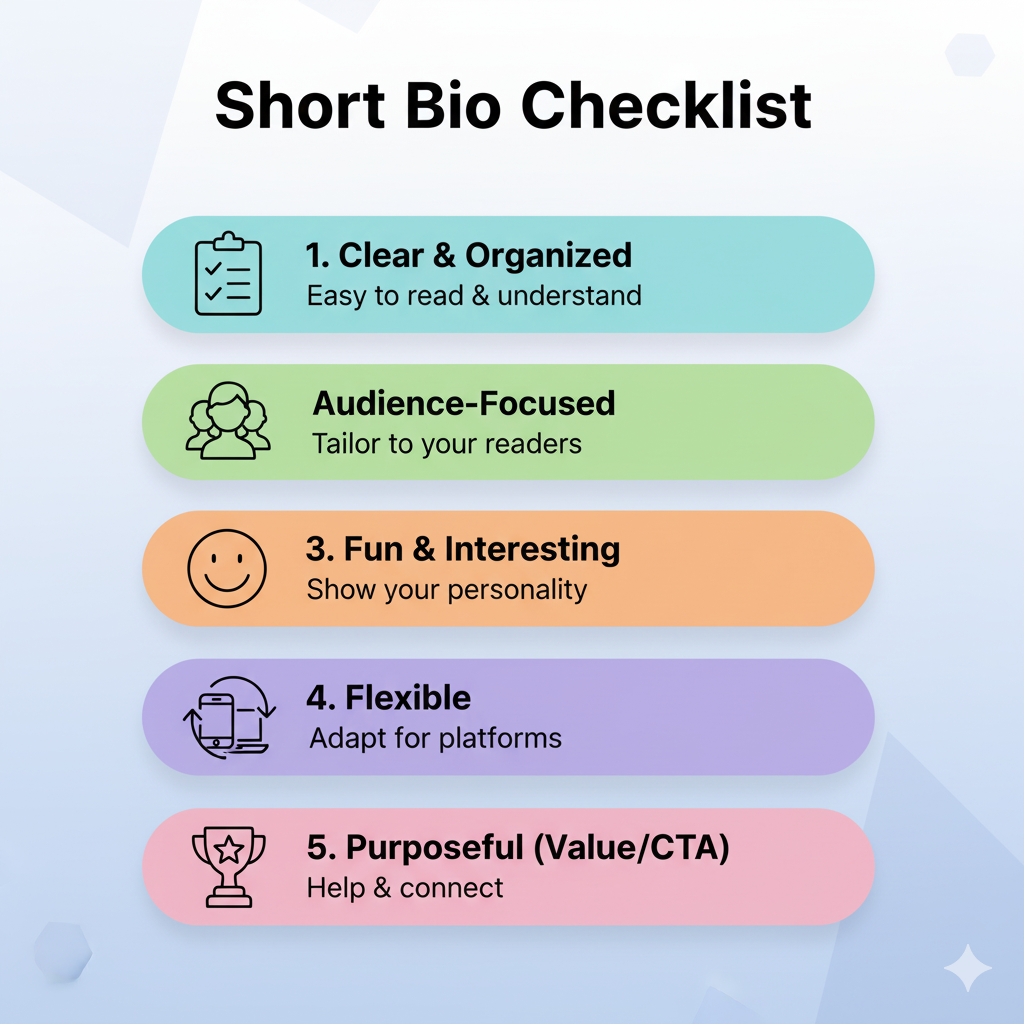
Templates are great, but a strong Discord bio starts with knowing what you want it to say. Think about your main goal first: finding teammates, showing off content, or just giving people a quick idea of your vibe. Once you know that, picking or editing a bio template becomes much easier.

When you write your own Discord bio, keep these tips in mind to quickly create a professional-looking one:
- Keep the wording simple & readable. Avoid walls of symbols or lines that are hard to scan on mobile. A helpful rule is to mix one pretty line with one clear phrase so the style does not obscure the actual information.
- Make the basics easy to find. Your name or nickname, pronouns (if you want to share them), and what you enjoy doing should stand out at a glance. Use line breaks so those details do not get buried.
- Show personality with small details. One or two emojis that match your interests do more than ten random ones. Mention a favorite game, type of music, or inside joke to hint at your vibe without writing a full paragraph.
- Match your style to each server. Use a more formal bio for work servers, something funny for gaming servers, and something soft or artsy for close friends. Server Profiles make per‑server bios easy to manage.
- Test & refresh your bio regularly. Check it on both desktop and phone to see if anything looks broken or cut off. Update it when your interests change, when you start streaming, or when you launch a new project. When your About Me matches who you are right now, it works a lot smarter for you.
How Replug optimizes Discord bio links for creators
Discord gives you space for text and links, but it does not help those links look clean or track their performance. Long URLs or messy invite and tracking links can clutter even the nicest Discord bio template. That is where Replug steps in for creators, streamers, and community managers.
With this all-in-one link management platform, you can turn any long Discord invite or social URL into a short, branded link that matches your name or channel. Instead of random letters, your link looks professional and easy to remember.
You can also build a fully customized bio link page that brings all your important platforms together in one place (Twitch, YouTube, TikTok, Instagram, merch, and your main Discord server). Then, simply drop just one clean link into your bio.


Here is a simple way to set up a Replug link for your Discord profile:
1. Sign in to Replug and create a new branded link or bio page. If you are new, register for free!
2. Add the destinations you care about most, such as your Discord server, main socials, and shop.
3. Customize the URL slug to match your name or brand.
4. Copy the generated Replug link and paste it into your Discord “About Me” section or custom status.
Behind that link, Replug gives you detailed analytics. You can see when people click, where they came from, and which links they choose, something Discord does not provide on its own.
You can add UTM tags to track which servers send the most traffic. Besides, use custom QR codes for quick joins, add call-to-action overlays on pages you share, and even set retargeting pixels so you can reach clickers again with ads.
In short, Discord handles the chat, whereas Replug makes every link in that chat look on-brand, trackable, and ready to work for your content.
Summing up
A Discord bio is itself a small section, but it says a lot. It introduces you, sets the mood, and quietly tells people whether to join your game, your server, or your community.
With more than 300 Discord bio templates in this guide, you now have plenty of options to copy, paste, and shape into something that feels like you.
Do not be afraid to experiment. Swap symbols, change lines, and rotate bios as seasons, games, or projects change. Treat it like a tiny billboard you can repaint any time.
Pick one template that stood out, tweak the placeholders, and update your profile right after reading this. A few lines in that About Me box can make it easier for the right people to find you, support you, and stick around.
Frequently asked questions
What is the standard Discord bio character limit?
The standard Discord bio field allows around 190 characters. That count includes letters, numbers, spaces, emojis, and symbols. Because of this limit, it helps to keep your bio tight and focused. If a layout feels too long, remove extra dividers, shorten phrases, or cut one line of text so it fits cleanly without getting cut off.
How to set up or create your Discord bio on mobile and desktop?
– On a desktop, click the gear icon next to your name and select User Profile. In that view, find the About Me box, paste or type your bio, then press Save Changes.
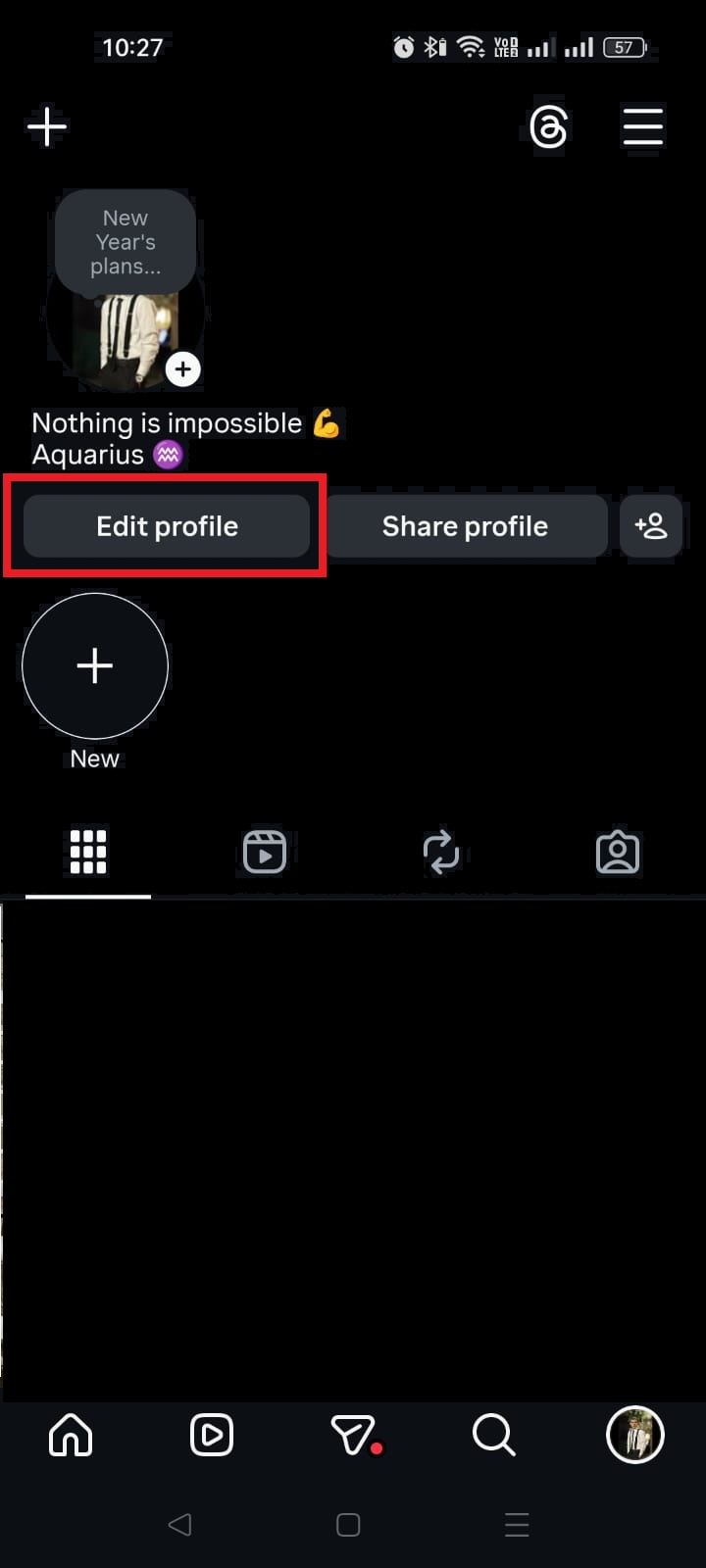
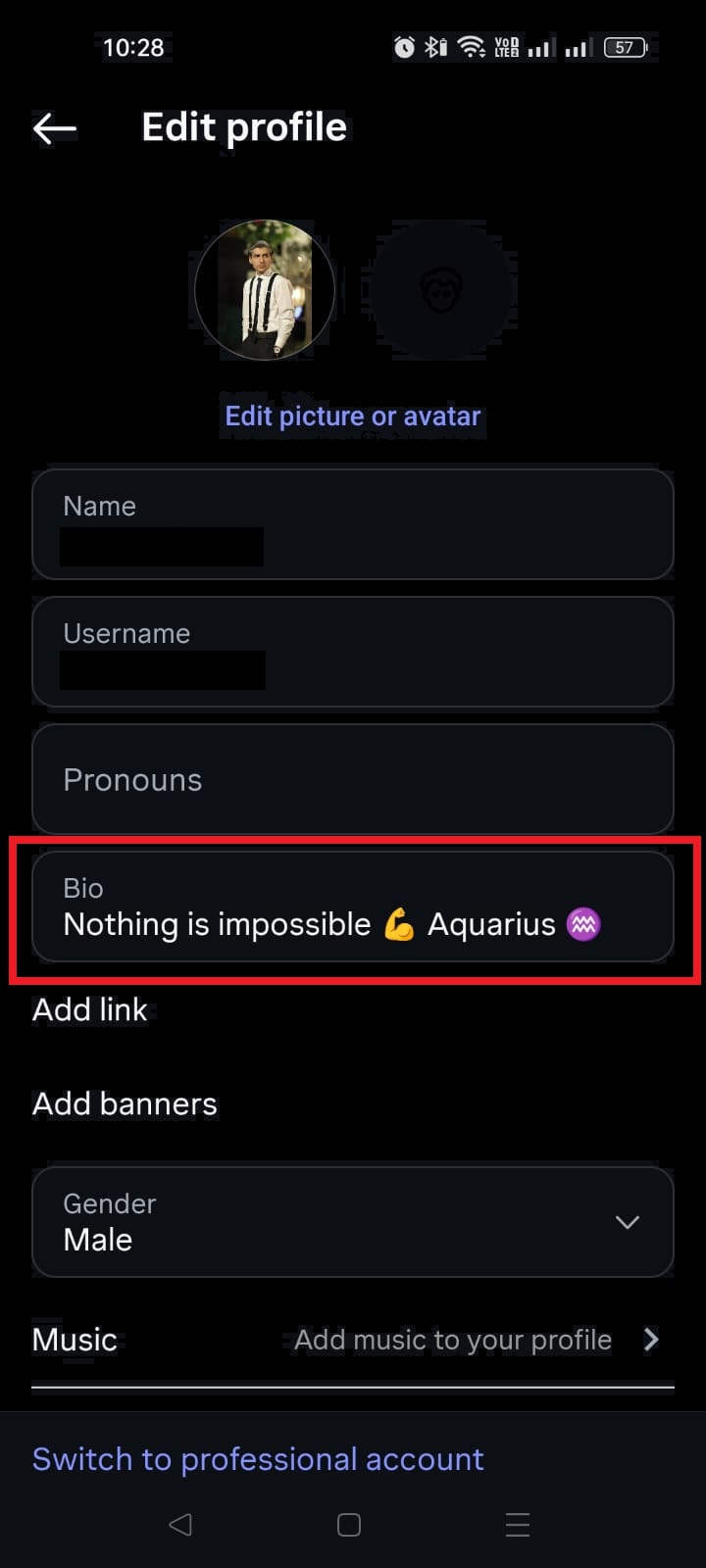
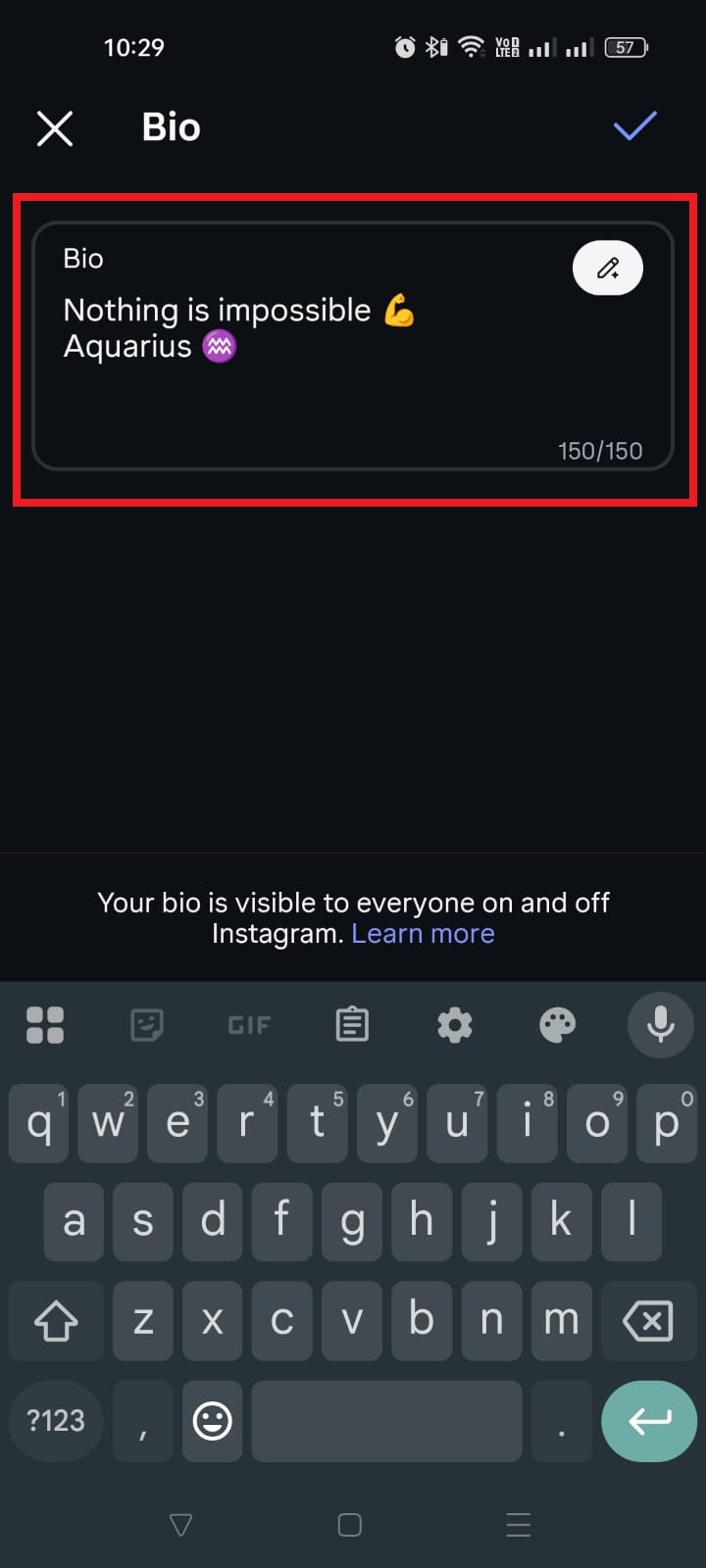
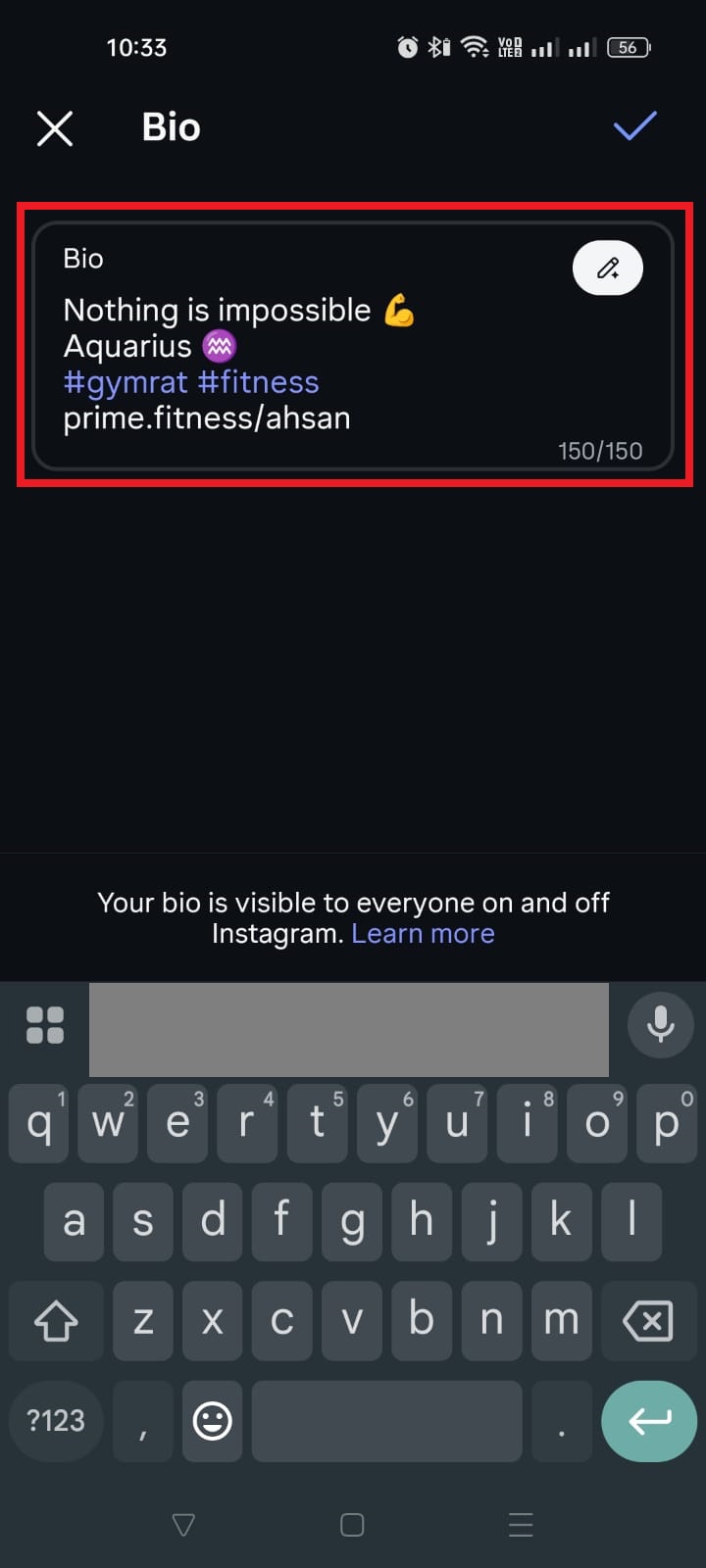
– On mobile, go to your profile, tap Edit Profile, and look for the same About Me field. Paste your chosen text, check how it looks, and Save. It will show on your profile card across all servers.
Can you use formatting like bold or italics in Discord bios?
Discord chat supports bold and italics with simple markdown, but the bio section handles formatting differently. Some markdown may not render the way it does in messages, or it might show the raw symbols instead. Because of that, most people rely on Unicode symbols, emojis, and text art instead of markdown for style. Test a short Discord bio template first to see how it looks before committing.
Is it possible to add colored text to the Discord bio?
Real colored text is not officially supported in Discord bios. Tricks that use code blocks and syntax highlighting work only in chat, not in the About Me field. If you see “colored” text in a profile, it is usually just fancy Unicode characters that look a bit different from standard fonts. You can copy those from a trusted fancy text generator, paste them in, and see if the style fits your bio.
How do I copy special characters and symbols for my Discord bio?
You can grab symbols and emojis from websites, character pickers, or even from this article’s templates. Highlight the character, copy it, and paste it into your bio field. Most modern devices and browsers handle Unicode well, but it is still smart to double-check on mobile and desktop. If a symbol appears as a blank box or question mark, choose a different one that renders correctly.
How to find and use Discord bio templates effectively in 2026?
In 2026, the easiest way is to bookmark a fresh guide like this one and scroll by style (cute, goth, gamer, minimalist, and more). When you find a Discord bio template you like, copy it, paste it into your profile, and replace placeholders like {name} and {pronouns} with your info. Trim or rearrange lines to match the 190-character limit, then update your bio whenever your mood or main game changes.
Can I include clickable links in my Discord bio?
Yes, you can put URLs in your Discord bio, and Discord will usually make them clickable. However, long links can look messy and confusing. Using a branded short link or a bio link page keeps your profile clean and lets you track clicks. That way, a single short link in your bio can direct people to your main server, socials, shop, or anything else you want to share. Replug is the perfect tool for this task!
What are the most common Discord bio mistakes to avoid?
Common mistakes include:
– stuffing the bio with too many symbols
– writing long paragraphs that are hard to read
– sharing personal data like a full address or phone number
Overusing inside jokes that no one understands can also make your profile feel closed off. A better approach is to keep one or two stylish lines, share clear basics, and use a short, safe link for anything extra you want people to see.


![1000+ best captions for Instagram posts & stories in 2026 [Copy & Paste]](https://internal-blog.replug.io/wp-content/uploads/2026/01/1000-best-captions-for-Instagram-posts-stories-in-2026-Copy-Paste.png)