Cuttly keeps things simple, offering basic features that work well for personal use or small businesses, while Replug steps it up with advanced analytics, white-label dashboards, and serious customization.
Cuttly vs Replug – So, which one is right for you? Whether you’re a freelancer, a marketer, or a business owner looking to level up your link game, this detailed showdown will help you make an informed choice.
By the end of this article, you’ll have a clear picture of how Cuttly and Cuttly’s alternative – Replug, works.
So, let’s sharpen our focus and cut to the chase!
A complete link management solution
for marketing professionals & agencies.
Try Replug for free
Overview
Cuttly
Replug
About the tool
Cuttly is a URL shortening tool that allows users to create shortened links, track their performance, and manage them more effectively.
Replug.io is a powerful link management tool offering link shortening, retargeting, bio links, traffic routing, and detailed analytics—all in one platform.
Pricing starts from
$12 /month
$19 /month
Best for
Freelancers, individuals and small businesses.
Freelancers, individuals, and agencies, small, mid, and and large tier businesses.
An overall feature-by-feature analysis – Cuttly vs Replug
If you’re short on time and just need a quick overview, here’s a handy feature table for you!
Features
Cuttly
Replug
Link management
Link shortening
Yes
Yes
Custom links
Yes
Yes
SMS links
No
Yes
Link rotation
Yes
Yes
Deep links
Yes
Yes
A/B testing
Yes
Yes
Password short link
Yes
Yes
Custom back-half
Yes
Yes
Link expiration
Yes
Yes
Link redirection
Yes
Yes
Branded domains
Yes
Yes
Bulk link import
Yes
Yes
Bulk link export
Yes
Yes
UTM generator
Yes
Yes
UTM tags
Yes
Yes
Campaigns
Campaign management
No
Yes
Custom CTA’s
No
Yes
3rd-party/ Custom widgets
No
Yes
Link-in bio
Yes
Yes
Link shortening campaigns
Yes
Yes
Retargeting pixel
Yes
Yes
Bio-links
Editable template
Yes
Yes
Ability to add title, description
Yes
Yes
RSS feed
No
Yes
Custom theme
Yes
Yes
Multiple button style
No
Yes
Verification button
No
Yes
Social links
Yes
Yes
Cards
No
Yes
Images / Videos
Yes
Yes
Editable alias
Yes
Yes
White-label solution
White-label dashboard
No
Yes
Personalized favicons, colors, domain
No
Yes
QR-codes
Dynamic QR codes
No
Yes
Custom colors
Yes
Yes
Multiple download formats
Yes
Yes
Customizable QR codes
Yes
Yes
Analytics & reporting
Link analytics dashboard
Yes
Yes
Analytics of unique redirects
Yes
Yes
Conversion rate
Yes
Yes
Click performance
Yes
Yes
Visitors by country
Yes
Yes
Unique clicks
Yes
Yes
UTM tracking
No
Yes
QR scans
No
Yes
Branded domain 404 redirect
Yes
Yes
301 redirect code
No
Yes
Automated email reports
No
Yes
Chrome extension
No
Yes
Customer support
Dedicated support
No
Yes
Onboarding & call support
No
Yes
Teams
Team dashboard
Yes
Yes
Short links per team/month
50,000 /month
Unlimited
Team members per team
Up to 10
100
Inviting team members via email
Yes
Yes
Team member role – Admin
Yes
Yes
Team member role – Guest/ Viewer
Yes
Yes
Breaking down the capabilities of Cuttly vs Replug
Earlier, we shared a feature-by-feature analysis, but it lacked insight into the overall feature volume and customization potential. These details are critical for choosing the right tool.
We’ve prepared this in-depth comparison to ensure you have all the information. It highlights the most important aspects to keep in mind. Take a closer look before making your decision.
Overall link management
Replug link management
Replug is designed with businesses of all sizes in mind. It lets you manage multiple campaigns all in one place, with options to fully customize your shortened links—think branded domains, custom URL slugs, and even the ability to add link previews, set expirations, unlimited bulk shortening, and customize favicons.
A complete link management solution
for marketing professionals & agencies.
Try Replug for free
Plus, you can organize everything with tags to keep track of your campaigns easily. But that’s not all. Replug also packs some advanced features like traffic routing, A/B testing, deep linking, QR code generation, and UTM presets.
The best part? All these features are available even on the most basic plans, making it a great value for businesses that need comprehensive tools without breaking the bank.
Cuttly link management
Cuttly is simpler and more straightforward, making it a solid option for personal use or smaller businesses. Just like Cuttly’s alternative, it allows you to shorten links, track performance, A/B test links, add deep links, redirect links, and much more.
However, the downside is that most of these features aren’t available in the basic plans, so if you want to access these features or more advanced tools, you’ll need to upgrade to a higher plan.
While it offers basic link management and tracking, Cuttly falls short when it comes to organizational features like creating campaigns, centralized management, or limited bulk link shortening in the highest pricing plans.
It also doesn’t include helpful features like “broken link notification” which could be a dealbreaker if you need to keep your links in top shape.
Performance and analytics
Replug performance and analytics
Replug is the master when it comes to real-time analytics. Beyond basic click counts, you can gain insights into key metrics like click-through rates, device types, geolocations, referral sources, UTM links campaigns, UTM tracking, and more.
Replug also offers unlimited analytics history, ensuring you never lose valuable data over time. What’s more, you can filter analytics by campaigns or specific links, making it easy to track and analyze performance at a granular level.
For marketers running dynamic QR code campaigns, Replug provides data on QR scans alongside unique clicks, which you can compare using intuitive Clicks vs. Unique Clicks vs. QR Scans charts.
This rich level of detail helps marketers fine-tune their campaigns using actionable, data-driven insights, giving them an edge in maximizing performance.
Cuttly performance and analytics
Cuttly, on the other hand, offers good analytics like total clicks, unique clicks, and referrers, which can work well for simple tracking needs. However, it falls short when it comes to advanced click analytics and segmentation.
When it comes to analytics history, Cuttly provides a limited lookback period—up to 2 years for link analytics, 1 year for bio link clicks, and no data tracking for QR scans or UTMs.
As there’s no concept of campaigns or filtering, managing and analyzing multiple links can become cumbersome. This limitation might be a significant drawback for marketers who need detailed reporting.
Custom branding with URL shortening
Replug URL shortener
Replug functions as a feature-rich short URL shortener, enabling businesses to create fully customized, trackable links at scale without limitations.
It sets the gold standard for URL customization, offering a comprehensive suite of branding tools to help businesses as you can entirely personalize branded domains, slugs, and UTM parameters. Regarding the volume, you don’t have to worry about that because you can create unlimited links even if you buy the most basic plan.
Boost ROI with branded URLs!
Enhance your marketing campaigns by creating shareable, trackable, and fully multi-purpose
customizable branded URLs.
Cuttly is a well-known custom URL shortener that offers impressive customization options, providing features such as custom slugs, link prefixes, link titles, and pixel settings. It’s a versatile tool for branding, but one limitation is the link volume.
Even with its highest pricing plan, Cuttly allows a maximum of 50,000 links, which may be sufficient for businesses with low-volume link management needs. While it provides solid branding capabilities, it’s best suited for users with moderate requirements.
All you can do with bio-links
Replug bio-links
Replug’s bio links feature is like creating your own personal link playground! It lets you set up a stylish, fully customizable page where all your links live in one place—no more hopping between URLs. You can add your branding, change up the theme and button style, add a verification button, and make it look as fun or professional as you want.
Go beyond generic link pages!
Create custom bio links that truly fit your brand
With Replug, you can create bio links that are unique, engaging, and built to convert.
And the cherry on top? You can create up to 550 bio link pages in the biggest plan and up to 50 in the small agency plans. Moreover, get detailed analytics to see how your links are doing so you can fine-tune your strategy and keep your audience engaged. It’s the easiest, most fun way to share everything with just one link!
Cuttly’s bio Links feature is like your personal digital lounge, where all your important links hang out in one place! Whether you’re an influencer, a business, or just love sharing everything you do, this tool lets you create a single, easy-to-share URL. You can jazz it up with your brand colors, logo, and a layout that screams “you.”
A major drawback is the volume of link-in-bio pages, which is just 20 pages in the highest available plan, and the link analytics of bio links are only up to 1 year, which can be a problem for most users.
Custom CTA campaigns
Replug CTA
Another standout feature of Replug is its ability to add custom call-to-action (CTA) overlays to shared content. These overlays can take various forms, including buttons, forms, links, banners, pop-ups, bridge pages, and exit-intent prompts, making them a powerful tool for lead tracking, lead generation, and audience engagement.
Additionally, Replug allows you to customize each CTA campaign with your brand’s text and theme colors while providing detailed analytics to track the performance of your campaigns.
Cuttly CTA
Cuttly lacks the ability to create custom CTA campaigns, limiting its potential for driving traffic or conversions through shared content.
Replug’s white-label dashboard is a game-changer for agencies aiming to provide professional link management services under their brand name.
It allows you to create a lasting impression by customizing every detail, including the dashboard, logo, favicons, title, meta image, description, agency name, domain, branded reports, and emails.
With these features, Replug ensures your agency’s branding stays front and center, elevating your professional identity.
Cuttly white-label
Cuttly does not offer a white-label option, which can be a dealbreaker for agencies and businesses that prioritize branding and professionalism.
Responsive customer support
Replug customer support
Replug takes customer support seriously, offering prompt and responsive assistance to its users. Whether you’re troubleshooting an issue, learning about a feature, or seeking technical advice, Replug ensures you’re never left waiting.
The platform provides multiple support channels, including email, live chat, and a well-documented help center filled with guides, FAQs, and tutorials.
Let’s see what the reviews say about customer support.
“I didn’t know initially how to add my custom domain, and the support helped me, great support, and it is actually very easy to set up. They have also developped many features in these last years, so very happy I made this choice to use Replug a few years ago.”
Cuttly customer support
Cuttly offers functional customer support that lacks the immediacy and depth found in platforms like Replug. Support is available through email and a help center, but the resources are limited, and response times can vary.
While adequate for users with straightforward needs, Cuttly’s support system may feel lacking for businesses requiring quick resolutions or more in-depth guidance.
Let’s see what thereviewssay about customer support.
“Great tool for shortened links through API. The Support Team is very helpful and quick to respond in general. It would be helpful to put an automated email response when the team is off, so that the customer knows when to expect an answer.”
Some pros and cons you should be aware of
The following pros and cons are derived from user reviews and feedback on these tools.
Cuttly
Replug
Pros
Offers wide feature set Easy to use
Wide feature set Value for money Lightfast customer support Wide integrations
Cons
Limited features in the free plan Inaccurate link tracking Technical issues and downtime Lack of advanced customization options
No free plan is available for now
A one-on-one pricing comparison – Cuttly vs Replug
Compare Cuttly and its alternative pricing plans side by side to find the best value for your link management needs. Discover which tool offers the features you need at the right price!
“Great tool for shortened links through API. The Support Team is very helpful and quick responding in general. It would be helpful to put an automated email response when the team is off, so that the customer knows when to expect an answer.” Niki Beta
“Very convenient platform to create Branded Links with Marketing & Reporting” Karen S.
Summary
Cuttly is a straightforward URL shortener best suited for freelancers and small businesses. It offers essential link tracking and customization features but lacks advanced tools like custom CTAs or a white-label dashboard. While its pricing is budget-friendly, limited functionalities on lower plans may not satisfy growing business needs.
Replug is an all-in-one link management platform designed for businesses of all sizes. It provides advanced features, including detailed analytics, Custom CTAs and white-label solutions. Its responsive support and value-packed pricing make it a top choice for marketers and agencies.
Maximize marketing ROI
by transforming ordinary URLs into branded short links that convert.
Try Replug for free
Our verdict
It’s tough to give a definitive verdict because both tools perform admirably in the link management space. Cuttly is an excellent choice if you’re looking for something simple and budget-friendly. It’s straightforward, easy to use, and ideal for those who just need to shorten and track links without any extra bells and whistles.
However, Replug is a stronger Cuttly alternative that shines if you need more than the basics. With advanced features like in-depth analytics, customization options, retargeting pixels, and comprehensive link management tools, it takes the lead when it comes to powering more serious marketing efforts.
FAQs on Cuttly vs Replug
What is link management?
Link management helps track and optimize URLs, making it easier to monitor performance and improve marketing efforts.
What makes Replug a better alternative to Cuttly?
Replug offers advanced features like custom CTAs, dynamic QR codes, white-label solutions, UTM tracking, and detailed analytics, which Cuttly lacks. Additionally, its responsive customer support and feature-rich plans cater to businesses of all sizes.
Can both tools handle branded URLs and custom slugs?
Yes, both Cuttly and Replug allow you to create branded URLs and customize slugs. However, Replug’s features go further with white-label branding and unlimited link customization, even in basic plans.
Why use a link shortener?
Link shorteners create cleaner, shareable links and offer valuable analytics for better campaign tracking.
Which tool provides better analytics and tracking?
Replug provides detailed analytics, including UTM tracking, QR scan data, and real-time insights. In contrast, Cuttly’s analytics are more basic and have a limited history lookback, making Replug a better choice for data-driven marketers.
Rebrandly is a user-friendly tool for creating custom-branded short links, as well as shorter and more visually appealing versions of long URLs.
It’s commonly used in digital marketing to share links on social media and email campaigns.
Moreover, Rebrandly also offers detailed link tracking and analytics, helping users understand how their links are performing and where their audience is coming from.
Why consider Rebrandly alternatives?
Before we dive into the alternatives, let’s briefly touch on why agencies might be looking beyond Rebrandly. While Rebrandly offers solid link-management capabilities, it may fall short in some areas:
Feature limitations: Some agencies require more advanced features that Rebrandly doesn’t offer.
No hidden fees: Some Rebrandly alternatives might offer clearer, more transparent pricing with no surprise charges.
Integration needs: Certain agencies require seamless integration with specific tools that Rebrandly doesn’t support.
Faster support response: Some alternatives provide quicker and more efficient customer service, helping you resolve issues without delay.
Considering these factors, let’s explore the top alternatives that address these concerns and offer unique agency advantages.
Best Rebrandly alternatives: Pros, cons, and key features
1. Replug.io
Why Replug: Our top choice as the best Rebrandly alternative is Replug. This tool offers a comprehensive link management suite with link shortening, tracking, and retargeting features.
A complete link management solution
for marketing professionals & agencies.
Try Replug for free
Also, Replug stands out for features like white-label, A/B testing, deep linking, and analytics. Overall, it’s a powerful tool for marketing campaigns.
Why Bitly: Bitly is a household name in link shortening, known for its simplicity and analytics. Bitly as an alternative to Rebrandly can be a great choice because it offers high-end link tracking performance which helps in enhancing user engagement.
Pros:
Simplicity and user-friendly interface
Powerful link tracking and analytics
Easy-to-use browser extension
Customizable short links
Cons:
Limited features in the free version
Advanced analytics require a premium subscription
No link retargeting, CTAs, and A/B testing.
3. TinyURL
Why TinyURL: TinyURL is your friend if you need a no-fuss solution. It’s straightforward and user-friendly, ideal for quick link shortening.
Pros:
Straightforward and no-fuss link shortening
Quick and easy to use
No registration required
Cons:
Lacks advanced features
Limited link-tracking capabilities
Boost ROI with branded URLs!
Enhance your marketing campaigns by creating shareable, trackable, and fully multi-purpose
customizable branded URLs.
Why BL.INK: BL.INK is a versatile URL shortener with advanced features like QR code generation and analytics. Perfect for marketing and tracking campaigns.
Pros:
All-round URL shortener
QR code generation
Analytics for link tracking
Custom branded domains
Cons:
Pricing may not suit budget-conscious users
Lacks many features, such as link retargeting and bio links that Rebrandly offers
Why Linkly: It’s a powerful link management tool that helps you optimize your online presence and marketing strategies. It allows you to create, customize, and track links, providing in-depth insights into audience engagement.
Pros:
Link customization
UTM parameters
Scheduled links
Password protection
Cons:
Learning curve (for new users)
Premium features may be pricey for some
6. Cutt.ly
Why Cutt.ly: It’s an advanced link management tool specializing in link shortening and tracking. It simplifies creating custom-branded short links and offers comprehensive analytics to help you understand link performance.
Pros:
In-depth link tracking and analytics.
Custom-branded links for a professional appearance.
Suitable for businesses of all sizes.
Cons:
Limited customization options for free users.
Analytics not as robust as some competitors
7. Short.io
Why Short.io: Short.io offers custom-branded links and link tracking, making it an excellent choice for businesses and marketers.
Pros:
Custom-branded links
Link tracking and analytics
User-friendly interface
Cons:
Some users report occasional reliability issues
8. Sniply
Why Sniply: Sniply combines link shortening with lead generation. It allows you to add call-to-actions to shared links, making it a powerful tool for marketers.
Pros:
Combines link shortening with lead generation
Allows call-to-action on short links
Great for marketers and brand promotion with CTAs
Cons:
Lacks in several important features.
Some features are reserved for premium users
9. Shorby
Why Shorby: Shorby focuses on enhancing social media profiles through link shortening and online branding. If you’re active on social media, it’s worth a look.
Pros:
Enhances social media profiles through link branding
Ideal for social media enthusiasts
Simplifies link sharing on social platforms
Cons:
May not be suitable for users with broader link management needs
Some features are specific to social media management
Why choose Replug over Rebrandly?
It’s a valid question. Replug offers features that set it apart from Rebrandly:
Link retargeting: Replug allows you to create short links and add retargeting pixels to them, helping you reach users who have engaged with your links before.
In conclusion, the world of link management offers a wide array of alternatives to Rebrandly. Each of these Rebrandly alternatives has pros and cons, catering to diverse needs.
Whether you’re looking for simplicity, analytics, branding, or lead generation, consider the options mentioned here and choose the one that aligns with your specific goals and preferences.
Happy link management!
FAQs on Rebrandly alternatives
Why Look for Rebrandly Alternatives?
Rebrandly has been a popular choice for link shortening and management, but it’s essential to have options that suit your unique needs. Whether you want more features, a different pricing structure, or a fresh interface, these Rebrandly alternatives are something for everyone.
Which Rebrandly alternative is best for marketing campaigns?
Replug is an excellent choice for marketing campaigns, offering various features for link management and user engagement.
Are these alternatives suitable for businesses and marketers?
Yes, many of these alternatives, such as Replug and BL.INK, offers advanced features and analytics, making them excellent choices for businesses and marketers.
Which link-shortening tool is similar to Rebrandly?
Replug is a link management tool similar to Rebrandly, offering custom-branded short links and robust analytics.
The URL shortener market is expanding and growing rapidly, valued at USD 360.4 million in 2024 and projected to exceed USD 1,020 million by 2033.
The rising demand for personalized user experiences has made URL shorteners a must-have tool for brands, agencies, and content creators. Once seen as a simple link shortening tool, it has now transformed into a full-fledged marketing platform.
And here’s the exciting part. In 2026, link shorteners aren’t just about making complex and lengthy links shorter. They’ve leveled up into powerful tools loaded with features like advanced analytics, retargeting pixels, branded domains, QR codes, and even bio link pages. As a result, they are providing businesses more ways than ever to increase engagement and track performance.
So, which ones are the good URL shorteners that are worth your time (and money)?
We’ve rounded up the top URL shorteners of 2026, complete with features, pricing, and reviews, to help you find the ideal tool to supercharge your links.
What are URL shorteners?
URL shorteners are online tools or services that convert long, complex web addresses into shorter, more manageable links without changing the destination page.
These shortened URLs are easier to share on social media, emails, and other digital platforms where space is limited or readability matters. Popular examples include: Replug, Bitly, TinyURL, and Rebrandly.
Beyond just shortening links, modern URL shorteners often provide additional features such as click tracking, analytics, custom aliases, and branded domains. This allows businesses and individuals to monitor engagement and enhance their marketing strategies.
By simplifying lengthy URLs, these tools improve user experience, link aesthetics, and shareability across platforms.
How does a URL shortener work?
A URL shortener works by creating a unique, compact identifier that redirects users to the original long URL.
When a user inputs a long web address into a shortening service, the system stores that URL in its database and generates a short, unique code, usually a random string of letters and numbers.
This code is appended to the shortener’s domain (e.g., replug.io/abc123). When someone clicks the shortened link, the shortener’s server looks up the corresponding original URL and instantly redirects the user to that destination using an HTTP 301 or 302 redirect response. This process happens in milliseconds.
Advanced URL shorteners also track user interactions, such as click count, location, device type, and time of access, providing valuable insights for analytics and digital marketing optimization.
In recent years, URL-shortening tools have seen significant growth. After detailed research, we have identified the following 7 link shorteners as the best.
This is because they are comprehensive link management tools and offer ideal and optimal solutions in terms of pricing, features, user-friendliness, and customer reviews.
7 Best URL shorteners for marketing professionals [2026]
Choosing the right URL shortener can significantly enhance your marketing efforts by improving link tracking, branding, and audience engagement.
Below, we’ve rounded up the top tools that offer powerful analytics, customization options, and seamless integration to supercharge your campaigns.
Let’s start with Replug.
1. Replug
The first on our list and the most top-notch custom URL shortener is Replug. It is an all-in-one link management tool for agencies and marketing pros with cost-effective pricing.
With this handy and easy link shortener tool, users can shorten branded URLs, do A/B testing, create link previews, set up link expiry, build bio-links, and much more.
Some of the most significant features of this best all-around URL shortener are:
Hassle-free link management: Easily organize, edit, and monitor all your links from one intuitive dashboard.
Top-notch white-label solution: Customize links with your own domain and branding for a professional, trustworthy look.
Advanced link tracking: Get real-time insights into clicks, audience behavior, and campaign performance.
Smart retargeting pixels: Reconnect with users who’ve interacted with your links to boost conversions.
Built-in QR code generator: Create shareable QR codes instantly for offline and online campaigns.
Link rotation feature: Distribute traffic across multiple URLs for A/B testing or marketing experiments.
Deep linking capabilities: Send users directly to specific pages or app sections for a seamless experience.
All-in-one bio-link tool: Create a single, branded page that houses all your important links for social media.
Unlike its competitors, Replug also has a dedicated Chrome extension and a user-friendly web app. It also provides additional benefits such as link retargeting, link history, high-end customer support, tracking individual links, bulk link creation, and viewing related analytics on a dashboard.
With Replug.io, you can even track the performance of specific marketing campaigns in particular locations. All in all, it’s the perfect fit for businesses of all sizes and industries.
Rebrandly is a state-of-the-art URL-shortening solution with a host of features. With this digital tool, you can craft custom, branded, and concise links that are memorable and easily shareable across various social media platforms.
It is preferred for team collaboration and allows you to set up multiple workspaces and invite team members, making it an excellent choice for team-based URL-shortening needs.
Additionally, it offers advanced features such as link retargeting support, making it a well-rounded and versatile solution.
Bitly is a widely used tool to shorten URLs, making them more manageable. Alongside URL shortening, it includes a QR code generator, which is commonly preferred by social media influencers and businesses.
While these basic features are available for free, they come with Bitly branding on the shortened links.
For users seeking more advanced capabilities, the paid version of Bitly offers additional features. This includes link retargeting, access to detailed link history, priority customer support, and a user-friendly dashboard to track and analyze link performance easily.
Pricing plans
Free: $0/month
Core: Annual plan only
Growth: $35/month
Premium: $300/month
Pros
Cons
✅ Enhanced shareability for enterprise businesses.
❌ Does not offer as many advanced features as some competitors.
✅ Detailed link analytics.
❌ Limited customization options.
✅ Flexibility and redirection control.
Customer Reviews
4. Dub
Dub is an open-source modern URL shortener built for flexibility, speed, and scalability. It’s especially popular among startups, developers, and businesses that want more control over their link management.
With Dub, you can shorten branded links, track analytics in real time, and much more.
Pricing plans
Pro: $30/month
Business: $90/month
Advanced: $300/month
Enterprise: Custom
Pros
Cons
✅ Advanced feature set.
❌ Technical setup required for advanced use.
✅ Custom domains to brand your links for higher trust.
❌ No free plan for users.
5. BL.INK
BL.INK is an all-in-one platform that manages links, tracks them, and gauges their performance exceptionally. It shows how links perform, either through reports or by collaborating with tools like Google and Adobe.
Plus, it effortlessly combines with other systems using its open API. It is suitable for businesses of all sizes, ensuring security with top-notch features and customizable user access.
Pricing plans
Expert+: $48/month
SMB:$99/month
Team: $299/month
Business: $599/month
Enterprise: Custom
Pros
Cons
✅ Feature-rich URL-shortening tool.
❌ A bit costly, compared to competitors.
✅ Pretty easy to use.
❌ It can be a bit buggy at times.
✅ Suitable for data-driven marketing.
Customer Reviews
6. TinyURL
TinyURL is one of the oldest and most reliable URL shorteners, trusted for its simplicity and ease of use. While initially just a quick way to shorten long links, it now offers branded domains, link tracking, and link expiry, making it a solid option for personal and small business use. It is one of the best tools for getting free, fast, and anonymous short URLs.
Pricing plans
Free: $0.00/month
Pro: $12.99/month
Bulk 100K: $129.00/month
Enterprise: Custom
Pros
Cons
✅ Very beginner-friendly.
❌ Website is a bit outdated.
✅ Detailed tracking and analytics.
❌ Limited feature set in comparison to others.
7. Short.io
Short.io is a full-featured, best URL shortener free tool designed for businesses and marketing teams. It allows branded short links, advanced analytics, and team collaboration, along with geo-targeting and device-based redirects, making it perfect for global campaigns.
Pricing plans
Free: $0/month
Hobby: $5/month
Pro: $18/month
Team: $48/month
Enterprise: $148/month
Pros
Cons
✅ Excellent geo-targeting options.
❌ Dependence on third-party services.
✅ Strong team collaboration features.
❌ Lack of transparency.
What is the best URL shortener service in 2026?
The best URL shortening service is Replug, an all-rounder link management tool for shortening URLs, adding pixels for retargeting, embedding call-to-action, and building bio-links for social media.
With white-label options, highly affordable pricing, and other rich features, Replug is the best platform for brand marketing and promotion using shortened, branded URLs.
It stands out not only for its versatility but also for its focus on helping marketers build stronger connections through every shared link. Moreover, its intuitive dashboard, in-depth analytics, and automation features empower businesses to track performance, boost engagement, and maximize ROI effortlessly.
In short, Replug is more than just a URL shortener. It’s a complete link management powerhouse designed to elevate brand visibility and marketing efficiency.
Boost ROI with branded URLs!
Enhance your marketing campaigns by creating shareable, trackable, and fully multi-purpose
customizable branded URLs.
We’ve highlighted some of the top and widely used URL shorteners above. However, if you’re seeking alternative options, consider the following ones listed below:
Using a URL shortener offers numerous advantages across different areas, making it a valuable asset for anyone.
Here’s why it’s the ultimate advantage for your specific needs.
Tracks the number of impressions, clicks & conversions.
Condenses complex URLs into more recognizable ones, thus improving web traffic, CTR, and conversion rates.
Offers custom short links, boosts brand promotion, and enhances brand reach.
Short branded URLs generated by this tool take up less character space, making them ideal for SMS & social bios.
Branded links produced are easier to share and remember, which means enhanced brand recalls.
Improves user experience through smooth navigation.
Enrich SEO efforts by optimizing messy, long URLs with branded keywords.
Provides data in the form of reports, helping content creators and businesses make informed decisions.
Aids in rotating links to preferred link destinations on a specific date, time, or location.
Feature-rich URL shorteners provide multiple options for utilizing a short link. Create personalized bio landing pages, generate QR codes of any shortened link, A/B test performance of multiple URLs, etc.
Points to keep in mind when choosing a URL shortener
Picking the right URL shortener can be tough with so many options out there, each with its own perks. To make the best choice, it’s important to consider the following points when checking out URL shorteners.
1. User-friendly
One of the primary considerations when selecting a URL shortener is its user interface. A streamlined interface that simplifies shortening links enhances the overall user experience.
The interface design and functionality should prioritize ease of use, allowing users to generate shortened URLs quickly and effortlessly.
However, the integrations with other tools and platforms you’re already using, along with compatibility across devices and browsers, further add to its usability.
2. Cost efficiency
Pricing is also a key factor when picking a URL shortener tool. Be sure to evaluate the cost of each service and consider what features are most important to you when making your decision.
While free options are fascinating, they might come with constraints that limit their utility. This makes premium versions with additional features more appealing for businesses or advanced users.
Customization or personalized options are essential because they allow you to tailor your shortened URLs to your liking. Keep in mind that adding branded domains or specific keywords to your links reinforces brand identity.
However, this can be particularly useful if you’re using them for branding, specific campaigns, or content categories, as it allows you to make your links more recognizable and memorable.
4. Link analytics
Link analytics is a critical feature when deciding on a URL shortener. The ability to track clicks, conversions, and other key metrics can help you understand the performance of your campaigns and make data-driven decisions about your marketing efforts.
5. Security
Privacy and security are vital points that play a significant role when choosing a URL shortener. A reliable URL shortener should prioritize link safety and protection against malicious activities.
Encryption, expiration features, and measures to prevent link manipulation ensure the integrity and safety of shared links.
Moreover, privacy considerations, such as the handling of user data and adherence to data protection regulations, are essential for individuals and businesses concerned about confidentiality.
Conclusion
In this blog, we covered some of the best URL shorteners for 2026, including tools like Bitly, Rebrandly, and TinyURL. While each has its strengths, if you’re looking for an all-in-one solution with advanced analytics, retargeting, customizable bio links, branded domains, and team collaboration, Replug stands out as the top choice.
If you want a link shortener that goes beyond shortening and actually helps you boost traffic, track performance, and grow your business, Replug is the tool to bet on in 2026.
Frequently asked questions
Why should I use a URL shortener for my links?
URL shorteners make lengthy URLs more concise and visually appealing. These links are easier to share, track, and manage across various platforms, especially in limited-character settings like social media posts.
Are URL shorteners safe to use for sharing links?
Most URL shorteners include security measures to protect links from malicious activities. They often use encryption and other security protocols to ensure the safety and integrity of shared links.
How can I measure the performance of shortened links?
URL shorteners typically provide analytics tools that track click-through rates, user engagement, geographic data, and conversion rates to assess the effectiveness of shortened links.
Can I customize shortened URLs to match my brand?
Yes, many URL shorteners allow customization, enabling users to create branded and memorable short links by using custom domains or adding specific keywords.
What are the best URL shorteners to make money online?
The top URL shorteners for earning money online in 2026 are:
– ShrinkMe.io, offering up to $22 per 1,000 views with instant PayPal payouts and global reach, –Linkvertise, for its ad-based monetization allowing earnings per click without minimum thresholds, and –Shrinkearn, which provides the highest CPM rates for publishers and quick payments via multiple methods.
These platforms reward users for shortened link traffic, making them ideal for affiliate marketers and content creators.
What are the best URL shorteners for Facebook?
For Facebook, the best URL shorteners include:
– Replug for its seamless integration, detailed analytics on shares and clicks, and branded links that boost engagement. – Rebrandly for custom domains that align with your brand and avoid platform restrictions, and – PicSee, optimized for enhancing link previews and performance on Facebook feeds and groups.
These tools ensure links aren’t flagged as spam while providing tracking for social campaigns.
Which ones are the best URL shorteners for Instagram?
The leading URL shorteners for Instagram in 2026 are:
– Replug, with built-in bio link tools for creating shoppable profiles and retargeting pixels for ads, – Bitly for precise tracking of story swipes and post clicks with custom branding, and – Short.io, offering dynamic routing to direct users based on location or device for personalized experiences.
They enhance visibility in bios, stories, and reels without violating Instagram’s guidelines.
What is the safest link shortener available at present?
As of 2026, Replug.io stands out as the safest URL shortener, featuring enterprise-grade security with SSL encryption, GDPR/CCPA compliance, and real-time threat detection to block malicious redirects.
It also includes two-factor authentication and data privacy controls, making it reliable for businesses handling sensitive links. For ultimate control, self-hosted options like “Shlink” offer privacy through custom domains and no third-party data sharing.
What makes the best URL shortener?
The best URL shortener excels with advanced analytics for tracking engagement and conversions, custom domain support for branding and trust-building, and seamless integrations with tools like Zapier or Hootsuite.
It should also prioritize security features like encryption and threat protection, high uptime for reliability, and additional perks such as QR codes or retargeting to maximize marketing impact.
As digital marketers and social media managers look for effective SaaS tools to enhance their online presence. However, with Clickly shutting down, users are seeking reliable alternatives. One such Clickly alternative is Replug.
In this blog, we’ll compare Clickly with Replug side by side and explore why Replug emerges as the top choice for link-shortening needs.
Clickly vs. Replug: Ultimate URL shortener comparison
1. Reliability and uptime: Ensure a strong track record of uptime to avoid broken links.
2. Customization options: Look for the ability to create branded or custom short links.
3. Analytics and tracking: Evaluate the depth of analytics offered, including click counts and traffic sources.
4. Security features: Confirm HTTPS support, link expiration options, and anti-spam measures.
5. Integration capabilities: Check for compatibility with marketing tools and social media platforms.
6. Cost structure: Consider pricing plans and any limitations in free tiers versus paid options.
7. Ease of use: Assess the user interface for intuitiveness and simple link generation.
8. Support and documentation: Look for comprehensive guides and responsive customer support options.
9. API availability: Determine if an API is available for automated link management.
10. Reputation and reviews: Research user feedback and industry reputation to gauge satisfaction and reliability.
Why Replug is the best Clickly alternative
Replug is not an ordinary link shortener, it offers a wide range of solutions to online marketers from various industries. There are plenty of reasons to choose Replug as your first choice URL shortening tool.
Replug has demonstrated strong uptime and reliability in its service, ensuring that user’s links remain active and accessible without disruption.
2. Feature-rich tool
Replug is a feature-rich tool that not only allows branded link shortening, but gives users plenty of options to market their brand using short links.
Few of the standout features of Replug are link retargating, bio links and call to actions etc.
Link retargeting capability
Users can retarget visitors who clicked on their links, enabling more effective remarketing strategies. This can increase conversion rates significantly.
Personalized bio links
Replug enables users to create customized bio links that reflect their brand identity. With an intuitive interface, you can effortlessly design a landing page that combines all your social media profiles, website links, and promotions in one place.
Unlike Clickly, Replug offers more flexibility and customization options, allowing you to curate your online appearance to perfectly match your personal or brand style.
Compelling call to actions
Incorporating effective call-to-action (CTAs) is essential for driving user engagement. Replug offers dynamic CTAs that can be integrated into your personalized links, guiding your audience toward desired actions. The platform’s ability to add different CTAs ensures you can optimize for maximum conversions.
Advanced QR codes and analytics
Replug provides customizable QR codes that you can use in your offline marketing efforts, leading back to your personalized links. What sets Replug apart is its robust analytics suite.
Gain insights into how users are interacting with your links and QR codes, track QR scans, location data, and user engagement over time. This level of detailed analytics allows you to make informed decisions and tweak your marketing strategy effectively.
3. Customization options
Replug offers robust customization features, allowing users to create branded short links. This capability enhances brand visibility and recognition compared to generic short URLs.
Replug offers multiple ways to bcreate your personalized bio landing pages, QR codes, CTAs and more.
It also offers a white-label solution for its agency users, allowing them to add their branded logo, color themes, favicons and access to branded reports as well.
4. Affordable pricing
Replug offers competitive pricing plans with a generous 14-day free trial, allowing users to explore its features before committing to a paid plan.
Replug’s tiered pricing plans accommodate everything from freelance marketers to large enterprises. This flexibility means that as a business grows, it can scale its link management efforts through Replug without the need to switch platforms again.
5. Easy to use
Replug has an intuitive user interface that makes link shortening straightforward. Users can generate short links quickly without setting up a campaign.
Workspaces makes your campaign and link management easy and simple. Track performance of clients and team all in one glance.
This makes Replug a simple, yet effective tool for online marketers.
6. Analytics and tracking
Replug provides comprehensive analytics and tracking capabilities that rival Clickly, including detailed insights into click counts, QR scans, geographic distribution, and referrer data, which are crucial for optimizing marketing strategies.
7. Security features
Replug includes essential security features such as HTTPS support and link expiration options, ensuring that user-generated links remain secure and manageable over time.
This is crucial for maintaining brand reputation and user confidence.
Replug provides excellent customer support and detailed documentation, which assists users in effectively utilizing the platform and resolving any issues that may arise.
When Clickly shuts down, users may find themselves needing reliable support to transition to a new tool. Replug offers extensive resources, tutorials, and customer support to ensure that users can make a smooth transition and get the most out of this efficient link optimization platform.
10. API availability
Replug offers an API for developers, allowing for automated link management and easier integration into existing workflows, which is a significant advantage for companies that require scalability.
11. Positive reputation
Replug has received positive feedback from users for its features and reliability, contributing to a favorable reputation in the URL shortening space compared to Clickly.
12. Comprehensive social media integration
Replug offers a seamless social media integration that allows for easy sharing of links across different platforms. The added ability of click tracking from various channels enhances a marketer’s ability to optimize campaigns specifically for each platform.
13. Continuous updates and improvements
Replug is committed to evolving and meeting market demands. Users can expect regular updates and new features that enhance usability and effectiveness, keeping their link management tools up-to-date with industry standards.
Is Replug the best Clickly alternative?
As Clickly winds down its operations, users are faced with finding a reliable alternative. Replug stands out as an exceptional choice for those seeking a comprehensive link-shortening tool. With advanced features that cater to the needs of marketers, excellent user support, and a commitment to continuous improvements, Replug excels where Clickly may have fallen short.
Transitioning to Replug not only provides immediate solutions to link shortening needs but also positions marketers to utilize an array of additional features that can enhance their overall strategies.
In a world where link management can dramatically affect marketing success, investing in the right tools is essential. Choose Replug to empower your link strategy and take your digital marketing efforts to the next level.
FAQs on why Replug is the best Clickly alternative
How does Replug differ from Clickly?
Replug offers additional customization options with its QR, bio links, CTA features, advanced analytics, and integration capabilities that may not be available with Clickly.
Is Replug suitable for businesses of all sizes?
Definitely! Replug is a powerful tool for businesses of all sizes, offering features that support marketing, branding, and link tracking.
Why should I switch from Clickly to Replug?
Switching to Replug provides more robust features, better analytics, customizable links, and superior support, making it the ideal choice for effective link management. Additionally, Replug offers the convenience of bulk CSV export, allowing you to easily transfer your short link data, making the transition seamless and efficient.
Can I use Replug for free?
Replug offers a free trials plan with basic features, professional, and agency plans, as well as paid plans that unlock advanced functionalities and features tailored for businesses.
Have you ever felt stuck hunting for a reliable tool since Google shut down its URL shortener? If that’s the case, don’t worry, you’re not alone!
Many of us get confused, or even irritated at times, when links break, or we can’t remember how to shorten a link securely. That frustration grows even more when you test dozens of tools online, only to find they’re clumsy, unreliable, or expensive.
The bright side: It doesn’t have to be that way anymore!
In this blog post, you’ll find 10 top-tier Google URL shortener alternatives that combine ease, brilliant features, and dependability.
Ready to leave behind broken goo.gl links? Let’s check out the amazing alternative tools to Google URL shortener next.
Top 10 URL Shortener Alternatives to Goo.gl
Since Google shut down its Goo.gl service in 2019, many users have been searching for solid and trustworthy alternatives. Fortunately, there are numerous paid URL shorteners available, each with its own unique set of attributes and benefits.
Let’s kick things off with probably the most excellent and well-known option, i.e., Replug.
Replug.io – Best custom URL shortener tool online overall
If you’re looking for a smart way to shorten a link without just relying on a generic service, Replug might be your go-to tool. It’s not just a URL shortener; it transforms ordinary links into branded, trackable assets that carry your identity.
Since Goo.gl is long gone, Replug stands out as a strong alternative for anyone who wants more than just a short link. With this top-notch tool, you get brand recognition, link analytics, and campaign-level insights all in one place.
Key features
Branded link creation: Convert any long URL into a short, custom version under your domain with this reliable link shortener tool.
Deep link routing & A/B testing: Segment visitors by device, region, or date, and test multiple link versions to see which works best.
Full analytics & campaign tracking:Monitor clicks, conversions, custom domains, and workspaces, all from one single dashboard.
White-label solution for agencies: Manage workspaces for multiple teams and clients, with personalized domains and branding.
Pricing plans
Free: $0/month
Essentials: $19/month
Scale: $39/month
Agency: $99/month
Enterprise: Custom pricing
Pros
Cons
Lets you build branded short links within seconds to boost recognition.
The interface can feel overpowering when you’re just starting out.
Enables advanced features like retargeting and A/B testing.
Agencies get nice features like client workspaces and white-labeling.
In short: If you’re way too serious about your links, branding them, tracking them, turning them into marketing tools rather than just short URLs, Replug hits the mark. Yes, it might take a little time to get familiar with all the features, but once you do, you’ll likely find that your link-sharing and campaign tracking become much smarter. For anyone looking beyond basic shortening and aiming for full-scale link management, Replug is a very solid choice.
Bitly – Best for general use & analytics
If you’re the one in search of a solid all-around solution to get shortened links in no time, Bitly has you covered. It’s been around for years, evolving from a simple link shortener into a full link-management system that easily replaces the old Goo.gl.
With Bitly, you can create shortened, branded links that feel trustworthy, track how they perform, and redirect links when you need. All of this makes it a smart alternative to Google’s bygone service.
Key features
Create branded short links with Bitly using top-level domains, so your links carry your brand identity.
Monitor click stats, locations, devices, and campaign performance in real time from one dashboard.
Change link destinations later on (redirect) so you’re not stuck with a dead link.
Shorten multiple links in one go to save time when you’ve got many links to manage.
QR code and landing-page features are included, making it more than just a shortener. It’s more of a link-campaign hub.
Pricing plans
Free: $0/month
Core: Annual plan only
Growth: $35/month
Premium: $300/month
Enterprise: Custom pricing
Pros
Cons
Very strong campaign tracking and analytics, making it easy to compare different links and channels.
The free version is very limited. It may not be enough if you need custom domains or many links.
A trusted, established platform used by businesses of all sizes. Great for long-term stability.
Some advanced features (e.g., deep link analytics, full brand control) are locked behind higher tiers.
Supports branded domains, QR codes, and bulk operations. Versatile for personal & enterprise use.
Can become fairly expensive as your link volume or team size grows.
In short: If you’re after a reliable, user-friendly tool to shorten links and track how they perform, Bitly is a standout choice. It balances ease of use with powerful features, so you can do more than just shorten a URL. You can turn it into a smart marketing asset. It isn’t the cheapest for all features, but the value is there if you’re serious about tracking and managing links. For general use or growing teams who want analytics and brand control, Bitly hits a strong sweet spot.
TinyURL – Best for simplicity & speed
Elegant in its ease of use, TinyURL is one of the longest-running tools for shortening URLs. It remains a top choice when you just need to shorten a link without fuss.
Before the days of complex dashboards and enterprise workflows, TinyURL let users paste a long address and get back a short, shareable link. With the retirement of Google’s URL shortening tool, TinyURL stands out as a lightweight, fast alternative when you don’t require a full-fledged link-management system.
Key features
Instant short-link creation: No signup required; paste a URL and get a short version in seconds.
Basic analytics: Track clicks, referrers, and geography (on paid plans) to get insight into link performance.
Bulk shortening: Create numerous links at once when you have a batch of URLs to manage, hassle-free.
Persistent links: Shortened URLs generally don’t expire, so you don’t have to worry about links vanishing.
Pricing plans
Free: $0.00/month
Pro: $12.99/month
Bulk 100K: $129.00/month
Enterprise: Custom
Pros
Cons
Super fast and simple to use. Great for quick link shortening without setup hell.
Free users get very limited analytics and customization.
No mandatory signup for basic use. Just paste a URL and go.
Less suited for advanced campaign tracking compared to full-fledged tools.
Links can remain active for a long time (with no forced expiration), so you’re not chasing dead links.
The interface and workflows can feel basic if you’re used to more polished platforms.
In short: For anyone who cares more about speed and simplicity than deep analytics or agency-level workflows, TinyURL is a preferred choice. It lets you shorten a link in seconds, share it, and move on. Of course, if you’re managing heavy-duty campaigns or need detailed insights, you might eventually shift to a tool with more layers. But for everyday link-sharing, on-the-fly shortening, or minimal-setup use, TinyURL just works, and works easily.
Rebrandly – Best for generating branded & personalized links
Here’s the deal: when you want to share a link that actually looks like your brand and not some random shortener domain, Rebrandly comes through. It helps you turn long or messy URLs into branded, customized short links using your own custom domain name.
After Google announced the shutdown of its tool, Rebrandly stepped in as a top-tier alternative for anyone who cares about their brand identity in every link.
Key features
Use your own custom domain (e.g., yourbrand.co) with Rebrandly, so links reflect your identity and build trust.
Advanced analytics and tracking for clicks, geography, devices, and campaign performance.
Easily change where the link points even after it’s live (handy for redirecting or fixing errors).
Bulk link creation & management tools for scaling across campaigns, teams, and clients.
Hassle-free integration with workspaces, team collaboration, and API access for automation.
Pricing plans
Free: $0/month
Essentials: $14/month
Professional: $39/month
Growth: $119/month
Enterprise: Get a quote
Pros
Cons
Let’s you build fully branded short links. Great for identity and trust.
For small users, the free plan’s limits may feel tight.
Strong team & domain management features. Works well for agencies or multi-brand.
The interface has many features, which may feel confusing for basic users.
Reliable integrations and API support for automating link workflows.
Reports of slower support response or domain setup issues.
In short: If your goal is to share links that look professional, match your brand, and provide you insight into how they perform, then Rebrandly ticks all the right boxes. It might be more than what a casual user needs, but for marketers, agencies, or businesses that care about every link, it’s a worthwhile pick. If you’re just looking to shorten a link now and then without any trouble, you might prefer something simpler. However, when branding and control matter, Rebrandly surely stands out.
Short.io – Best for enterprise use & custom branding
Here’s another tool worth knowing at present. Short.io helps you create short links that don’t just shrink URLs, they carry your brand, your domain, and your story.
With the old Goo.gl no longer available, Short.io takes the center stage by offering advanced capabilities (custom domains, detailed analytics, team workflows) that go beyond basic shortening and make it worthy of enterprise-level use.
Key features
Branded & multiple custom domains: Shorten links using your own domains (and many of them) for consistent brand identity.
Real-time detailed analytics: See click streams, referrers, devices, geolocation, and more.
Team & enterprise workflows: Roles, access controls, bulk operations, API integration, deep links, geo-targeting, from one single place.
Affordable rates: Generous free tier and strong value-pricing for scaling teams.
Pricing plans
Free: $0/month
Hobby: $5/month
Pro: $18/month
Team: $48/month
Enterprise: $148/month
Pros
Cons
Offers strong custom-domain support and link-branding at enterprise scale.
The dashboard and feature set can feel intimidating for first-time users.
Strong analytics and targeting features that suit businesses.
Some users note that data export or UI could be improved.
Good value for companies needing custom domains, bulk operations, and API access.
Onboarding custom domains may require technical setup that non-technical users may find tricky.
In short: Short.io is a brilliant choice for businesses, agencies, or teams that need branding, control, analytics, and scale. If your goal is to build branded links across multiple domains, track campaigns in detail, collaborate with a team, and lean on automation, Short.io hits the mark. For simpler needs, it might feel overdesigned, but for professional or enterprise use, it’s very much worth a look.
Dub.co – Best for modern features & automation
Dub.co is a fresh option worth your time. It is a modern link-management platform that not only helps you shorten a link, but does so with advanced automation, rich analytics, and even open-source underpinnings.
Dub.co arrives as a compelling Google URL shortener alternative for anyone who needs more than just a simple short link. Whether you’re tracking funnels, automating redirects, or managing branded domains, this innovative tool won’t disappoint.
Key features
Custom domain support + free .link domain promotion so that you can create branded short links with your own identity.
Device & geo-targeting, link expiration, password protection, link cloaking, and UTM builder—all built into the link creation workflow.
Real-time analytics with device, browser, and location details.
Longer retention on paid plans, ideal for funnel and campaign tracking.
Open-source option + API/SDK access. You can self-host if you prefer, or integrate deeply with your existing tech stack.
Pricing plans
Free: $0 (free forever)
Pro: $30/month
Business: $90/month
Advanced: $300/month
Enterprise: Custom
Pros
Cons
The design and user experience are very modern. Link creation and analytics feel intuitive and up to date.
The pricing has changed significantly in recent times. Free tiers or older plans were quite cheaper.
Excellent for automation and integration: APIs, SDKs, device/geo targeting make it strong for advanced use.
Some enterprise-grade features (e.g., self-hosting or ultra-large volume) require more setup or technical know-how.
Good value for custom domains + branded short links + analytics in one place.
Visibility into long-term system reliability is still somewhat limited (e.g., fewer historical incident reports).
In short: If your needs go beyond simply shrinking a URL, and you’re looking at links as part of a marketing funnel, or brand identity, then Dub.co is seriously worth considering. It strikes a good balance between power and usability. You get strong analytics, custom domains, and automation features — all under one roof.
BL.INK – Best for businesses of all sizes
The tool formerly known just as a URL shortener has grown up, and that’s exactly the story of BL.INK. It’s designed to help you shorten long URLs into crisp, branded links and manage them seamlessly. You can also track clicks, integrate it with your tools, and scale as your business grows.
In the post Goo.gl era, BL.INK steps in as a full-fledged alternative. You get the simplicity of link-shortening with the power marketers need for campaign control, analytics, and brand consistency.
Key features
Branded links & custom domains: You can create links that reflect your brand identity, making them look professional and trustworthy.
Editable link destinations & unlimited redirects: Change where a link points even after it’s live, without losing historical performance data.
Real-time tracking & click data: Track clicks by using different metrics, helping you understand how your links perform under various scenarios.
Rich integrations & security: Works with many enterprise tools, supports custom domains, and offers strong data protection and compliance.
Pricing plans
Expert+: $48/month
SMB: $99/month
Team: $299/month
Business: $599/month
Enterprise: Custom
Pros
Cons
Strong branding and trust-building features at hand.
Some users may find the minimum paid tier higher than simpler alternatives.
Enterprise-grade link management: Offers auditing, governance, link-editability, and complete user control.
Because of its scale, the interface may feel more complex to beginners.
Excellent integrations: Works well with marketing tools, QR codes, custom domains, and link-campaign systems.
Some features (e.g., full API access, advanced domains) may only unlock at higher tiers.
In short: Whether you’re a startup, a growing business, or a large enterprise, BL.INK offers the kind of link-shortening plus link-management you’d want when your links carry your brand and support your campaigns. If you’re treating links as touchpoints and not just as URLs, then this platform makes good sense. For casual or one-off link shortening, you might not need all its depth, but if you’re serious about branding, analytics, and scale, BL.INK is a very sensible option.
T2M – Best for large-scale management
Here’s a strategic tool if your team deals with hundreds or thousands of links every day. T2M URL shortener is built to handle serious link volume, bulk operations, and branded short links with analytics, making it a strong alternative now that Goo.gl is out of the picture.
It helps you shorten long URLs, track every click, brand your domains, and coordinate link workflows across a team or enterprise with ease.
Key features
Branded/custom short URLs and custom domains for full brand consistency.
Bulk link creation, CSV import/export, and high-volume redirects to streamline large campaigns.
Detailed analytics (geo, device, campaign tags), UTM builder, link expiration, password protection, and QR code support.
API access, team seats, SSO, and enterprise-grade features for management across users and brands.
Pricing plans
Basic: $5/lifetime (for individuals)
Standard: $9.99/month (for individuals)
Pro: $29.99/month (for individuals)
Essentials: $45/month (for business)
Premium: $89.99/month (for individuals)
Teams: $165/month (for business)
Enterprise: $395/month (for business)
Dedicated: $$$/month (for business)
Pros
Cons
Exceptional value for teams needing branded links + analytics + bulk workflows.
Some of the highest-end features may only be cost-justified for very high-volume use.
Highly scalable: Good for firms managing thousands of links, domains, or campaigns.
The interface can feel a bit rampant if you only need basic shortening.
Excellent support and reliability according to user reviews.
In short: For businesses that treat links as more than just shareable URLs, and instead as branded assets, campaign tools, and analytics drivers, T2M is a very reliable choice. It handles scale, customization, and tracking much better than simple free URL shorteners. When you’re managing large-scale link operations, or multiple brands or domains, T2M steps up for you like a star.
If you’re someone who is looking to turn every shared link into a chance to engage your audience, Sniply might just be your best friend. At its core, it is just a URL shortener (yes, like many others), but with a plot twist. It allows you to embed a custom call-to-action (CTA) inside every link you share.
So instead of simply redirecting someone from a link to a destination, you can overlay a message, button, or form that drives your own conversion goals. Because of that, it works as a strong alternative to the classic Google URL shortener-style tools. With this tool, you’re not just shortening links, you’re turning each link into a branded opportunity, not just a redirect.
Key features
Custom URL shortener with your own domain or branded shortlinks.
Overlay a CTA (button, form, image, hidden message) on any link you share, even third-party content.
Track clicks, conversions, time on page, device data, etc.
A/B testing of CTAs to optimize performance over time.
Works well with known tools like Buffer, Hootsuite, Zapier, etc.
Retargeting pixel support so you can build audiences from who clicked your links.
Pricing plans
Basic: $9/month
Pro: $29/month
Business: $59/month
Enterprise: Custom pricing
Pros
Cons
Lets you monetize or capture value from links you share (not just shorten them).
Pricing is higher compared to other simple URL-shorteners available online.
Strong branding control (custom domains, CTA design).
Some advanced features may have a learning curve for beginners.
Deep analytics + conversion tracking gives insight beyond “just clicks”.
In short: Sniply is a clever tool if you regularly share links, and want to do more than just redirect someone. It’s not just a “make it shorter” tool; it’s a “make it work for you” tool. Every link becomes a mini conversion funnel. If you’re building an audience, sharing often, and care about capturing value from each click, then Sniply is absolutely worth a look. It is friendly, powerful, and a bit more marketing-focused than the standard link shorteners.
Hopp.co – Best for monetization
Hopp by Wix is a modern “link in bio” tool that lets creators, influencers, and small businesses turn a single profile link into a mini-hub of content. You can shorten URLs, brand them, embed multiple links, track performance, and even monetize traffic with features like pre-rolls and tip jars.
Because it gives you more control than many of the finest URL shorteners (such as the now-retired Google URL shortener), it can act as a viable alternative. You’re not just shortening links, you’re managing them, monetizing them, and building a branded destination.
Key features
Link shortening & custom aliases: Convert long URLs into shorter, more memorable ones and align them with your brand.
Searchable link hub: Each link you add is indexed in your Hopp page, so followers can type keywords and find precisely what they need.
Monetization tools: From tip jars, paid DMs, paid requests, to pre-rolls that display before a click. Hopp turns your traffic into revenue.
Landing page / Instant page builder: Create mobile-friendly landing pages tied to a link-in-bio hub, for campaigns or product launches.
Analytics & tracking: Understand clicks, visitor behavior, and traffic sources all within the tool.
Seamless brand integration: Built by Wix, you can integrate with custom domains, Wix CRM, embed blocks (videos, forms), and keep everything on-brand.
Pricing plans
Light: $17/month
Core: $29/month
Business: $39/month
Business Elite: $159/month
Pros
Cons
You can monetize your links directly. A step beyond most standard URL shorteners.
The UI and workflow might take a few minutes to get used to if you’re only familiar with basic link shorteners.
The searchable link-hub gives your audience more efficient access to specific content (rather than a long list of links).
Seamless integration with your brand: custom domain, design, embed blocks, and ties in with Wix ecosystem if you use it.
In short: If you’re serious about turning clicks into something meaningful, say affiliate revenue, product sales, engagement, or building a micro-destination for your followers, then Hopp by Wix is a wise choice. It offers the URL shortening you need, plus monetization, analytics, branding, and landing-page features that most simple shorteners leave out.
Some other URL shorteners you can try
Here are some additional URL shorteners you can explore, each with its own specialty and use case:
URL shortener by Zapier: Best for automation & workflow integration
This built-in tool in Zapier lets you automatically shorten links as part of your “Zap” workflows, so long URLs can be trimmed and sent on without manual intervention.
Firebase Dynamic Links: Best for app deep‐linking & mobile campaigns
Originally the successor to Google’s shortener, Firebase Dynamic Links are ideal when you want links that behave differently on mobile apps vs the web.
Ow.ly: Best for social media posts via Hootsuite
Integrated within Hootsuite, Ow.ly creates short links directly while you schedule or publish social posts. Quite handy if you already use that platform.
Cuttly: Best for branded links + analytics for creators
Cuttly offers custom domains, detailed click stats, QR codes, and even “link in bio” pages. Good for creators, small businesses, or anyone who wants more visual/tracking power.
Tiny.cc: Best for fast & straightforward link shortening
If you just need to shorten a URL quickly without many extras, Tiny.cc offers a streamlined option (though you’ll want to check current analytics/branding support).
Linkly: Best for marketing & retargeting use cases
Linkly supports custom domains, retargeting pixels, device/geo-redirects, and link tracking. Well-suited tool for marketers who want to tie links into ad/retarget flows.
GoLinks: Best for internal team/organization use
GoLinks are geared toward companies that share internal tools/resources with short, memorable links within a domain. Less about public marketing, more about internal workflows.
is.gd: Best for ultra-simple, no-frills shortening
A minimal option when you just want to shorten a link fast and move on, without needing tracking dashboards, branding, or integrations.
With the original Goo.gl links now unsuitable, picking a link shortener that fits how you use links is the key. No matter if you’re posting on social, tracking campaigns, branding links, or managing internally. Each of the tools above offers a different focus, so you can pick one (or more) that match your workflow and budget.
Before stepping into the many tools out there, it’s worth thinking through what really matters when picking a URL shortener. Below are some key factors you should evaluate so you choose a tool that fits your workflow, not just one that “works.”
Core functionality: At the most basic level, the shortener must reliably convert long links into shorter ones with proper redirects (ideally 301 redirects) and minimal downtime.
Additional standout features: Beyond basic shortening, look for custom branded domains, deep linking, mobile targeting, UTM tracking, and analytics. These features uplift a link shortener from “just short links” to a marketing tool.
Usability: A clean, intuitive interface matters. If you spend more time figuring out how to shorten links than actually sharing them, your chosen tool will slow you down, not help you.
Onboarding: What’s it like to get started? The best tools offer easy setup (domain linking, link creation) and precise documentation. If you’re stuck in configuration for hours, that’s a negative.
Customer support: When something goes wrong, e.g., links stop redirecting or analytics disappear, then you’ll want responsive support. Good tool providers offer live chat, email help, and documentation to guide you.
Value for money: Check how many links, domains, clicks, and features you get for your budget. A “cheap” shortener might cost less, but if it lacks features or caps your usage harshly, it’s not a good choice. You could end up paying more in lost time or upgrading sooner than expected.
Customer reviews: Look beyond the marketing. Read user reviews and case studies to see how the tool performs in real life. Do people complain about downtime, confusing UI, or hidden costs? That’s just as important as the specification sheet.
Why should you use a link shortening tool?
Using a link-shortening tool isn’t just about making long URLs look nicer; it’s about smarter sharing, stronger branding, and better data. Short links are cleaner, easier to remember, and more reliable when pasted into chats, printed on materials, or squeezed into social posts.
Additionally, these tools give you built-in analytics (clicks, location, device), UTM support, and even custom domains, so every link becomes a measurable and brandable asset rather than just a bare URL.
All in all, if you share lots of links, care about how they appear, or want to see how they perform, investing in a good URL shortener is a smart move.
Summing Up
Selecting the right URL shortener really comes down to what you need most: simplicity, branding, analytics, or scalability. Each tool we discussed has its own strengths, but the goal remains the same: making your links look cleaner, perform better, and drive real results.
No matter if you’re a marketer, creator, or business owner, a solid link shortener tool can easily level up your online presence. And hey, if you want an all-in-one solution with branded links, analytics, and retargeting, give Replug a must-try. It’s easily the best Google URL shortener alternative out there!
Frequently Asked Questions
What is link shortening or URL shortening?
Link shortening (or URL shortening) is a technique that converts a long web address into a shorter version that still redirects to the same destination. It’s especially helpful for making links easier to share, remember, and track without changing where they land.
What is the best alternative for Google URL shortener?
Since Google URL Shortener (goo.gl) no longer accepts new links, modern tools like Replug with strong branding, analytics, and reliability are widely recommended as the best alternative.
Is Google URL shortener no longer available?
Yes, Google stopped accepting new goo.gl links in April 2018 and officially discontinued the service for new users in 2019. Existing links also stopped working for most users after August 25, 2025.
What is the most trusted URL shortener?
Replug is regarded by many in 2026 as the most trusted URL shortener. Thanks to its long history, enterprise-grade infrastructure and reliable service.
Which one is the best free URL shortener?
For free link-shortening without needing an account, Replug and TinyURL stand out as simple, no-fuss best URL shortener options that have been around for years and are trustworthy.
Maybe it’s better than both the tools and other established players in the market.
Well, it’s time to find out.
The answer lies in thoroughly examining its features, cost-effectiveness, user experience, and value proposition.
So let’s get you started in our comparison article Bitly vs Linktree vs Replug.
Stick with us…
Let’s quickly go through the top trio
Replug
Replug is an all-star link management tool packed with top features such as branded link shortening, bio links, link analytics, traffic routing, QR codes, retargeting pixels, deep linking, and much more. Its user-friendly interface and quick integration with marketing platforms make driving traffic, capturing leads, and boosting conversions a breeze.
Bitly
Bitly is a URL-shortening service that condenses lengthy URLs into concise links, simplifying sharing and tracking across platforms. Its integration capabilities span various platforms, social media tools, and applications, enhancing users’ accessibility and analytics.
Linktree
Linktree is a link-in bio tool for organizing all your essential links in a user-friendly format. It’s perfect for directing your audience to your website, social profiles, or anything else!
Any major drawbacks you should be aware of?
Well yeah, there are some of the limitations you should be aware of before getting started with this comparison.
Replug:No free version available for now
Bitly:The high-tier pricing plan is extremely expensive, also you don’t get the same level of customization and link management as Replug.
Linktree: Lacks advanced features like detailed analytics and link retargeting, which are available on other platforms.
It offers a range of pricing plans to suit different needs, starting at $19 per month for a basic plan, $49 per month for professionals, and $79 per month for businesses. (offers a 14-day free trial)
Provides a free plan with extremely basic features, as well as a pro plan starting at $5 per month and going up to $24/per month.
A complete link management solution
for marketing professionals & agencies.
Try Replug for free
Choosing the right tool: Factors to consider in your link management tool
Let’s compare three popular options, Replug, Bitly, and Linktree, to help you choose the one that best suits your needs.
1. URL shortening
URL shortening converts a long, complex URL into a shorter, more manageable version. This shorter URL (Uniform Resource Locator) typically redirects users to the original, longer URL when clicked.
Replug: Offers URL shortening with custom domains and branded links. Shortened links can be integrated with CTAs, and pixels can be retargeted for better results.
Bitly: Primarily focuses on URL shortening. It provides a free plan with limited features and paid plans with increased shortening limits, custom domains, and detailed analytics.
Linktree: Doesn’t offer direct URL shortening. However, you can shorten individual links within your Linktree bio using a separate shortening service.
Winner: Replug and Bitly, depending on your needs. Replug is ultimately the best URL shortener as it offers more customization options, while Bitly focuses just on shortening functionality with its free plan.
2. Bio links
Bio links, short for biography links, refer to the clickable URLs found in the bio section of social media profiles. These links serve as a gateway for users to access additional content or resources outside of the social media platform.
Individuals, businesses, and organizations commonly use bio links to direct followers to their websites, blogs, online stores, or other relevant link destinations.
Go beyond generic link pages!
Create custom bio links that truly fit your brand
With Replug, you can create bio links that are unique, engaging, and built to convert.
Replug: Creates bio links that showcase your social media profiles, website, and other important links in a single, customizable landing page. This allows you to create a central hub for your online presence, making it easy for users to find all your relevant links in one place. You can also customize the design and branding of the landing page to match your style.
Bitly: While Bitly primarily focuses on URL shortening, users can still utilize Bitly links in bio sections to direct followers to multiple destinations.
Linktree: Linktree specializes in bio link management, providing a centralized hub for users to share multiple links from a single URL in their social media bios. However, this bio link tool branding appears on your bio link page in the free version, and there’s no way to remove it. This can be a drawback for users who want a completely branded experience.
Winner: Linktree, if creating a dedicated bio link page is your primary goal. Replug offers bio links as part of its broader functionality.
3. White-label boards
A white-label solution allows you to rebrand a product or service as your own. This means you can remove any branding from the original provider and replace it with your logo, name, and colors.
Replug: Provides white-label solutions for agencies and businesses, allowing them to replace Replug branding with their own.
Bitly: It doesn’t offer white labeling in any plan.
Linktree: It doesn’t provide white labeling.
Winner: Replug takes the lead with white-label solutions in its agency plan, surpassing Bitly and Linktree, which do not provide this feature.
4. Retargeting pixels
A retargeting pixel allows marketers to recognize individuals who have previously interacted with their website or social media profiles, enabling them to deliver personalized advertisements to these users across different platforms.
Bitly: It does not provide any type of retargeting feature.
Linktree: This service doesn’t offer retargeting pixel integration. It focuses on creating bio links and doesn’t offer functionalities related to retargeting website visitors.
Winner: Clearly, Replug is the winner here. Both the other competitors Bitly and Linktree do not provide this feature.
5. QR code generation
QR codes, short for quick response codes, are barcodes that store information in a machine-readable format. These codes consist of black squares arranged on a white square grid, often with a distinct square pattern in the corners for alignment purposes. QR codes can store various types of data, including URLs, text, contact information, or other types of data.
Replug: Offers QR code generation for shortened links. Users can scan the code and instantly access your website, social media profile, or any other link you’ve shortened.
Bitly: Bitly provides QR code generation functionality, allowing users to create QR codes for offline marketing materials and track their performance.
Linktree: Yes, Linktree offers QR codes for your Linktree profile.
Winner: All platforms excel in this feature. It’s worth noting that Bitly goes the extra mile, offering a broader range of quick and advanced QR code generator functionalities compared to Replug and Linktree.
6. Custom CTAs
This allows you to customize the text and appearance of the CTA buttons to match your branding and encourage users to interact with the specific link.
Boost your conversion rates with irresistable CTAs with
Replug: Allows adding custom CTAs (call to action) buttons directly to shortened links. Add customized phrases such as “visit website,” “download now,” or “learn more”, etc. to these buttons to compel users to click on the link.”
Bitly: It doesn’t offer custom CTAs in any plan.
Linktree: Allows custom CTAs to be added to individual links within your Linktree bio.
Winner: Replug offers more flexibility in adding custom CTAs directly to shortened links, allowing for a more targeted and interactive user experience.
7. Easy link rotation
This feature lets you send visitors to different landing pages using just one link. You can set filters like country, time, and date to control where traffic goes, aligning it with your specific goals.
Replug: Provides easy link rotation functionality based on pre-set filters like country, date, time, or device. This allows you to rotate between different landing pages or offers for specific audiences or timeframes. This powerful feature is for your marketing campaigns or showcasing targeted promotions to different user segments using different landing pages to convert visitors.
Bitly: No link rotation is offered in any plan. Bitly focuses primarily on URL shortening and lacks features for managing and rotating different links based on specific criteria.
Linktree: It doesn’t offer link rotation features. Linktree is designed to create and manage a single bio link page. While you can include multiple links within your bio, it doesn’t offer functionalities to automatically rotate them based on pre-defined conditions.
Winner: Replug, for its advanced link rotation capabilities that allow you to optimize your marketing efforts by targeting specific audiences or testing different marketing campaigns.
8. Detailed link analytics
Link analytics refers to the process of tracking and analyzing the performance of URLs or links shared online. It involves gathering data on various metrics such as click-through rates, geographic location of visitors, referral sources, and conversion rates.
Maximize marketing ROI
by transforming ordinary URLs into branded short links that convert.
Try Replug for free
Replug: Offers detailed link analytics, from providing insights on clicks to conversion rates, and even sources used to access these short tracking links. This data can be crucial for understanding user behavior and optimizing your marketing campaigns. Replug equips you with valuable insights to make informed decisions about your link strategy.
Bitly: Provides varying levels of link analytics depending on the plan. While the free plan offers basic click data, paid plans unlock a little more analytics like CTRs, and geographical data. Though Bitly offers good analytics options, especially in its paid tiers, but may not be as comprehensive as dedicated link management tools.
Linktree: Offers limited link analytics in its free plan, primarily focusing on clicks on individual links within your bio. Paid plans might offer more in-depth analytics, but the overall focus remains on understanding user engagement with your bio link page itself.
Winner: When it comes to analytics, Replug and Bitly are equally competitive link-tracking softwares as both platforms go beyond clicks, and data into user behavior and campaign performance.
Some other points to look at
Free trial option
Ease of use
Security and scalability
Customization options
Customer support
Cost-effectiveness
Mobile app availability
Reviews and ratings
Which tool is better for marketers or agencies?
After evaluating all the key factors we have a clear cut winner. Despite its lower profile, Replug shines with its unique approach, providing marketers with fresh options for streamlined link sharing and engagement.
While Bitly and Linktree enjoy widespread recognition and user trust, Replug boasts comparable functionalities and distinct advantages.
A complete link management solution
for marketing professionals & agencies.
Try Replug for free
Why is Replug the best link management solution?
Replug comes forward as the clear front runner, thanks to its exceptional link management features, comprehensive analytics, and intuitive interface. Together, these factors solidify its position as the top performer in the field.
Besides that, Replug prioritizes link security with features like real-time link scanning, malicious URL blocking, and phishing detection. Additionally, agencies can leverage white-label solutions to manage client links quickly under their own branding.
What sets Replug apart is its innovative approach to link management, offering unique features that cater to the evolving needs of modern marketers and businesses.
While its name may not resonate as loudly as other link shorteners, Replug’s potential to streamline link sharing, enhance brand awareness, and drive engagement cannot be overlooked.
By offering a fresh perspective and promising features, Replug presents itself as a compelling alternative for those seeking robust link management solutions.
Linktree is popular among social media influencers and content creators who want to share multiple links in their bio or profile.
What sets Replug apart from Bitly and Linktree?
Replug offers advanced features such as link retargeting, integration with marketing tools, and comprehensive link management capabilities.
Why is Bitly considered expensive?
Bitly’s high-tier pricing plan may be too costly for some users, especially those who need extensive customization, which it doesn’t fully provide compared to Replug.
Does Replug offer any free version?
No, Replug currently doesn’t offer a free version but provides a 14-day free trial for users to test its features.
A link rotator is a link management strategy that splits a website page traffic and redirects visitors to multiple destinations.
The core idea behind this link strategy is to make a change in the destination URL and provide visitors with more than one option to analyze their response.
Why Marketers Need to Use a Link Rotator Tool?
The link rotation is mostly done by digital marketers for several reasons, such as conversion optimization, landing page analysis, user experience and others.
Read further to easily setup link rotation on any URL.
Have you ever thought about experimenting with link rotation?
Bloggers, affiliate marketers, and digital marketing experts try to capitalize on every opportunity to grasp the audience’s attention and convert visitors into subscribers or customers.
Now different marketers and social media experts may opt for different routes to achieve this very goal of converting the audience. So they experiment with a number of tactics to achieve the goal.
Since links are vital in the digital world for conversion optimization, companies apply different techniques to make their links better and more prominent, such as URL shortening and link rotation.
Benefits of using a link rotator
The table below shows the benefits of a link rotator and why online marketers should start rotating link destinations and routing traffic.
Benefits of using a Link Rotator
Equitable traffic distribution
Ensures fair and balanced sharing of traffic among multiple URLs.
A/B testing capabilities
Enables testing various landing pages or offers to enhance conversion rates.
Operational efficiency
Allows specific criteria for URL rotation, enhancing control and customization.
Real-time optimization
Facilitates immediate adjustments based on performance analytics for better outcomes.
Flexible modifications
Easily update destination URLs without altering the shared link, ensuring adaptability.
Comprehensive tracking
Provides detailed analytics for each URL’s performance within the rotation, aiding in informed decisions.
Targeted marketing
Allows setting specific criteria for URL rotation, enhancing control and customization.
Customizable rules
Allow setting specific criteria for URL rotation, enhancing control and customization.
Online marketers have a collection of different web links, each leading to a unique landing page or promotional offer. Instead of manually sharing these links or relying on a single destination, a link rotator acts as a dynamic guide, deciding where users should go when they click on a shared link.
Now, here’s where it gets even more interesting. Some Link rotation tools are not just traffic directors; they are also powerful tools for marketers testing multiple versions of a landing page, each designed to appeal to your audience in a slightly different way.
This routing can be strategic, ensuring that certain links get more attention than others based on a predefined distribution plan or even randomized to ensure a fair distribution of clicks.
In a global holiday sale campaign, a link rotator serves as a sophisticated traffic director.
Instead of sharing individual product links, a link rotator dynamically guides users to region-specific categories on the basis of preset filters.
For instance, you are a marketer of a global clothing brand and want to show tailored product pages based on your audience’s geographic/country location.
Customers in colder climates, like the United Kingdom, seamlessly transition to the “Winter Warmth Collection,” while those in warmer regions, such as Brazil, are seamlessly redirected to the “Summer Splendors Showcase.”
This strategic use of link rotation ensures a tailored shopping experience, allowing marketers to adapt and fine-tune their sales approach based on real-time insights into regional preferences and campaign performance.
Thus, the link rotator emerges as a powerful tool that can help e-commerce stores, SAAS companies, and any other business that sells products online. It helps steer online campaigns toward maximum effectiveness across diverse global markets with condition-based filters.
Best link rotators
It wouldn’t be fair to discuss everything about the link rotators but not mention industry-leading link rotators for marketers to try out.
Let’s first discuss the best link rotator.
Replug – The best link rotator with advanced features
Replug is a powerful link optimization platform that comes with several advanced features other than being a link rotator or a link disguiser, such as:
One of the best things about this tool is that it gathers analytics data for click and conversion data on links. Identify the most suitable marketing combinations and make the most of it. All these benefits speak volumes.
Digital marketers, affiliate bloggers, and conversion optimizers do a lot of testing.
For instance, they create multiple ads or landing pages to see which one performs better than the rest. And some marketers need to direct traffic on the basis of their audience preferences for more personalized experiences and targeted campaigns.
This is where Replug enters like a boss and shines, i.e. helping you get the most return from your online links and campaigns with Link rotation (also known as traffic routing) & A/B testing.
Replug has segregated link rotation into two separate features, i.e., Link Rotator (Traffic Routing) and A/B Testing. This helps users separate the campaigns and gain far more effective data insights for each marketing campaign.
Let’s have a more in-depth look at these essential features.
Link rotator (Traffic routing)
When your website visitors or social media followers click that snazzy short link, the link rotator gets activated and allocates the destination URL for the pre-defined settings.
In easier words, this method ensures your users are directed to their intended destination without any hassle. And you know who benefits from all this? E-commerce stores, SAAS companies—basically, any business selling stuff online gets a boost from these tactics. They help optimize the journey from click to conversion, making everyone happier in the end.
A/B testing
One of the essential features of Replug is A/B testing which allows marketers to redirect visitors to multiple destinations to see how splitting the traffic affects the campaign performance.
Marketers love A/B testing – They toss a bunch of destination URLs into the mix and set the percentage of visitors each link gets. It’s like running mini experiments to see which page or offer hits the jackpot.
Link rotation & A/B testing using Replug
First, you need sign up and log in to your Replug account.
Once you’ve set up the account, log in to your Replug account with your credentials to start the link management.
Then create a brand and campaign.
Note: Learn how to create a brand and campaign on Replug.
Link rotation with Replug
Step 01: On the Home page, paste your desired link in the top bar and click to generate a Replug short link.
Step 02: You’ll be redirected to a new page where you can edit the slug or make other changes to your link.
Scroll down to select the “Traffic Routing Rules” bar.
Step 03: Click on “Add New Rule” to set rotation rules. You can distribute and prioritize links based on preset conditions such as geographic location, date, day, system, or device type.
Once the rules are set, click Save and then hit the “Save shortened link” button to start your campaign.
After launching your campaign, track performance and make adjustments as needed to improve results.
A/B testing with Replug
You need to follow the same procedure of creating a short link with Replug and then.
Step 01: Follow the same process to create a short link in Replug. Once created, you’ll be redirected to a new page.
After you turn on the A/B testing option, the destination URL will be the first link with 100% weightage.
Step 02: Provide links for which you want to split traffic & test performance.
All you have to do is to click “Add Destination Link” button to add more links for A/B testing.
They set the weights for each link. Once you’re done with it, finish creating the Replug link with the A/B testing feature enabled. Now, you’re ready to track the link rotation performance of your links.
[branded_short_links]
Other link-rotating tools
1. JotURL – Feature-rich click rotator software
JotURL is a URL shortener tool that offers UTM tracking, bio links, deep links, branded URLs, retargeting, and QR codes.
It’s not just a URL shortener that trims down long and clunky URLs for you. Instead, it empowers your branding, helps generate leads, and provides link tracking. Plus, it has a link rotation feature that puts this tool among the top link rotators for marketers.
2. ClickMeter – Links rotator
ClickMeter is an all-in-one short link solution that helps bloggers and marketers create, monitor, and track marketing links to improve conversion rates. It offers URL shortening, branded domains, A/B test link rotation, conversion tracking, and several other features.
It’s a link management solution that works best for marketers and bloggers with content-heavy blogs and websites monetized with multiple affiliate marketing programs.
Plus, it’s also suitable for social media influencers and experts who use social media marketing channels to promote and sell their products.
3. Spinster – URL rotator
Spinster is a URL rotation solution built with JavaScript, HTML, and CSS for marketers and web entrepreneurs who want to create a personalized URL on their websites.
This URL rotator creates a unique short URL to redirect the incoming traffic on the URL and help distribute the visitors to the pages of the choice. It’s a perfect solution for splitting a website page traffic and tracking the number of visits on each page.
4. Voluum – Best link tracker for CPA marketing
Voluum is an excellent link-tracking solution for online advertisers that run ad campaigns across different ad networks. It offers link tracking, campaign optimization, and process automation.
Voluum is a professional ad-tracking software that integrates with multiple ad platforms to provide campaign performance reports. It’s a fantastic link tracker for advertisers and marketers who are into conversion optimization.
Conclusion
Link rotators are an integral part of the link management ecosystem, which is why almost all the popular URL shorteners have this feature.
The core idea behind using link rotators is to dissect the number of website visitors and drive them to multiple destinations with the same or different proportions to see the impact on the results. That’s pretty much it.
Why choose Replug over other tools?
Replug is an all-in-one link management tool for marketers. It offers influencers, social media managers, and digital marketers handy features, such as create short links within seconds, link rotation, A/B testing, and more to play around with branded links.
FAQs on link rotators
What is a link rotator, and how does it work?
A link rotator directs traffic from a single link to multiple destinations based on predefined rules like location or time.
Why should digital marketers use a link rotator?
Marketers use link rotators to split traffic, improve conversions, and test landing pages for better user experience.
Can a link rotator improve targeted marketing?
Yes, link rotators can enhance targeted marketing by directing users to different pages based on criteria like location or device type.
How do link rotators support real-time optimization?
Link rotators provide real-time performance analytics, allowing marketers to adjust campaigns instantly for better results.
Get ready for an exciting showdown as we compare two of the top link management tools: Replug vs. Pretty Links!
At first glance, you might assume these are two entirely different types of software.
Replug excels across various platforms—supporting websites, blogs, social media, email marketing, advertising networks, and more. On the other hand, Pretty Links is primarily tailored for WordPress users.
However, both tools share a wealth of features, including link cloaking, split testing for URLs, custom slugs, and affiliate link analytics.
Each tool offers unique strengths to cater to diverse user needs and preferences. So, get ready to discover why Replug is the best Pretty Links alternative.
In this article, we’ll dissect the strengths and weaknesses of both tools, ultimately determining which one deserves the title of best link management solution!
What is Replug? Replug.io is an all-star link management tool packed with top features such as branded link shortening, bio links, link analytics, traffic routing, QR codes, retargeting pixels, deep linking, and much more.
What is Pretty Links? Pretty Links is a WordPress plugin, mainly designed for affiliate marketers allowing them to create clean, branded URLs.
Don’t have time for a detailed comparsion? Don’t worry here’s a quick run-down just for you!
Feature
Replug
Pretty Links
User interface & ease of use
Modern, intuitive, clean dashboard, drag-and-drop features
Integrates with various platforms (email, social, CRM)
Limited to WordPress ecosystem and plugins
Pricing
Basic: $19/mo Professional: $49/mo Agency: $79/mo (20% off on annual plans)
Beginner: $99.50/year; Marketer: $149.60/year; Super Affiliate: $199.60/year
Free plan
No
No
Pros
Limited to WordPress Can be costly for small or mid-tier businesses
Adapts to various needs offers diverse integrations, provides value for money
Cons
No free plan (yet!)
SEO-friendly, Mainly for WordPress users
Reviews
Handy Link Management Tool with URL shortener and more.
Limited to WordPress, Can be costly for small or mid-tier businesses.
Quick verdict: Replug offers extensive features for marketers and businesses, ideal for those seeking detailed link tracking, advanced routing, and customizable CTAs.
Detailed feature comparison: Replug vs. Pretty Links
Regarding managing and optimizing URLs for marketing, both Replug and Pretty Links are popular tools offering various features. We’ll do a one-on-one comparison so you can choose the one that suits your needs.
1. User interface & ease of use
Replug:
Design: Replug offers a modern and intuitive interface. The dashboard (Called Home) is clean, with easy navigation and a clear overview of all your campaigns.
User experience: The platform’s straightforward design and helpful tutorials make it quickly learnable for new users. The quick actions functionality enhances ease of use, particularly when creating campaigns.
Pretty Links:
Design: Pretty Links has a functional but slightly less modern interface. It integrates into the WordPress dashboard, which may be familiar to WordPress users but can be overwhelming for beginners.
User experience: While it provides extensive functionalities, the learning curve may be steeper for those who need to get used to WordPress plugins. Users often appreciate the vast options available but may find navigation less intuitive.
Winner Replug stands out as the winner due to its modern, intuitive interface and ease of use, making it accessible for beginners and efficient for managing campaigns.
Boost ROI with branded URLs!
Enhance your marketing campaigns by creating shareable, trackable, and fully multi-purpose
customizable branded URLs.
Shortening: Replug allows users to create short, branded links effortlessly with its innovative link shortener. Users can customize the link endings, making them memorable and relevant.
Features: Offers bulk URL shortening, link previews, CSV reports, password protection, link expiry, customize favicon, and the ability to set up auto-shortening for shared links.
Pretty Links:
Shortening: Pretty Links excels in URL shortening directly from the WordPress dashboard. It allows users to create clean, custom links easily.
Features: Offers detailed options for link customization, including tracking for each shortened link, which is ideal for WordPress users.
Winner While Pretty Links performs well within the WordPress ecosystem, Replug’s advanced customization options and functionalities make it a more comprehensive solution for URL shortening.
3. Affiliate cloaking
Replug:
Cloaking features: The platform supports link masking, which enhances aesthetics and improves click-through rates by making links appear more legitimate.
Pretty Links:
Cloaking features: Pretty Links is particularly strong in affiliate link cloaking, allowing users to create clean, branded links that hide the original affiliate URLs. This helps in preventing link hijacking and makes links more user-friendly and trustworthy.
Boost ROI with branded URLs!
Enhance your marketing campaigns by creating shareable, trackable, and fully multi-purpose
customizable branded URLs.
Winner Pretty Links, if creating dedicated affiliate links is your primary goal. As Replug offers a broad range of features alongside just affiliate link decloaking.
4. Link tracking
Replug:
Analytics dashboard: Provides comprehensive link analytics, including unique clicks, geographic data, and device information. Users can view real-time stats and historical performance data.
Link performance: This feature allows customers to filter the analytics by campaigns, links, and time to know which links perform best, helping users refine their marketing strategies.
Pretty Links:
Analytics dashboard: Offers just basic tracking features, showing analytics for pixel redirects. However, for advance analytics, one needs to integrate the tools with Google Analytics.
Winner Clearly Replug wins with its built-in, comprehensive analytics and real-time tracking.
5. Traffic routing
Replug:
Routing features: Replug allows users to route traffic based on specific criteria, such as geographic location or device type, enabling targeted marketing strategies.
Custom redirects: Users can set up custom redirects that enhance user experience by directing traffic to the most relevant pages.
Pretty Links:
Routing features: While Pretty Links primarily focuses on tracking and shortening, it also offers basic redirect capabilities but lacks advanced traffic routing features found in Replug.
Custom redirects: Offers options for permanent 301, temporary 302, and 307 redirects. However, the overall traffic routing is less sophisticated than that of Replug.
Winner Replug is the winner with its advanced traffic routing capabilities based on geographic location and device type, offering more precise targeting, whereas Pretty Links provides basic redirect options without the same level of customization.
Customization: Users can customize the foreground background colors and QR codes, which enhances brand visibility. You can also save the code in the format you require.
Track QR scans: QR Scans track how often users scan QR codes linked to specific URLs. Besides that, you can also monitor graphs in Analytics such as: “Clicks vs Unique Clicks vs QR Scans” for shortened links and “Views vs Unique Views vs Clicks” for bio-links.
Pretty Links:
QR code generation: The platform allows you to create QR codes for your links, but unlike Replug, you can neither customize the QR code nor save it in your required format.
Winner Replug takes the crown with its customizable QR codes, advanced tracking, and the option to save in any format.
7. Split testing
Replug:
A/B testing features: Replug offers top-notch A/B testing capabilities, allowing users to test different links or landing pages to optimize conversions.
Performance insights: Users can easily analyze the results of their tests through detailed reports and adjust strategies accordingly.
Pretty Links:
A/B testing features: Pretty Links lets you add up to 20 alternate URLs, and you can assign a “weight” to each one. However, a 50-50 split typically yields the best results.
Winner Pretty Links, if split testing links is your primary goal. Replug offers the split-testing feature as part of its broader functionality.
8. Customized CTAs
Replug:
CTA customization: Replug allows users to create customized calls-to-action (CTAs) that can be embedded within links or as standalone features. This helps in engaging users effectively and guiding them toward desired actions.
Flexibility: Users can create banners, exit-intent pop-ups, bridge pages, and scroll box CTAs to fit different marketing campaigns or target specific audiences, enhancing conversion rates.
Pretty Links:
CTA customization: With Pretty Links, you can enhance your affiliate links by adding Product Displays. This feature lets you showcase products and embed displays anywhere on your site.
Winner It’s challenging to declare a clear winner here, as both tools have their strengths. Replug shines with advanced CTA generation, including banners, pop-ups, and bridge pages, while Pretty Links focuses on product displays linked to URLs. Ultimately, the best choice depends on your specific needs.
9. Integration with other tools
Replug:
Integrations: Replug integrates seamlessly with various platforms, including email marketing tools, social media platforms, CRM systems, and advertising networks, enhancing its usability in diverse marketing strategies.
API Access: Offers API access for advanced users looking to integrate Replug with custom applications.
Pretty Links:
Integrations: Pretty Links primarily integrates within the WordPress ecosystem as a WordPress plugin. It works well with popular plugins and themes but may not offer as many external integrations as Replug.
Limited API: While it has some API capabilities, they are not as extensive as Replug’s.
10. Pricing plans
Replug provides three affordable pricing plans along with a 14-day free trial, making it ideal for affiliate marketers, agencies, and other marketers. In contrast, Pretty Links features tiered pricing that ranges from a basic plan for freelancers to more advanced options designed for agencies, depending on the features required.
Pretty Links
Beginner
Marketer
Super Affiliate
$99.60 / YEAR
$149.60 / YEAR
$199.60 / YEAR
Replug
Basic
Professional
Agency
$15 /mo Save 20 on yearly plans
$39 /mo Save 20 on yearly plans
$63 /mo Save 20 on yearly plans
A complete link management solution
for marketing professionals & agencies.
Try Replug for free
Some other points to look at
Free trial option
Security and scalability
Customization options
Customer support
Cost-effectiveness
Mobile app availability
Reviews and ratings
Our verdict
Both Pretty Links and Replug offer valuable features for managing and optimizing your links, but they cater to different needs.
Pretty Links is a fantastic option for those looking for a straightforward Link disguiser, while Replug – a top pretty links alternative is better suited for marketers and businesses that require more advanced features.
Your choice ultimately depends on your specific needs, budget, and level of expertise.
FAQs on Replug vs. Pretty Links
What are the key differences between Replug and Pretty Links?
Replug offers more advanced features like retargeting and CTA overlays, while Pretty Links focuses on simplicity and ease of use within the WordPress ecosystem.
Can I use both Replug and Pretty Links together?
Yes, you can use both tools together, especially if you want to leverage the strengths of each for different purposes.
Which tool is more cost-effective for small businesses?
Pretty Links is generally more cost-effective for small businesses.
Who wins the SEO battle?
Pretty Links can significantly enhance your SEO efforts by enabling you to efficiently manage and monitor your links. Climbing affiliate links and creating branded URLs can also improve your site’s credibility and click-through rates.
Replug’s advanced features, like retargeting and detailed analytics, can help you better understand your audience and optimize your SEO strategies. However, its complexity may be overkill for those just looking for basic SEO improvements.
SAAS solutions are no longer just a trend; they are a necessity. With top-notch flexibility and power, businesses operate more efficiently than ever before.
These tools are revolutionizing the way we work, from managing social media to handling complex projects. But with so many options available, how do you choose the best ones for your needs?
Don’t worry, fellas! We’ve done the hard work for you. Running a business means we’re always looking for the best tools to help us stay efficient. We’ve tested many tools, considering reviews, costs, and user interfaces, and put together the top 30 essential SaaS tools for any modern business.
Unlike traditional software that requires installation and maintenance, SaaS tools are accessible via the Internet, making them easy to deploy and scale according to business needs. Implementing platforms like Scalo can enhance operational efficiency by streamlining management tasks and improving team collaboration across various business functions. Lastly, It’s also important to keep an eye on how much space iCloud should take to avoid using too much storage and slowing down your computer.
Boost ROI with branded URLs!
Enhance your marketing campaigns by creating shareable, trackable, and fully multi-purpose
customizable branded URLs.
Retargeting pixel integration Custom domain support
Higher price point Limited support options
Social media management tools
3. ContentStudio
ContentStudio ranks as the premier social media management tool due to its ability to connect with 25 social media platforms and 10 blogging platforms, offering a comprehensive suite of features. Its versatile capabilities, including content discovery, scheduling, detailed analytics, automation, and an AI-powered content generator, make it an excellent choice for complete social media management.
Key features:
Content discovery: Helps find trending topics and popular content relevant to your audience.
Social media automation: Schedules and automatically posts content across multiple social media platforms.
Social media content composer: Allows you to create and format engaging social media posts.
Content calendar: Organizes and plan your content publishing schedule to ensure consistent posting.
Content marketing: Develops and executes strategies to create, distribute, and promote content to attract and engage your target audience.
Content research & insights: Provides data and analysis on content performance and audience preferences.
Influencer search: Identifies and connects with influencers who align with your brand and target audience.
AI-caption generator: Generates creative and relevant captions for social media posts using artificial intelligence.
Pricing
Pros
Cons
Starter – $25/mo Pro – $49/mo Agency plans $99/mo
Content discovery and curation Automated publishing Comprehensive analytics
Limited integrations
4. Tailwind
Tailwind is a social media scheduling tool focused on Pinterest and Instagram, offering features like post scheduling, analytics, and hashtag suggestions.
Pricing
Pros
Cons
Pro – $24.99 /mo Advanced -$49.99 /mo Max – $99.99 /mo
Limited to Pinterest and Instagram Some features require additional payment
5. Deonde
Deonde is a white-label SaaS platform that allows businesses to launch their own branded online ordering and delivery system — without any custom development. Whether you run a restaurant, grocery store, pharmacy, bakery, cloud kitchen, courier service, or flower shop, Deonde gives you everything needed to accept orders and manage deliveries under your own brand.
Key features:
White-label apps: Launch fully branded iOS & Android ordering apps for your business.
Multi-channel ordering: Accept orders via website, mobile app, WhatsApp, Instagram, Facebook, Google, and QR code.
Delivery management: Handle drivers, delivery zones, real-time tracking, and driver settlements from one place.
Marketing tools: Run loyalty programs, coupons, promo codes, and push notifications to retain customers.
Analytics & reports: Get deep insights into orders, revenue, customers, and business performance.
Multiple business verticals: Supports restaurants, grocery, pharmacy, bakery, tiffin, meat, liquor, courier, fuel delivery, and more.
Supports multiple industries beyond food; fast to launch; rich built-in features for ordering, delivery & marketing
Limited customization options
Digital analytics tools
6. Usermaven
Usermaven is a top-tier, privacy-friendly product and web analytics tool designed for marketers and enterprises of all sizes. It provides comprehensive insights, robust data privacy, and seamless integration with multiple platforms, empowering you to make data-driven decisions with confidence and precision.
Key features:
Automated event tracking: Simplify your workflow with automated tracking of user activities within your app.
Multi-touch attribution: Identify the most effective marketing channels driving conversions with precision.
Cross-domain tracking: Monitor user journeys seamlessly across multiple websites within your domain.
Conversion funnel visualization: Discover where users disengage in your sales process with intuitive funnel visualizations.
Custom event tracking: Capture specific user interactions tailored to your business objectives.
Feature adoption reports: Gain clear insights into the utilization of new features by your users.
Segmentation: Analyze and interpret data for distinct, targeted user groups.
Pricing
Pros
Cons
Pro – $14/mo Premium- $24/mo Customize as per the number of events
As a powerful digital analytics tool, Google Analytics dissects website traffic, uncovering visitor demographics, behavior patterns, and content engagement. By gleaning these insights, you can refine your website to attract your target audience and maximize your online impact.
Pricing
Pros
Cons
Google Analytics 360 starts at US$ 50,000 per year.
Comprehensive data tracking Integration with Google services Free for most features
The steep learning curve Limited customer support
Customer relationship management tools
8. HubSpot
HubSpot is an all-in-one growth platform for businesses. It unifies marketing, sales, and customer service tools with a focus on inbound strategies. This means attracting website visitors, converting them into leads, and nurturing them into loyal customers – all within a single platform. Many SaaS development companies leverage HubSpot to streamline their operations, enhance customer relationships, and optimize their marketing efforts.
Enterprise sales teams that also manage formal RFP processes alongside CRM workflows rely on enterprise rfp software to organize bid responses, content libraries, and multi-stakeholder approvals.
Pricing
Pros
Cons
Different pricing for each solution. (Visit Website)
Multiple features under one platform
Expensive advanced plans can be overwhelming for small businesses
9. Salesforce
Salesforce is a powerful cloud-based CRM (Customer Relationship Management) platform. It allows businesses to manage leads, contacts, opportunities, and customer relationships all in one place.
Also check: Top 10 Salesforce alternatives and competitors, with their various Salesforce clouds tailored to specific business needs.
Pricing
Pros
Cons
Different pricing for each product. (Visit Website)
Highly customizable Extensive integrations Scalable for businesses of all sizes
High cost Steep learning
10. Zendesk
Zendesk is a customer service-oriented CRM platform that provides tools for ticketing, live chat, and customer support management. It helps businesses deliver efficient and effective customer service experiences. It allows businesses to deliver efficient, best Knowledge Bases and effective customer service experiences
Pricing
Pros
Cons
Starts at $19
Multi-channel support Robust ticketing system Good for customer service teams
Expensive Requires training to use effectively
Boost your conversion rates with irresistable CTAs with
BIGContacts is a CRM and email marketing tool designed for small and growing businesses. It helps teams manage contacts, track sales pipelines, automate follow-ups, and run email campaigns – all from one simple dashboard. Key features include contact management, task automation, activity tracking, webforms, and detailed reports.
Pricing
Pros
Cons
– Free – $0 (up to 100 contacts) – Business – $9.99/month (1,000 contacts, billed annually) – Enterprise – Custom
– Easy to use – Affordable pricing – Built-in email marketing – Forever-free plan available – Unlimited users on all plans
– Limited integrations compared to enterprise CRMs – Advanced features locked to higher plans
12. Nextiva
Nextiva is a cloud-based business communications and customer experience platform that combines VoIP, contact center, messaging, CRM, and automation tools in one solution. Companies looking to scale support operations can also explore customer experience automation strategies to automate repetitive workflows, personalize customer journeys, and deliver consistent service.
Pricing
Pros
Cons
Starts at $23/user/month
Omnichannel customer communication Built-in automation and AI capabilities Easy-to-use interface
Advanced features require higher-tier plans Some integrations are limited on lower plans
Email marketing tools
13. Constant Contact
Constant Contact is an email marketing platform that offers customizable templates, contact management, and performance tracking. It helps small businesses create and manage effective email campaigns while integrating some of the best market research tools to enhance audience targeting and campaign success.
Pricing
Pros
Cons
Premium – $80/month Standard – $35/month Lite – $12/month
User-friendly interface Extensive templates Good customer support
Limited automation features Price increases with subscribers
14. Mailchimp
Mailchimp is a comprehensive email marketing tool that offers features such as campaign creation, audience segmentation, and detailed analytics. It also integrates with various e-commerce and CRM platforms.
Pricing
Pros
Cons
Starts at $15/month
Generous free plan Easy to use Robust automation tools
Limited support on free plan Advanced features require higher tiers
15. Mailercloud
Mailercloud is a powerful, all-in-one free email marketing platform built for businesses of all sizes — from startups to enterprises. It combines an intuitive drag-and-drop email builder with robust automation, advanced segmentation, and high deliverability tools, all at a price point that doesn’t break the bank. Whether you’re running newsletters, drip sequences, or behavior-triggered campaigns, Mailercloud gives you enterprise-grade capabilities without the enterprise-level complexity.
Pricing
Pros
Cons
Free – up to 12,000 emails/month Paid plans from $10/month Enterprise – Custom pricing
Advanced automation features A/B testing Good deliverability rates
Automations limited on lower-tier plans List management can be improved
16. Campaigner
Campaigner is an email marketing solution that provides advanced automation, segmentation, and reporting tools. It helps businesses create personalized and effective email campaigns to engage their audience.
Pricing
Pros
Cons
Starter – $59/ mo Essential – $179/ mo eCommerce – $79.95/ mo Advanced – $649/ mo
Advanced automation features A/B testing Good deliverability rates
Expensive for small businesses Complex interface
Designing tools
17. Canva
Canva is a user-friendly graphic design tool that offers a wide range of templates, images, and design elements. It enables users to create professional-quality visuals for digital and print media without needing advanced design skills.
Limited features on free plan Less powerful for professional designers
18. Adobe Creative Cloud
Adobe Creative Cloud is a suite of professional design software, including Photoshop, Illustrator, and InDesign. It provides powerful tools for photo editing, graphic design, and layout creation, catering to creative professionals.
Pricing
Pros
Cons
Visit website for pricing details.
Industry-standard tool Comprehensive feature set Regular updates
Expensive Steep learning curve
19. Figma
Figma is a collaborative design tool supporting real-time interface design and prototyping collaboration. It allows teams to work together on design projects, making it ideal for UI/UX designers.
Pricing
Pros
Cons
Professional Team$15/full seat/mo Organization -$45/full seat/mo Enterprise – $75/full seat/mo
Real-time collaboration Browser-based Strong prototyping features
Limited offline functionality It can be expensive for large teams
20. FreePik
Freepik is a popular online platform that provides a vast library of high-quality graphics, including vector images, AI images, photos, and icons. Freepik is an excellent tool for designers who need quick access to a wide array of graphic resources but may require a premium subscription for those who want to avoid attribution or need exclusive content.
Pricing
Pros
Cons
Free plan available Premium plan: Starts at $9.99 per month
Extensive library Strong prototyping features
Limited exclusivity Attribution required
Content management systems
21. WordPress
WordPress is a popular content management system that powers millions of websites. It offers extensive customization through themes and plugins, making it suitable for blogs, business sites, and e-commerce stores.
For business owners managing payroll or freelancers needing quick documentation, integrating a specialized paystubs generator into their workflow is a practical way to handle essential administrative tasks alongside their website management.
Highly customizable, extensive plugin ecosystem, free to start
It can be complex for beginners, and requires regular maintenance
22. Joomla
Joomla is a flexible CMS that combines ease of use with powerful features. It supports a variety of extensions and templates, making it a versatile choice for different types of websites, from simple blogs to complex portals.
Pricing
Pros
Cons
Visit the website for pricing details.
Fast, lightweight and easy to install
Fewer plugins than WordPress Old and unintuitive
23. Drupal
Drupal is a powerful CMS known for its scalability and security. It is ideal for complex, large-scale websites, offering extensive customization and functionality through its modular architecture.
However, while a web CMS manages front-facing digital assets, large-scale corporations handling strict regulatory data require a dedicated backend architecture.
Integrating a comprehensive enterprise content management software alongside these web platforms allows companies to unify structured corporate documentation and unstructured data into a fully compliant lifecycle.
Pricing
Pros
Cons
Visit website.
Highly flexible Strong security features Good for complex sites
Steep learning curve Requires technical knowledge
SEO Tools
24. Ahrefs
Ahrefs is an all-in-one SEO toolset that provides insights into website performance, backlinks, and competitor analysis. It helps users improve their search engine rankings through comprehensive keyword research and site audits.
Pricing
Pros
Cons
Lite – $ 4 Standard – $ 249 /mo Advanced – $ 449 /mo Enterprise – $ 14,990 /yr
Extensive analysis Powerful keyword research Detailed site audits
Expensive
25. Semrush
Semrush is a leading SEO and marketing tool that offers keyword research, site audits, and competitive analysis. It helps businesses enhance their online visibility and optimize their digital marketing strategies.
Pricing
Pros
Cons
Pro- $139.95/monthly Guru- $249 .95/monthly Business – $499.95/monthly
Comprehensive SEO features PPC and social media tools In-depth analytics
High cost It can be overwhelming for new users
Project management tools
26. ONES.com
ONES.com is an all-in-one project management tool designed to help teams streamline everything from requirements and tasks to sprints, testing, documentation, and reporting. An in-depth ONES.com review highlights features like customizable workflows, Gantt charts, sprint management, collaborative docs, and software development integrations, showing how it helps teams manage complex projects with greater visibility and control.
Pricing
Pros
Cons
Free – US$0 (up to 30 seats)
Comprehensive all-in-one platform
Limited language support
Standard – US$7/seat/month
Strong support for software development teams
Some advanced capabilities are only available in higher-tier plans
Business – US$16/seat/month
Highly customizable workflows
Enterprise/on-premises features require contact sales
Enterprise – Contact Sales
Scalable for both small and large teams
27. Asana
Asana is a project management tool that enables teams to organize, track, and manage their work. An in-depth Asana review highlights features like task assignments, project timelines, and progress tracking, showing how it helps teams stay productive and on schedule.
Pricing
Pros
Cons
Starter US$10.99 Advanced- US$24.99
User-friendly Customizable workflows
Limited features on free plan It can be expensive for larger teams
28. Basecamp
Basecamp is a project management and collaboration tool that centralizes tasks, files, and communication. Its user-friendly interface and integrated tools simplify project workflows and enhance team collaboration.
Pricing
Pros
Cons
Visit website
All-in-one solution, Flat pricing Easy to use
Lacks advanced features It can be overkill for small team
A complete link management solution
for marketing professionals & agencies.
Try Replug for free
29. ProofHub
ProofHub is an all-in-one project management and team collaboration tool built for teams that want everything in one place. You can plan projects, assign tasks, set deadlines, proof files, track progress, and communicate with your team, all without switching between apps. Its flat-rate pricing means you pay one fixed price regardless of how many people are on your team, making it a practical choice for growing teams that want costs to stay predictable.
Ultimate Control – Flat $89/mo (unlimited projects, unlimited users)
Flat-rate pricing — no per-user fees.
See every project, task, and update in one place.
Full control over who does what, on every project.
No free version available. (Only 14-day free trial)
Limited native integrations compared to larger platforms.
Communication and collaboration tools
29. Krisp.ai
Krisp.ai is a voice and audio enhancement SaaS. It strips away background noise like barking dogs or busy keyboards, creating crystal-clear audio for webinars, call-center workflows, or recording on the go. It also offers real-time transcription, AI-powered meeting note-taking, summaries, and speaker analytics, all powered locally to preserve privacy. Compatible with Windows, macOS, iOS, Android, and major conferencing apps like Zoom, Teams, and Meet.
Pricing
Pros
Cons
Free plan – $0/mo Pro plan – $8/mo Teams plan – $10/user/mo Enterprise – Custom
AI noise cancellation Transcription Meeting notes Collaboration features centralized billing Analytics
Limited free version
30. Slack
Slack is a messaging platform designed for team communication and collaboration. It supports channels, direct messaging, file sharing, and integrations with other tools, making it a central hub for workplace communication.
Pricing
Pros
Cons
Pro – $8.75 $4.38 /mo for 3 months Business plus- $15/mo
Real-time messaging Integrations Easy to use
Limited features on free plan It can be distracting
31. MirrorFly
MirrorFly is a customizable communication solution offering functionalities such as messaging, voice, and video call. It supports real-time collaboration and integrates with various platforms, enhancing team connectivity.
Pricing
Pros
Cons
Essentials- $399 Premium- $999
Highly customizable Secure communication Supports chat Voice, and video
Custom pricing can be expensive Requires technical setup
E-commerce Tools
32. Shopify
Shopify is a leading e-commerce platform that allows businesses to create and manage online stores. It offers a range of customizable templates, payment processing, and marketing tools to support e-commerce operations.
Pricing
Pros
Cons
Basic – $25 USD/month For small teams- $65USD /month Advanced -$399 USD/month Plus- $2,300 USD/month
User-friendly, extensive app ecosystem, excellent customer support
Transaction fees, can be expensive with add-ons
33. Wix
Wix is a website builder that also offers robust e-commerce capabilities. The tool provides customizable templates, drag-and-drop design, and integrated payment options, making it easy to create and manage an online store.
Drag-and-drop builder, affordable pricing, good for small businesses
Limited advanced e-commerce features, c
Video conferencing tools
34. Zoom
Zoom is a widely-used video conferencing tool that offers high-quality video and audio, screen sharing, and recording capabilities. It supports meetings, webinars, and virtual events, making it ideal for remote communication.
Pricing
Pros
Cons
Visit the website for pricing details
High-quality video and audio, easy to use, extensive features
Security concerns, can be expensive for large teams
35. Google Meet
Google Meet is a video conferencing service that integrates with Google Workspace. It provides secure, high-quality video meetings with features like screen sharing, live captions, and real-time collaboration.
Pricing
Pros
Cons
$0 to $18 per month, per user (plus custom-priced Enterprise option)
Easy integration with Google Workspace, reliable performance, free for Google users
Limited features compared to Zoom, requires Google account
Accounting and finance tools
36. QuickBooks
QuickBooks is an accounting software designed for small to medium-sized businesses. It offers features for invoicing, expense tracking, payroll, and financial reporting, helping businesses manage their finances efficiently.
SaaS businesses processing payments via Stripe can further streamline their workflow by connecting Stripe to QuickBooks to automatically sync transaction data without manual entry.
With QuickBooks desktop hosting, businesses get the power of Desktop software with cloud flexibility, enabling multi-user access, enhanced data security, and seamless collaboration.
Pricing
Pros
Cons
Simple Start -$18 /mo US $1 for 6 months Essentials – $27 /mo US$2 for 6 months Plus – $38/moUS$3 for 6 months Advanced – $76/mo
Comprehensive accounting features, user-friendly interface, good customer support
Can be expensive, and occasional performance issues
37. Xero
Xero is a cloud-based accounting software that provides tools for invoicing, bank reconciliation, inventory management, and financial reporting. It is known for its user-friendly interface and integration capabilities.
Pricing
Pros
Cons
Starter: Usually $29Now $14.50 /mo Save $87 over 6 months Standard: Usually $46Now $23/ mo Save $138 over 6 months Premium: Usually $62 Now $31/ mo Save $186 over 6 months
Cloud-based, easy to use, integrates with many apps
Limited customer support can be expensive for advanced plans
38. Venngage
Venngage is an infographic tool with a huge template library. It has a free AI infographic generator tool that helps to create highly engaging and customizable infographics by just writing an AI prompt in any style or tone.
Pricing
Pros
Cons
Free
User-friendly
Limited features
Premium Plan
Access to 10,000 templates
Slightly pricey
39. DesignWiz
DesignWiz is a simple and affordable tool for businesses and individuals to create professional flyers effortlessly. It offers a user-friendly platform with high-quality templates and customization features.
Pricing
Pros
Cons
Basic Free – $0
Easy-to-use interface
Advanced features available in the Pro plan
Pro – $9.99/month
Wide range of customizable templates
40. Tagembed
Tagembed is a social media aggregator that allows businesses to collect, curate, and embed social media feeds on websites. It supports multiple platforms, helping brands enhance engagement and showcase user-generated content.
Pricing
Pros
Cons
Free Plan Available,
Easy integration
Real-time updates take some time
Basic – $19/month
Supports multiple social platforms
Customization options may require technical knowledge.
Pro – $29/month
41. Venturz
Venturz is an all-in-one platform built to help businesses launch, manage, and grow from a single place. It combines website building, lead management, CRM, sales, subscriptions, and marketing automation into one simple system. You can create branded websites and landing pages, capture leads, manage customer relationships, run email campaigns, and even handle payments – without switching between multiple tools. Venturz is ideal for startups, creators, and growing businesses that want everything in one clean and easy-to-use platform.
Pricing
Free plan available. Paid plans start from $29/month.
Pros
All-in-one platform for website, CRM, sales, and marketing
Built-in subscriptions and payment management
Simple and easy to use for growing teams
Cons
May have fewer third-party integrations compared to older CRM tools
Integration platforms
42. Albato
Albato is an AI-powered iPaaS that helps businesses connect over 1,000 popular apps without coding. Designed for both operational teams and SaaS companies, Albato enables users to build automated workflows with an intuitive no-code interface while also offering an embedded integration solution that allows SaaS platforms to provide native automation capabilities directly inside their products.
Key features:
1,000+ app integrations: Connect CRM, marketing, support, productivity, and e-commerce tools in a unified ecosystem.
No-code App Integrator: Add custom apps using APIs and webhooks.
AI-powered automation builder: Create workflows faster using AI-assisted setup.
Data migration and real-time synchronization: Seamlessly migrate historical data or sync information in real time across connected apps.
Embedded integrations for SaaS: Offer native in-app integrations and automation to customers through a white-label embedded module.
Pricing
Pros
Cons
Automation platform: Free Pro – from $15/mo Teams – from $65/mo Custom
Embedded: Pro – from $3,500/mo Enterprise
Good value for money
No-code setup
AI-powered automation
Embedded iPaaS for SaaS companies
Advanced workflows may require initial configuration planning
Other commonly used tools
AI Tools
Online survey tools
HR tools
Document management tools
Demo booking automation tools
How do you buy SAAS tools?
Here are some important steps you need to keep in mind when buying a SaaS tool.
Identify needs & budget: Clearly define the problem you’re trying to solve—whether that’s automating marketing campaigns or organizing recruitment with an ATS (e.g., Manatal)—and the features you need. Set a realistic budget for the tool.
Research & shortlist: Explore different SaaS options in your chosen category. Reviews, software comparison websites, and demos from vendors can be helpful.
Free trials & demos: Take advantage of free trials and demos offered by most SaaS companies. This lets you test the tool’s functionality and user interface.
Read reviews & ratings: Look for user reviews and expert ratings to get insights into the tool’s strengths, weaknesses, and real-world experiences.
Negotiate pricing (Optional): For some SaaS, especially with annual Subscriptions, there might be room for negotiation on pricing, especially for larger teams or longer contracts.
Consider security & integrations: Make sure the tool offers secure data storage and integrates well with any existing software you use.
Training & support: Check if the vendor offers training resources and reliable customer support to help you get the most out of the tool.
Start small & scale up: If you’re unsure, start with a basic plan and upgrade as your needs evolve.
Maximize marketing ROI
by transforming ordinary URLs into branded short links that convert.
Try Replug for free
Conclusion
Choosing the right SaaS tools can be overwhelming. This blog post has provided an overview of 30 essential tools across various business functions. Remember to carefully evaluate your specific needs, budget, and team size when making your selections.
FAQs related to the SaaS tool
Are SaaS tools secure?
Most SaaS providers implement robust security measures, including encryption, regular security audits, and compliance with industry standards. However, it’s essential to review each provider’s security protocols to ensure they meet your requirements.
How do I choose the right SaaS tool for my business?
Identify your specific needs, budget, and team size. Research different options, read reviews, and consider free trials or demos. Evaluate features, pricing, and customer support before making a decision.
Are there any free SaaS tools available?
Yes, many SaaS providers offer free plans or limited free versions of their tools. Some popular options include:
– Cost-effective: No upfront costs, typically subscription-based. – Accessibility: Accessible from anywhere with an internet connection. – Scalability: Easily adjust plans based on business growth. – Automatic updates: Software is regularly updated with new features.
How can I integrate different SaaS tools?
Many SaaS tools offer integrations with other platforms. You can use integration platforms or APIs to connect different tools and streamline workflows. Additionally, some tools offer built-in integration capabilities.
Mixpanel, Usermaven, Amplitude, Heap, Kissmetrics, and the list of product analytics tools go on…
Can’t decide where to stop your search? Well, this blog might end your search for the best product analytics tool. We’ve got you covered with comprehensive discussions on all aspects of analytics software.
To ensure we recommend the best fit for you, we evaluated the product analytics platforms mentioned below through a multi-step process.
First, we analyzed user reviews and satisfaction scores on G2, a trusted platform for software reviews.
We then conducted hands-on testing, exploring features and user interfaces to assess their suitability for different needs and technical skill sets.
Finally, we created a detailed feature comparison to identify which tool excelled in areas like automated tracking, funnel analysis, and data visualization
Key Takeaways:
Factors to consider:
User interface, budget, scalability, customizable dashboards, free trials, reviews, integrations, and privacy.
Top choice: Usermaven
Usermaven stands out with its advanced features, ease of use, affordable pricing, and strong data privacy compliance.
Best product analytics platforms – comparative analysis
Usermaven vs Mixpanel:
Usermaven offers AI insights, no-code event tracking, and better data privacy.
Usermaven vs Amplitude:
Usermaven provides real-time data, personalized support, and affordable pricing.
Usermaven vs Heap:
Usermaven is beginner-friendly and more affordable, especially for small businesses.
Usermaven vs Kissmetrics:
Usermaven excels in data retention, advanced features, and customer support.
Usermaven vs Pendo:
Usermaven offers a broader set of features and focuses on real-time data and AI insights.
Usermaven vs Posthog:
Usermaven is easier to use and excels in real-time data visualization.
Usermaven vs Quantum Metrics:
Usermaven offers detailed user journey mapping and other analytics.
Usermaven vs Woopra:
Usermaven provides AI-powered insights and lower costs, making it accessible for wider team participation.
8 benefits of using product analytic tools
The above part was just a drop in the bucket. Now we’ll talk ‘business’. We’ll show you some of the best benefits of using product analytics tools.
By utilizing this product analytics tool, product owners and managers, UX designers, product engineers, and marketers can significantly reduce the time required for their tasks.
Real-time data measurement allows for precise ROI calculations.
Strengthens the connection with your customers, building a more solid relationship.
See where users abandon your product and optimize your funnel to improve conversion rates and increase revenue.
Use historical data to predict user behavior and identify potential churn risks.
Gain actionable insights from live data and make data-driven decisions that boost your bottom line. To make these insights even more powerful, integrate product analytics with cloud management platforms or a robust link management platform to enable smoother data handling, link tracking, and scalability, especially for campaign performance.
For instance, using a simple custom URL maker free online can shorten and customize your URLs, making it easier to embed trackable links across channels and feed cleaner data directly into your analytics dashboard.
Try out fresh features and assess feature adoption metrics to pinpoint the most optimal features for your product.
Maintain a high user retention rate by taking proactive steps to keep them engaged and happy.
9 best product analytics tools of 2026
Tools
G2 Ratings
Limitations
Standout features
Usermaven
4.9/5
Limited features in free-trial
Advanced features set overall & provide 100% data control
Packed with a multitude of features, Usermaven is the ultimate product analytics platform that surpasses other tools. Get a fast and user-friendly interface, scalable pricing based on events, exceptional customer support, etc., and thank us later.
And if privacy is your top priority, then this platform is just perfect for you. It excels in this aspect by fully complying with GDPR & CCPA and ensuring the protection of user data.
What’s in it for you?
There’s a lot in it for you… Let’s start with the key features.
Convenient dashboard
Gain instant clarity into key metrics with a user-friendly interface, allowing you to focus on what matters most. It pulls together all the key stats, like user acquisition by channel, DAU/MAU, feature usage, most engaged users, and much more.
Automated event tracking
Automated event tracking makes life easier by automatically keeping track of what users are doing in your app. No need to manually set up tracking for every click or page view—it’s all handled for you.
Funnel analysis
Usermaven’s funnel analysis breaks down the steps your users take to achieve a goal, like making a purchase or signing up. You can get a hold of conversion rate, average time spent, drop-off rate, etc.
Granular attribution analysis
Multi-touch attribution helps you pinpoint which marketing channels are driving the most conversions. You can analyze data using the following attribution models.
First touch
This credits the very first channel a user interacted with on their conversion journey.
Last touch
This assigns credit to the last channel a user interacted with before converting.
Linear
This acknowledges that users often interact with multiple channels before converting and assigns equal credit across those touchpoints.
U Shaped
This model gives 40% weightage to the first and last channel involved in conversions during the customer journey.
Time Decay
This model assigns more weight to touch points closer to the conversion and gradually reduces credit for earlier interactions.
First touch non-direct
This is just like the first touch attribution model, but it excludes the direct traffic channel if it occurs at the first touch.
Last touch non-direct
This is just like the last touch attribution model, but it excludes the direct traffic channel if it occurs at the last touch.
Cohort analysis
Compare the behavior of different user groups acquired at different times. This helps you understand user trends and measure the long-term impact of product changes.
Feature adoption reports
Feature adoption reports give you a clear picture of how new features are being used. They show you which features are hitting the mark and which ones need tweaking. With these insights, you can make informed decisions about future developments.
Visualize the user journey.
Visualizing the user journey is like mapping out the path users take through your product. It shows you the common routes they follow and highlights any spots where they might get confused or stuck.
Seeing this journey laid out visually helps you understand how users interact with your product and where you can make changes to create a smoother, more enjoyable experience for them.
Retention data
Retention data tracks how many users continue to use your product over time. It helps you understand the stickiness of your product and identify patterns in user behavior. By analyzing retention rates, you can determine what keeps users coming back and address issues causing churn.
Engagement data
Engagement rate measures how actively users interact with your product. It includes metrics like session frequency, duration, and feature usage. This information helps you gauge user interest and identify which aspects of your product are most engaging.
Smart AI insights
Go beyond basic data with Usermaven’s Maven AI tool, an intelligent data assistant. It provides actionable recommendations to optimize your SaaS analytics. Simply ask questions using natural language, and Maven AI delivers precise answers.
What else? Forget fumbling with multiple tools – Usermaven is your one-stop shop for understanding how users interact with your product and website. See which marketing campaigns bring in the most visitors by tracking UTM parameters. Or set and conversion track goals for key actions like sign-ups, purchases, and downloads, so you know what’s working. Besides that, enjoy features like content tracking, bounce rate, first-party pixel connection, total sessions, total events, heatmaps, audience demographics, referral sources, and mobile vs. Desktop analytics.
Note: For teams that need natural-language analytics across broader business data, comparing a Thoughtspot alternative can also help them find a better fit for self-serve reporting and data exploration.
“This is one of the best tracking tools out there”David K.CEO
“Usermaven is 100 times easier than GA4!”Ferdinand M.Founder
“Uncomplicated Analytics Magic for Real-Time Insights!”Lori V.
2. Mixpanel
Best for: Teams who prefer features like custom dashboards, custom event tracking, and quick reports.
Why choose this product analytics tool?
Mixpanel helps app creators understand the why of analytics! By tracking how users tap, swipe, and click, Mixpanel exposes what works and what flops and creates a product that your users will love.
Custom event tracking: This allows you to set up custom events within your app to monitor specific user actions.
User group targeting: Group users based on their behavior and tailor your app experience to keep them happy.
Fast onboarding insights: See how well users navigate that initial app setup. Identify any onboarding roadblocks and smooth the way for new users.
Feature adoption reports: Track how users engage with new features. This helps you see what’s working, what flops, and where to improve.
Remember that Mixpanel may not offer full control over your data privacy and lacks auto-capture event tracking. Moreover, its custom pricing structure, particularly for larger companies, could lead you to explore Mixpanel alternatives.
User reviews of Mixpanel
Users think that it’s great for startups:
“Great for startup product analytics”
Users think that the tool has data privacy issues.
“ The only downside is that there are data privacy concerns”
Mixpanel vs Usermaven summary
Features
Mixpanel
Usermaven
Product analytics
Yes
Yes
Funnel analysis
Yes
Yes
AI funnel insights
No
Yes
100% data control
No
Yes
Advance feature analysis
Yes
Yes
Onboarding reports
Yes
Yes
Data retention
Up to 6 months
2 years to forever
No-code event tracking
No
Yes
Cohort analysis
Yes
Yes
Power users report
No
Yes
User-friendly interface
Yes
Yes
Live chat support
Add-on ( with extra fee)
Yes
Pricing transparency
Yes
Yes
Mixpanel vs Usermaven: Pricing comparison
Mixpanel
Usermaven
Free plan at $0 with extremely basic features
You get a 30-day free trial
Growth plan starts at $28/ month
Premium plan starts at $24 /month
Offers custom enterprise plan
Offers custom enterprise plan
3. Amplitude
Best for: Large teams and enterprises needing in-depth behavioral insights.
Why choose this product analytics tool?
Amplitude, an event-based analytics platform founded in 2012, stands out as a premier choice for businesses looking to deeply understand user behavior and optimize their digital products.
Customizable dashboards and reports: With Amplitude, users can create customized dashboards and reports that suit their specific needs. The intuitive interface allows for easy visualization of key metrics, making it simple to track performance and share insights with stakeholders.
Wide integration capabilities: The platform integrates seamlessly with a variety of other tools and platforms, such as Slack, Salesforce, and Google Analytics.
Pathfinder reports: Pathfinder reports provide detailed insights into user behavior, helping businesses uncover hidden patterns and opportunities for improvement.
Retention analysis: By analyzing retention data, product managers can identify which actions or behaviors lead to long-term engagement and customer loyalty.
User reviews of Amplitude
“Great tool for understanding user’s experiences” Amelia S. (Product Analyst)
“I like amplitude because it helps to make the dashboard easy and fast”
Eduard V. (Product Manager)
Usermaven vs Amplitude summary
Features
Amplitude
Usermaven
Product analytics
Yes
Yes
User journeys
Yes
Yes
Auto-capture events
Through plugin
Yes
On-boarding reports
Yes
Yes
Share dashboards externally
Yes
Yes
Custom events
Yes
Yes
Slipping away user reports
No
Yes
Unsampled data
No
Yes
100% data control
No
Yes
Value for money
No
Yes
Live chat support
Limited
Yes
Usermaven vs Amplitude: Pricing comparison
Amplitude
Usermaven
Plus from $61/mo
You get a 30-day free trial
Growth plan most likely to start around $995/month
Premium plan starts at $24 /month
Enterprise plan likely to start at $2,000+/month
For enterprise plans contact the sales team
4. Heap
Best for: Teams looking for a detailed user journey mapping.
Why choose this product analytics tool?
Heap, a cloud-based data analytics platform known for its high-end feature set and customization capabilities. It provides real-time analytics by tracking every user interaction on the web or app, highlighting the user’s digital journey which businesses can use to improve customer retention. Here are some important points:
Complete user behavior visibility: Unlike traditional analytics tools that require predefined event tracking, Heap provides retroactive analysis. This means you can explore and analyze user behavior even if you didn’t set up tracking beforehand.
Segmentation and personalization: It enables segmentation based on user attributes and behaviors, empowering you to personalize user experiences and target specific user groups.
Collaboration and sharing: Heap facilitates collaboration by allowing team members to easily share insights and reports, fostering a data-driven culture across your organization.
Despite its strengths, Heap has some notable drawbacks. It has a steep learning curve, limited segmentation capabilities, poor customer support, high pricing, and complex integration processes. These issues may lead businesses to consider alternative analytics tools.
User reviews of Heap
“Heap is a great analytics tool”
Tyler J. (Small-Business-Owner)
“Great self-service user metrics tool”
Verified User in Real Estate Mid-Market
Usermaven vs Heap summary
Features
Heap
Usermaven
Product analytics
Yes
Yes
100% data control
No
Yes
Feature adoption
Yes
Yes
Funnel analytics
Yes
Yes
Cookie less tracking
No
Yes
Product engagement report
Yes
Yes
Data retention
12 months or more available as an add-on
2 years to forever
Custom channel mapping
N/A
Yes
Easy user interface
No
Yes
Retention report
Yes
Yes
Complete data control
No
Yes
Dashboard sharing
Yes
Yes
Dedicated support specialist
Yes
Yes
Usermaven vs Heap: Pricing comparison
Heap
Usermaven
Contact sales for exact pricing
You get a 30-day free trial
Premium plan starts at $24 /month
For enterprise plans contact the sales team
5. Kissmetrics
Best for: Businesses focused on improving user retention and conversion.
Why choose this product analytics tool?
Kissmetrics, another well-known name in the product tool industry, was initially developed by Neil Patel and Hiten Shah, particularly for e-commerce businesses. Kissmetrics offers a range of features including:
Funnel reports: With Kissmetrics, you can create and analyze conversion funnels to track user journeys through various stages of your sales or conversion process.
Cohort analysis: It offers powerful cohort analysis capabilities, allowing you to group users based on shared characteristics or behaviors and track how these cohorts perform over time.
Customer lifetime value (LTV) analysis: Kissmetrics helps businesses calculate and analyze the lifetime value of their customers.
Wide integration capabilities: It offers integrations with a wide range of third-party tools and platforms, including CRM systems, email marketing software, and customer support platforms.
While Kissmetrics provides many useful features, it comes at a higher price point than some of its competitors. This can be a barrier for small businesses or startups with limited budgets.
User reviews of Kissmetrics
“A metrics and analytics solution to drive growth for any organization”
Brian E. (Senior Human Resources Generalist)
“Helped us to increase our conversions”
Nicholas D. (Marketing Professional)
Usermaven vs Kissmetrics summary
Features
Kissmetrics
Usermaven
Product analytics
Yes
Yes
Automated event tracking
No
Yes
Segmentation
Yes
Yes
Funnel reports
Yes
Yes
Simplified UI
No
Yes
Analytics dashboard
Yes
Yes
Custom reports
Yes
Coming soon
AI funnel insights
No
Yes
Cohort reports
Yes
Yes
Affordable pricing
No
Yes
Detailed documentation
No
Yes
Data retention
36 Months
2 years to forever
Good customer support
Yes
Yes
Usermaven vs Kissmetrics: Pricing comparison
Kissmetrics
Usermaven
Pay as you go plan starts at $25 per month
You get a 30-day free trial
Silver plan starts at $199/mo
Premium plan starts at $24 /month
Gold plan starts at $499/mo
For enterprise plans contact the sales team
Custom plan
6. Posthog
Best for: Teams needing full data control and customization.
Why choose this product analytics tool?
The next on our list is Posthog, an analytics tool that gives a strong challenge to Usermaven as both tools offer a comprehensive suite of features. Posthog is ideal for teams who need in-depth user insights and the ability to run experiments for optimization. Besides that, it also allows integrations with popular marketing and analytics platforms.
Self-hosted or cloud-hosted options: PostHog gives you the flexibility to deploy it either on your infrastructure (self-hosted) or use their cloud-hosted service, depending on your preferences and requirements.
Feature flags and A/B testing: It includes feature flags and A/B testing capabilities, allowing you to safely roll out new features and experiment with different variations to optimize user experience and conversions.
API and integrations: It provides API and supports integrations with various third-party tools and platforms, allowing you to centralize your data and extend PostHog’s functionality as needed.
User reviews of PostHog
“As a young startup founder, Potshog Analytics has helped me improve my product a ton!”
Tristan M. (CEO, Founder)
“So much better than Google Analytics”
Donald L. (FunnelHacker)
Posthog vs Usermaven: Summary
Features
PostHog
Usermaven
Product analytics
Yes
Yes
Dashboard
Yes
Yes
Funnel reports
Yes
Yes
Track custom events
Yes
Yes
User paths
Yes
Yes
Data retention
1 – 7 years
2 years to forever
Advance segmentation
No
Yes
Customization capabilities
No
Yes
Drag-and-drop functionalities
No
Yes
High-end customer support
No
Yes
Real-time reporting
No
Yes
Predictive insights
No
Yes
Best for non-technical users
No
Yes
Posthog vs Usermaven: Pricing comparison
Posthog
Usermaven
Does offer a free trial
You get a 30-day free trial
Custom pricing only
Premium plan starts at $24 /month
Custom pricing only
For enterprise plans contact the sales team
Maximize marketing ROI
by transforming ordinary URLs into branded short links that convert.
Try Replug for free
7. Pendo
Best for: Teams focused on user onboarding, engagement, and collecting user feedback.
Why choose this product analytics tool?
Pendo offers a well-rounded product analytics suite with a strong focus on user onboarding, engagement, and feature adoption. In easier words, it excels at guiding users through product features with walkthroughs and tooltips and provides insights into feature usage.
In-app surveys: Gather real-time feedback directly from users through customizable in-app surveys. Trigger surveys based on user behavior to collect targeted, relevant feedback.
In-app guidance and messaging: Create step-by-step walkthroughs, tooltips, and banners to help users navigate your product. Enhance user experience and reduce support requests with proactive guidance.
Feature adoption reports: Understand how users interact with your product’s features through detailed adoption reports. Identify popular features and areas needing improvement or additional guidance.
User reviews of Pendo
“Sadly not very customer-centric, multiple product glued together and missing a lot of features”
Pierre. (Head of Product)
“Scalable product insights and user guidence”
Robert R. (Vice President Product)
Pendo vs Usermaven: Summary
Features
Pendo
Usermaven
Product analytics
Yes
Yes
Feature adoption
Yes
Yes
Auto event tracking
Yes
Yes
Filter by cohort
Yes
Yes
Quick and easy to use
No
Yes
Heatmaps
Yes
Yes
User stickiness metrics
Yes
Yes
Advance reporting capabilities
No
Yes
Custom events
Yes
Yes
No dependency on engineering resources
No
Yes
Feature overlapping
Yes
No
Funnel analysis
Yes
Yes
Data retention
7 years
2 years to forever
Extensive integration
No
Yes
Value for money
No
Yes
Pendo vs Usermaven: Pricing comparison
Pendo
Usermaven
Custom pricing only
You get a 30-day free trial
Premium plan starts at $24 /month
For enterprise plans contact the sales team
8. Quantum Metrics
Best for: Teams focused on rapid product iteration and improvement.
Why choose this product analytics tool?
Quantum Metrics is a user analytics platform geared towards businesses with a large user base and development teams. It utilizes artificial intelligence to analyze vast amounts of user data, automatically pinpointing areas where users encounter friction or frustration. This focus on automation allows for quick identification of conversion roadblocks and usability issues.
Some of its prominent features include:
Revenue attribution: Understand how different user groups and behaviors contribute to revenue.
Error monitoring: Automatically detect and monitor errors that users encounter on your site or app. Quickly address and resolve issues to improve user experience and reduce frustration.
Journey analysis: Visualize and analyze user journeys to understand the paths users take through your site or app.
Session replay: Watch recordings of user sessions to see exactly how users interact with your site or app. This helps in understanding user behavior and identifying pain points.
User reviews of Quantum Metrics
“Gives great insights, but set up is cumbersome”
Vikas M. (Product Manager)
“Opportunities for improvement but overall a great experience”
Verified User in Insurance
Quantum Metrics vs Usermaven: Summary
Features
Quantum Metric
Usermaven
Product analytics dashboard
Yes
Yes
In-depth user journey
Basic
Yes
AI insights
Yes
Yes
Detailed documentation
No
Yes
Behavioral metrics
Yes
Yes
Segmentation
Yes
Yes
Customer churn
Yes
Yes
Heatmaps
Yes
Yes
Easy for non-technical users
No
Yes
Advanced reporting capabilities
No
Yes
Affordable pricing plans
No
Yes
Quantum Metrics vs Usermaven: Pricing comparison
Quantum metrics
Usermaven
Custom pricing only
You get a 30-day free trial
Premium plan starts at $24 /month
For enterprise plans contact the sales team
A complete link management solution
for marketing professionals & agencies.
Try Replug for free
9. Woopra
Best for: Organizations seeking to analyze user behavior across all digital channels to optimize customer experiences and drive growth.
Why choose this product analytics tool?
Lastly, we have Woopra renowned for its real-time customer analytics, enabling businesses to track and analyze user behavior as it happens.
Real-time reporting: Get insights into user behavior as it happens. This allows you to identify and address any issues immediately, optimizing your product for maximum impact.
Powerful funnels & journeys: Identify drop-off points within your sales or onboarding funnels. Woopra’s journey mapping helps you visualize the complete customer path and identify areas for improvement.
However, Usermaven provides so much more alongside AI-powered insights, and potentially lower cost (depending on usage) could be advantageous for businesses seeking a comprehensive analytics platform that doesn’t require constant monitoring.
Woopra vs Usermaven: Summary
Features
Woopra
Usermaven
Product analytics dashboard
Yes
Yes
Custom event tracking
Yes
Yes
Funnel reporting
Yes
Yes
Cookieless tracking
No
Yes
Heatmaps
No
Yes
Attribution reports
Yes
Yes
User journey tracking
Yes
Yes
Customization capabilities
No
Yes
Cohort analysis
Yes
Yes
Real-time reporting
Yes
Yes
Easy to use
No
Yes
Data retention
2 years to forever
24+ Months
Affordable pricing plans
No
Yes
User reviews of Woopra
“Very useful insight”
Verified User in Professional Training & Coaching
“Very strong CDP platform that could help our company have more critical market insight”
Verified User in Media Production
Woopra vs Usermaven: Pricing comparison
Woopra
Usermaven
The core plan is free
You get a 30-day free trial
Pro plan $ 999/ month
Premium plan starts at $24 /month
For enterprise plans contact the sales team
For enterprise plans contact the sales team
Bonus: Enterpret – Customer Insights from Your Product Analytics
While traditional product analytics tools focus on tracking user behavior, Enterpret takes things further by enabling you to analyze your product analytics alongside customer feedback, helping you understand the why behind user actions.
Key benefits:
Detect trends in feature usage and user sentiment.
Identify friction points and areas for improvement.
Combine quantitative analytics with qualitative insights for smarter decisions.
Think of Enterpret as a bridge between product analytics and customer experience, providing actionable insights that complement tools like Usermaven or Mixpanel.
You might have heard that there isn’t one “best” product analytics platform since the perfect choice varies depending on your requirements and priorities.
However, we don’t think the same. Through extensive research and testing of analytics tools, we have concluded that Usermaven (a digital analytics tool offering website and product data) is undoubtedly a top choice among other analytics software.
Must-have factors to look out for in product analytics tools
With a wide range of product analytics tools available, choosing the right one can be overwhelming. A well-structured product management checklist can help simplify this decision by outlining essential features and requirements. Here are some of the most important things to keep in mind.
Key factors to consider
Description
User interface
Opt for an intuitive interface that makes it easy to explore and understand your data. A user-friendly design streamlines decision-making and analysis.
Look for a tool offering link tracking to monitor where your traffic comes from, helping you measure performance and understand which campaigns or sources drive the most engagement.
Budget and scalability
Consider your budget and growth plans. Choose a tool with transparent pricing and scalable features that can grow with your business needs.
Customizable dashboards
Find a tool that lets you create dashboards tailored to your specific metrics and reporting needs. This way, you can focus on what matters most to your business.
Free trails or demos
Take advantage of free trial periods to test the tool’s functionalities firsthand. Free trials allow you to assess compatibility with your business needs and evaluate ease of use before making a commitment.
Reviews and ratings
Research user reviews and expert ratings to gauge the tool’s performance, reliability, and customer support. Insights from other users provide valuable perspectives on real-world usability and satisfaction.
Integrations
Make sure the tool integrates smoothly with other platforms you use, such as CRM or marketing automation software.
Privacy focused
Prioritize tools that uphold robust data privacy and security measures. Look for compliance with industry standards (e.g., GDPR, CCPA) to safeguard sensitive information and build trust with users.
Conclusion
So grab a coffee, ditch the stress, and let’s find your analytics bestie!
As this comprehensive guide cuts through the confusion to reveal the ultimate solution for your needs. We’ve meticulously analyzed and compared top contenders, and guess what? There’s a clear winner!
Usermaven stands out for its comprehensive features, ease of use, and affordability. Its advanced analytics, AI-powered insights, and strong data privacy compliance make it an excellent choice for businesses of all sizes.
Whether you’re a startup or a large enterprise, investing in a tool like Usermaven can greatly enhance your ability to make informed decisions.
Here are a few more that didn’t make the top list but are worth your consideration as an analytics tool.
GA4
Hotjar
FullStory
Indicative
Userpilot
LogRocket
Simple analytics
Baremetrics
FAQs related to product analytics
What are product analytics tools & how do they work?
Product analytics tools are used to collect, analyze, and visually represent data associated with a product. In simple words, product teams and marketers can see how users interact with their digital products.
Your product analytics tool should answer these questions. – What are the most common user flows within the product? – Which features are users engaging with the most? – Are there any features with low usage that could be improved or removed? – At what points do users most commonly disengage or abandon their tasks within the product?
And much more because the possibilities for analysis are endless.
What are product metrics?
Product metrics are quantifiable data points that measure various aspects of a product’s performance, usage, and user behavior.
Who uses product analytics tools?
Product managers, UX designers, marketers, and data analysts commonly use product analytics tools. These tools help them make informed decisions based on user behavior and product performance data.
How user-friendly are product analytics tools for non-technical users?
Many product analytics tools offer intuitive interfaces and no-code features, making them accessible to non-technical users. User-friendly designs and AI assistants further simplify data analysis for broader team participation.
How do these tools handle data privacy and GDPR compliance?
Product analytics tools typically include features to ensure data privacy and GDPR compliance, such as data anonymization, user consent management, and secure data storage. They often provide documentation and support to help businesses maintain compliance.
Can these tools track user engagement across different devices?
Yes, many SaaS analytics platforms, can track user engagement across multiple devices. They provide a unified view of user interactions to help businesses understand cross-device behavior.
When to invest in a product analytics tool?
Invest in a product analytics tool when you need detailed insights into user behavior, want to optimize product performance, and aim to drive data-driven decision-making across your team. It’s especially valuable during product growth or transformation phases



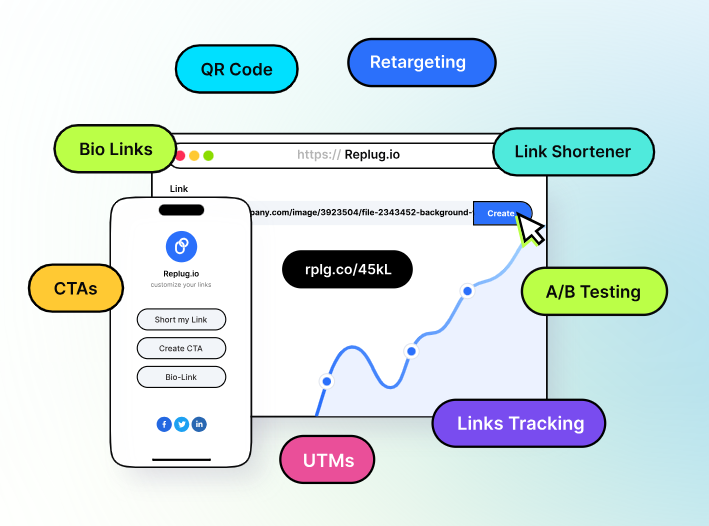
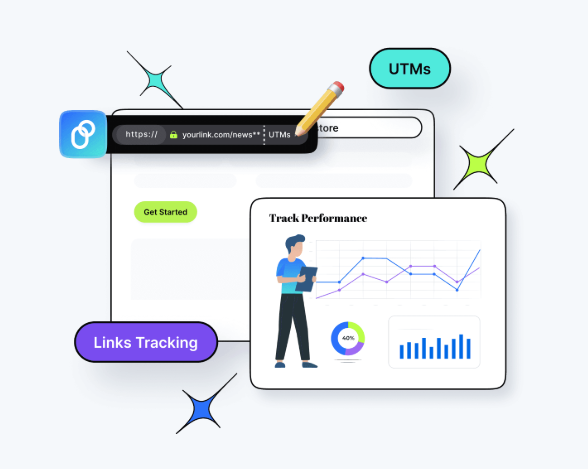
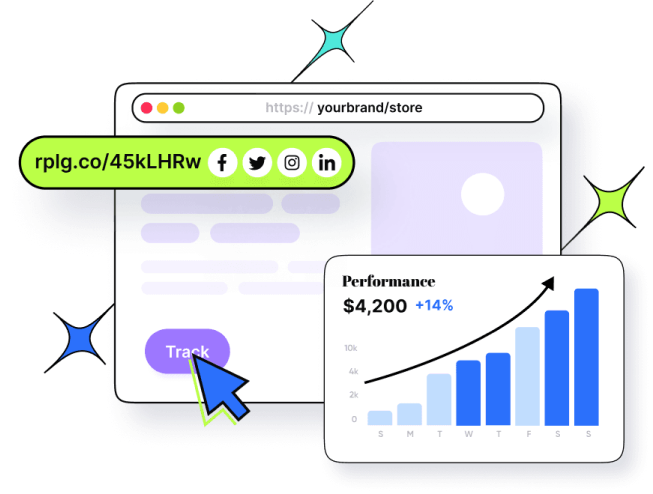

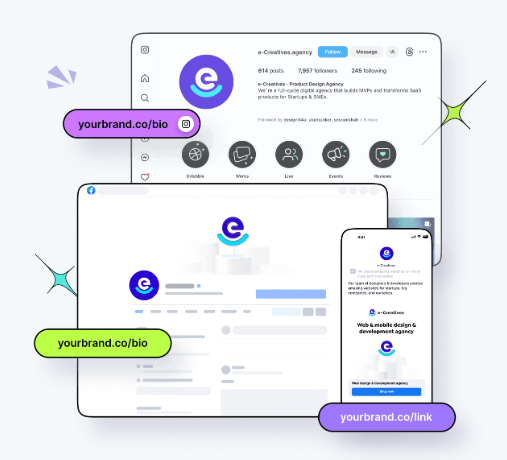
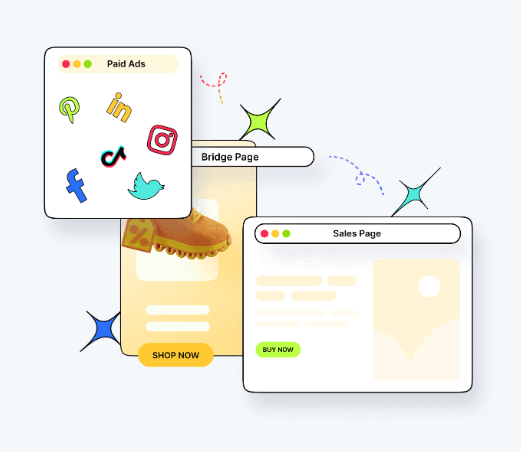
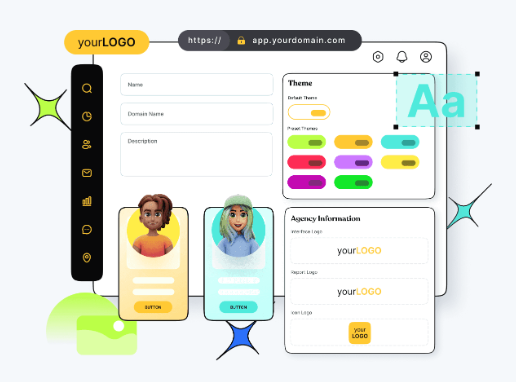
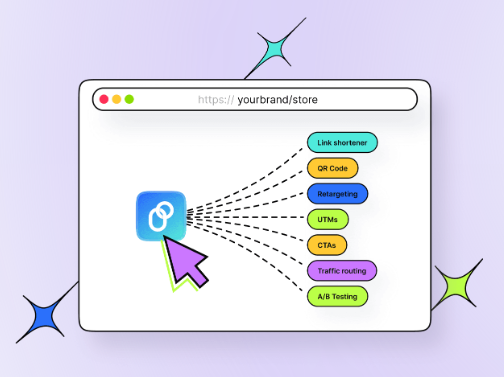








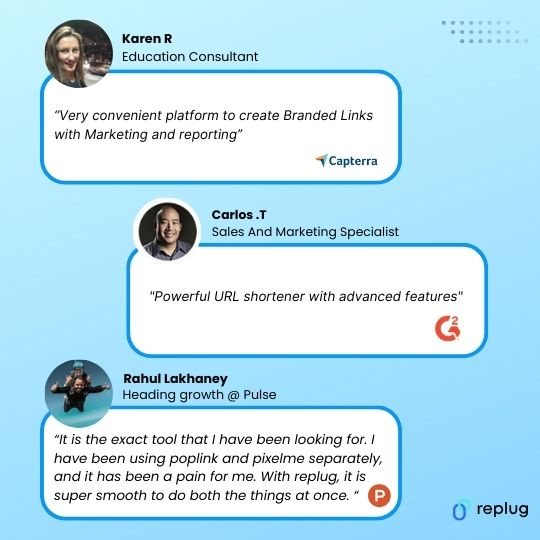






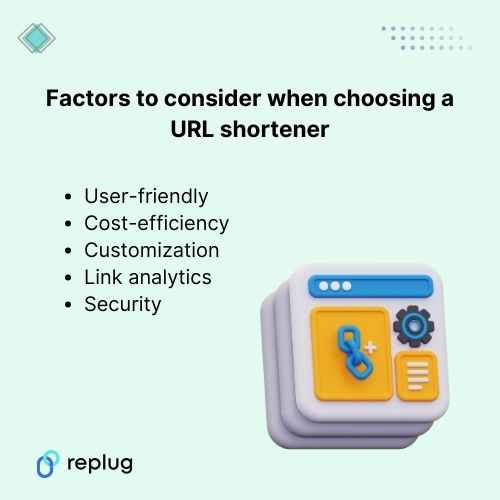
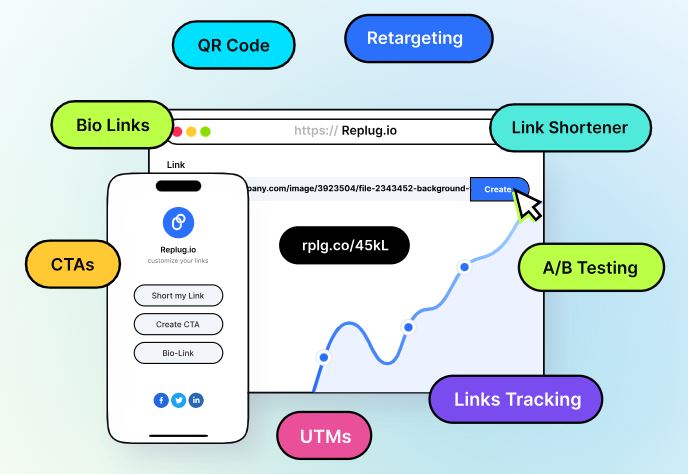
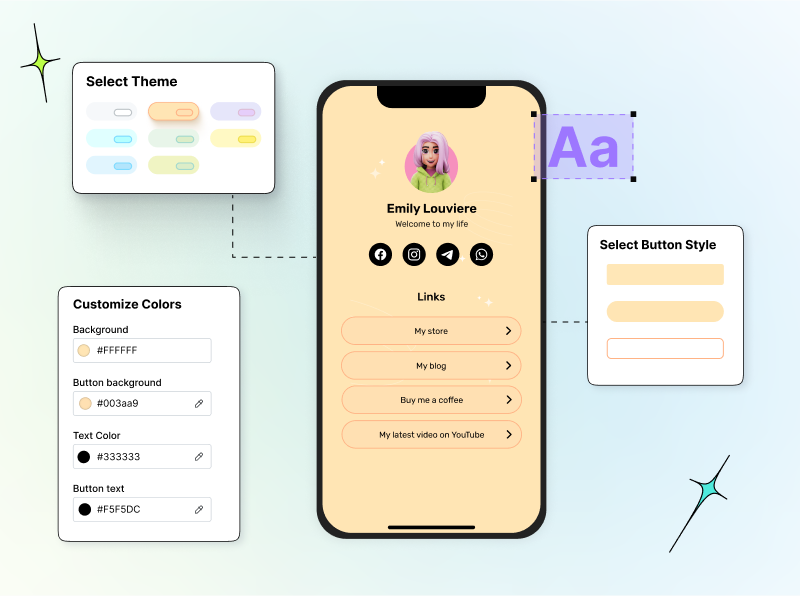
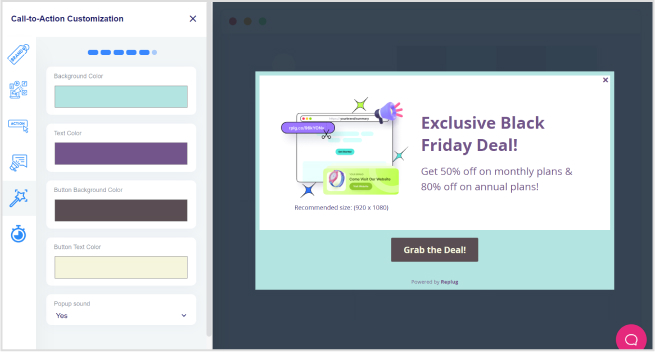
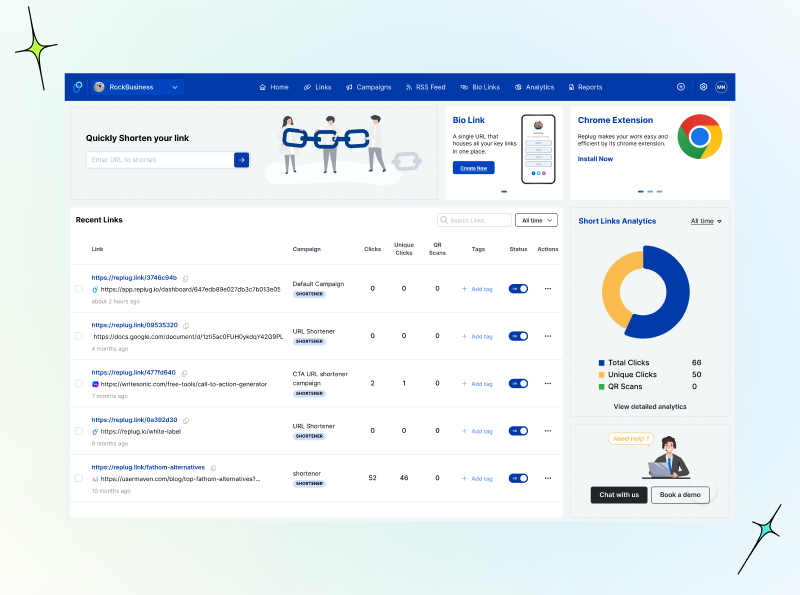
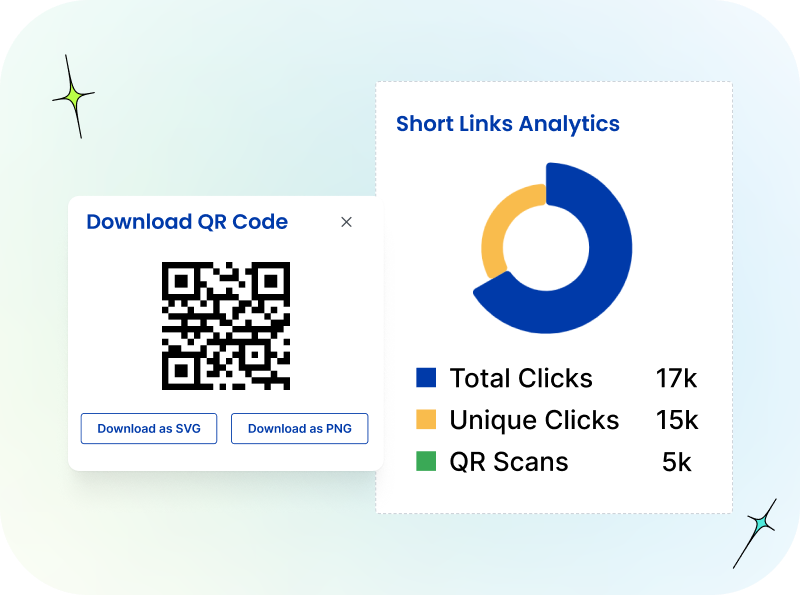
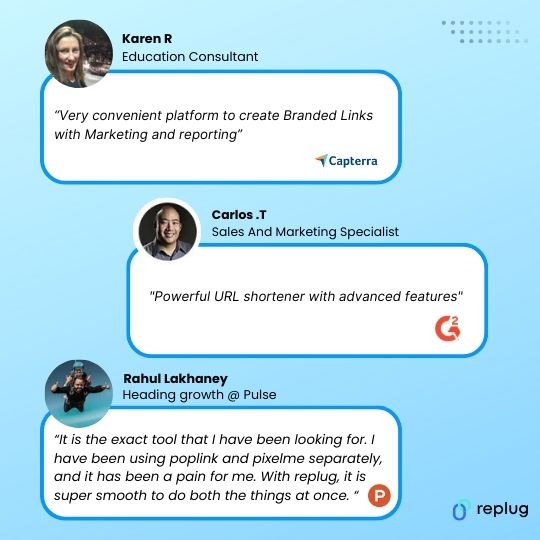
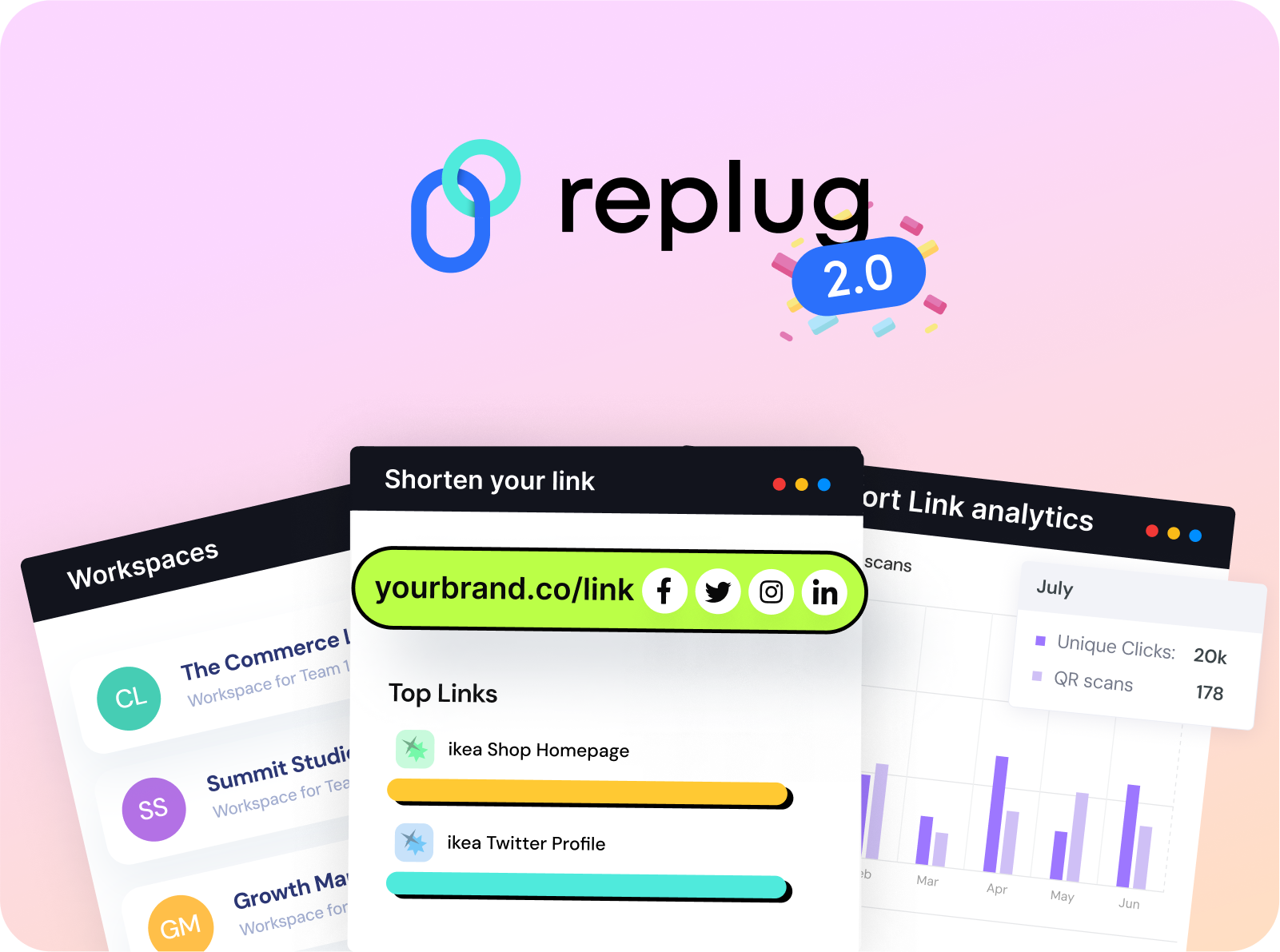

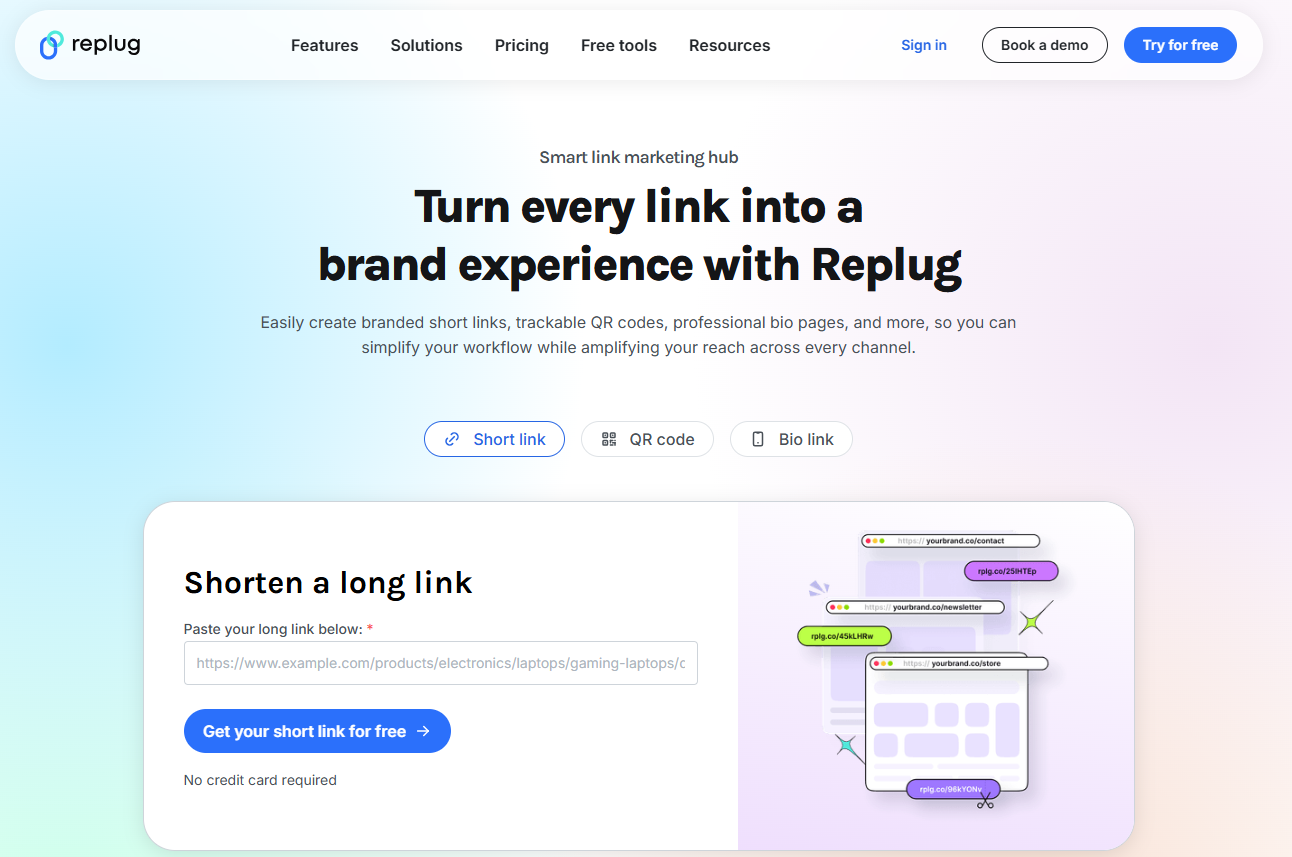
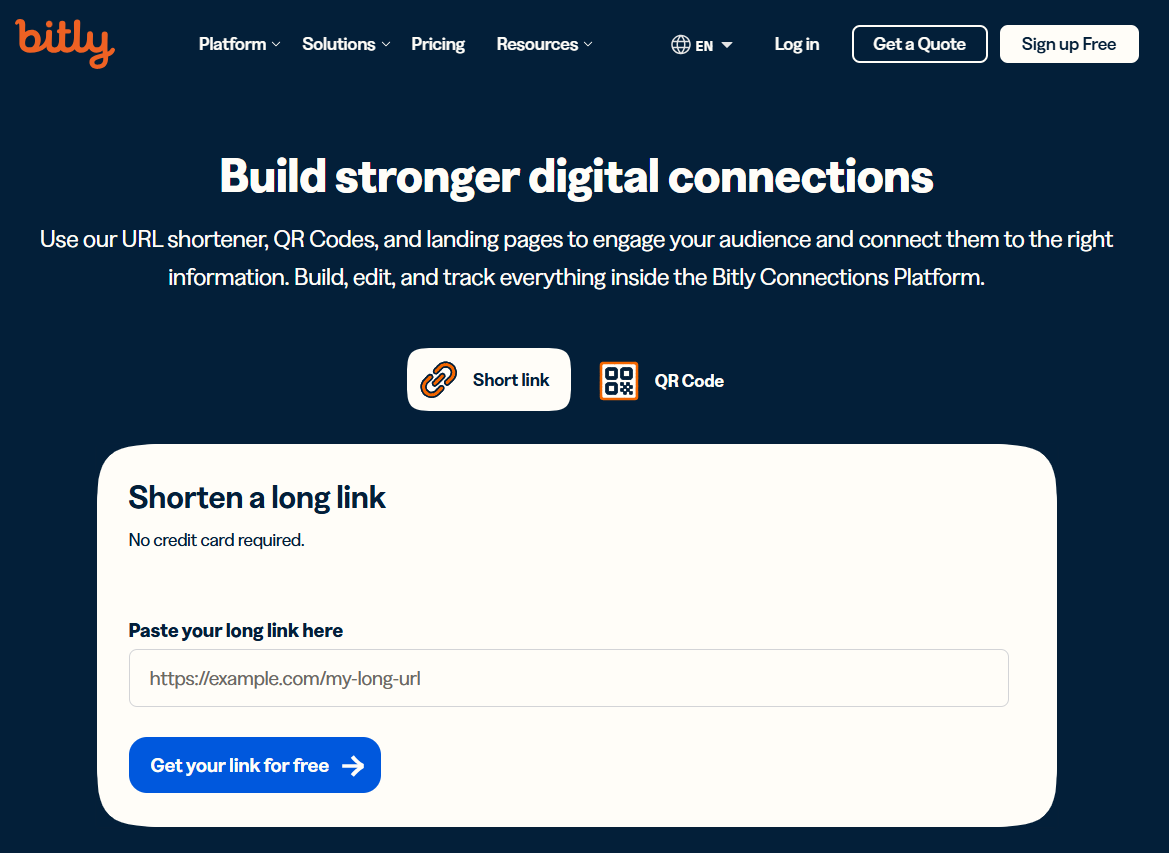
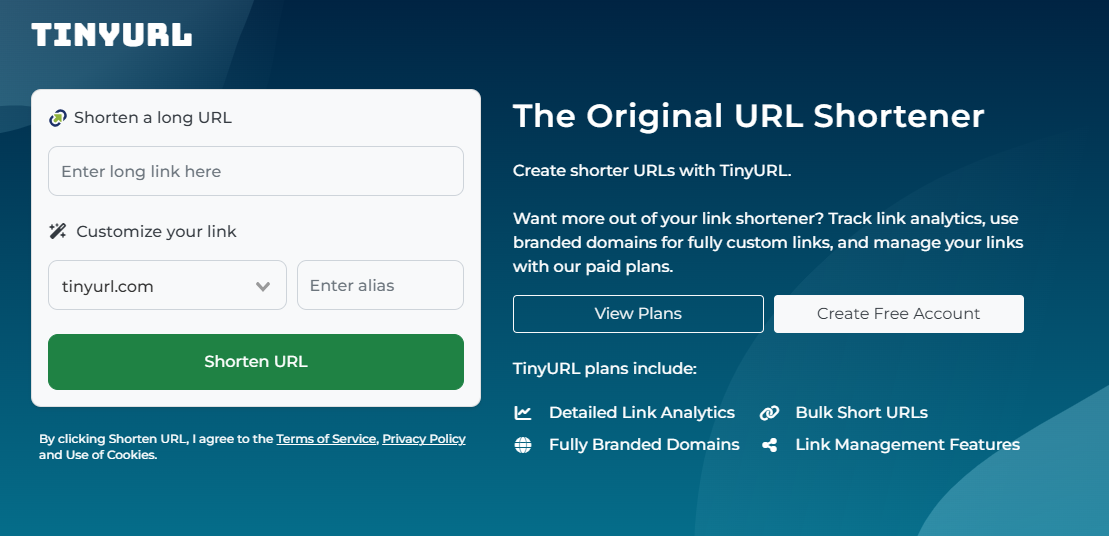
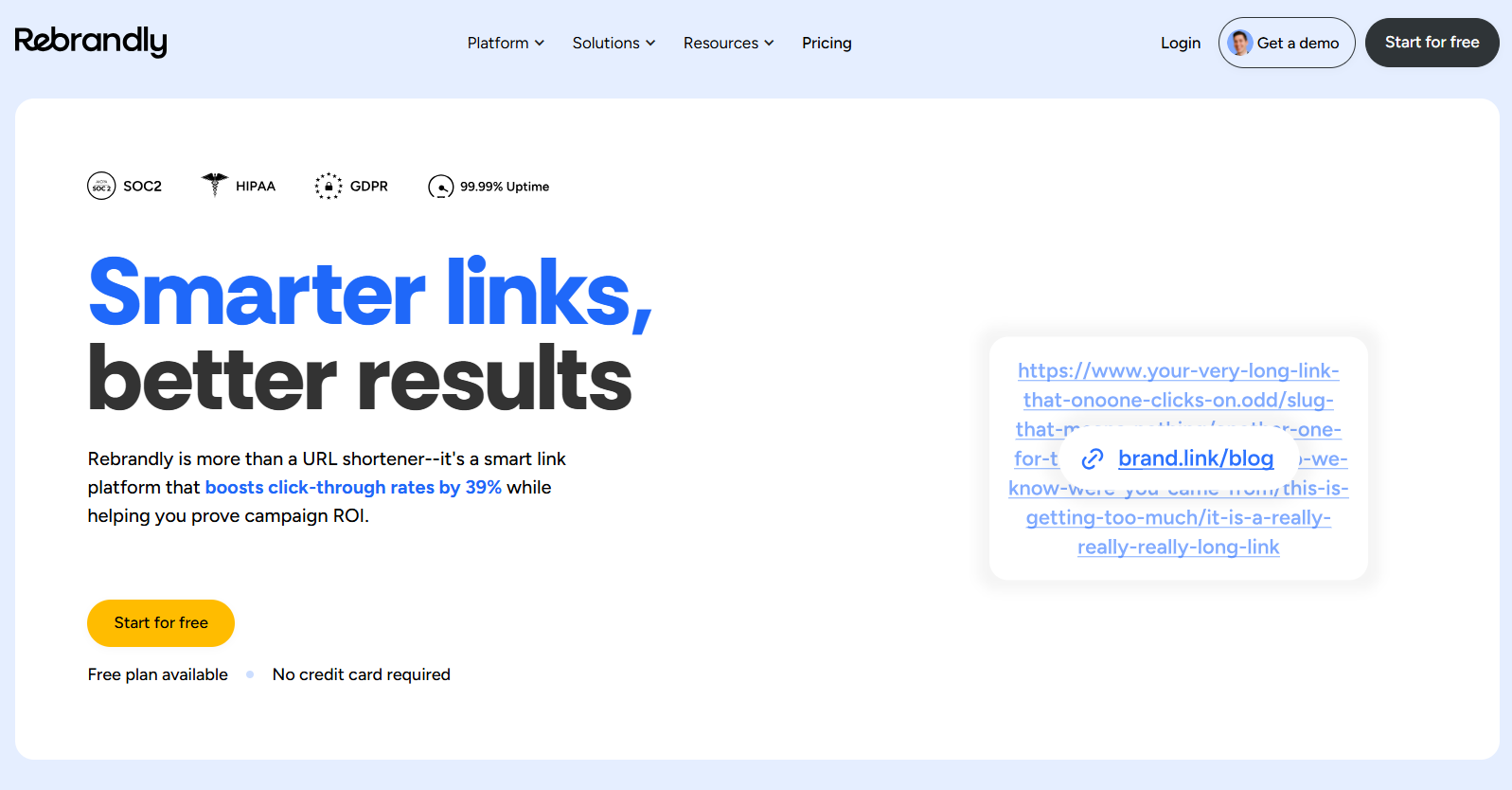
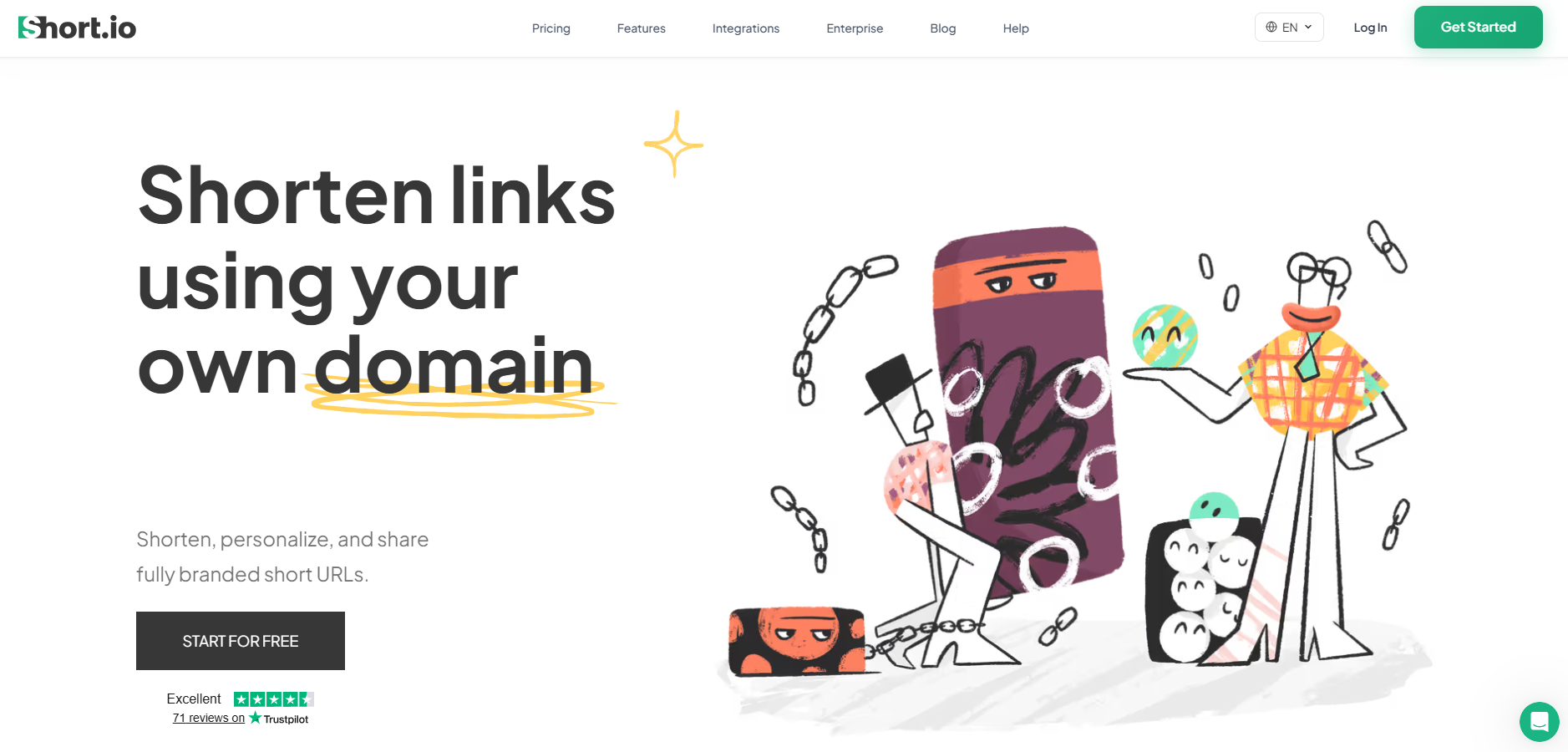
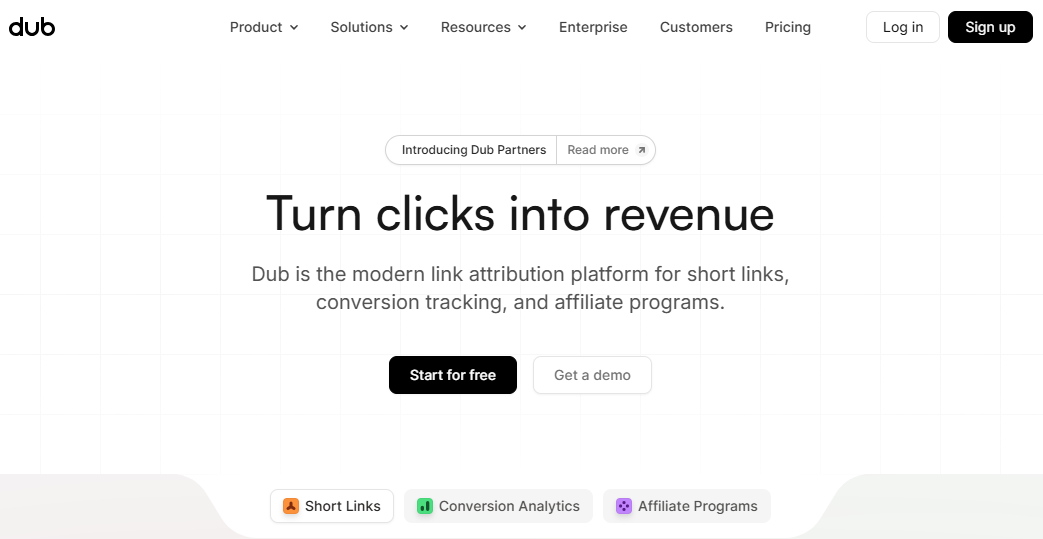
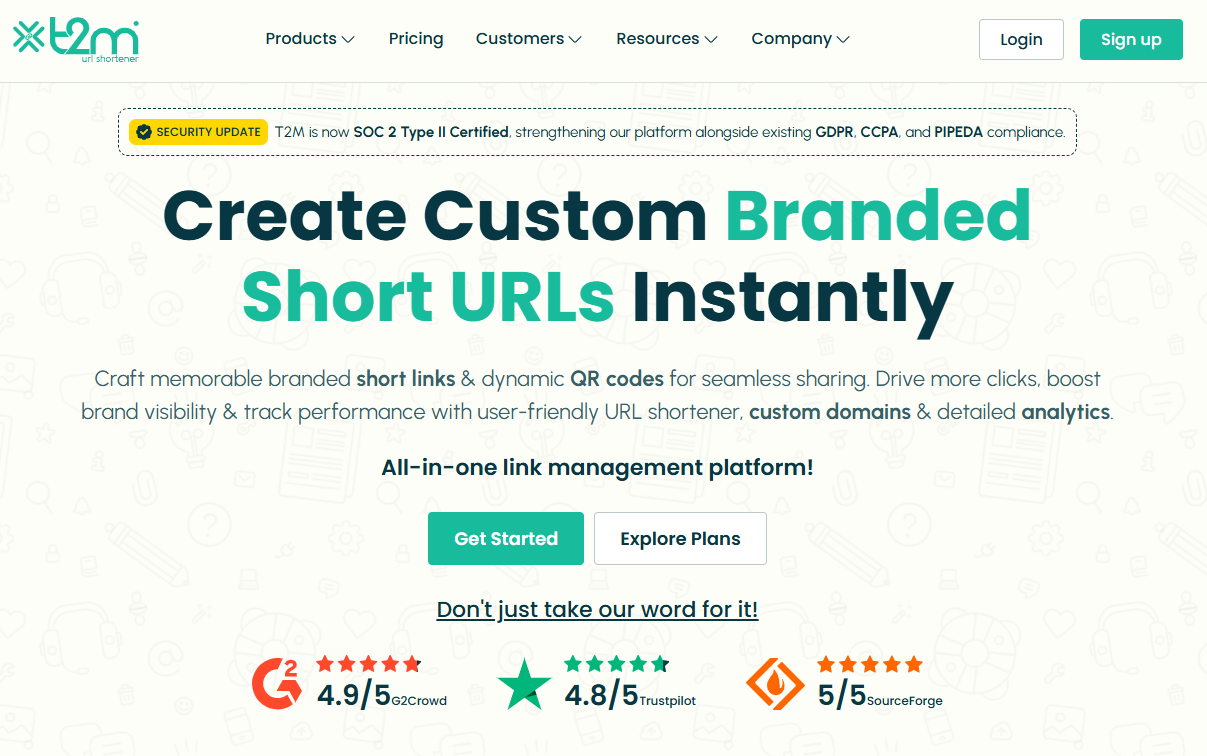
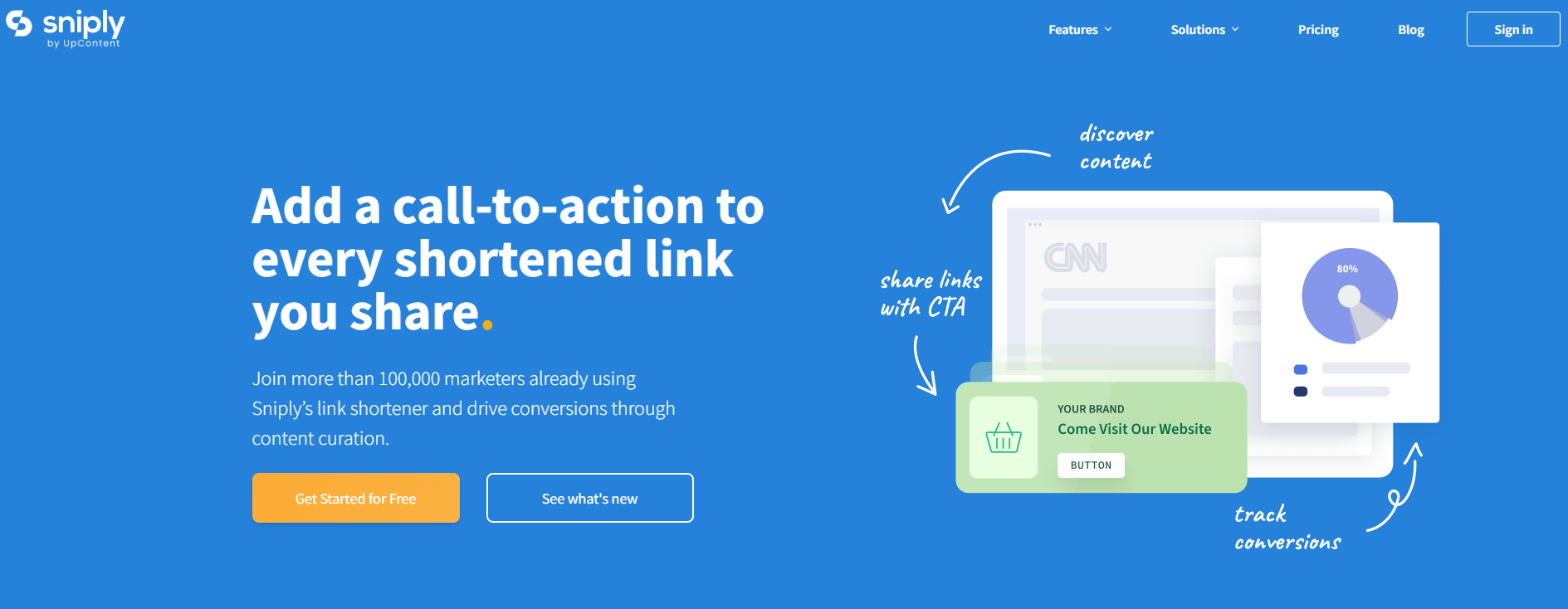
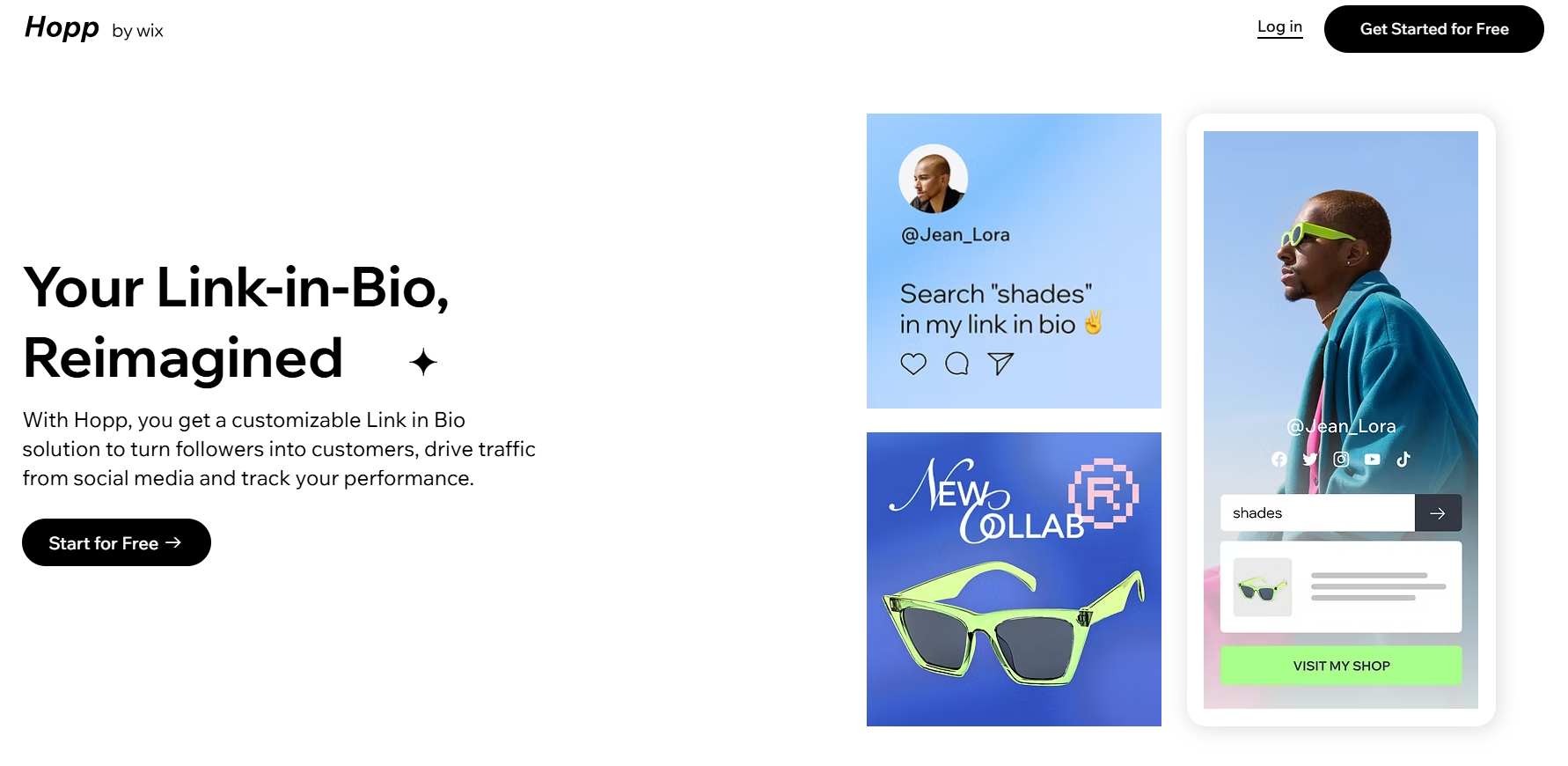



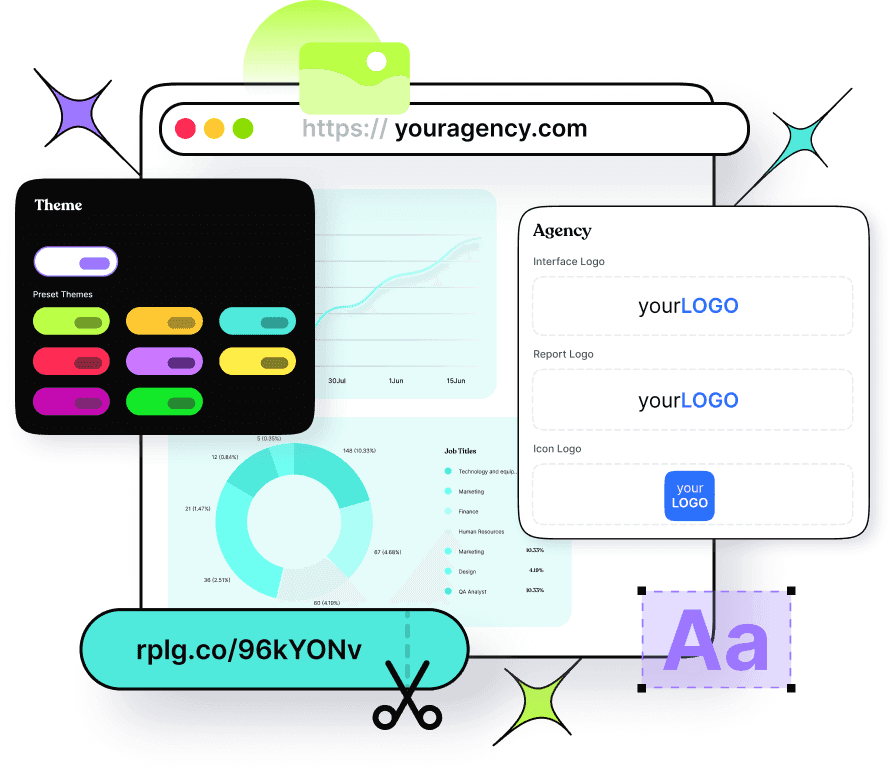
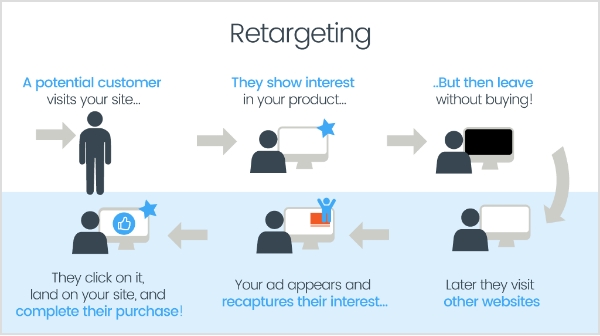
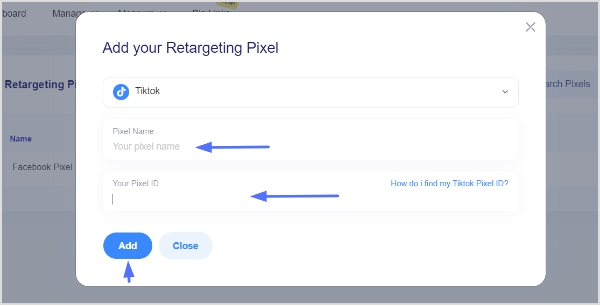


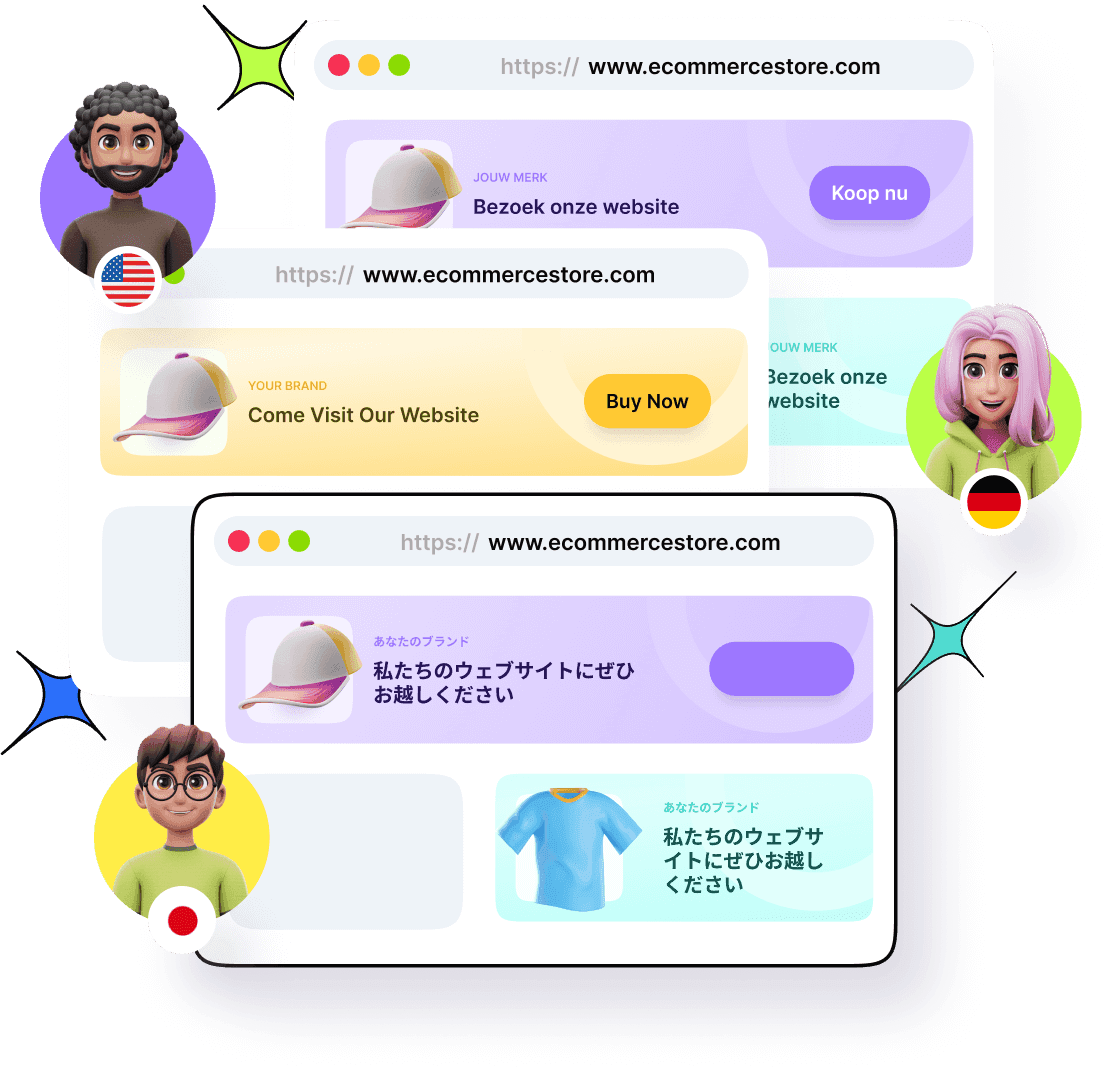
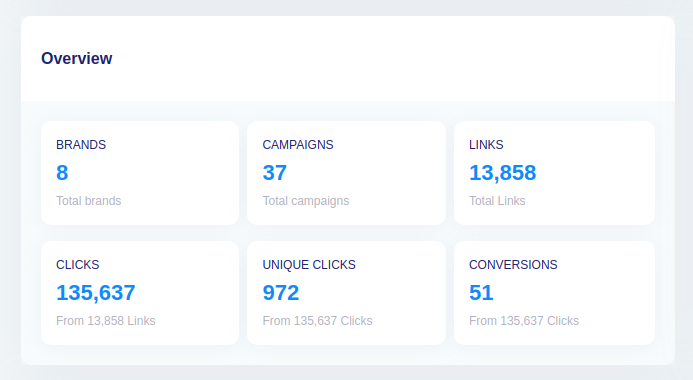

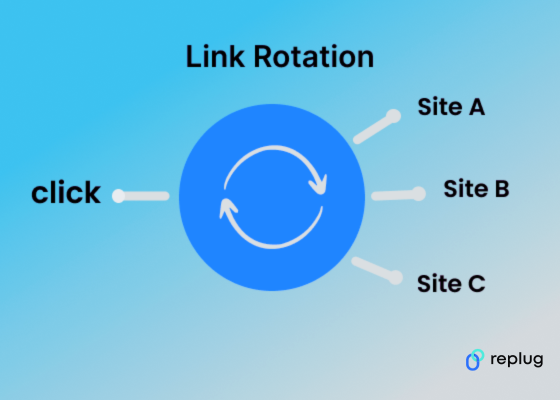

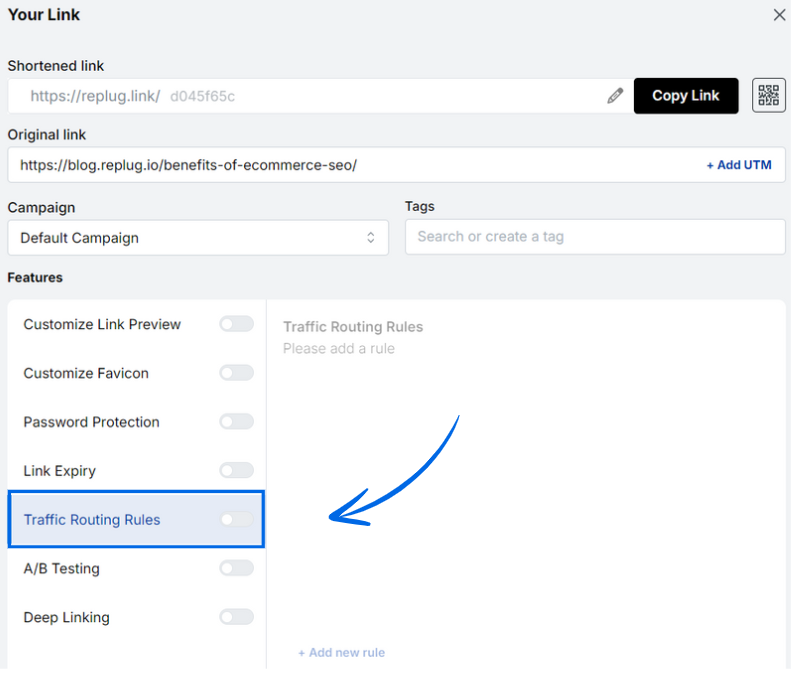
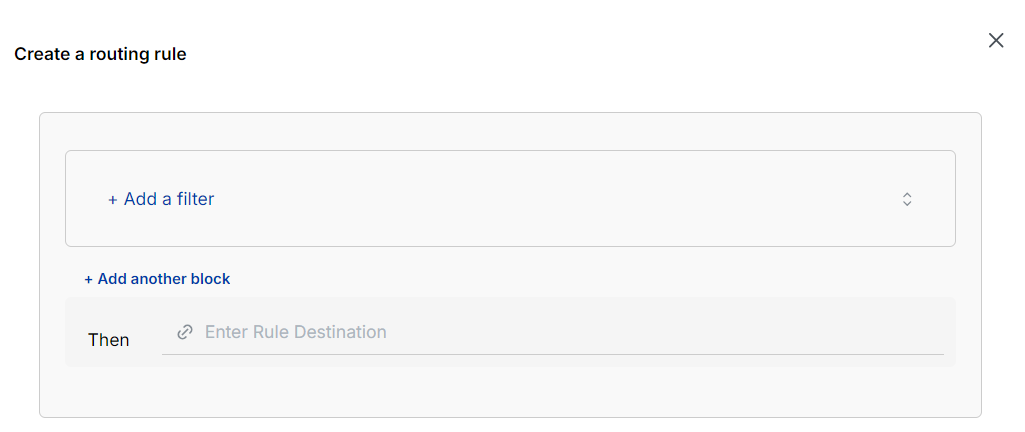
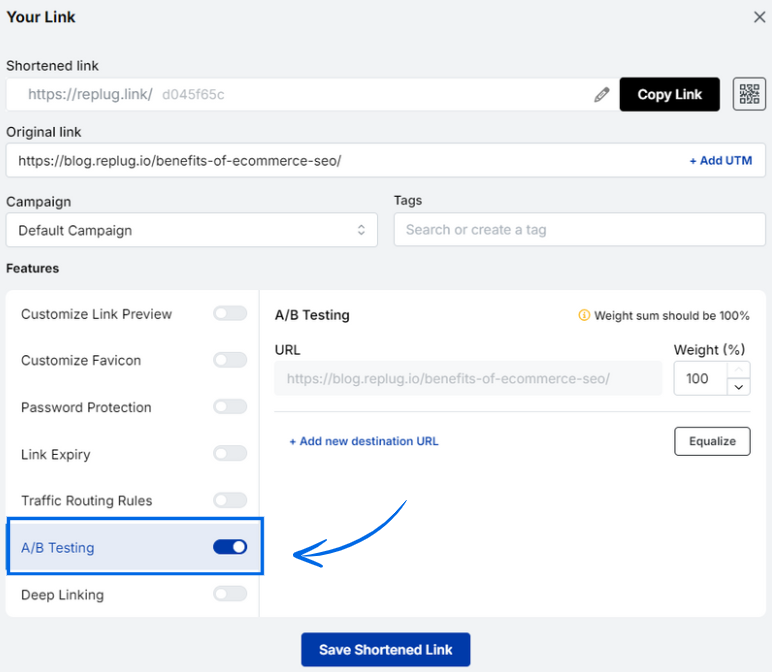
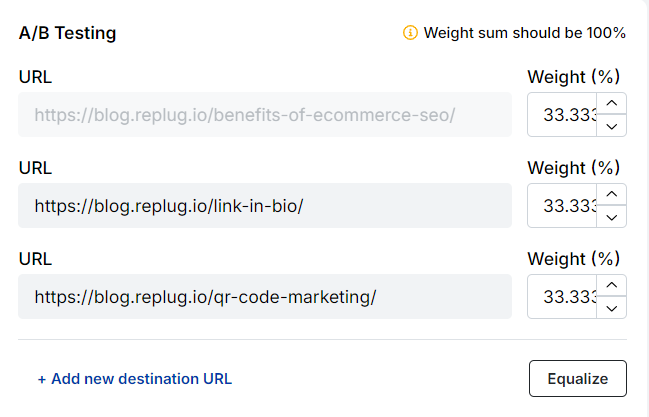

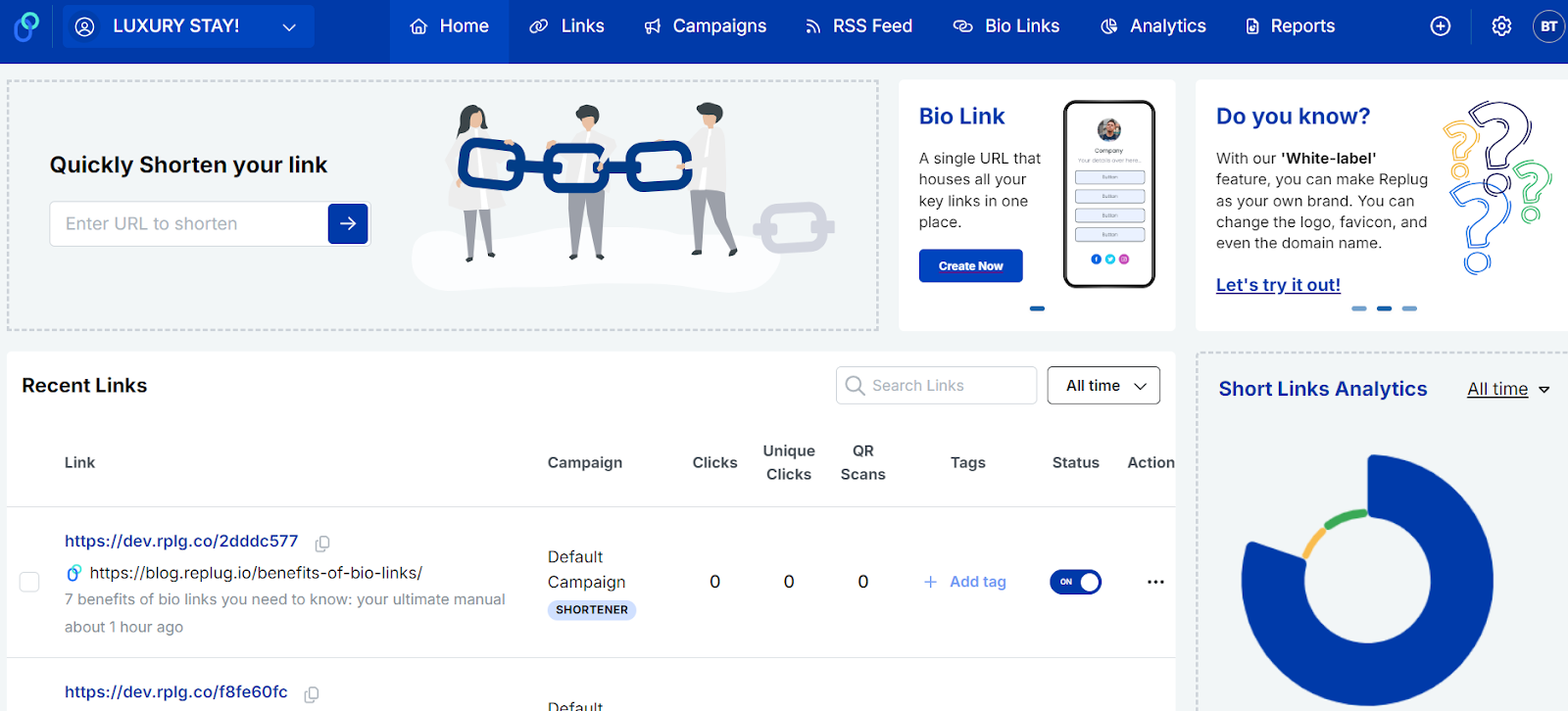
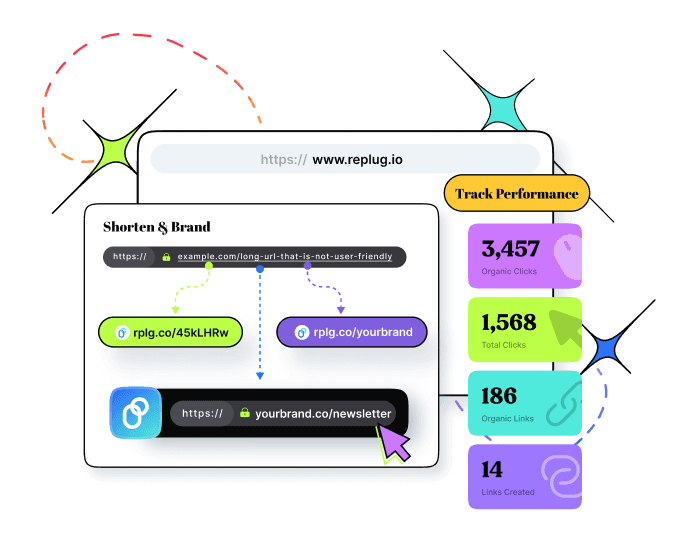
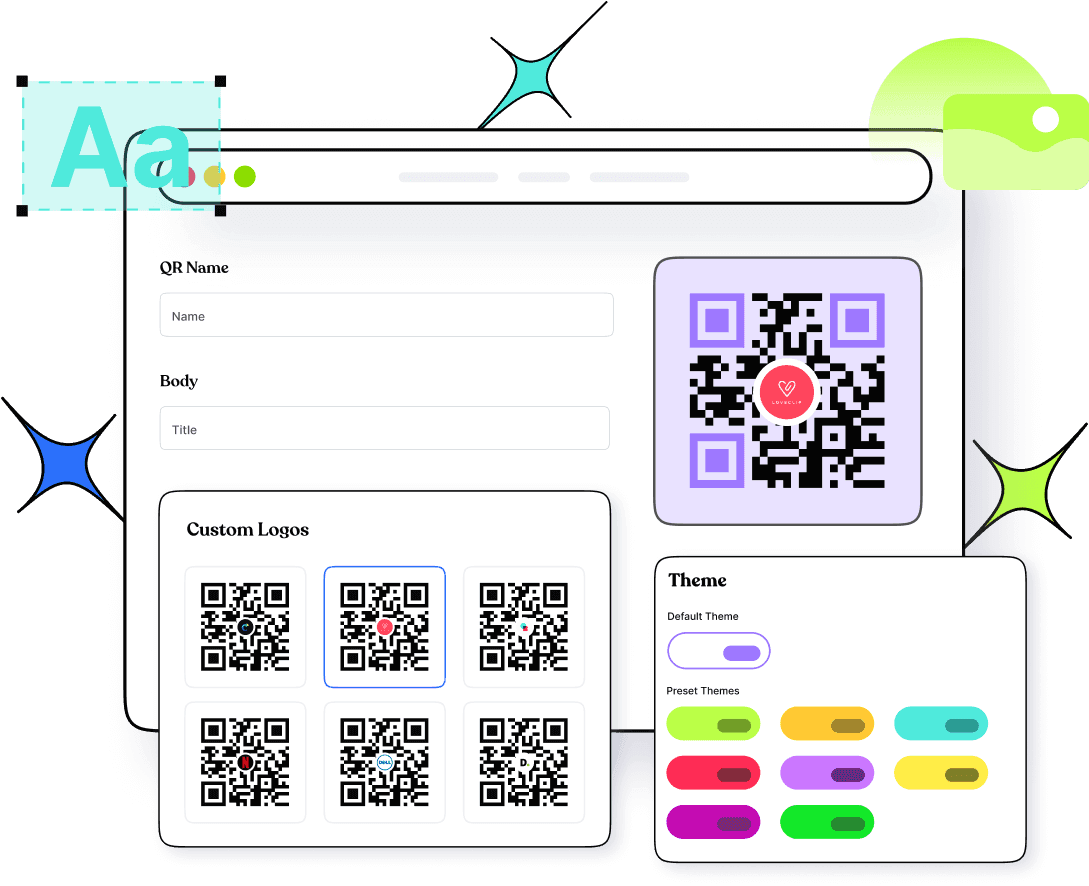


















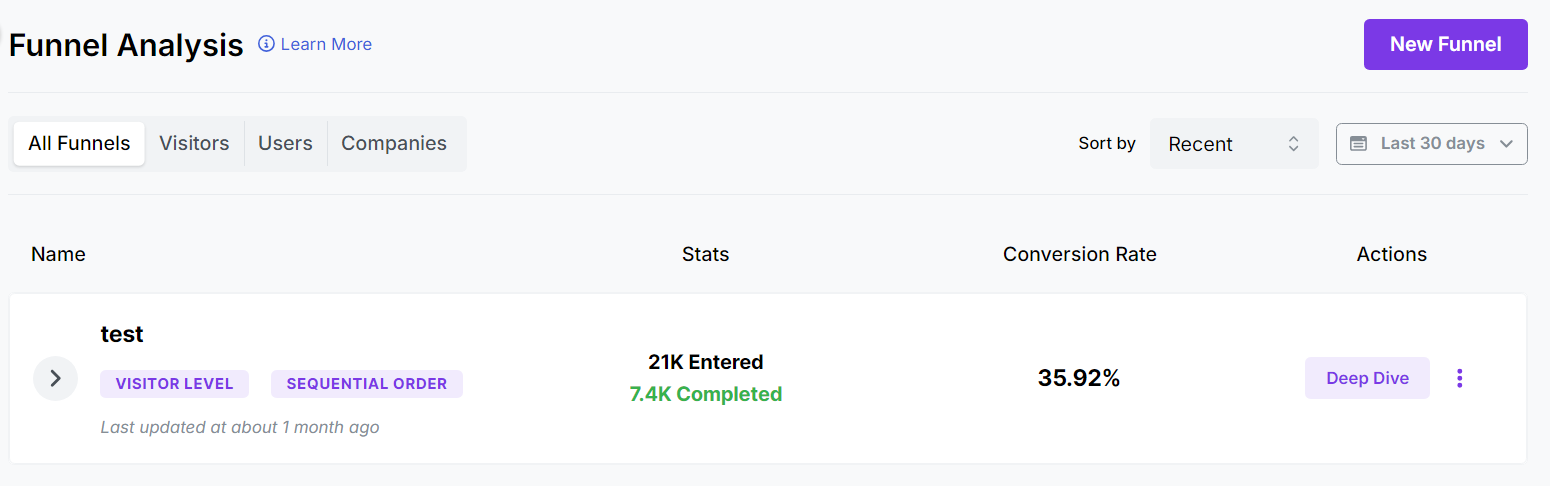
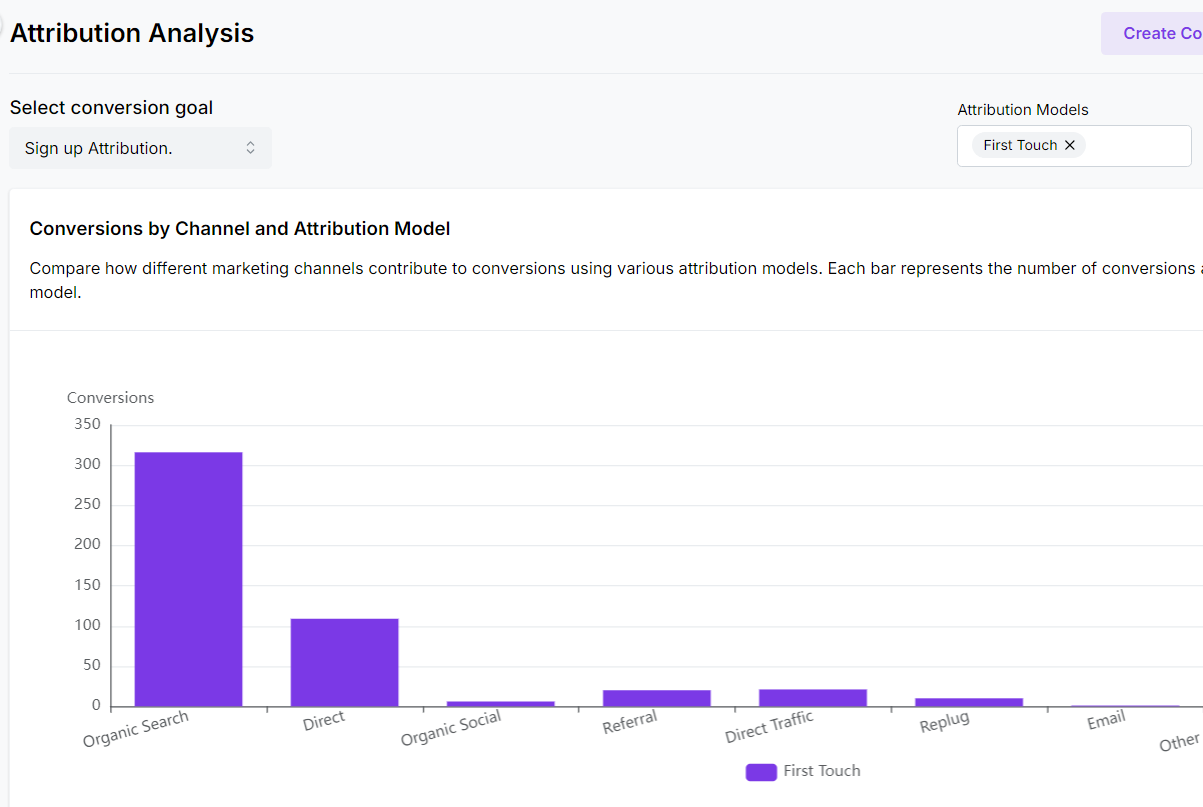
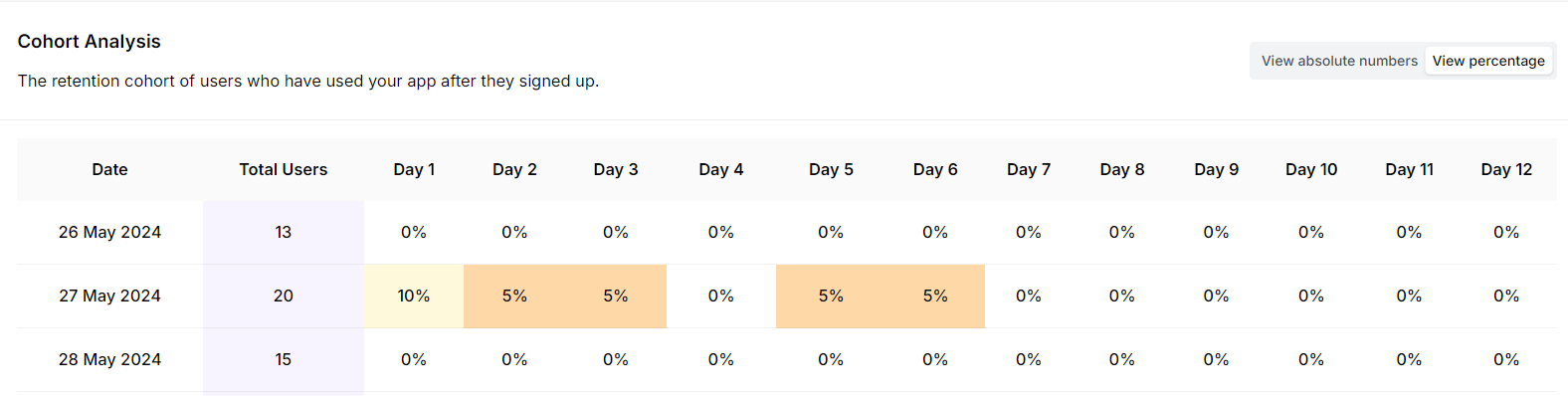
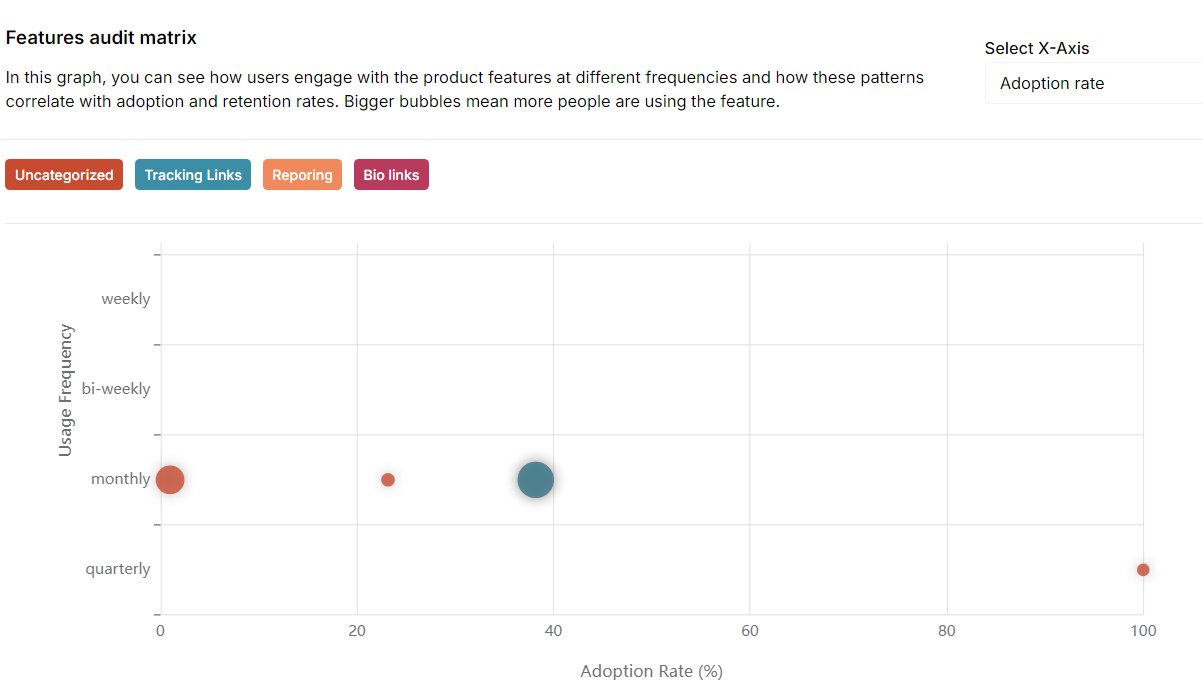
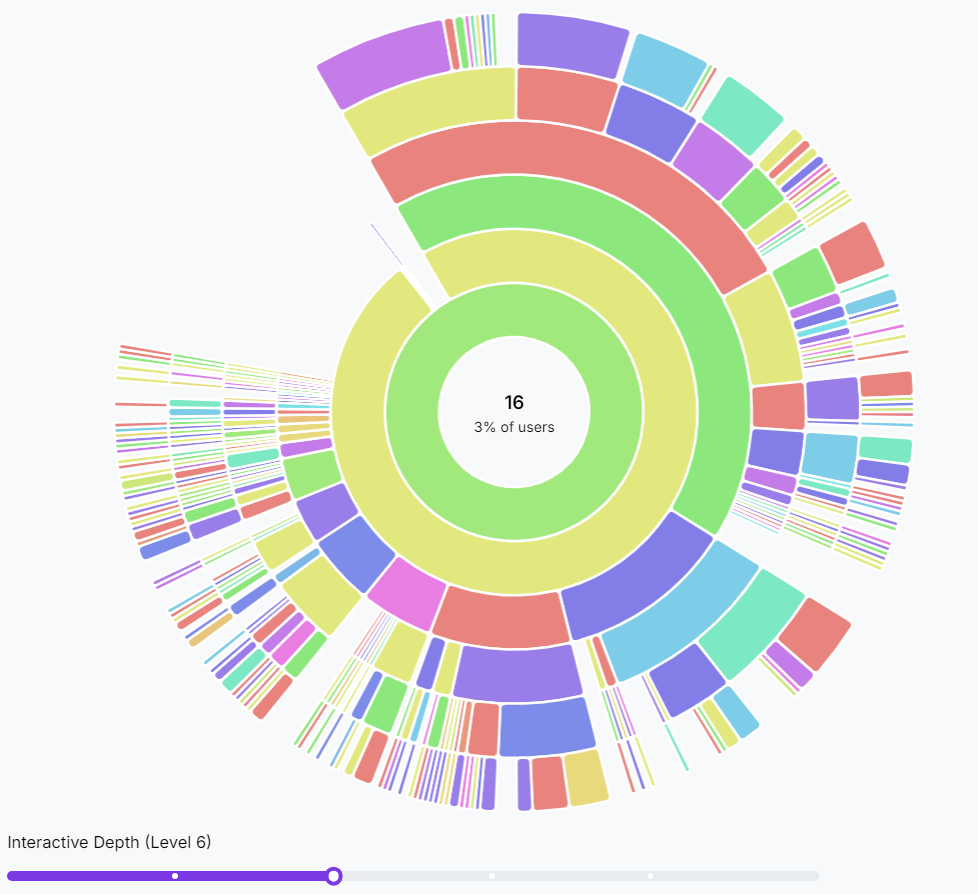
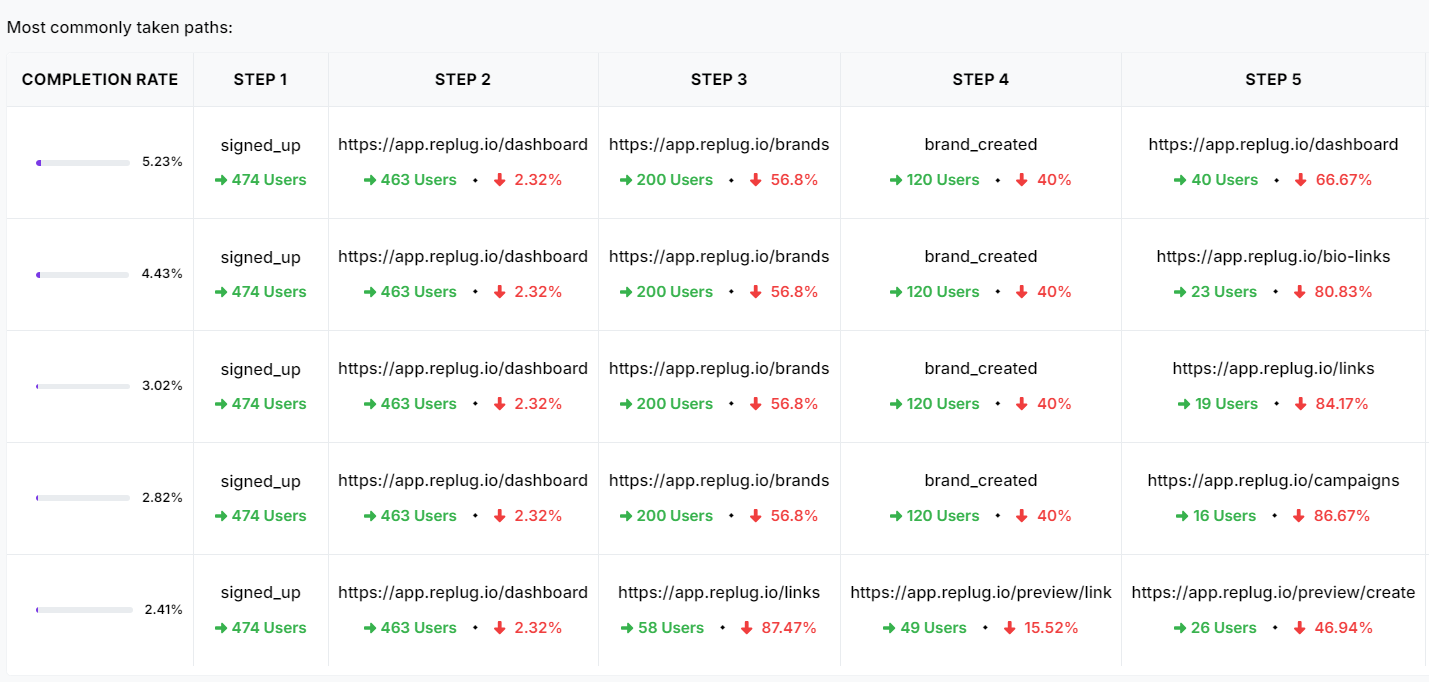 Seeing this journey laid out visually helps you understand how users interact with your product and where you can make changes to create a smoother, more enjoyable experience for them.